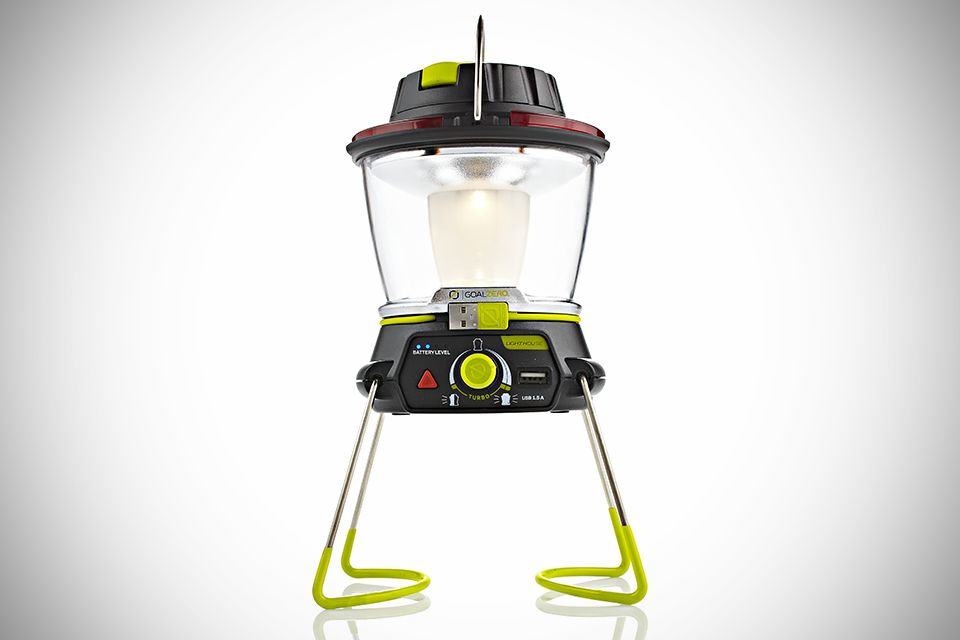
Goal Zero’s new Lighthouse 250 Lantern and USB Power Hub is a camper’s best friend. By day, it’s a USB charger with a backup battery, ready for juicing your waning iPhone. By night, it’s a lamp which will run for up to 48 hours.
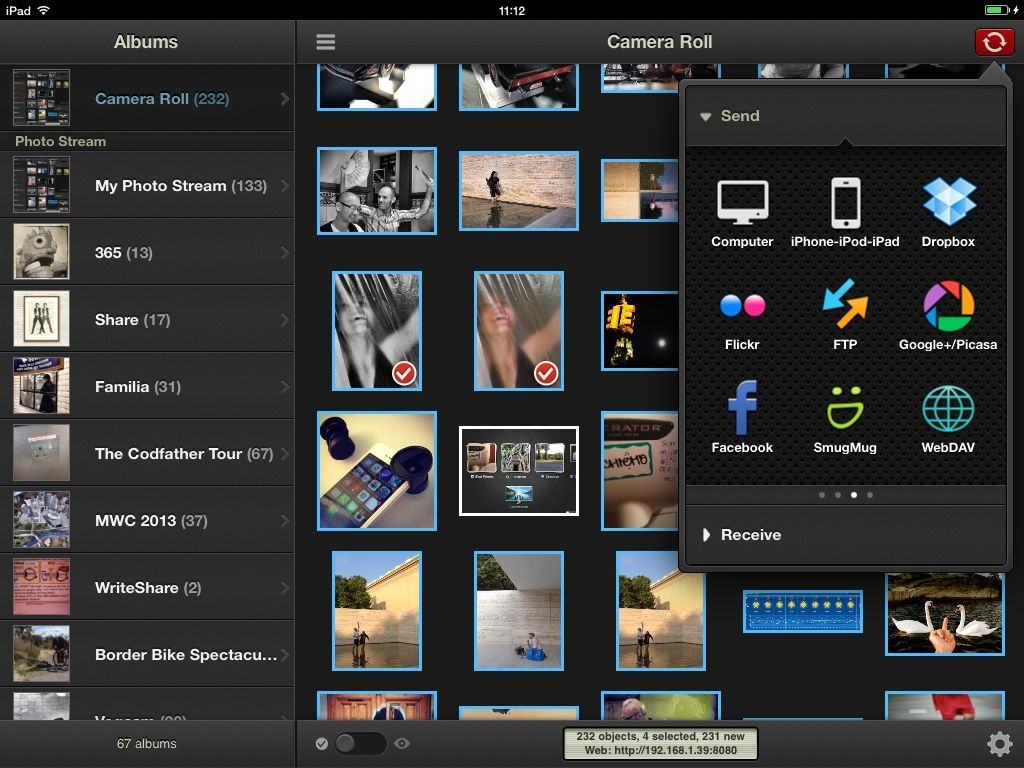
PhotoSync is one of the most used apps on my iDevices. It lets you share photos between iOS devices, as well as from iOS-to-Mac (and PC), and it’ll do so over your Wi-Fi network, or automatically over Bluetooth (with no configuration).
v2 has jsut been released as a free update to existing users. I’ve been using the beta for a month or so, and it is awesome.
Apple spotlights a new iOS app each week as a special pick: the App of the Week. Last week, it was a gorgeously designed alarm clock, Rise, that caught Apple’s editorial fancy.
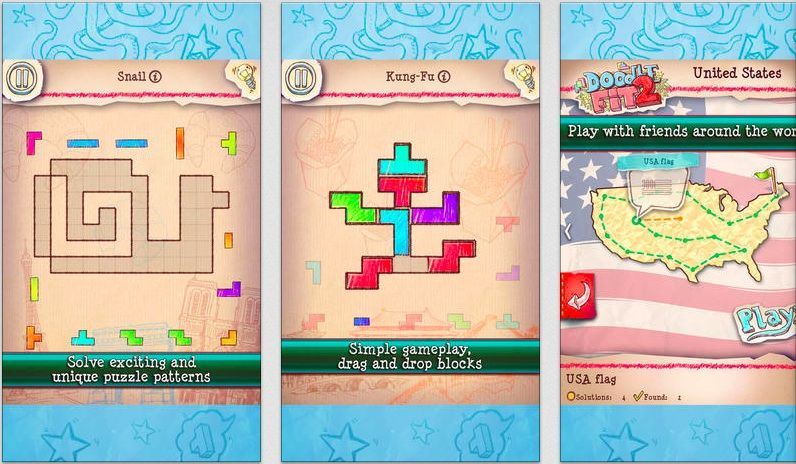
This week, it’s Namco Bandai’s Doodle Fit 2: Around the World, a delightfully drawn puzzle game that’s sure to keep you frustrated yet coming back for more with its maddeningly simple concept.
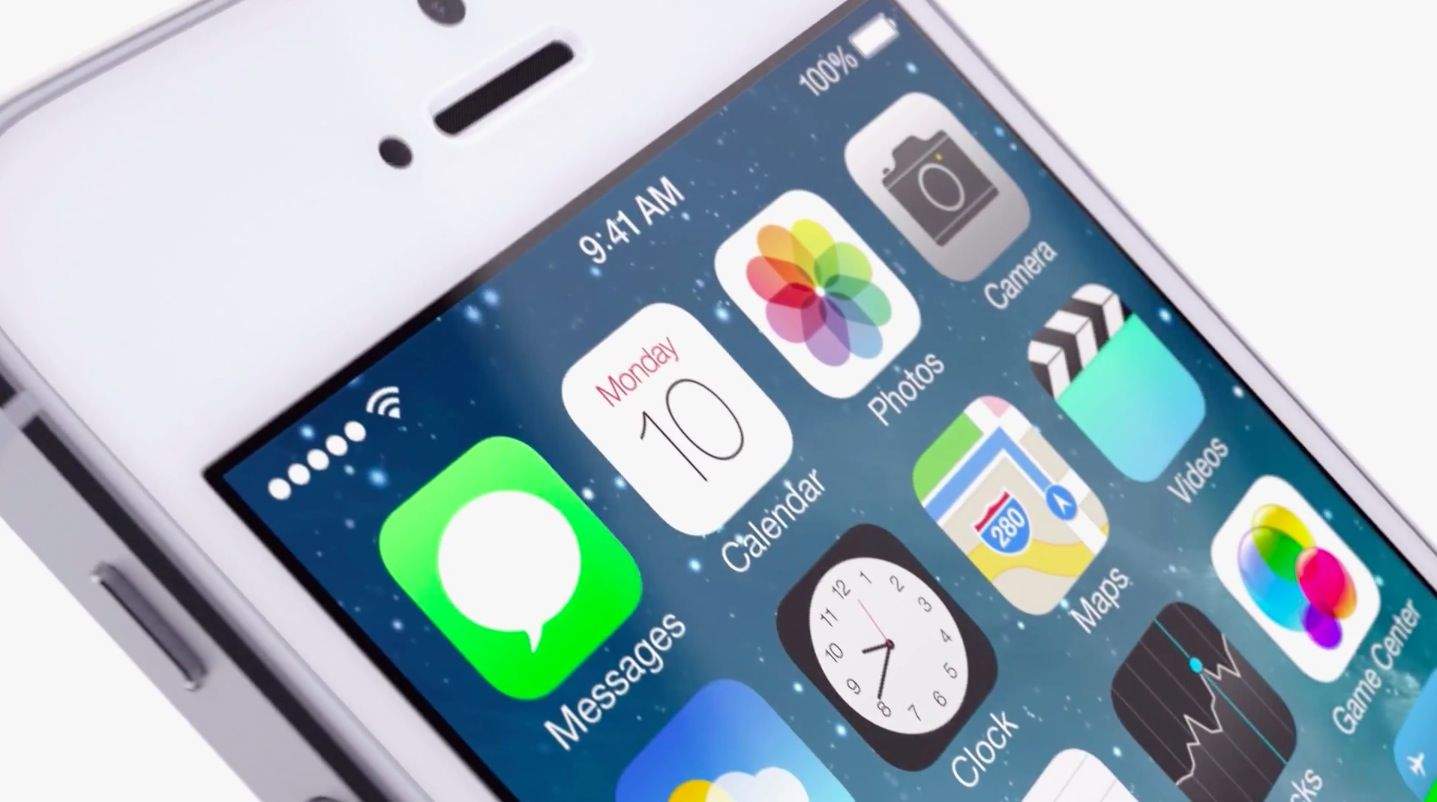
We weren’t expecting Apple to drop a new iOS 7 beta so soon, but Apple just dropped iOS 7 beta 6 in our laps this late Thursday afternoon. Developers can download the new beta build from the Dev Center or as an OTA update.
Once we dive into the beta we’ll let you know if there are any big changes, but it looks like it’s mostly just a fix for an issue with iTunes in the Cloud.
Apple doesn’t buy other companies very often, so when it does, there’s usually a very strategic reason. When it was reported that Apple had acquired Matcha a couple days ago, the reason seemed obvious.
Matcha was a small startup that specialized in aggregating programming guides from sources like Netflix and Hulu into a nice interface. Apple has been getting more serious about maturing the Apple TV, so the two seemed to fit like a glove.
But according to a recent report, Apple wanted Matcha for something else.
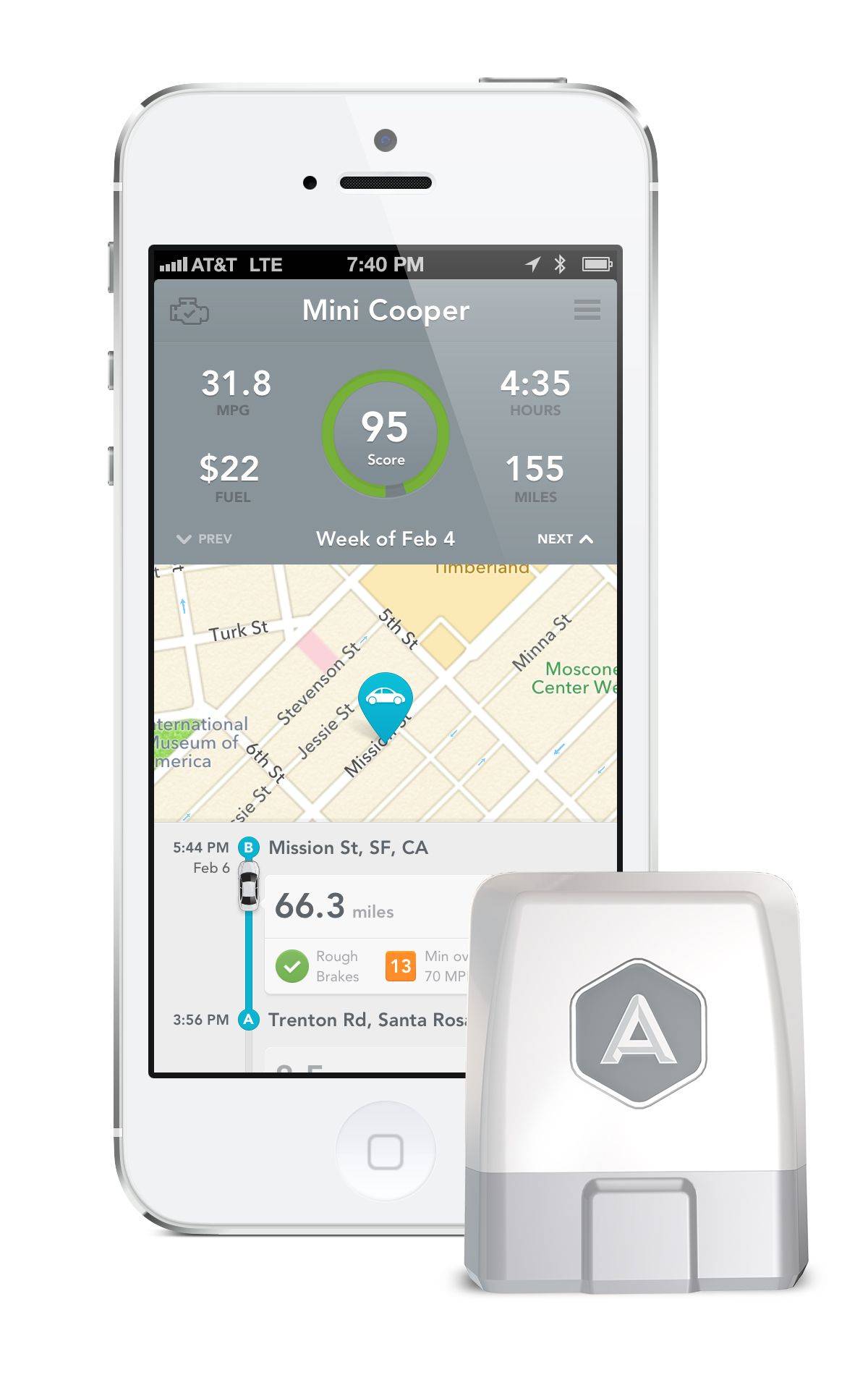
Automatic is a really cool product that has been in private testing for quite some time. A little dongle attaches to your car’s onboard computer and communicates with a beautifully designed iPhone app. The app tells you things like when you’re braking or accelerating too hard, a report of your gas mileage and more.
Today Automatic announced that it is delaying shipment of its Link hardware again. Instead of shipping to non-beta testers by late August or early September, the release has been pushed back a few weeks.
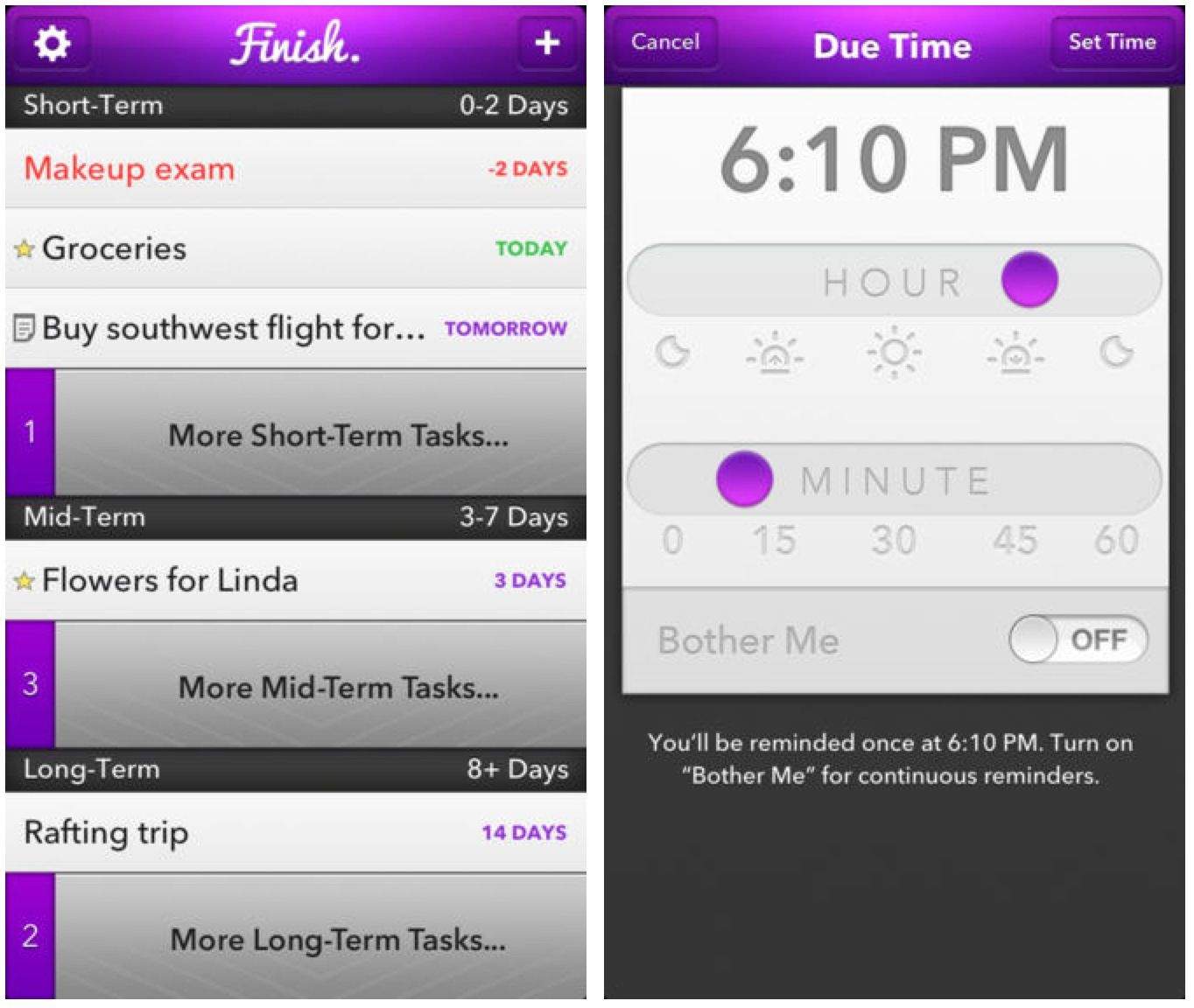
When Ryan Orbuch and Michael Hansen set out to make a task manager for the iPhone, they were both 16 years old. Now they’ve won a 2013 Apple Design Award for Finish, their app that specializes in combating procrastination.
Today, version 2.0 of Finish landed in the App Store, and among a design refresh, the update packs a ton of new features.
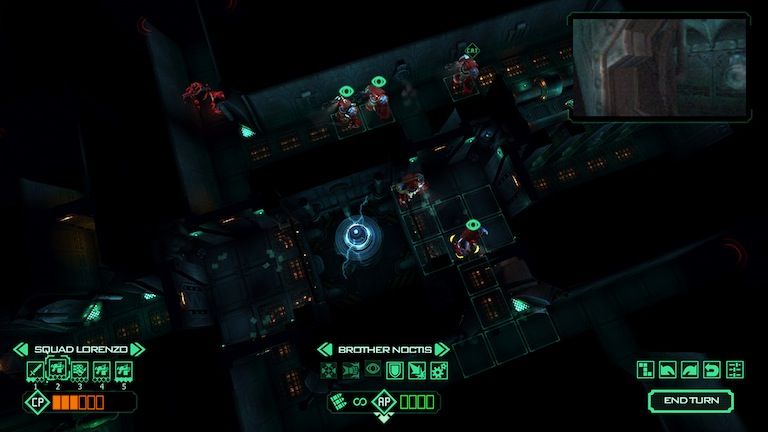
This highly anticipated game set in the Warhammer 40,000 universe is now available on Mac and PC via Steam. The digital game is based on the popular two-player board game of the same name from Games Workshop, originally published in 1989.
The current digital iteration will feature a single player campaign of 15 missions, each set on the giant derelict spaceship (the “hulk” of the title), “Sin of Damnation.” There will also be multiplayer head-to-head action, oh yes.
Remember Corel? They were the company behind CorelDRAW, which was arguably the most popular vector graphics editor software of its time. The company hasn’t exactly gone away over the years, but they’ve been less inclined to throw their name on products. Corel has acquired a slew of companies (including Roxio and Pinnacle), but I’ve rarely seen the name “Corel” on many products since the days of CorelDRAW.
AfterShot Pro changed that — and it can change how you deal with photos on your Mac. And AfterShot Pro is just $39.99 for limited time through Cult of Mac Deals.
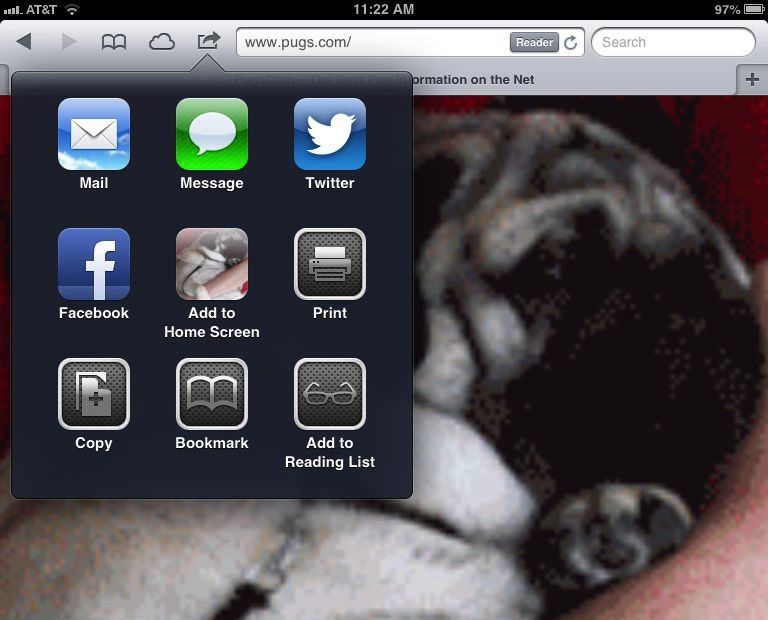
Ever go to add a website to your Home Screen in mobile Safari and notice it just looks like a jumbled, unidentifiable mess?
This doesn’t happen too often any more, as most sites have learned how to create a special icon for Home Screen bookmarks on iOS, but every so often, you’ll come across a site that won’t have a custom icon.
When that happens, here’s a quick and easy way to make that Home Screen icon look a bit better.
Before college football season gets underway, ESPN is pushing out an update for its WatchESPN app that lets users stay plugged in to more games than ever before. The update adds a new split-screen view so you can watch two games at once, while keeping tabs on game day with the new live tool bar that displays scores and video highlights.
ESPN is also beefing up the content on WatchESPN by adding “ESPN on ABC” events to the app, but you’ll be pulled over to the WatchABC app when you choose them. To top it all off, WatchESPN users who connect through a military or college network now get access to ESPN3 events automatically.
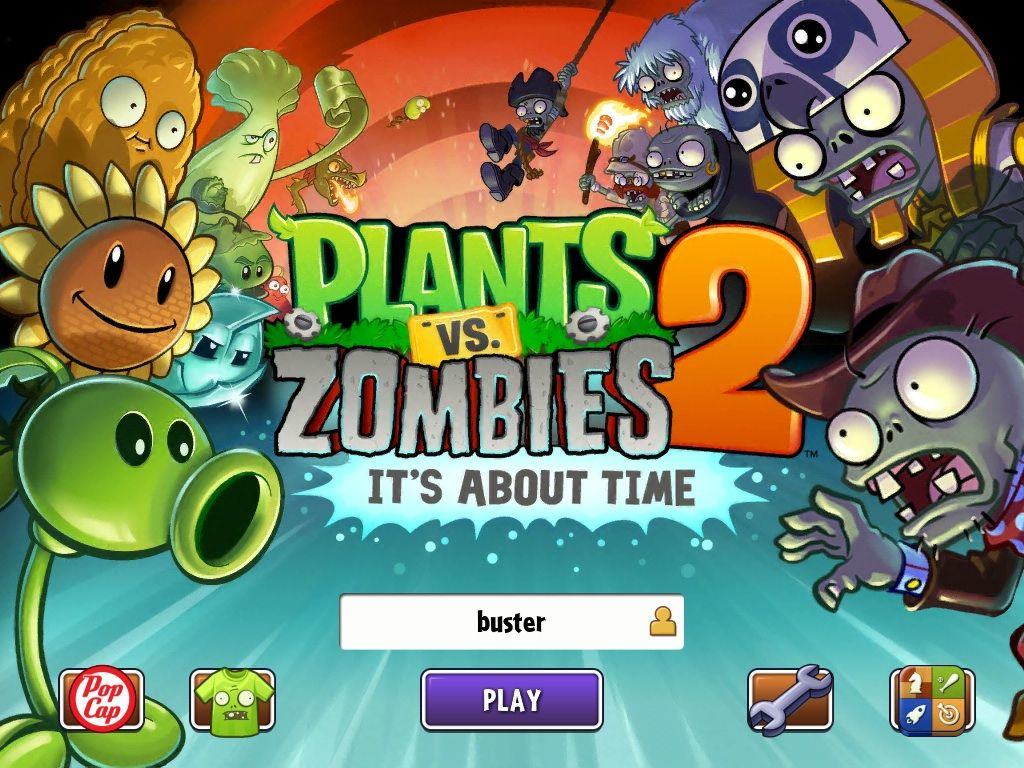
PopCap has finally gotten around to releasing the new zombie game that everyone and their grandmother has been waiting for — Plants vs Zombies 2: It’s About Time.
Plants vs Zombies 2 by PopCap Category: iOS Games Price: Free
It’s been three long years since we were swept away with the original Plants vs Zombies, but we’re happy to say that Plants vs Zombies 2 is just as fun and addictive as ever, if not more so. Yes, you still plant sunflowers, harvest sun, and then use that to get more plants to destroy armies of zombies. But even though the gameplay is still the same, the adventure is more fun than ever.
China Mobile, the largest carrier in the world, officially partnered with Apple last year.
China Mobile may be the world’s biggest carrier with over 740 million subscribers, but it is yet to tie up a deal with Apple for the iPhone. That could change this fall when the Cupertino company unveils the iPhone 5S and a low-cost “iPhone 5C” for emerging markets, which are expected to include support for China Mobile’s 4G LTE network.
According to China Mobile chairman Xi Guohua, the company is already in talks with Apple, and “both sides are keen” to reach a deal.
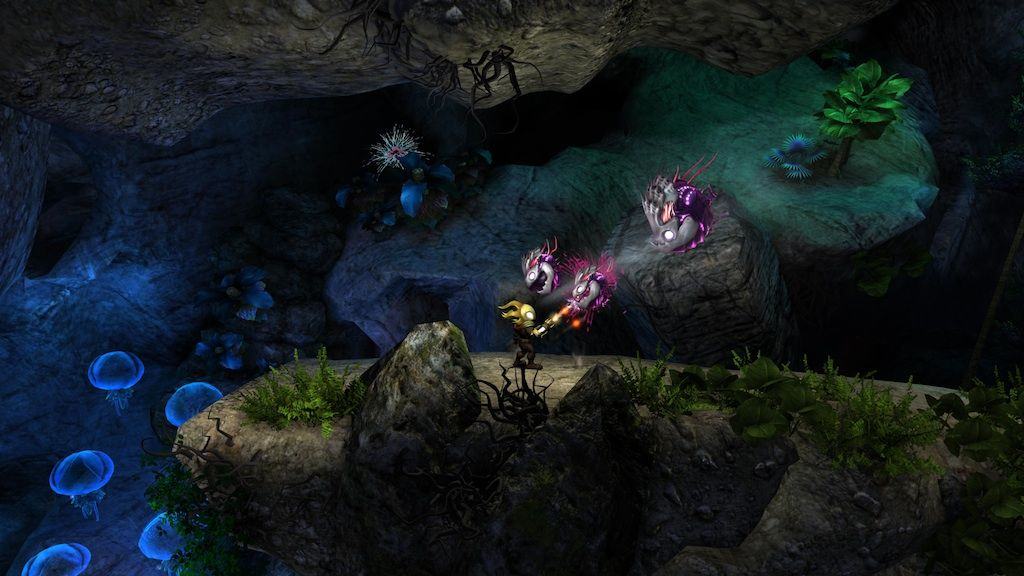
Phobic Studios are best known for the collaborative development with Backflip Studios on runaway hit, Dragonvale, but the Boulder, Colorado-based company has been in the game for quite some time, spawning several entertaining mobile titles in the process. The company has just announced its next game, an action platformer game set in, well, a solar system.
In Glare, you’ll play as The Shiner, a being of light who must travel around a beautifully rendered solar system and save the sun itself from an evil threat. Glare will release in fall of this year on Steam for Mac, Linux, and PC systems.
If you’ve already got Parallels Desktop for Mac – version 6 or 7 – then The Parallels Upgrade Mini Bundle from Cult of Mac Deals is going to get you that much-needed upgrade – along with an app that will clean up your Mac in the process.
If you send me an email and don't hear back, this is the reason.
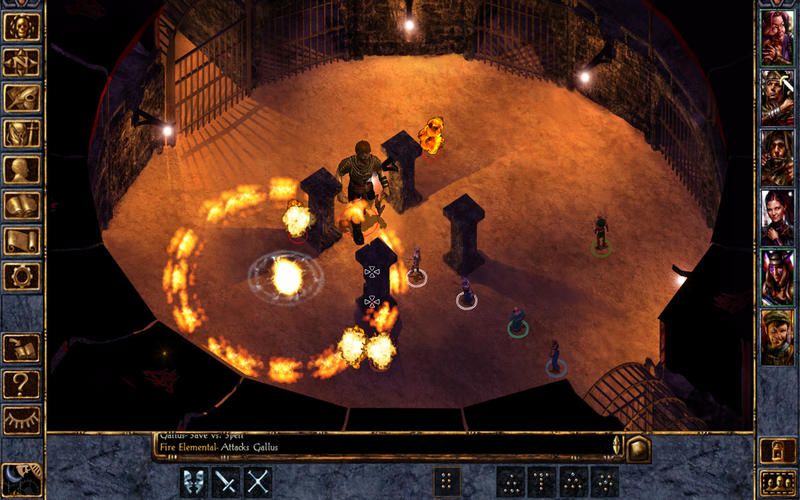
Baldurs Gate fans, rejoice, as the classic role playing game, recently ported to iPad in Enhanced Edition, is back on the App Store after a couple of months.
The developers at Beamdog pulled the game in June after some sort of contractual dispute. That was a sad day, as Beamdog are true believers, and were planning to port Baldur’s Gate II to the iPad, while maybe even developing a Baldur’s Gate III if the second game were a success.
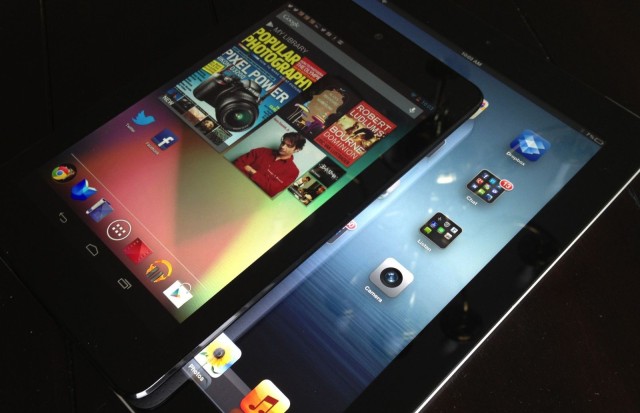
Almost half of the top 50 apps on iPad are unavailable or have not been optimized for competing devices that run Google’s Android operating system. That’s according to a new report from Canalys, which believes Google should be doing more to encourage top developers to build high-quality tablet apps for its platform.
But the company has today confirmed that it is on track to launch 4G during the fourth quarter of this year, and that it will come at no extra cost to consumers.
The first major movie about Steve Jobs hits U.S. theaters in less than 24 hours. Reviews have been mixed, but if you’re not interested in plopping down your hard-earned cash to see Ashton doing his best El Jobso impersonation, Open Road Films CEO, Tom Ortenberg, says you’ll be able to watch it all from your couch soon enough.
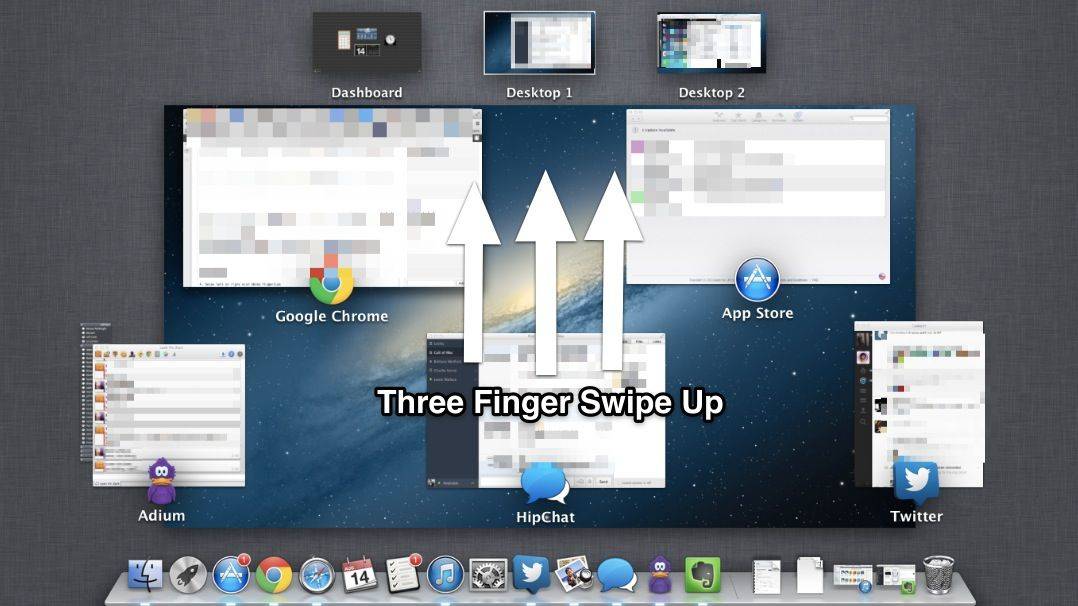
This one’s for all you Macbook and Magic Trackpad users; you know who you are. Mac OS X comes with Mission Control, a way to see all the open applications running on your Mac. Typically, you can hit the F3 key to bring up Mission Control and see what’s what on your Mac.
Similarly, you can either click on any Desktop Space across the top of Mission Control, or hit Command-Arrow (right or left) to switch to different Desktop Spaces on your Mac. This makes it easy to visually keep things separate. Some folks keep their web browser in one Desktop Space, and their word processing app in another, switching back and forth as they need the respective apps.
If you’re using a trackpad to access your Mac OS X laptop, or you’re using a magic trackpad connected to your Mac desktop, however, there are a couple of cool trackpad gestures you can use to do the same thing.
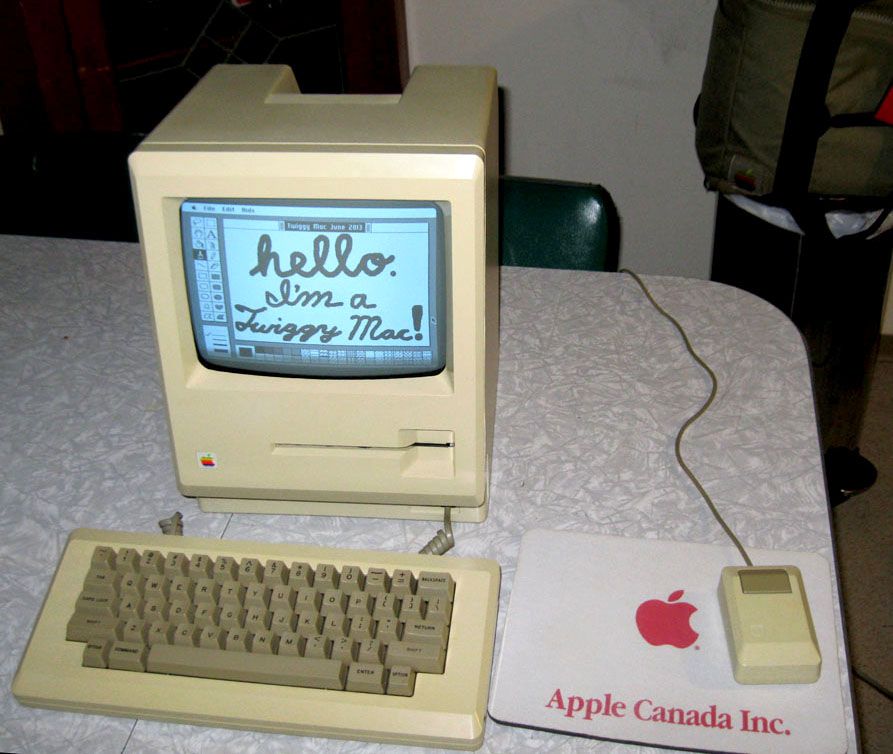
This rare Macintosh 128K prototype with Twiggy floppy disk drive has been lovingly restored to working order.
Nearly three decades after Apple Computer introduced the Macintosh, a pair of incredibly rare Mac prototypes have been discovered and restored to working order.
The computers, known as Twiggy Macs because they used the same 5.25-inch Twiggy floppy disk drive found in Apple’s doomed Lisa, were tracked down and painstakingly brought back to life by Adam Goolevitch, a vintage Mac collector, and Gabreal Franklin, a former Apple software engineer.
“Throughout the past 15 years, I have heard stories of and researched the fabled ‘Twiggy Macintosh’ computer,” Goolevitch told Cult of Mac in an email. “It was a thing of myth and legend — like a unicorn.”
Locating these Macs was the first step, but getting them to work was the real challenge. Goolevitch and Franklin embarked on an all-out effort to resurrect these long-lost pieces of Macintosh history.
Now two Twiggy Macs have been returned to life in full working glory. They are — without a doubt — the oldest Macs in the world. With auction prices for Apple-1 computers nudging upward toward the half-million-dollar mark, these incredibly rare prototypes — which look a lot like something you might find at a garage sale — could prove priceless. Here is the story of their amazing resurrection.
Do you love animated GIFs? Hey, who doesn’t? We certainly do, and as it turns out, Flipboard does too. The personally curated magazine for iOS has just introduced a new update that allows you to check out animated GIFs, right within the app.
Dots is a ridiculously fun, simple game that has taken iPhone and iPad owners by storm (and reduced my fingertips down to bleeding little nubs). In fact, the game has been downloaded more than 5 million times and played almost a billion times in less than four months.
Wouldn’t you like to get that on Android and Kindle Fire? Sure you would. Good news! It’s coming to Google Play today. And a new game mode is coming to all devices, including iPhones.
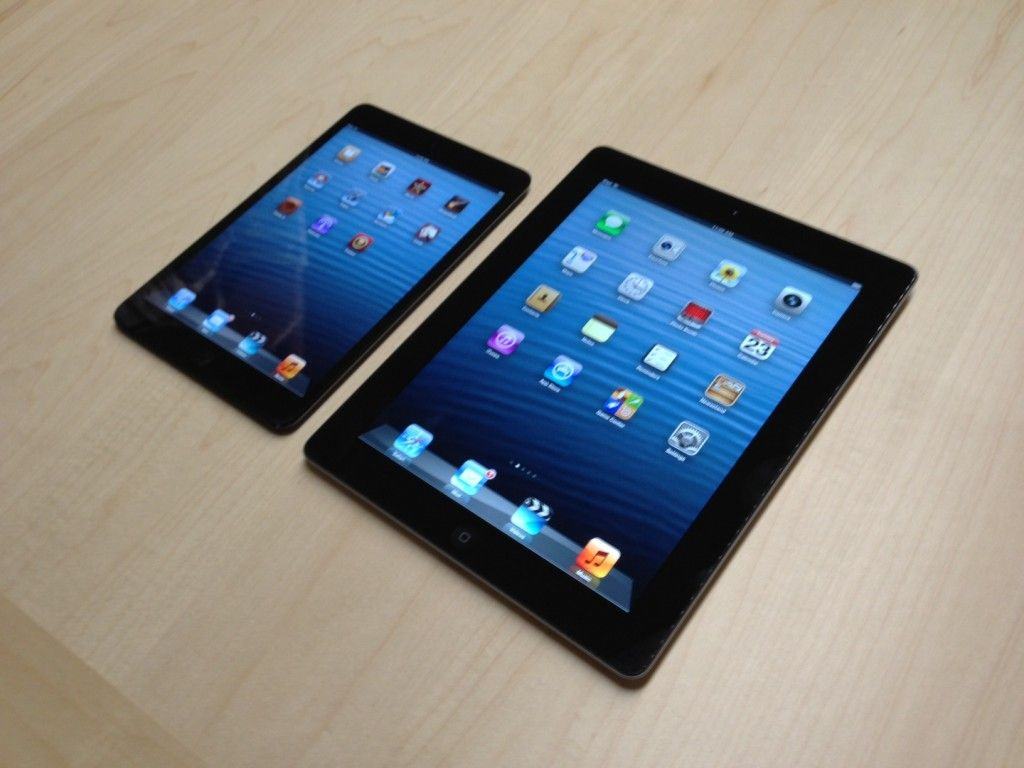
Will the iPad mini have a Retina display this year or won’t it? The rumor cycle back and forth concerning the smaller iPad’s high-res aspirations have become frustrating to follow for anyone who has been hoping Apple will correct the sole point of criticism about its 7.9-inch offering in time for Christmas.
If you’ve had your fingers crossed (or parts beyond), good news. IHS iSuppli, one of the companies that really knows what is going on in Apple’s supply chain, says displays suitable for the Retina iPad mini are “on track” for a fall launch.