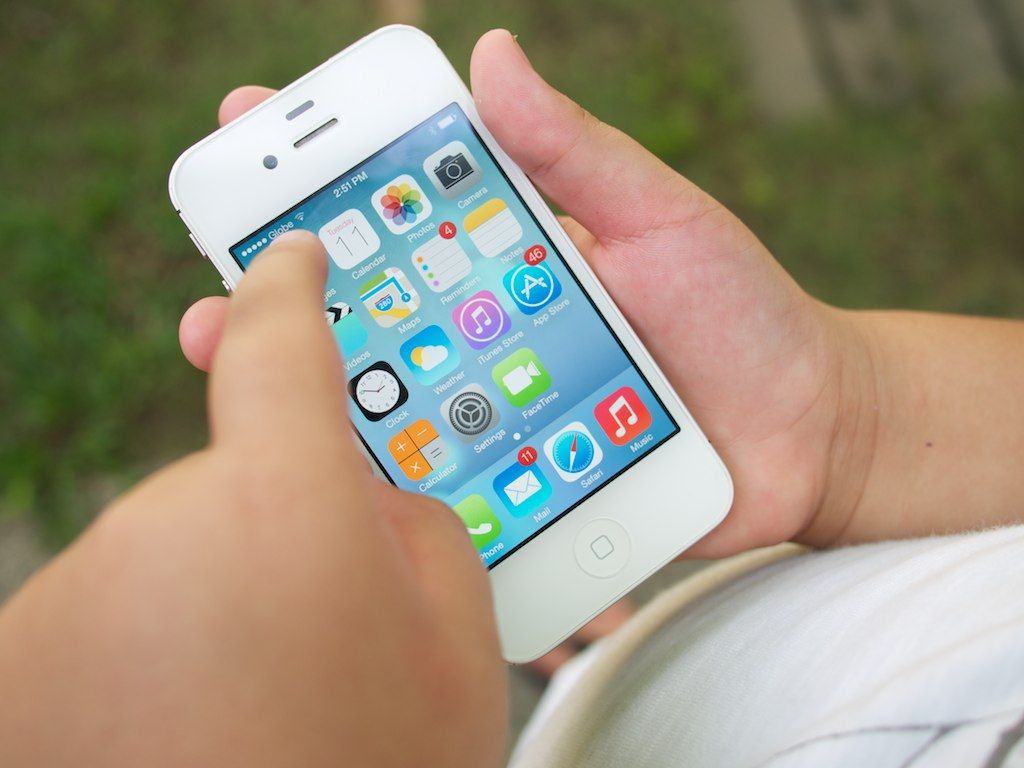
In the new OS X Mavericks beta, there’s a new Notification system in place that mimics much of the way iOS handles notifications. Your iOS notifications, in fact, can push right to your Mac desktop as well.
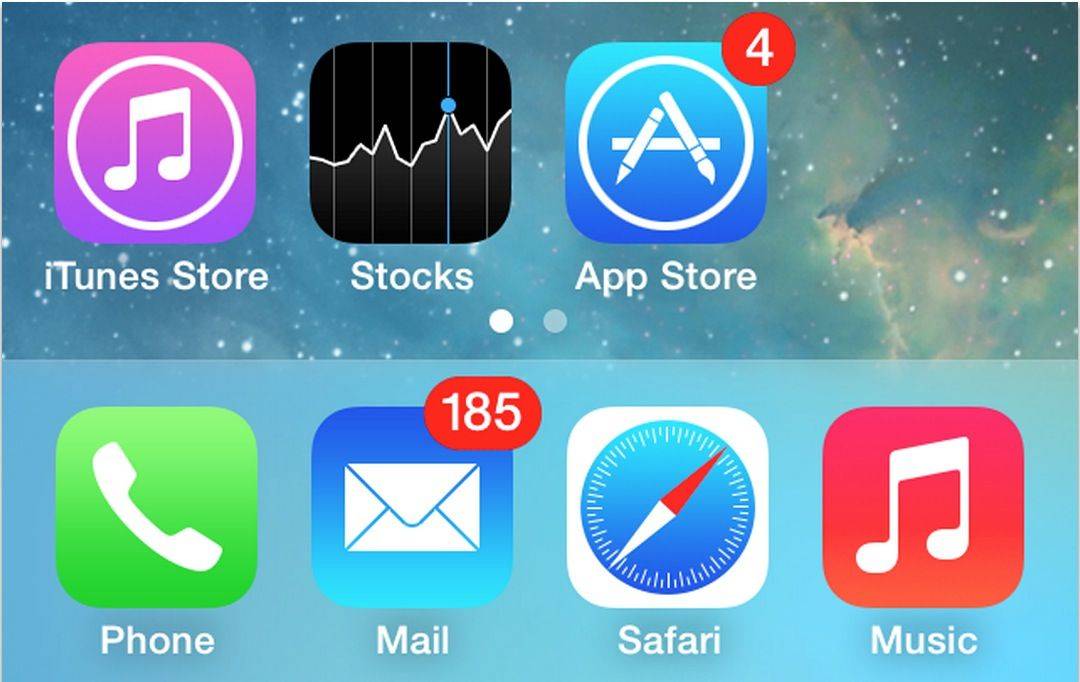
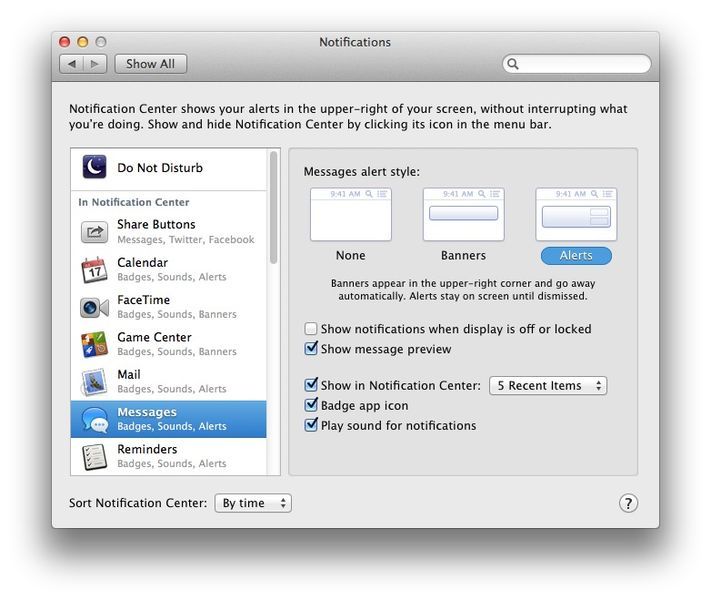
Much like iOS, each app that uses Notification Center can be set to a fine-grained level of customization, letting you show them in Notification Center (activated with the icon in the upper right corner of your Mac’s screen), decide whether to let them use a Badge app icon, and whether or not to play a sound for each app’s notifications.
If, however, you value your privacy, you may want to disable the default setting that has your notifications showing up even when the display is off or locked.
Here’s how.