Have you been looking for a way to make your photos jump off the page? Are you serious about showcasing your photography skills? Then this Cult of Mac Deals offer is exactly what you’re looking for.
This promotion will help you create striking images and showcase your work online. That’s because you’re going to get Intensify Pro and 3 months of Zenfolio for 54% off the regular price – just $44.99 – with The Intense Photography Pack.
Sure, with those sleek, lean lines it looks great naked. But once you take it outside your house, it’s a good idea to have some protection, an easy way to prop it up and carry it. And speakers!
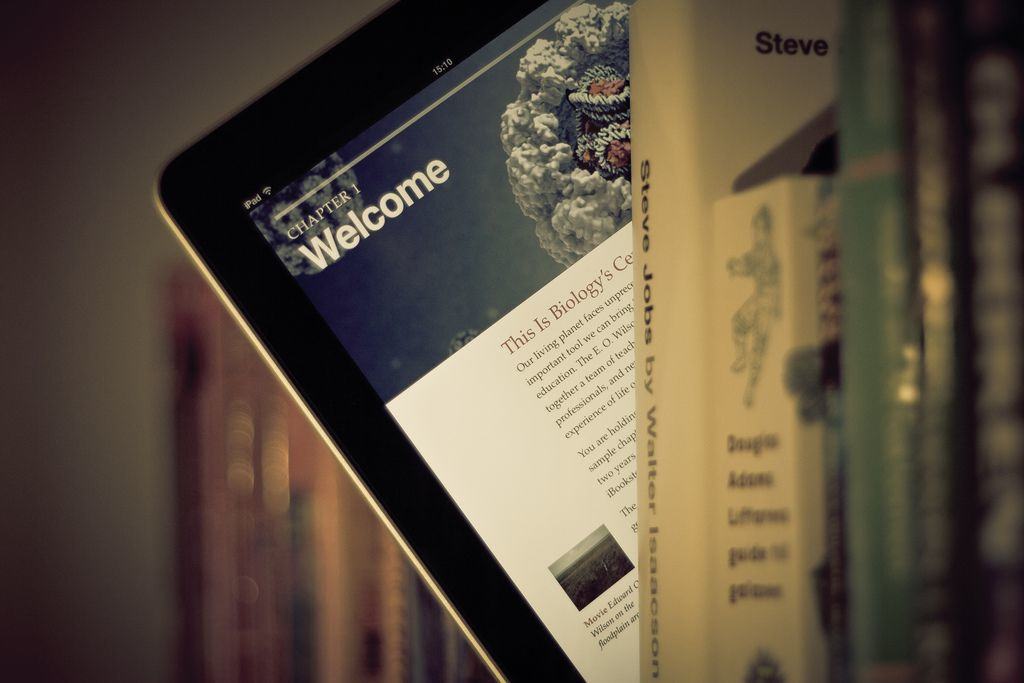
Here’s a hand-picked selection of all the iPad accessories Cult of Mac reviewed this year — but only the best ones. These add-ons all received the highest rating, or a full four stars, from our gadget-weary team of reviewers. Shine on!
Screen protector
Screen protectors are the best way to keep your device’s display in great condition, but applying them is a pain in the butt. It’s hard enough ensuring they go down straight, but you also have to worry about trapping dirt, dust, and bubbles beneath them. But not with the Tru-Fit. Inside the packaging is the Tru-Fit Film Applicator, which is essentially a plastic frame the shape of your iPad. You place the film inside the frame, then clean your iPad’s display using the included microfiber cloth.
Unlike other screen protectors, the Tru-Fit also comes with a sticky sheet that you can use on your front of your iPad’s display to ensure you’ve removed any dust and debris, and to prevent anything from settling on it while you’re getting the protector ready. It’s durable, anti-glare and has a terrific grip. Available for the iPad Air, iPad 2/3/4 and iPad Mini.
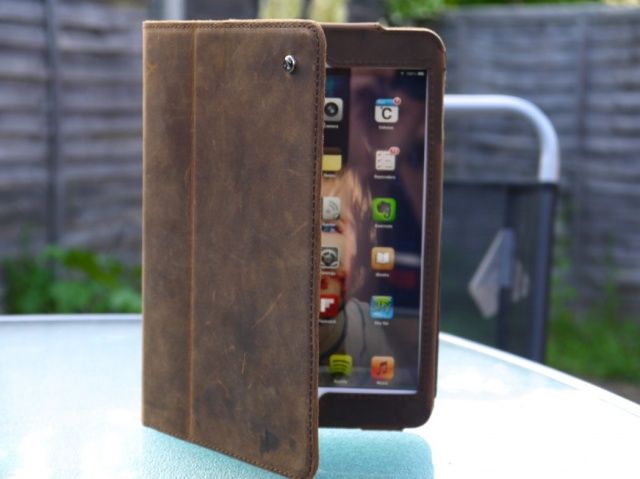
The Acase for iPad mini is a beautiful case. Its high-quality leather design provides an elegant look while providing your device with protection from head to toe — for only $40. It fits like a glove, and the iPad mini is held securely inside with a leather flap that slips in behind the device.
The build quality is excellent; the stitching is strong and neat, and I have no worries about it falling apart after months of heavy use. Acase has clearly used the best materials and built this thing to last. Reviews editor Charlie Sorrel recommends the “vintage brown” version of the case, which has a soft matte leather finish, over the black and chestnut brown versions. The vintage one gains character with a bit of wear, the other two probably won’t.
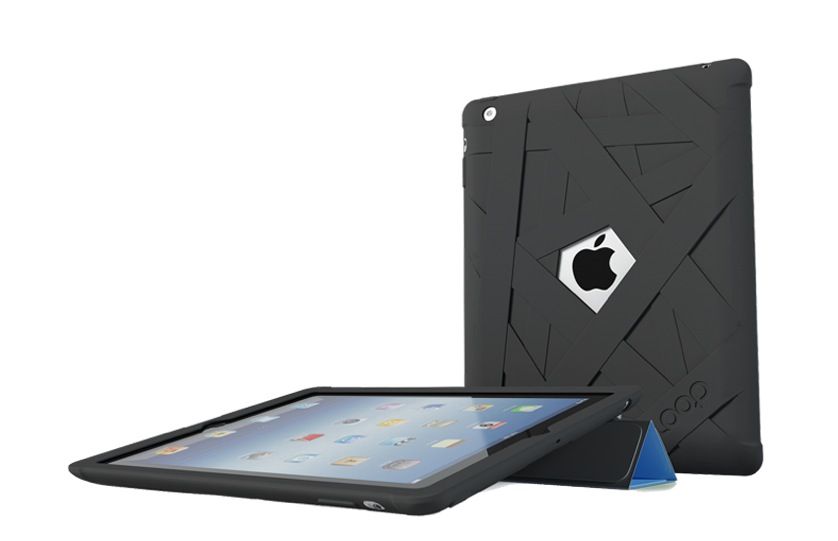
If you’re looking for excellent protection for all iPad models (plus most iPhones, too), check out Loop Attachment’s Mummy Case, which swathes your device in oops-proof rubber. What sets it apart from the cheap silicone cases on eBay for a few dollars: a special coating that not only makes it super soft and smooth, but also keeps out dirt and grime.
Reviewer Killian Bell says: “I’ll happily hand my iPad to my kids while it’s in the Mummy Case, safe in the knowledge that if they drop it on the kitchen floor, it’s not going to get damaged.” The Mummy covers a large portion of your iPad’s front bezel, which provides some protection for its display. It should be more than enough to prevent it from getting damaged if it lands flat on its face, but for added peace of mind, you can combine the Mummy with a Smart Cover.
If putting together those Lego sets hasn’t left you completely exhausted, the HiRise is the docking station for you.
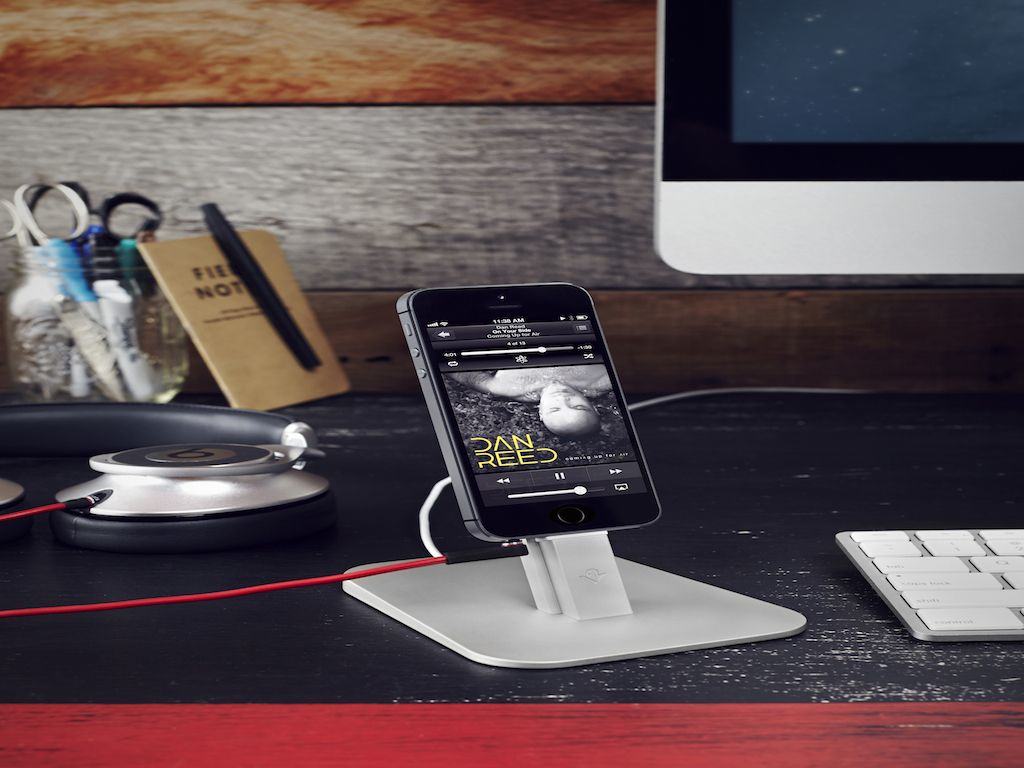
Twelve South’s HiRise for iPhone and iPad mini, is a combination dock and stand that looks great, is made of solid materials, fits both an iPad and an iPhone at the same time, works with cases, and best of all, will almost definitely work with all future iterations of iPhone and iPad that have a Lightning connector.
It also works with most cases, so you don’t have to dance the on-off fumble every time you need a charge. One caveat: putting it together. While beautifully packaged, the HiRise comes disassembled, like something you’d buy from IKEA. The screws didn’t want to fit, the hexwrenches were so small that they hurt my fingers to use, and even after I put the HiRise together, the two arms were very slightly crooked from one another.
“Once the HiRise is put together, I don’t have a single complaint about it. But I never want to put one together again,” says reviewer John Brownlee.
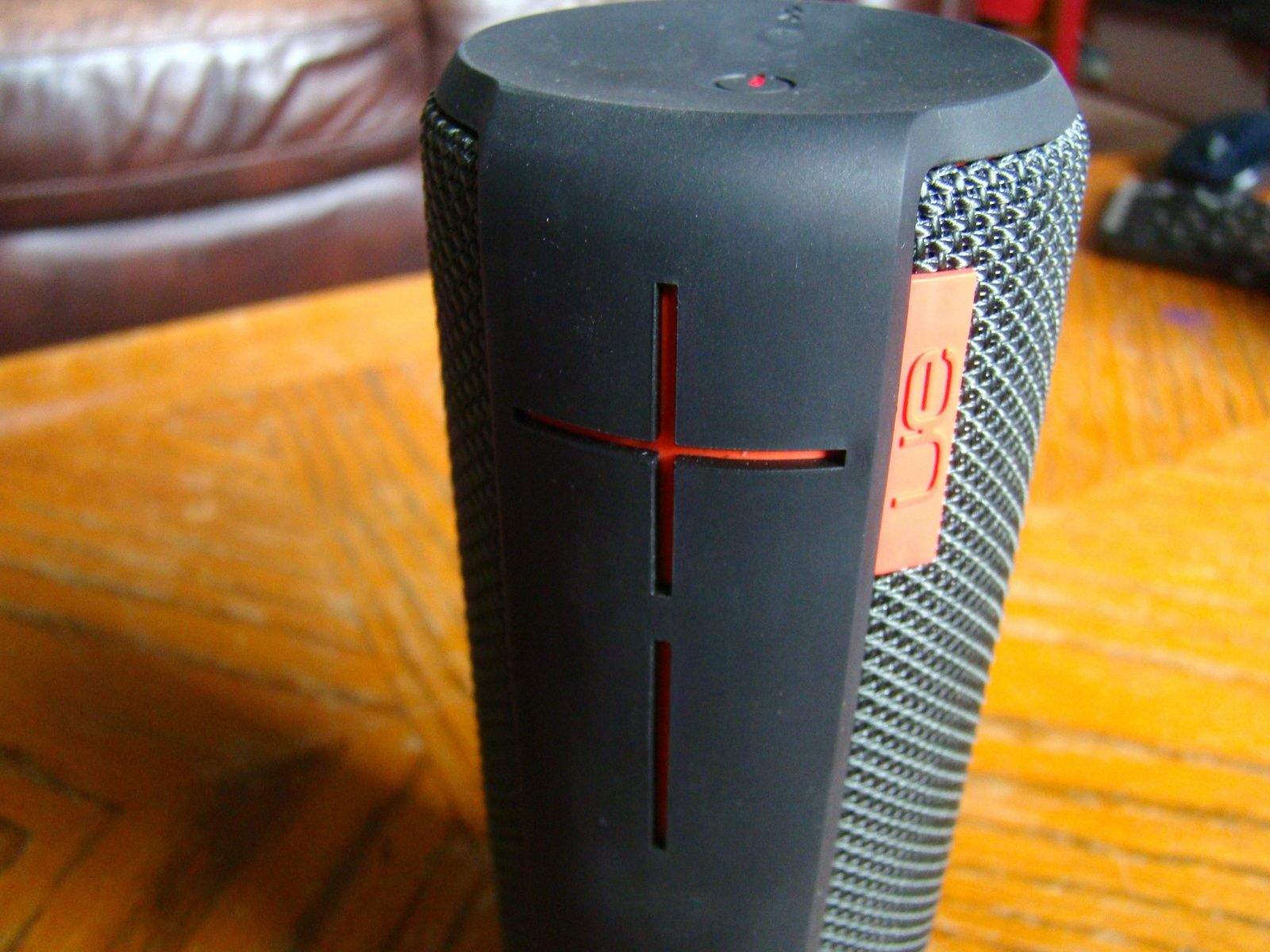
Bring the noise: UE Boom by Ultimate Ears/Logitech.
Your iPad can double as a music maker — if you grab a decent speaker. To get some serious sound from your device, check out the UE Boom by Ultimate Ears/Logitech.
“Where this intensity comes in handy is outside,” says reviewer Rob LeFebvre. “I’ve used the UE Boom in my yard, on my bike, and in my car and it’s loud and lovely in every location. I was able to provide music for a smaller outdoor BBQ just the other day with only the Boom as our speaker of choice.”
The fact that up to eight Bluetooth devices can pair with the UE Boom at one time is yet another killer feature, as it let several of the BBQ guests play their favorite tunes through the device, without ever having to re-pair between users. I let my iPhone 5, iPad mini, and Macbook Air all pair with the UE Boom so I can send audio from any one of these devices at a moment’s notice, without having to re-pair or mess with configurations.
It’s not the cheapest of speakers – coming in at a pricey $171 – but it may be the only one you’ll ever need.
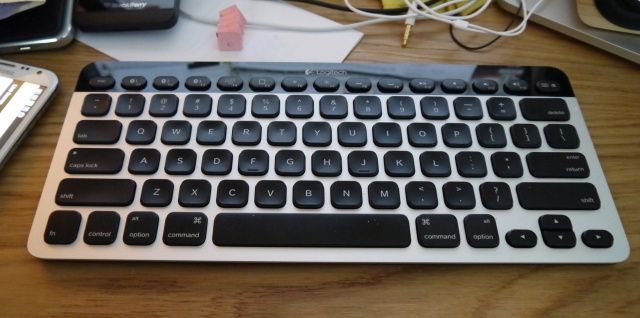
The Logitech Bluetooth Easy-Switch Keyboard K811 was so nice we reviewed it twice. Both Killian and Charlie found it the best keyboard they’d ever used – whether it was for stay-at-home or cafe-airport-train use. It’s lightweight, reliable, has a great feel.
And it works across iDevices, so you can connect it to whatever you need to type with while on the go. Charlie says, “Buy it. There’s almost no way you’ll be disappointed. Quite the opposite in fact: you’ll look forward to using it.”
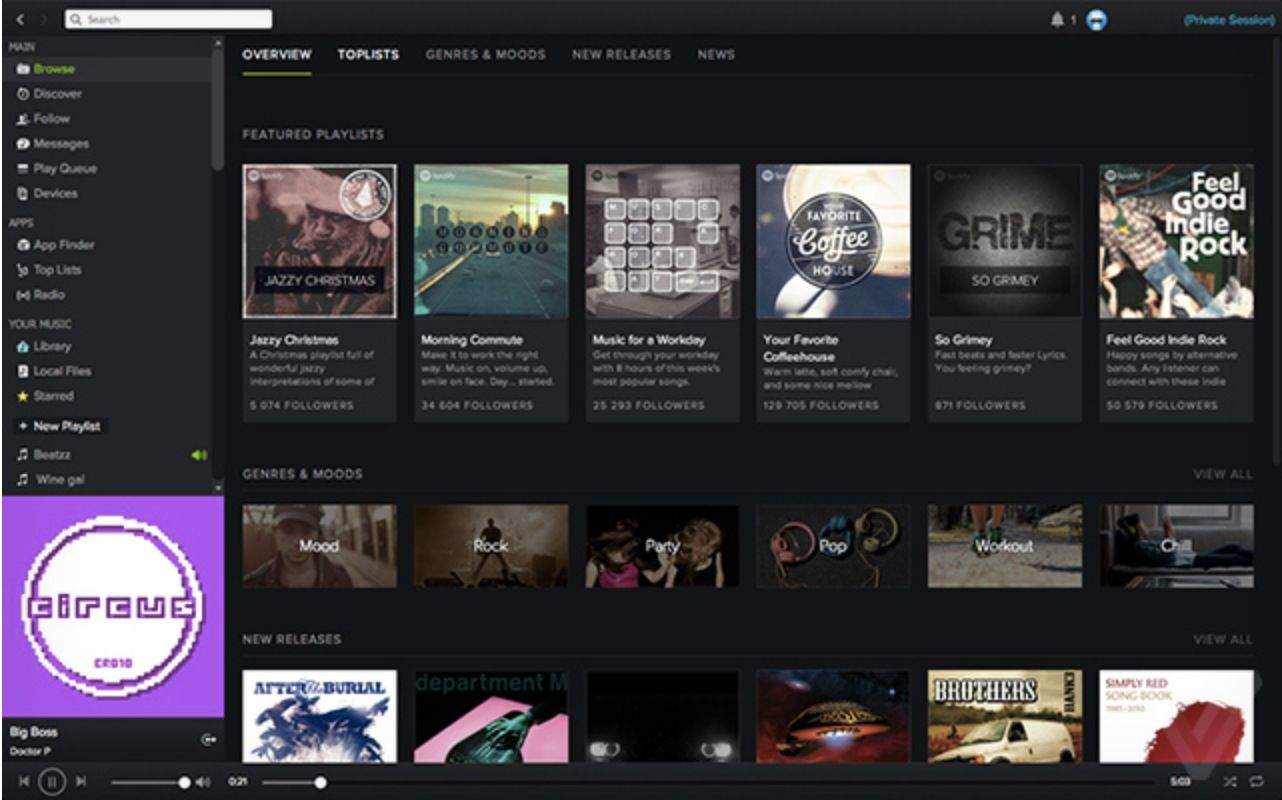
Spotify has dragged behind Rdio in terms of aesthetic attractiveness for quite some time. It still has a long way to go, but Spotify’s desktop app is getting a facelift in the form of an update that’s slowly rolling out to users on the Mac and Windows.
As you can see, the design is much darker to compliment its mobile counterpart. It doesn’t look like any new features are included, but it should hopefully be easier to navigate.
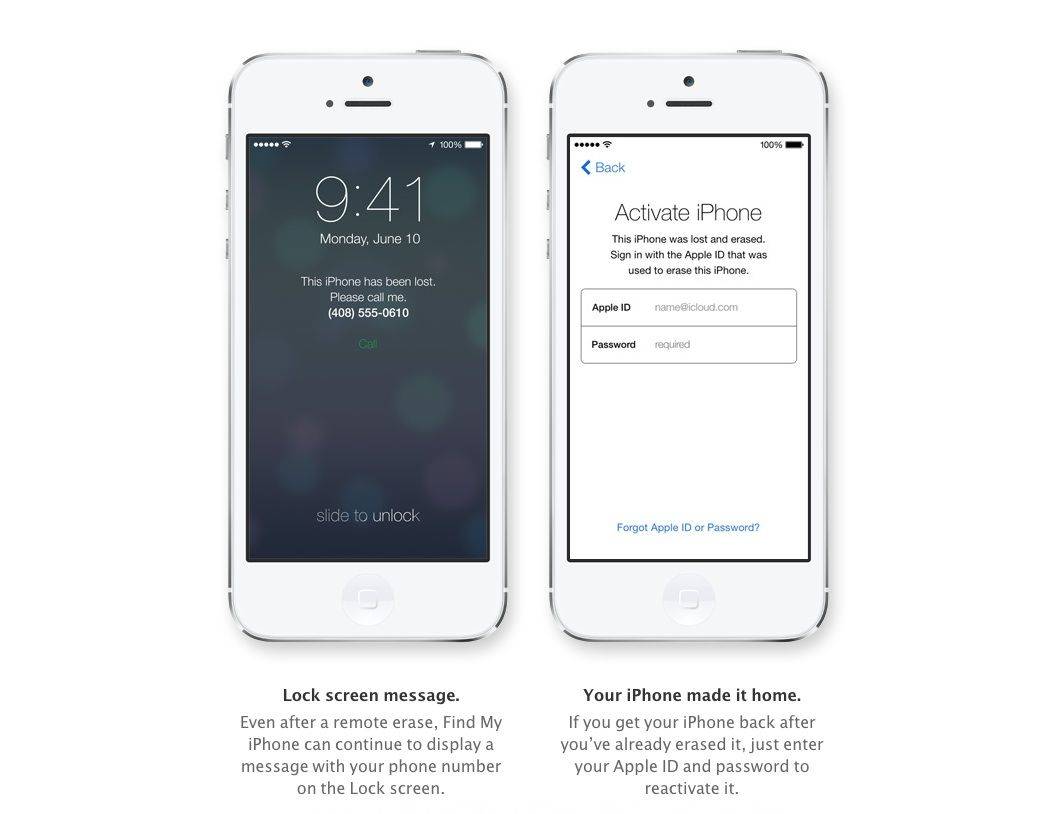
Activation Lock is a new feature in iOS 7 that allows you to remotely wipe all the data on your iPhone, iPad, or iPod touch in case it gets lost or stolen. It’s such a great idea that 78 percent of iPhone users have it enabled.
After Activation Lock is enabled remotely, your iPhone will display a message for you with details on how to return it to you. This is a great feature.
When you get the device back, all you need to do is enter your Apple ID (and password!), and your iPhone or iPad will reactivate, give you a fully functional iOS device again without letting anyone else use it in the meantime.
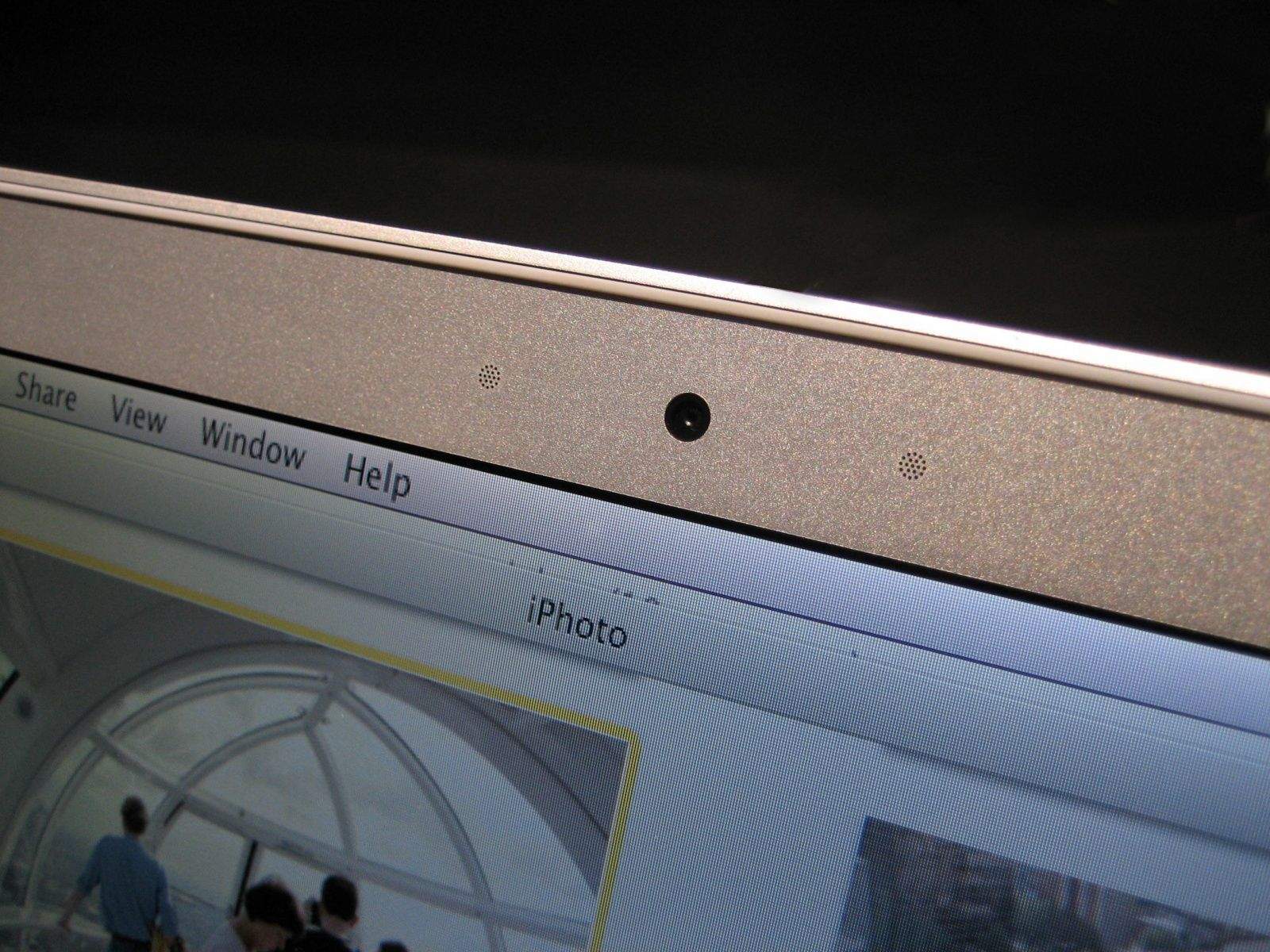
When your Mac’s iSight camera is running, a tiny green light lets you know that it’s turned on. Or at least it’s supposed to. New research from Johns Hopkins University shows how hackers can remotely control the iSight camera in certain Macs without turning on the accompanying LED indicator light.
I used to be a printer opportunist. Find me the cheapest printer in the store, who cares, they’re all the same.
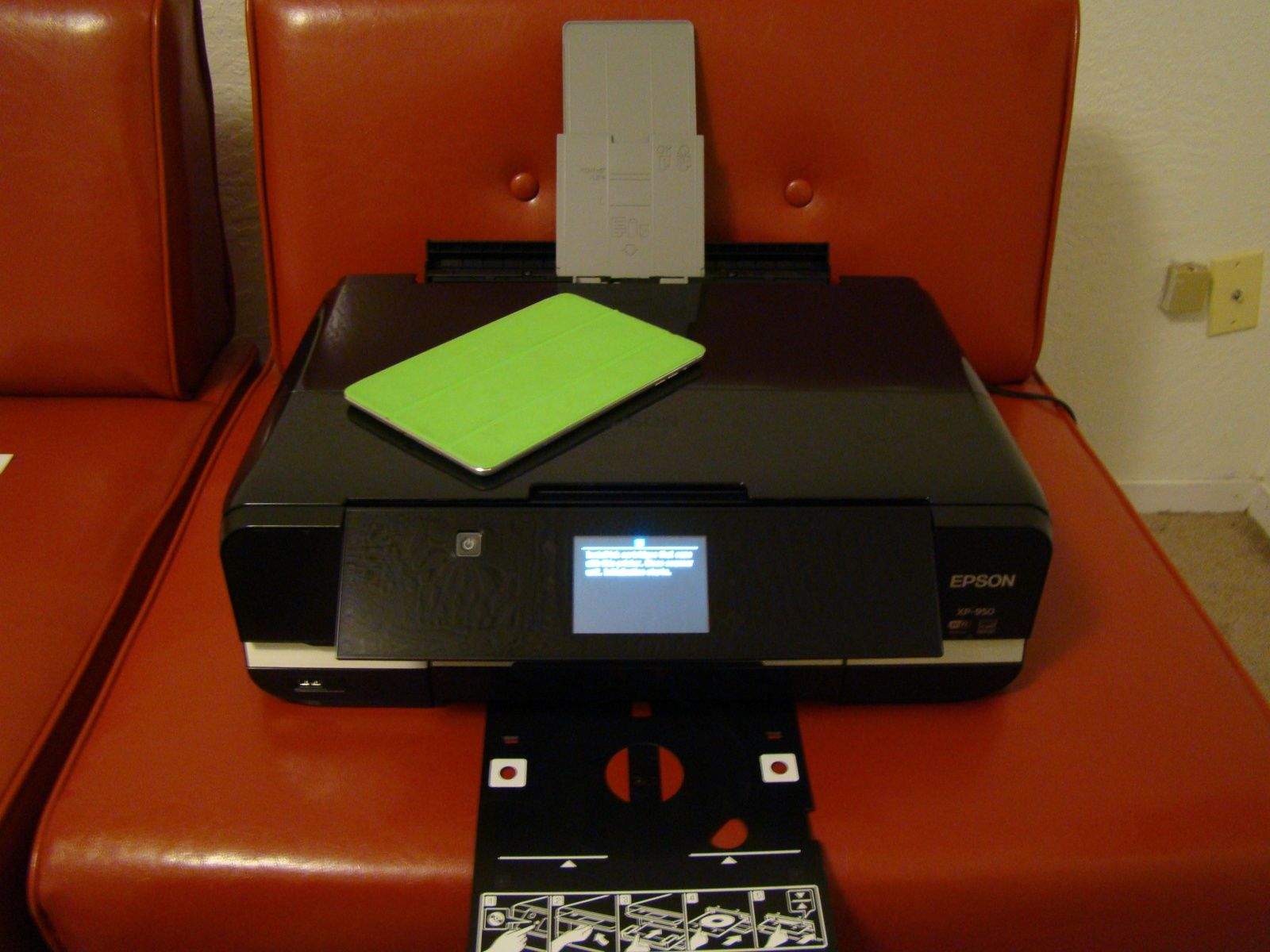
Expression Photo XP-950 Small-in-One Printer by Epson Category: Printers Works With: iPhone, iPad, Mac, any other Wi-Fi device Price: $259.99
Which, honestly, is true for a technophile like myself (within a certain price range, anyway). I have a Wi-Fi network, spare cables, and a ton of different apps that will let me print from my various Macs and iOS devices.
Not so, however, for someone like my parents. When I went to buy them a printer a few months back to go with their new iPads, we found out that even the AirPrint printers need a WiFi network. They don’t have one (I know, don’t ask).
That’s where the Epson XP-950 comes in. Yes, it’s a high-quality up-to 11X17 photo, paper, and disc printer and scanning device, but the killer feature here? Directly printing from an iPad to the printer without an actual Wi-Fi network to send the print job across.
The new Walking Dead: The Game Trailer looks creepy as hell.
It’s been a year since Telltale’s first Walking Dead game came out and scared the crap out of all of us. Now Telltale has just released the first episode of the second season, titled appropriately enough The Walking Dead: Season Two.
So you go out to dinner with a bunch of your friends, and when the bill arrives, you decide to save time and just pay the whole thing yourself. But you’re a little obsessive-compulsive, so you insist that your friends pay you back exactly what they owe. But how do you figure it out? That’s a lot of math to fit into one head.
This app has you covered. You just enter in the menu price of every item, tell it who ordered what, and enter in the tip and tax percentages, and it gives you the exact amount each person needs to pay you back, to the cent. And nothing screams “friendship” quite like making change.
That headline isn’t hyperbole. I’ve started this review three times, but I kept thinking of things I should “check out” in the game so that I could make sure I was writing the thing properly. But mainly, I just wanted to keep playing the new Adventure Time version of Ski Safari.
Ski Safari: Adventure Time by Cartoon Network Category: iOS Games Works With: iPhone, iPad Price: $0.99
If you haven’t played the original, it’s a twist on the endless runner genre: The endless skier. The hapless hero has to give it all he has to outrun an avalanche that is barreling down the hill behind him. He can do backflips for points and can hitch rides on the local wildlife for speed boosts, and all the while, he’s collecting as many coins as he can.
Ski Safari: Adventure Time is the same thing only with 100 percent fewer skis and way more characters from Pendleton Ward’s awesome cartoon series. So basically, it’s better in every way.
If you’re a budding artist who wants to take on the digital world in a big way, then the latest offer from Cult of Mac Deals is for you.
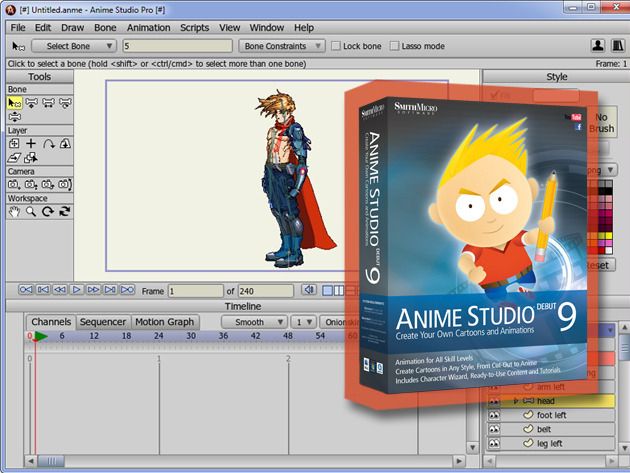
The Astounding Artist Bundle consists of five killer apps that you can add to your artist’s toolkit that will help you take your digitial creations to a whole new level. And the price is astoundingly inexpensive – just $69! That’s right. You’ll save 75% on this complete beginner’s toolset through this limited time offer.
Nightmare: Malaria is the story of a little girl with malaria. In her dreams, she is thrust into a horrible nightmare world where she is trying to save her teddy bears from a horrible world infested with malaria-carrying mosquitoes and vats of bubbling disease. Your goal is to guide her through the world and hide in screened tents to ward off the infected bugs.
Nightmare: Malaria by Psyop Games Category: iOS Games Works With: iPhone, iPad Price: Free
You can download the game for free, but between each level you’ll see a prompt for a microtransaction. This won’t unlock features in the game, and you don’t need to contribute money to win, but the $3 purchase is actually a donation toward providing mosquito nets to people at risk for contracting malaria. You can donate as often as you want, and the whole game is designed to educate players on the dangers of the disease. The Bill and Melinda Gates Foundation and the Against Malaria Foundation work tirelessly to help eradicate malaria, but your small contribution can provide preventative measures to people who can’t help themselves.
Back in the day, Apple popularized the point and click interface so well that Microsoft decided it would use the same system, thereby paving the way for decades of mouse pointers and menu systems.
Still, one of the great things about Mac OS X is the way it caters to the power user with keyboard shortcuts, both built in and customizable. Heck, in Mavericks, you can even sync these custom tricks with iCloud.
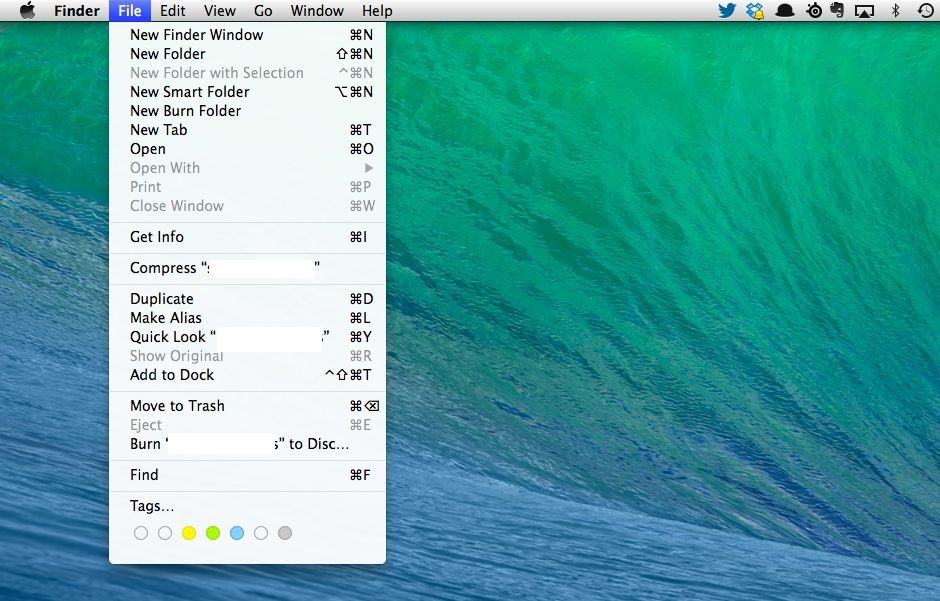
It comes as an obvious surprise, then, when you realize that you can even navigate that most mouse-centric of innovations, the menu bar.
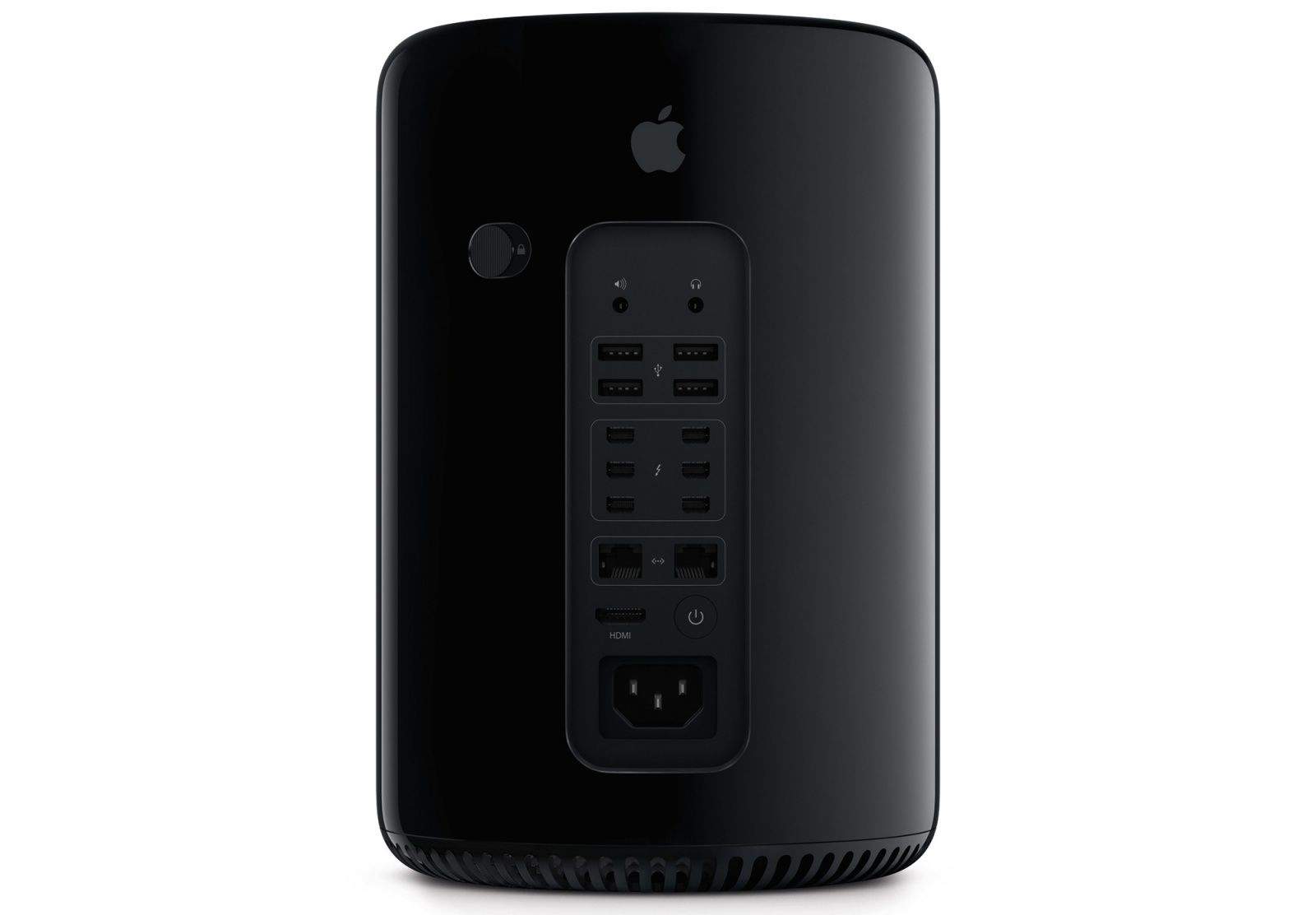
Apple’s latest Mac Pro, the high-end desktop built in the U.S. that you’ve been anticipating for years, will finally go on sale tomorrow. Announced at WWDC back in June, the new machine sports a brand new design and cutting-edge hardware throughout, and it will start at $2,999.
iOS 7 and OS X Mavericks have made passwords easier to deal with than ever thanks to iCloud Keychain, which saves your passwords and logins and syncs them across your devices, but it comes with a downside: you have to use Safari on all of your devices.
That cuts Chrome users like me right out, but luckily, there’s great apps like AgileBits’ 1Password, which does everything iCloud Keychain does and much, much more. In fact, I’d go as far as to say it’s the best password manager out there, full stop. So here’s good news: AgileBits has dropped the usually steep price of 1Password by 30%, allowing you to buy the award-winning, ultra-secure password locker for just $34.99.
1Password is an expensive upfront purchase, but once you make it, it’s worth it: free solutions like LastPass just have none of 1Password’s polish.
When Apple first unveiled iOS 7, one of the features that made law-enforcement officials breathe a collective sigh of relief was Activation Lock, which allows users to locate, lock and wipe their iPhones remotely if they are stolen.
Activation Lock is a great system which prevents thieves from simply hard resetting an iPhone once they’ve stolen it, and considering what a big problem iPhone crime is, it’s a big step forward by Apple that helps make owning an iPhone safer all around. And it looks like it’s starting to make a difference, with a new report suggesting that almost 4 out of 5 iPhone users has it turned on.
Although reports have surfaced that Apple may be building a top secret $10 billion chip fab, right now, the vast majority of Apple’s A-series chips are made by Samsung. This is obviously not an ideal situation, as it gives Apple’s arch smartphone rival the advantage of knowing what the iPhone-maker is planning on doing next, at least from a silicon perspective.
It looks like Apple may soon be able to rely less on its nemesis when it comes to building chips, though. A new report says that Taiwan Semiconductor Manufacturing Company (TSMC) will largely take over for Samsung in making iPhone and iPad chips in the future. And they’ll be pretty crazy advanced chips, too, at least if the rumors can be believed.
As crazy as it may seem, this year marks Nintendo's 125th anniversary, from its origins as a playing card company back in September 1889, to its status as a gaming powerhouse today.
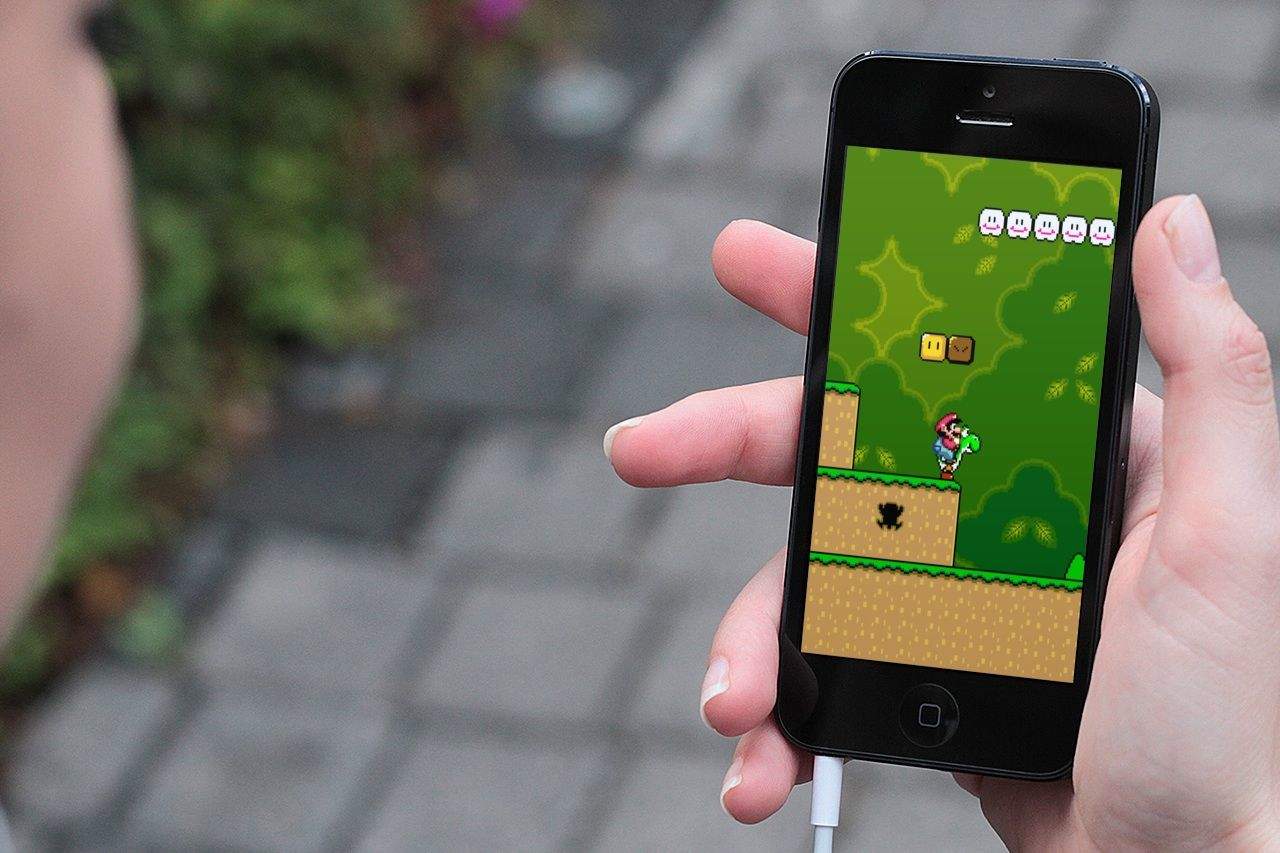
As much as we love Nintendo, however, it has been pretty reticent about embracing the world of mobile gaming; refusing to port any of its core titles to iOS and forcing the takedown of emulators that have tried to provide this (slightly illegal) service. True gamers that we are, though, we hold out hope that one day Nintendo may see the light. With that in mind, here's our list of the 8 Nintendo titles we'd love to see on our iPhone screens.
Scroll through our gallery to see which ones made the cut.
Once the king of mobile gaming, over the past few years, Nintendo has found itself caught flatfooted by the rise of smartphones. Although the company’s 3DS portable game console can’t be said to be a total flop, it’s certainly not selling in gangbuster units compared to previous consoles, like the DS or Gameboy. The reason why is simple: most people have a perfectly good gaming device in their pockets all the time now in the form of their smartphone, and don’t want to have to carry around (let alone buy) an entirely separate device dedicated to gaming.
Many critics have suggested that it’s time for Nintendo to give up and just start releasing games based on its prize characters such as Mario or Link as iOS apps. Such advice is short-sighted, but that doesn’t mean Nintendo can’t be better leveraging Apple’s iOS platform… which is exactly what the Big N seems to have in mind.
Earlier this year, Cult of Mac cited a study from Distimo stating that developers with a hope of cracking the Top 10 paid apps needed to be making in the region of $47,000 per day.
Well, after a strong year for mobile, that number has been revised slightly.
According to Distimo’s 2013 Year in Review report, global revenue for the 200 highest grossing apps in the App Store stand at more than $18 million — a figure which breaks down to around $90,000 average for the top apps.
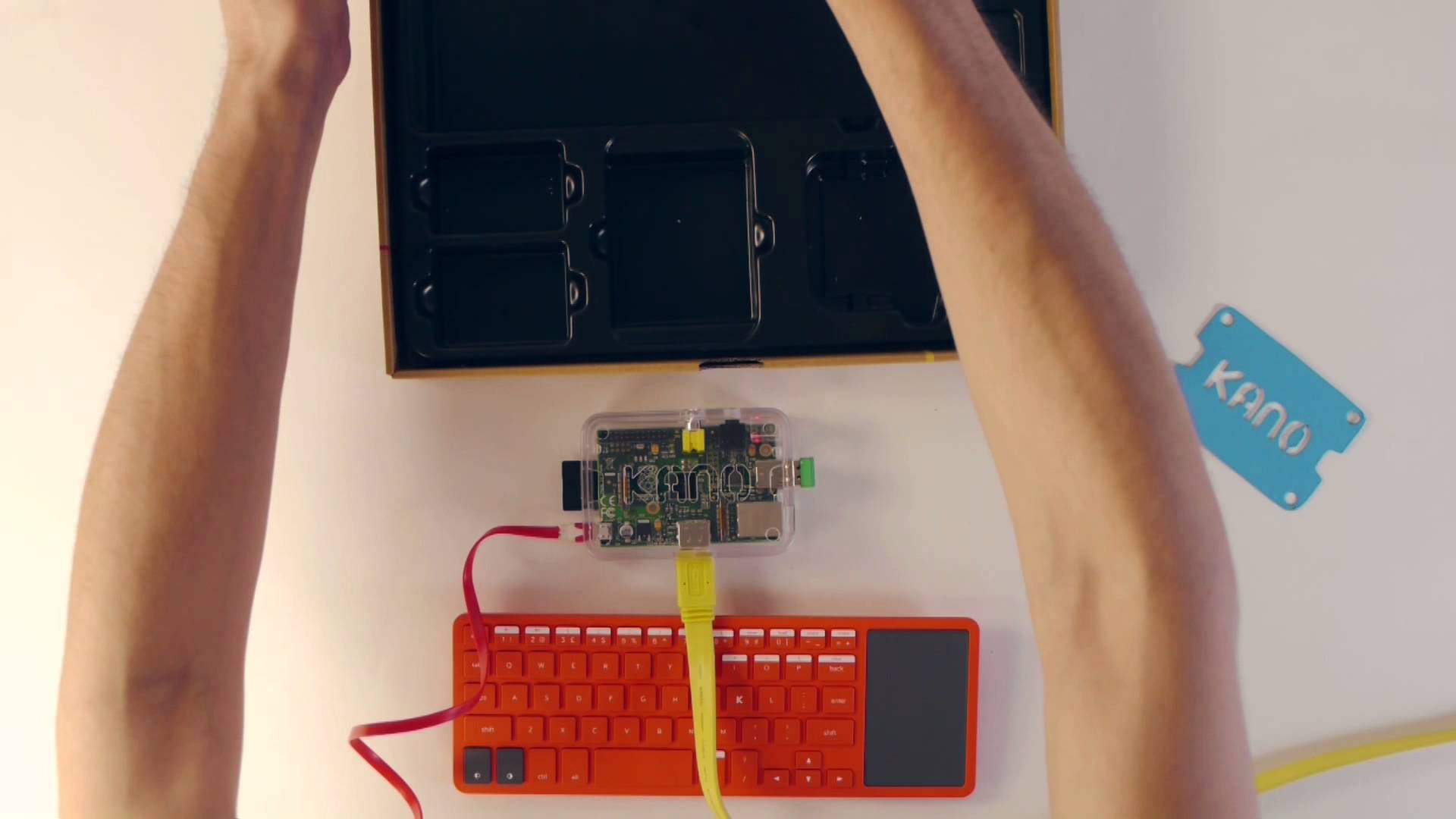
Would Steve Wozniak and Steve Jobs have created the Apple I as a Kickstarter project had they been born in, say, 1985 and 1990 rather than 1950 and 1955?
Certainly Apple co-founder Wozniak has clearly always seen a bit of himself in other would-be homebrew engineers — which is why he has supported the creators of kit computer Kano.
These PopSockets are pretty neat. They’re flat circular buttons that pop out, accordion-style, to make little rubbery cones on the back of your iPhone, iPad or other handheld device. They aid grip, work as basic kickstands and offer a place for fiddlers and fidgiters to work off their annoying energies.
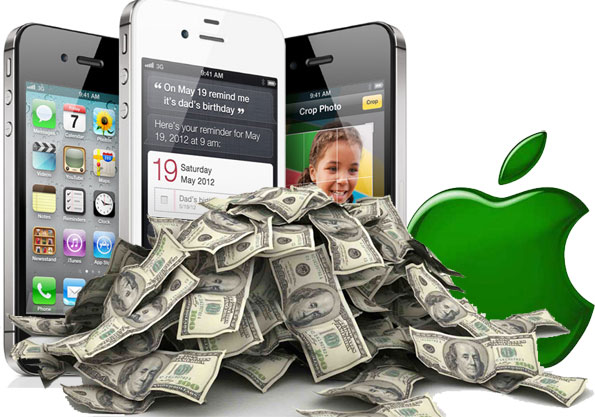
It’s another day, another optimistic projection for Apple’s success over the Christmas season.
This time the report is from Piper Jaffray’s analyst Gene Munster, who analyzed 25,000 tweets featuring the hashtags @Santa and #wishlist — and found iPhone to be the “most mentioned item”.
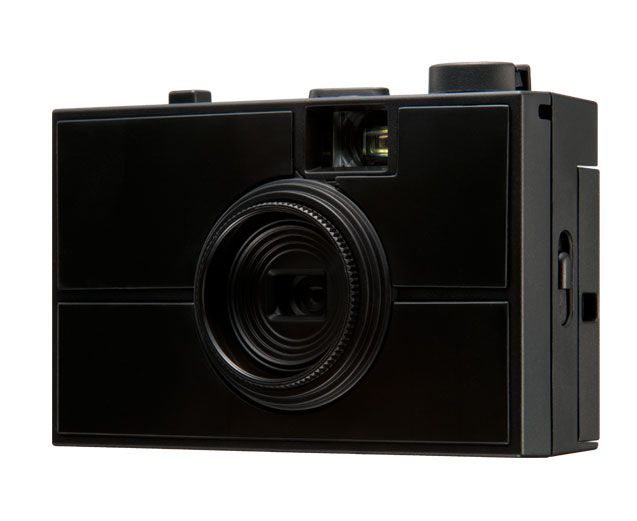
Like the Lomo Konstuktor (which I have actually konstrukted and found to be pretty cool), the Last Camera comes as a kit so you can build your own camera.
Unlike the Lomo, though, the Last Camera comes with two interchangeable lenses, and you can buy extra kits to customize it in the future, and it even ships with a special “light leak” back that lets stray photons in through the back door.
As Crocodile Dundee would no doubt say, “That’s not a warranty, this is a warranty.”
Consumer rights watchdog, the Australian Competition and Consumer Commission (ACCC), has accused Apple of misleading Australian consumers about their rights to refunds, replacements, and repairs.
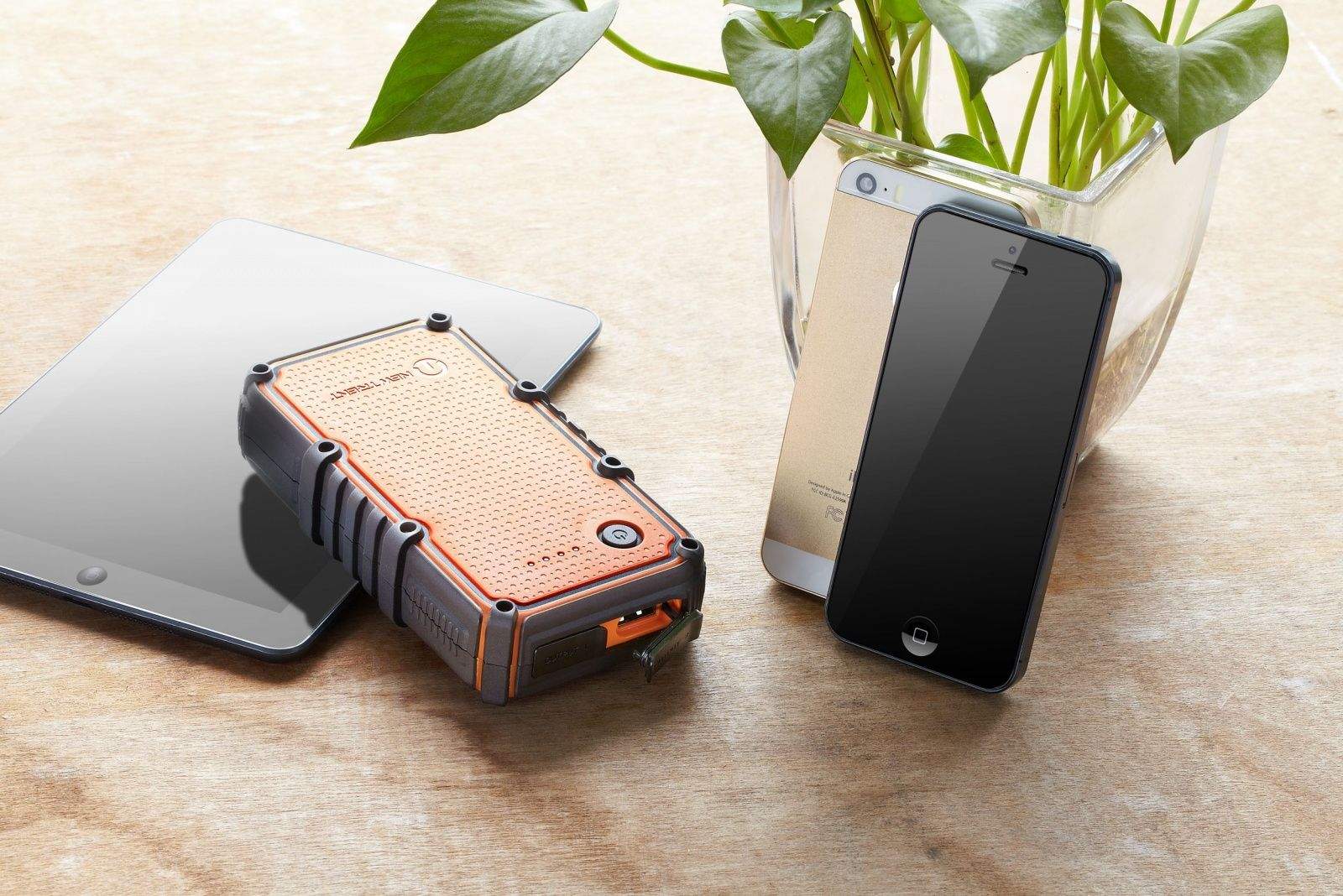
It used to be OK to ask a stranger in a bar “do you have a Nokia charger?” and borrow said charger for a while to juice your phone. These days, though, you’ll mark yourself out as a Low-Charge Loser, the kind of person who goes to bed without plugging in his iPhone. Worse, you’re probably carrying more than just a phone. Are you really going to ask a stranger for adapters to charge your iPad and Kindle too?
You are not. What you need is a beefy backup battery. And at this time of year, it should be waterproof, too.
Imagine that one of your photos was printed onto a sheet of card, and that this piece of card was carefully sliced and cut to chop it into a series of concentric rings, or concentric squares, or just a geometric pattern of tiles.
The imagine moving these sections with your finger to make a fragmented version of your picture, only because you’re using the Fragment app instead of real scissors and paper, there are never any gaps between the pieces. Sound like fun right?