Apple has settled out of court in the latest eBooks price fixing suit brought against the company. It was set to go before a jury next month, with potential damages being as much as $840 million.
The terms of the settlement haven’t yet been revealed, and the opposing side now has one month to request formal acceptable of their agreement by the court.
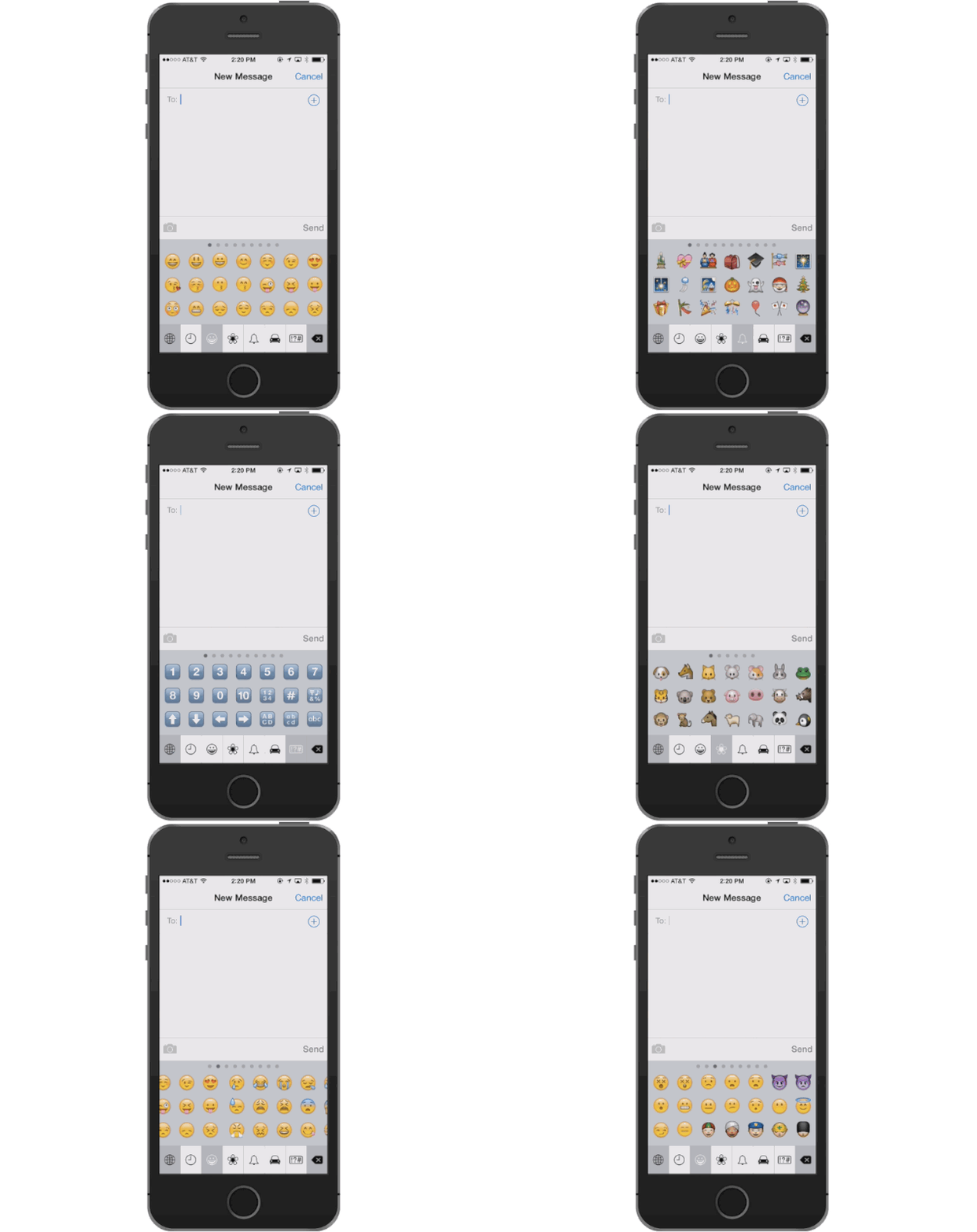
Emojing has already replaced texting as the go-to zero-effort communication tool of youngsters everywhere, and all those emoji version of popular songs and TV shows are about a lot more elaborate thanks to huge unicode update.
250 new emoji have been added to unicode standard 7.0 that is used to standardize the presentation of text across different platforms like iOS, Android, and Windows, and while it’s still up to software makers to actually implement the new standards, you can expect them to land on iOS pretty soon.
Apple’s approach to design is just as healthy as it was under Steve Jobs, according to Jony Ive. Looking ahead, Apple is building upcoming products with “materials we haven’t worked in before.” Let your imagination run wild.
Ive was quoted in the Cook story, but in this second installment we get more insight into how he sees the current state of Apple. Points of discussion include how Ive approaches product design, working with Cook, the values Steve Jobs instilled in the company, and how Ive doesn’t think “anything’s changed” since Cook became CEO.
If you haven’t gotten enough of disgruntled avians from Rovio’s hit series Angry Birds, what with last week’s Angry Birds Epic or the well-received Angry Birds Star Wars mobile games, then this news is for you.
Rovio has teamed up with Hasbro to mashup its own quirky mobile gaming franchise with yet another pop-culture phenomenon, the Transformers. And not the Michael Bay hyper-CGI movies, either. This looks to be a full-on 1980s cartoon take on the “robots in disguise” theme, complete with birds disguised as robots that can turn into cars and airplanes.
Apple’s Siri feature has been a crown jewel of iOS ever since it launched in 2011, but the company and the tech behind it might fall into the hands of Apple’s number one enemy – Samsung.
Nuance Communications is in discussions with a number of potential suitors looking to buy the company, and Samsung Electronics is at the top of the list, according to Wall Street Journal report that also names a few private-equity firms among the list of possible buyers, but Apple is nowhere to be found.
Most people use Facebook’s official iOS app to obsessively check their news feeds. But there’s another option that has a much better design and no ads. It’s called Paper, and it has been available for the iPhone since January.
Made by a special group within Facebook called Creative Labs, Paper is an experiment in how to use Facebook within a more media-rich, gesture-driven, elegant interface. If you haven’t heard of it yet, then you definitely need to check it out after the huge update it received today in the App Store.
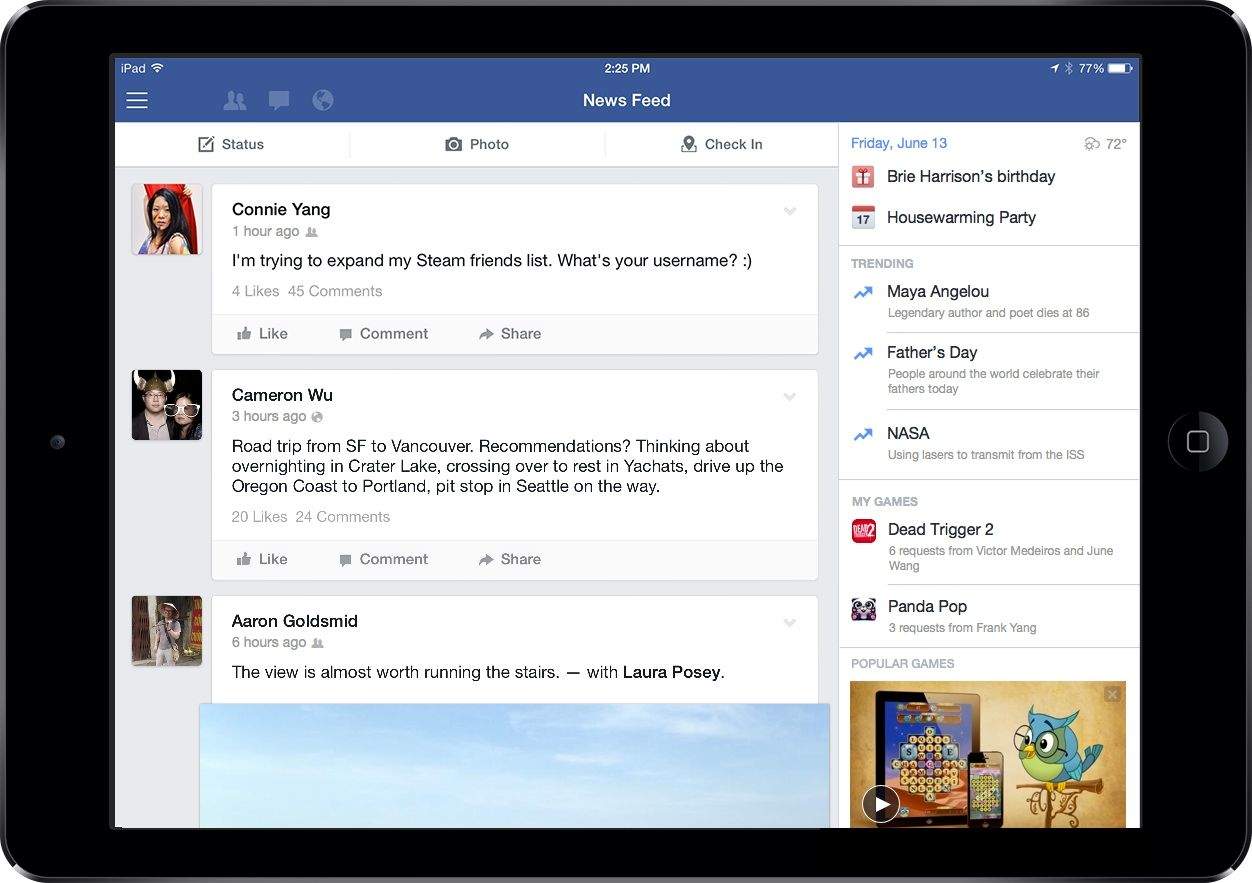
Facebook is trying to transform its News Feed into more than just a hotbed of baby pictures and Buzzfeed quizes and its first move is a new side panel to help users discover more timely content.
To make the app more relevant for the way people use tablets, Facebook for iPad is adding a new channel on the right-hand side of your news feed featuring trending topics, videos and tons of game suggestions to try to get users to read more news, watch more videos and play games in the app. And you can bet there will be plenty of ads to compensate.
Sooner rather than later, Google will be tracking your every move.
The Mountain View search colossus already knows whether you have the flu or are interested in dropping a few pounds, thanks to its mining of your search data and Gmail missives.
Thanks to Google’s recent bargain buy of tiny satellite company Skybox Imaging — a purchase that cost Google just $500 million, or 1/38 what Facebook shelled out for WhatsApp — by 2016, Google may be able to predict market-moving factors like consumer spending and oil prices.
That means Google might be able to foretell when you’ll be waiting in line for the latest iPhone.
All Cult of Mac’s news to peruse on your iPad or iPhone. This week we’ve got a tune up to keep your Mac running in top shape, plus news of the Macs that will be in stores soon and a love letter to Apple’s first commercial hit, the Apple II.
Domino’s Pizza has today added Nuance voice recognition to its Android and iOS apps, enabling users to order pizza using their voice. The technology provides a “human-like” customer service experience that hopes to make it easier to order your dinner on the go.
Beats already released one epic World Cup commercial this month, but last night Dre’s music behemoth tossed out another fantastic ad wrapped in an exclusive Jay Z track you’ll only find on Beats Music.
For the next week a new remix of “Jungle” featuring Jay Z alongside fellow Brooklyn-based friends, X Ambassadors & Jamie N Commons will be exclusively available on Beats Music streaming service.
Checkout the full Beats ad with J Hova’s ungodly soccer fueled verse:
Sometimes the best things in life are indeed free, and this Cult of Mac Deals offer proves that.
The Summer Freebie Design Bundle provides you with hundreds of assets that will give your next project – website, poster, CD cover, whatever – a fresh look…for free. Valued at over $1000 worth, these assets will save you hours of work and you don’t have to compromise on quality. Plus, with two Photoshop tutorials included, you’ll even be able to pick up some new tricks.
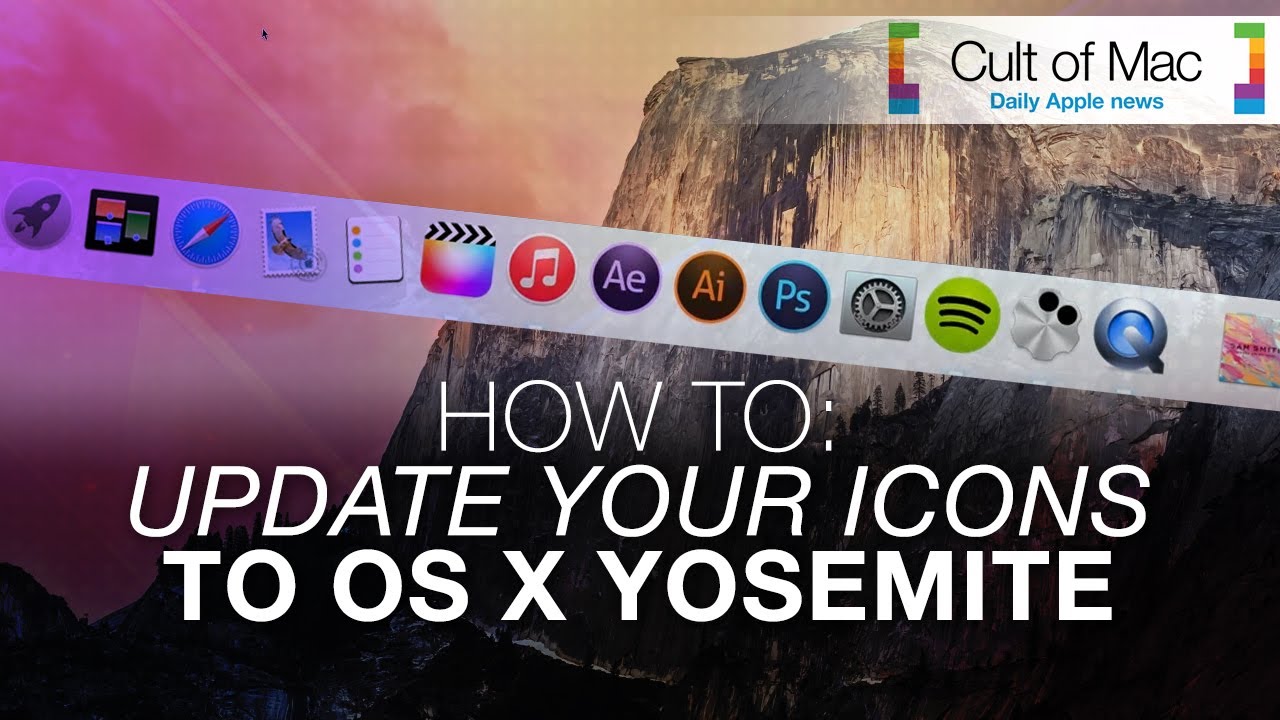
New icons in OS X Yosemite will bring the Mac operating system and iOS closer than ever visually. While Yosemite doesn’t come out until fall, you can get this cool, flat look now — without downloading Apple’s Developer Preview betas, which are buggy at best.
This short video will show you how to give your computer a Yosemite-style face-lift — even if you’re running Windows. Get the downloads mentioned in the video at the links below.
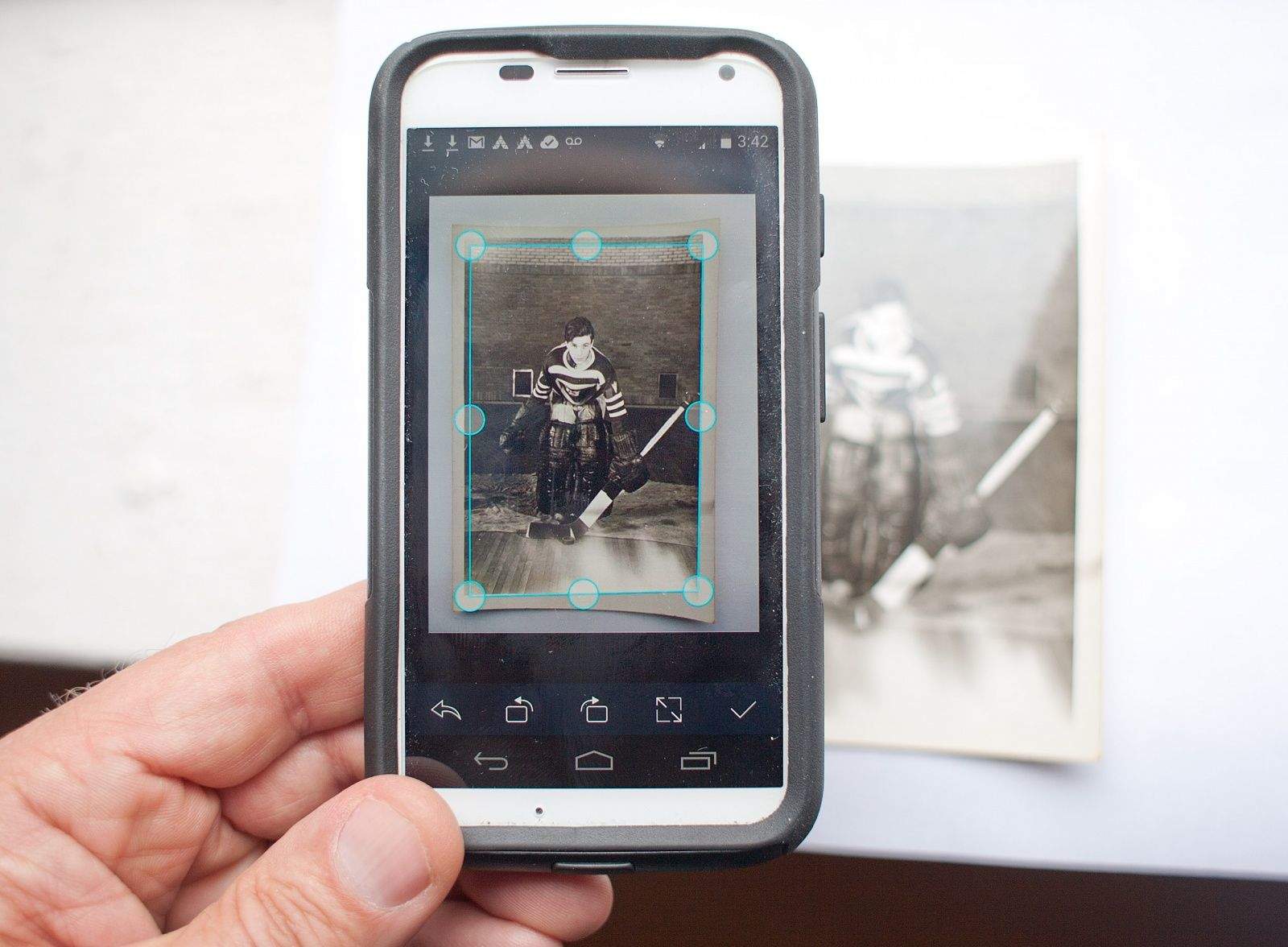
Scanning apps will let you turn a pile of photos into a useful digital archive. Photo: David Pierini/Cult of Mac
The 1940s hockey photos we found among my aunt’s possessions are a mystery she took to her grave. But with a little internet research and some sharing through social media, I figured I could put names to the players’ faces and stories that would bring the photos to life.
I needed a photo scanner. My smartphone and the right app puts one in my pocket.
For the hockey project, I tested three photo-scanning apps, each of which allowed me to digitize and share old photos without the need for computer equipment, Photoshop or the expense of a scanning service.
Handoff was one of the most exciting iOS 8 and OS X Yosemite features announced at WWDC, giving you the ability to begin a task (say, an email) on one platform and seamlessly transfer it to another.
It’s a great illustration of Apple’s ecosystem at work — but will it work on your Mac?
Could the iPhone 6 boast a Quad HD display, packing a 2560 x 1440 resolution in line with the 5.5-inch LG G3?
That’s the word on the street according to a source citing “Apple employees” from Hong Kong, although it is not clear which iPhone 6 model is being referred to. If this is the case, it would give the give the iPhone 6 by far the most stunningly beautiful screen of any Apple smartphone ever.
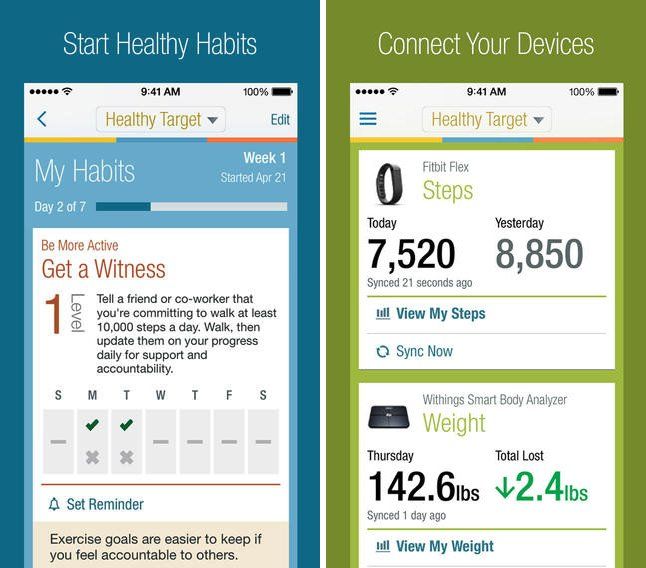
With the announcement of its Health app (and associated API) for iOS 8, Apple is making no secret of its plans to enter the health and fitness-tracking market. Capitalizing on this hype, WebMD has just updated its flagship iOS app to target health and fitness enthusiasts in a new program called Healthy Target.
A brand new section of the popular healthcare app, Healthy Target helps you to keep in top form, and on top of your various health-related goals, by setting specific targets and then tracking your progress as you work toward them. To do this, the app lets users connect their favorite activity tracker, wireless scale, or glucometer to automatically track sleep, weight, and blood sugar levels.
Having recently clarified its position on virtual currencies in the App Store (hint: Apple doesn’t hate them as much as you thought it did!), we’re starting to see certain iOS apps which deal in Bitcoin being approved for availability in the App Store again.
One of the first is CoinPocket, an app which allows users to send and receive Bitcoin, as well as collect private keys into a single spot and encrypt them. It’s very similar to Blockchain and Coinbase: two Bitcoin wallet apps which were previously given the boot by Apple.
The New York Times featured a fascinating profile of Tim Cook on Sunday, describing his leadership style at Apple — including his role in product development, his efforts to grow the Apple brand, and his “quiet” approach to design. The profile also features a couple of neat insights that may have bearing on Apple’s eagerly-awaited iWatch development.
The week is coming to a close, and now’s a chance for Cult of Mac Deals to highlight some of the best deals we’ve had on the go this week.
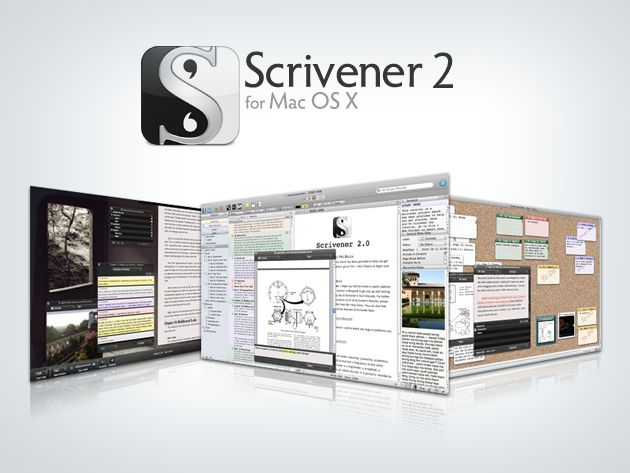
Scrivener 2 is a complete writing studio used by New York Times best-selling authors…and for good reason. It’s a word processor and project management tool that stays with you from your first, unformed idea all the way through to the final draft. You can outline your ideas, take notes, and view research, all while you’re writing – and all in one place. And Cult of Mac Deals has Scrivener 2 priced at 55% off – just $20 – but not for much longer!
One handed-selfies are now even easier. Photos: Charlie Sorrel/Cult of Mac
Do you like to wander the streets, camera in hand, ready to catch an amazing shot? Have you ever missed that shot thanks to the time taken to fumble your iPhone from your pocket and fire up the camera? Even if the answer to these questions is “No,” you should probably take a look at Shoulderpod’s S1 anyway – it’s not only a great camera grip, but also the best value you’ll get spending $30 on an iPhone accessory.
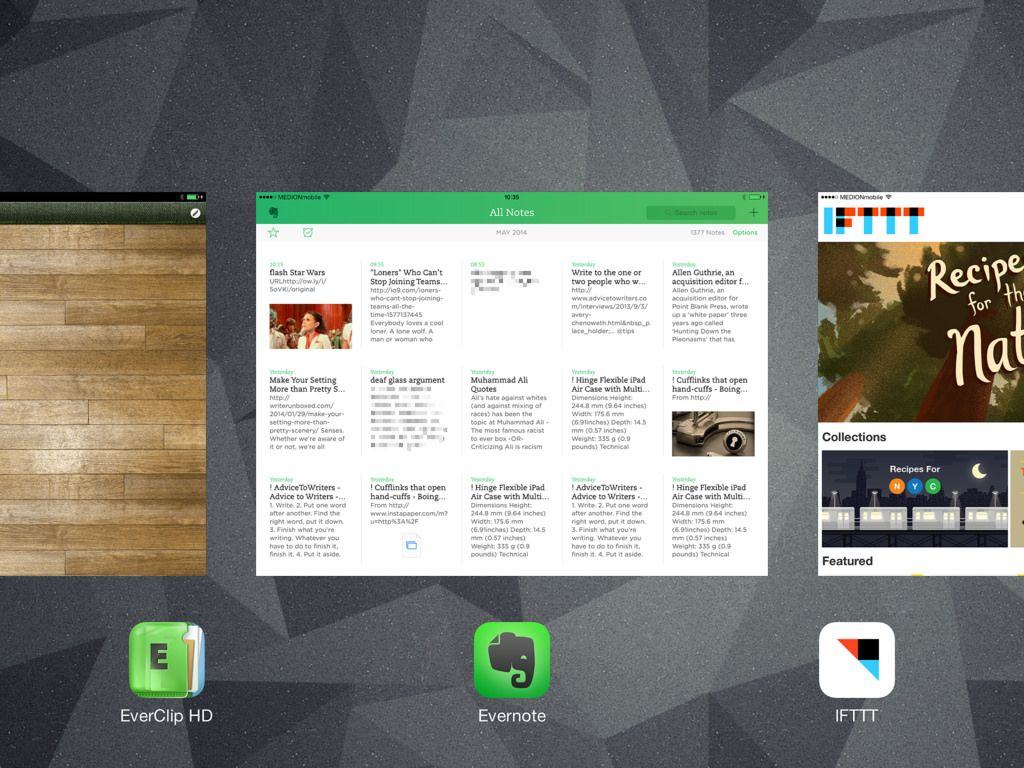
Welcome to the final part of our series about note-taking for writers (or anyone else). Today we’re going to look at getting clippings and bookmarks into Evernote, to be stored and accessible alongside your scanned, paper-based notes (Part 1) and your text notes grabbed on your iPhone or Mac (Part 2).
We’ll use a few apps and services to get this done – EverClip, Mr Reader, IFTTT and Pinboard are the main ones.
As ever, you could just do much of this using Evernote and its web clipper, but this only works in Safari and Chrome on the desktop. In 2014! Clearly that’s no good. Let’s see how we can do it better.
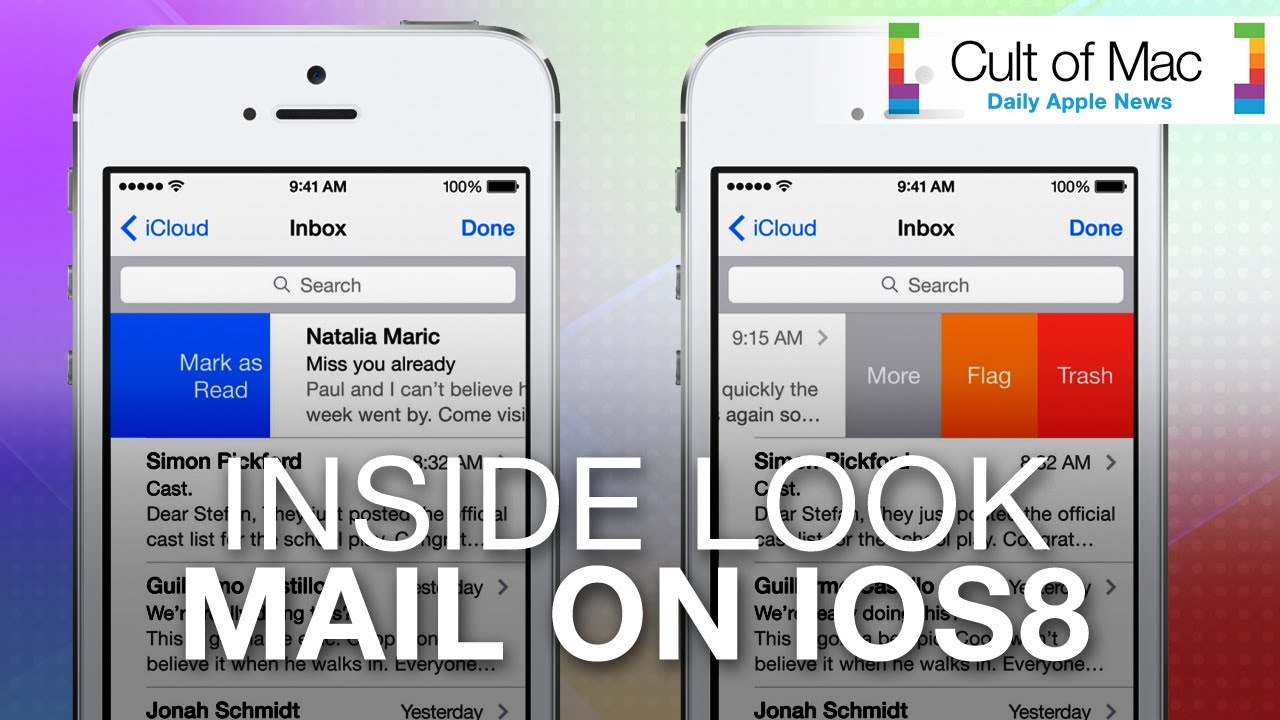
With so many emails to send in a day, having an application that meets all your requirements is critical. Though Apple’s native email client might not always have been the fastest means of delivering messages, iOS 8 aims to fix that. In today’s hands-on video, we’ll give you a look at the new and improved Mail application, which comes equipped with quick tricks to speed up common activities.
For instance, you can swipe across emails in the enhanced Mail app to quickly access functions or go back and forth between your inbox and drafts. See how it all works in the video above.
Stare into our ball to see past the rumors and into the future...
We get slammed 24/7 with new Apple rumors. Some are accurate, most are not. To give you a clue about what’s really coming out of Cupertino in the future, we’re busting out our rumor debunker each week to blow up the nonsense.
After WWDC ground the rumor mill to a near halt last week, the Apple gossip machine is back to full force spitting out whispers of new iMacs, crazy tales of futuristic Smart Covers and of course, tons of new iPhone 6 rumors.
Once again we're taking the black cloth off our crystal ball and shining it up to see if we can spot what Tim Cook has in store for the future of Apple. Come see which rumors are guaranteed to materialize and which are about to disappear like a ghost.