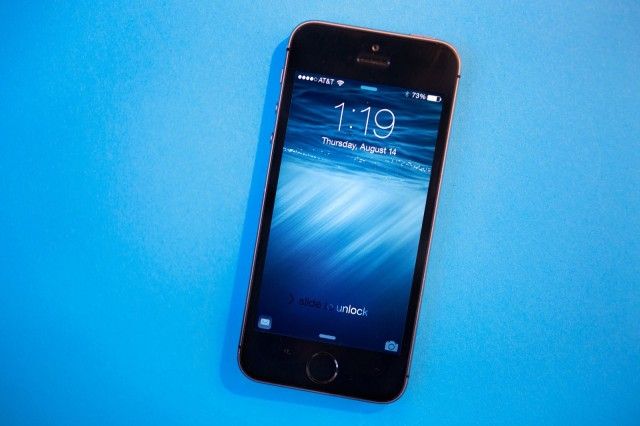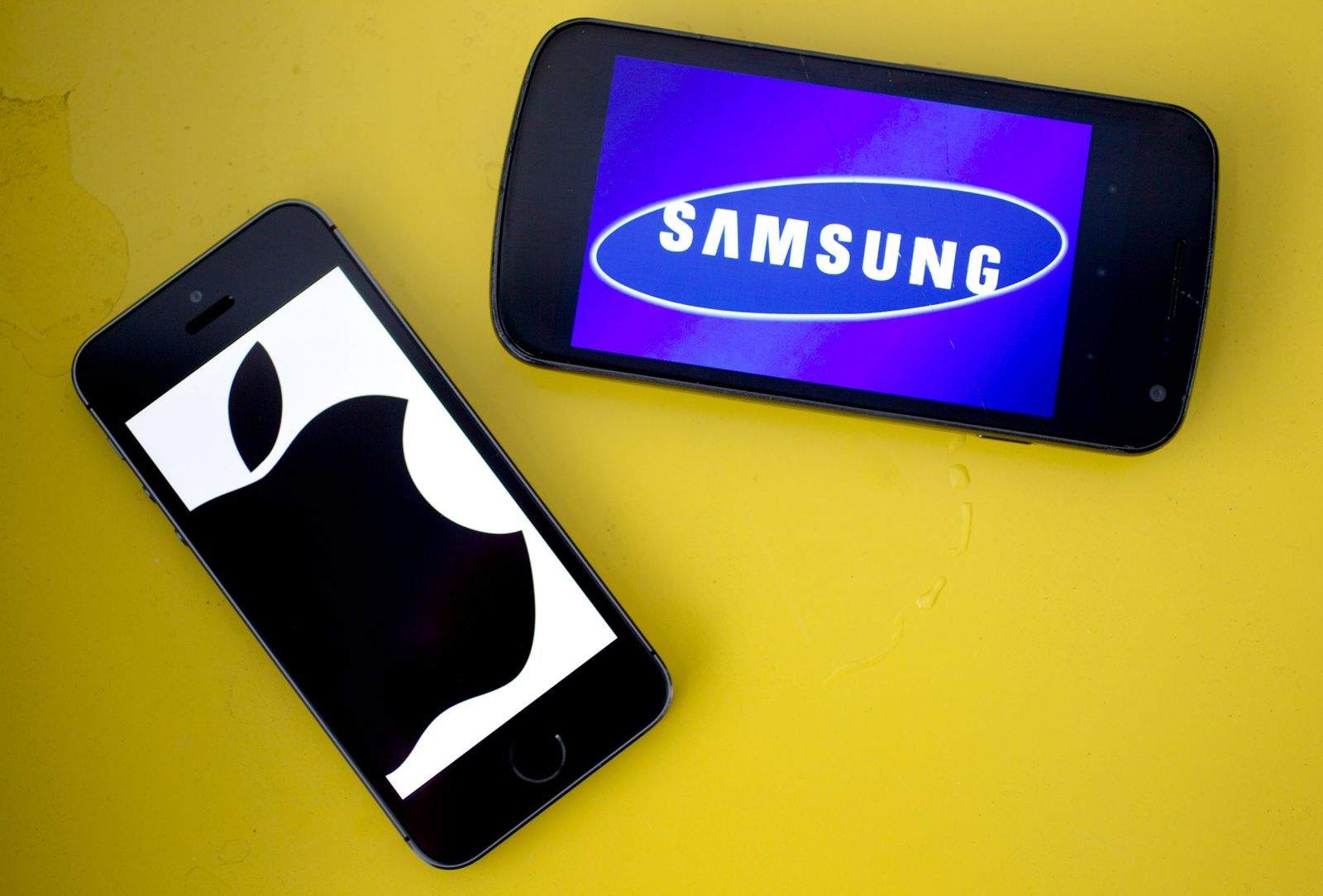
You may have noticed recently that the Facebook app makes sounds. Like a post? Chirp. Refresh the news feed? Swoosh. It’s like your iPhone got suddenly chatty and wants you to know that you’re tapping on the screen with every blip and bloop.
Surely you’d like to turn these things off. You could just mute your whole iPhone with the sound toggle button, but if you want to have other audio come through, like video, music, or (gasp) phone calls, you can dip into your Facebook app settings and soon experience the bliss of a blip-free Facebook browsing experience.
Here’s how.