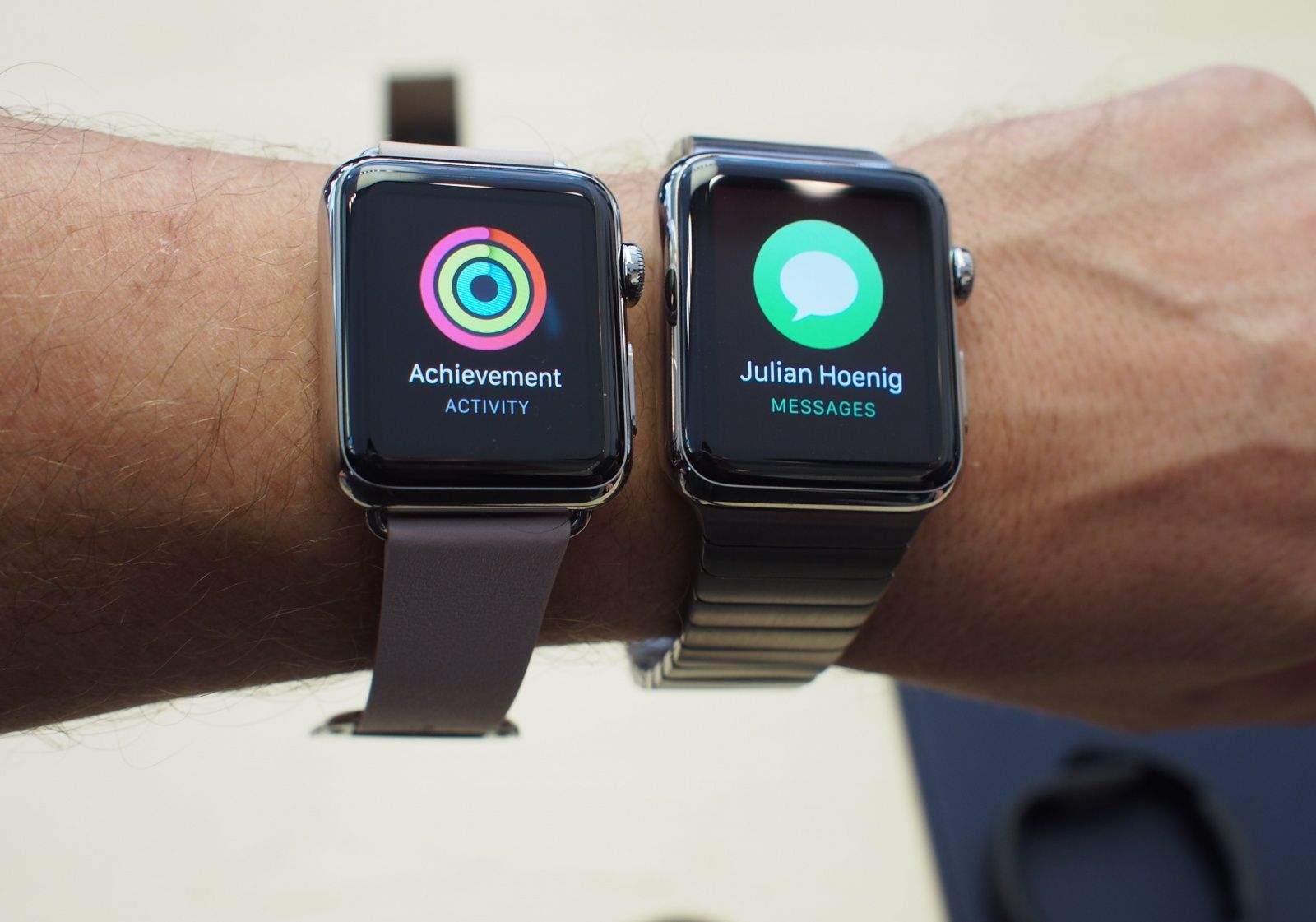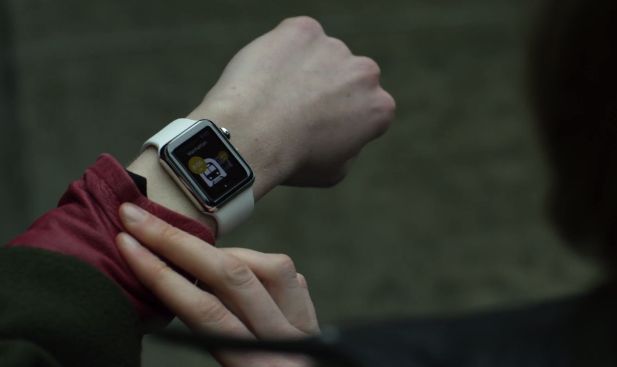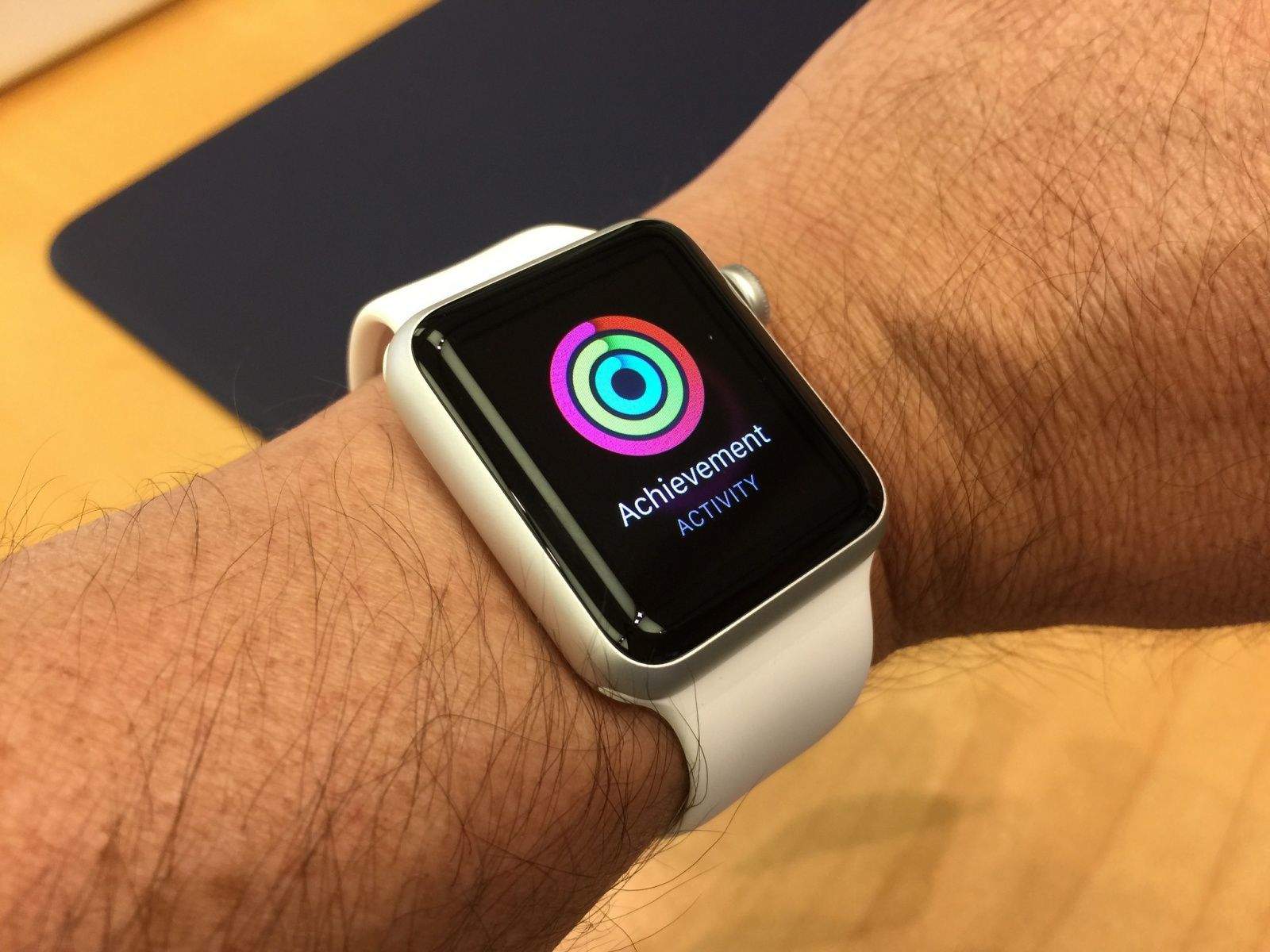
Notifications are why we all got an Apple Watch, right? We want to be able to know what’s going on in our digital lives all the time, but we want to do it faster, without having to pull out an iPhone. Because that’s just rude.
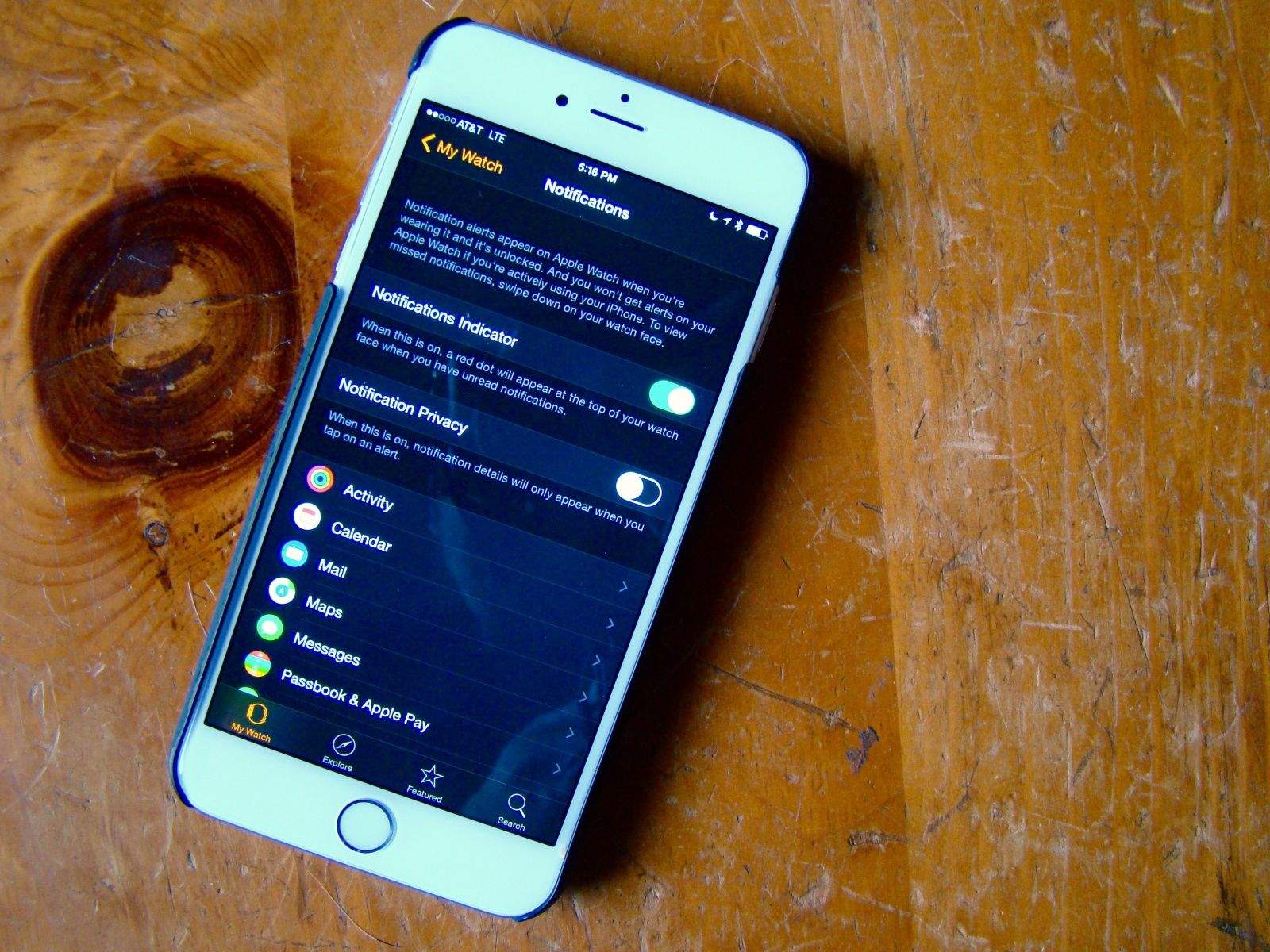
However, getting every single Notification that you get on your iPhone shunted automatically over to your Apple Watch is going to get tiresome. No one wants to deal with a wrist tap every time someone takes a turn in Evil Apples.
Here’s how to manage all of the notification cruft a little bit better.