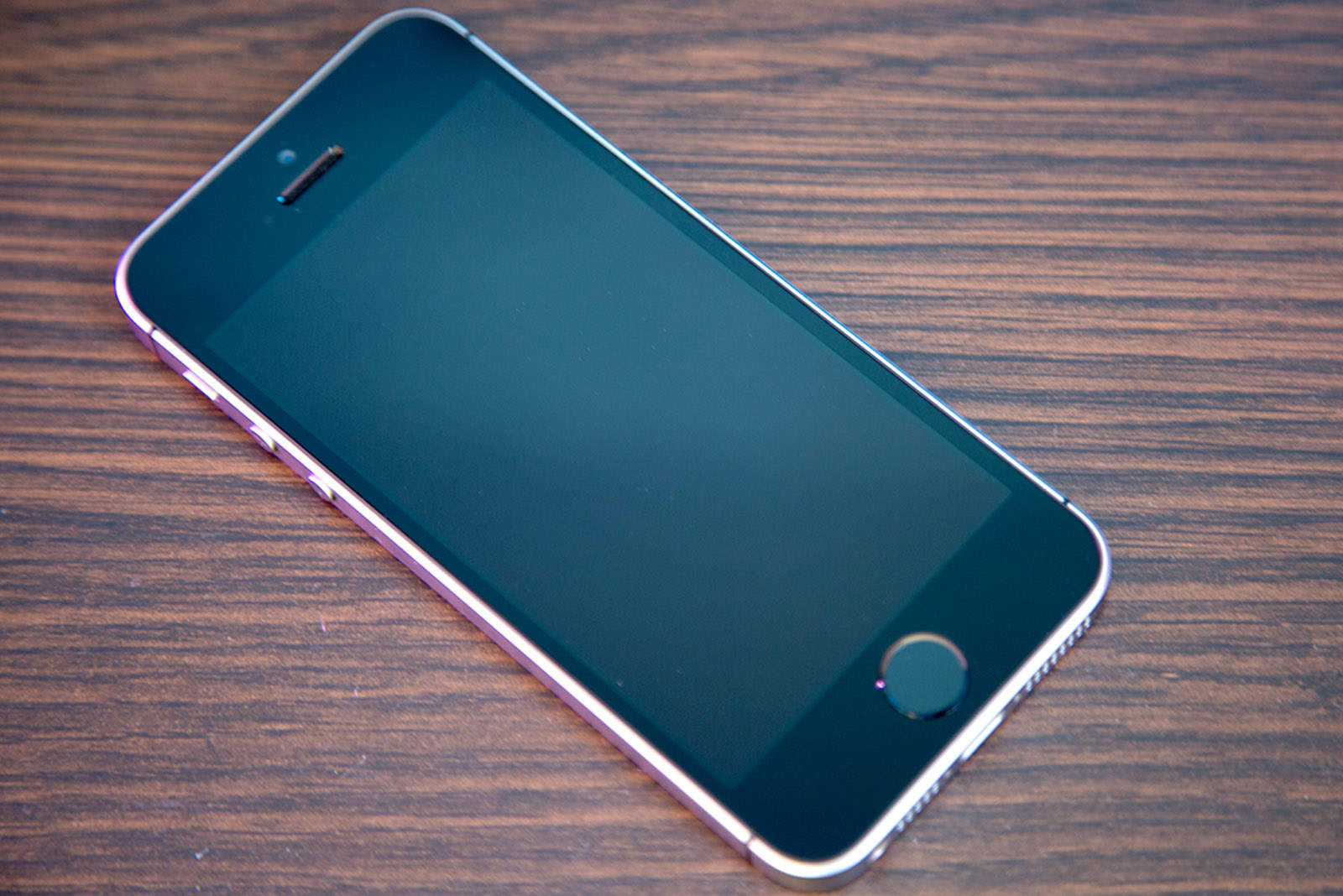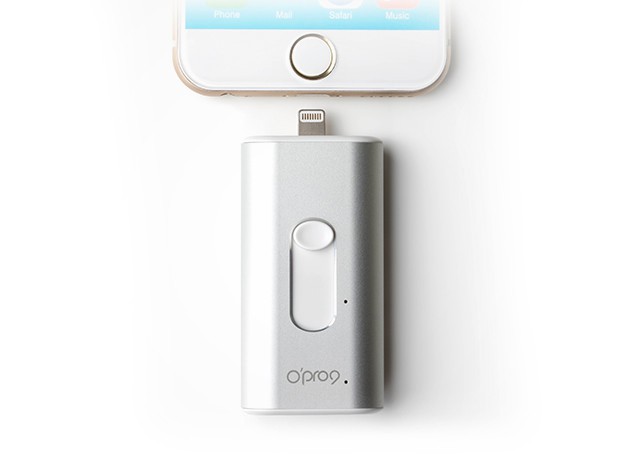
 If you’re running out of local or iCloud storage space on your iPhone (or iPad), it may be time to check how much space the Messages app is taking up. By default, your iPhone or iPad is set to save any messages you send and receive forever. This can result in iPhone “out of storage” messages, slow performance, and slow-loading performance when scrolling through threads.
Unless you really need to save every single message, there’s a quick way to potentially save gigs of space in just a few taps. Here’s how!