Mobile menu toggle

Swipe your photos from one device to another without any fuss

By

swipe-your-photos-from-one-device-to-another-without-any-fuss-image-cultofandroidcomwp-contentuploads201604FotoSwipe-jpg
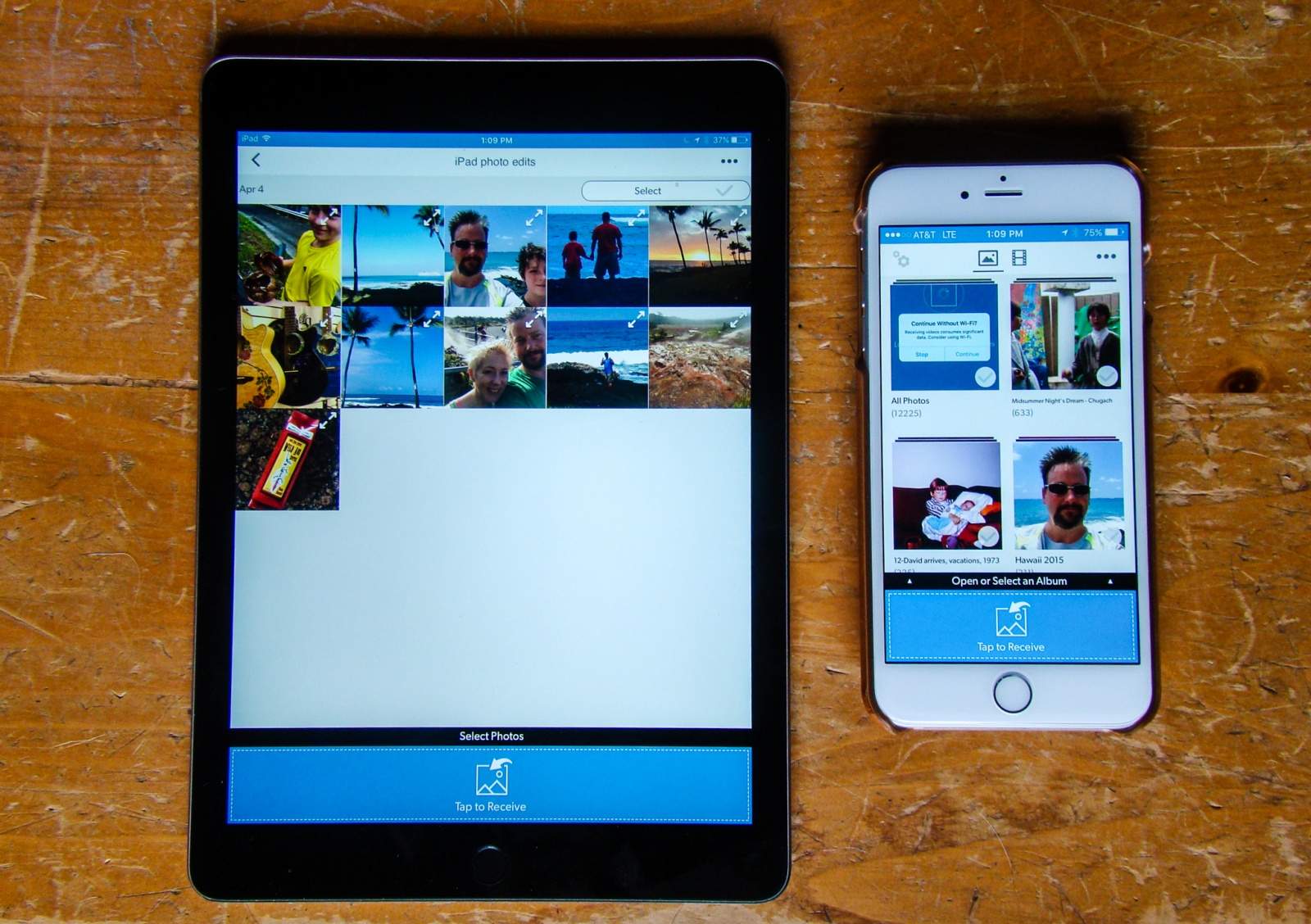
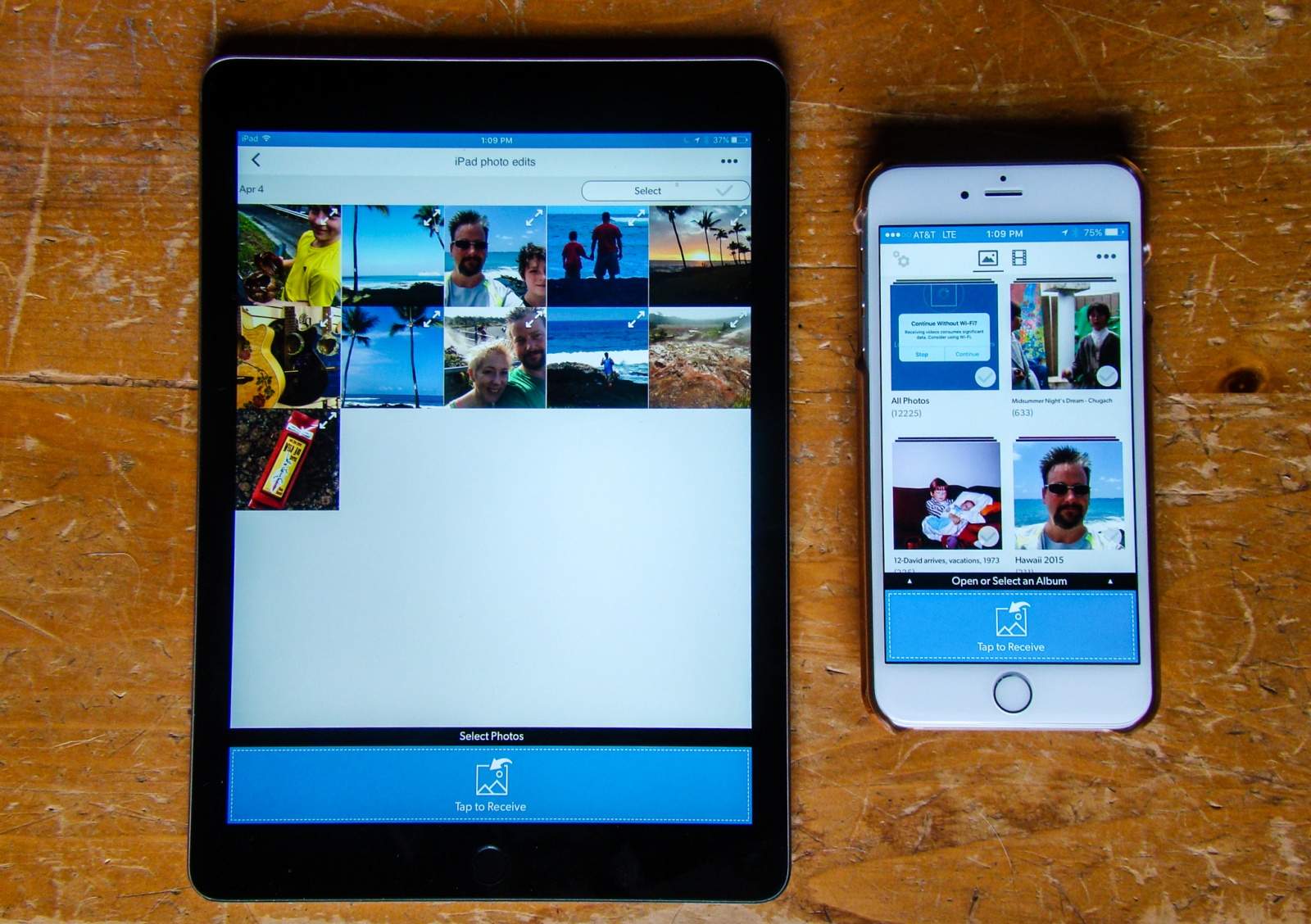
FotoSwipe makes sharing photos and videos super simple. Photo: Rob LeFebvre/Cult of Mac

With iOS, you have AirDrop, and on Android you have Android Beam to send photos and files back and forth to other devices running the same operating system.

But what if you want to send photos from your iPhone to your friend’s Nexus? Or vice versa?

FotoSwipe, a new app for both iOS and Android, does exactly that: moving your photos from any device running the app to any other device running the app. It will even let you move photos from your mobile phone to your computer.

Check out the video below to see how it works.

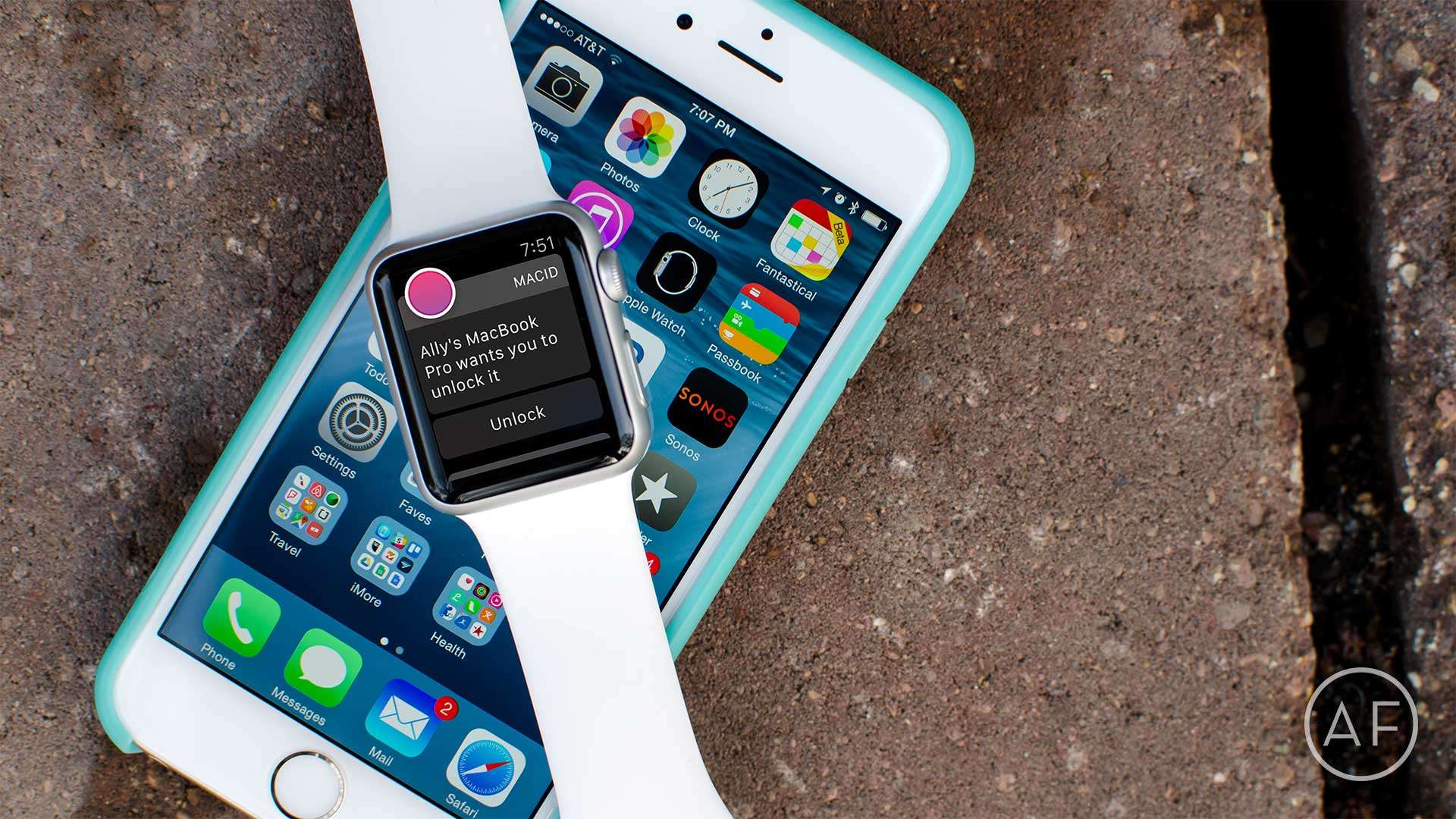
How to unlock your Mac with an iPhone or Apple Watch

By

Tired of dealing with login passwords on your Mac? Skip them altogether with MacID!
Photo: Ally Kazmucha/The App Factor

app-factor-logo-thumbnail There aren’t a lot of apps I use regularly on my Apple Watch. The ones that I do use regularly consist of utilities that make my life easier, or apps that help me track things, like water intake or how many tasks I have left for the day. One of my favorite utilities is MacID, which offers even faster access to my Mac with my Apple Watch (or my iPhone).

Metal versions of classic iPhone ringtones will melt your face

By

'Marimba' makes a great metal song.
Photo: ToxicEternity

The iPhone’s “Marimba” ringtone has become one of the most common sounds you hear everyday, and if you’ve owned an iPhone for a while, it’s downright annoying.

Sure, the ringtone is somehow able to distill Apple’s light and whimsical platform into just a few notes played on an African xylophone. But after nine years, the iPhone’s iconic ringtone could use an update to give it a little more edge.

Video game guitarist ToxicEternity has created a metal cover of Apple’s most popular iPhone ringtones and he shreds so hard it just might melt your face.

Check it out:

iOS-friendly flash drive makes sharing data simple [Reviews]

By

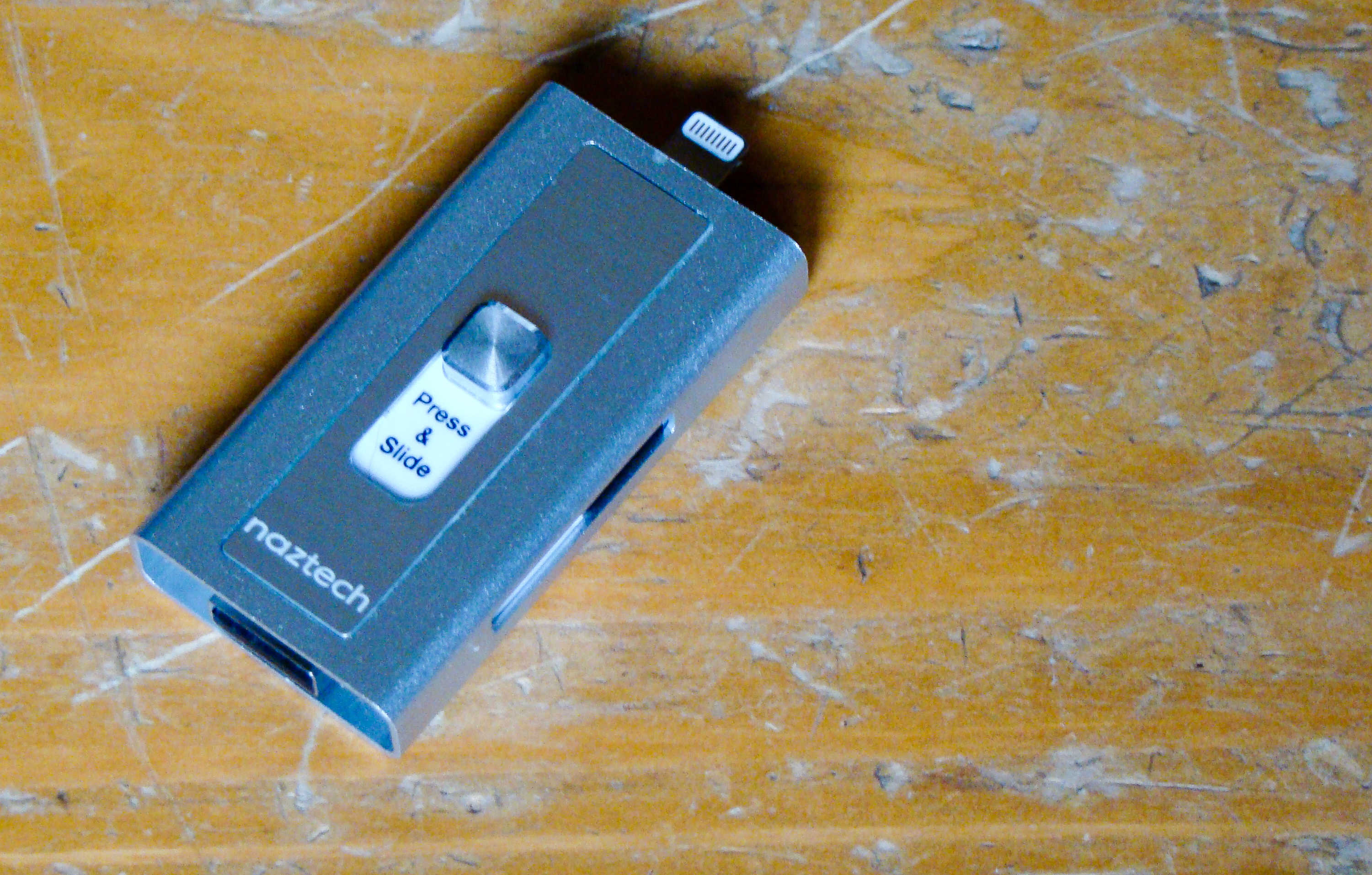
This flash drive will connect to your Mac and your iPhone.
Photo: Rob LeFebvre/Cult of Mac

Best List: Xtra Drive by Naztech

We’ve all been using flash drives on our Macs for ages, ever since Apple dropped the disk drives from its computer lineup.

iPhones and iPads don’t have a USB port, so it’s hard to use the same external thumb drives on the go.

The new Xtra Drive from Naztech is the best of both worlds, providing a single microSD card-based solution that has both a USB and a Lightning connector that will let me back up and transfer files from my iOS device to any computer.

Starz streaming service shoots onto iOS and Apple TV

By

Outlander can now be streamed on Apple TV.
Photo: Starz

Starz is finally getting into the streaming business.

The premium cable network revealed today that it is launching a standalone streaming service on iOS, Apple TV, and other platforms today. The Starz digital service gives you yet another monthly subscription to pay for, but the company has one killer feature it hopes will put it above the competition.

WhatsApp follows Apple’s lead with end-to-end encryption for all

By

WhatsApp
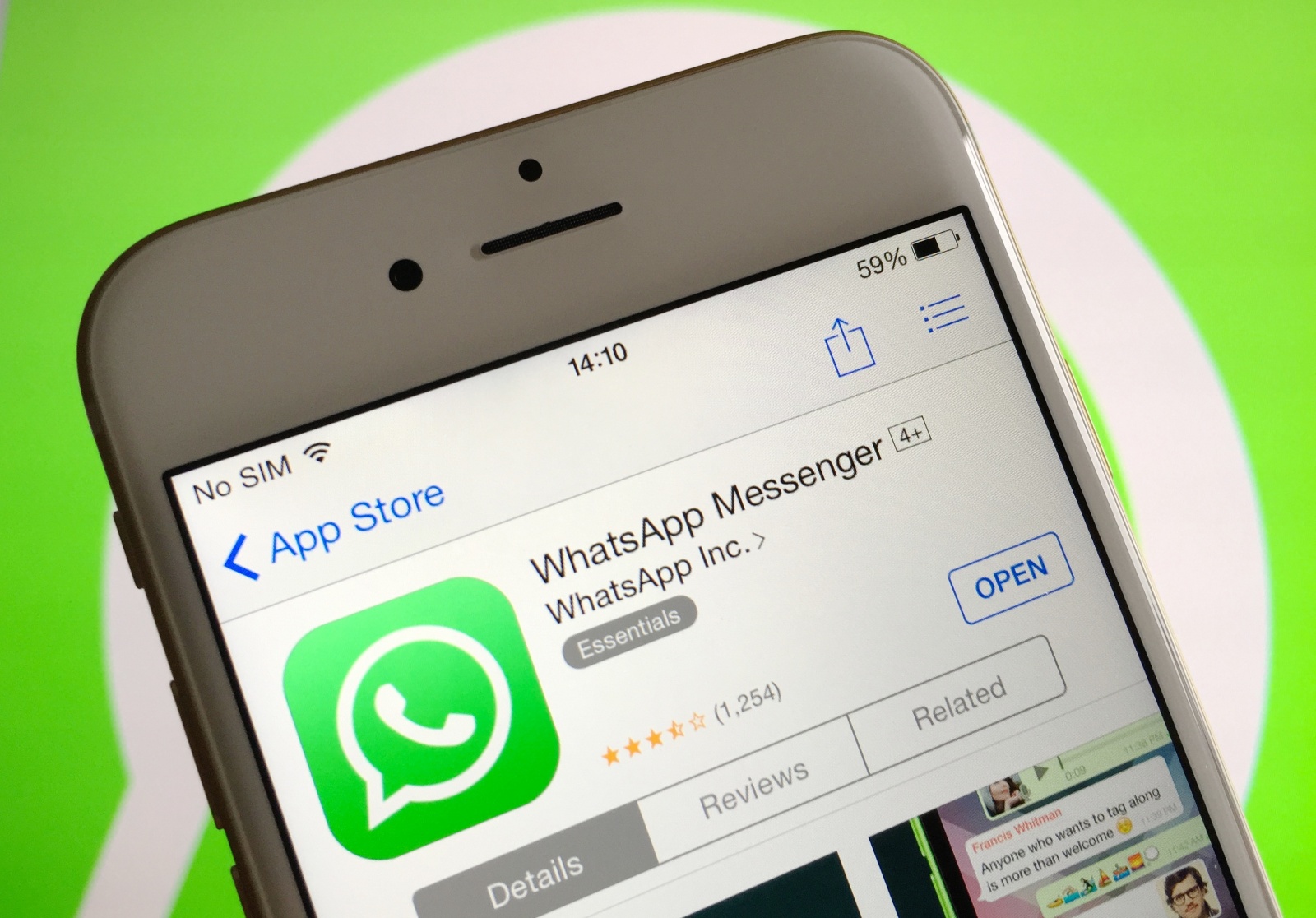
WhatsApp just made cross-platform messaging safer.
Photo: Killian Bell/Cult of Android
WhatsApp just made messaging safer. Photo: Killian Bell/Cult of Android
WhatsApp just made cross-platform messaging safer. Photo: Killian Bell/Cult of Android

Apple’s battle with the FBI may not have achieved much in court, but it did do some good.

Following in the iPhone-maker’s footsteps, WhatsApp today began rolling out end-to-end encryption for every single one of its 1 billion users. The move will make intercepting messages near impossible for authorities — and even WhatsApp itself.

Apple Music playlist highlights 40 songs from 40 years of ads

By

Apple Music
Alex Gale joins Apple Music.
Photo: Jim Merithew/Cult of Mac

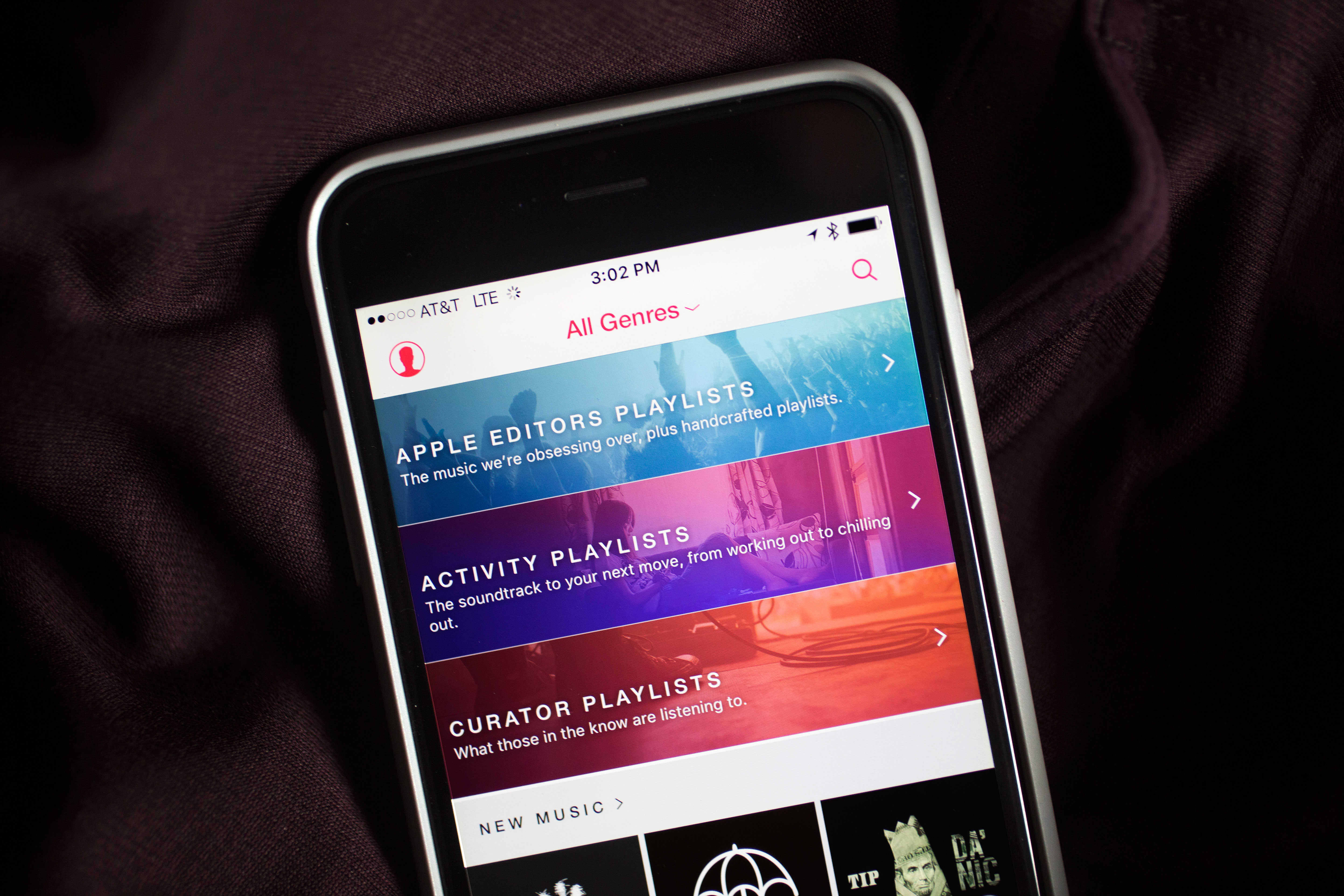
Festivities for Apple’s 40th birthday have spilled over onto Apple Music this week, with an all-new playlist that celebrates songs from the company’s iconic ads over the years.

The 40-song playlist spotlights some of the best tunes of the present and the past. It’s available to all Apple Music subscribers, and includes hits from The Beatles, Rolling Stone, Eminem, Adele, Daft Punk, Lauryn Hill, Coldyplay, U2 and Bob Dylan.

Check out the full track list:

T-Mobile Binge On now supports Amazon Music, ESPN Radio, more

By

T-Mobile was caught throttling data speeds.
Binge On goes bigger!
Photo: Killian Bell/Cult of Android
Binge On goes bigger! Photo Killian Bell/Cult of Android

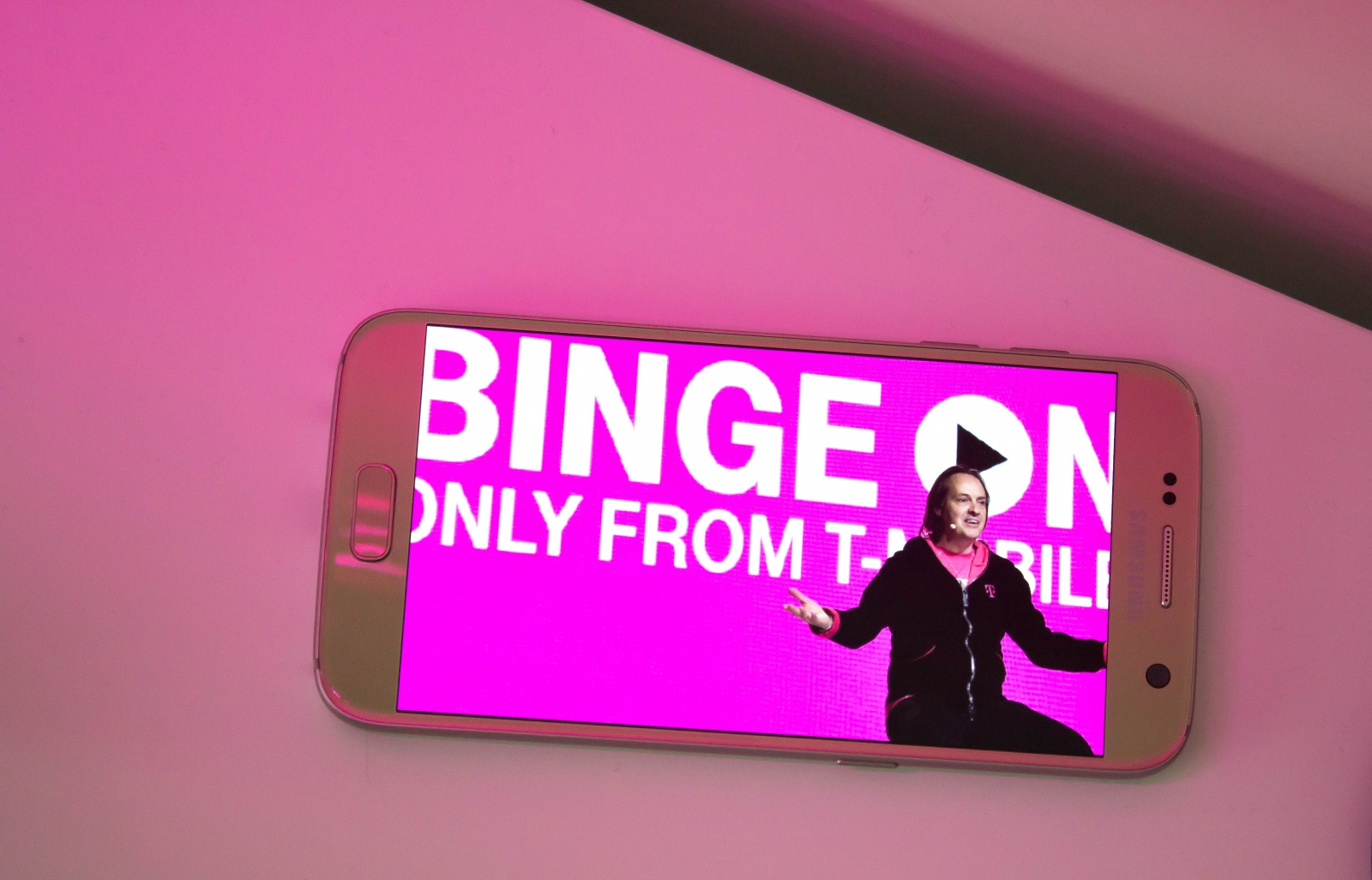
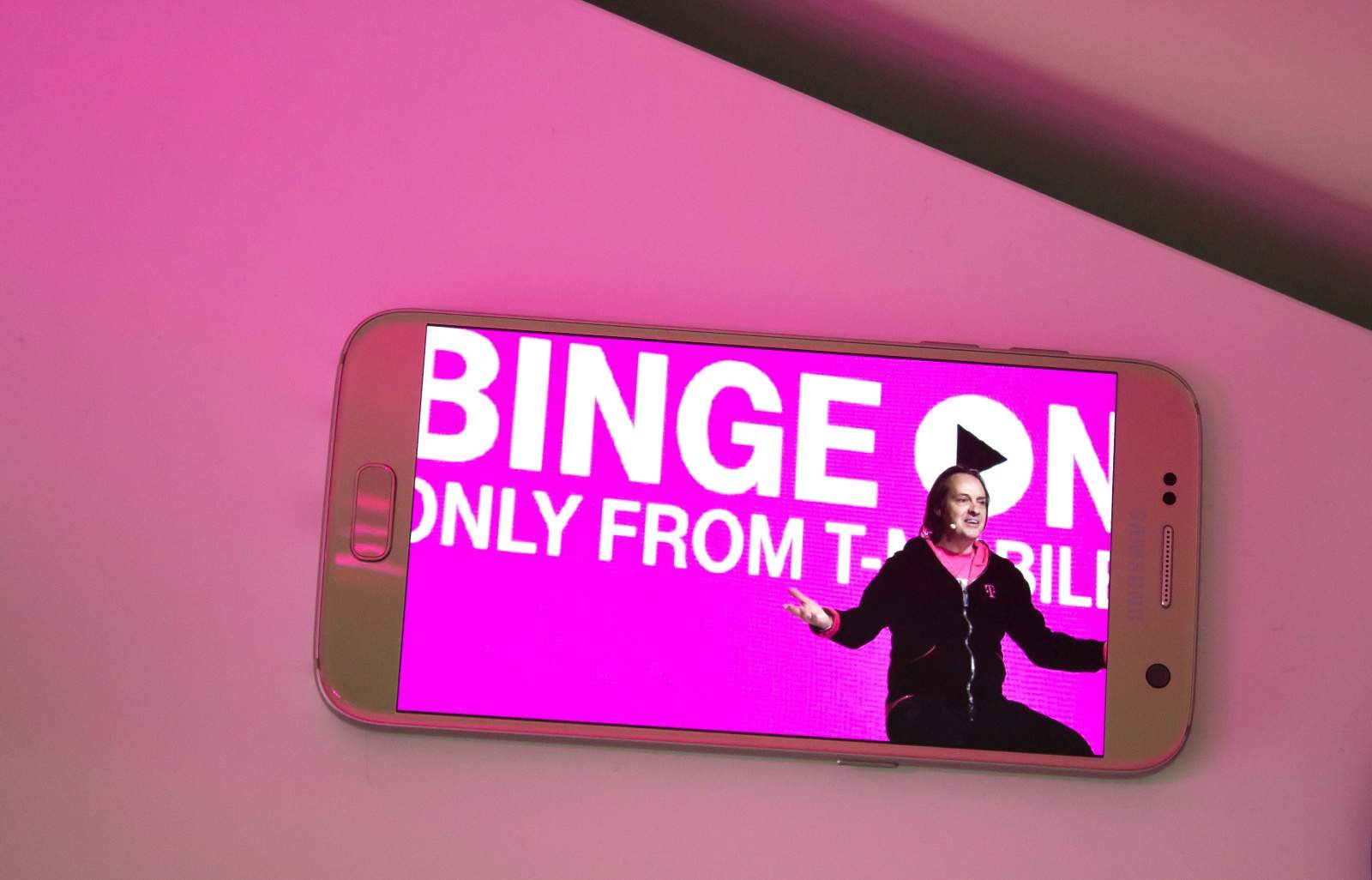
T-Mobile has today added yet more services to its Binge On program after revealing that subscribers have streamed a whopping 90 billion songs for free since Music Freedom launched.

Amazon Music, ESPN Radio, and Dailymotion are some of the streaming services now available.

Apple’s mouse will get even more magical with Force Touch

By

apple-magic-mouse_2-900-80
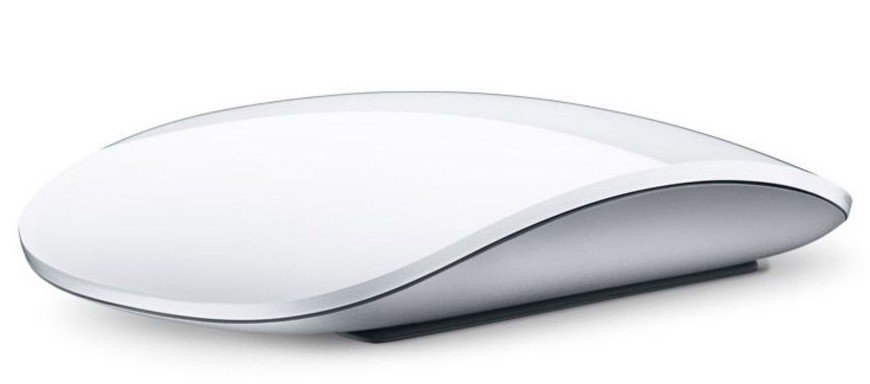
Force Touch is coming to the Magic Mouse.
Photo: Apple

From introducing the mouse to a mass market to getting rid of its buttons by order of Steve Jobs, Apple has always been at the forefront when it comes to driving mouse technology forward.

A new Apple patent published today promises to keep that tradition by describing a future Magic Mouse with integrated Force Touch sensors.

Coming soon, we hope, to a Mac near you!

How to make your photos pop with VSCO on iPad

By

VSCO on iPad is a fantastic, free option for photo editing.
Photo: Rob LeFebvre/Cult of Mac

VSCO is a fantastic photo app for iPhone and iPad, and it lets you shoot some killer photos as well as edit them directly in the same app once you’ve taken your masterpiece.

The app is universal, which means it works well on iPhone and iPad, natively. The extra screen real estate, however, makes VCSO on iPad a fantastic choice just for editing any photos you like, whether you took them with your iPad, iPhone, or any other camera you might have.

Here’s how.

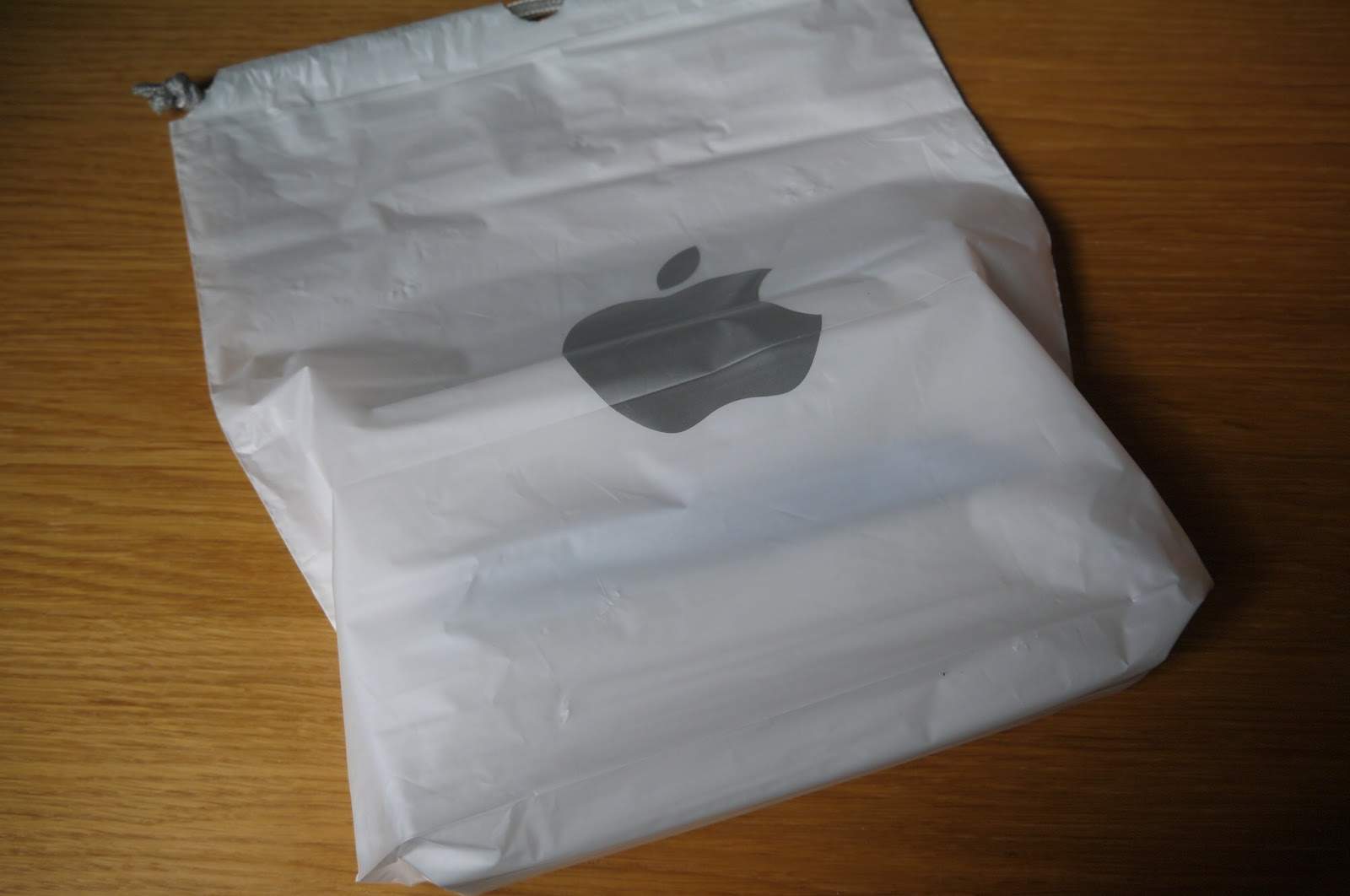
Apple Stores will ditch plastic bags for paper this month

By

Am I the only one who dislikes Apple Store bags?
Goodbye, old friend!
Photo: hellosanta1225

As part of Apple’s continued focus on the environment, Apple Stores will soon ditch their instantly recognizable plastic bags for new paper ones made of 80 percent recycled materials.

The official changeover happens April 15, although stores will continue to use the old plastic bags until they run out of stock. The new bags come in both medium and large sizes.

U.S. senator calls for ban on gun that looks like an iPhone

By

32D9FA7100000578-3523426-image-m-39_1459815297431
Mugging? There's an app for that.
Photo: Ideal Conceal

New York Sen. Charles Schumer is speaking out about a .380-caliber gun disguised as an iPhone, which he says is a “disaster waiting to happen.”

Schumer called on the Department of Justice and the Bureau of Alcohol, Tobacco, Firearms and Explosives to look into the iPhone gun — and possibly ban it — before it comes to market.

Apple will sell its 1 billionth iPhone this summer

By

iPhone 6
Breaking news: Apple's sold a lot of iPhones.
Photo: Jim Merithew/Cult of Mac

Apple will sell its one billionth iPhone this summer and is likely to sell its 2 billionth by 2020, claims a new report.

Provided these numbers are accurate (and the first is almost certainly correct), it’s a timely reminder that — even during a period when the term “peak iPhone” is being thrown around — Apple’s astonishingly successful when it comes to selling its handsets.

Latest Siri exploit is super-specific (and avoidable)

By

Siri
It's possible for Siri to be too helpful.
Photo: Jim Merithew/Cult of Mac

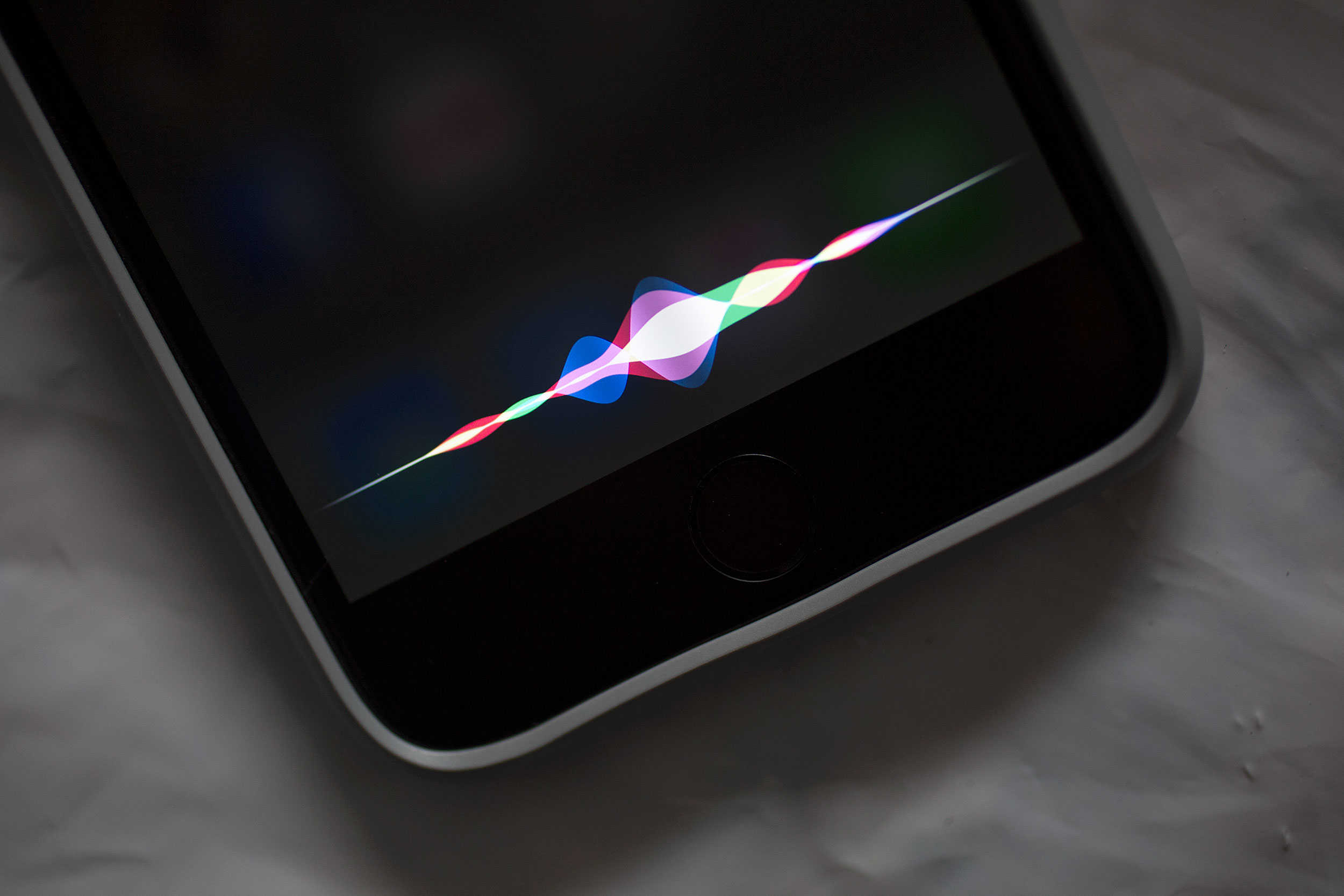
Siri might be a (halfway) decent digital assistant, but Apple’s AI helper makes for a lousy security guard.

We’ve heard about a bunch of “sneaky” ways that evildoers can use Siri to get access to your photos, contacts or completely unlock your phone without entering a passcode or using Touch ID. Luckily, most of these “security problems” are bogus, but a newly discovered one is for real.

The good news, however, is that this Siri exploit only affects certain iPhone models and is completely preventable.

New iPhone 7 concepts have vastly different takes on the future

By

iPhone vision Next iPhone 7 concepts
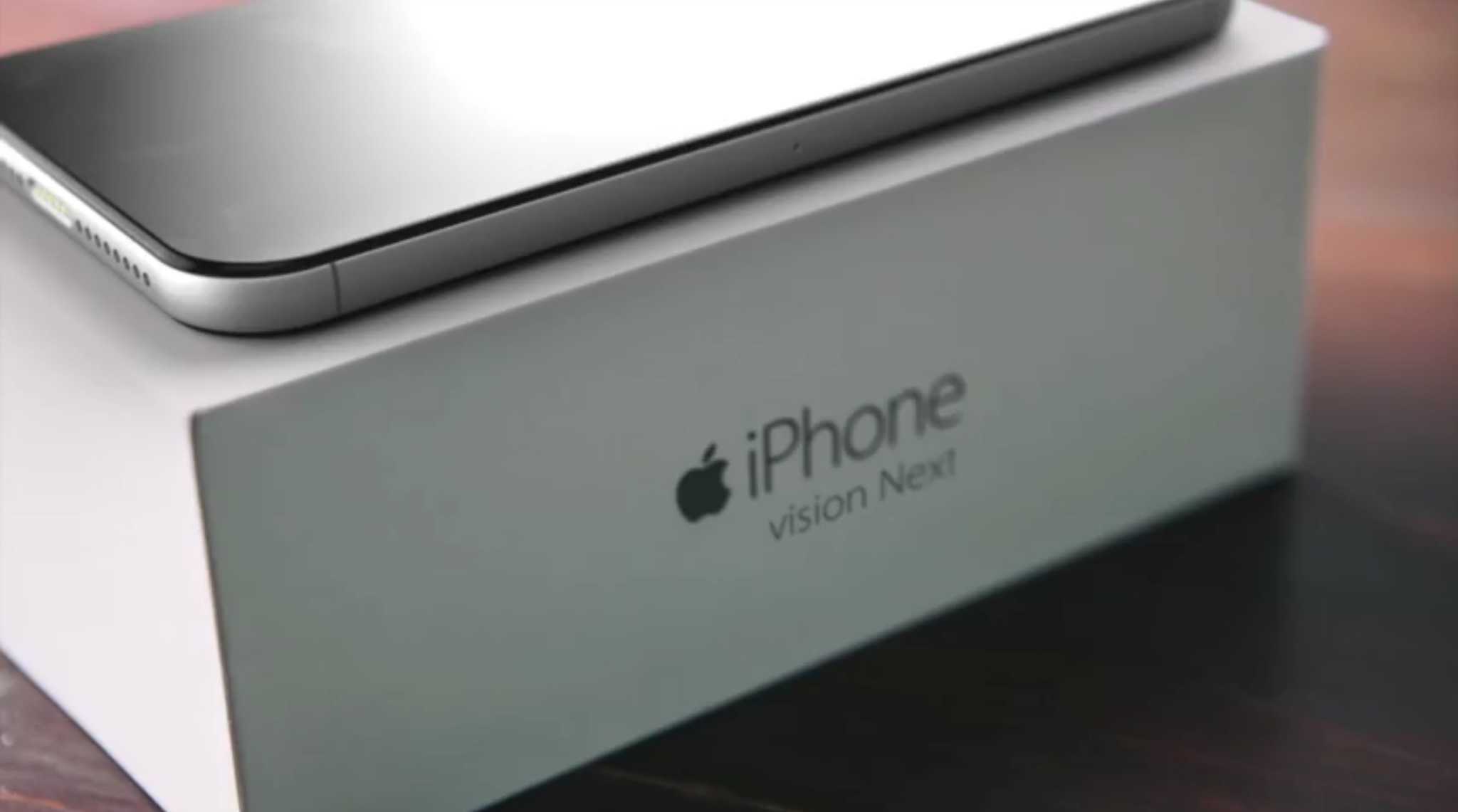
Some iPhone 7 concepts are more likely for realization than others.
Photo: Marek Weidlich

Now that Apple has ruined all of our fun by showing us what the iPhone SE looks like, we can go back to obsessing over iPhone 7 concepts. We have two new ones for you to check out; one of them seems way more likely than the other, but they’re equally fun.

We’re sure these won’t be the last iPhone 7 concepts we’ll see before we get our first look at the new hotness later this year, but these ones are interesting because they take different approaches to their designs.

iPhone SE only costs Apple $160 to build

By

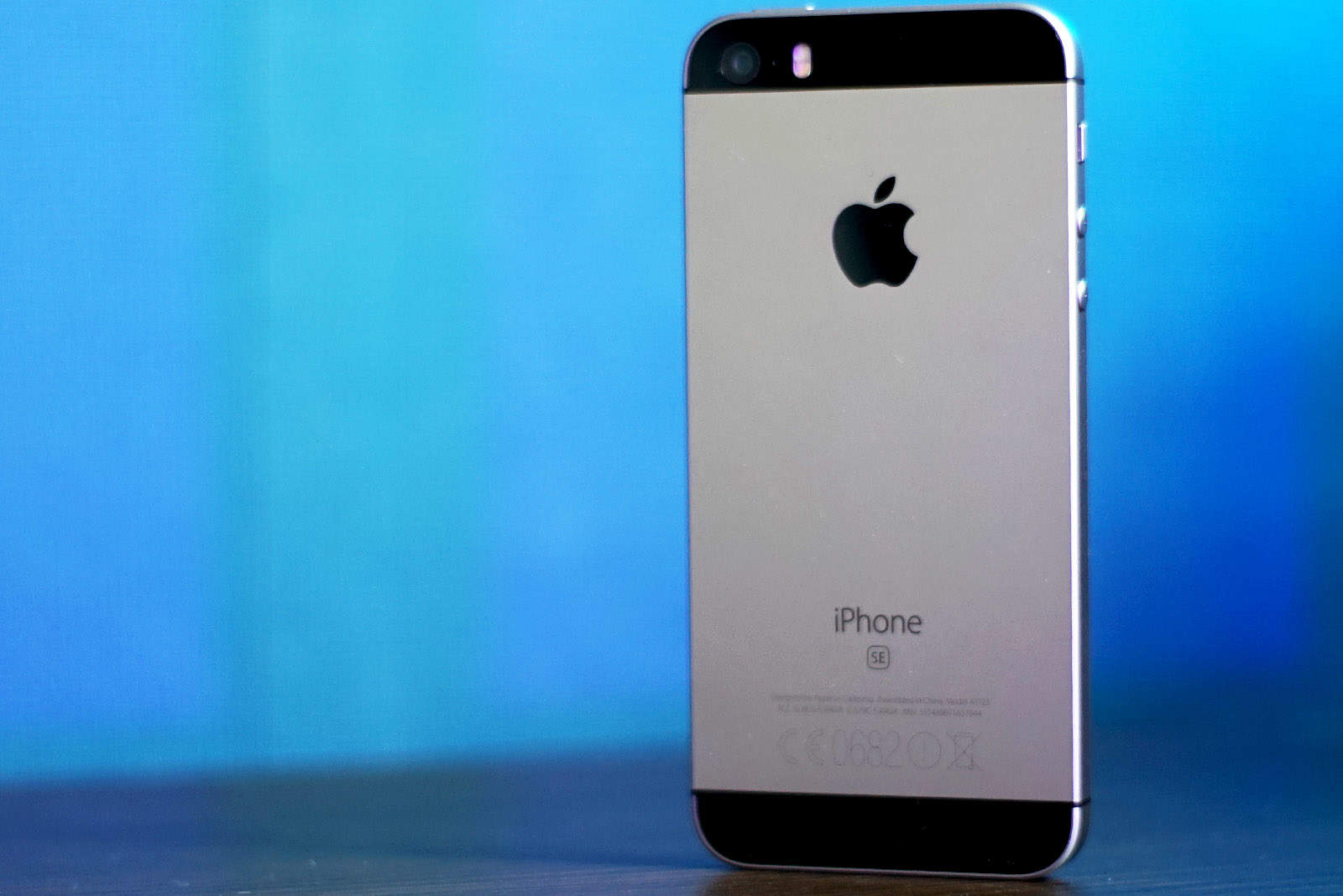
iPhone SE
A new iPhone SE could be coming soon.
Photo: Sam Mills/Cult of Mac

When it comes to building iPhones, it really pays to use old parts.

The iPhone SE only costs Apple about $160 to build and assemble, based on the latest findings from an IHS teardown that discovered one the display, Apple cut costs down to less than half by using the same four-inch screen found on the iPhone 5s.

How to save iPhone storage by limiting the Messages app

By

Messages is getting really good with iOS 10.
Photo: Ally Kazmucha/The App Factor

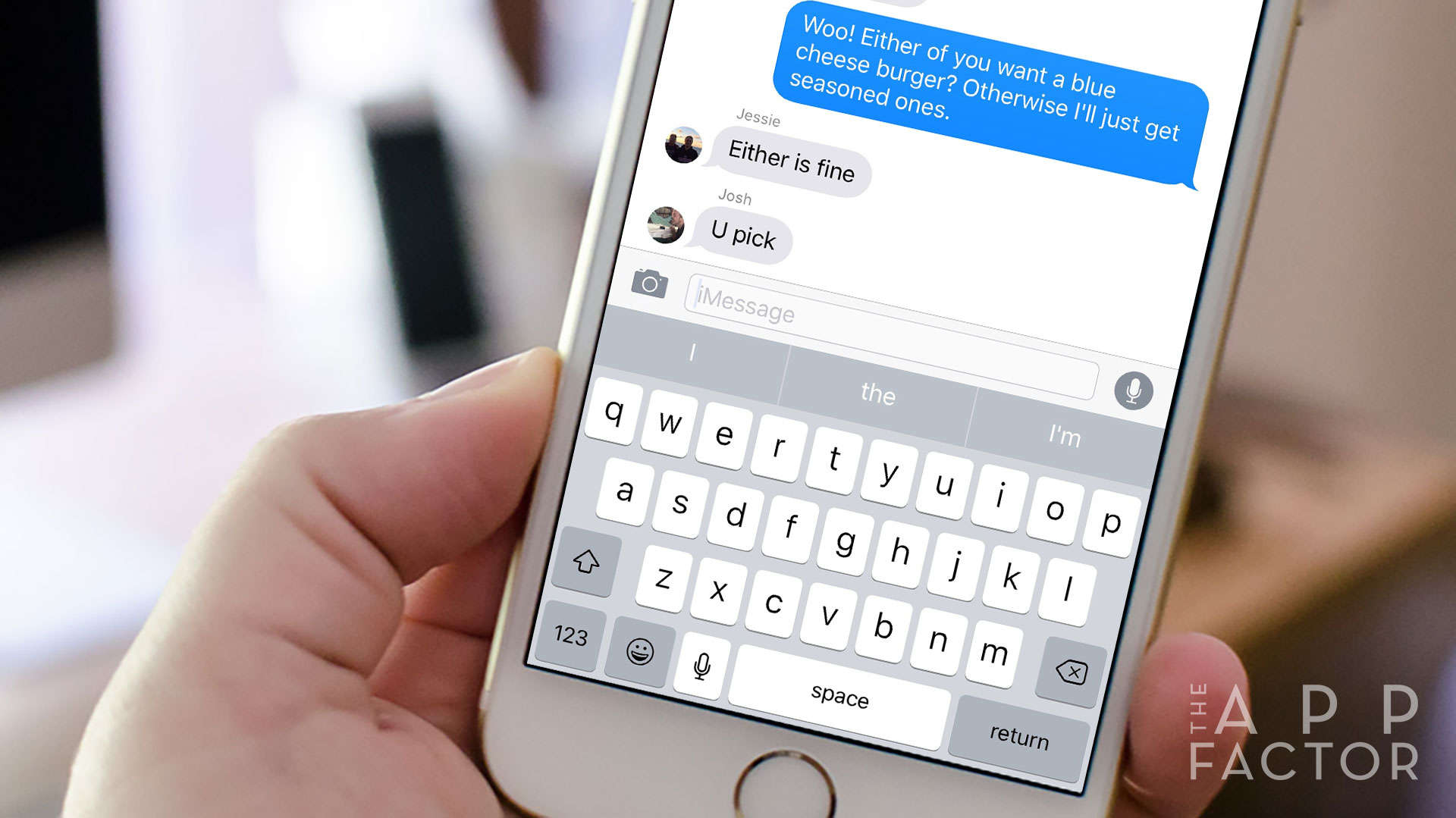
app-factor-logo-thumbnail If you’re running out of local or iCloud storage space on your iPhone (or iPad), it may be time to check how much space the Messages app is taking up. By default, your iPhone or iPad is set to save any messages you send and receive forever. This can result in iPhone “out of storage” messages, slow performance, and slow-loading performance when scrolling through threads.

Unless you really need to save every single message, there’s a quick way to potentially save gigs of space in just a few taps. Here’s how!

Amazon CEO teases top-of-the-line Kindle coming next week

By

Amazon is on fire.
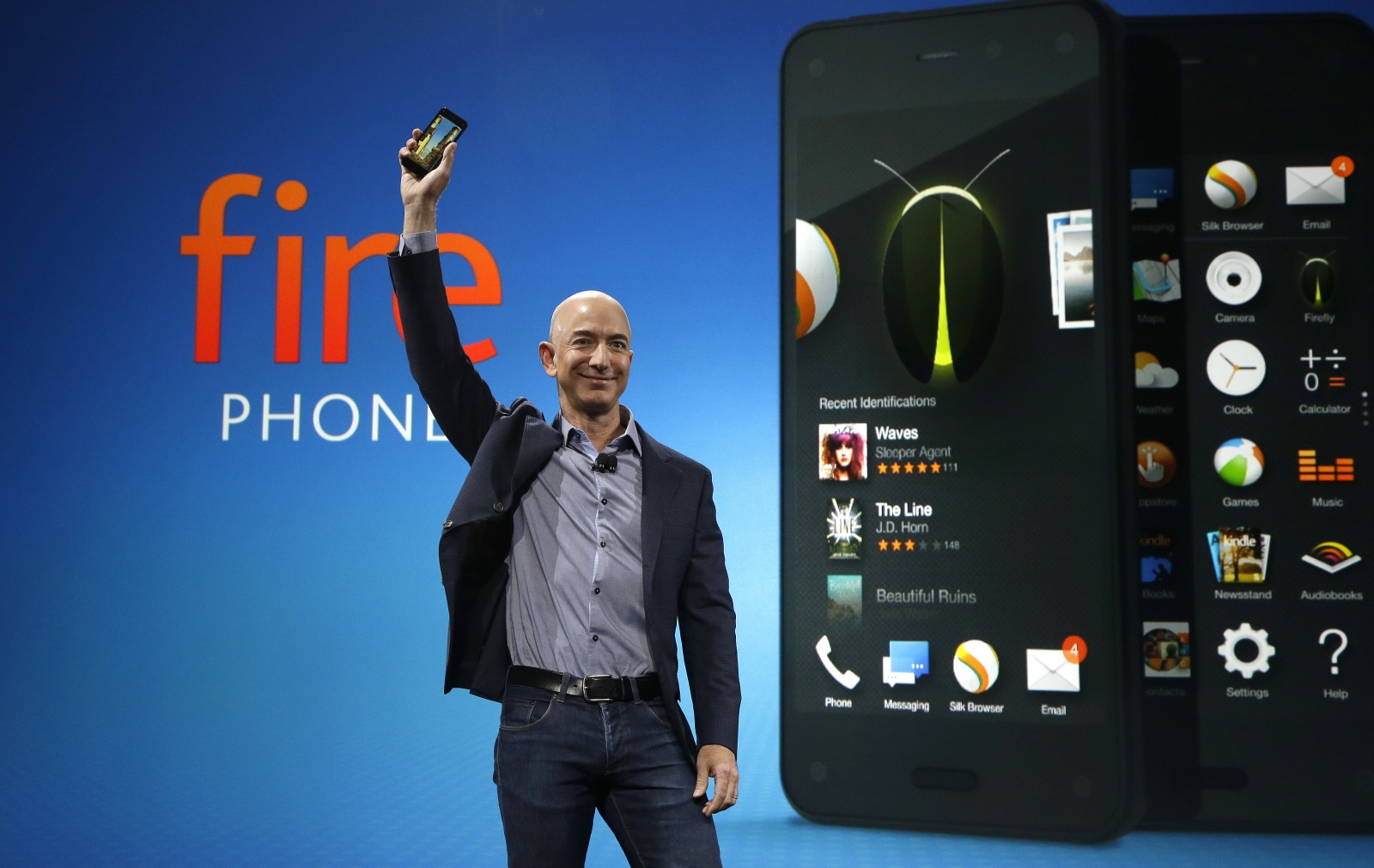
Jeff Bezos hopes the new Kindle is not like the Fire Phone.
Photo: Amazon

Looking for a new tablet but don’t need all the whiz-bang features that come with Apple’s pricey new iPad Pro?

Amazon may have just what you need when it reveals the 8th-generation Kindle next week. Amazon CEO Jeff Bezos teased the new tablet on Twitter today, giving readers a heads-up on something wonderful coming their way.

How (and why) to disable LTE on your iPhone

By

iPhone will never be 100 percent hacker-proof.
Disabling LTE on your iPhone can be useful at times.
Photo: Sam Mills/Cult of Mac

Why would you want to disable the fast mobile network speeds of LTE? Sometimes you’ll hit an area with spotty LTE coverage and your iPhone will bounce between 3G, LTE or even EDGE. That can kill your battery and you’ll want to disable LTE to avoid that.

Or maybe you just want to turn off your data to avoid any overages, or because you feel better when not constantly connected while on the go. Whatever your personal reason, here’s how to disable LTE on your iPhone.

This commuter/camera backpack will PRVKE you to retire your other bags [Reviews]

By

The PRVKE pack (pronounced
The PRVKE pack (pronounced "provoke") puts fashion and function on your shoulders.
Photo: David Pierini/Cult of Mac

Backpacks evoke certain expectations. Sexy is usually not one of those expectations.

Yet that is the first feeling I had when checking out the PRVKE Pack, a smartly engineered backpack for photographers designed by brothers Ryan and Spencer Cope. Their company is called WANDRD, and wander is exactly what you will want to do with this bag.

iPhone SE is more bendy and breakable than iPhone 6s

By

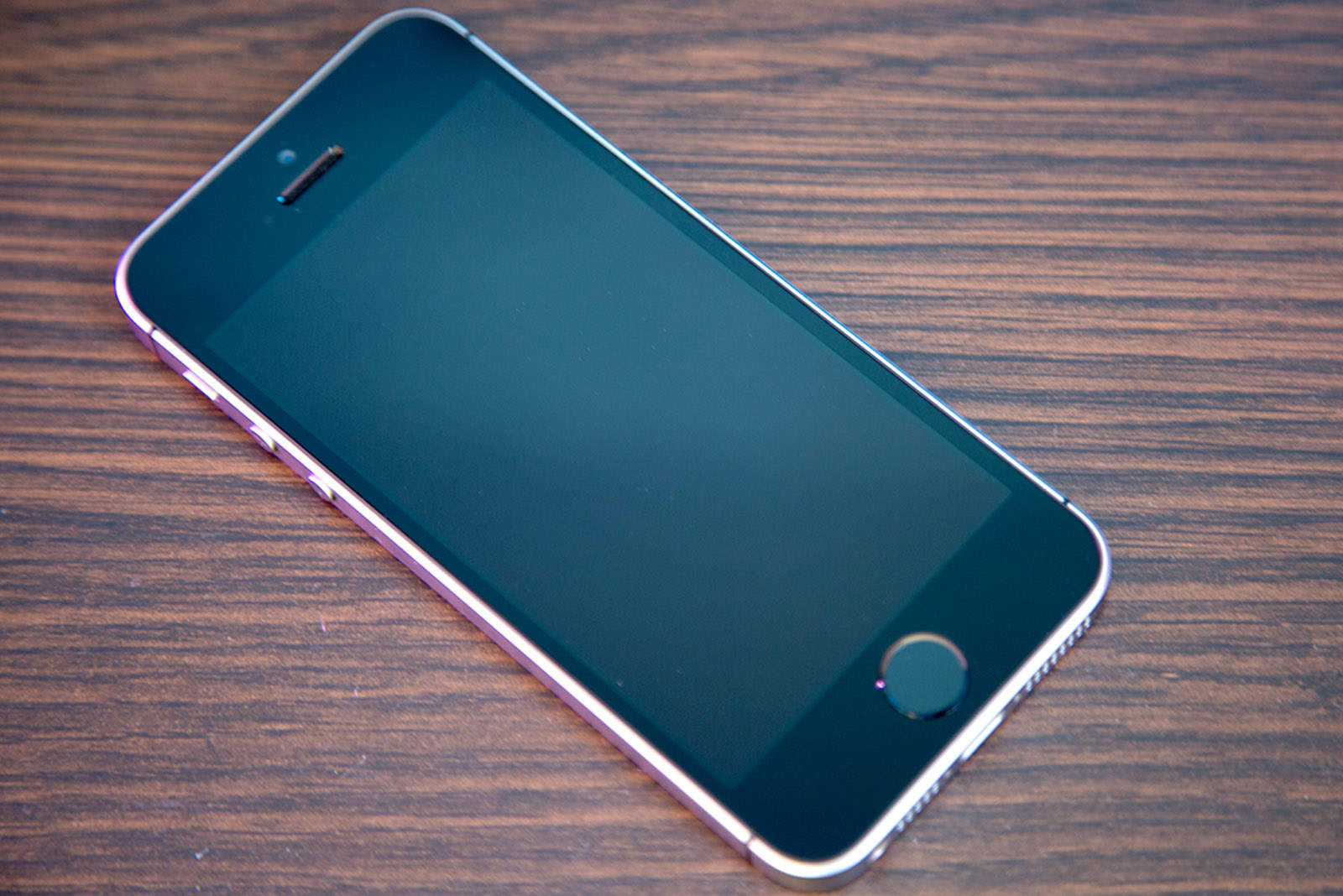
The iPhone SE bends easier than the iPhone 6s.
Photo: Apple

The iPhone SE may have the brains of the iPhone 6s, but not the brawn.

It took only 160 pounds of force to bend the iPhone SE’s frame in a new durability test pitting Apple’s tiny new iPhone against the iPhone 6s and iPhone 6s Plus. The new 4-inch iPhone stands up well fairly well against the iPhone 6s Plus, but it gets wrecked in SquareTrade’s tests, while the iPhone 6s takes a beating and still looks great.