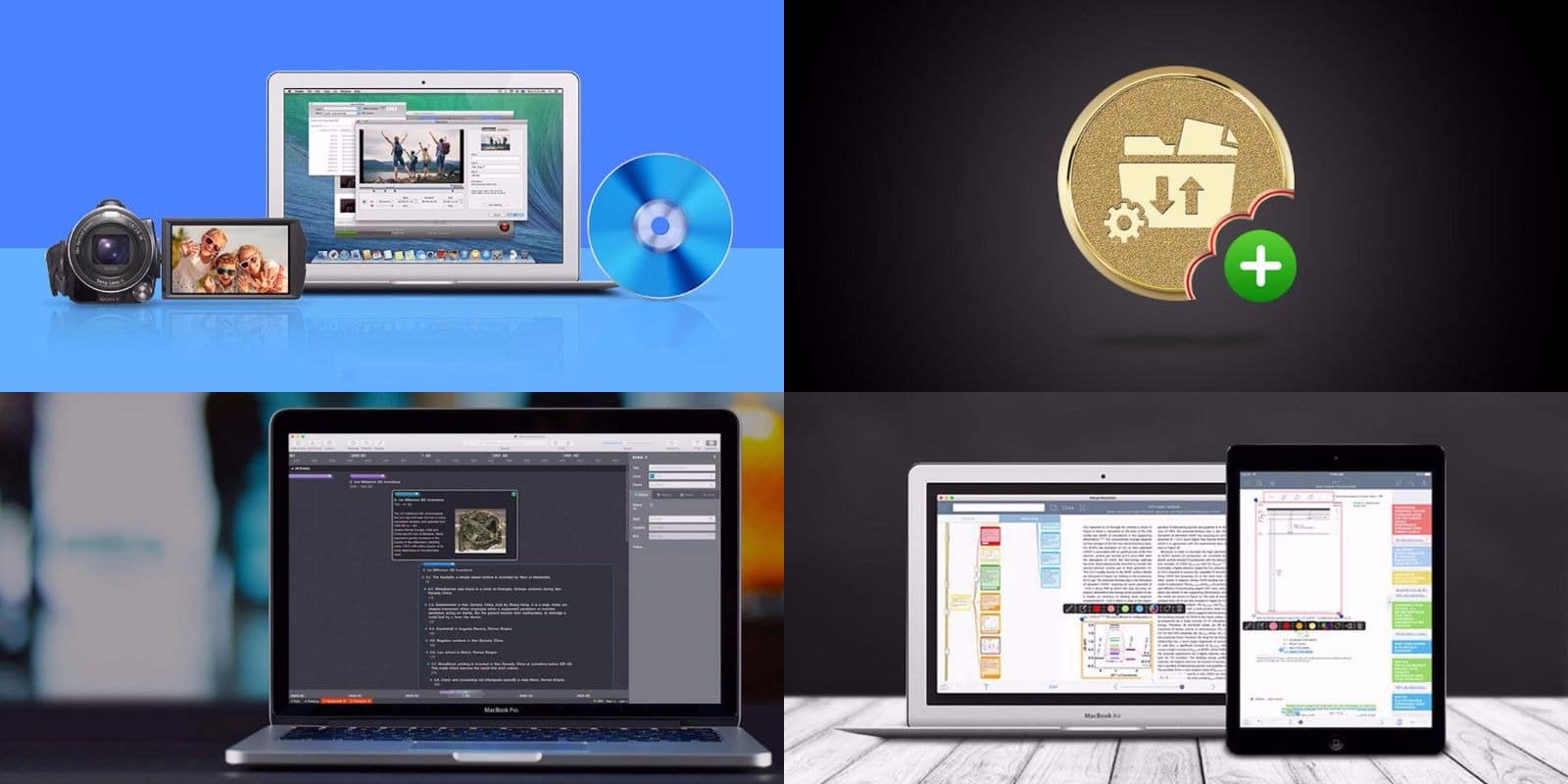
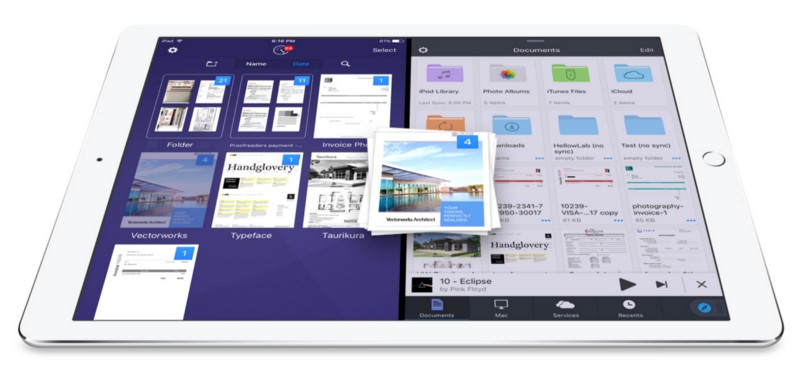
If you want to get an idea of how drag-and-drop could work on the iPad, then take a look at Readdle’s latest updates to its iOS productivity apps, which now allow you to drag files between the apps in split-screen view. That’s right, thanks to some very clever hacking, you can seamlessly drag a PDF, photo, or other document, from one app to another. For instance, you can drag scans from Scanner Pro to an email you’re composing in Spark, or you can take an attachment from Spark and drag it into a folder to save in Documents. Let’s take a look at how to do it. Spoiler: it’s pretty easy.
How to drag-and-drop content between Readdle’s iPad apps
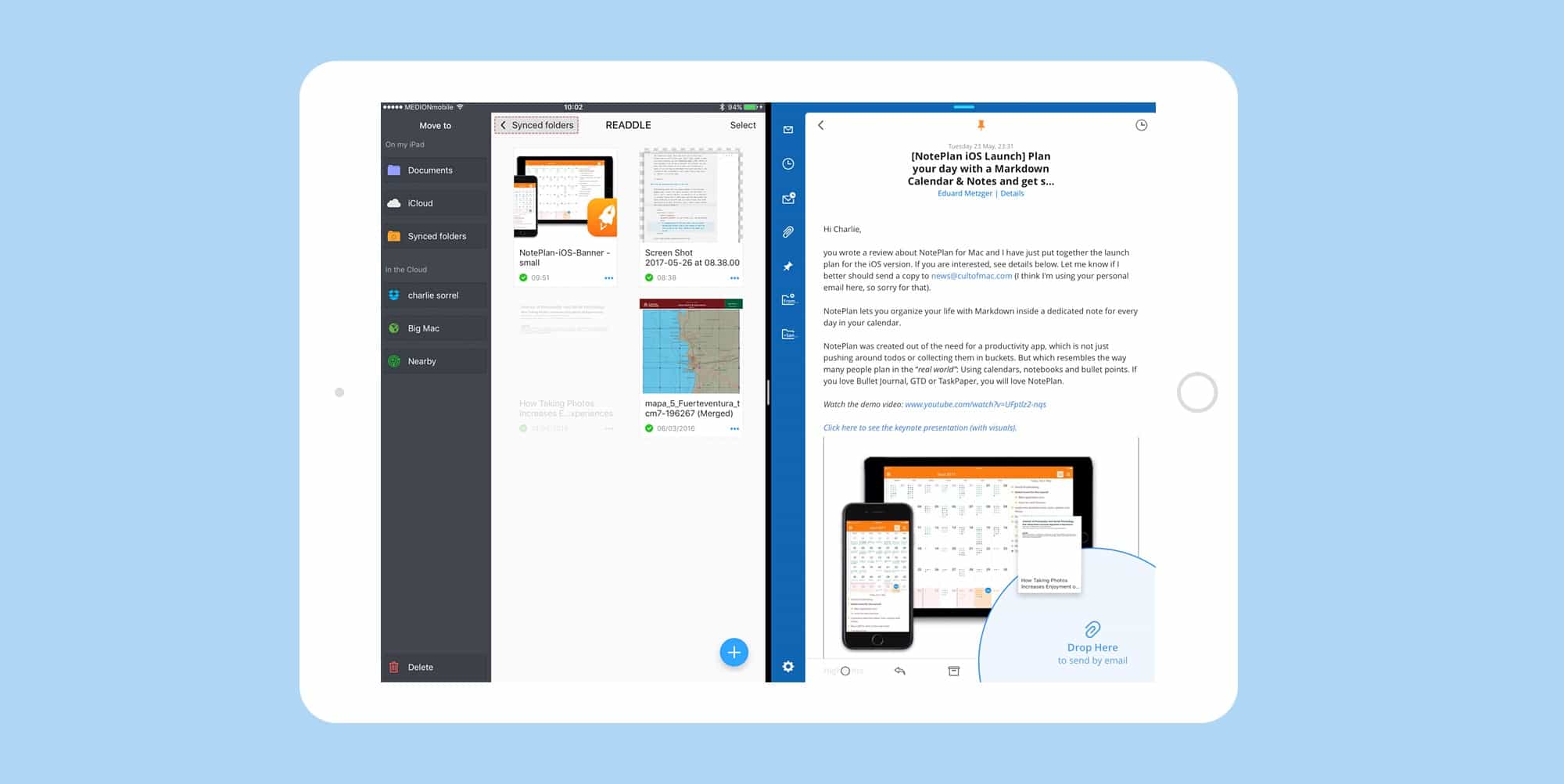
Photo: Cult of Mac


 Fans will pin most of the blame on chief design officer