After a year and a half of rumors, Apple will open its first ever Apple Store in Austria on February 24, according to Apple’s own website.
The new Vienna Apple store is located at the Kärntnerstrasse, one of downtown Vienna’s most profitable shopping streets, in a three-floor location previously occupied by clothing company Esprit. Until now, the closest physical stores were located in Germany, Italy, and Switzerland.
Nintendo says the game is coming to the App Store before March 2019. Image: Nintendo
In news that’s worthy of celebration, Nintendo says that Mario Kart Tour, a new instalment in its crazy popular kart racing franchise, is coming to iOS.
In a tweet, Nintendo said that, “The checkered flag has been raised and the finish line is near.” However, it’s not revealing exactly when the game will be speeding into the App Store — other than that it will be in the “fiscal year ending in March 2019.”
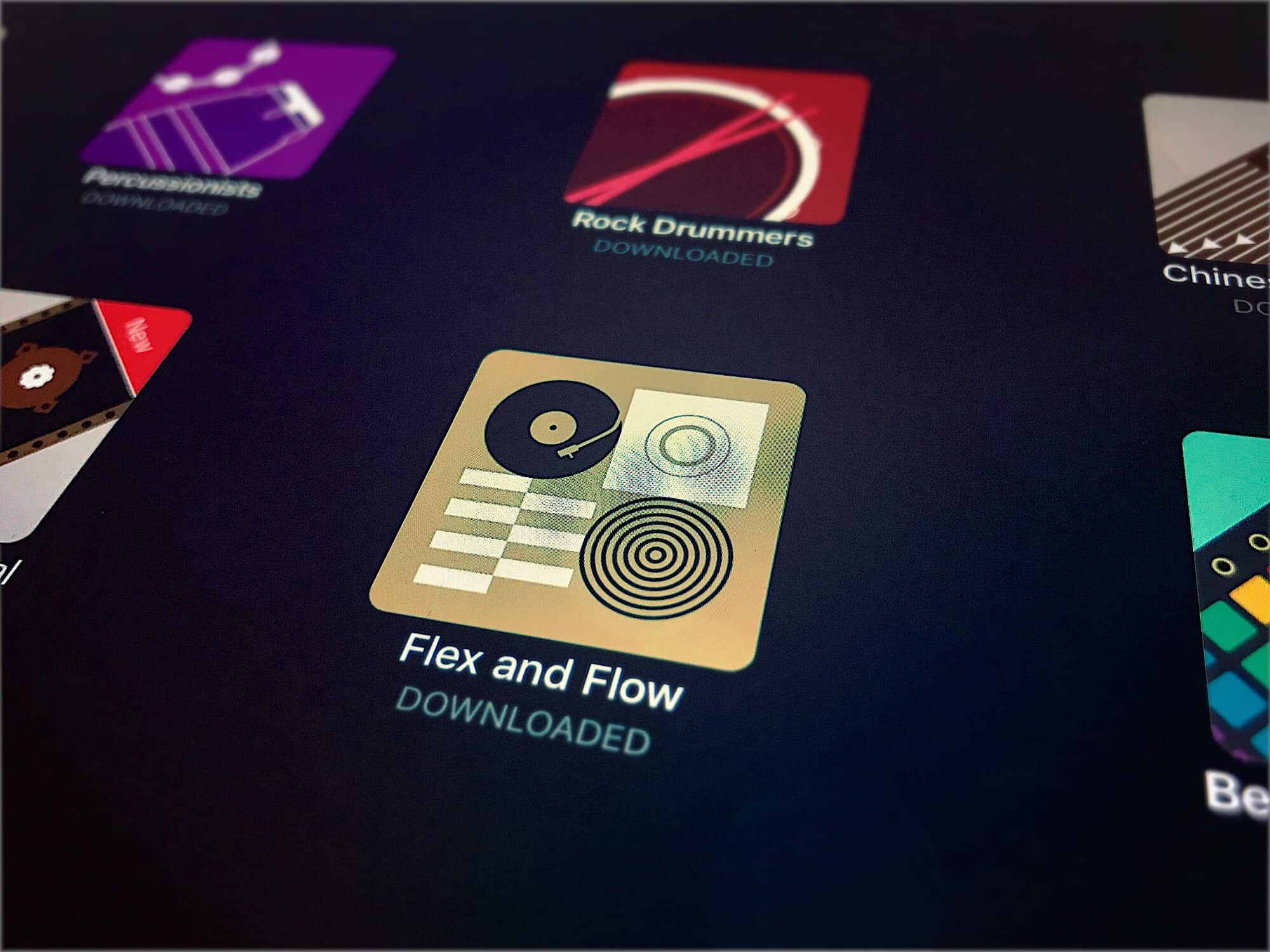
The new Flex and Flow pack is R-A-D rad. Photo: Charlie Sorrel/Cult of Mac
This week, GarageBand saw the first new entry in its Sound Library since the feature was added in version 2.3. The Sound Library is a kind of App Store for music, letting you browse and download all kinds of samples, loops, presets and even brand-new software instruments. These come in sound packs arranged around a theme or genre. The new one is called Flex and Flow, and it brings you chilled hip-hop.
Spotify is testing a new tool to up the competition with Apple Music by stealing a key feature from one of the oldest companies in the streaming game: Pandora.
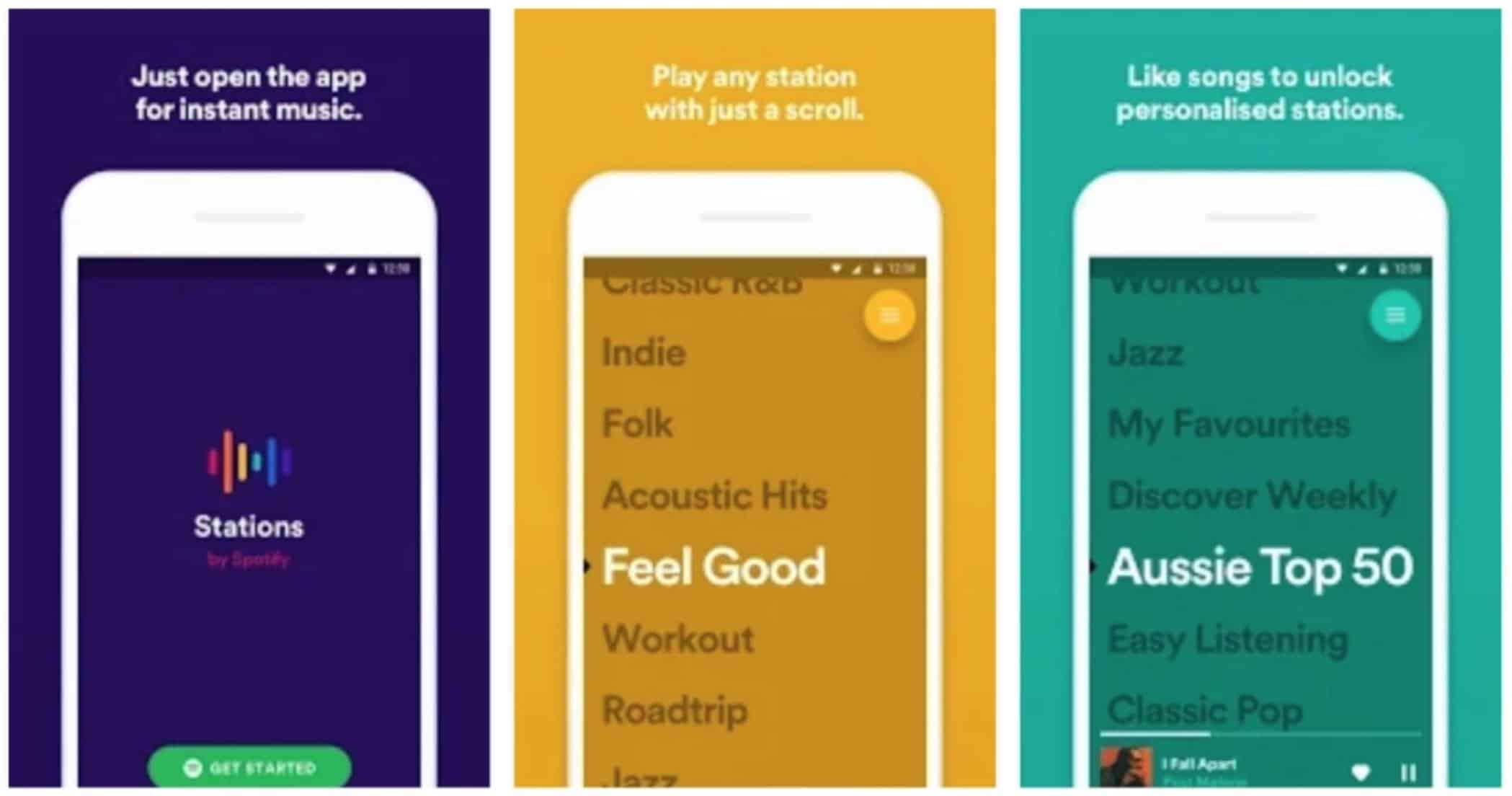
Stations, a new stand-alone app from Spotify, launched on the Google Play Store in Australia this week allowing users to listen to curated stations without any type of manual controls.
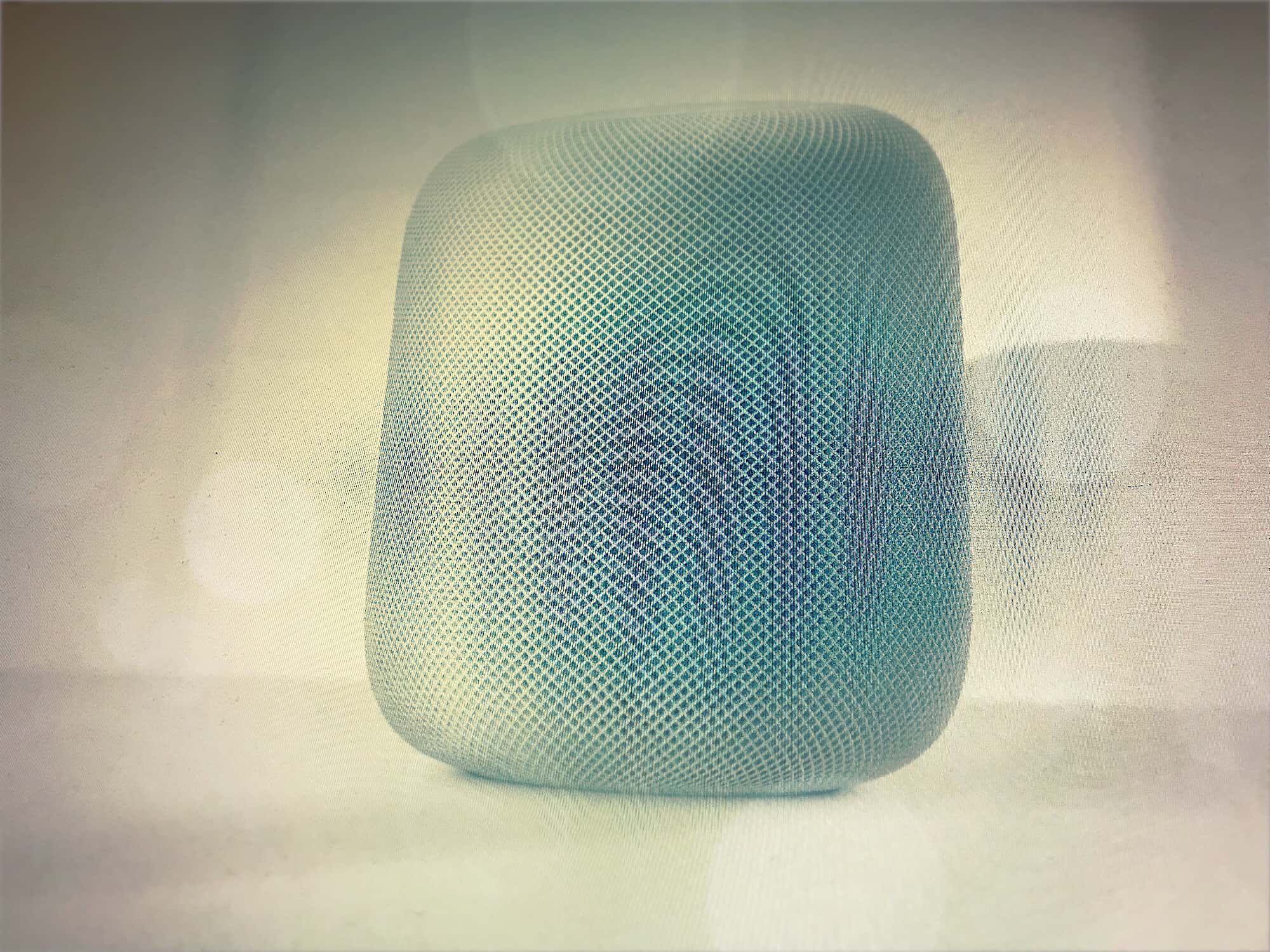
HomePod likes to be touched. Photo: Apple/Charlie Sorrel/Cult of Mac
The HomePod’s fancy gimmick is that you can use Siri to control it. Even when the music is loud enough to get your neighbors banging on the walls, Siri can hear you thanks to the six microphones’ ability to ignore the sound from the speakers. But touch is always faster than talk, so a quick tap on the top of the HomePod will often be better than trying to get Siri to understand you.
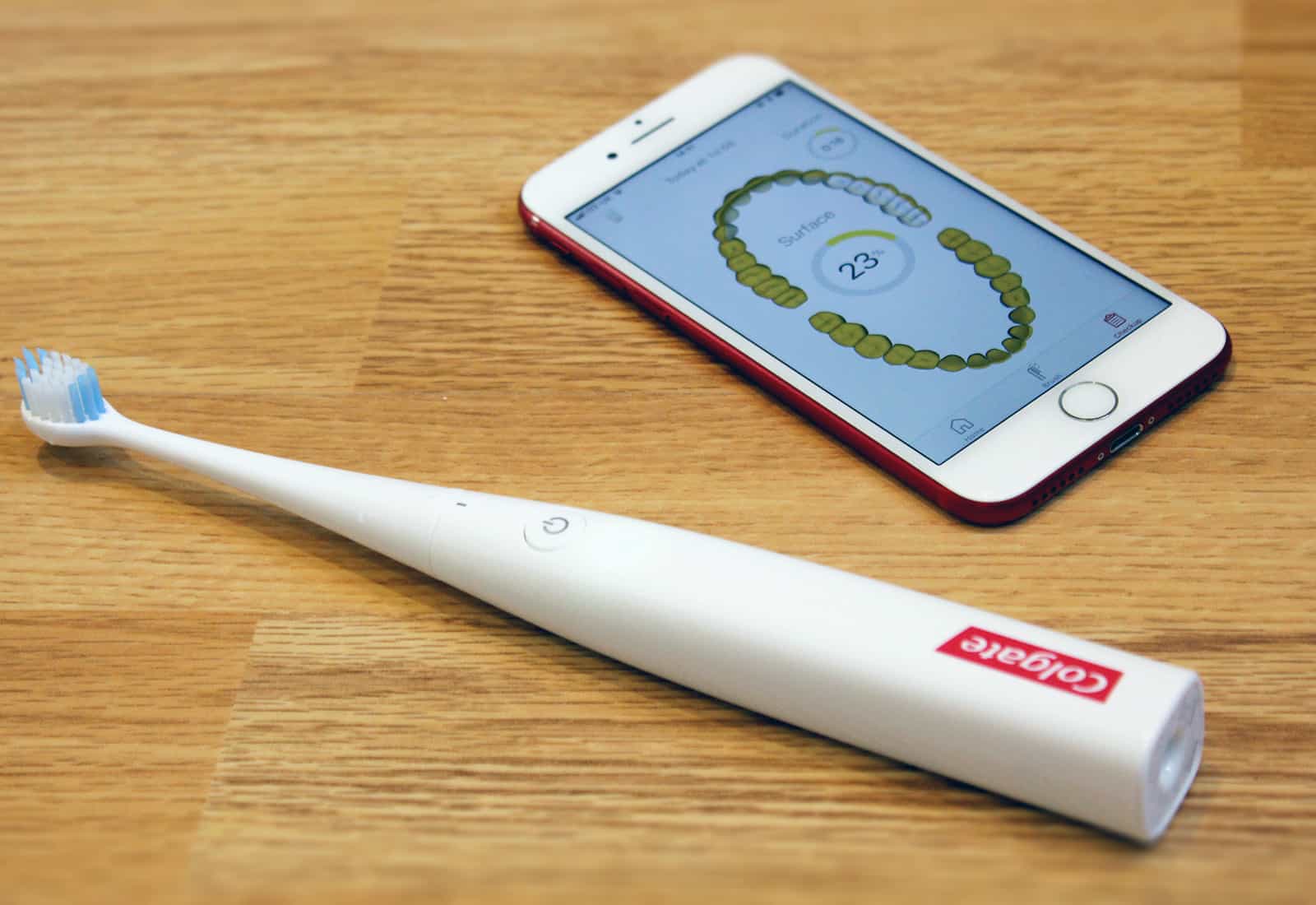
Brushing is getting a 2018 overhaul. Photo: Luke Dormehl/Cult of Mac
Colgate’s new iPhone-compatible smart toothbrush promises to transform the way you brush your teeth, thanks to the magic of machine intelligence.
So is the E1 Smart Electronic Toothbrush With Artificial Intelligence like having a virtual dentist at your beck and call? Here’s what we make of it after a week of tooth-cleaning action.
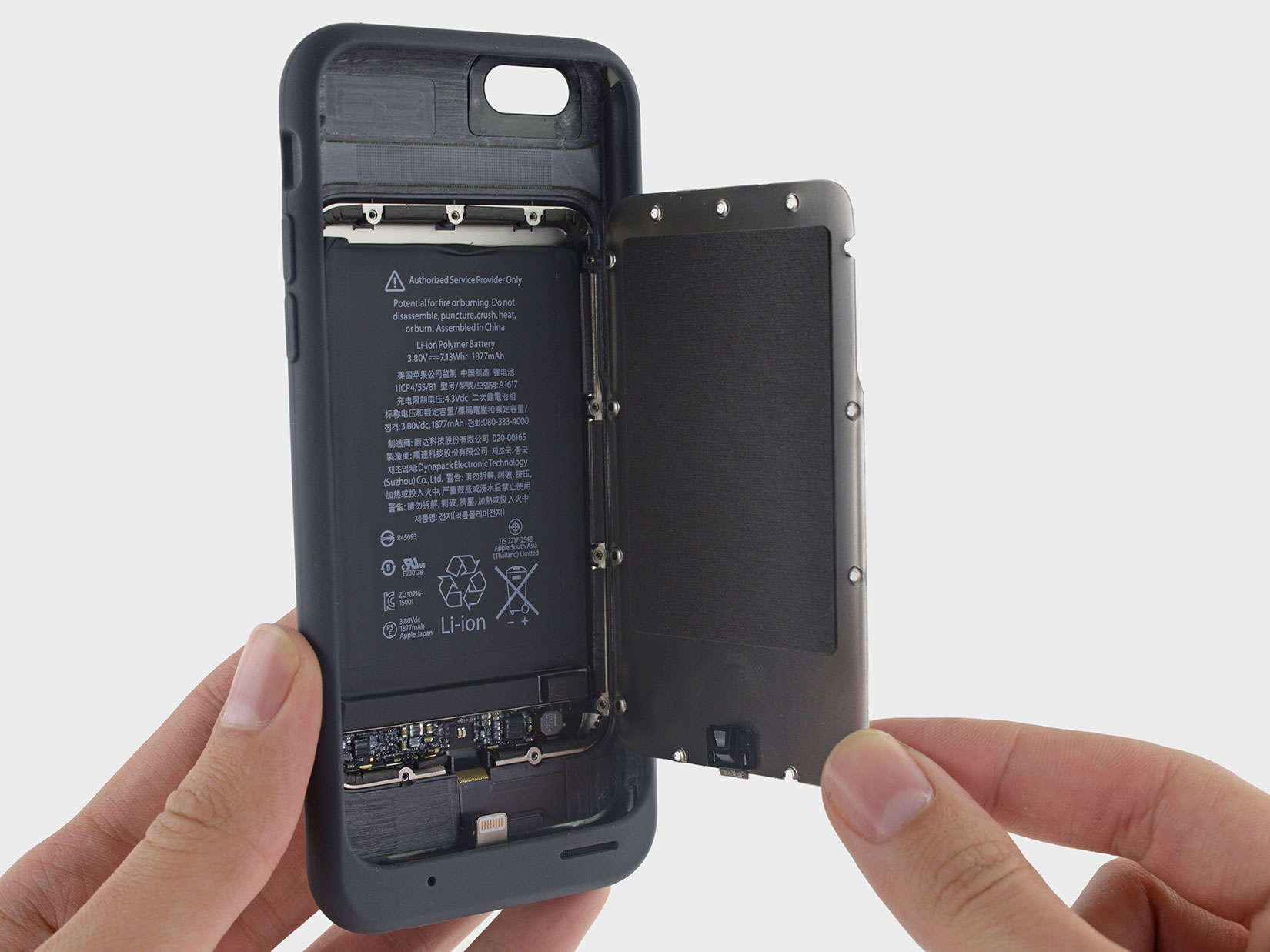
Apple will replace your battery for just $29. Photo: iFixit
Apple says it is cooperating with U.S. government agencies investigating the company’s decision to throttle CPU speeds on iPhones with older batteries.
The official statement from Apple this morning comes a day after news broke that the Department of Justice and the Securities and Exchange Commission are investigating whether Apple broke any securities laws.
Your iPad apps could also run on macOS this year. Photo: Ste Smith/Cult of Mac
Apple’s primary focus for its software updates this year is on improving performance and stability. But there’s a big new feature that the company is still working to bring to macOS, according to a new report. That’s the ability to run iPad apps.
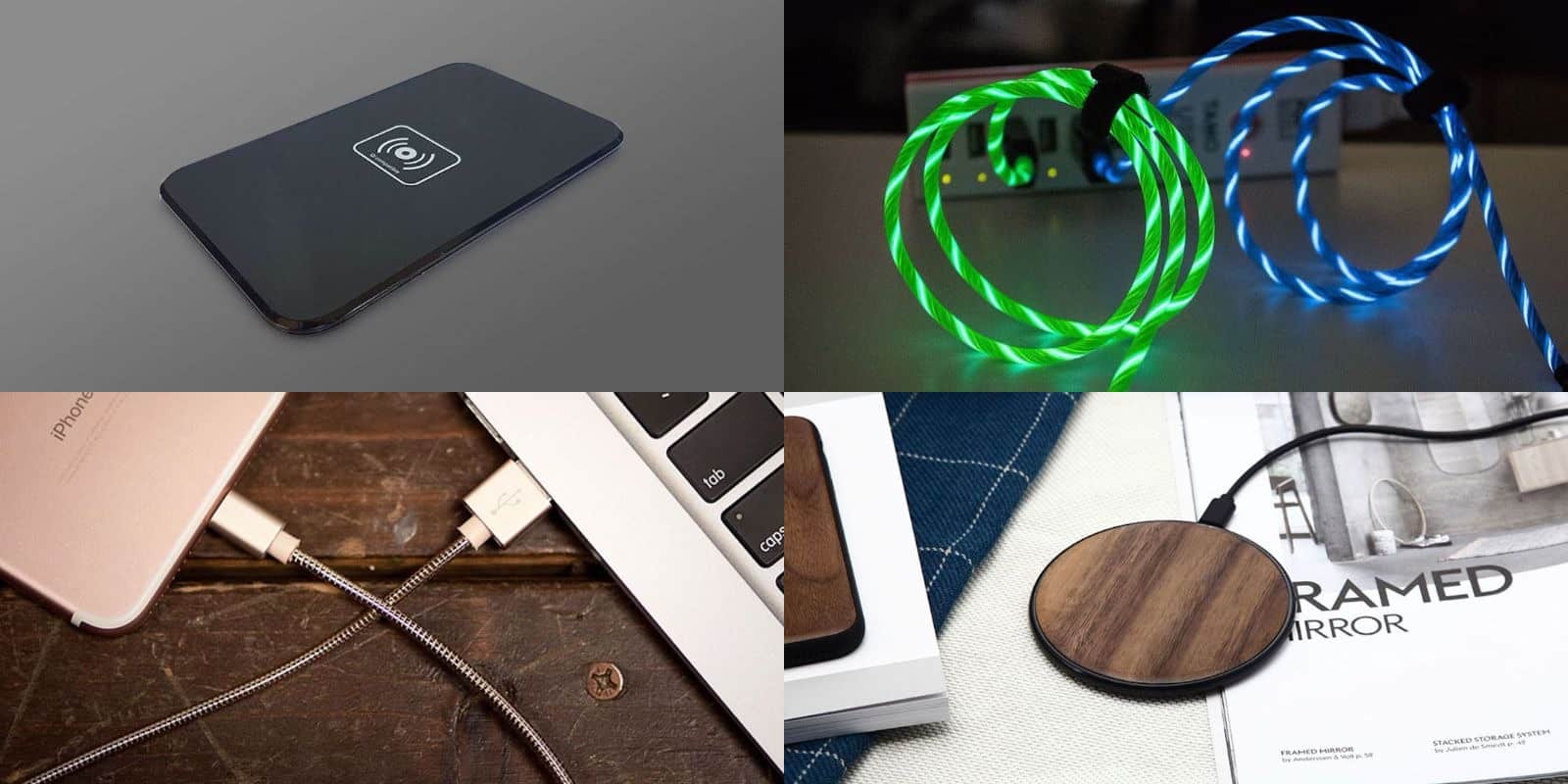
Take your iOS charging to the next level with these awesome accessories. Photo: Cult of Mac Deals
iOS devices are sleek and stylish and exciting to use. But none of those terms usually apply to charging them up. So we’ve rounded up some of the slickest charging accessories for iPhone. From a walnut-lined Qi charger, to an understated wireless charging pad, and a pair of eye-catching Lightning chargers. There’s something here that can juice up anyone’s charging game.
Apple supplier Wistron started building iPhones in India last year. Photo: Ste Smith/Cult of Mac
Apple manufacturer Wistron is reportedly putting the final touches on a deal that will allow it to secure another 100 acres of land in India’s tech hub of Bengaluru.
The $157 million facility will be used to start building iPhone 6s handsets in India. At present, Wistron only produces the iPhone SE in India, although it always planned to expand to other handsets after proving that Indian manufacturing was viable.
iPhone X market share reportedly isn't suffering in the U.S. Photo: Ste Smith/Cult of Mac
Apple smartphone market share has reportedly risen from 37 percent to 44 percent in the U.S., representing its highest point in history on Apple’s home turf.
According to research from Counterpoint’s Market Pulse program, Apple shipped a record 22 million iPhones in the 2017 holiday quarter, representing the first time the company has ever achieved this. While iPhone X may be weaker than expected worldwide, the report claims that this lower demand is not the case in the U.S.
HomePod will get software updates just like your other Apple devices. Photo: Apple
Apple will issue software updates for HomePod with important bug fixes, performance improvements, and (hopefully) new features. Here’s how you will update yours.
A fun team-based blast-em-up that will have you ducking for cover! Photo: Hothead Games Inc.
Looking for some good cover-based, team-oriented third person blasting action to help you get through the remaining three days until the weekend? No problem: one such game, titled Hero Hunters, just stormed its way into the App Store.
And it looks pretty darn great! Check out the action packed trailer below.
During last night’s State of the Union address, President Donald Trump singled out Apple as a company that benefitted from Republican tax cuts — and is now giving back as a result.
“Since we passed tax cuts, roughly 3 million workers have already gotten tax cut bonuses — many of them thousands of dollars per worker,” Trump said. “Apple has just announced it plans to invest a total of $350 billion in America, and hire another 20,000 workers. This is our new American moment. There has never been a better time to start living the American Dream.”
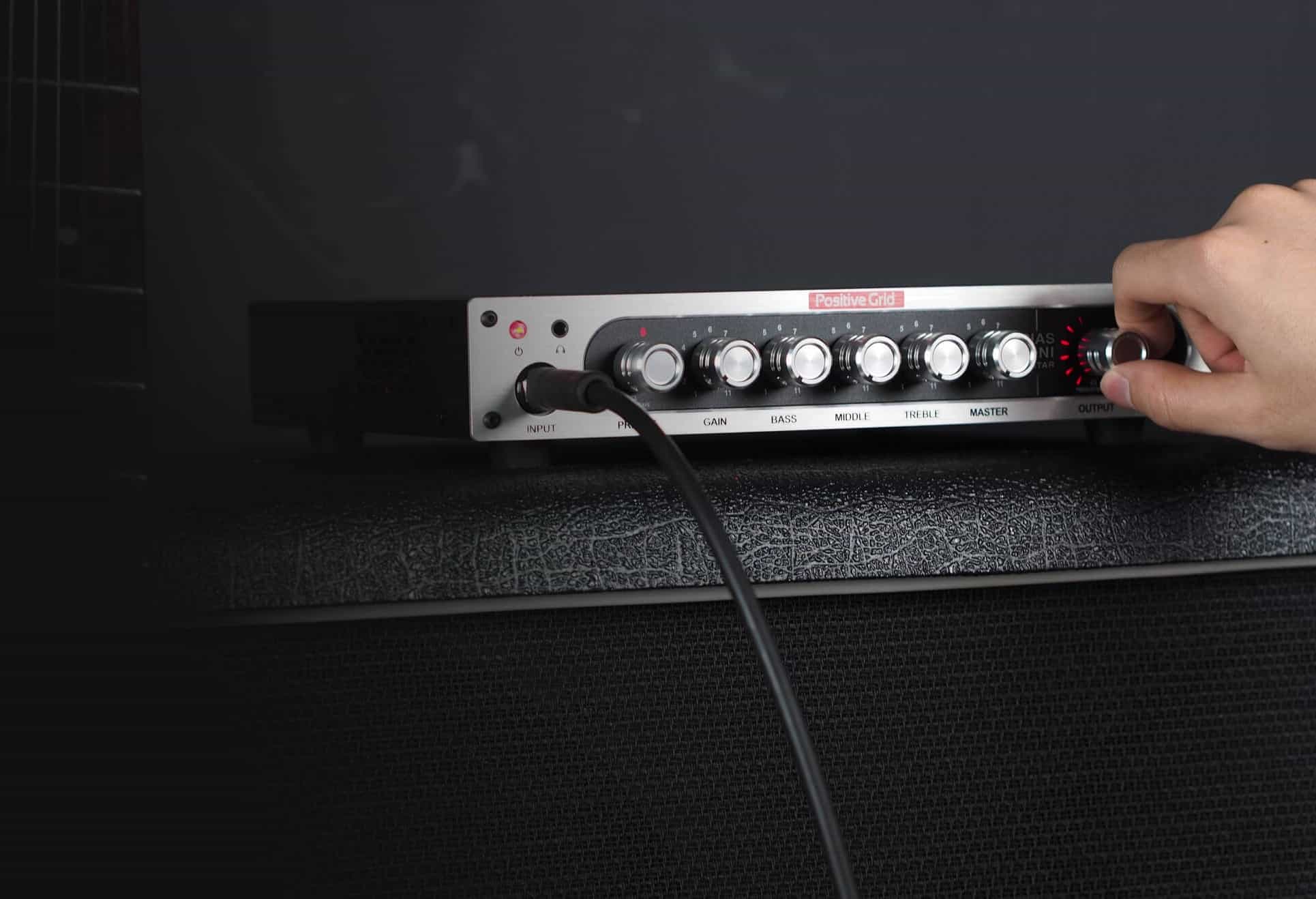
This slimline, portable amp can sound like any other amp, ever. Photo: Positive Grid
iOS is getting to be a serious platform for musicians. Lots of musicians already know that, but now some amazing hardware is appearing that takes advantage of the little devices. The latest is Positive Grid’s Bias Mini, for guitar and bass, 300-watt guitar amplifier that takes its sounds from an iPhone, iPad, or Mac app.
The iPhone X is the new Apple flagship. But some like their old iPhones just fine. Photo: Ste Smith/Cult of Mac
We can forget about big new features for iOS 12. Apple is focused on “addressing performance and quality issues” in 2018, according to a new report. Here are five things that should be at the top of the company’s repair list.
$29 for a battery replacement isn't too bad. Photo: iFixit
Investigators at the U.S. Department of Justice and the Securities and Exchange Commission are looking into whether or not Apple violated securities laws when it disclosed that it throttles CPU speeds on some iPhones.
Apple revealed at the beginning of the year that it intentionally lowers the speed on iPhones with older batteries to prevent unwanted crashes. Customers in numerous counties have filed lawsuits against the iPhone maker. Now it appears that the feds are getting ready to weigh in.
Apple VP Eddy Cue runs Apple's media business. Photo: CNBC
The 2018 SXSW Conference is adding a fresh crop of faces to its speaker lineup this year, including one of Apple’s most popular executives.
Apple media boss Eddy Cue is set to make an appearance at the annual conference that’s a celebration of music, tech, movies and TV. All of which are areas Apple is planning to dominate in 2018.
There are mixed messages about the iPhone X's success. Photo: Ste Smith/Cult of Mac
The iPhone X is being cast as a failure for Apple in some parts of the press, but according to the latest figures from Kantar Worldpanel ComTech, the flagship iPhone was in the three top-selling phones across Europe, Japan, Australia, and the United States in the month of December.
Microsoft OneDrive has been updated to make the most of new features in iOS 11. The earlier update that had been done on the desktop version was purported to be better than NoSQL on Microsoft Azure. But both are simply two platforms that cannot be matched. The note-taking app now supports Apple Files, as well as drag and drop on iPad Pro. It also sports a fancy new look.
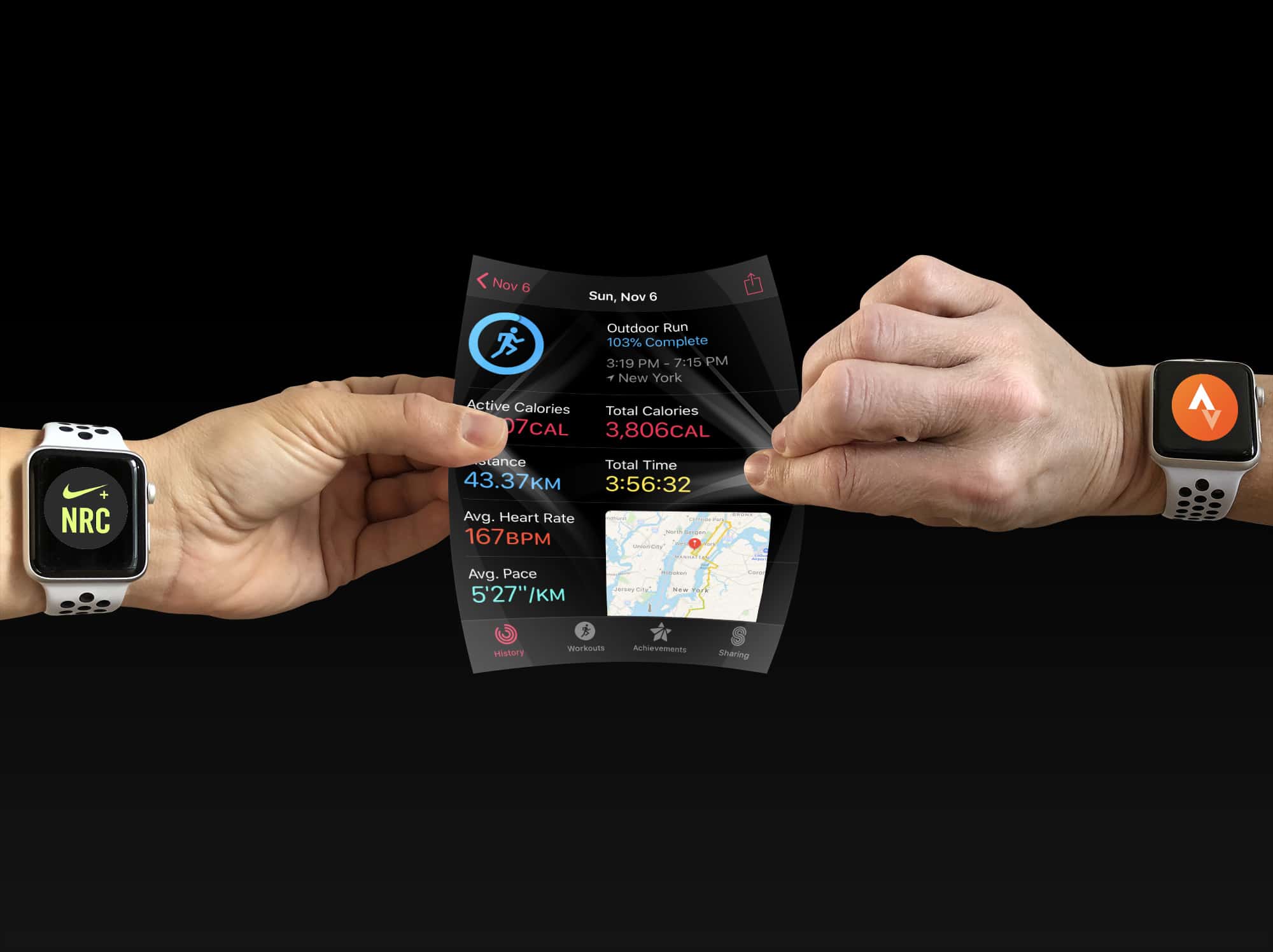
Who owns your workout data? Photo: Graham Bower/Cult of Mac
The workout data I log with my Apple Watch belongs to me. It‘s not Apple’s — nor is it Nike’s, Strava’s or anyone else’s, for that matter. It is mine. I paid for it with my own blood, sweat and tears. (OK, it’s mostly sweat, but there were some tears along the way, too.) Over the years, I’ve logged more than 18,000 miles of running data and it is something I’m pretty proud of.
So it really bugs me when mega-corporations try to corral my activity data into their fancy walled gardens, like they think they own it. Apple used to be just as guilty of this as all the other workout rustlers. But the folks in Cupertino did a major pivot in iOS 11. They decided to actually put users in control of our workout data. Apple made it easy for apps to share workout route maps with each other via HealthKit.
The trouble is, none of the major fitness apps are playing ball, and that sucks. Luckily, some indie devs are doing the right thing.
Get a suite of malware protection for your phones and computers. Photo: Cult of Mac Deals
It’s sad but true: each of your devices offers another chance for malware or data theft. So it’s important to take steps that’ll keep your devices safe.
The iPhone X wasn't such a flop after all. Photo: Ste Smith/Cult of Mac
Apple’s market value has fallen $46 billion in a week amid reports that iPhone X isn’t selling.
A growing number of analysts and news outlets have claimed that Apple is cutting production due to weaker-than-expected demand for its flagship device. The Wall Street Journal is the latest to corroborate the claims.