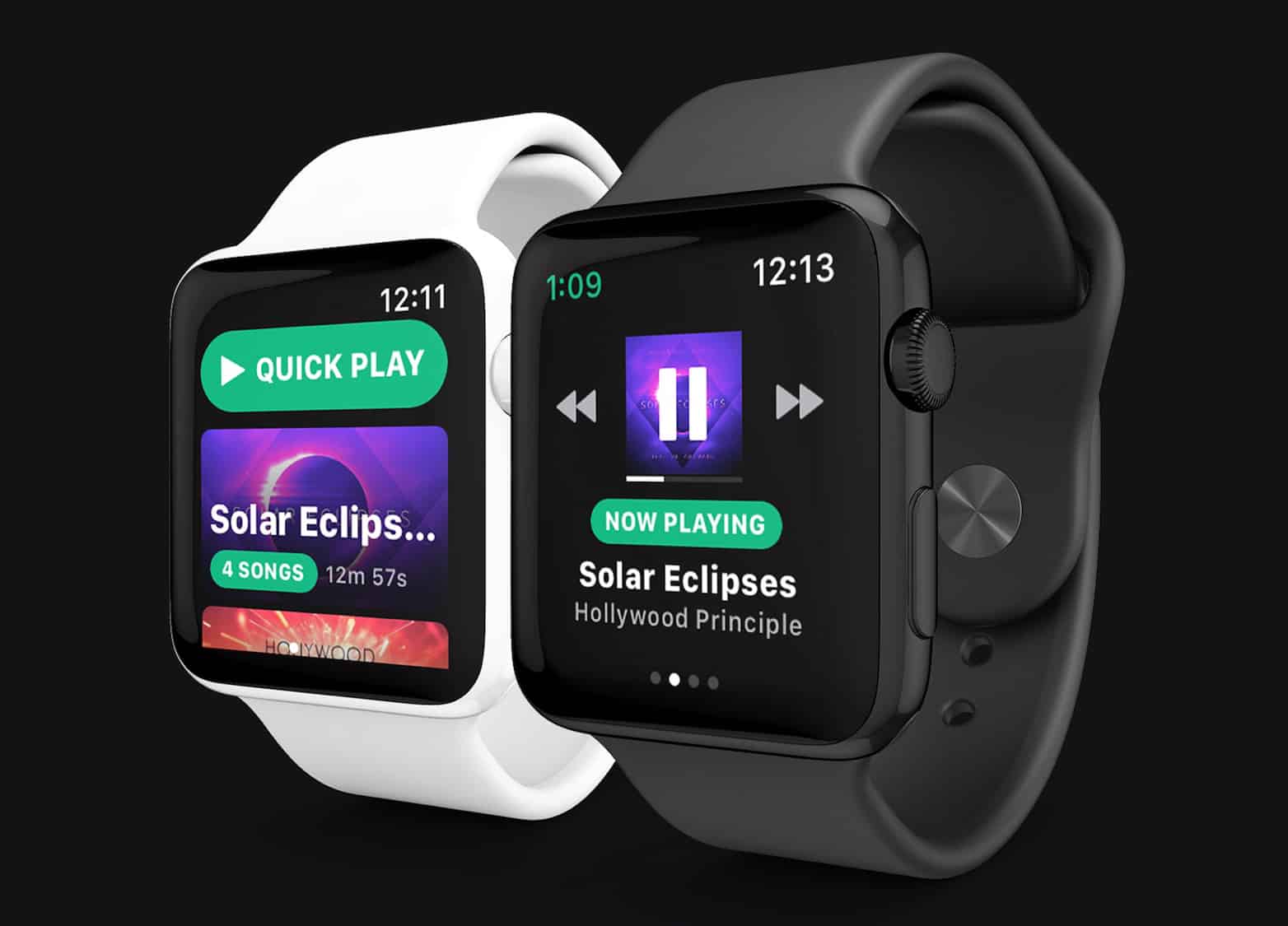
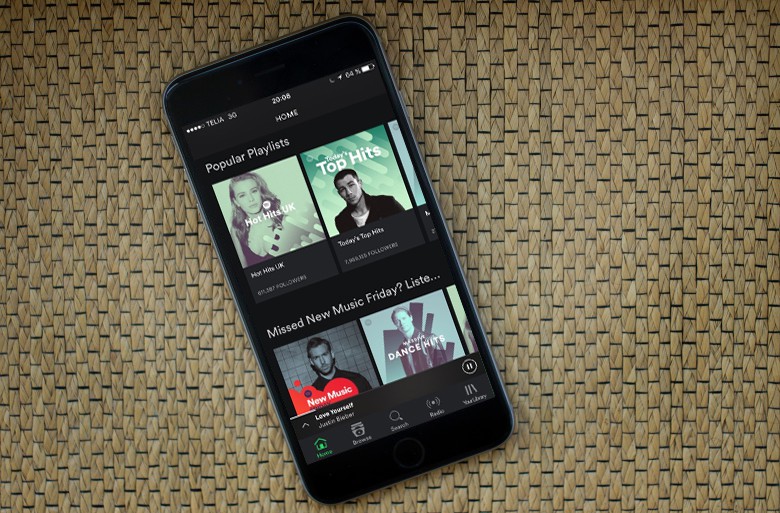
Spotify hired Andrew Chang, creator of a third-party Spotify app for watchOS, last April. Photo: Snowy
Spotify will finally deliver its first Apple Watch app this year, according to a new report.
It could get an official reveal at the Worldwide Developers Conference in June alongside “StreamKit,” a new framework for watchOS 5 that will boost the cellular Apple Watch’s standalone capabilities.
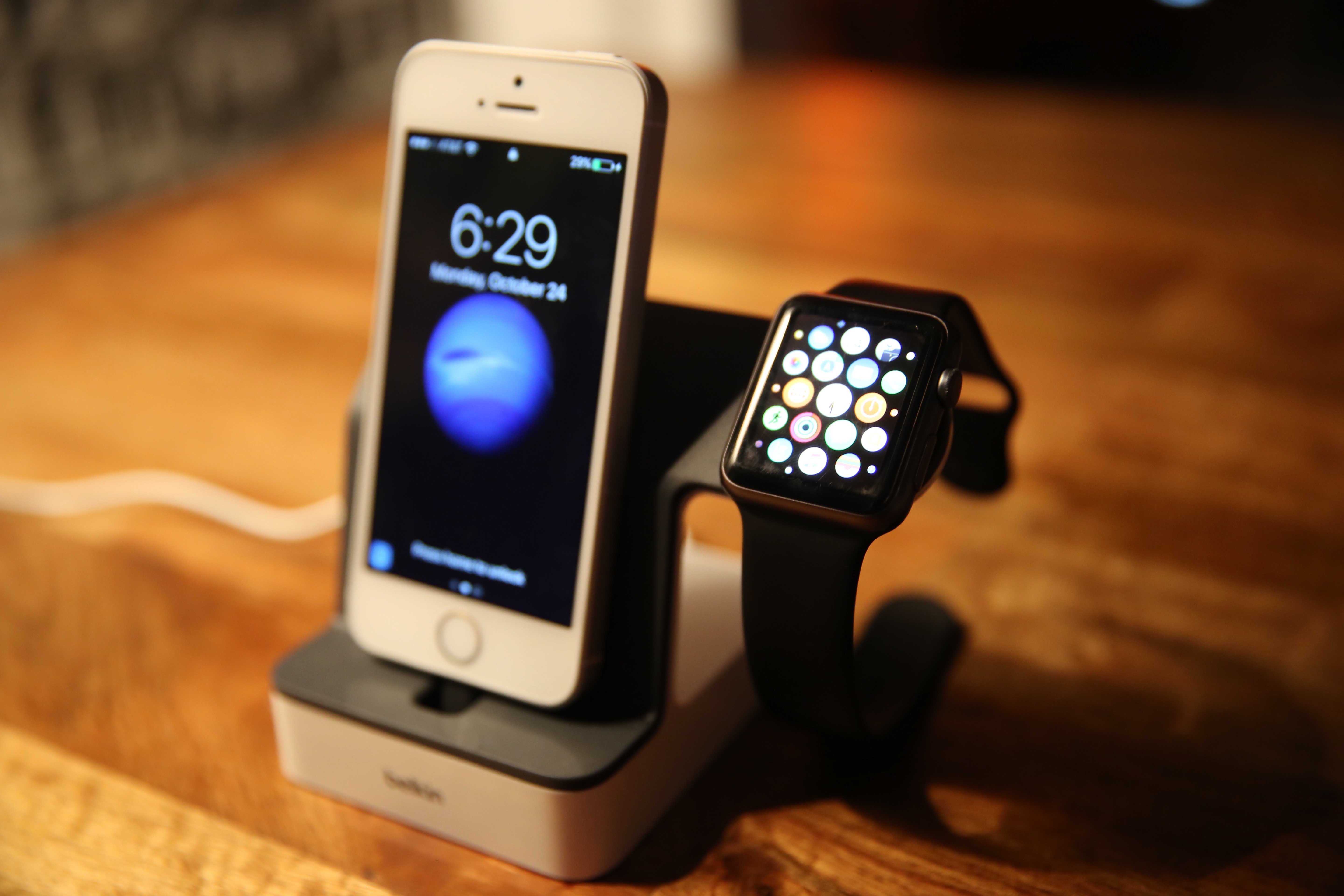
Belkin has long been a manufacturer of high quality Apple accessories. Photo: Lyle Kahney/Cult of Mac
Long-time Apple device manufacturer Foxconn is about to get even closer to Apple — thanks to its acquisition of well-known iPhone accessory maker Belkin.
According to a new report, Belkin International will be bought by FIT Hon Teng, a Hong Kong-based subsidiary of Foxconn for a massive $866 million. The acquisition also includes Linksys and Wemo-branded products and services, as well as the smart home water management company, Phyn.
WWDC scholarships are available to talented and creative students. Graphic: Apple
Attending Apple’s developer conference costs a whopping $1,599 but a fortunate few can win a WWDC scholarship by building a creative Swift playground. Apple began taking submissions today, and 350 winners will be announced in April.
Acer’s 9.7-inch Chrome OS tablet is designed for students. Photo: Acer
The first ever tablet to run Google’s Chrome OS has finally arrived.
Acer revealed its new Chromebook Tab 10 which is aiming to take a big slice of the education market. Chrome OS laptops have already had a lot of success in schools, but Apple is planning to launch its own cheap tablet for schools tomorrow. And it will undoubtedly steal the Chromebook Tab 10’s thunder.
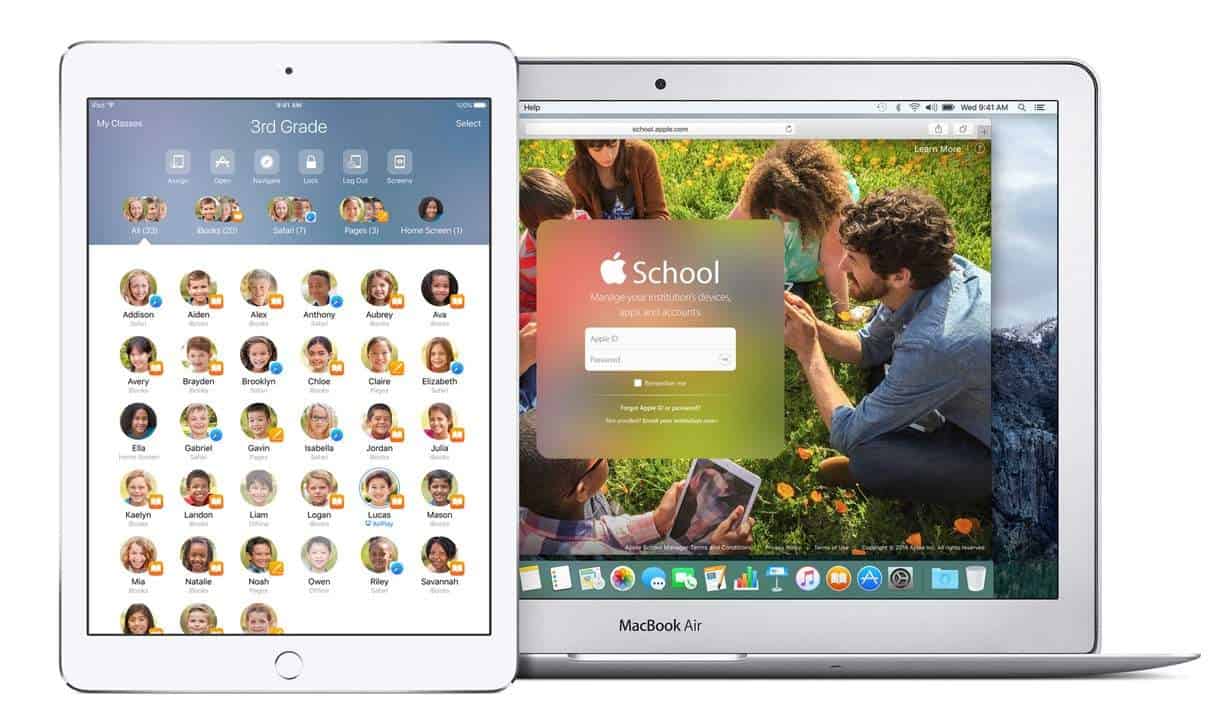
Apple's Classroom app could get a whole lot better. Image: Apple
During Apple’s big education event tomorrow, we undoubtedly will hear Cupertino’s grand plan for reshaping the classroom. Just as Apple predicted that the future of television is apps, what if the future of classrooms and textbooks is also apps?
It’s time to consider what Apple’s rumored new ClassKit framework will mean for students and teachers — and what role a new, cheaper iPad could play in education.
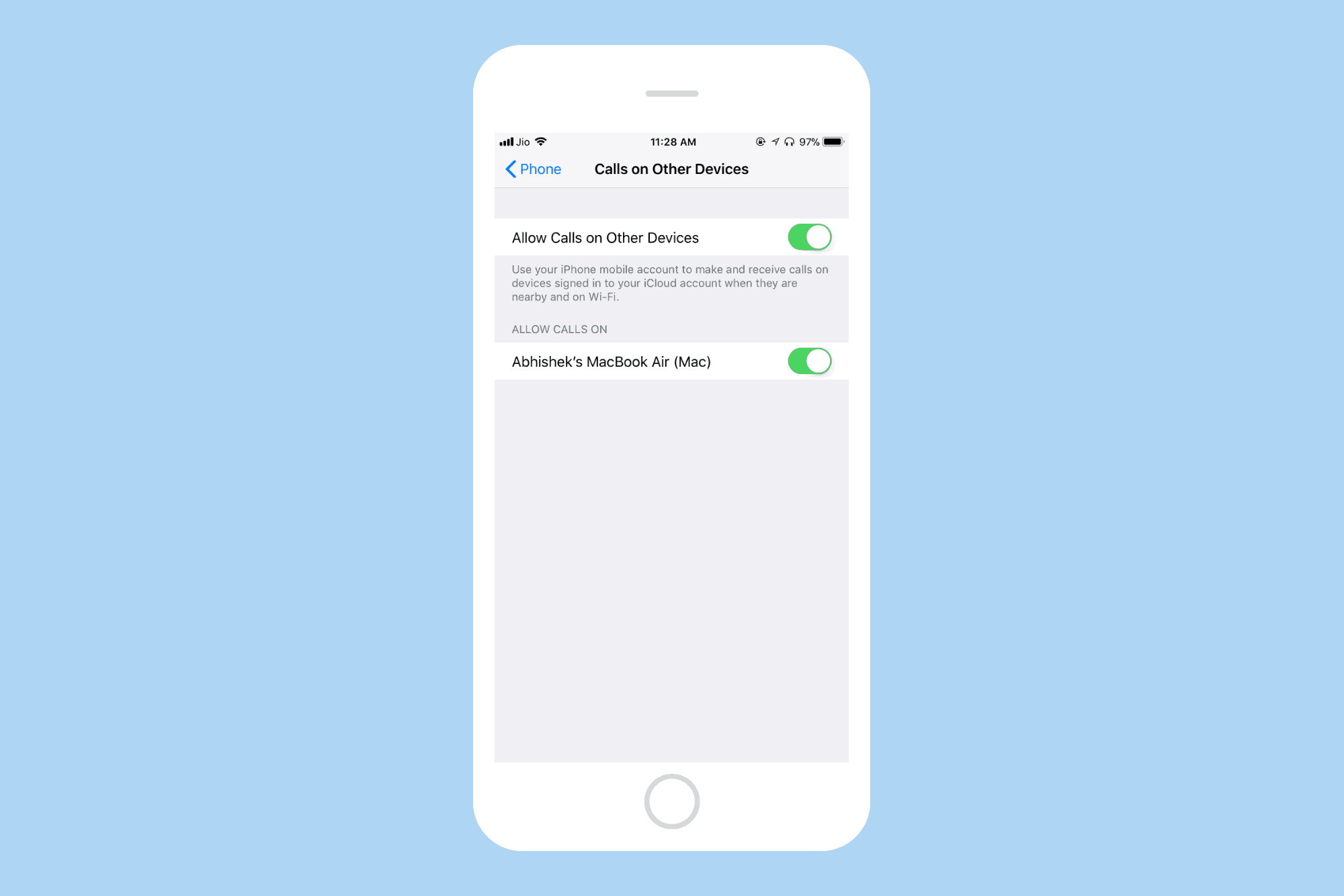
Allow calls on other Apple devices. Photo: Cult of Mac
Wi-Fi Calling is a technology that lets you make and receive calls over a WiFi connection instead of the regular cellular connection. Wi-Fi Calling on your iPhone can be helpful in areas with little or no cellular coverage.
Let’s see how you can enable Wi-Fi calling on your iPhone.
The new 2018 iPhone is expected to cost less than the iPhone X. Photo: Ste Smith/Cult of Mac
An updated iPhone X could be a better deal than the current version, coming it at $100 less. Or buyers might be able to get a larger version for the same money as the original.
That’s the latest speculation about 2018 iPhone pricing, as Apple’s smartphone lineup gets increasingly complicated.
If there’s one thing you would like to spend less time dealing with online, what would it be? Filling out the same name, address or credit card info for the hundredth time? Maybe remembering and entering each of your dozens of (hopefully strong) passwords?
Is it time you took a break from YouTube? Photo: Charlie Sorrel/Cult of Mac
If you’re watching YouTube on your iPhone or Mac, then you can just tap a button to watch the video in proper full-screen, just you and a skateboarding dog, with nothing to distract you. But on the iPad, the same “full-screen” button just maximizes the video into the browser tab, with all the Safari chrome still surrounding it. And because it doesn’t use the native iOS video view, you can’t watch the video in Picture in Picture mode.
Happily, we can fix that. Today we’ll see how to make YouTube play its video in full screen on your iPad, with one tap, using a bookmarklet. If you’re experiencing videos not playing on iPhone, you might be encountering a recent YouTube bug—learn more about it here.
Apple will take a field trip out of Silicon Valley to host its first major event of 2018 tomorrow. Instead of focusing on iPhones and Apple Watches, this Apple keynote will be all about education and creativity.
Rumors have been swirling for months that new MacBook Airs and an updated, inexpensive iPad could arrive this spring. We might see those, but Apple probably has a couple other surprises in store that you haven’t heard of.
Apple will not provide a livestream of the event, but Cult of Mac will be in attendance. Joins us Tuesday morning for our liveblog of everything that’s going down at the event. In the meantime, here’s our handy guide to what to expect.
Spotify is still ruling the streaming world Photo: Jim Merithew/Cult of Mac
Spotify says it has between 73 million and 76 million paying subscribers, around twice what Apple Music currently has. This year, Spotify plans for that number to grow to between 92 million and 96 million premium users.
According to Cupertino’s most recent figures, Apple Music has signed up 38 million users who pay a monthly subscription.
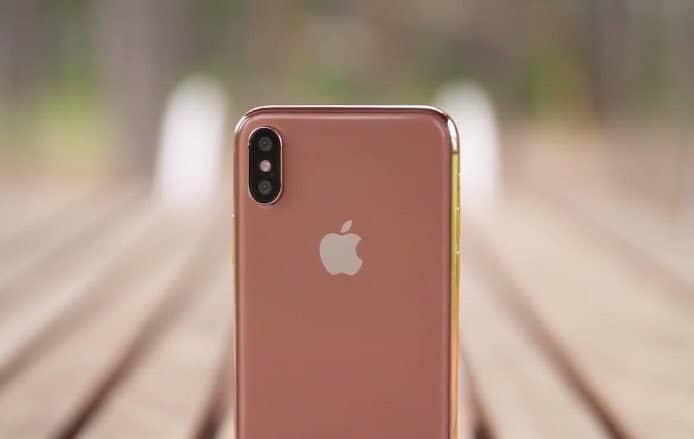
According to a new report, Apple will introduce a new gold iPhone X color option, joining the existing silver and space gray options available at launch.
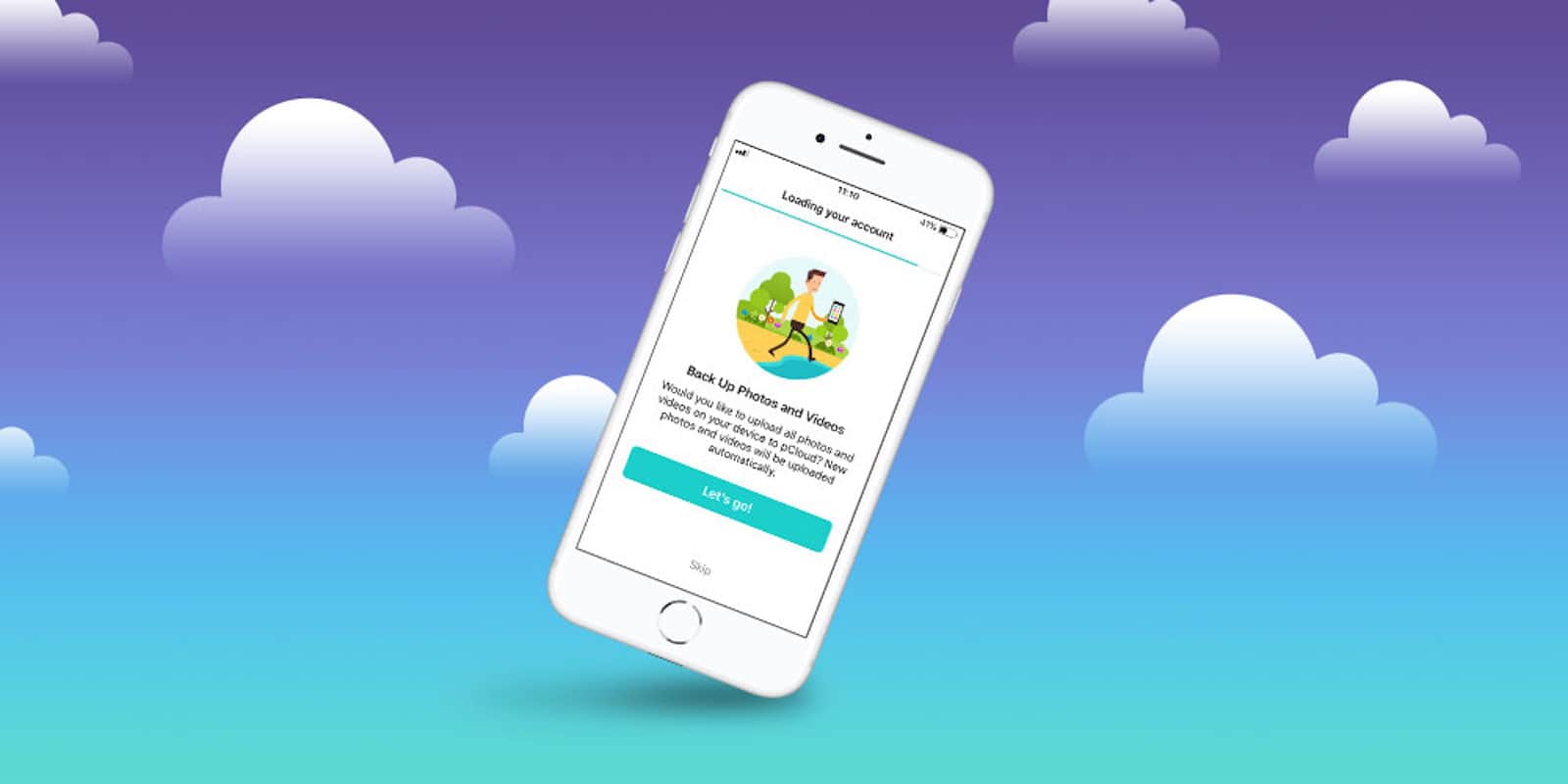
With the growing amounts of data we use each day, digital storage is at a premium. So is security, as the internet grows more risky. So whether for backup or for privacy, cloud storage option is a must-have.
Apple now has 12 original TV shows on its slate. Photo: Jim Merithew/Cult of Mac
Apple could debut its original TV content as early as March 2019, a new report claims.
And, while previous reports have pegged Apple’s overall budget as $1 billion for original TV programming, the company will supposedly “blow well past that figure” in total spending on content.
One to use around the office, obviously! Photo: Caviar
Want to show your support for Vladimir Putin at the start of his latest tenure as president of the Russian Federation, comrade? No problem: There’s a app custom-made iPhone for that.
'Appy weekend, everyone! Photo: Ste Smith/Cult of Mac
A great battle royale game that’s sure to become one of the year’s most popular titles (and isn’t Fortnite!) is just one of our picks for this week’s “Awesome Apps of the Week.”
In addition, we’ve got a great update for a tremendous iPad drawing app, a minimalist puzzle game, and more. Check out our selections below.
This week saw a lot of great deals on gear and gadgets. In this post, we’ll be rounding up some of the very best. From a sleek hub that instantly expands your MacBook’s USB-C connection, to a bundle of comprehensive coding lessons and way beyond, we’ve got something for everyone’s needs and budget. Read on for more details:
In this week's Cult of Mac Magazine: Apple will take a field trip out of Silicon Valley to host its first major event of 2018 next week, and much more. Photo: Ste Smith/Cult of Mac
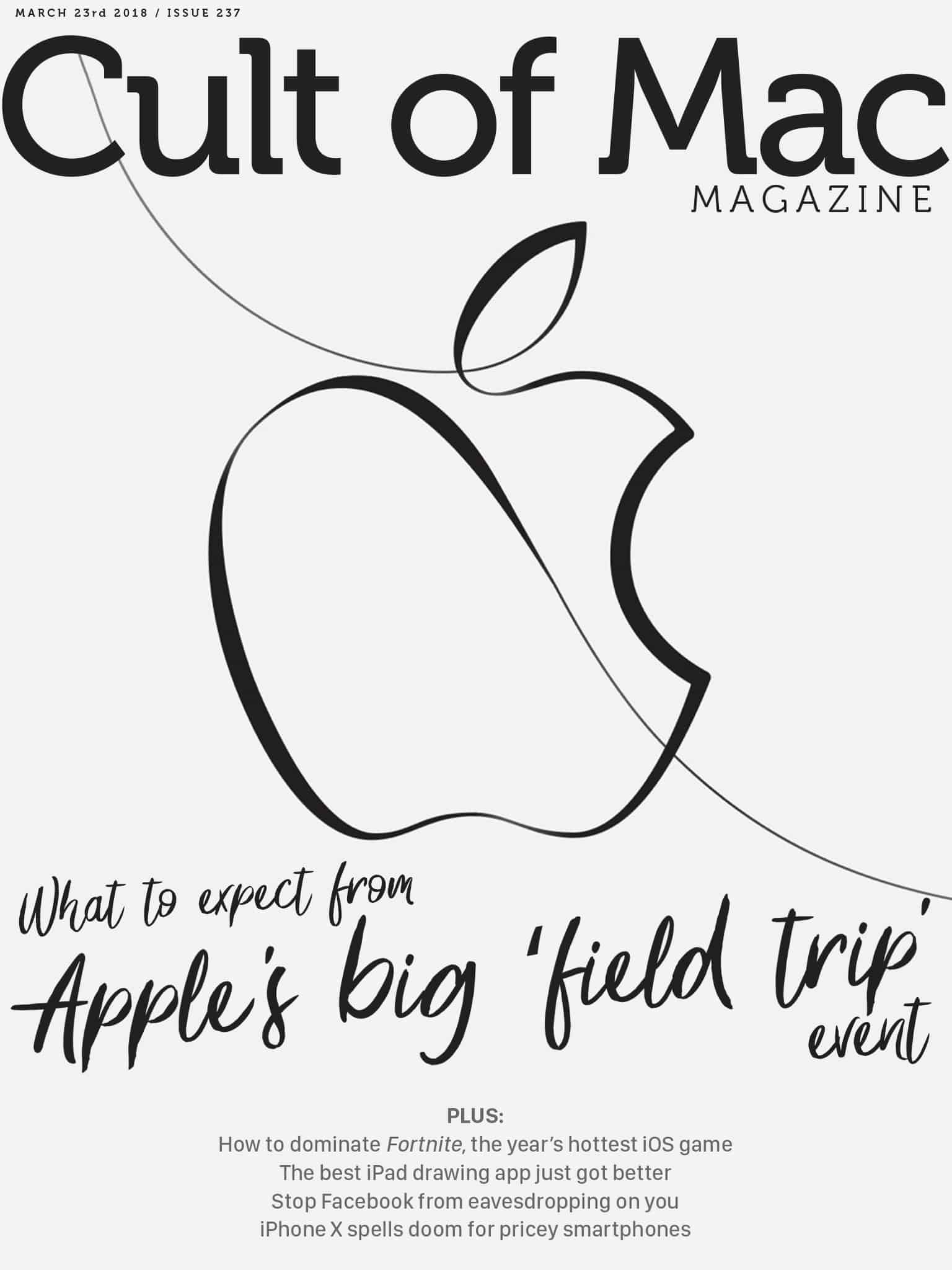
In this week’s Cult of Mac Magazine: Apple will take a field trip out of Silicon Valley to host its first major event of 2018 next week. Instead of focusing on iPhones and Apple Watches, this keynote will be all about education and creativity.
Rumors have been swirling for months that new MacBook Airs and an updated, inexpensive iPad could arrive this spring. We might see those, but Apple probably has a couple other surprises in store that you haven’t heard of. Here’s what to expect from Apple’s education event next Tuesday.
The Ligero is built from robust 6061 series aluminum — the same aluminum used in the aircraft, automotive, boating and diving industries.
Photo: Juuk
When Eugene Ho first saw the Apple Watch, it made him think of a jukebox. If the watch piece is the player then the wristband is like a song that can be changed according to taste and mood.
Ho is building a band brand, Juuk Design, that acknowledges the watch wearer who likes to change bands on a whim. The Ligero is an aircraft-grade aluminum link band designed in vibrant finishes that will complement the aluminum Apple Watch model in Series 1-3.
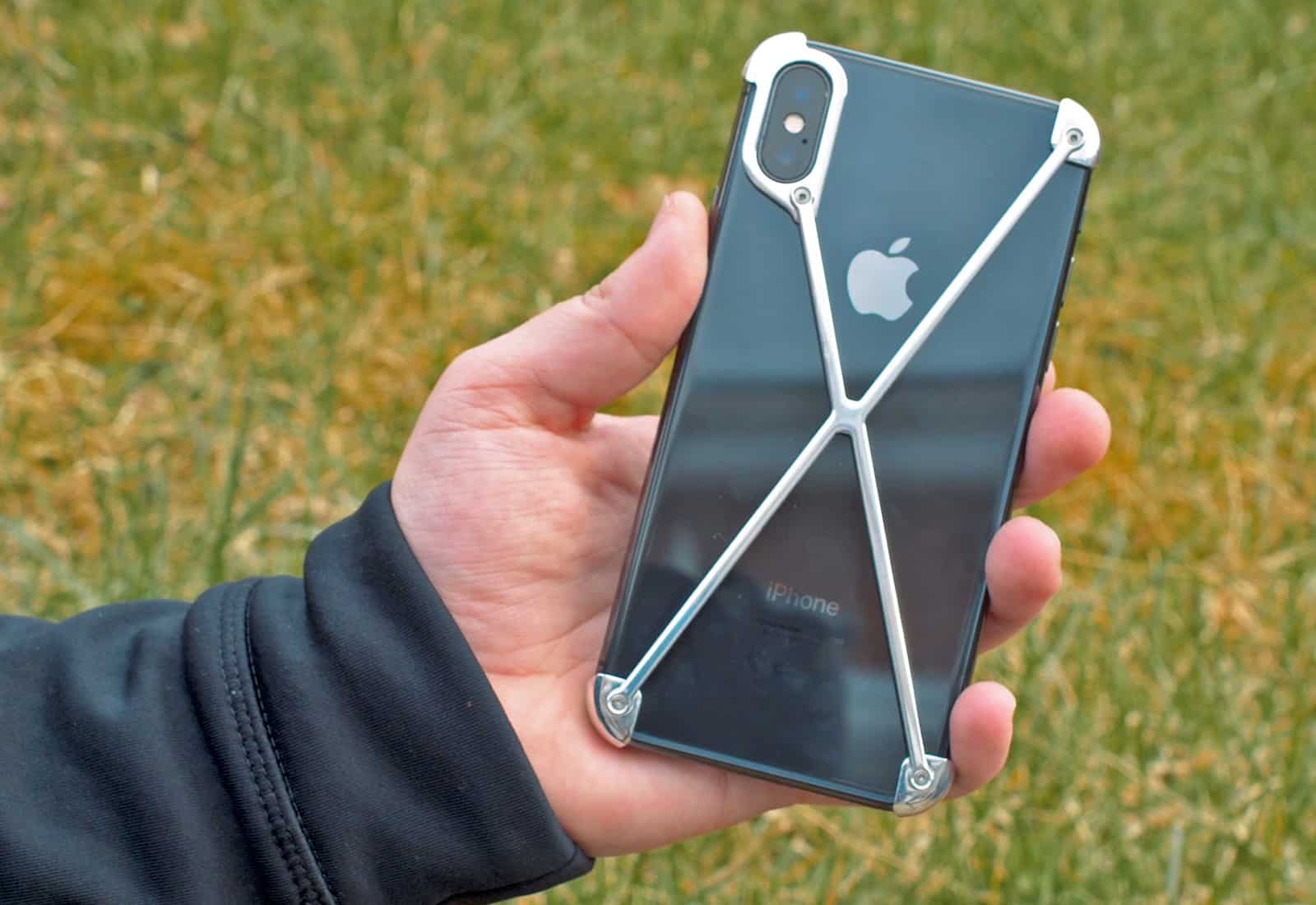
Is this the most unusual iPhone X case ever? Photo: Ste Smith/Cult of Mac
The futuristic design of Mod-3’s Radius X makes it one of the most unusual iPhone X cases I’ve seen. If you’re after the ultimate minimalist case, or don’t like having a case on your phone but still want to protect it, the Radius X could be the perfect candidate.
In fact, it’s less of a case and more of an exoskeleton (or an updated version of a bumper case). Find out what makes this case special in our video, or read our full Radius X review below.
Apple's new emoji suggestions, designed to better represent those with a disability Photo: Apple
Apple has proposed a bunch of new accessibility emoji that it wants to bring to iOS.
There are nine altogether — some of which are available in different genders and skin tones — including guide dogs, a heading aid, prosthetic limbs, and more.
Customize text in Safari. Photo: Charlie Sorrel/Cult of Mac
You probably spend more time in Safari than in any other app on your Mac. Some people I know almost never use anything else, even typing their blog posts into a text field in the browser. The good news is that Safari is an excellent browser, and makes it really easy to read most sites on the web. Today, though, we’ll see how to make things even easier to read. With a few quick tweaks in Safari’s settings, we can customize text for any website.
Apple today updated its Apple Events app for tvOS ahead of its education event on March 27. You’ll be able to watch a recording of the keynote on your Apple TV to see what’s in store — but only after the event has concluded.
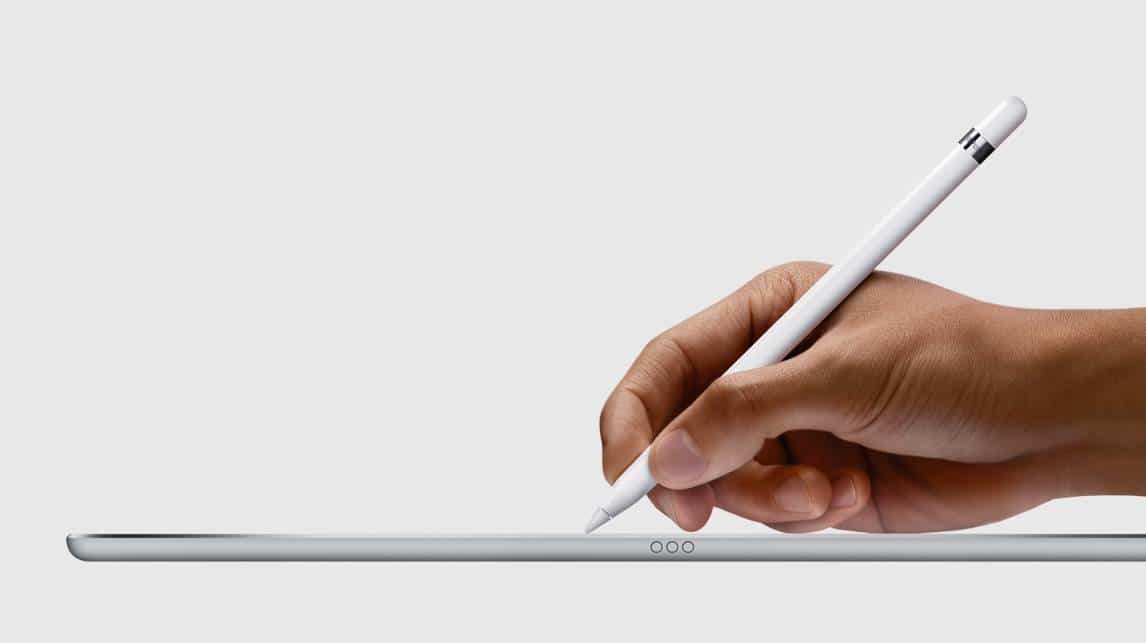
Apple Pencil is about to invade classrooms. Photo: Apple
The Apple Pencil is about to become a lot more accessible to iPad users.
During its field trip event in Chicago next week, Apple will reportedly unveil a cheaper iPad. And according to one of the world’s best Apple analysts, it will work with Apple Pencil.