Sometimes trademarks are about defending brand names you’ve spent years and millions of dollars building up. Other times they’re meant as jealous, petty ways of striking back at people who are doing better than you.
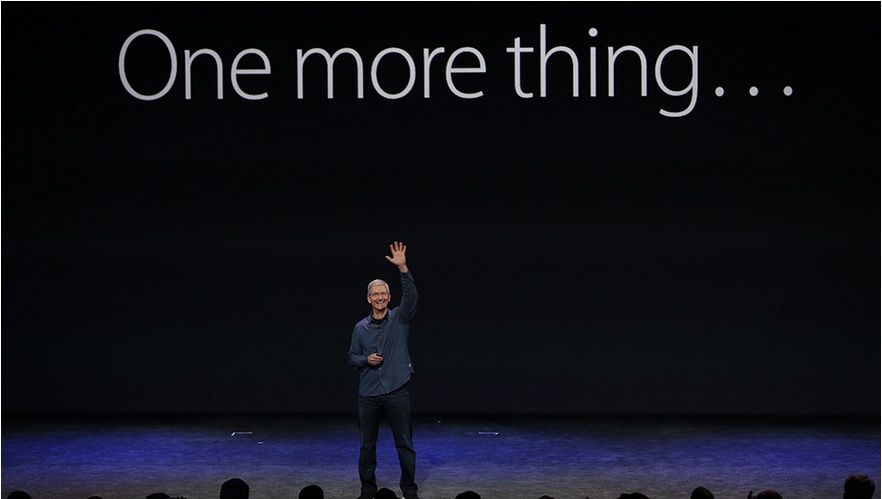
Guess which category Swatch’s decision to trademark Steve Jobs’ iconic “One more thing” signature phrase falls under.
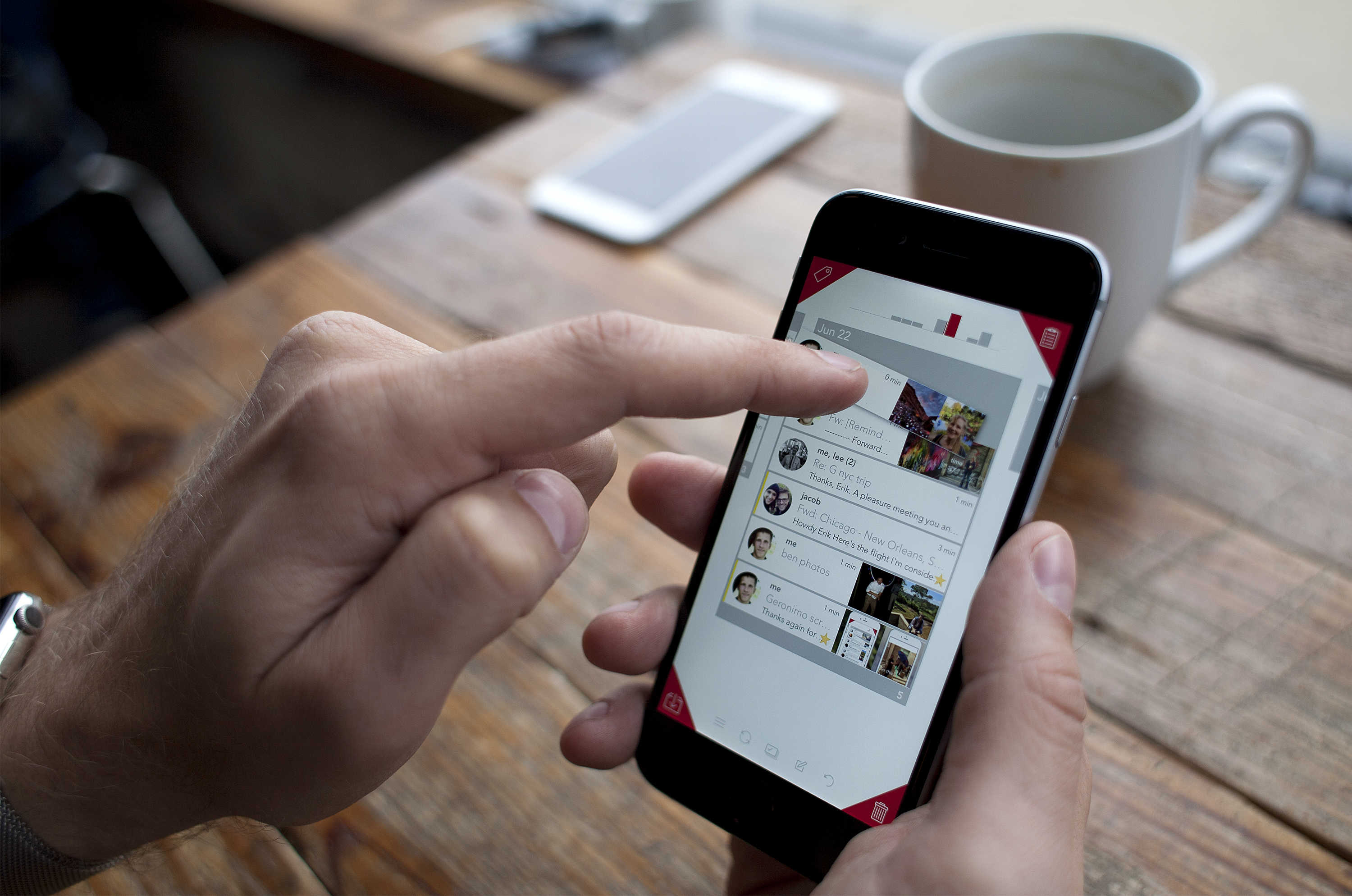
Geronimo lets you quickly identify and organize important emails. Photo: David Pierini/Cult of Mac
While some are writing the eulogy for email, Erik Lukas has worked for the last two years trying to make it relevant again.
His mobile app, Geronimo, takes its first public leap Aug. 27 for iPhone and the Apple Watch with an interface that involves gestures and uses the four corners of an iPhone screen for quick and easy management of your email.
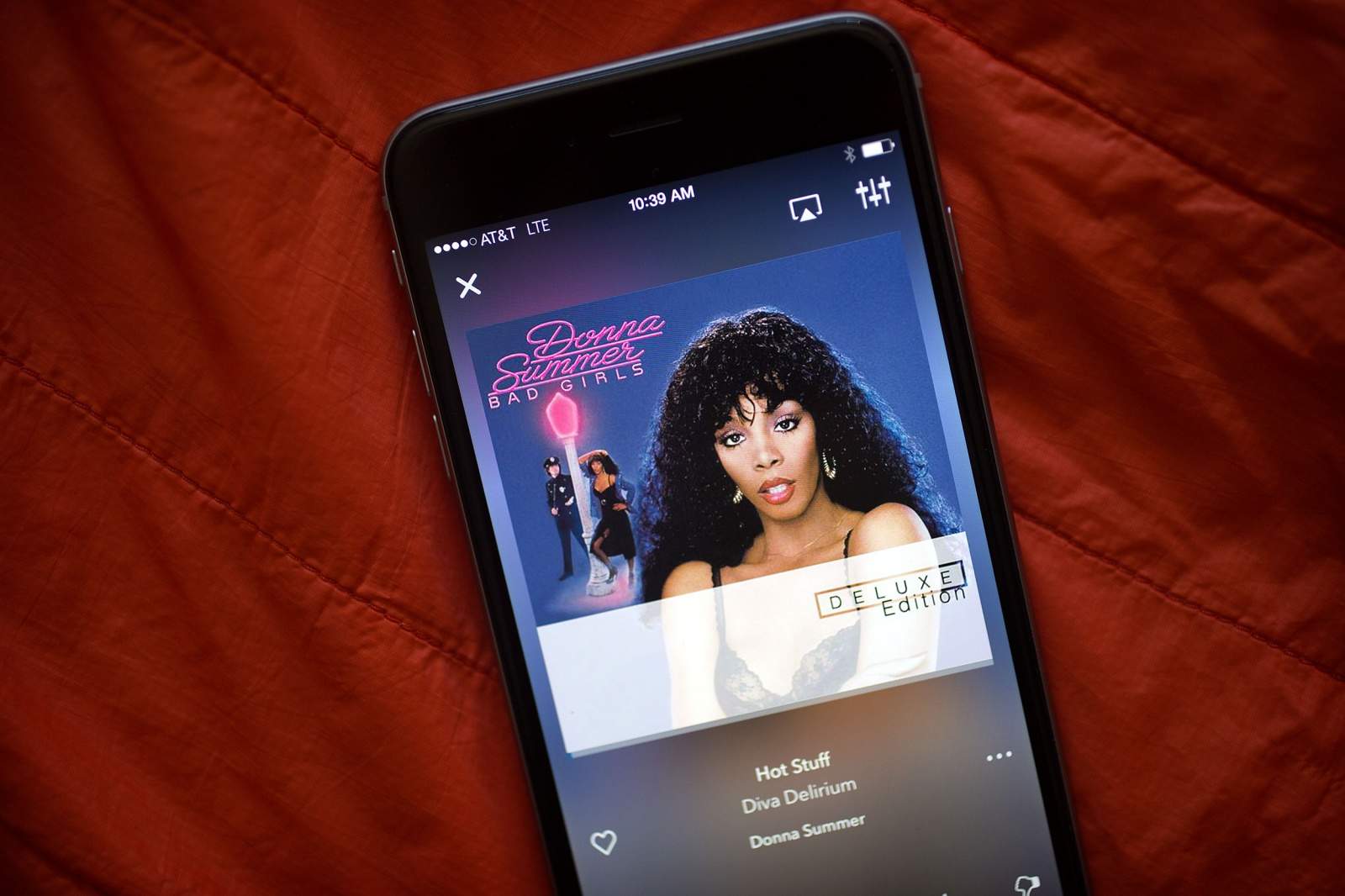
The streaming music veteran takes a shot at becoming "hot stuff" with a total app overhaul. Photo: Jim Merithew/Cult of Mac
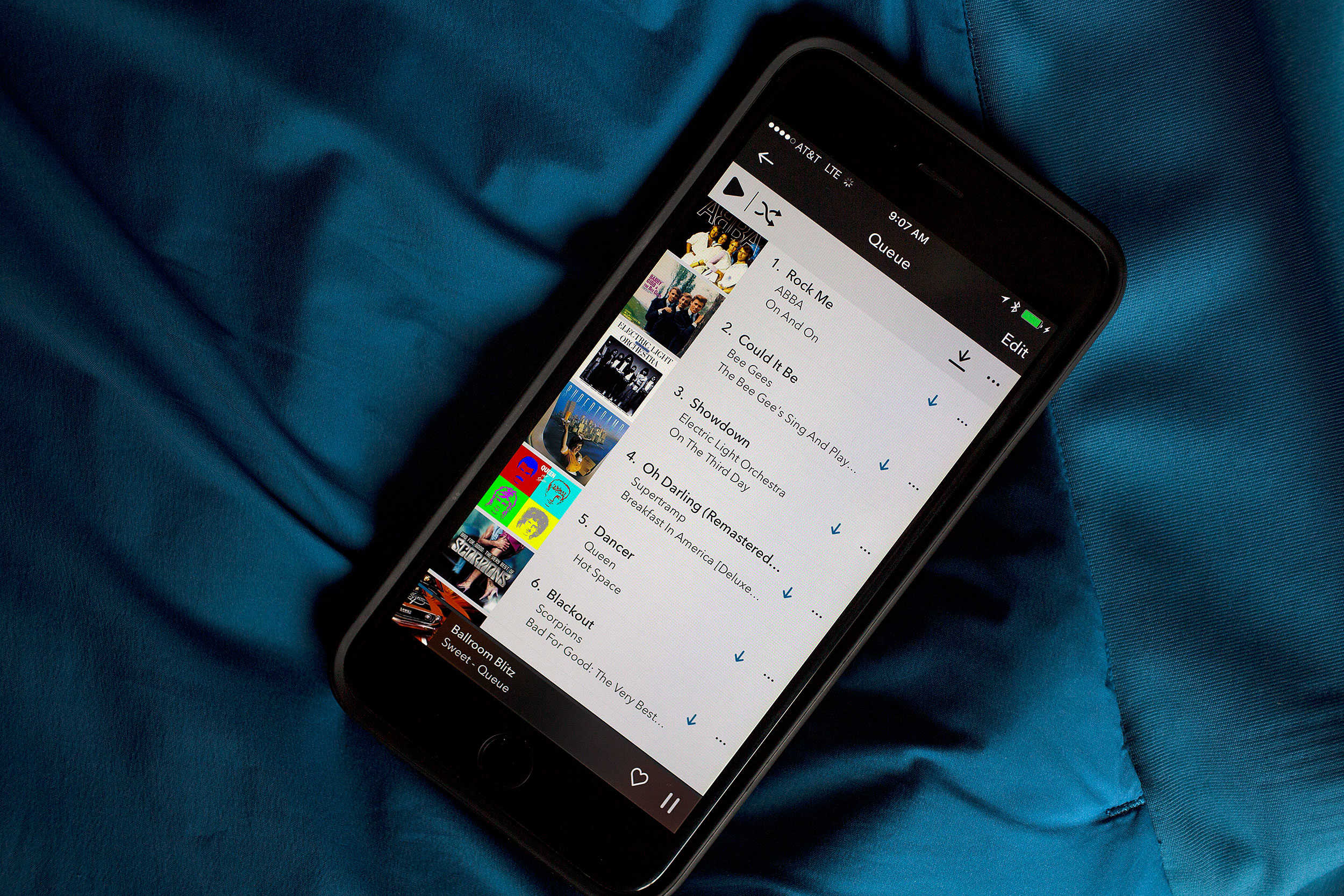
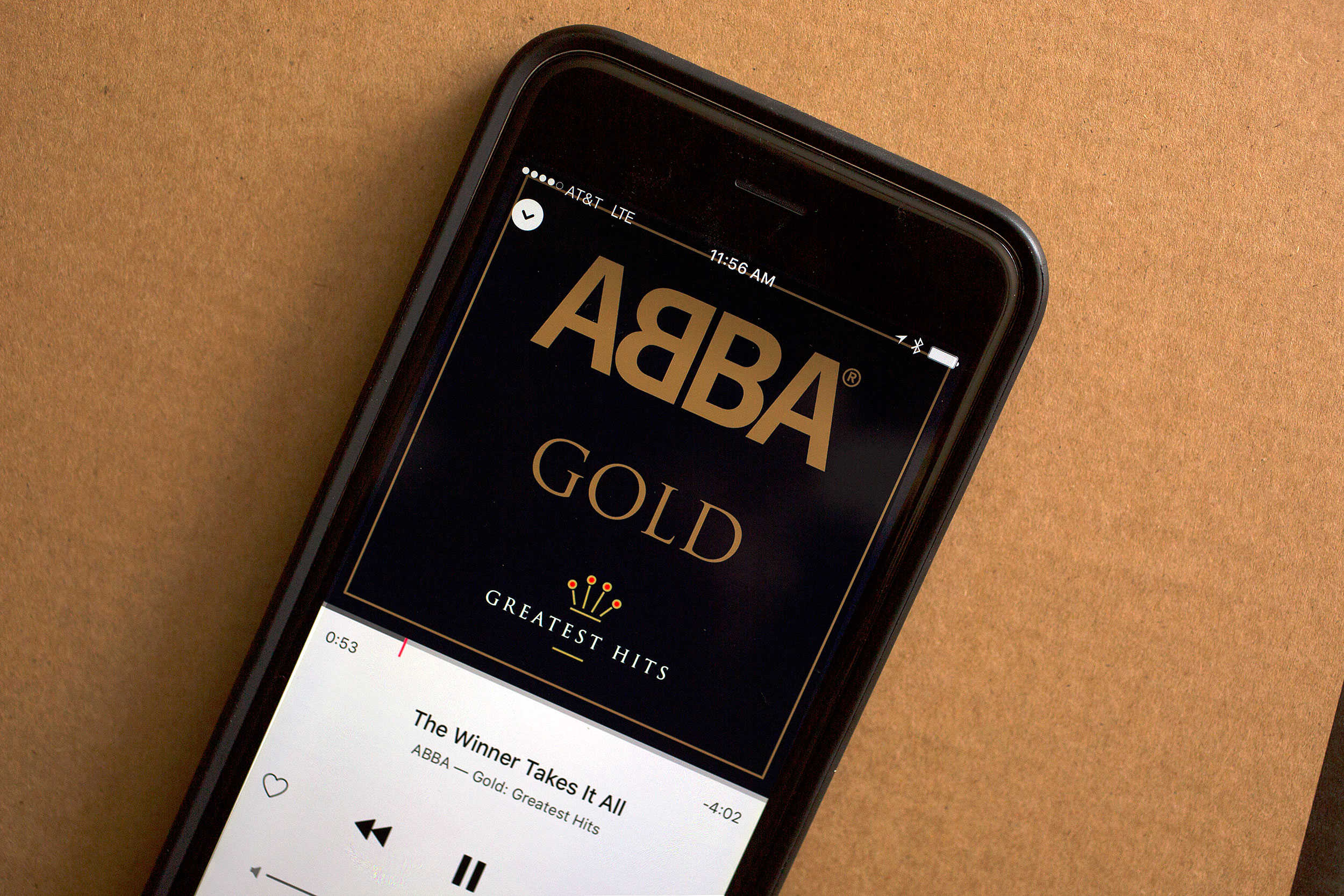
Responding to the existential threat posed by Apple Music and Spotify, old-school streaming music service Rhapsody has completely overhauled its mobile app. The revamped Rhapsody comes with a fresh design and new features to take things up a notch — although some of these things look mighty familiar.
Will this redesign be enough to take on the newcomers that are eating Rhapsody’s lunch? Check out what Rhapsody brings to the table and see for yourself.
After 14 years, what's next in Rhapsody's queue as it attempts to take on the biggest competition yet? Photo: Jim Merithew/Cult of Mac
Apple Music cranked up the volume on music streaming, turning an insider topic into water-cooler fodder as musicians, industry bigwigs and tech analysts weighed in with questions about the future of the music industry.
Seemingly everybody is suddenly talking about Apple Music subscription numbers and the chances of competitors like Spotify and Pandora. But in all the media buzz about who’s winning and who’s losing, almost everyone is disregarding another major player — Rhapsody, the streaming music service that just happened to spark the streaming revolution.
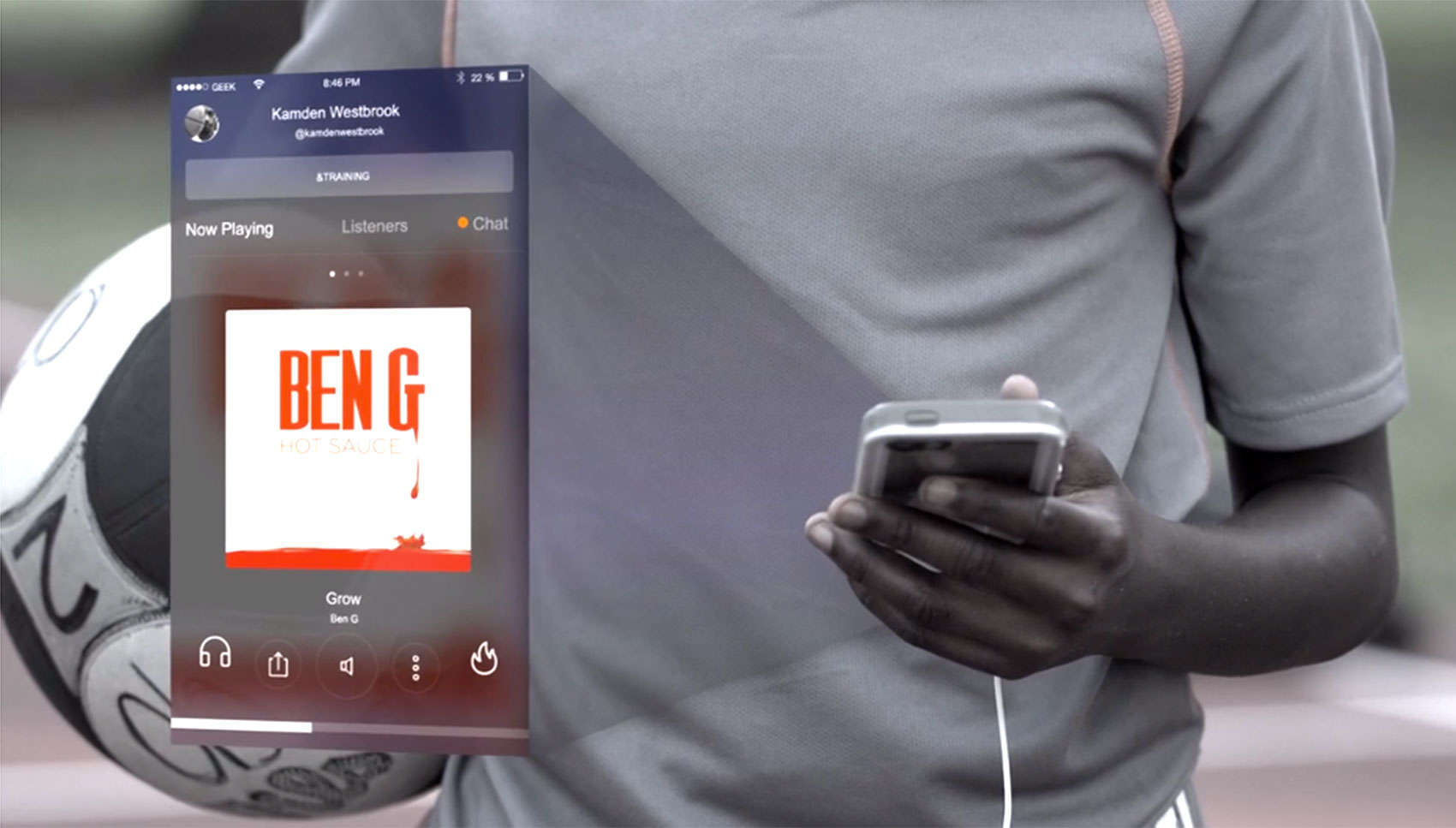
The Geekin Radio app lets users listen to music together in real time. Photo: Geekin Radio/Vimeo
The confetti from Apple’s splashy launch of its music streaming service has barely finished falling. Now comes startup Geekin Radio, with a streaming service that debuts today. It seems like odd timing.
How will it ever emerge from the shadows of Apple Music? CEO Gavin McCulley is aware of his timing and likes his company’s chances because Geekin Radio’s mobile app is the only streaming service that is an actual social network, offering a shared listening experience, perfectly synced, with back-and-forth chatting in real time.
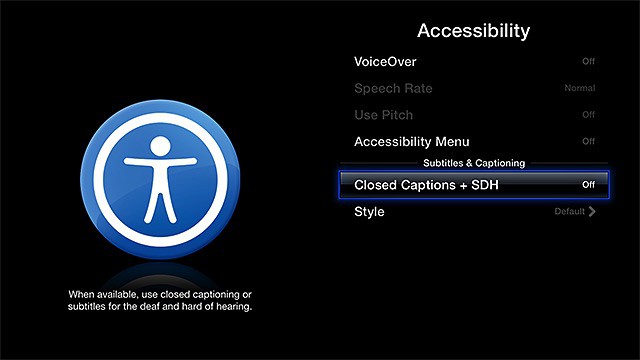
Closed captions make it easier to understand what's going on. Photo: Apple
Closed captioning is useful to those with a hearing impairment to make the audio of videos accessible. Subtitles help those who speak a different language understand what’s going on in a film not in their original language.
You can enable these features on your Apple TV, but it’s not super-intuitive — there’s no single button to make it happen.
However, that doesn’t mean it isn’t easy. Here’s how to turn on Apple TV subtitles, even if you just want to watch a scary movie at night and have the sound turned down.
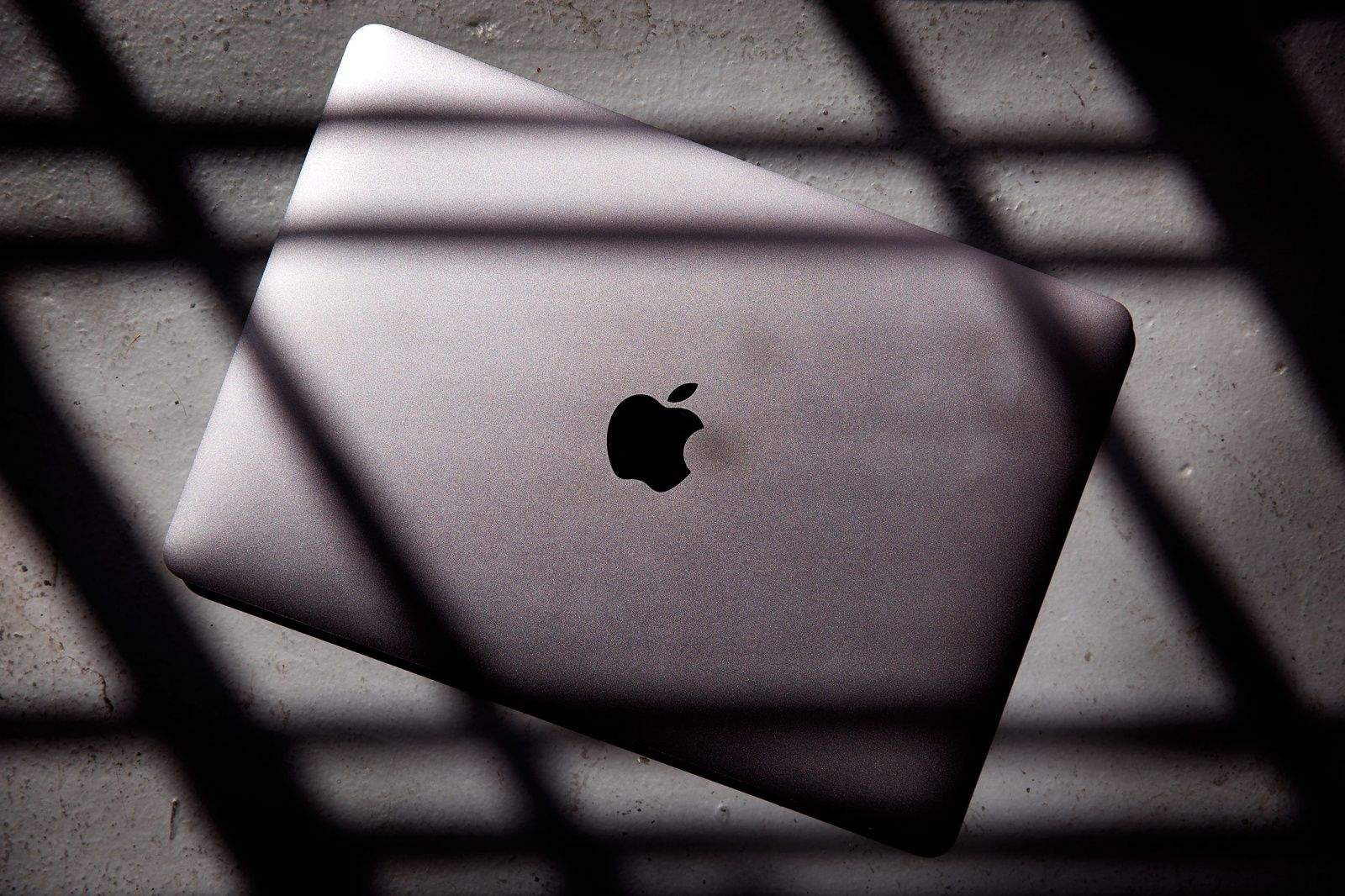
Apple's got some pretty unique angles for selling. Photo: Jim Merithew/Cult of Mac
Have you ever noticed that the MacBooks are positioned at a slightly awkward angle whenever you visit an Apple Store?
As it turns out, there’s method to Apple’s madness — and it’s all about getting customers to adjust the screens, thereby giving them a taste of just how gorgeously tactile the company’s MacBooks really are.
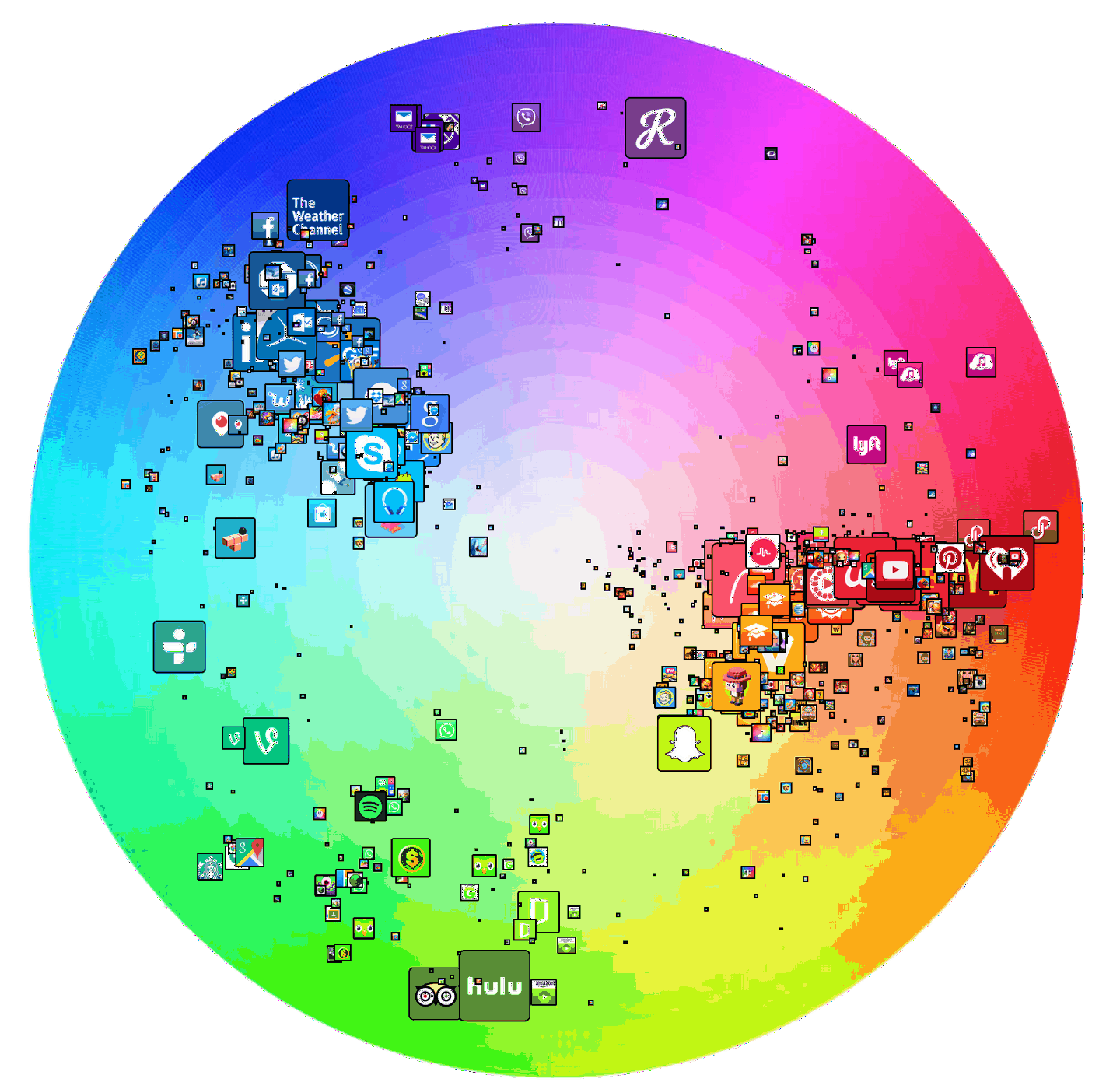
The Top 200 iOS app icons, charted to a color wheel. Photo: Stuart Hall / Medium
There are thousands of colors an App Store icon can be … so why does it so often look like developers only had half a box of crayons to choose from when we look at our iPhones?
But App Store iconography may be more colorful than it seems at first. Don’t believe me? These color wheels show exactly how dominant certain colors are in the icons of the most successful apps.
Find new music; listen to your favorites. It's that simple. Photo: Jim Merithew/Cult of Mac
What the hell, internet? Apple Music, for all its growing pains and glitches, is a fantastic music streaming service.
It’s free unlimited music now, cheaper unlimited music later, and Apple Music is undoubtedly going to get better, especially if you’re already tied into Apple’s ecosystem.
If you take off before the trial period ends, you’re gonna miss out.
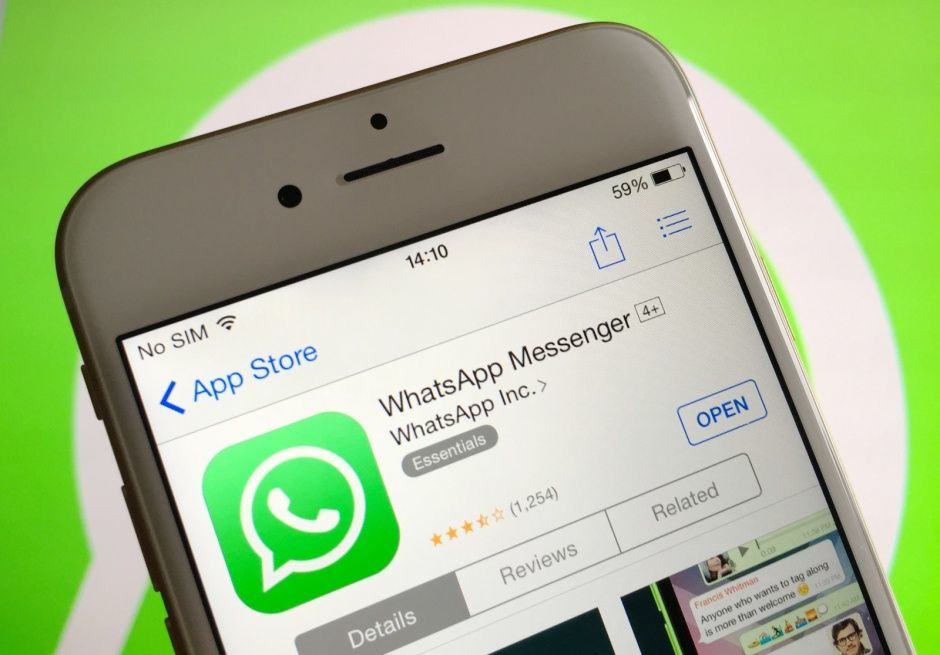
WhatsApp is a pretty popular messaging app that went from 200 million daily active users in April of 2013 to 800 million of them as of April 2015.
Unlike competitor SnapChat, however, WhatsApp will save every photo and video file sent to you to your Camera Roll. This could make for some embarrassing moments when you’re swiping through your photos to show mom your latest cat pictures.
It could also start to clog up your iPhone, really, with all that racy video your friends keep sending you.
To avoid these situations, you can disable the “feature.” Here’s how.
Base is not a photo filter app. The user must pick a style of film before shooting. Photo: Stay Kids
We love our photo filter apps, especially the ones that deliver the look and quality of classic film stock. These filters will never replicate the rich tonality and texture of film, but given the cost and hassles of using it, the average person probably feels they’re not missing much.
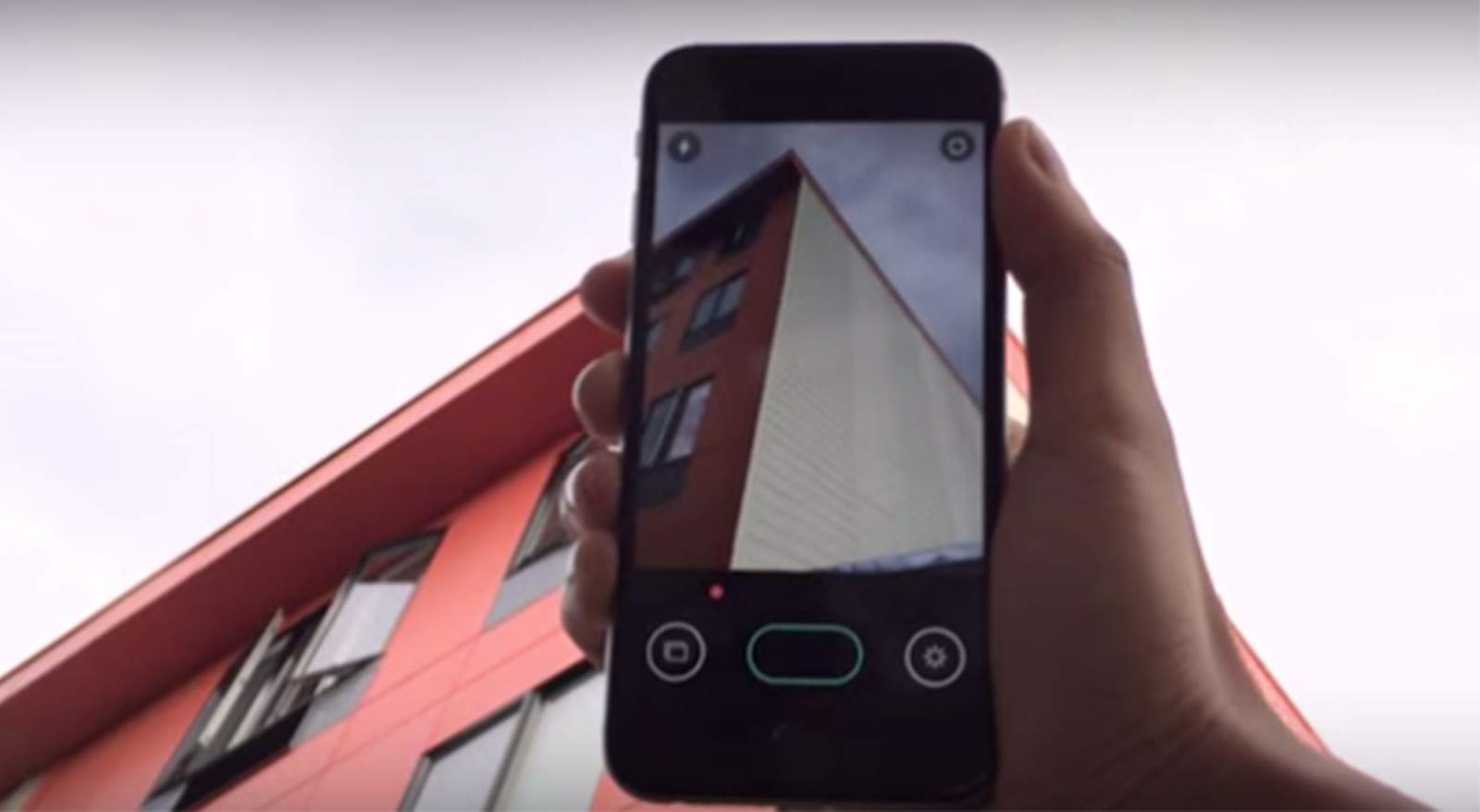
Deepak Mantena believes we’re missing out. The creator of digital studio Stay Kids has developed an iOS photo app called Base that lets you pick from 14 different film styles before you start making pictures.
How to saber open a bottle of champagne with an iPhone. Photo: Business Insider
Suckers slowly pop the cork on a bottle of champagne. Pros saber it off, exploding bubbly everywhere. But what do you do when you don’t have a sword? You pull out your iPhone.
The Apple Music Festival is totally free. Provided you can get a ticket, that is! Photo: Apple
Apple has announced the lineup for its upcoming Apple Music Festival, which will feature performances by Pharrell Williams, One Direction, Florence + The Machine and others.
The concerts take place in London over 10 days from September 19 to September 28.
Get all your stuff together in this lightweight, classy, functional messenger bag. Photo: Rob LeFebvre/Cult of Mac
Ever try to go from home to the gym to the office to the party in the same day? If you have, you’ll know that move requires a lot of carrying capacity, typically across several bags.
Now try to do all that as an eco-warrior on a bicycle. You’ll want one big, waterproof bag that can hold your work stuff, your gym clothes and maybe a rain coat in case it gets wet out there. Stylish and useful, the Vitesse from WaterField Designs is a lovely, waxed-canvas messenger bag that will fit all that stuff.
Yep, that's ludicrous. Oh, and the guy's name is Ludacris. Photo: Ludacris
Some stars are just too big for the 18-karat gold Apple Watch Edition. One of them is rapper and The Fast and the Furious actor Ludacris, who rocked up at the Teen Choice Awards on Sunday night sporting a custom Apple Watch studded with diamonds.
Imagine getting paid to Instagram... Photo: @withhearts
This week on The Cultcast: Ever wonder what it’s like to have companies pay you to travel the world snapping their Instagram photos? Professional Instagrammer Cory Staudacher shares his workflows and favorite iOS photo apps — and you won’t believe how much some companies will pay you to make them look cool.
Plus: Neat new features coming to iOS 9; Apple quietly beefs up the iPhone 6s to prevent another #Bendgate; and don’t miss our list of new favorite apps.
Our thanks to Squarespace for supporting this episode. Build a beautiful new website quick with Squarespace’s drag-and-drop interface. Start a free trial and save 10 percent off any first order with code “CultCast.”
Catch our favorite new apps in the show notes below.
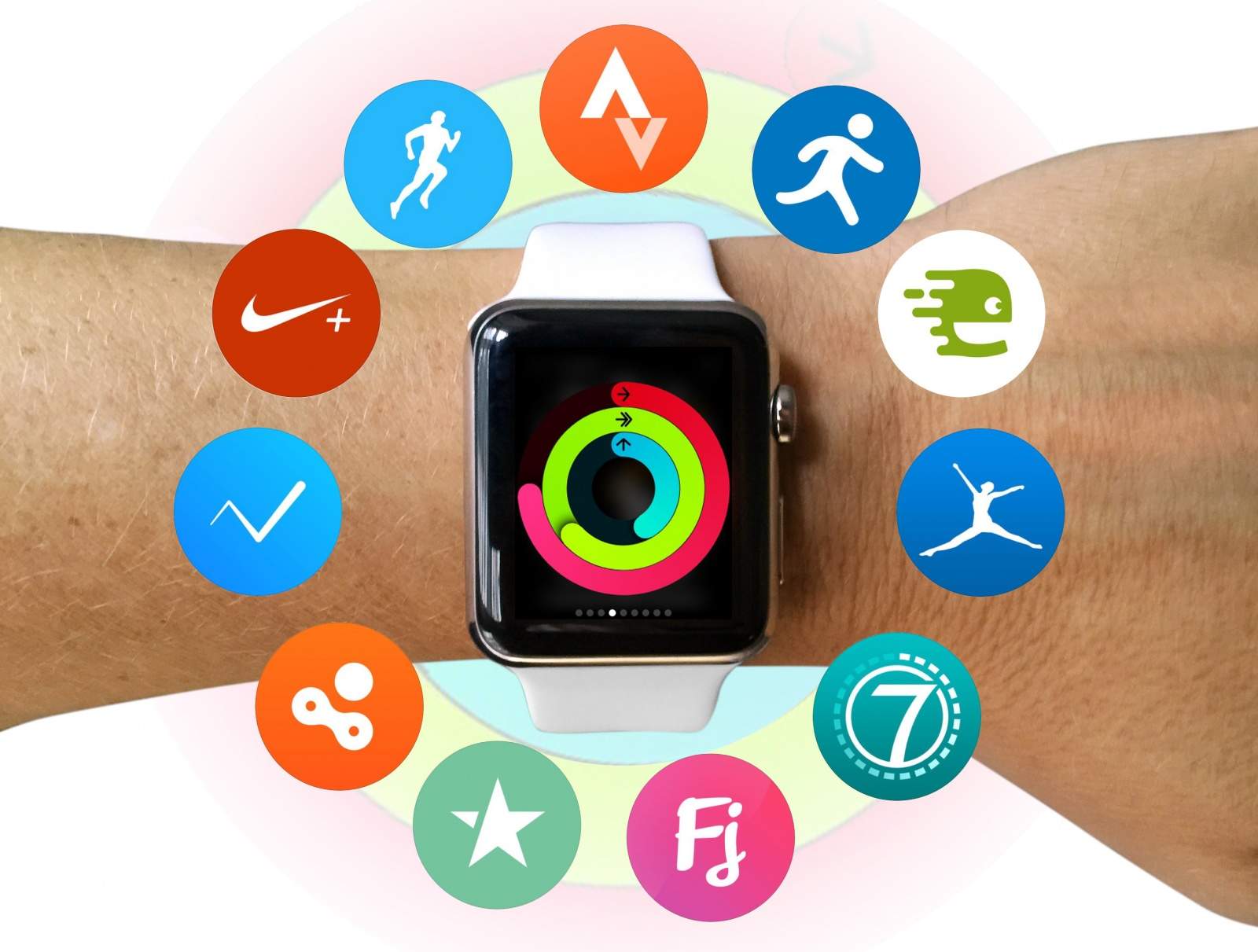
The Activity app forms the hub of Apple’s fitness platform strategy. Photo: Graham Bower/Cult of Mac
If you compare the Apple Watch to dedicated fitness tracking devices, it comes up short, and the forthcoming watchOS 2 will do little to address these limitations. Instead, with this update Apple is focusing on helping improve third-party fitness apps.
That’s because Apple sees its wearable as the main component of a fitness platform, with the Activity app as hub. While the built-in Workout app is mostly for beginners, third-party apps will provide the missing features for hardcore users.
Apple Music is good, but here are a few simple ways it could be great. Photo: Apple
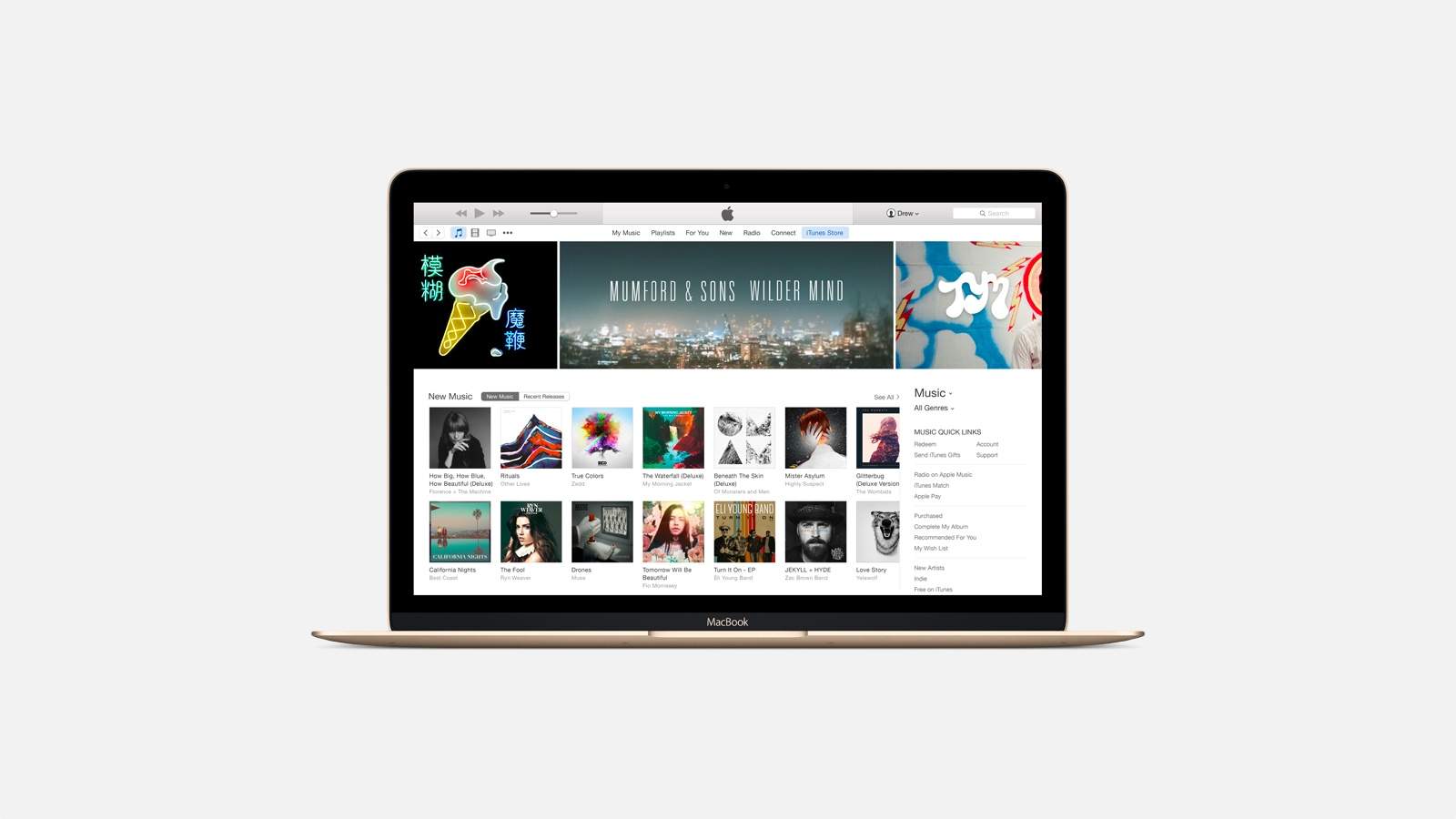
Yesterday’s iTunes update brought a few improvements to Apple Music as it lives on the Mac and PC. The minor tweaks and bug fixes are always welcome, but Apple Music still has a long way to go before the experience is where it should be, particularly in iTunes.
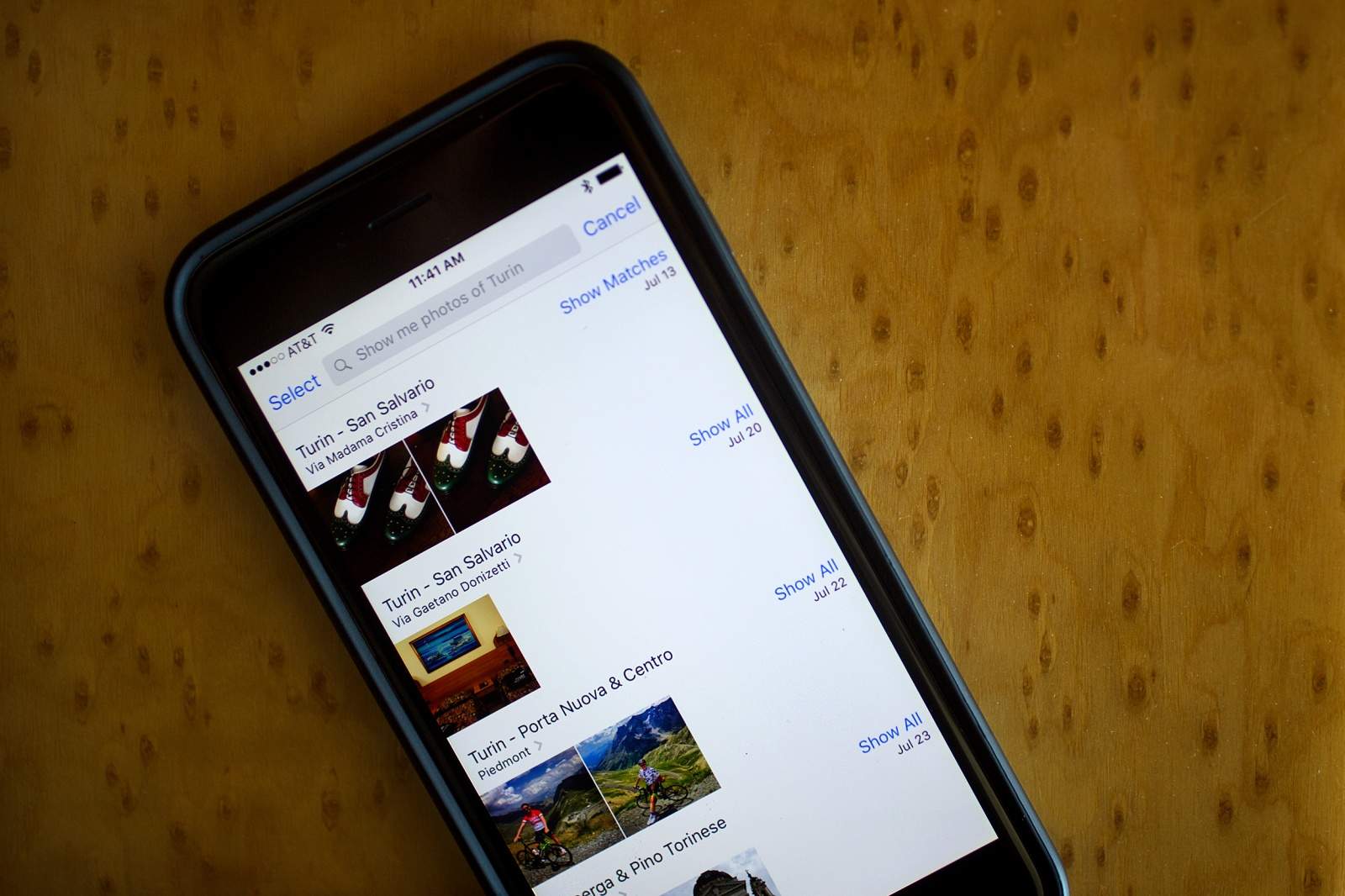
I wanted to find photos from my vacation a couple of weeks ago, so I figured I’d try out Siri’s new iOS 9 functionality.
“Siri,” I said, “show me photos from Hawaii.”
Dutifully, Apple’s updated digital assistant pulled up photos from my trip to Oahu a couple of years ago. They’re lovely, but I wanted more recent pictures.
“Siri, show me photos from Hawaii last week,” I said, reasonably.
As soon as I finished speaking, there they were. Siri had launched my Photos app on my iPhone and brought up the photos I’d taken while in Kona. Great stuff.
Here are some other ways you can get Siri to find the photos you want in the huge pile you have sitting on your iPhone.
Rock music history is rife with musicians who developed a sort of god complex from money and fame.
A recent posting on Instagram indicates fame is unlikely to corrupt Brittany Howard, lead singer and guitarist for Alabama Shakes, who used the photo- and video-sharing platform to give a fan a guitar lesson.
Didn't get away this summer? These videos let you vacation vicariously. Photo: Stefanie Magnolia/Vimeo
Vacation films used to be something to fear. The blurry Super 8 home movie from the lake or the two-hour slide show of the neighbor’s trip to the Badlands would quickly put us to sleep (although we might have preferred death).
But these days, anyone can shoot and edit their vacation films with cinematic flair thanks to the latest smartphones and software that gives us tools that once required a film school degree. Just look at these stunning videos and you’ll see state-of-the-art summer memories, circa 2015.
Apple's first car product might be a heads-up display. Photo: Milan Nykodym/Flickr
Apple is looking to bring fighter-jet technology to your car’s dashboard, according to a new report that claims the iPhone maker is working on a 27- to 50-inch heads-up display for automobiles that will be completely controlled by gestures.
Apple Stores are about to look like this inside and out. Photo: Apple
We already knew that Apple has taken an interest in how its third-party partners present their wares in the Apple Store, but a leaked memo is describing just how seriously the company is taking this new initiative.
Other than the clean white background that it’s so fond of, Apple is also asking vendors to pay attention to the typefaces they use and even the angles from which they photograph their products.
So it turns out Apple is controlling and particular. Who knew?
Yet another reason to use Apple Pay. Photo: Jim Merithew/Cult of Mac
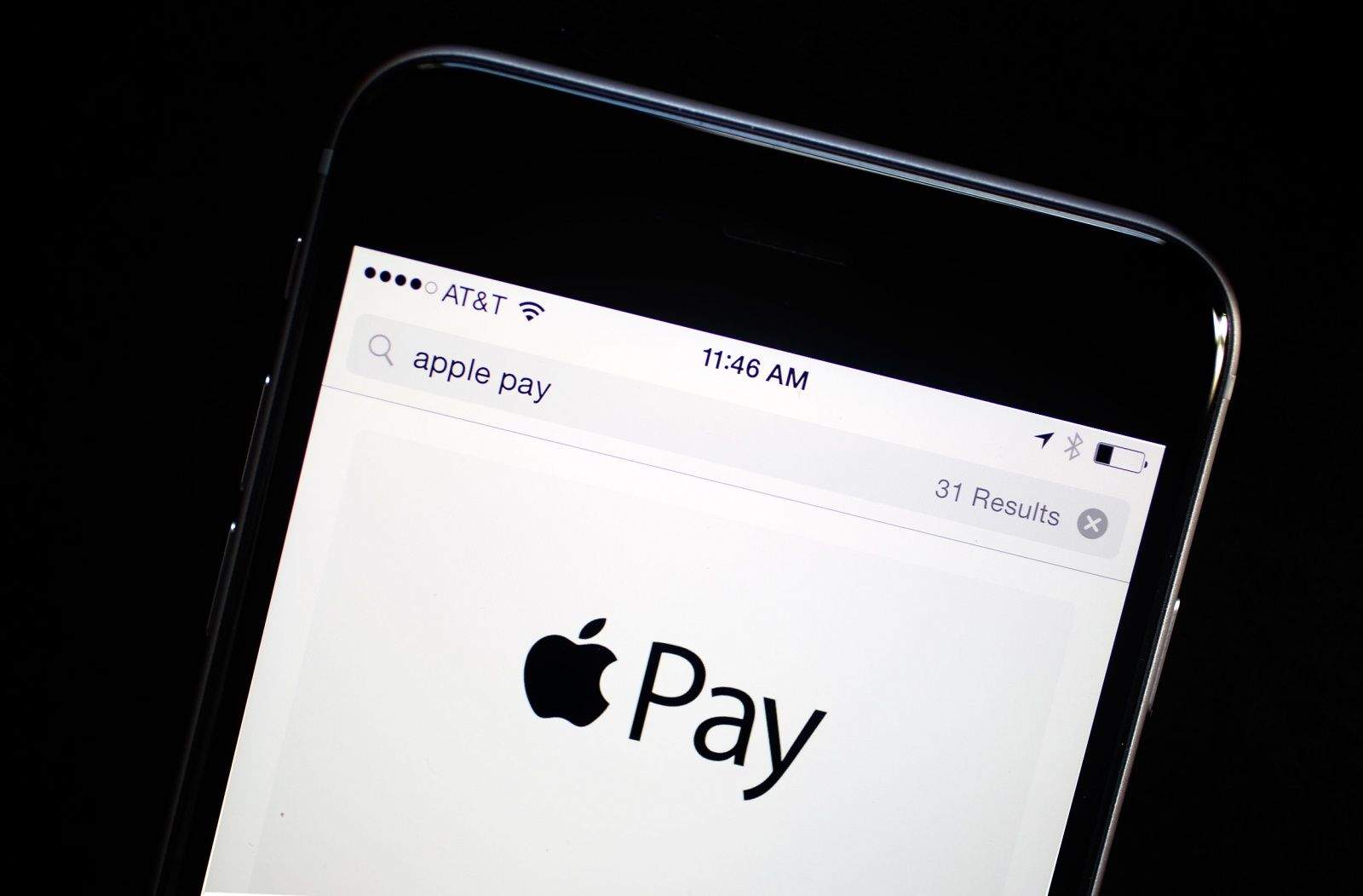
Apple’s new Wallet app replaces Passbook in iOS 9, currently in public beta. Just like Passbook, when you wave your iPhone at an Apple Pay kiosk, it will only let you choose your default credit card and pay for the goods or services you bought.
In iOS 9 beta, you’ll also be able to choose any of your other provisioned credit cards from your Apple Pay account without even unlocking your iPhone or accessing the Wallet app.