Google Assistant is ready to do battle with Siri on its home turf.
iPhone users can now get their hands on the dedicated Google Assistant app for iOS, but don’t expect it to offer everything you get on Android.
Google Assistant is ready to do battle with Siri on its home turf.
iPhone users can now get their hands on the dedicated Google Assistant app for iOS, but don’t expect it to offer everything you get on Android.
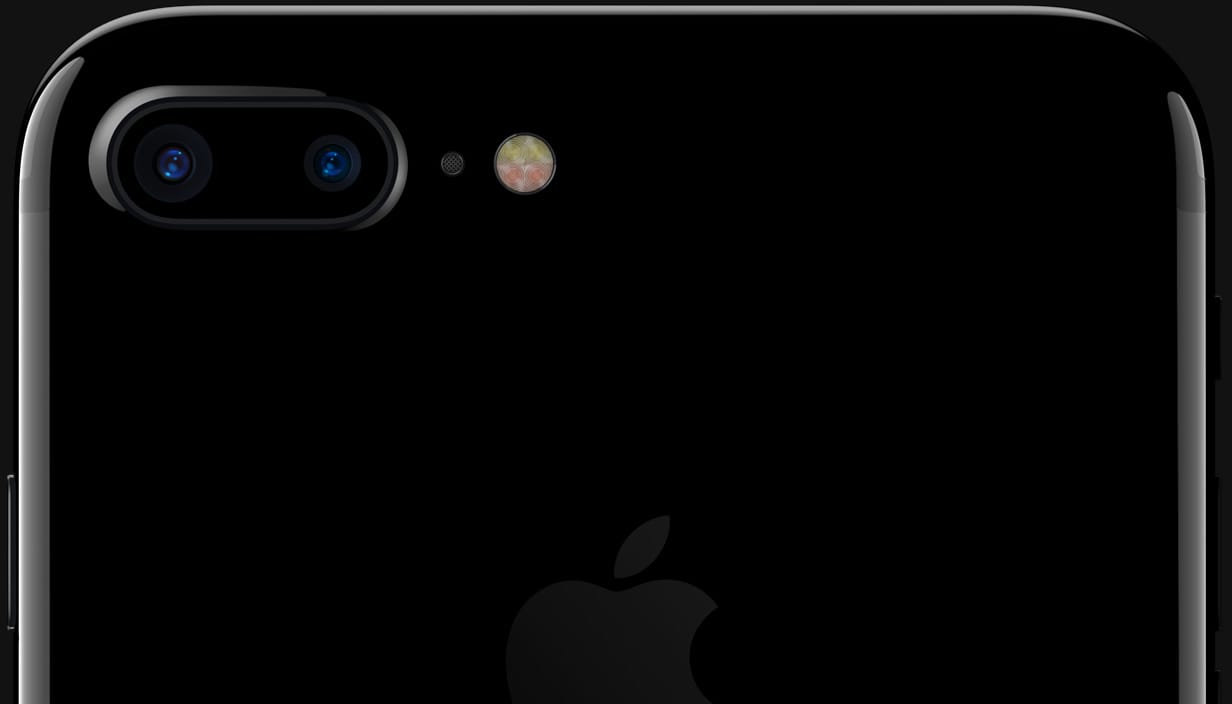
The internet has become awash with apparent iPhone 8 schematics and fan-made mockups in recent months, but these images claim to reveal the final design of a real device in all its glory.
The design looks familiar, proving previous leaks were right on the money, with glass panels flanking the front and back of the device, a redesigned iSight camera module, and a shiny metal frame that holds everything together.

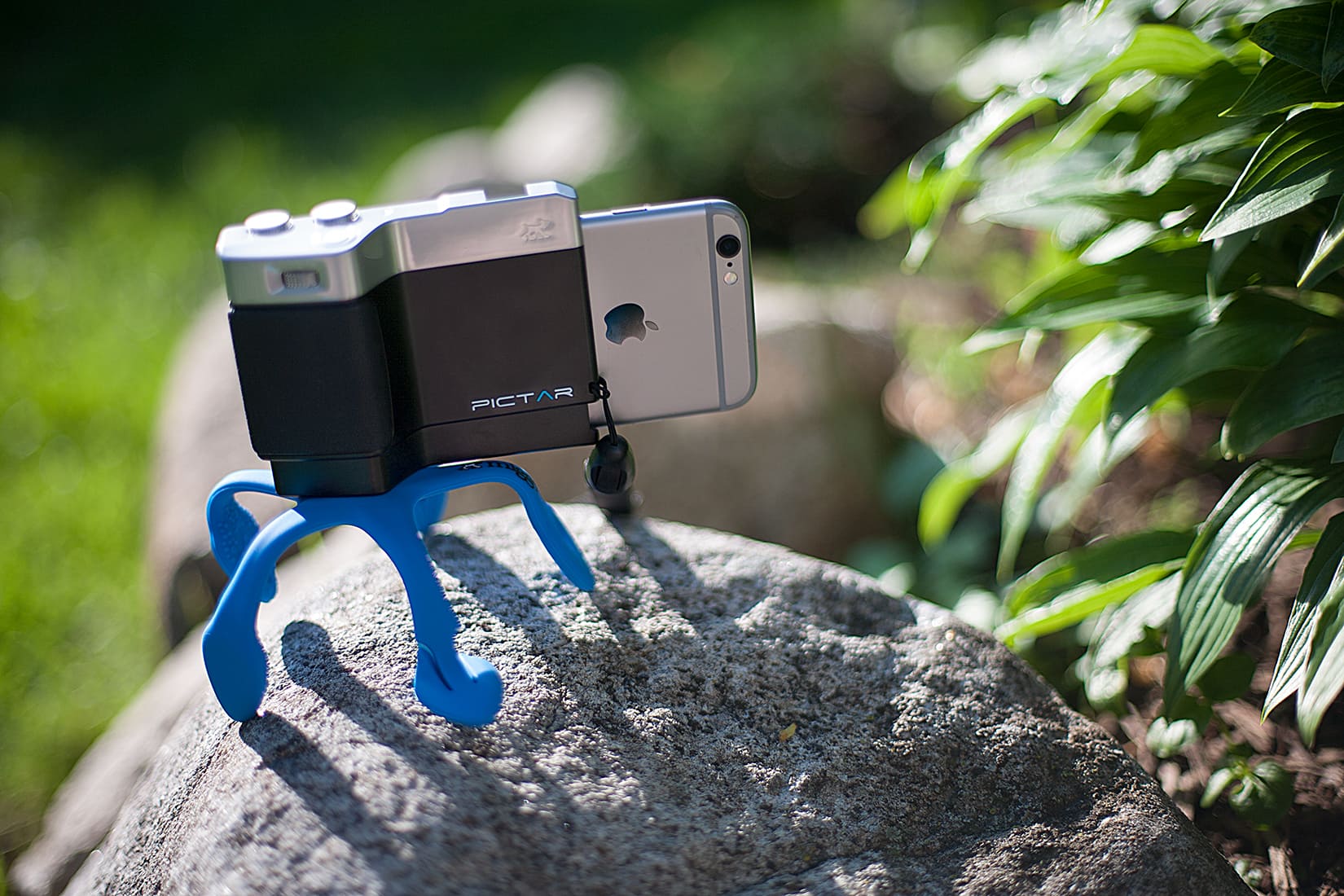
Because all accessories needed to be categorized, the Pictar One is an iPhone camera grip.
But the word grip kind of sells it short when you learn just how the Pictar One works to make the iPhone camera feel and shoot more like a DSLR.
The iPad might be designed for touch, but it’s also surprisingly good with an external hardware keyboard, and includes excellent support for keyboard shortcuts. What’s more, it shares many keyboard shortcuts with the Mac, so if you have these already ingrained in your muscle-memory, they’ll carry right across. Let’s take a look at five of the most useful keyboard shortcuts for the iPad (and iPhone).
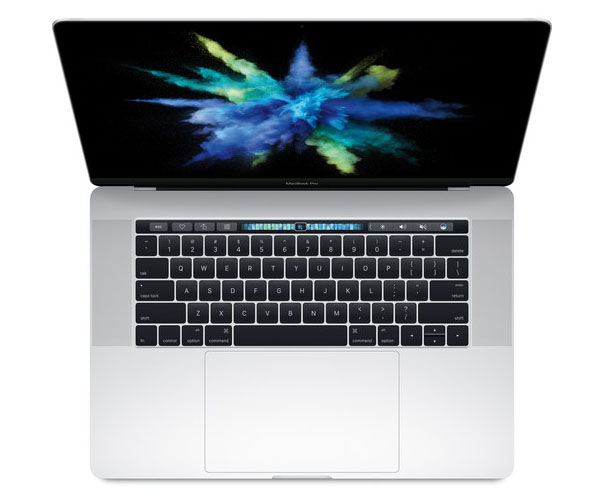
Apple fans craving more powerful MacBooks may get their wish next month at Apple’s Worldwide Developers Conference.
The company is allegedly planning to unveil a new lineup of MacBooks, according to a report that claims the new machines will pack Intel’s new Kaby Lake processor to bring more speed than ever.
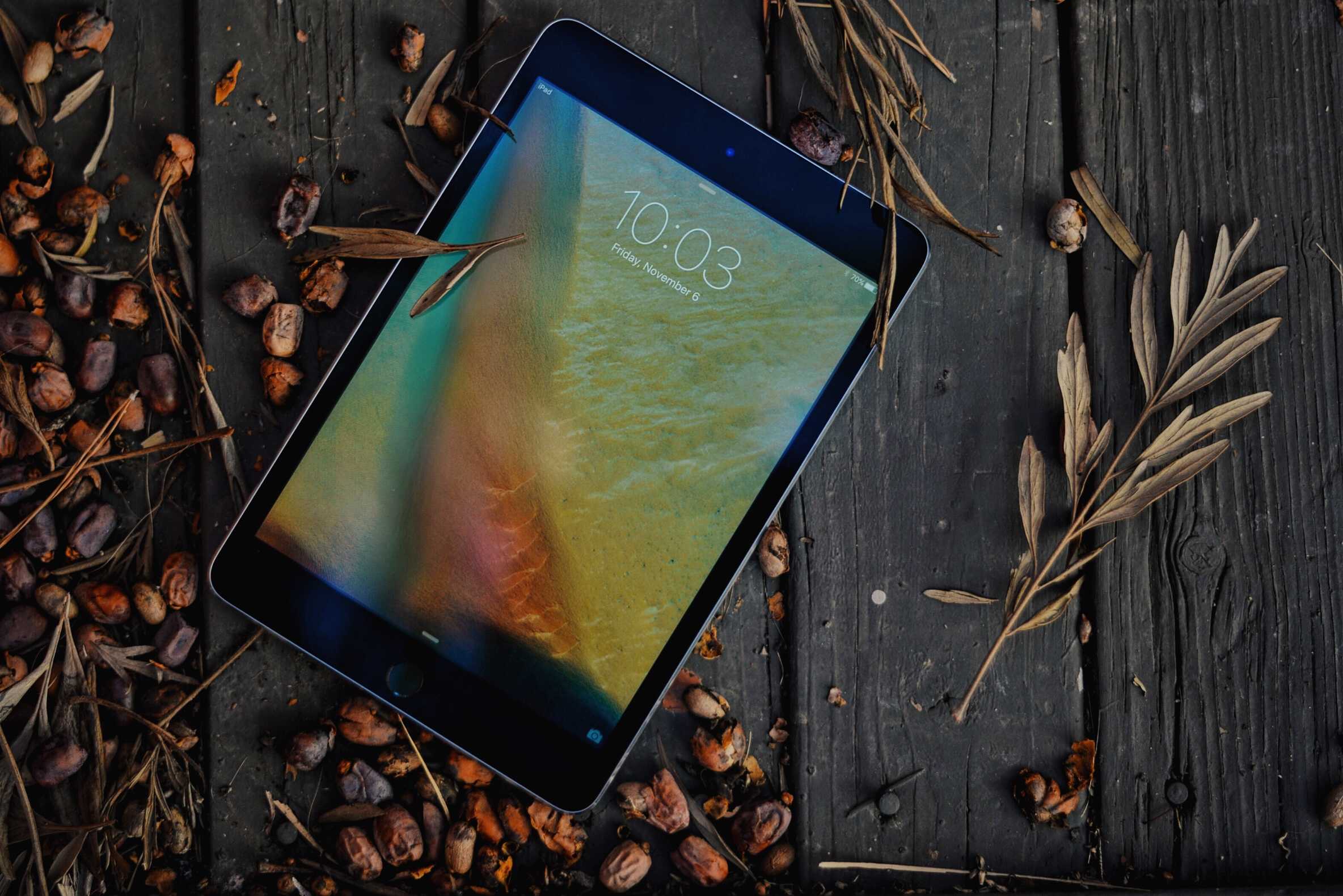
Still a fan of the iPad mini? Get one while you can, because a new rumor claims Apple is planning to eliminate the device from its iPad lineup in the near future.
The device was only refreshed (albeit halfheartedly) two months ago, but growing demand for Apple’s larger tablets and disappointing sales mean it won’t be around for long.
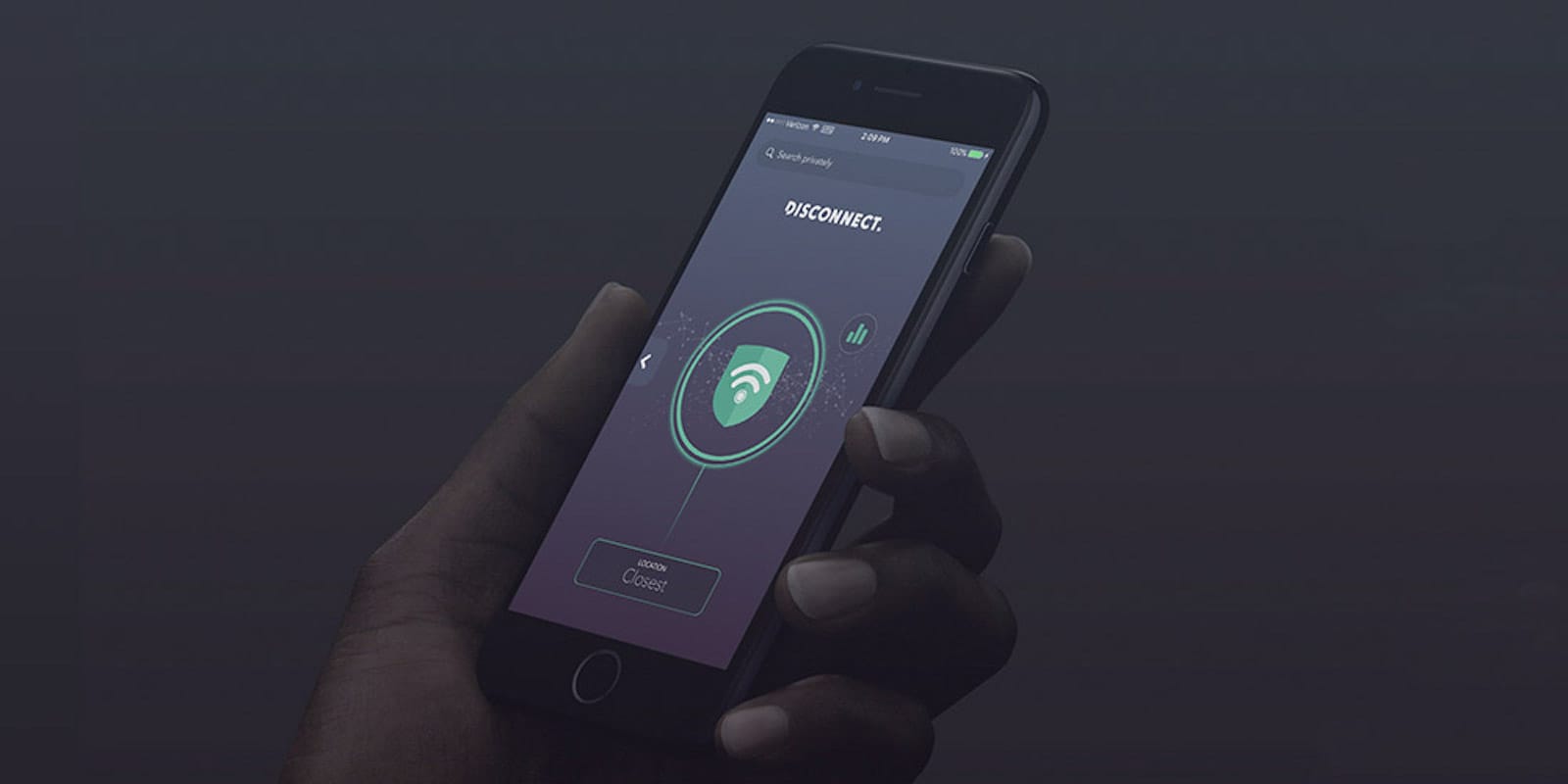
Here at Cult of Mac, we’re big fans of virtual private networks (VPNs). They offer an encrypted, anonymous channel into the internet, and are an essential way to stay secure online. VPNs come in all shapes and sizes, but not all of them can also increase your connection speeds and extend your battery life. That’s just what Disconnect does, on top of being a great tracker blocker that guards against malware, ads, and data snoops on all your mobile browsers. And right now, you can get a lifetime premium subscription to Disconnect for just $49 at Cult of Mac Deals.
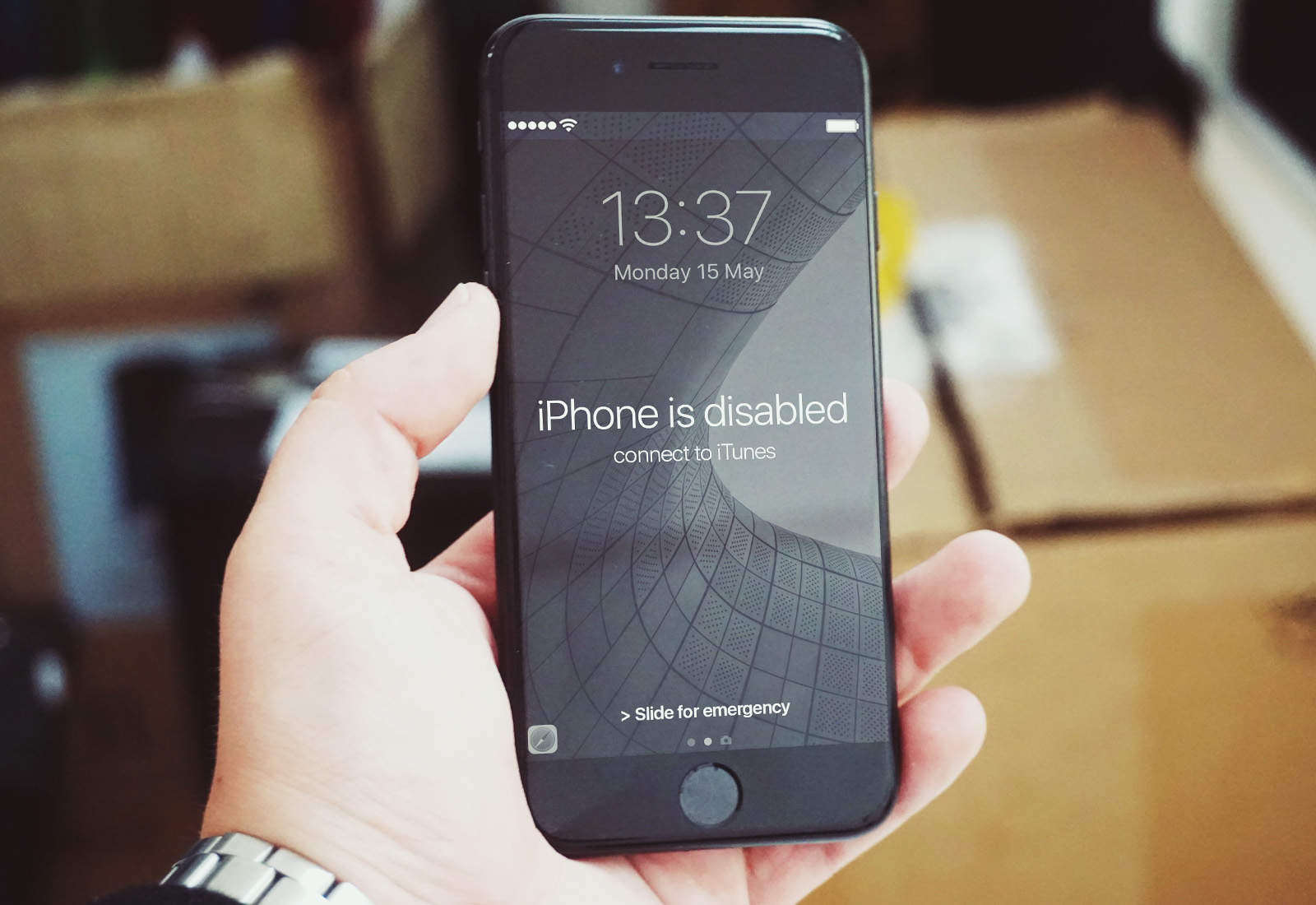
iPhone users’ data is pretty well-protected if our iPhone is ever stolen, what with encryption, activation locks, and Find My iPhone. But theft still happens. How do you protect yourself when buying used phones, both iPhones and Android? One way is to avoid anything dodgy-looking, and to ignore suspiciously good deals (if it looks to good to be true, then it probably is).
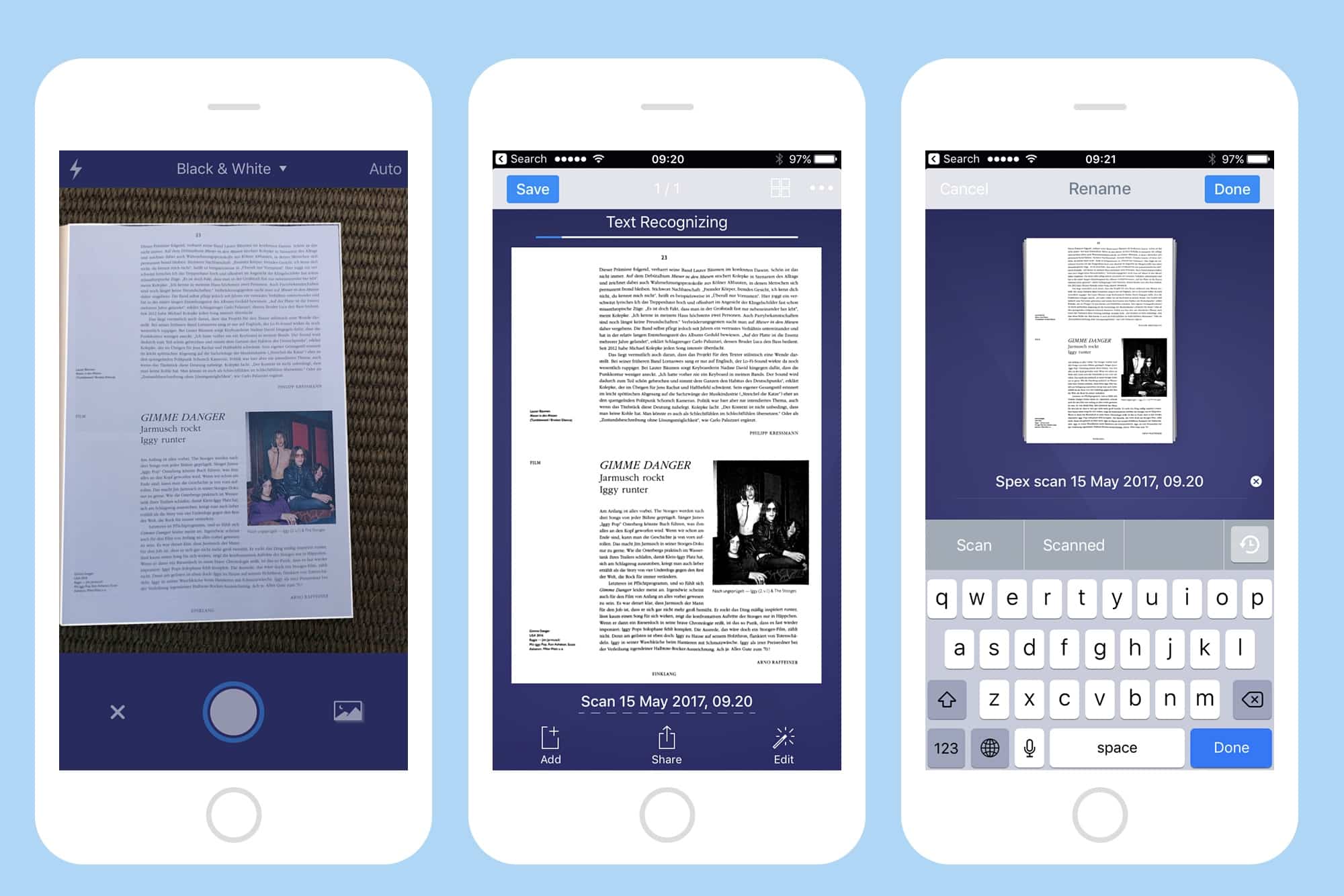
Paper is still great for a lot of things. It’s lightweight, it’s fairly water-resistant, and is just about the best tool available for reducing the number of trees in the world. But it doesn’t sync with iCloud, and anything written on it is not searchable.
Luckily, there’s an easy way out of this dark age. You can scan all those clipped recipes, and those receipts, all those sheets and scraps you have laying around, and which annoy you until you ned one, at which point it disappears. Today, we’re going to use Readdle’s excellent Scanner Pro to turn your paper into pixels. You may be surprised at just how easy and useful this can be.
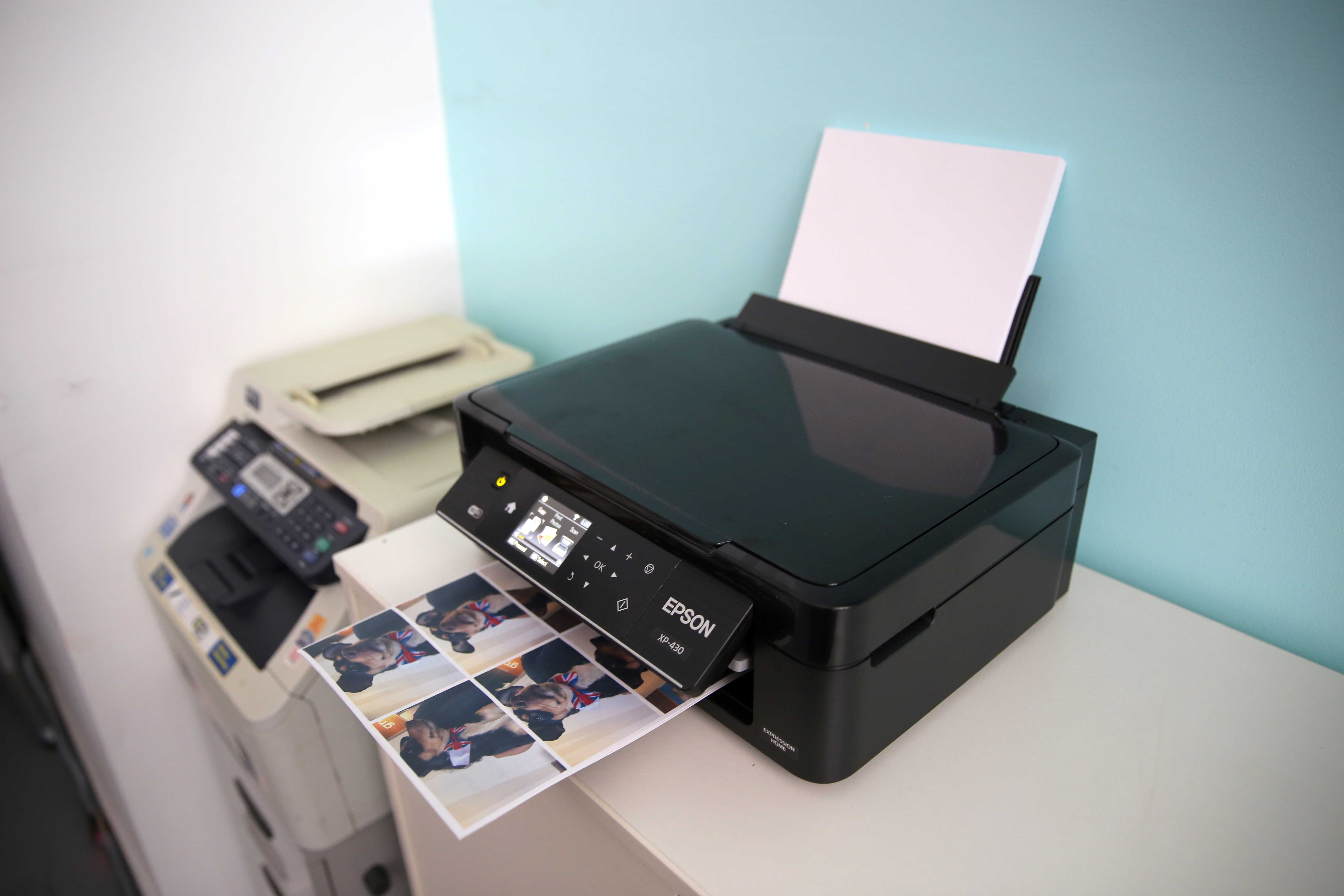
Picture this scenario: You’ve multiple computers at your office and only one of them (which is a Mac) is connected to the printer. Every time you need to print a document stored on these “other” computers, you have to manually transfer the file to the Mac and start the printing process from there. Wouldn’t it be super-convenient if you could just send a document wirelessly and instantly initiate the process of printing files remotely?
Today, I’ll show you how to break apart from this hassle and easily print files remotely from any computer using a combination of Dropbox and Automator.
The final version of iOS 10.3.2 is now officially available to the public starting today after Apple tested five beta builds of the update with developers the past few weeks.
Apple released iOS 10.3.2 today along with new update for Apple TV, Apple Watch and macOS. All four new software updates are available for free and bring a host of bug fixes and security to each of Apple’s platforms.
Apple is adding a spectacular new retail store to its collection — but you’ll have to visit Milan to see it.
Located in the city’s Piazza Liberty, the store will take a note out of Apple’s iconic Fifth Avenue Apple store in New York by being located underground, with access via a special elevator. Or, in this case, a spectacular staircase entrance located between two waterfalls.
Check out a couple more pictures below.
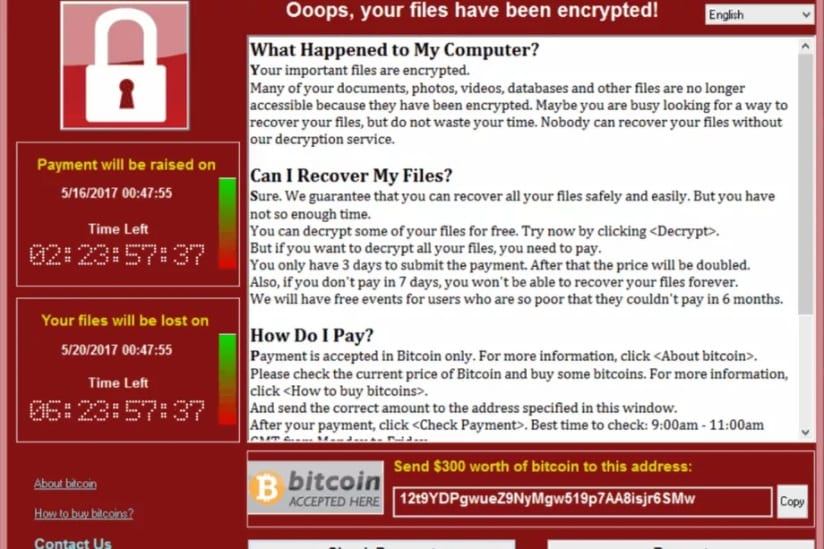
More than 230,000 computers in 150 countries have been hit by a cyberattack that encrypts data until a ransom has been paid. It’s thought to be the biggest in history, with India, Taiwan, and several European countries being the worst effected.
If you use a Mac, you have nothing to worry about for now, since this particular “ransomware” only targets Windows PCs. However, the number of attacks built for macOS is rising at a rapid rate every year.
So, what exactly is ransomware, and how can it be avoided? Here’s what you need to know.
Over the past few weeks a new Mac malware called OSX/Dok has been all over the news. The Trojan horse accessed user’s Macs through email phishing. Once opened, it prevented users from doing anything on their Mac until they installed a bogus software update.
Malware attacks have been skyrocketing as of late, which means it’s more important than ever to be aware.
In today’s video, I’m going to show you 4 ways to help keep your Mac safe from malware.
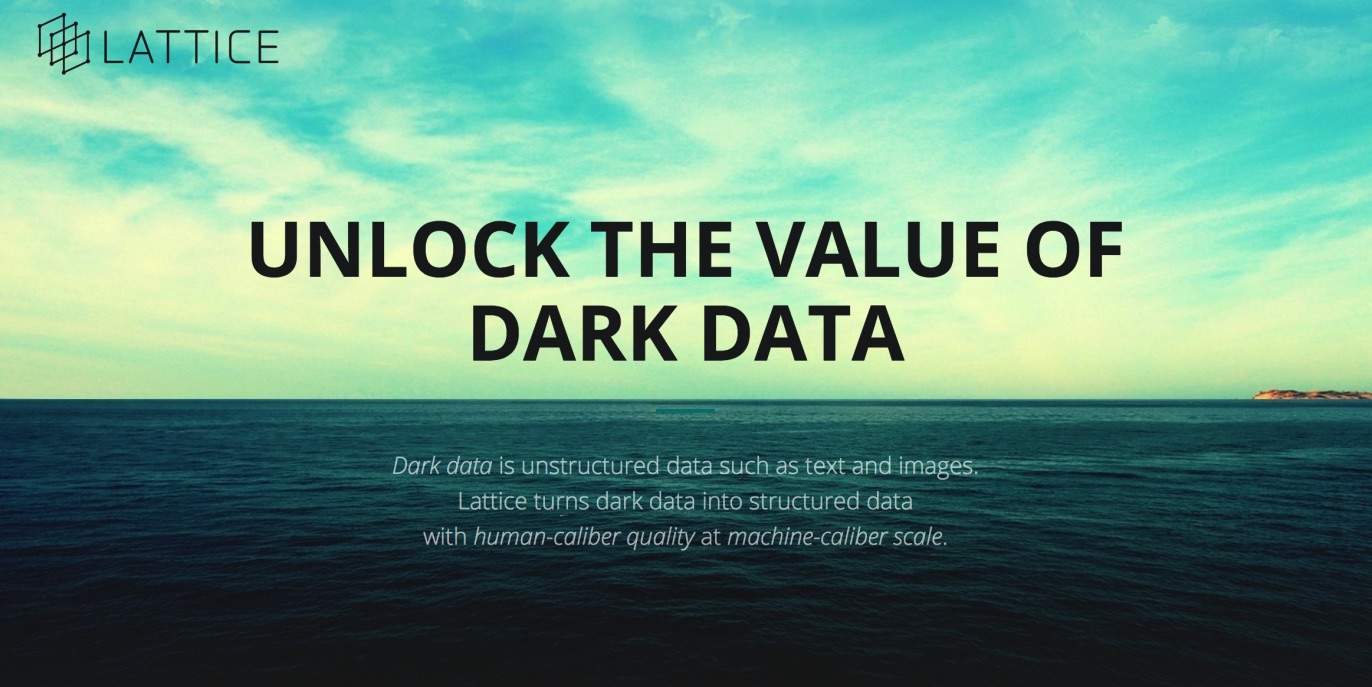
Apple has acquired an AI company as part of its continued push to embrace artificial intelligence.
The company in question is the Menlo Park-based Lattice Data, which specializes in taking unstructured, “dark” data and transforming it into more useful, structured information. Apple acquired around 20 engineers as part of the deal.
This week on The CultCast: It’s official — the Worldwide Developers Conference keynote takes place June 5. Don’t miss our WWDC 2017 hardware expectations! Plus: Apple quietly acquires one of the world’s best sleep-tracking technologies; why Amazon’s Prime Video app may finally be coming to your Apple TV; our first impressions of the Amazon Echo Show, and the features we hope Apple steals from it; and stick around for a very weird, very tribal “What We’re Into,” the segment where we reveal all the non-tech stuff we’re currently digging.
Our thanks to Casper, maker of the internet’s favorite mattress, for supporting this episode. Learn why Casper is tops and save $50 off your order at casper.com/cultcast.
The iPhone’s Quad-LED True Tone flash is pretty good as camera flashes go, but you should never use it to take actual photos, unless you want shiny-faced, red-eyed people in your portraits. Instead, you should put it to work in more useful applications. And no, we don’t just mean using it as a flashlight next time you take a trip into the basement.
Updated: May 11, 2017
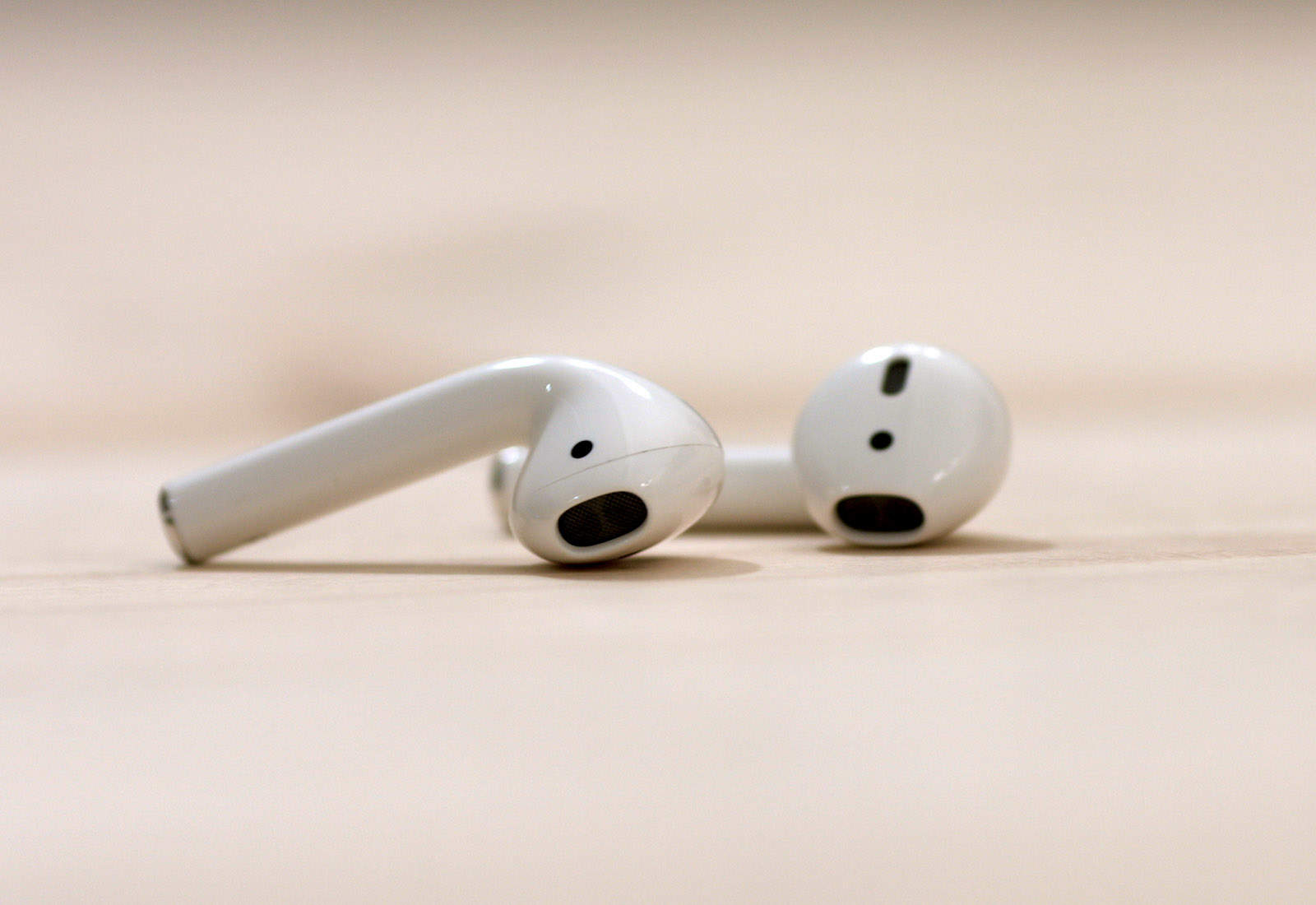
The iPhone 7 and iPhone 7 Plus are Apple’s first iPhones to drop the headphone jack. And while you can keep using your old headphones by plugging them into the adapter that comes in the box, that gets old as soon as you discover you left the little dongle at home connected to a speaker, and you can’t listen to any music.
You’ve got two options. One, stick with a cable and buy some Lightning headphones. That’s fine, but then you can only use them with recent-vintage iOS devices, and you can’t charge your device while you use them. Or two, go wireless. That means Bluetooth, either the vanilla kind, or Apple’s augmented Bluetooth headphones, with the special W1 chip added to make pairing easier.
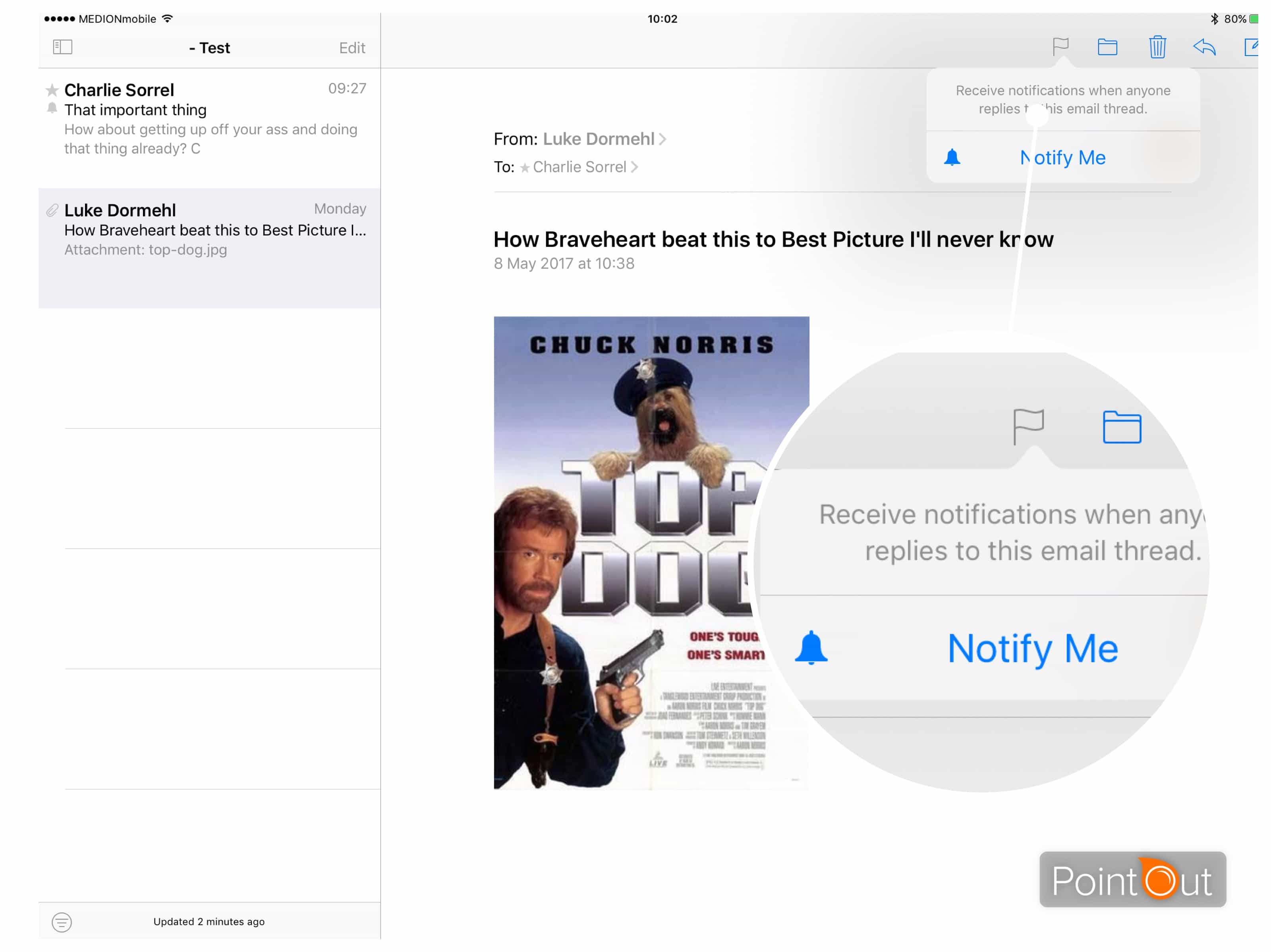
The VIP mailbox in Apple’s Mail app helps stem the torrent of incoming email alerts by limiting the notifications you see to folks you mark as important. But what about when you want to get an alert for a one-off reply?
Perhaps you’re waiting on an email from an eBay seller about that sweet vintage guitar, or you’re desperate for a reply from your landlord about switching off the heating because, c’mon, it’s almost summer already. Then you need email thread alerts.
Mobile is the platform of the future, and learning to build apps for mobile devices is where the work is for developers. In a vast and fast-changing field, you’ll want a leg up to get started. That’s exactly what this massive bundle of nine iOS coding courses offers.
Clocking in at more than 100 hours of lesson content, it will teach you a wide range of tools, techniques and languages to build scalable mobile apps. The best part? Right now you can name your price for the entire Mobile Cross Platform Development Bundle at Cult of Mac Deals.
When legendary Mac repair shop Tekserve closed its doors last summer in New York City, Apple fans of a certain age experienced two deaths.
They bade goodbye to the original Genius Bar, technicians that had been servicing their devices for nearly 30 years. Those fans would also never again stare at Tekserve’s impressive Apple computer artifact collection, which was quickly auctioned off to an unknown bidder for $47,000.
The collection returned to a museum display today, more than 4,600 miles away in the Ukraine. Its new home is at the headquarters of software developer MacPaw.
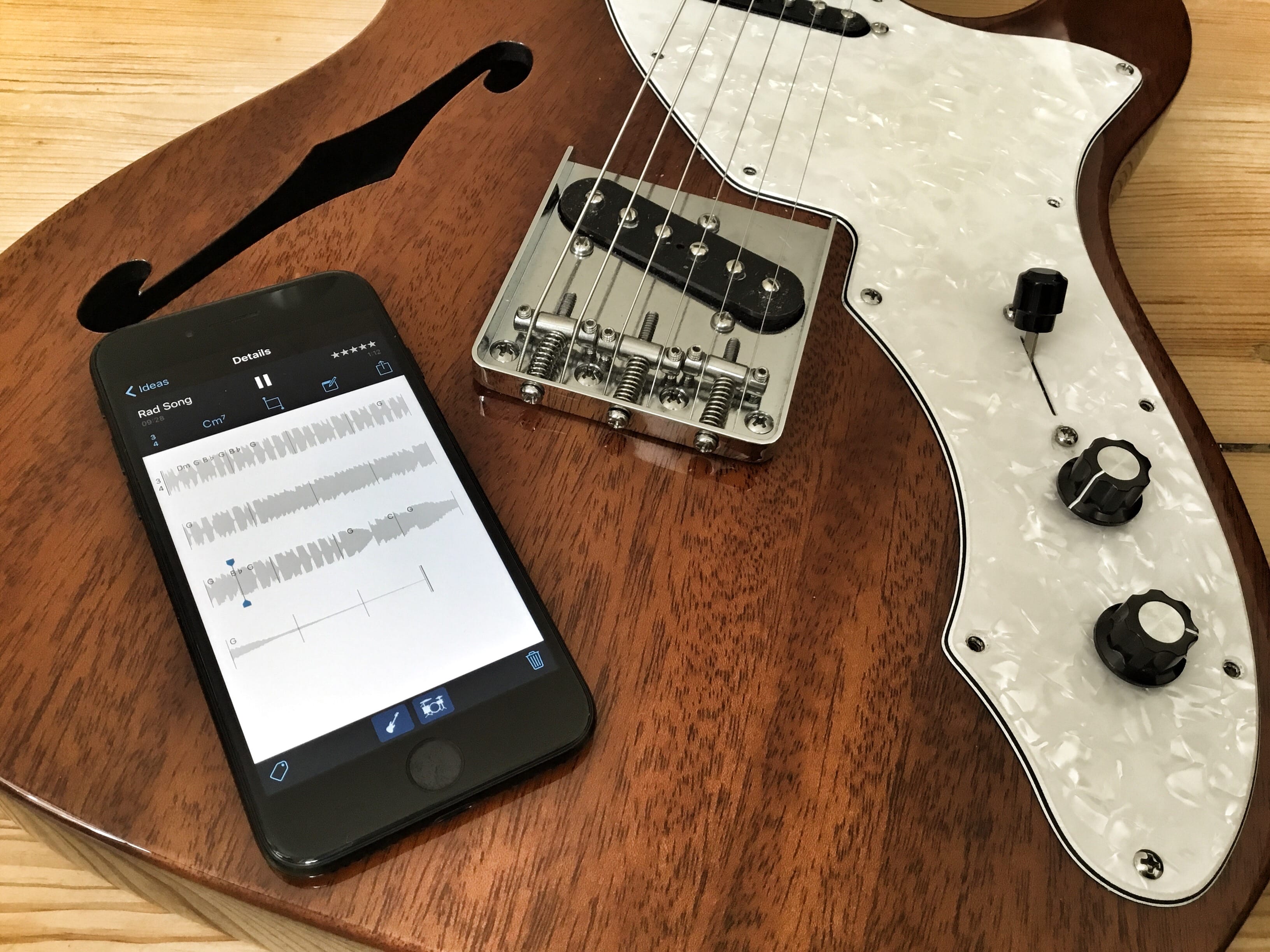
Apple’s Music Memos app is just about about the best way to record musical ideas before they evaporate into the ether. For years, musicians used the built-in Voice Memos app to record snippets, but Music Memos, as you’d expect, is much better suited to the task. It can listen to you and record only when you start playing, it can detect the chords you play, and it can even add drum and bass tracks to your recording automatically.
This last feature is what we’ll look at today. We’re going to record a simple guitar track, add drums and bass, and send the whole lot to GarageBand on iOS for further work. That sounds like a lot, but once you lay down your recorded track, all it takes is a few taps of the screen. And remember, I use a guitar, but you can use any instrument.
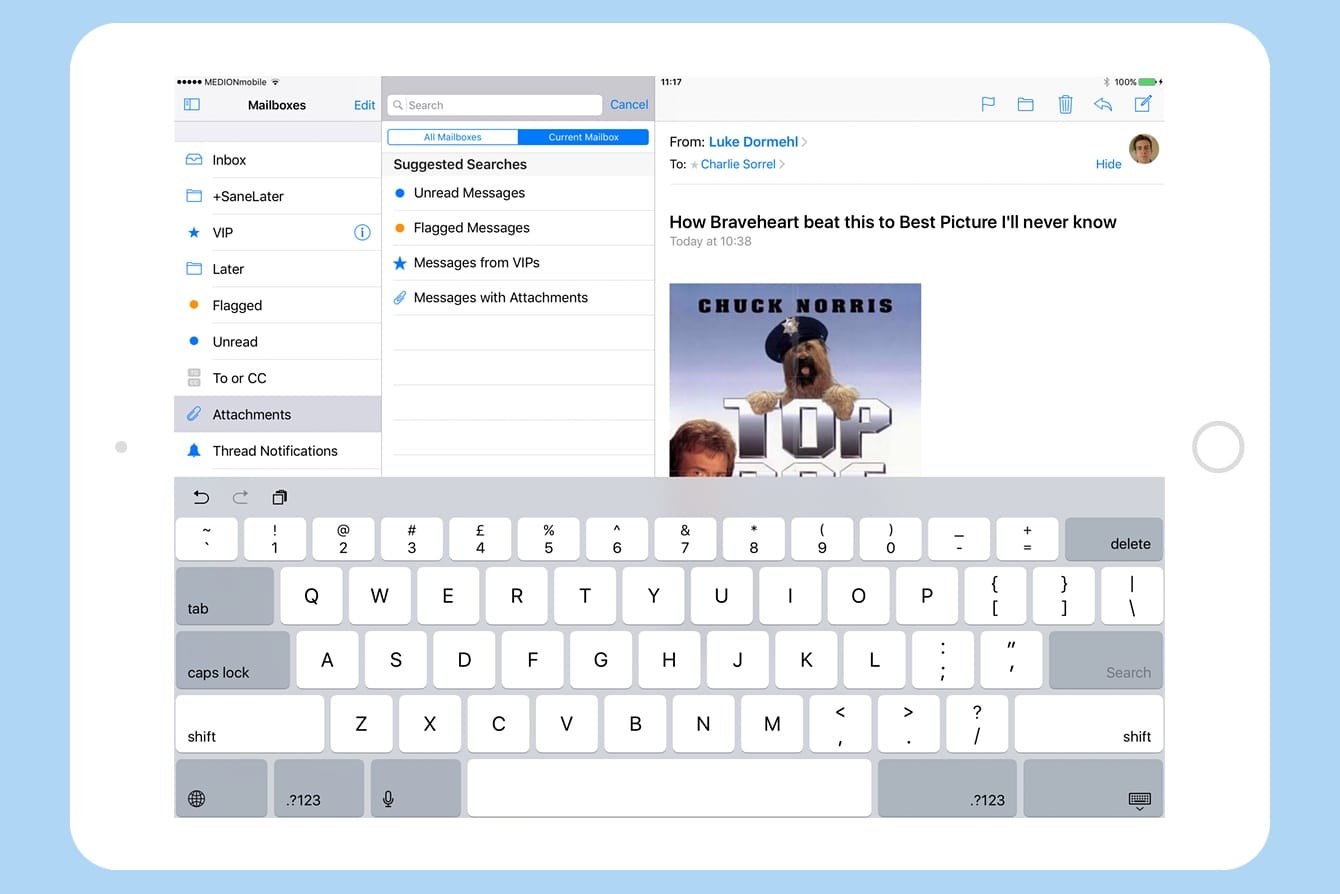
iOS 10’s Mail app may look just like its previous pedestrian iterations, but it packs a whole lot of hidden superpowers under the hood. While you still can’t export a message to, say, a to-do list app, you can do pretty much everything those fancy third-party mail apps do, and then some.
Let’s take a look at quickly setting up your iOS Mail app so you can slice and dice incoming messages easily using its hidden folders.
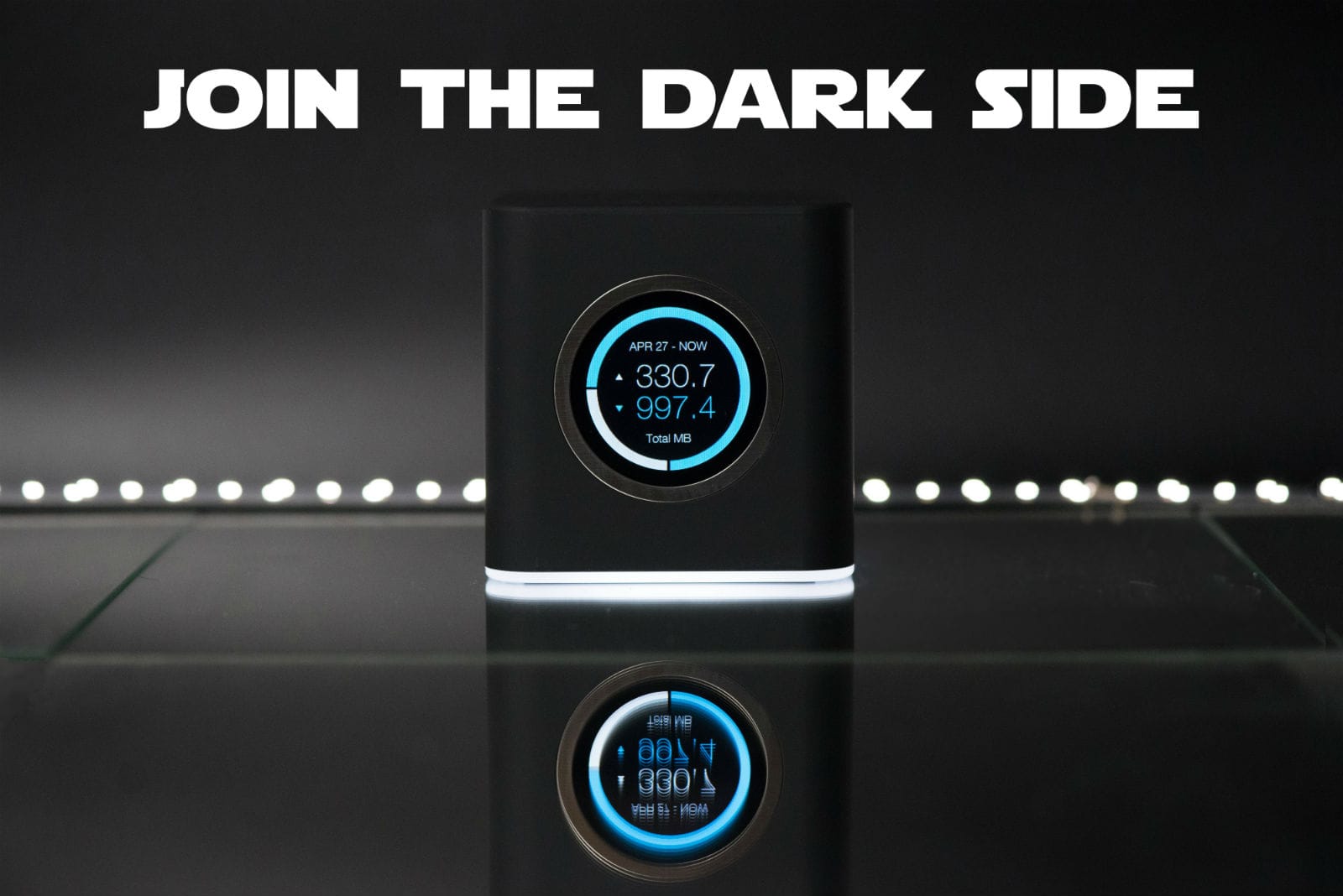
If the Death Star had Wi-Fi, it would run on something as powerful (and ominous-looking!) as this limited-edition black AmpliFi HD Mesh Router from Ubiquiti Networks.
Assuming you’re ready to surf like a stormtrooper, you’re in luck. Cult of Mac and Ubiquiti are giving away three of these amazing mesh routers in honor of Star Wars Day. How can you win? Glad you asked, buckethead!
Apple could unveil its new smart speaker powered by Siri at the Worldwide Developers Conference in June, according to new claims.
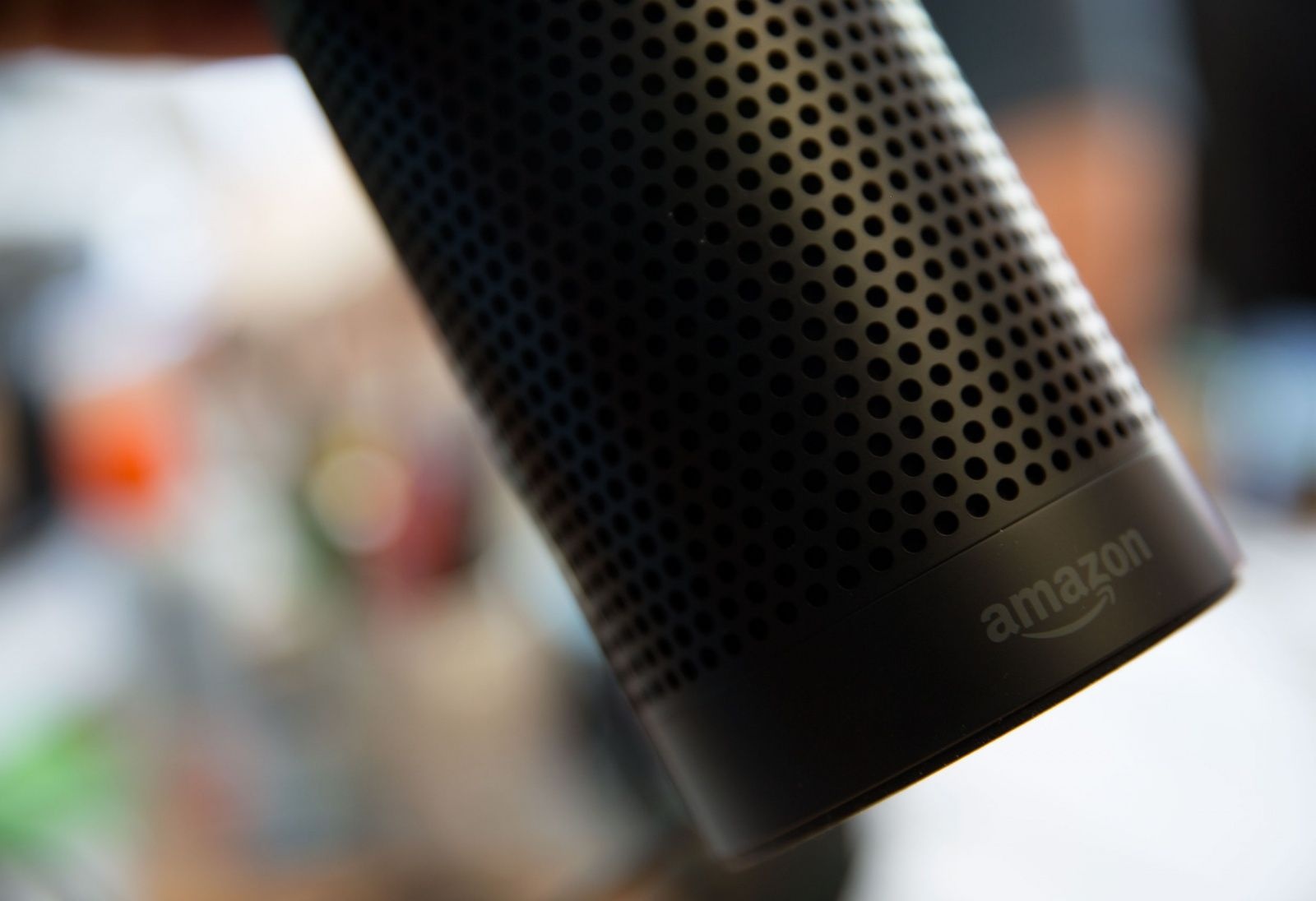
Earlier this week, we heard the company is currently in the process of finalizing the design of its first standalone Siri device, which is expected to take on the Amazon Echo. Now we have an idea what it might look like and when it could be revealed.