Mobile menu toggle

Newsstand - page 129

This great iOS Spotlight trick lets you know everything about a person

By

spotlight contact search
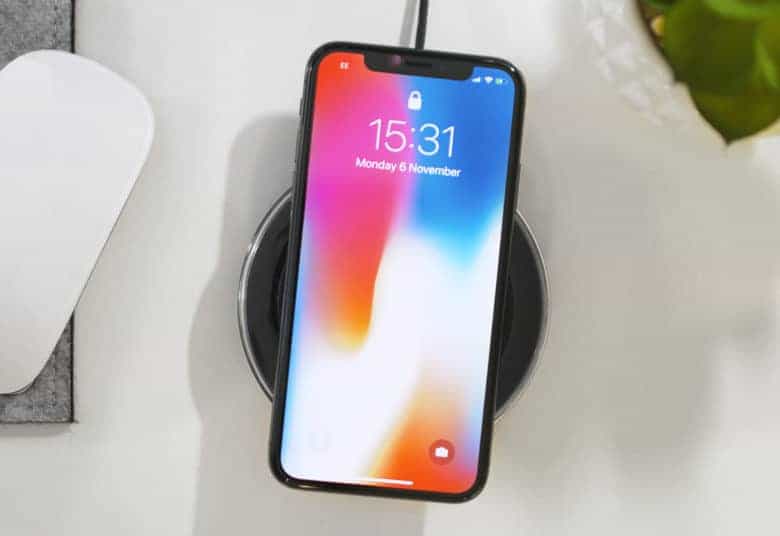
Several spotlights.
Photo: Charlie Sorrel/Cult of Mac

Somewhere after the launch of iOS 11, Apple tweaked Spotlight search to be way more useful. Now, when you search for a person, you can trigger a sub-search that lets you find everything you have on them, from emails, to iMessages, to their contact details, through WhatsApp messages, to calendar events. Anywhere that your selected contact exists on your iPhone or iPad will show up in the list.

And then, you can narrow the results with a sub search.

This stainless steel Apple Watch band is super-shiny and sleek [Watch Store]

By

casetify
Take your pick of any two Casetify Apple Watch bands and get 20% off! Includes Stainless Steel, Woven Nylon and Saffiano Leather bands.
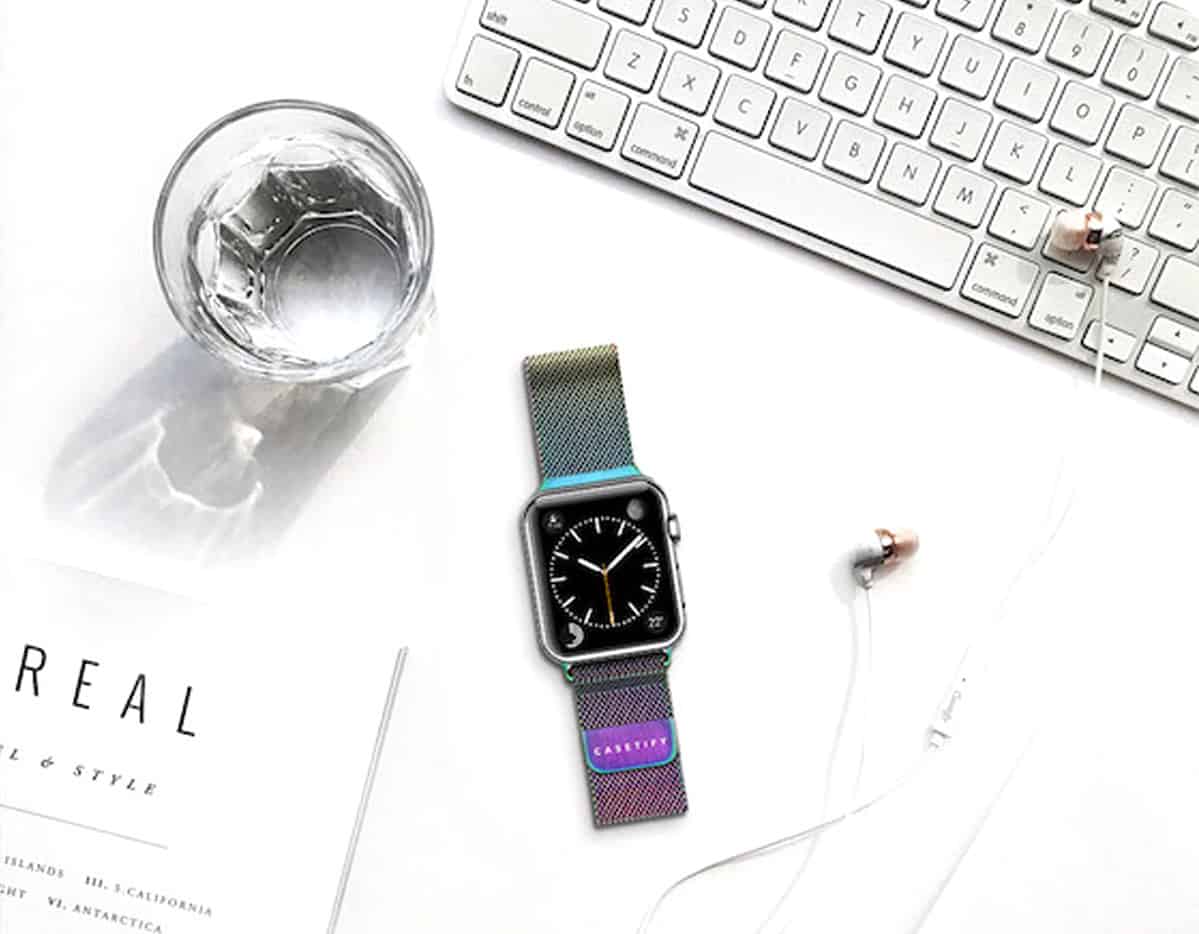
Photo: Courtesy of Casetify

Stainless steel meticulously weaves its way through the Mesh Band for Apple Watch — Casetify’s answer to the significantly more expensive Milanese Loop by Apple. Casetify’s version is just as stylish and functional as the behemoth brand’s band, and now comes in two brand-new finishes: Iridescent and Gold (that matches the Series 3).

For penny-counters, you’ll save from $67 to $117 on Casetify’s silver and black stainless steel mesh bands, respectively, and gain three additional colors not offered by Apple: gold, rose gold and iridescent.

The Stainless Steel Mesh Bands are for both men and women. Check out the latest colors in our Watch Store, and read on to learn more.

New AirPods will bring water-resistant design, ‘Hey Siri’ support

By

AirPods sales
35 million pairs of AIrPods sold in 2018.
Photo: Ste Smith/Cult of Mac

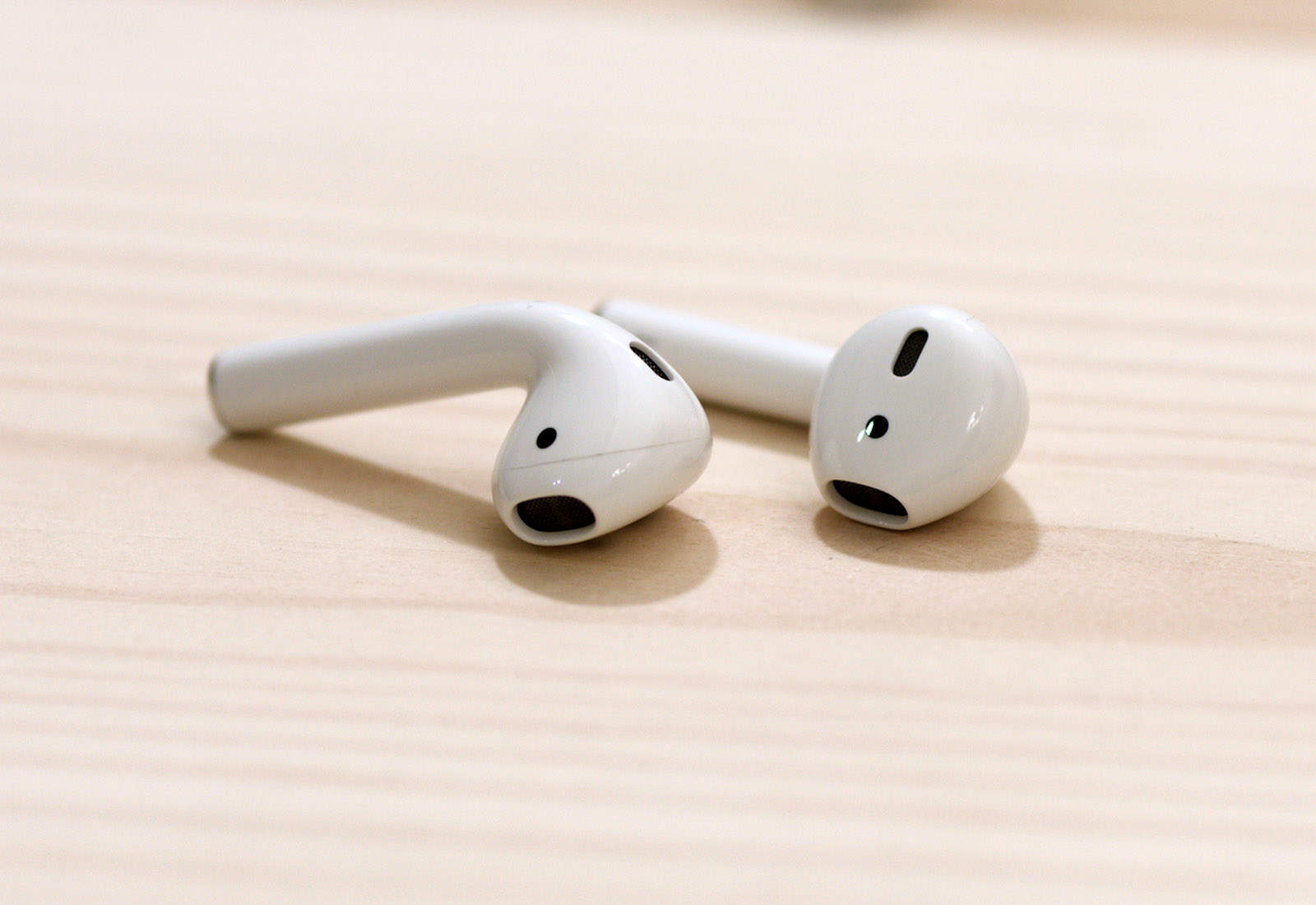
Apple is working on upgraded AirPods with a new wireless chip and “Hey Siri” support, according to a new report.

The refresh will arrive “as early as this year,” according to sources familiar with the matter. A future refresh, pegged for early 2019, will also bring a water-resistant design.

Why I switched from 1Password to Dashlane [Review]

By

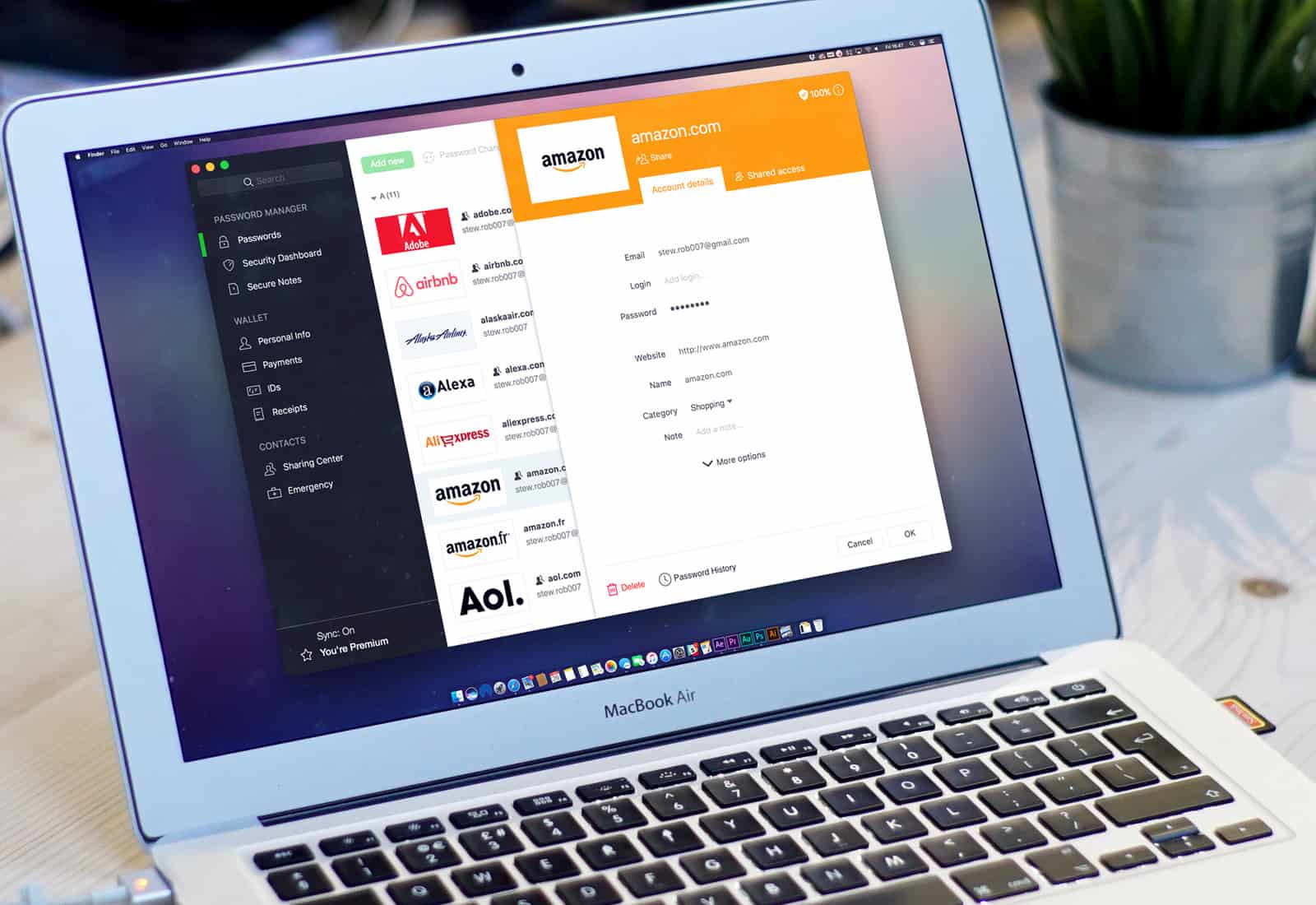
Dashlane's password manager on a MacBook Pro
Dashlane reveals the state of password security across America.
Photo: Stephen Smith/Cult of Mac

Late last year, I switched password managers. I traded in trusty old 1Password for relative newcomer Dashlane, and I haven’t looked back.

Dashlane is a well-designed, fully functional and easy-to-use password manager that tops 1Password in one key respect: a Security Dashboard that makes it dead easy to track your online security and update it as necessary.

Apple gets go-ahead for two new iPads

By

ipad
An iPad refresh could be right around the corner.
Photo: Apple

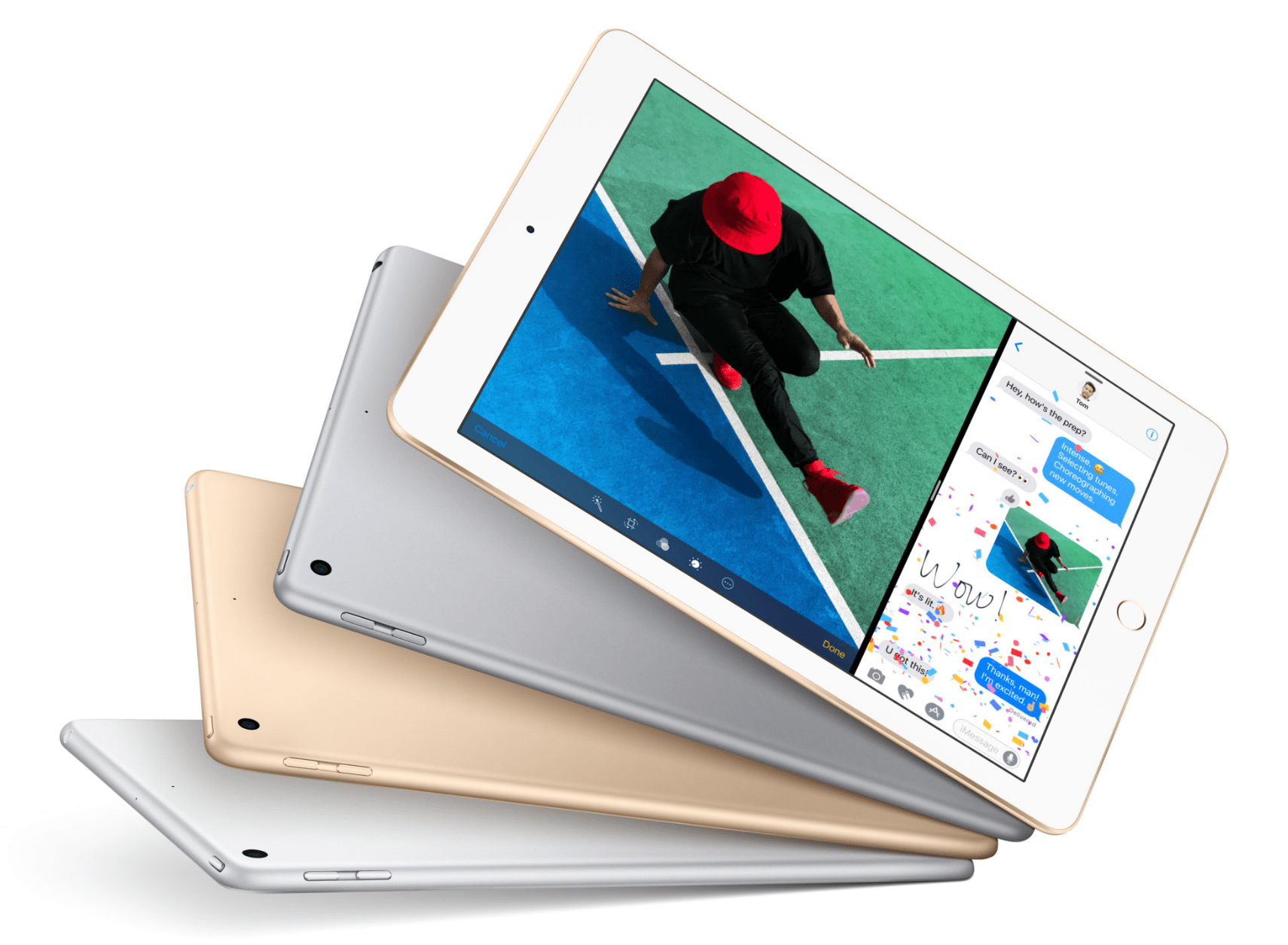
Apple has been given the go-ahead for two new iPads, hinting at an imminent refresh.

The company filed for approval with the Eurasian Economic Commission (EEC), and both devices were granted permission this week. Apple has also been given approval to bring several iPhone and iPad “samples” into the region.

Looks like multi-room AirPlay just got further away

By

HomePod speaker
Multi-room audio won't be coming anytime soon.
Photo: Ste Smith/Cult of Mac

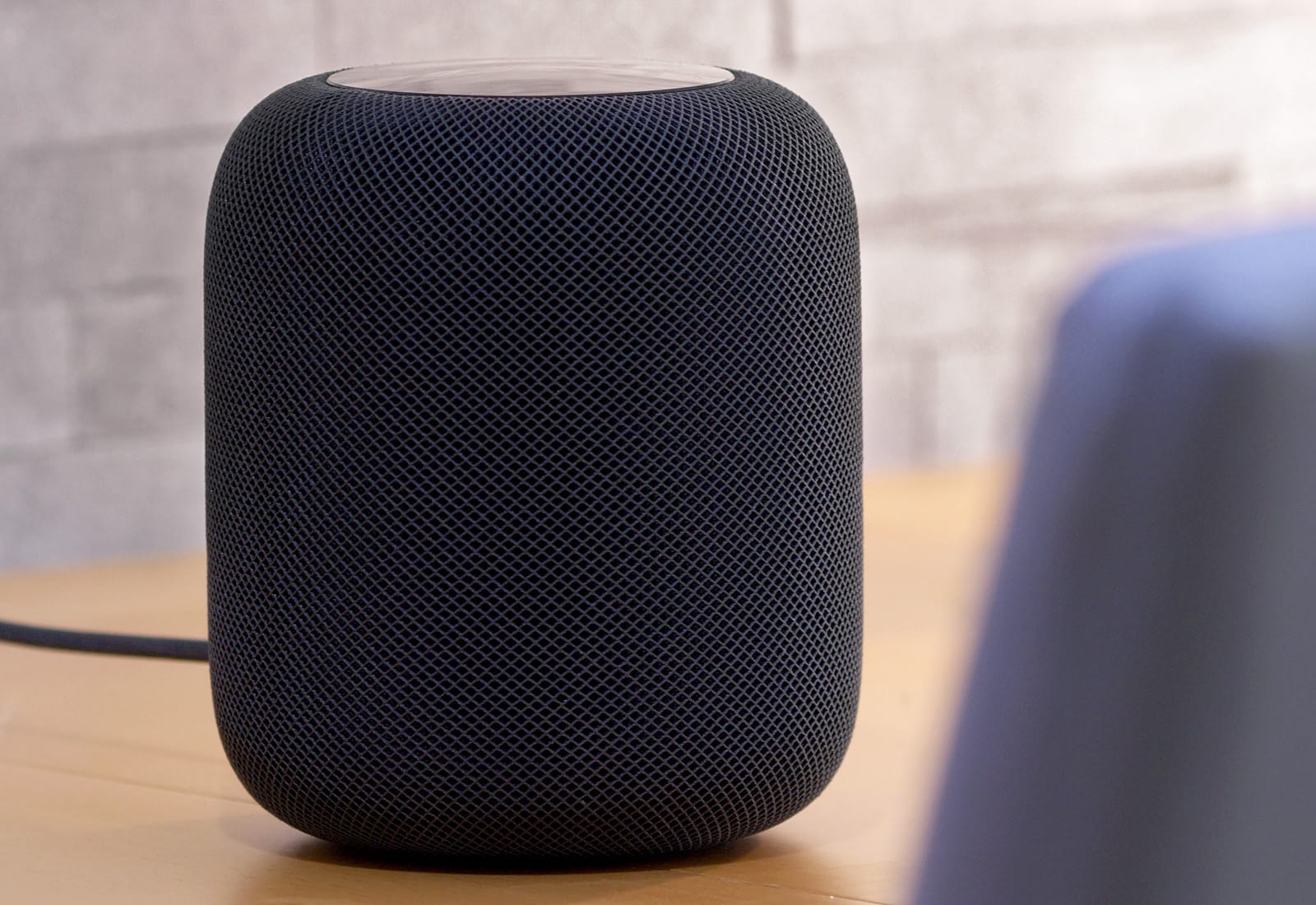
One of the best features for Apple’s new HomePod appears to be facing some big delays.

AirPlay 2.0 promises to give HomePod users the ability to stream the same song to different devices in different rooms from a single iPhone. But with the release of iOS 11.3 beta 3 this morning, Apple has decided to pull the feature from testing.

Pro Tip: Drag and drop text between apps on iPad

By

drag and drop text ipad
Dragging text works just like dragging anything else on iOS 11.
Photo: Charlie Sorrel/Cult of Mac

Pro Tip Cult of Mac bug Do you want to grab a chunk of text from Safari and put it into your Notes app? Do you want to clip sections from a long Word document and comment on them in email? Or maybe you just want to collect snippets of text for research. If so, you should try drag-and-drop text on iPad.

It’s so easy and useful to put two apps side-by-side on one screen, and drag text between them, that you’ll wonder how you got by without it.

Apple may reveal new iPhone at WWDC 2018

By

iPhone SE encryption
iPhone SE set for biggest upgrade yet.
Photo: Ste Smith/Cult of Mac

A sketchy rumor out of China claims Apple will unveil a new iPhone SE at this year’s Worldwide Developers Conference.

The device is expected to pack a larger display and more powerful components, but no Face ID.

Save big on Apple Watch bands this President’s Day weekend [Watch Store]

By

sale
We’ve rounded up some amazing brands for this huge sale including: OleksynPrannyk, E3 Supply Co., Rilee & Lo, Strapple, Clessant, Just Mobile and more.
Photo: Ste Smith/Cult of Mac

It’s President’s Day weekend — a great reason to offer some huge savings on top-brand Apple Watch bands over the holiday.

In a few clicks, you’ll find incredible savings on Apple Watch bands and accessories during Cult of Mac Watch Store’s biggest sale since Black Friday — three days of massive savings.

We’ve rounded up some amazing brands for this huge sale including: OleksynPrannyk, E3 Supply Co., Rilee & Lo, Strapa, Clessant, Just Mobile and more. These brands are offering up to 20 percent off regular prices!

Rest-assured that bands sold in our Watch Store are high-quality and recommended by Cult of Mac — we’ve touched, worn, reviewed and recommend everything we sell. Sale ends Monday at midnight. Happy shopping!

Everything you need to know about HomePod

By

HomePod news, HomePod reviews and HomePod how-tos
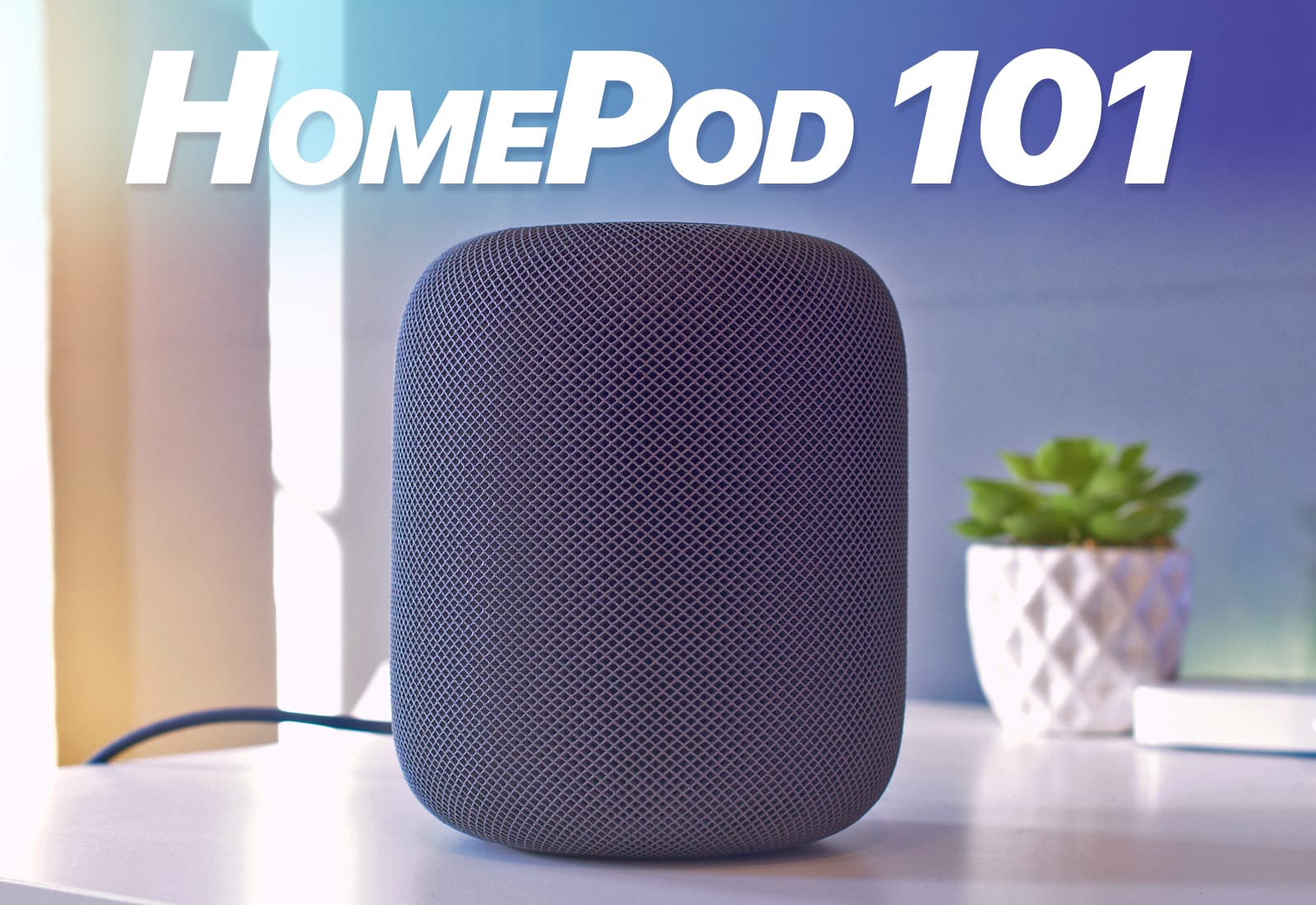
The HomePod may be the best speaker you can buy for under $85,000.
Photo: Ste Smith/Cult of Mac

Apple’s HomePod arrives in homes today. It’s already sold out online, but if you’re lucky you might still snap one up in an Apple store. And you probably should, because the HomePod looks to be just about the best small speaker you can buy — in terms of musical performance, anyway.

If you want to find out how to set up and get the best of your new HomePod, or if you want to read a bit more before deciding whether to get one, you’re in the right place. Below you’ll find all our HomePod coverage: how-tos, reviews, tips and opinions.

The hype is real, HomePod is incredible … catch our discussion on The CultCast

By

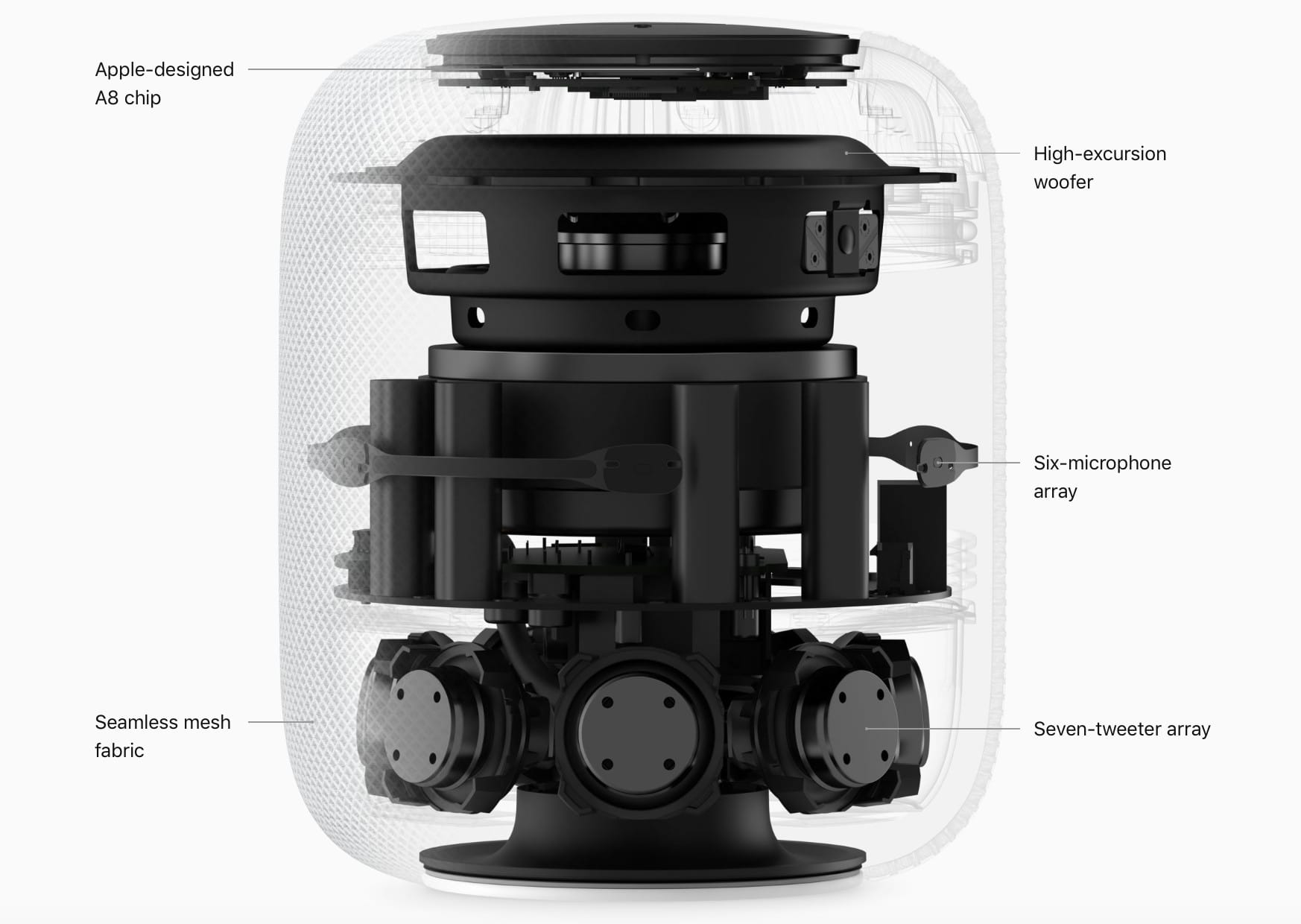
X-ray view of HomePod
Is HomePod nearing its end, or just getting started?
Photo: Apple

Friends, HomePod is even better than the hype! It’s one of the best products Apple’s ever made. Don’t miss our discussion on The CultCast. Plus: HomePod versus the rivals; the big HomePod flaw you need to know about (one Apple is trying to downplay); how Apple plans to revamp its future software; and, is another new Apple product on the horizon? We think so, and we’ll tell you what it is.

Our thanks to Squarespace for supporting this episode. It’s simple to accept Apple Pay and sell your wares with your very own Squarespace.com website. Enter offer code CultCast at checkout to get 10% off any hosting plan.

HomePod sounds great, but you’re locked in [Review]

By

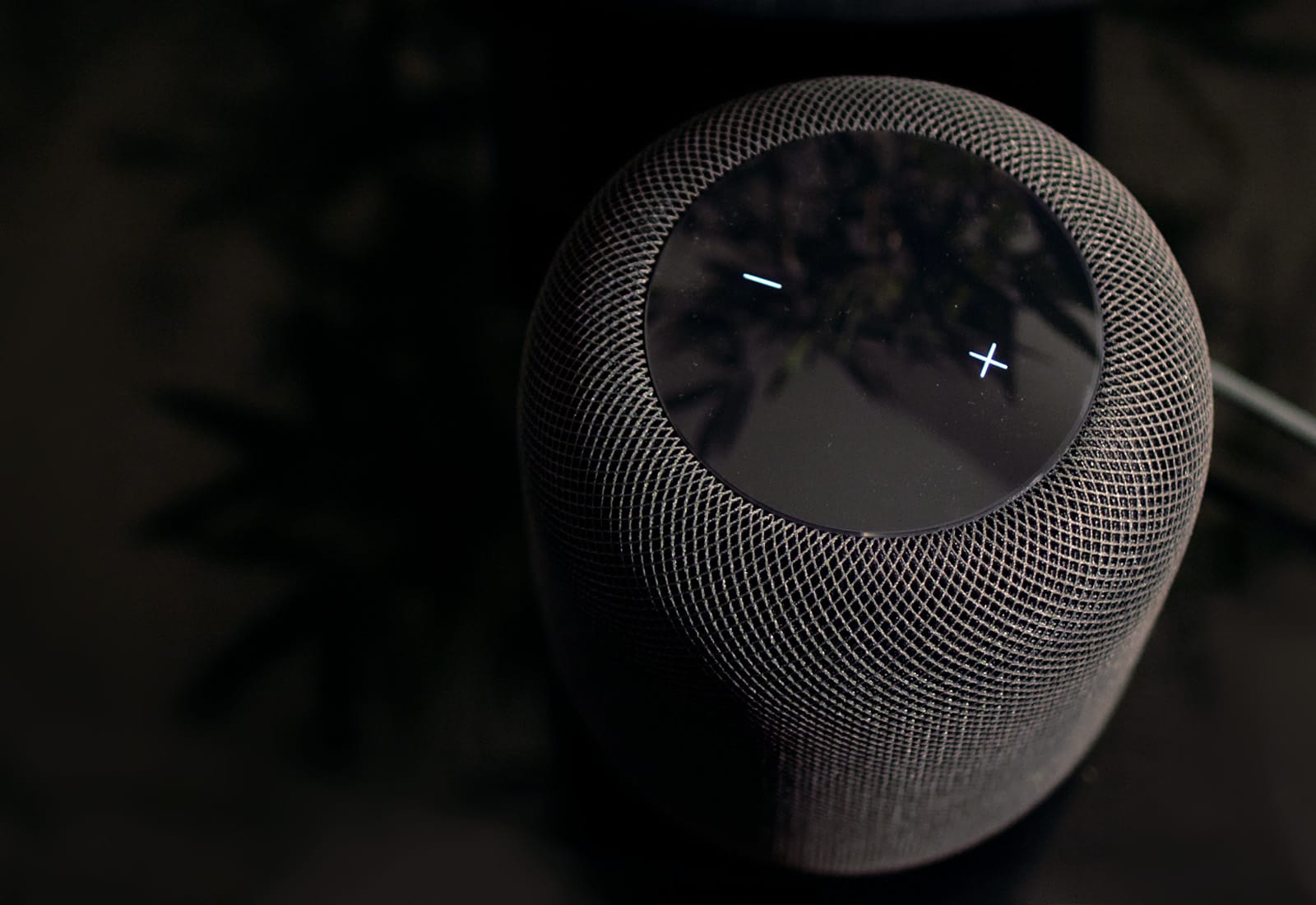
Apple HomePod volume controls
The HomePod is Apple's first step into the smart speaker arena, but does it emerge victorious?
Photo: Ste Smith/Cult of Mac

There are boatloads of smart speakers out there, but nothing quite like HomePod.

Like many Apple products that came before it, HomePod is here to revolutionize an industry. It’s certainly not first to market, but Cupertino’s plan is to make all HomePod competitors insignificant. The new Apple smart speaker uses cutting-edge technology that delivers outstanding sound quality to do just that.

You can’t buy another speaker of this kind for $349. That price tag is not exactly cheap, but if you love music, HomePod should be at the top of your shopping list.

Use this playlist to remove unwanted Apple Music downloads

By

music piano
Who wants to hear music like this?
Photo: Charlie Sorrel/Cult of Mac

Shuffle and skipping are two great tools for listening to new music on your iPhone, using Apple Music. You can download lots of new music to your iPhone, then set it to shuffle while you take a walk. If you’re also wearing a pair of AirPods, a double tap on one of them will skip any tracks you don’t like. It’s a great way to listen to new music, with one big, annoying side-effect: You end up with lots of unwanted downloads cluttering up your iPhone.

But with one simple smart playlist, you can fix that right now.

How to get VIP email pushed to your iPhone instantly

By

vip email
There's more than one way to "push" mail.
Photo: Charlie Sorrel/Cult of Mac

We’d all rather that folks sent short messages via iMessage, or WhatsApp, or another civilized format that encourages brevity, but they insist on email. But what if your emails could pop up on your iPhone’s lock screen and be as easy to reply to as an iMessage. If you set it up right, your regular iPhone Mail app can do exactly that, using Push and VIP email. Let’s take a look.

This hidden Apple Watch feature tells you if your workouts are doing any good

By

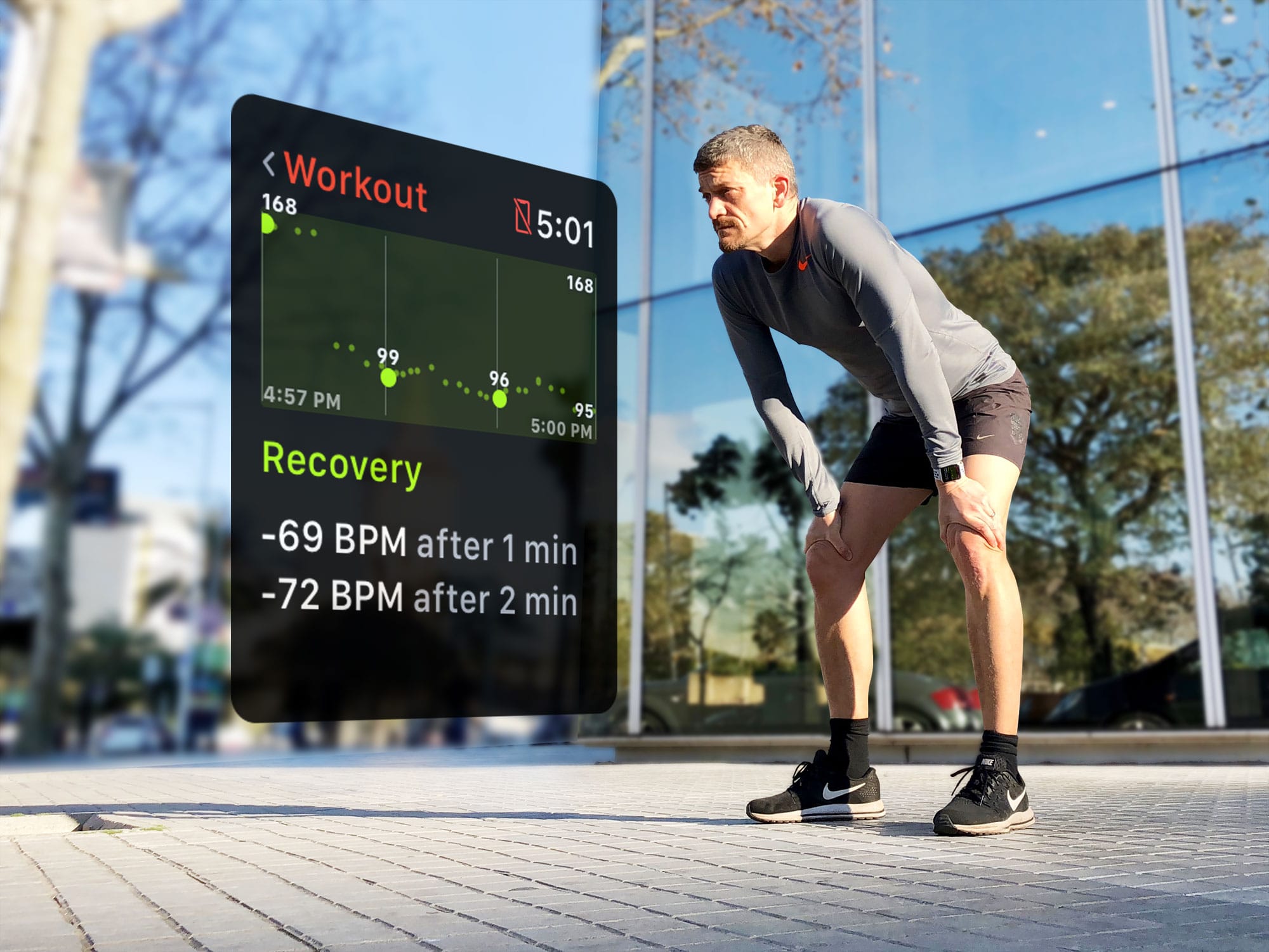
It’s not about how far you run, it’s how fast you recover. Apple Watch heart rate recovery data gives you the facts.
It’s not about how far you run, it's about how fast you recover.
Photo: Graham Bower/Cult of Mac

It’s all very well to know how far you ran, cycled and swam. But the whole point of exercise is not just to clock the miles. It’s supposed to make you more fit. So, how do you know if all those sweaty miles are actually doing any good? One way is by measuring your heart rate recovery time.

Fortunately, watchOS 4 provides a reliable way to see this data, and thus monitor changes in your fitness level. Here’s how you can use Apple Watch to keep your workout goals on track.

How ‘Hey Siri’ works with multiple devices

By

hey siri homepod
Hey Siri is smarter that your thought.
Photo: Ste Smith/Cult of Mac

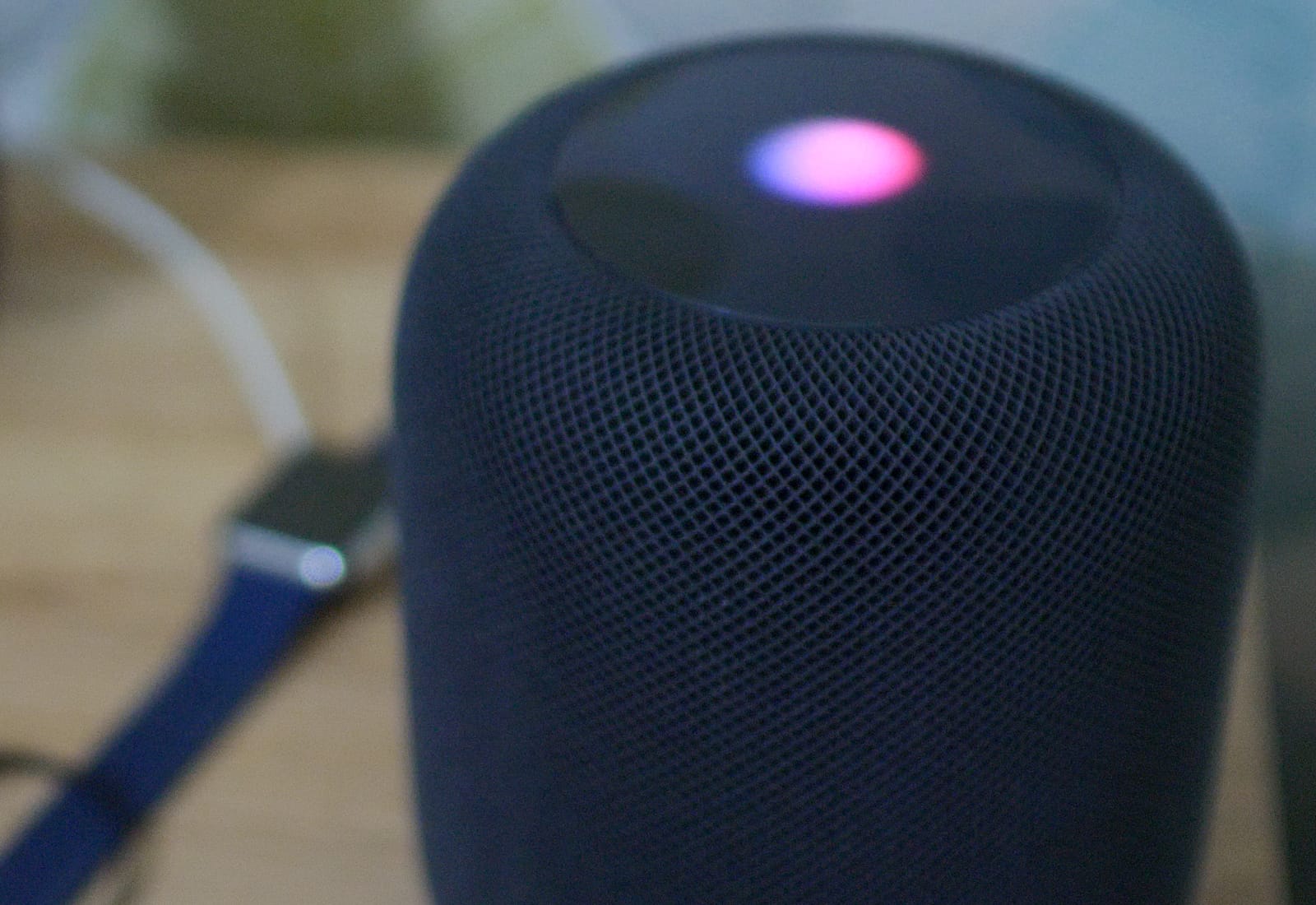
Siri itself might be frustrating, but Hey Siri is great. And on the HomePod, the voice activation for your virtual assistant is even more impressive, because it hears you perfectly, even if you speak at normal volume while the music is hammering the walls, the floor, and your neighbors’ patience. Now it’s possible to have many Siri-equipped devices laying around a room, but somehow, when your say “Hey Siri,” only one device responds. Did you ever wonder how? Here’s the answer.

This ’50s-style Bluetooth speaker will blast you with nostalgia [Deals]

By

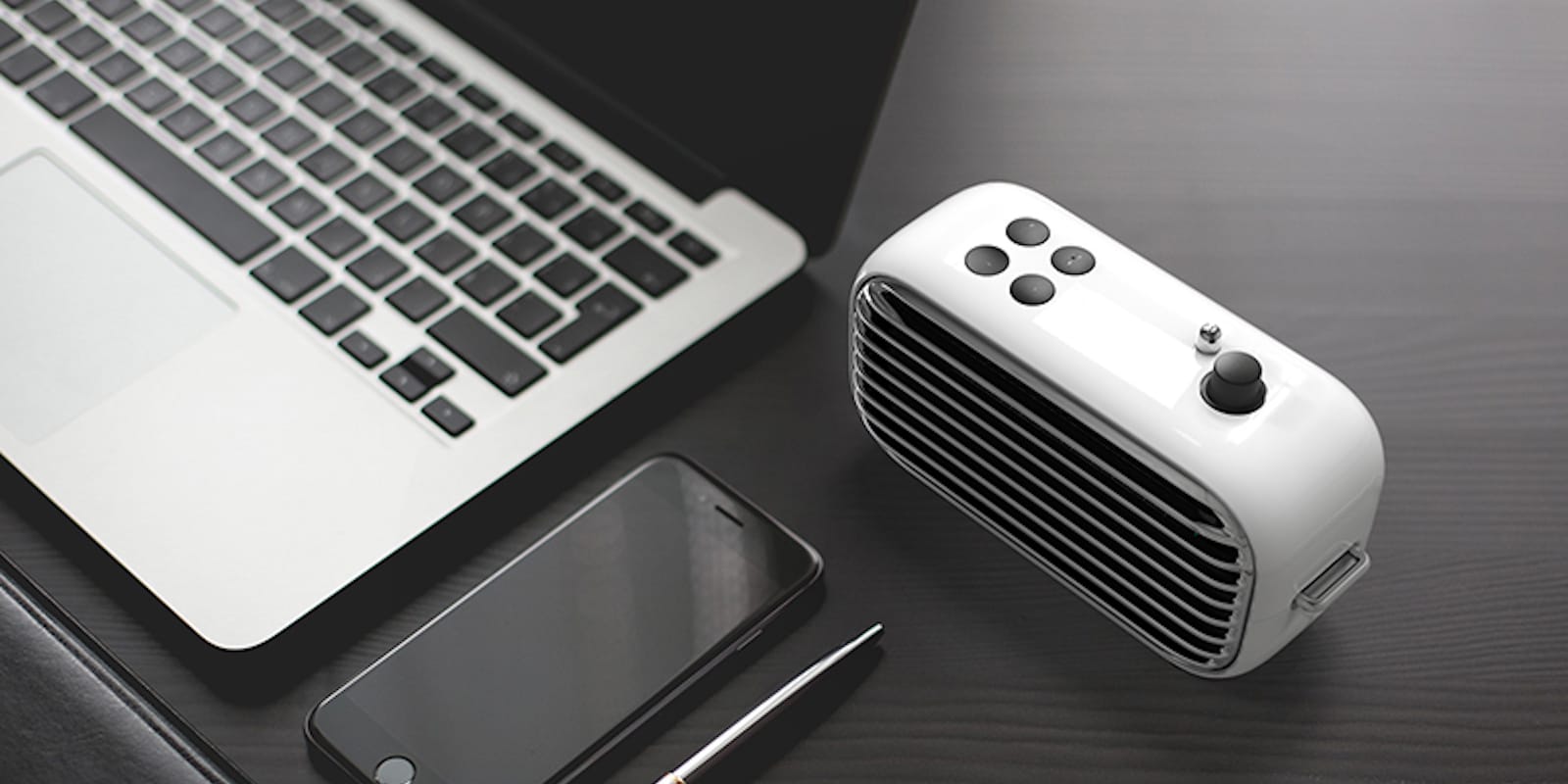
The Lofree Poison is a modern Bluetooth speaker with a retro 1950s style.
Photo: Cult of Mac Deals

These days, everything old is new again. Pop culture is bursting with reboots, references, and a general nostalgia for the comfortable looks and feels of the past. Escapism aside, classic styles are classic for a reason, and they make a great look for modern technology.

What you should know about HomePod, before you buy, on The CultCast

By

X-ray view of HomePod
Is HomePod nearing its end, or just getting started?
Photo: Apple

The HomePod reviews have been coming out hot and heavy, and they’re surprising. This week on The CultCast, we’ll tell you what people like, love and hate about Apple’s new speaker. If you’re planning on buying one, don’t miss our discussion. Plus: Something strange is happening at Apple HQ … we elaborate; 150 new kickass emojis are coming to your iPhone; and we pitch you the movies, gadgets and food we can’t get enough of in all-new What We’re Into!

Our thanks to Squarespace for supporting this episode. It’s simple to accept Apple Pay and sell your wares with your very own Squarespace.com website. Enter offer code CultCast at checkout to get 10% off any hosting plan.

How to set up Apple’s Health app to unlock its awesome fitness potential

By

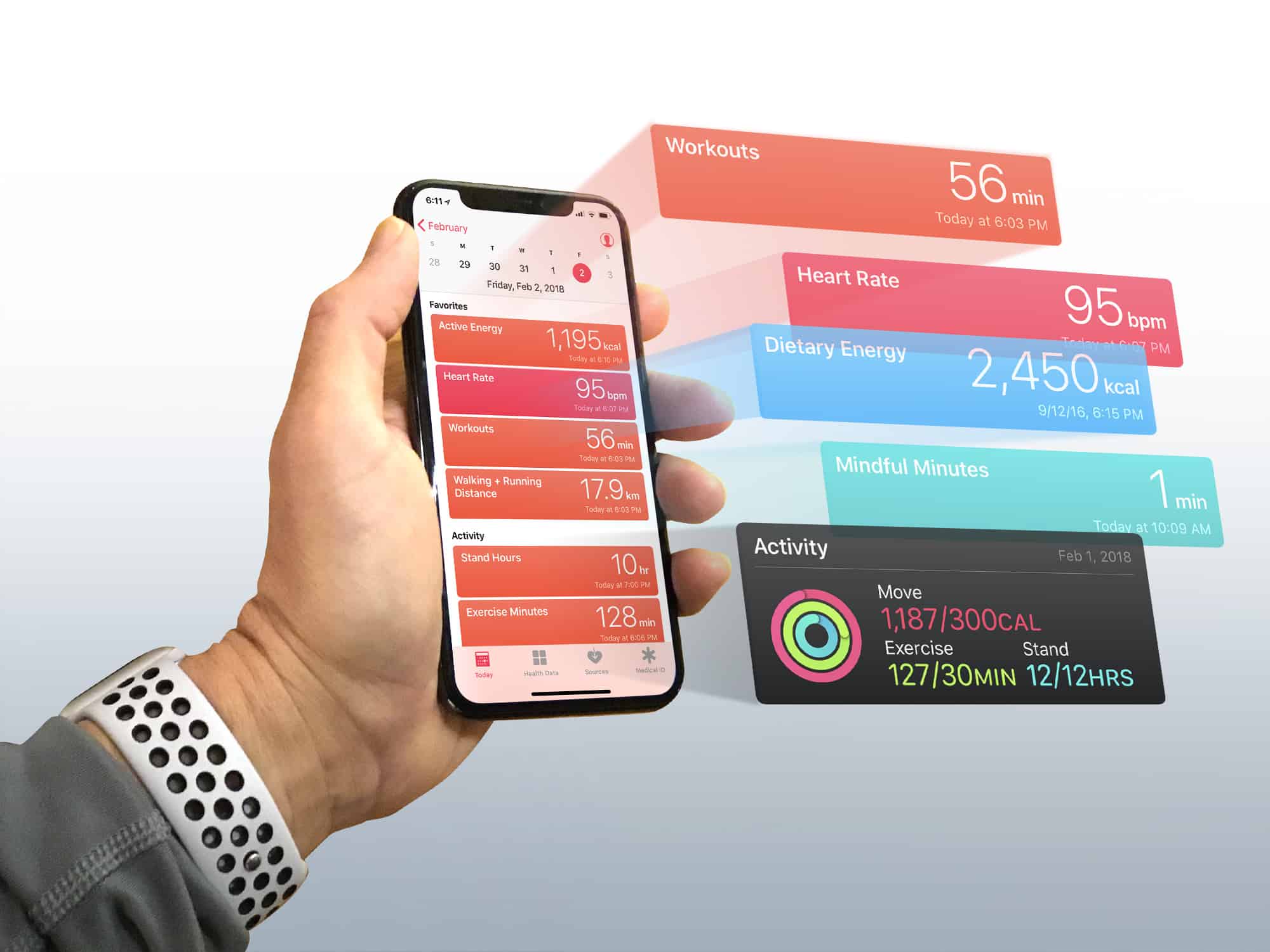
Turn the iPhone Health app into a dashboard for your body
Photo: Graham Bower/Cult of Mac

If you think the Health app is just another pointless junk app that comes preinstalled on your iPhone, think again. Unlike Stocks, Compass or Tips, it is one of the few apps that Apple won’t let you delete. Set up the Apple Health app properly, and it becomes a powerful tool for getting (or staying) fit.

You see, the Health app lies at the heart of Cupertino’s growing health and fitness ambitions. And with its underlying HealthKit API, the Health app provides the framework that Apple Watch uses to gather data on your daily activity, heart rate and workouts.

But the Health app is more than just a place for storing data. With every iOS update, Apple makes major improvements to it. So, if you still think the Health app is a waste of space, it’s probably time you gave it another look. Especially if you own an Apple Watch. You’ll find it contains loads of useful, well-presented data that can help you achieve your fitness goals.