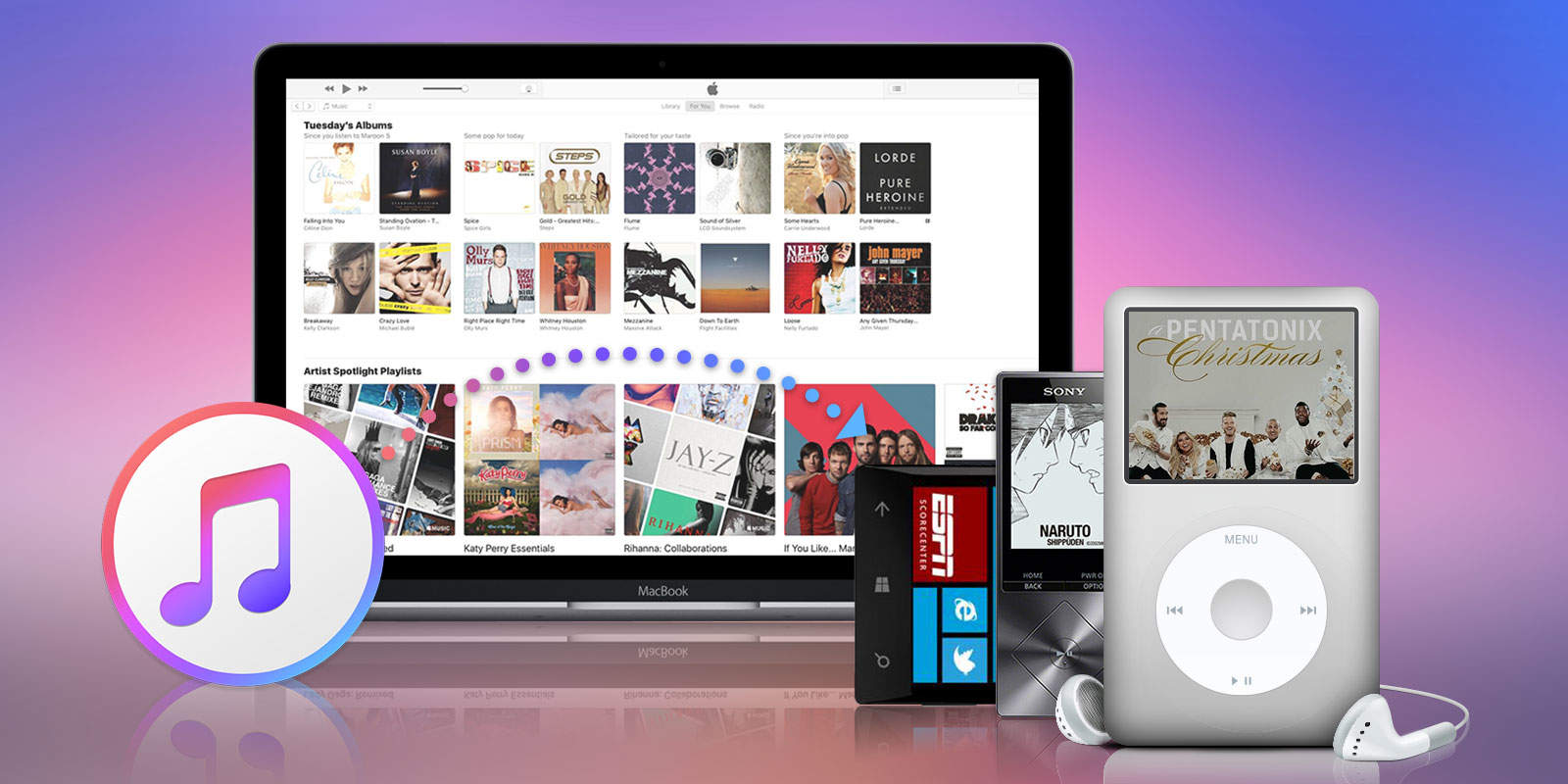
This post is brought to you by Convertanymusic.com, maker of Apple Music Converter.
When we download music from iTunes, or audiobooks from Audible, the files that get onto our devices are DRM-protected. That means they can’t be played on “unauthorized” devices. This, let’s face it, is pretty inconvenient.
One way to get around the DRM roadblock is Apple Music Converter. It’s an easy-to-use Mac app that will convert Apple Music and Audible audiobook files — M4p and m4b files, respectively — into formats playable on nearly any device.
The range of outputs is impressive. Beyond MP3s, you can convert your audio — even audio extracted from videos — into M4A and FLAC at their original quality. Also on the menu are M4R, MKA, AC3, AIFF and AU formats. All of the above convert at speeds of up to 16x.
Some other convenient features make Apple Music Converter a solid file-conversion platform. For example, after conversion, the MP3s and M4A files will retain their full ID3 tag information and metadata. That means your carefully curated digital music libraries will keep all your custom liner notes and album artwork. They’ll also be playable on a much wider range of devices.
You can also batch rename Apple music songs according to title, artist, album, track ID and other data. Advanced features like changing the bitrate, sample rate, codec and other factors afford control over the quality of a file and the space it takes up (and, therefore, how long it takes to create).
Apple Music Converter makes converting files simple

Screenshot: Convertanymusic.com
Apple Music Converter delivers these powerful tools via a simple interface. Launching the Mac app also launches iTunes, where you will select the music, shows, books and such that you want to convert.
The app looks and feels very similar to iTunes. After previewing the files, just click to select the ones you want to convert, and check or edit the metadata. Under preferences, you set your conversion preferences — speed, output format, etc. Then, just choose the output folder and click “start convert.”
Voila, Apple Music Converter creates audio files that are yours to do with as you please.
If you’ve got a bunch of downloaded tracks from iTunes or Apple Music, and devices that can’t play them due to DRM restrictions, try Apple Music Converter. Right now you can take advantage of a free trial that limits conversions to the first three minutes of each file. If you like what you see (ad hear), a one-time license goes for $39.95, with a 30 day money-back guarantee.

Cult of Mac is your source for news on tech and culture as seen through an Apple lens.


6 responses to “Remove DRM from iTunes and Apple Music to play your audio on any device”
Well this won’t last long.
Wanna bet that the latest version of iTunes released today probably stops this?
This is how you can make a very decent money monthly… You can do it on your own! After been without work for 6 months, I started out freelancing over this online site and at this time i couldn’t be happier. After 6 months on my new project my each month income is around 12k a month…>> FACEBOOK.COM/For-US-UK-Canada-Australia-and-New-Zealand-1081278581977571/app/208195102528120/
iTunes plus tracks , like the ones i have with iTunes match , don’t require your computer to be authorized to play them. making this software unnecessary, maybe there still is music in the store that is still protected
to the point where the computer has to be authorized, but i haven’t seen any
Matt, I wondered that too & wrote to Apple, only a few days ago – they told me they have DRM & I cant use the iTunes music on my mp3 player – here is their email Jan 23 2017 —
Hello Paul,
Thanks for contacting us.
If I’m correct, I see you are wanting to download an album and transfer it to an MP3 player. I acknowledge the importance of this matter. I’ll provide as much information to address your concern.
Paul, songs that are being downloaded from iTunes is official only for Apple devices. It might not work on another MP3 transferring the files because it has DRM to protect the artist and songs that is being purchased. I hope you understand.
To at least make it up for this inconvenience, I have issued 3 song credits to your account. You can use the credits to download songs of your choice that are not listed as “Album Only”.
I really appreciate your understanding about this matter.
I want to add that I have about 500 songs with DRM from iTunes that I can no longer use. I also asked apple about converting them & they said I can subscribe to the Apple Music Service as you mentioned & then get access to DRM-free versions ~ However, they can’t guarantee that any of the tracks will be available DRM free, it’s just a gamble.
we all authorize our computers and iTunes to play movies and tv shows and to download and sync apps now and for home sharing to iOS devices. we don’t really do this strictly for playing music anymore. i tested this. i took a lot of my purchases and logged iTunes off and deauthorized the computer and the songs still played.