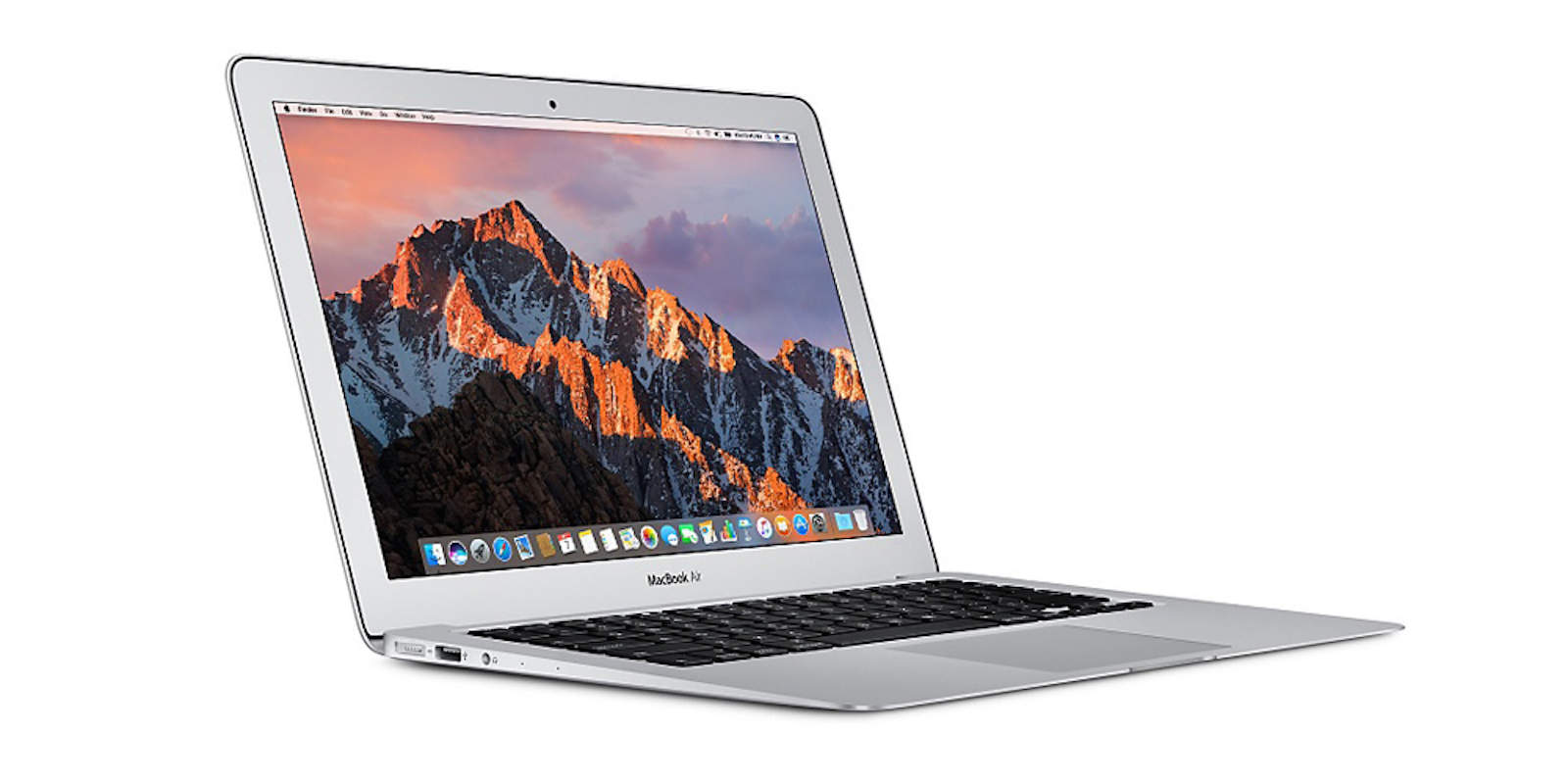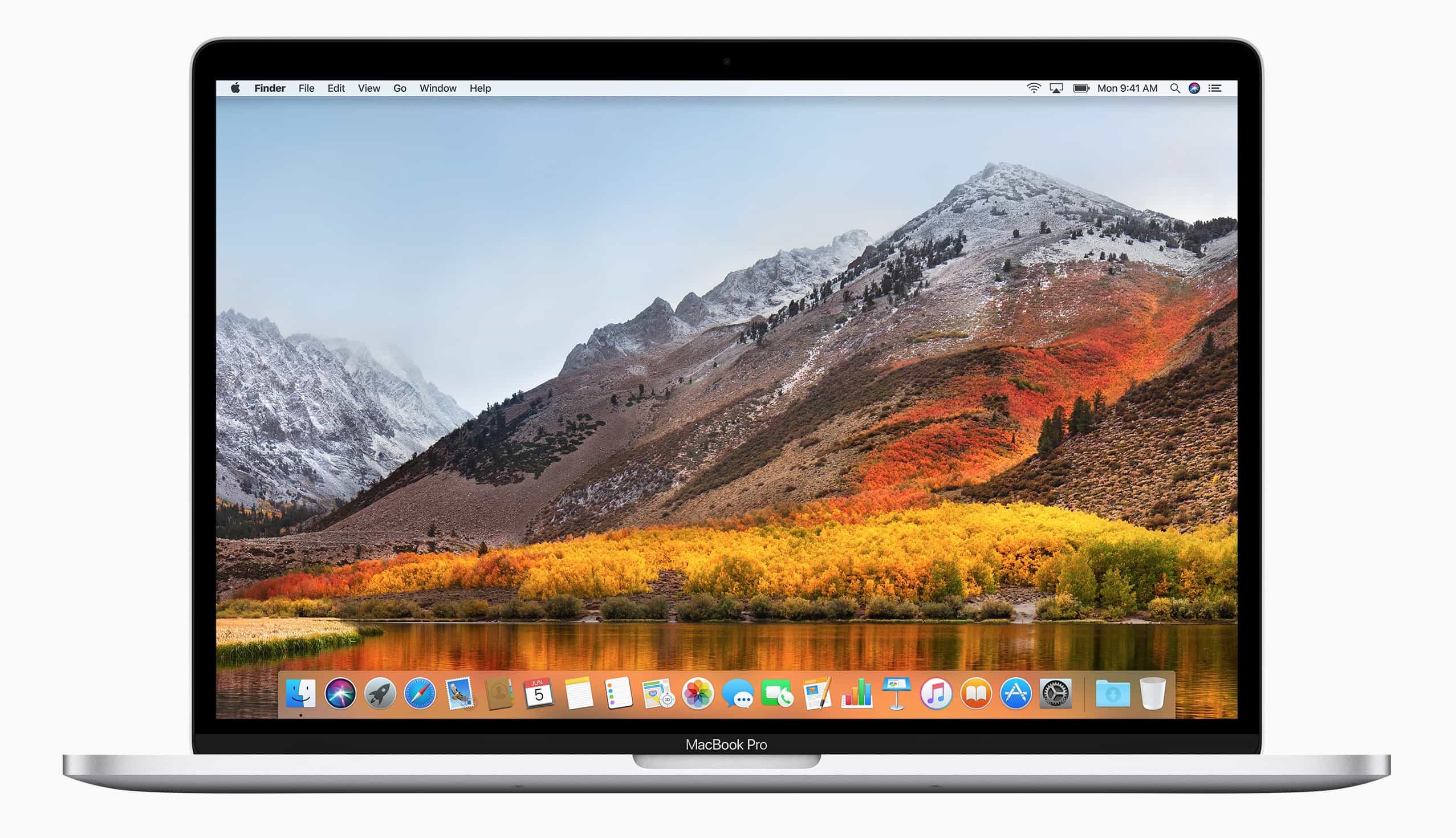
Developers received a hot new batch of updates from Apple today that bring a host of new features to Macs and the Apple TV.
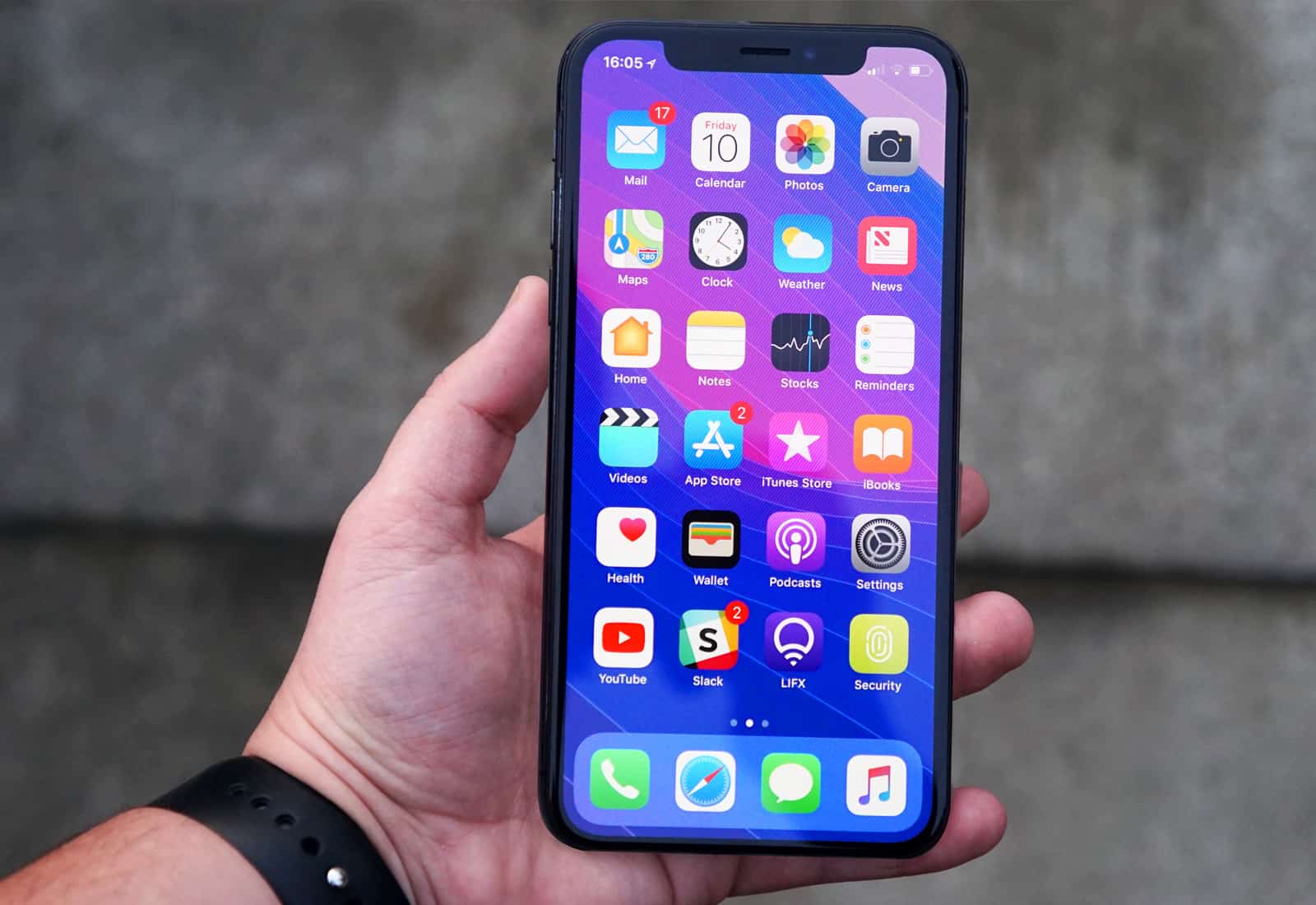
tvOS 11.3 beta 1 and macOS 10.13.4 beta 1 are now available for registered developers, along with a new XCode 9.3 build and iOS 11.3.