Yesterday’s update to iOS 4.2 brought a lot of great new features to the table, but for some users, it introduced one big problem: the ability to listen to music on your iPhone or iPod Touch.
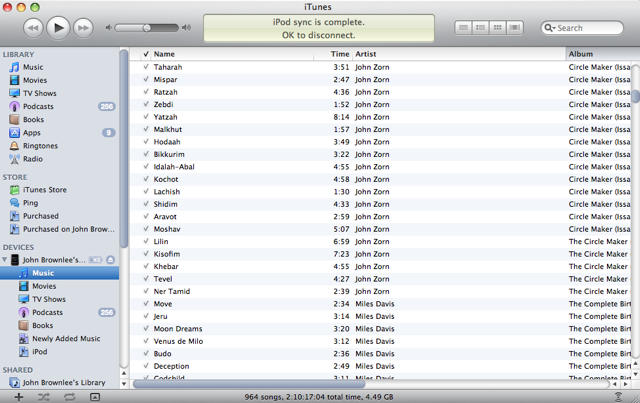
According to some user reports, their iPod Music Library disappeared from their iPhone or iPod Touch after they updated to iOS 4.2… despite the fact that when they look at their iOS device’s music libraries through iTunes, all the files are still there.
As it turns out, it’s a database bug, and while a fix will no doubt be forthcoming, there’s an easy way to restore music playing abilities to your iPhone or iPod Touch in the meantime.
All you need to do is connect your iOS device to your computer, launch iTunes and click on the arrow next to you your device in the sidebar, then select Music. Now play any random song on your device through iTunes, then sync and relaunch the iPod app on your device. Your music library should be restored. Voila!

John Brownlee is a writer for Fast Company, and a contributing writer here at CoM. He has also written for Wired, Playboy, Boing Boing, Popular Mechanics, VentureBeat, and Gizmodo. He lives in Boston with his wife and two parakeets. You can follow him here on Twitter.

