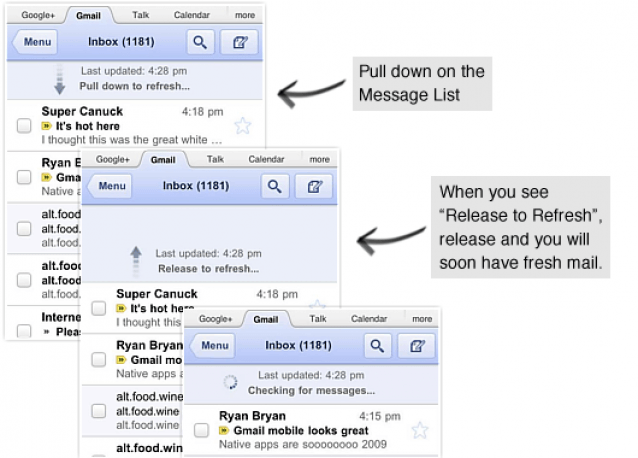
Google’s Gmail web app for the iPhone delivers a nice new update this morning that makes it even more iPhone-friendly, introducing the iOS trademark pull to refresh function, and an enhanced interface.
Refreshing your inbox is now a lot more natural to iPhone users with the pull to refresh feature that was first introduced to the iPhone with the Tweetie Twitter client — which seems to have become an iOS trademark feature, making its way into a whole host of third-party apps and web apps.
The web app now features a much sharper, high-resolution interface that looks a lot prettier on the iPhone 4’s Retina display.
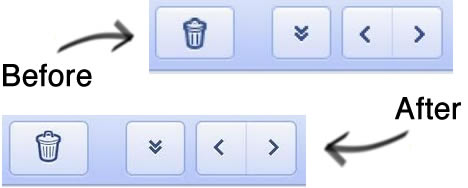
In addition to pull to refresh and a nice new look, the app sports a fancy transitions feature as you navigate its menus. The Gmail Blog explains:
When you tap on a conversation, tap back to the inbox, go to the menu or go back, the view will slide left or right. This new transition animation is a quick, small indication that makes the view change feel smoother.
To check out the Gmail web app’s new features, just visit mail.google.com in your mobile browser.
[via MacStories]

Killian Bell is a freelance writer based in the U.K. He has an interest in all things tech and also covers Android over at CultofAndroid.com. You can follow him on Twitter via @killianbell.

