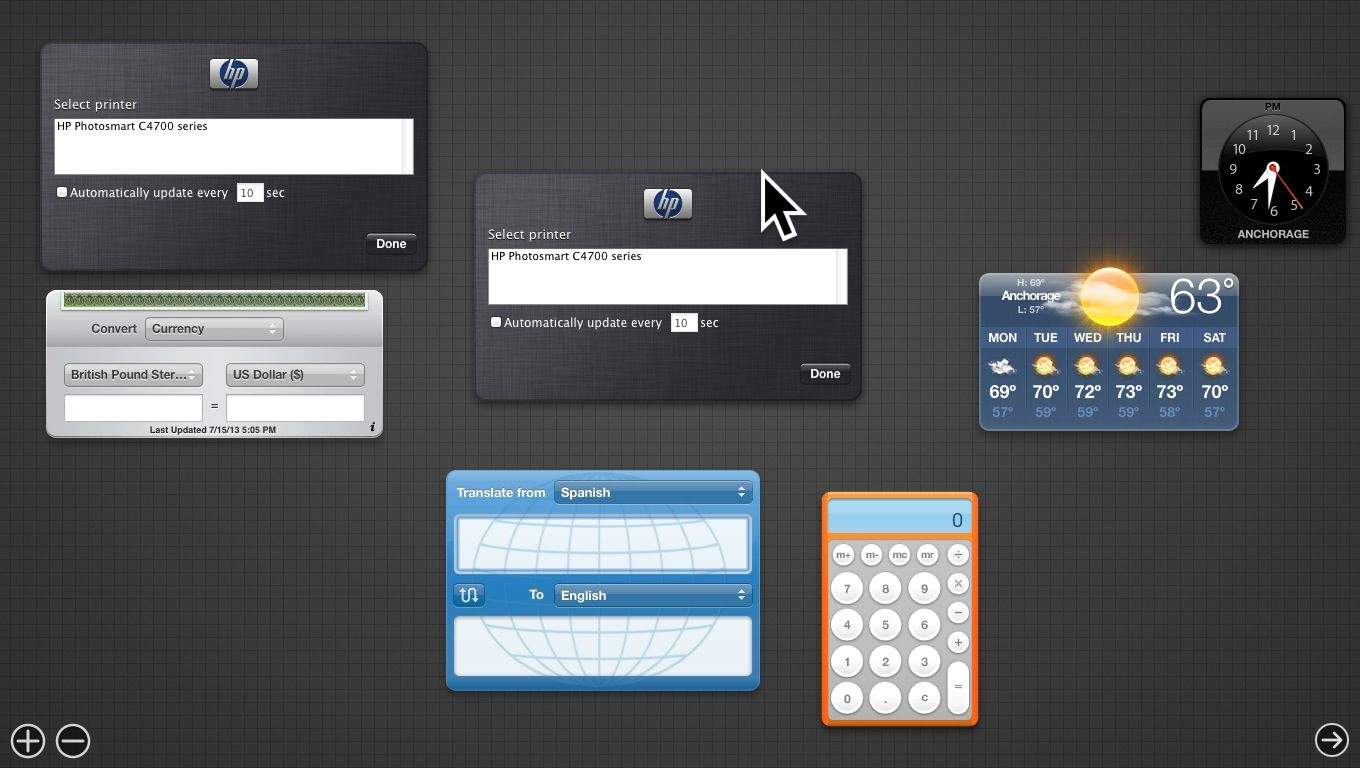
The Dashboard has been getting less and less attention lately, and so it’s surprising that it’s still in OS X Mavericks beta, to be honest.
It does have a nicer background, to be sure, but if you’re feeling like it has outlived its purpose on your Mac, here’s how to get rid of it.
Launch Terminal from your Utilities folder, which is itself in the Applications Folder. Once launched, type or paste the following commands into the Terminal window.
defaults write com.apple.dashboard mcx-disabled -boolean true
Then remember to relaunch the Dashboard process, here:
killall Dock
Now the Dashboard will be gone, baby, gone, and you never have to think about widgets again.
If, however, you want to bring it back? Simple re-do the same commands above, only change the word true to false, and you’ll have it back in your heart lickety-split.
Via: iFans

Rob LeFebvre is an Anchorage, Alaska-based writer and editor who has contributed to various tech, gaming and iOS sites, including 148Apps, Creative Screenwriting, Shelf-Awareness, VentureBeat, and Paste Magazine. Feel free to find Rob on Twitter @roblef, and send him a cookie once in a while; he’ll really appreciate it.


6 responses to “Get Rid Of The Dashboard In Mavericks [OS X Tips]”
works!
(earlier I posted “help it doesn’t work” but that was because I was mixing up true/false. sorry! :D)