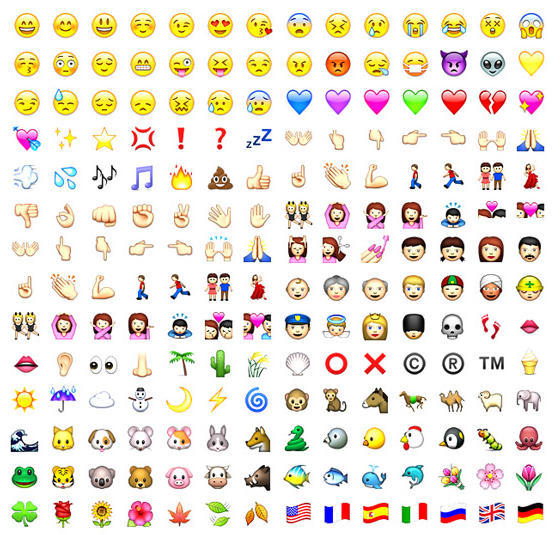
If you just can’t live without emoticon functionality on your iPhone, you may have cell phone users in Japan to thank. Perhaps with a nod to the centrality of “emoji” on all mobile devices in Japan, Apple has apparently enabled their use with iPhone 2.2 firmware, according to one report, but only through the Japanese virtual keyboard.
You must be willing to enter the brave world of jailbreaking your phone using cydia.app, but once there, you’ll be able to enable “emoji” right from the phone’s settings for International keyboard functionality: settings -> general -> international -> keyboards -> japanese -> emoji
Requires iPhone 2.2 firmware.
Via Pradt

Lonnie Lazar is a writer-musician-web designer-attorney. He writes about Apple for Cult of Mac and Mac|Life, and about VoIP and telecommunications for Voxilla. Follow Lonnie on Twitter @LonnieLazar, join the Cult of Mac on Facebook, and find Lonnie’s photos on Flickr.

