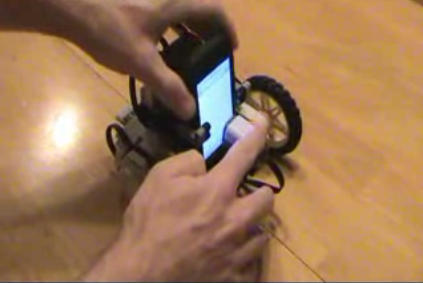
Wanna build an iPhone robot? Of course you do. And the people at BattleBricks have got everything you need.
You need two iPhones for this trick, thanks to the robot’s ingenious control system. The robot is controlled via a simple Google Web Toolkit app. The iPhone in your hand is used to issue commands; the iPhone attached to the robot displays coloured squares in different shades of grey, and an on-board light sensor watches what it’s showing; one shade says “turn right”, another “turn left” and so on.
Full instructions can be downloaded from the BattleBricks page. There’s exciting video to watch too.
And if you should happen to build your own robot, do let Cult of Mac know, so we can share your creation with the rest of the Cultists.

Giles Turnbull is a freelance writer in England. He also writes for the Press Association and The Morning News. You can find out more at his website, and follow him on Twitter @gilest.

