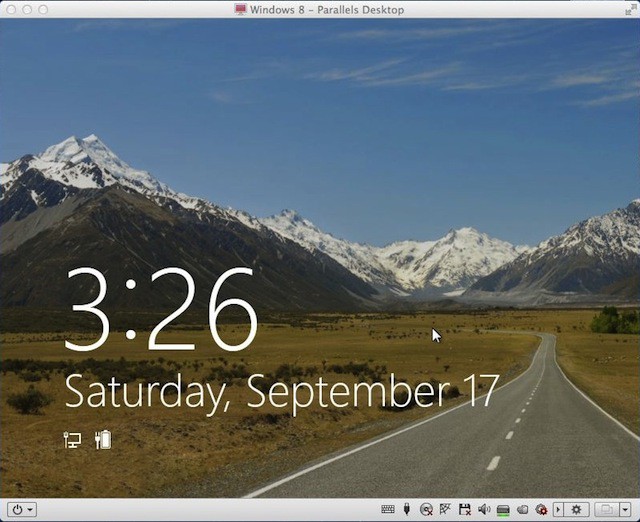
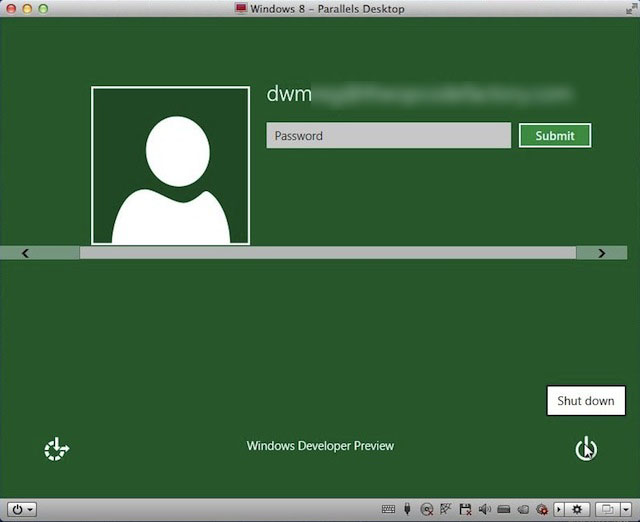
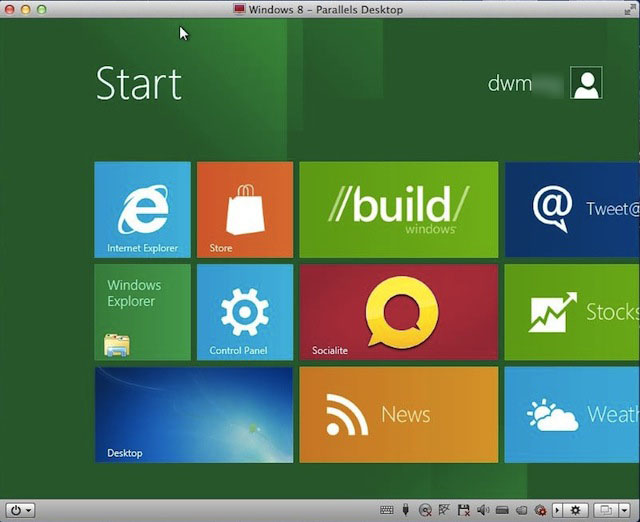
You can actually customize this interface by dragging, dropping and even resizing the tiles into either square or rectangular shapes. This is also where you can pin your favorite apps up so that you can launch them faster. This new start screen replaces the Windows Start menu.
The Metro UI acts as an overlay interface to Windows 7 underneath with the Windows key playing a key role in moving around in the new interface.
A lot of the tiles wouldn’t do anything when I clicked them and the reason for this isn’t clear, but this is a preview release of Windows 8 so I wasn’t expecting a lot.

David W. Martin has more than 20 years of experience in the industry as a programmer, systems and business analyst, author, and consultant. David has written for CNET’s iPhoneatlas.com, MacLife.com, CultofMac.com, BYTE.com and recently for aNewDoman.net. He comes to Cult of Mac’s website with deep knowledge and passion for the all things Apple. Follow David on Twitter @david_w_martin or see what he’s up to now at davidwmartin.com.

