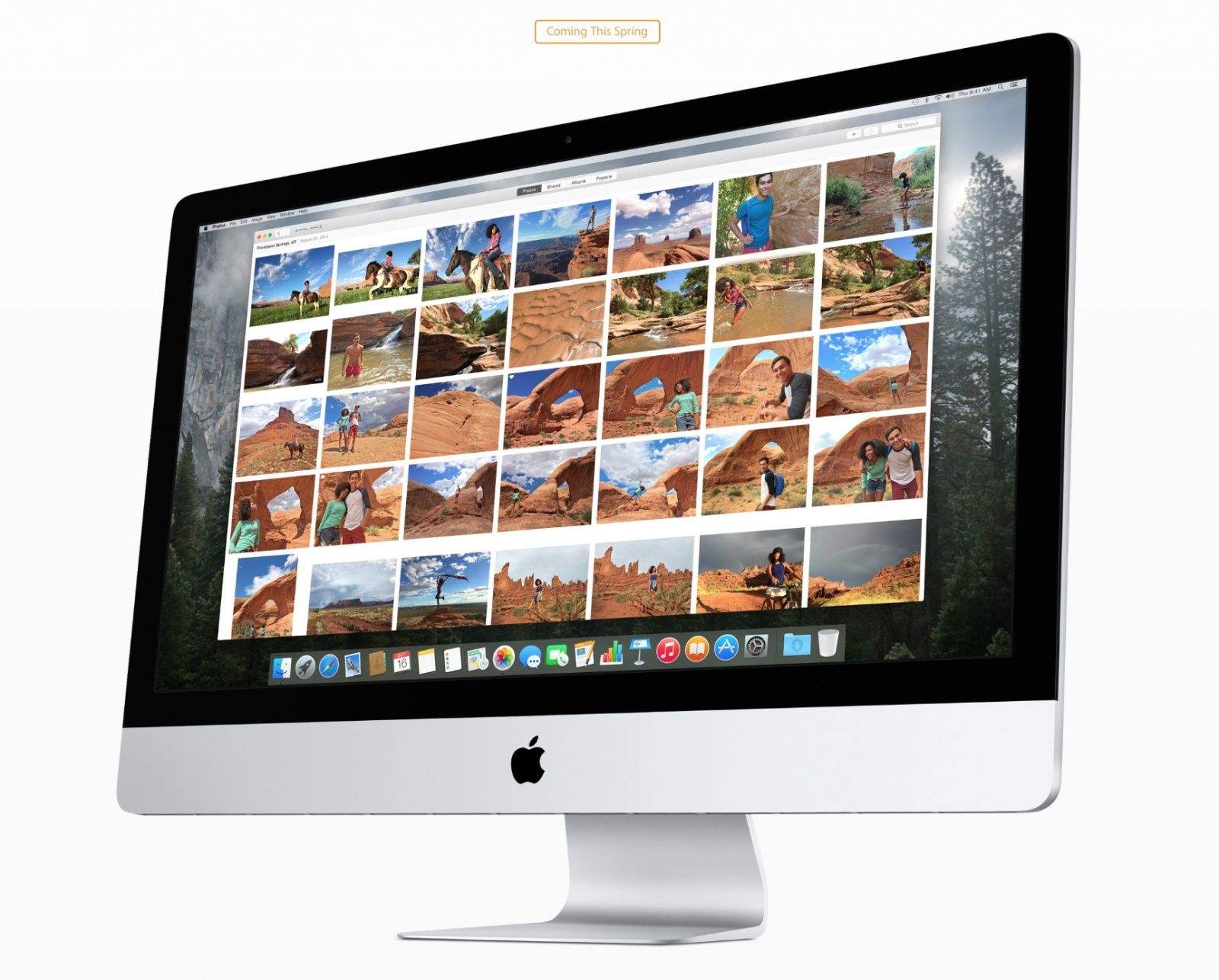
Apple is finally letting developers get their hands on Photos, the long-awaited successor to iPhoto. Revealed at Worldwide Developers Conference 2014, the new app is a complete revamp of iPhoto, allowing Mac users to organize, edit, share and print their favorite photos. It packs powerful new tools into a gorgeous, OS X Yosemite-style user interface.
The public launch of Photos isn’t expected until spring, but we took the beta for a spin today to get acquainted with the future of Apple photo software. We found eight new features you’re going to love.
Take a look:
iCloud Photo Library
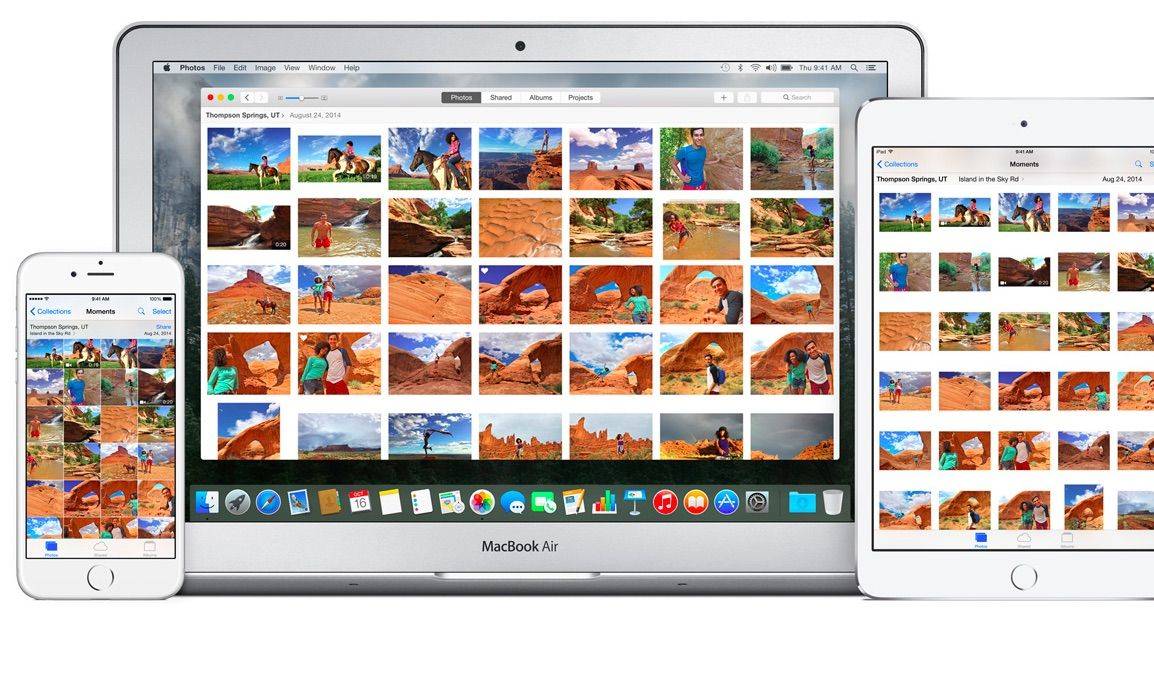
Storing your entire photo library on your Mac will eat through all your free storage in a hurry, but with the new iCloud Photo Library, everything can be easily saved to iCloud. The feature comes with two options. “Download Originals to this Mac” will keep the original, high-resolution photos on your hard drive, while “Optimize Mac Storage” sends all the high-resolution images and videos to iCloud, then stores some originals on your Mac if you have enough space.
Apple gives users 5GB of storage for free, but you’ll probably need to purchase more data, with plans starting at 99 cents a month for 20GB and options all the way up to 1TB. Setting up iCloud Photo Library can take a few hours if you have a big library, but it just freed up 16GB of space on my MacBook Air, so it seems totally worth it.
Edits sync between your iPhone and Mac
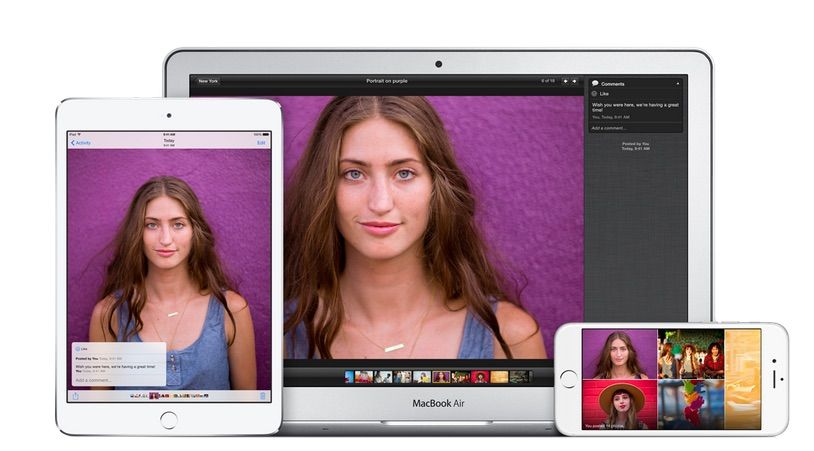
Other than freeing up storage on your device, the next big reason to upgrade to iCloud Photo Library is the ability to sync all your photo edits on your Mac, iPhone and iPad. With iCloud integration, any changes you make to a picture on one device will also show up on other devices you’re signed in to. Apple also saves the original photo, so if you make changes you don’t like, you can always undo them.
Better filters
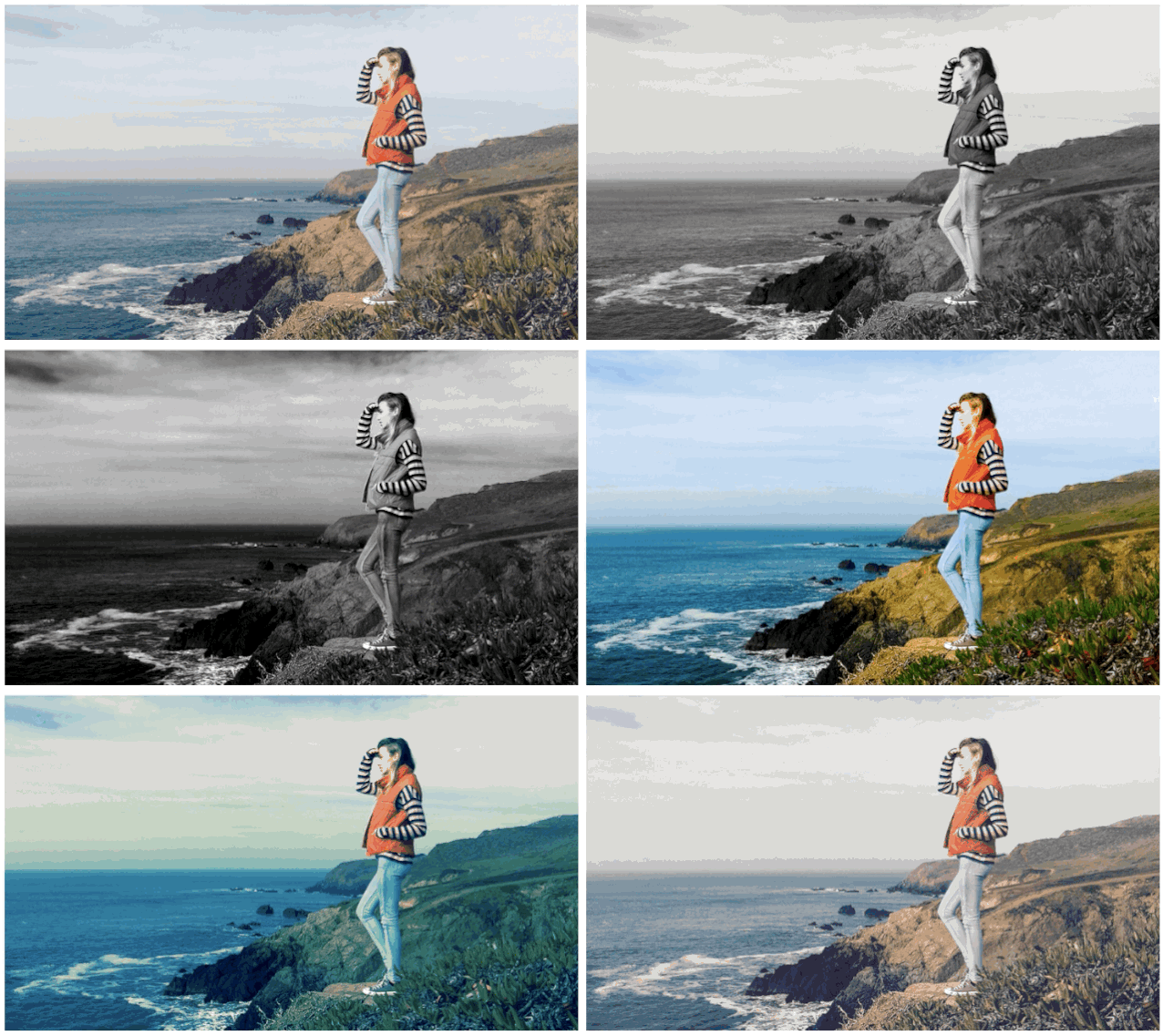
The No. 1 reason you’re probably going to use Photos is to make your pictures prettier, so Apple’s made it quicker than ever to enhance an image. You can use the auto-enhance feature or quickly click through eight built-in filters to see what you like best.
For those that want more fine-tuned controls, Photos also has sliders that let you adjust light, exposure, highlights and shadows. It’s not powerful enough to replace Lightroom or Photoshop, but it does give novice users an easy way to spice up their pics.
More screen space for your pics
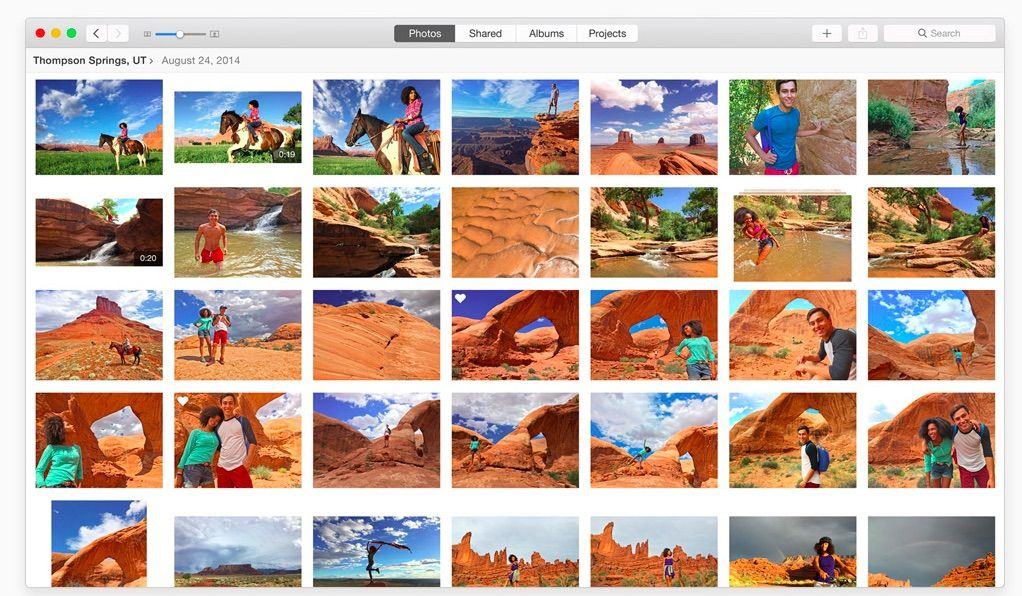
The UI for the Photos app has been completely redesigned from the old iPhoto interface. The biggest change is that there’s more space for pictures, allowing photography to be front and center. Navigation tools have been moved to the top of the window, and the organization of photos has also been improved by bringing in automatic collections based on location and time.
Large libraries feel zippier
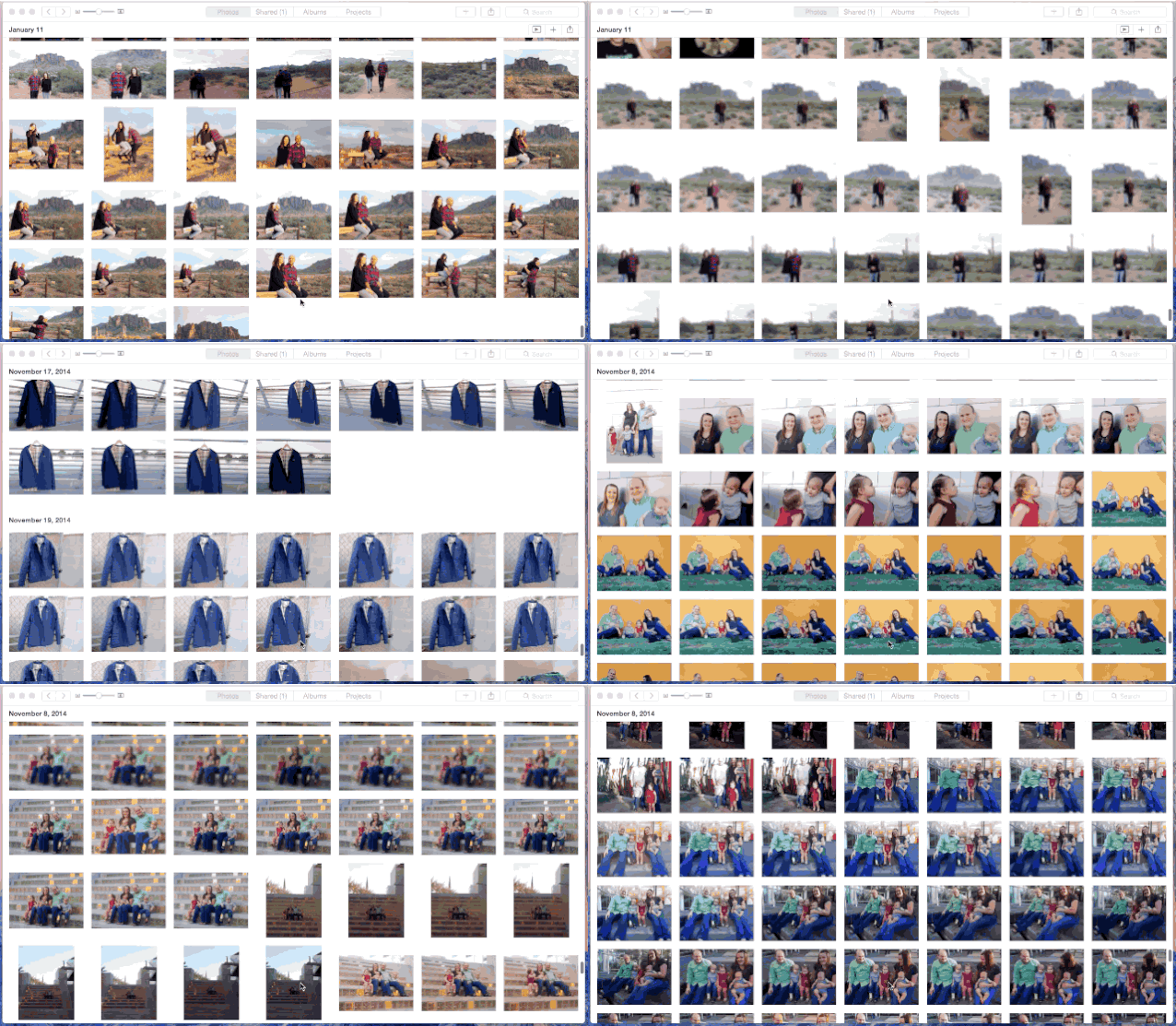
Scrolling through my library of 12,437 pictures in iPhoto would bring my MacBook Air to a crawl. Photos handles the task with ease. Apple says it built Photos to handle large libraries, and after flicking through my photos it certainly feels much zippier than iPhoto.
Share everywhere
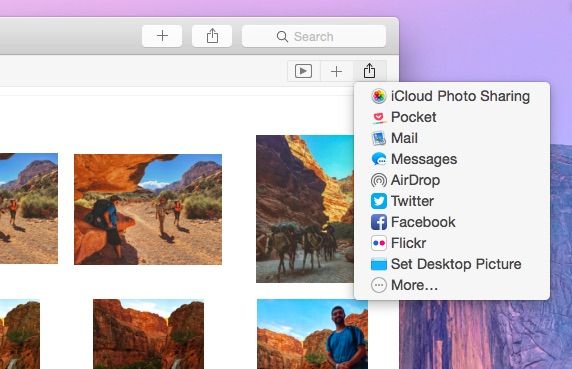
Yes, you can still share to Facebook, Twitter and most other social networks, but with support for Yosemite’s share sheets, you can also share your pics to any app or service that adds support via an extension.
Auto Crop
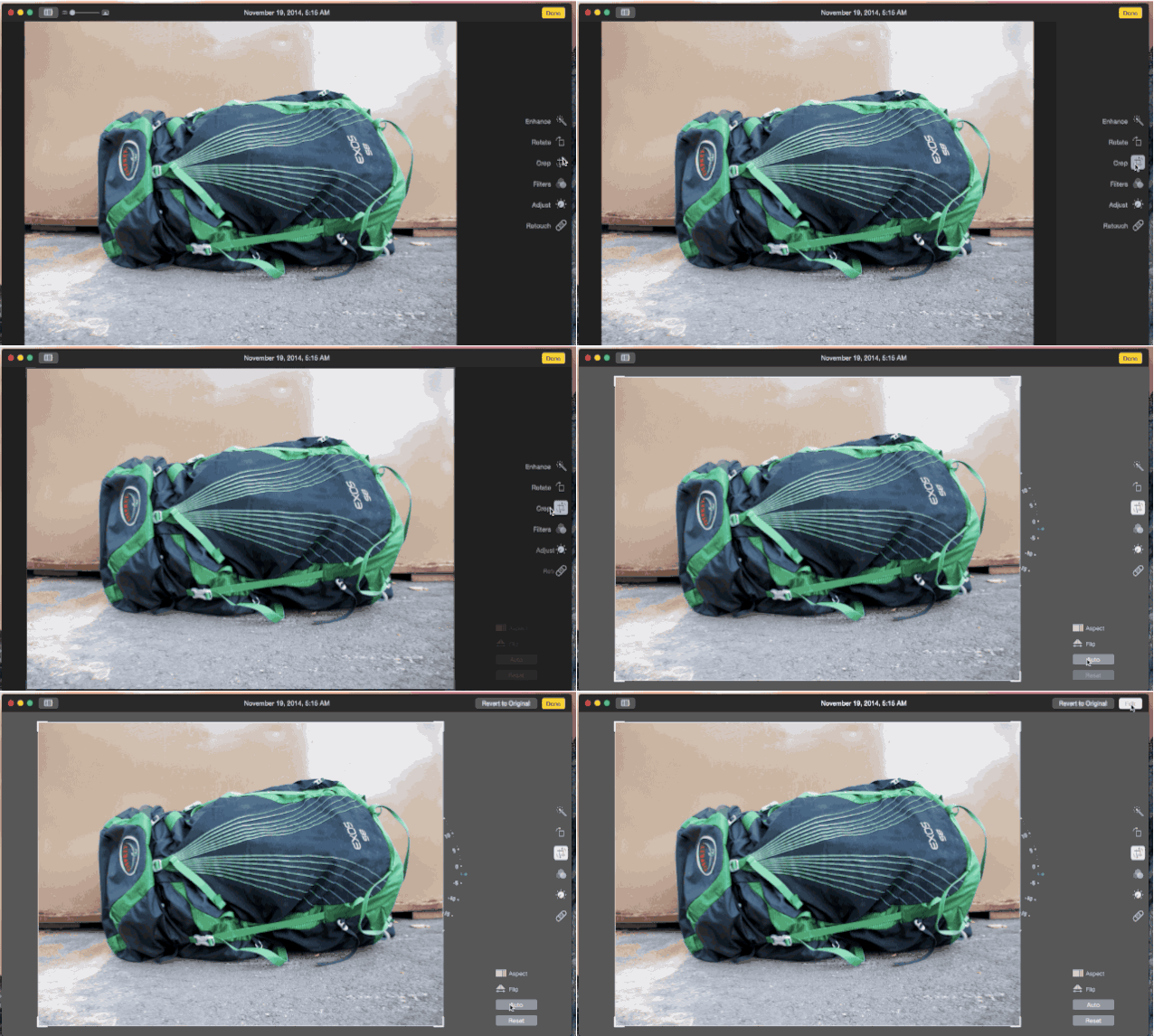
Instead of eyeballing whether a photo was shot straight, you can now use Photos’ Auto Crop tool, which rotates the image to be in perfect harmony with the rule of thirds.
Print Books
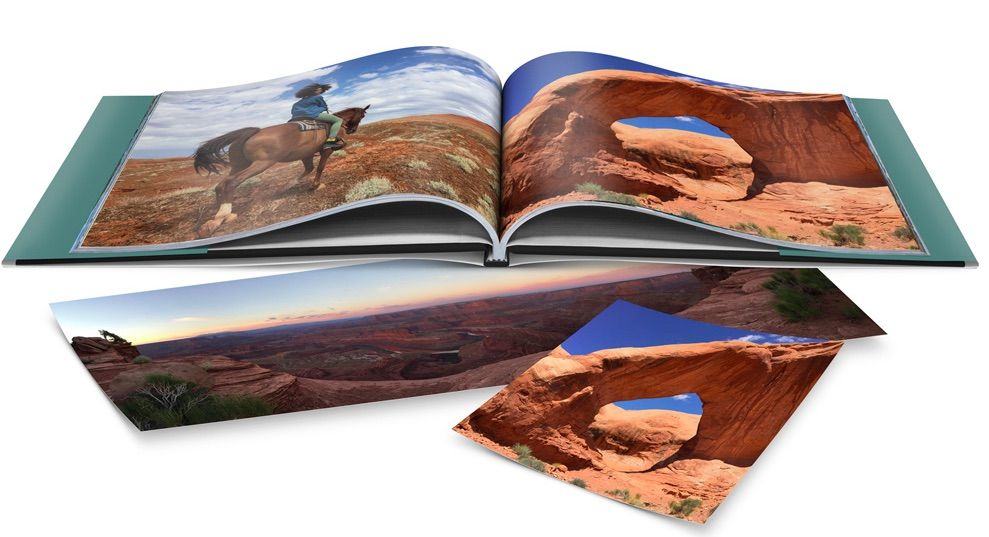
Apple added new options to create books and prints of your favorite photos. New themes have been added to the Projects tab, as well as the ability to print square books or send your panoramas off to get auto-sized on canvases up to 36 inches wide.

Buster Hein is a freelance writer who lives in Phoenix, Arizona. Twitter: @bst3r.


23 responses to “8 awesome features in Apple’s new Photos for Mac”
How about organization? I use Smart Folders, and events. Does this still work?
“… the long-awaited successor to iPhotos”
But don’t you mean iPhoto, no “s” at the end? Always seemed silly to me that we had iTunes (plural), but iPhoto (singular.) Looks like apple is not only changing the paradigm, but correcting the missing “s” as well.
But seriously, as to whether users will readily adopt the new way of managing their photos without much complaint, guess we’ll see.
right. my bad for the typo
Oh man, no biggie! Just a funny, and a great way for me to comment (albeit not very comically), about that long-standing difference in naming. Aways enjoy your posts.
And this is supposed to replace Aperture and iPhoto? I you want filters, use Instagram. My two cents.
I do not think it will be replacing aperture. i think it is supposed to be a replacement for iPhoto only.
I heard that Apple discontinues Aperture, so Photos will be the only photography software.
Apple statement: “With the introduction of the new Photos app and iCloud Photo Library, enabling you to safely store all of your photos in iCloud and access them from anywhere, there will be no new development of Aperture. When Photos for OS X ships next year, users will be able to migrate their existing Aperture libraries to Photos for OS X.”
I think Apple just gave up the crowd who would use Aperture, letting them migrate to Lightroom. I was sort of hoping Photos would be something to knock our socks off since they quit Aperture, giving everyone a professional-level app that would compete with Lightroom but it seems not. Still looks like it is a nice app for most of us.
Apple just dropped the ball big time. If this replaces Aperture it needs to be at least as good as Aperture.
Absolutely sucks.
So can I move my iPhoto library to this new App? Will it import it? Because I don’t want to have to reimport all those photos and then have to reorganise them all all over again. When the public beta is out I will give it a go.
i just dragged and dropped the photos and yes, it does import
Does It Export? I like to shoot and sync and backup offline as well.
Does it bring over Events from iPhotos? Suddenly having a mass of unorganized pictures would be disastrous.
I brought in my Aperture library, and it does maintain projects and folders.
Will the new photos app have Faces and Places like iPhoto does? Those two features are rather important to me and I would be upset if they were removed.
I definitely see Faces, but I don’t see Places.
I’m so very disappointed in Photos. Have been hovering over moving to Lightroom from Aperture to see what this is like. It’s TERRIBLE. If you are a 13yo messing with your selfies, this is great. If you are a photographer from hobbiest on up, Photos will feel like a crippled, featureless version of iPhoto. Like the way the new iTunes makes playlists brutally painful? Wait till you try to build projects and albums in Photos. Metadata? Most of it is gone or inaccessible, and the keyword tools are painfully clunky if you have more than about 20 keywords. Can’t display any information on or under the thumbnails, and I haven’t found any mechanism to even rate photos, just a flag.
Like with video editing, where Apple made strong inroads to working people and then pi***d it away, Photos fits right in with the new minimalist (and nearly useless) Apple software offerings like the new iTunes, Pages, Numbers, Keynote and Final Cut. All products I loved but now hate. Add Aperture/Photos to the list.
Thank you for this! That’s exactly how I’m feeling about these applications. I went back to my old iWork ’09 after spending 5 minutes in the new version and not finding the tools and functions I’ve been using all those years. The same goes for Aperture.
any word on having 2 different apple id’s being able to use the same Photos library. My wife and I import to one iPhoto, but really want a cloud solution we can both use at the same time.
This is VERY important to me too. In my case its a little more complicated because we both use the same Macbook Pro with different user accounts.
Smart albums, ratings and tags. It would be silly to release an app without these basic features.
Keep in mind this is a Developer Preview and might not be feature complete yet…
I do not get kick from this. It looks so limited. Aperture could have been amazing tool and they screw it up ;(