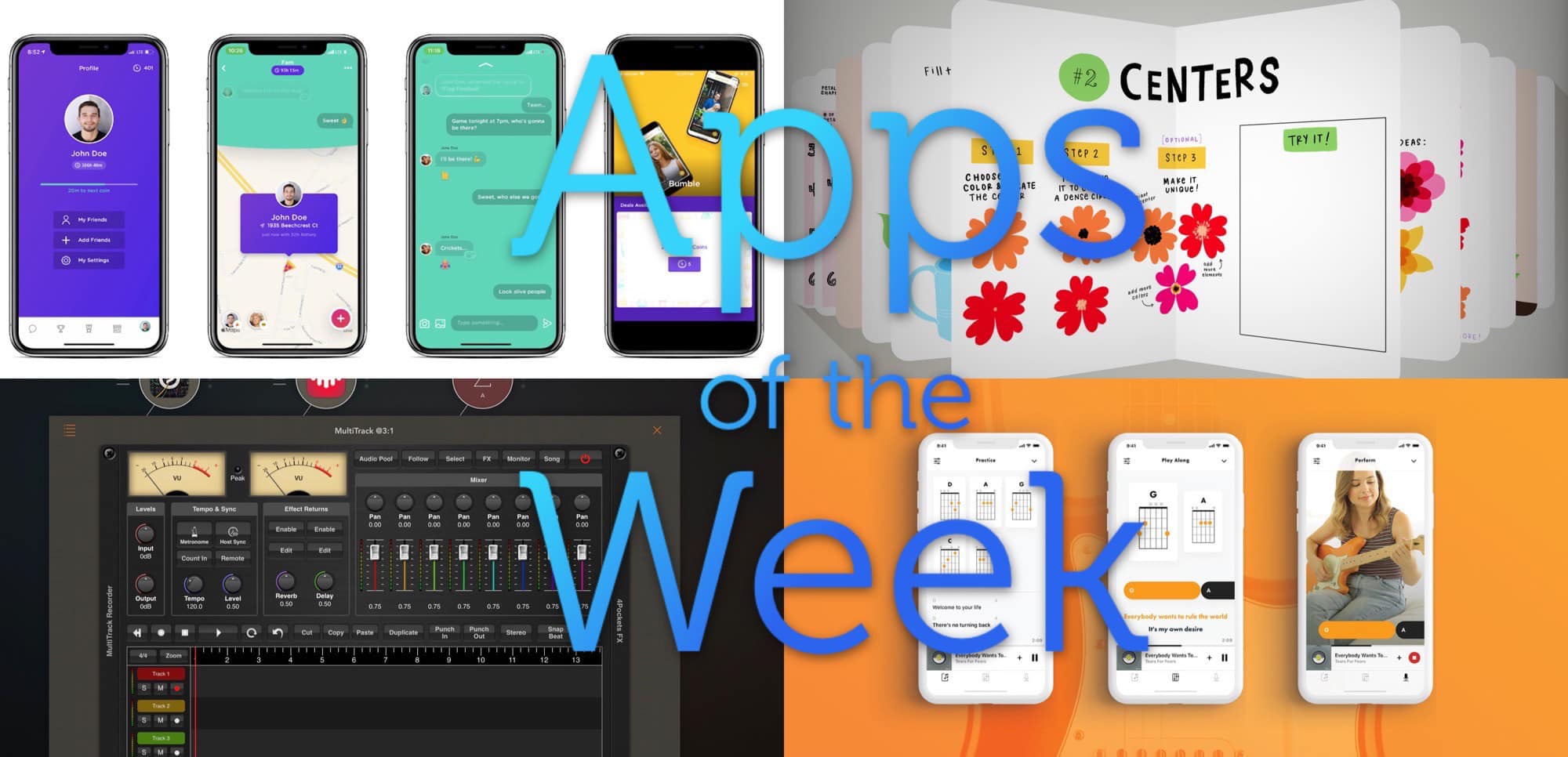
Who needs to leave the house, with apps like this? Photo: Cult of Mac
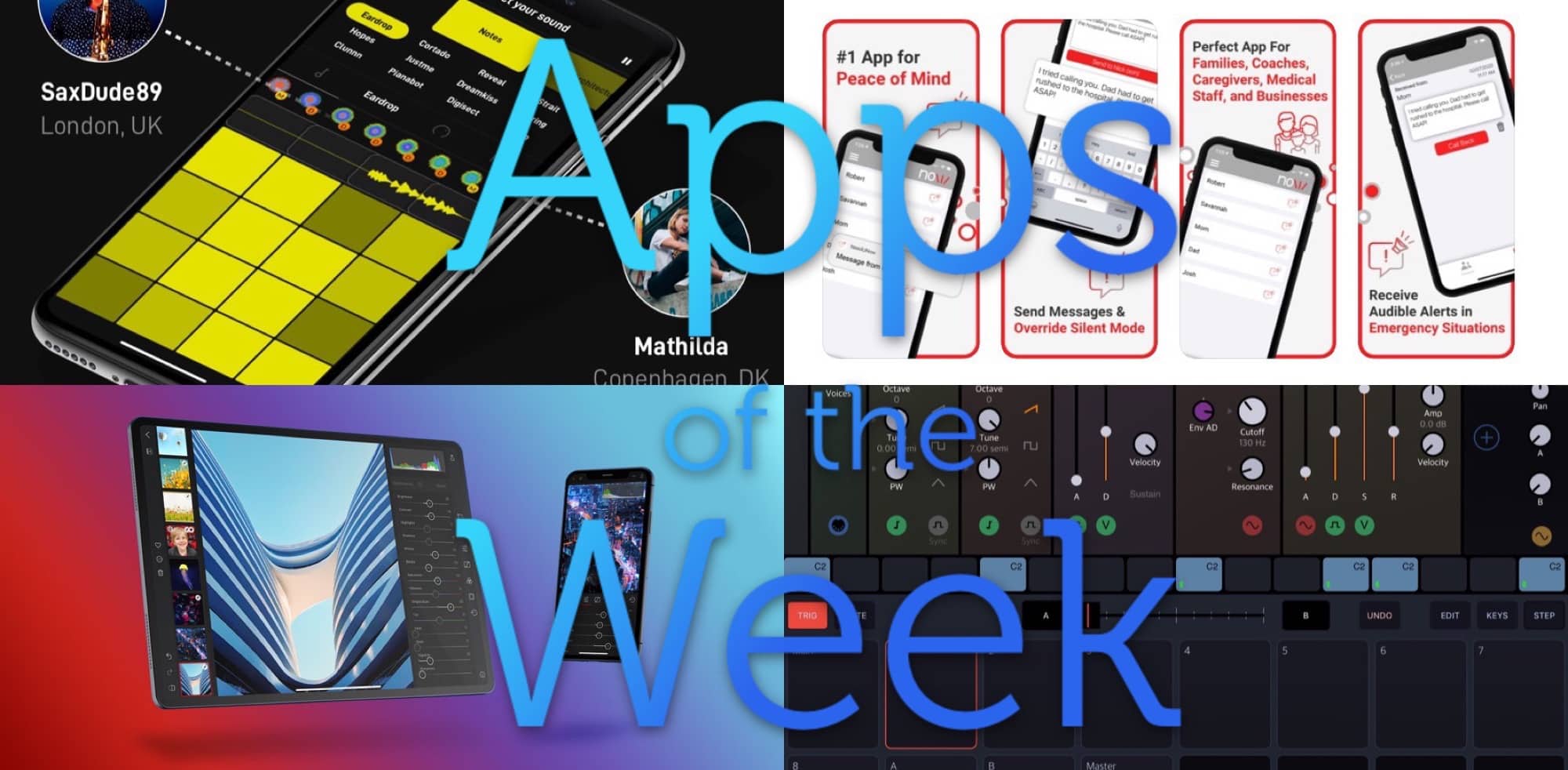
This week we punch through muted, silenced phones with magic alerts, replace $1,300 hardware sequencers with a $20 iOS app, and enjoy Endlesss music jams with anyone, anywhere in the world.
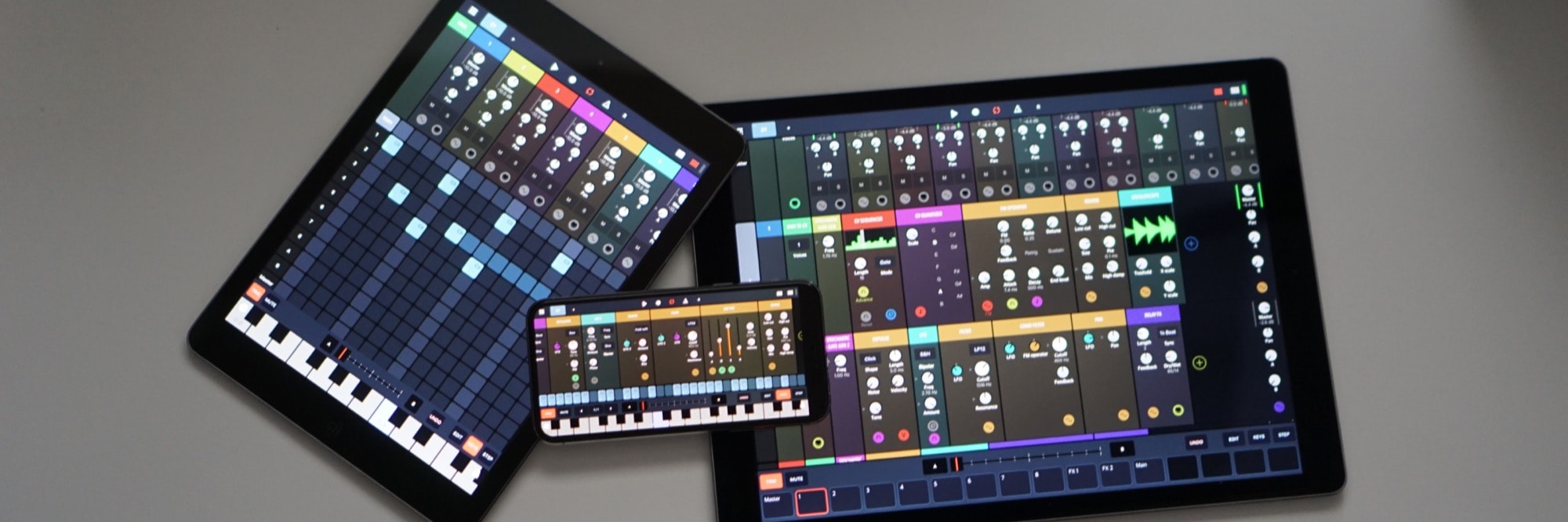
Once in a while, an app comes along that changes the way you think of a computer platform. Like Photoshop on the Mac, Lotus 1-2-3 on the IBM PC, or GarageBand on the iPad. We just got another one of these apps Tuesday. It’s called Drambo, from veteran music-app developer BeepStreet, and it redefines music apps on iOS.
Yes, iOS. This amazing, modular, do-almost-anything app works on the iPhone as well as the iPad.
If you sit in front of an iPad typing up Apple-related how-tos all day long, then working from home is no problem. In fact, it’s simply the next step up from “working from bed.” But for some professions, like musicians, working from home is difficult if not impossible. You might have a home studio, but you still need to get the band together to record them.
Or do you? ConnectionOpen is an app that lets musicians play together over the internet. The wild thing is, it’s a standard plugin for Logic, Ableton, Pro Tools and other audio-editing apps. And now, it’s also available for the iPad.
Like almost all of Apple’s built-in iOS apps, the Music app is capable but hard to use. Apple’s habit of hiding key functions behind multiple button-taps is in full force here, and it’s getting worse. Want to “heart” a track? You used to be able to do it from the lock screen player. Now you have to access the Music app’s share menu, and find it there.
And what if you want to view your recently added items as a list, or your list of songs as a grid? Tough. On the other hand, if you use features like the For You… playlists, and Apple Music’s excellent More by… recommendations, many alternative music apps don’t support them.
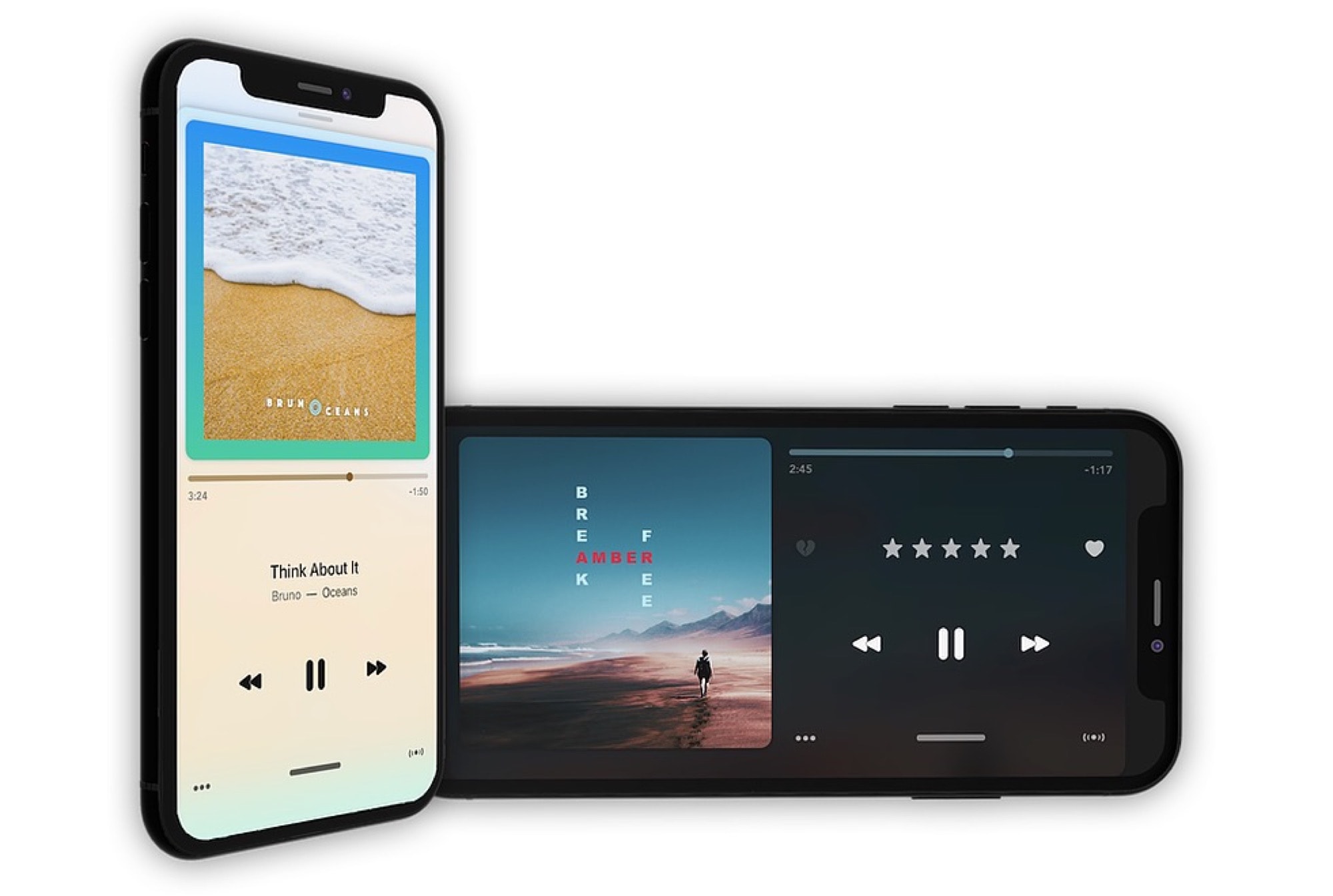
The answer to this digital music conundrum is Marvis Pro, a 1-year-old music app that offers everything you need — and nothing you don’t.
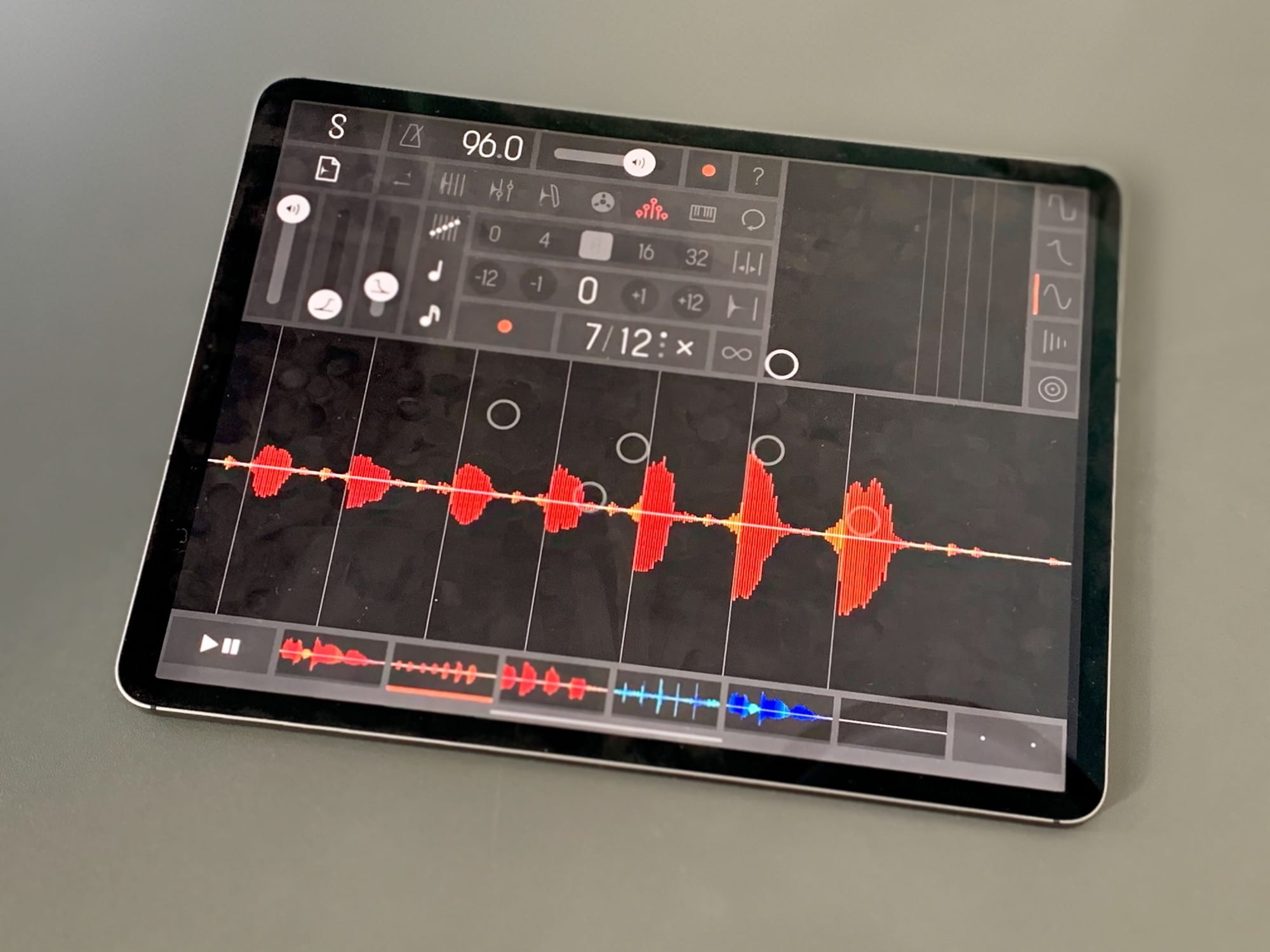
Samplr -- almost too good. Photo: Charlie Sorrel/Cult of Mac
Samplr is one of the best-loved iPad music apps. You load up a sample, and then you can play it and manipulate it with your fingers. It’s simple to learn, but capable of incredibly complex and beautiful results. Unfortunately, the developer landed a job at Apple, and Samplr development ceased.
Until now. The groundbreaking iPad music app just received its first update in five (5!) years.
BlackHole is a free, open-source tool to route audio anywhere on your Mac. You know how the audio from YouTube in Safari comes out the speakers or headphones of your Mac, and that’s about it? Well, with BlackHole, you can intercept that audio. Then you can record it, redirect it to another app or do basically anything you like.
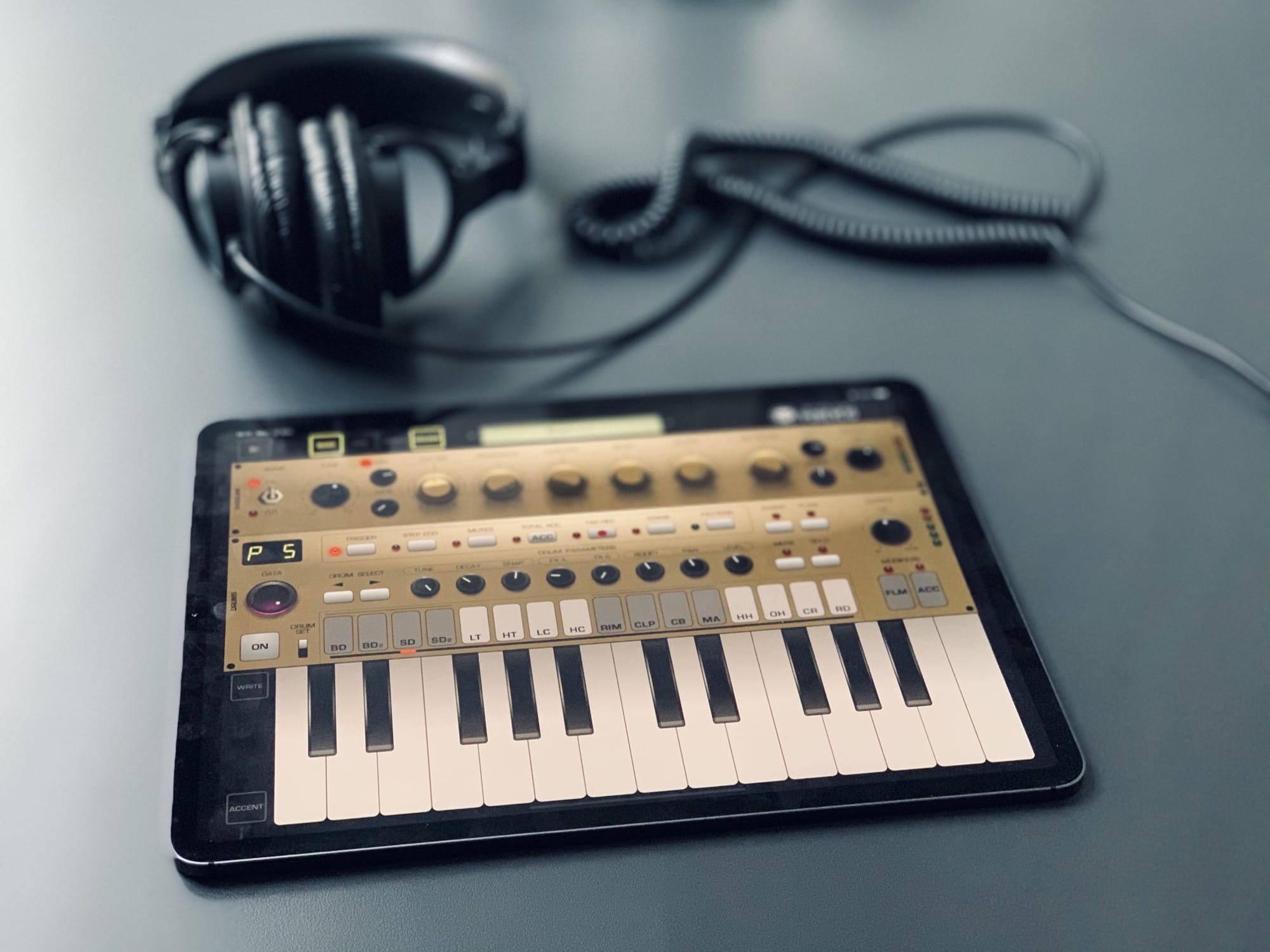
Here’s Pure Acid with a fetching gold makeover. Photo: Charlie Sorrel/Cult of Mac
Pure Acid is a bass synthesizer and drum machine app for the iPad, and it might just be the best drum machine app ever. It is, for me, the first app that actually feels like you’re using physical drum machine hardware instead of just another touchscreen app. Part of this is down to the one-screen interface, where everything is (mostly) always in the same spot — just like real buttons. And part is due to the app design genius of Pure Acid’s creator, Dmitrij Pavlov (aka Jim Pavloff).
Tons of creative apps this week. Photo: Cult of Mac
This week we stream movies off USB sticks, stay safe with social networks, learn to play guitar with Apple Music, and draw pictures on virtual paper. These are the best apps and updates of the past seven days.
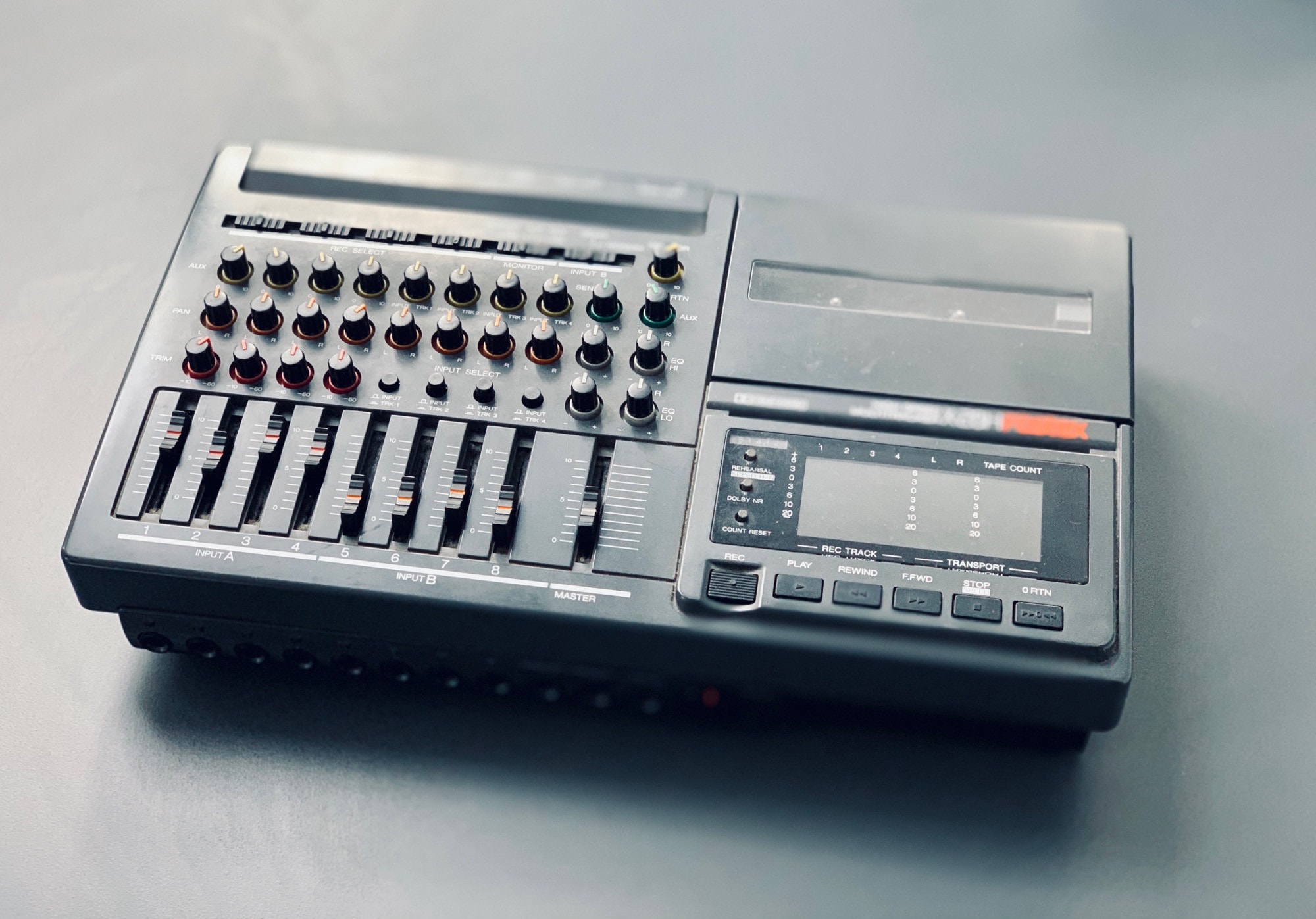
This is how we recorded multiple tracks in the olden days, kids. Photo: Charlie Sorrel/Cult of Mac
4Pockets’ MultiTrack Recorder Plugin is an audio-recording app that can be loaded inside other music apps. If you’ve ever seen an app like GarageBand or Logic in action, you’ll be familiar with the layout of multiple tracks on a horizontal timeline. MultiTrack Recorder Plugin offers exactly that, only it’s designed to be used inside other music apps. Apps that don’t have their own recording functions.
This guy makes better music with buckets than I can manage with any app. Photo: Charlie Sorrel/Cult of Mac
Patterning is probably the best drum machine app on the iPad, and one of the best iOS music apps, period. Which makes it criminal that we’ve never written a dedicated post about it. That can change today, because the developer, Olympia Noise Co., just added keyboard shortcuts.
Wait, come back! These aren’t just any keyboard shortcuts. These shortcuts let you use your iPad’s Smart Folio Keyboard, or any Bluetooth keyboard, to fingerdrum on the iPad.
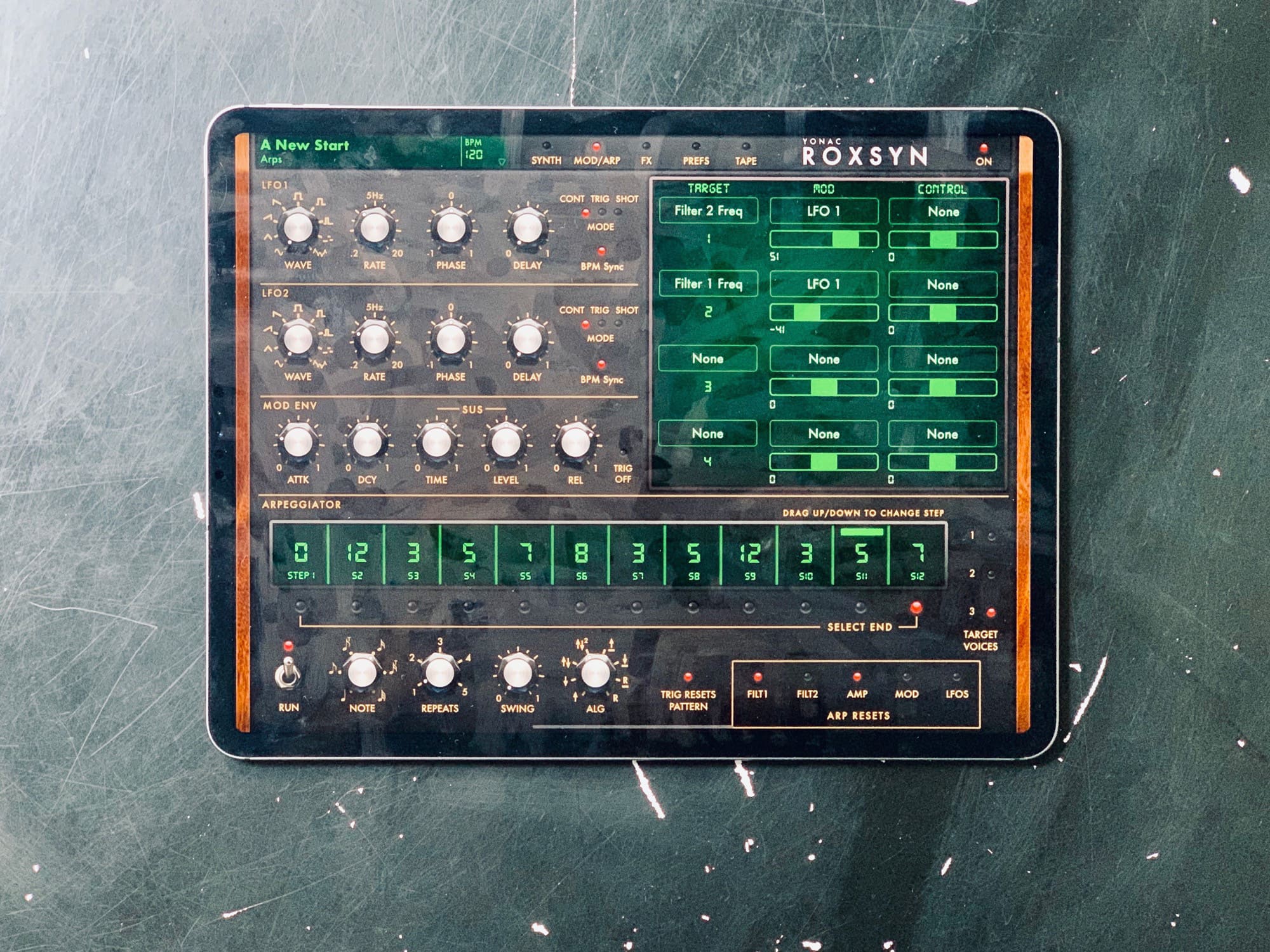
Roxsyn -- a synth that rocks. Photo: Charlie Sorrel/Cult of Mac
Roxsyn is the “world’s first metamorphic guitar synthesizer” for iPad. The app lets you plug in your guitar and, when you play it, synthesizer sounds come out. It also offers a full suite of knobs to tweak and shape the resulting sounds, just like a regular, keyboard-driven synth.
But — and this is important — it’s not just using your guitar as a MIDI controller for a normal synthesizer. Let’s take a look.
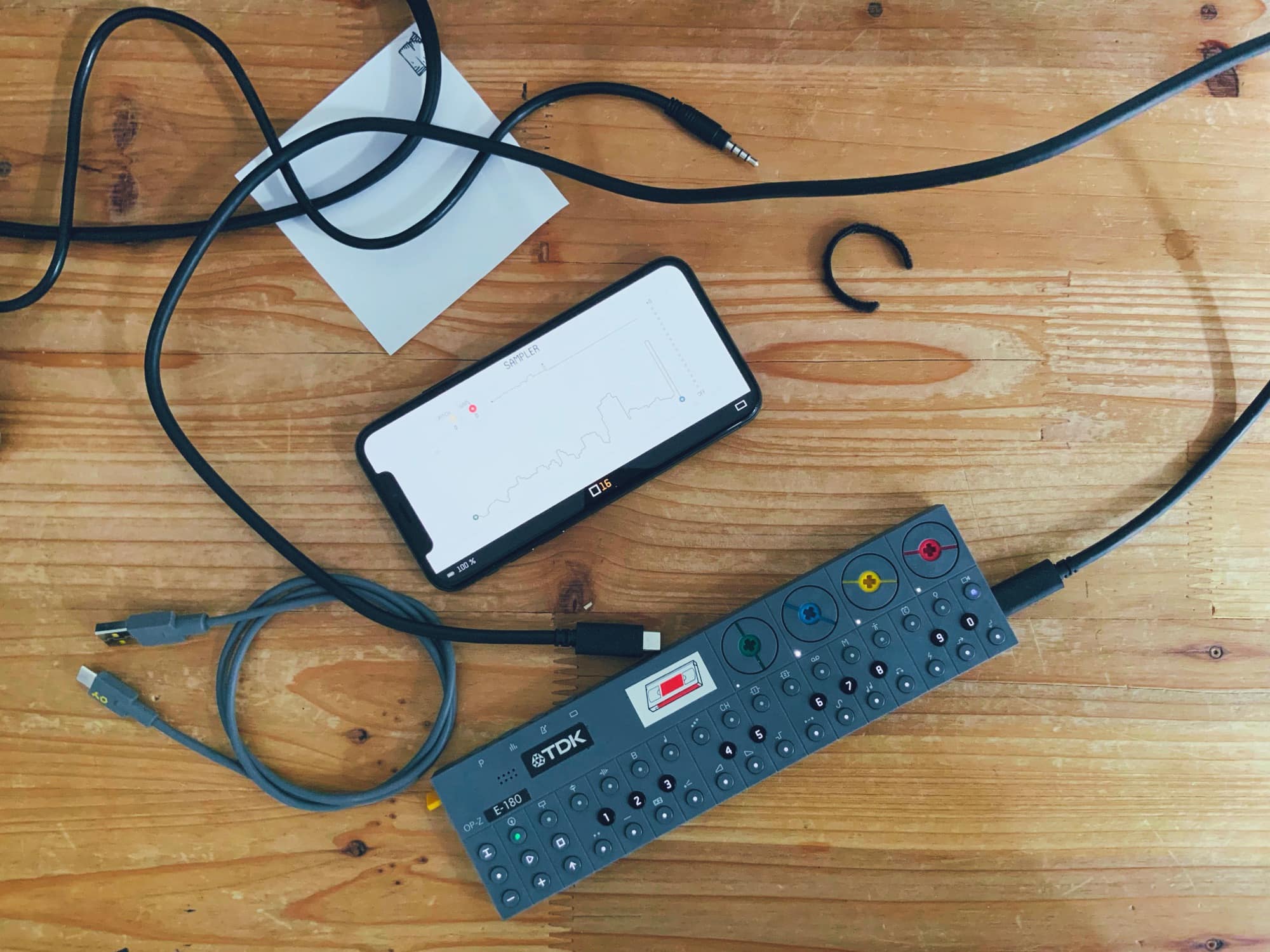
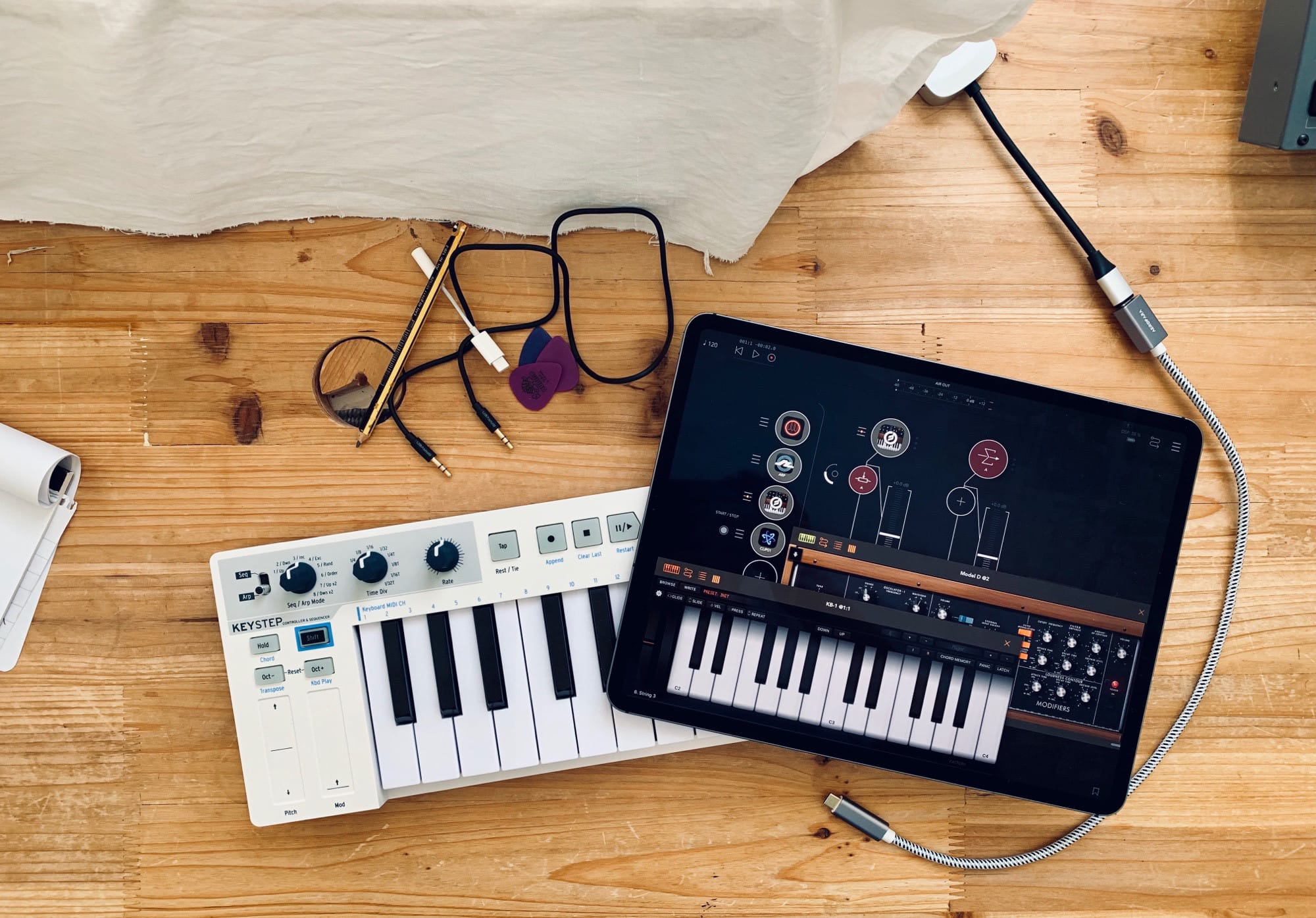
This is all you need to make a hit record. Well, maybe a few dongles, too… Photo: Charlie Sorrel/Cult of Mac
Teenage Engineering’s awesome, pocket-size OP-Z synth can now record and use samples. Thanks to a massive software update, it can now sample live audio in through its mic, or via its USB-C port. And yes, if you hook it up to an iPhone or iPad via USB, it shows up as a standard audio interface: You can record from, and send audio to, the OP-Z in lossless digital quality.
Today we’re going to check out these new features. A few limitations prove annoying, but Apple users should feel accustomed to that by now.
Even the promo pictures look pretty '80s. Photo: AudioKit
Here’s some pretty big news for iOS musicians: AudioKit’s Digital D1 synth is now an Audio Unit. What? That means that, instead of running as a standalone app, you can now run it as a plugin inside your music app of choice. It also means you can run more than one copy, putting one instance on each track of GarageBand, for instance.
And what makes D1 more interesting than other synths for iOS? A few things. One, it’s open source and built by volunteers. Another is that it looks and sounds amazing. And finally, it’s totally ’80s, giving you the synth sounds of pop music’s best decade. Radical.
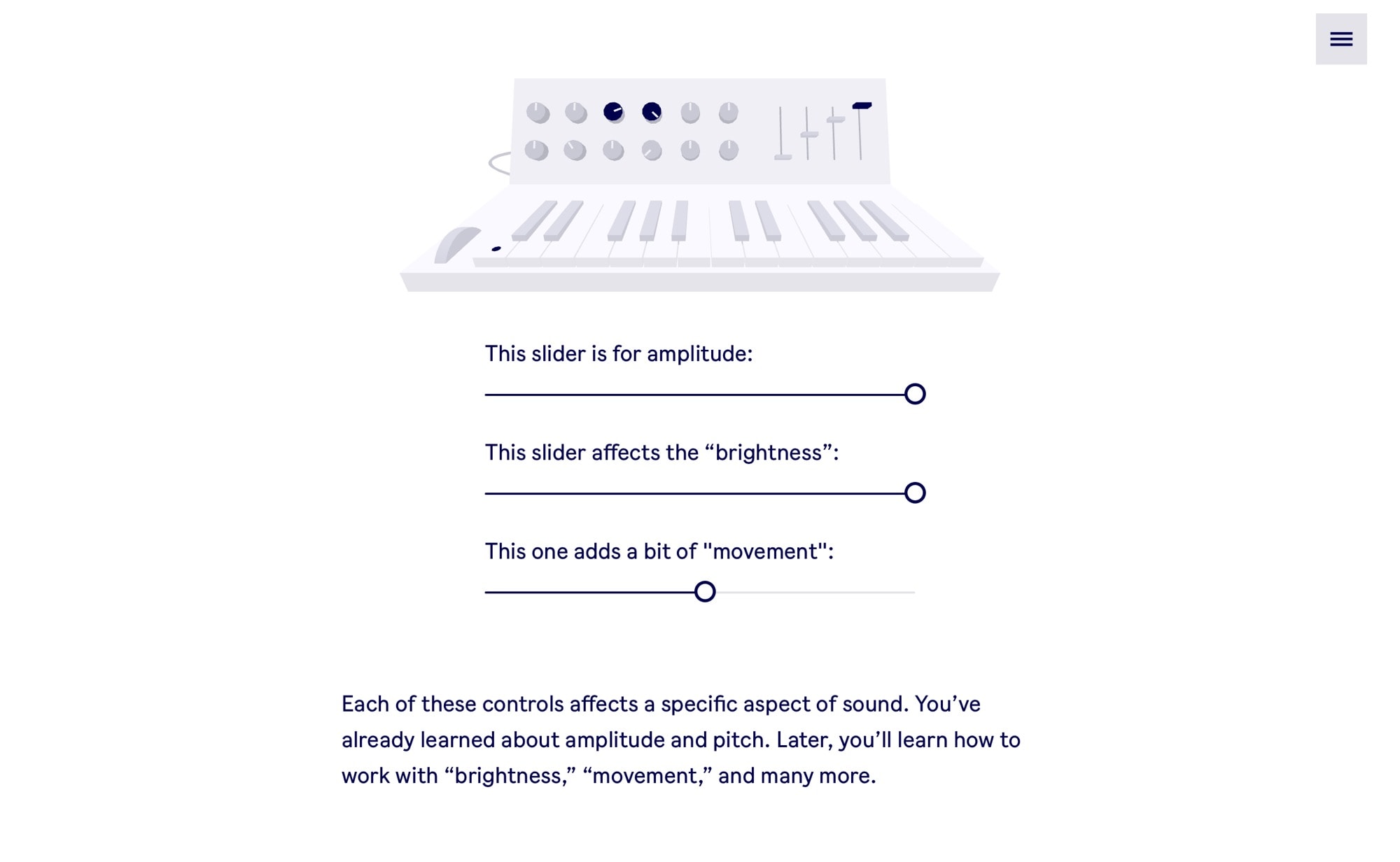
Ableton has put a synth school into the browser. Screenshot: Cult of Mac
Did you ever wonder how a synthesizer works? It’s all just “electronic noise,” right? Well, yes, it totally is. But if you’d like to know a bit more than that, Berlin-based Ableton will teach you. The electronic music giant launched a website that puts a synthesizer inside your browser, and uses it to teach you exactly how a synth works.
The synth simulator works great in Mobile Safari, too, but if you use Google’s Chrome, you can hook up an actual keyboard to your Mac and use it to play. That’s thanks to Chrome’s support for Web MIDI, which Safari doesn’t offer.
Let’s have a quick look at this cool teaching tool.
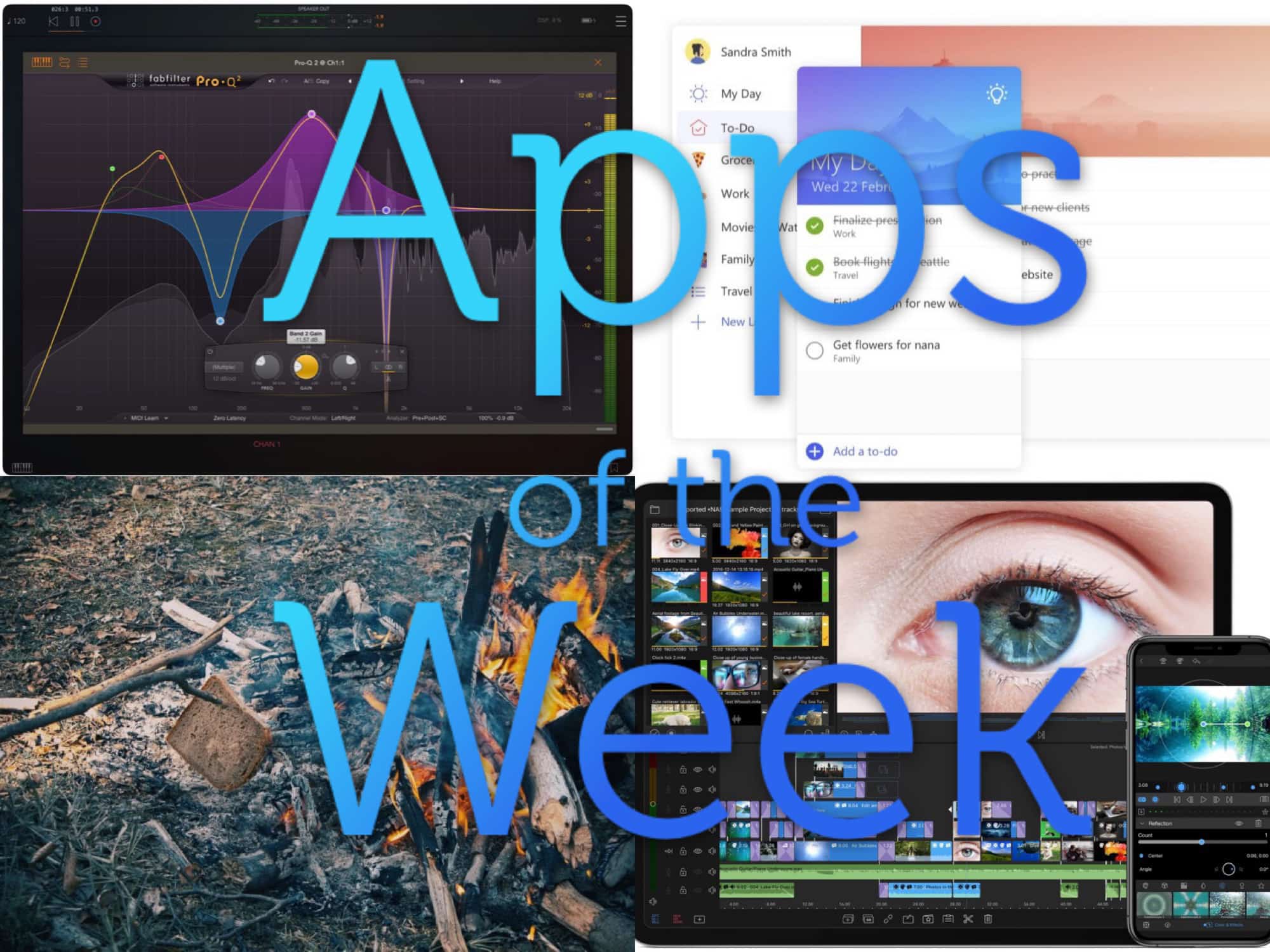
Roll up, roll up! Look at the apps we have for your this week! Photo: Cult of Mac
This week, we make our music more magical with FabFilters on iOS, edit multiple streams of 4K video with Lumafusion 2, stay private with Guardian Firewall, and ridicule Microsoft’s Office to-do app, which has finally been released on the Mac.
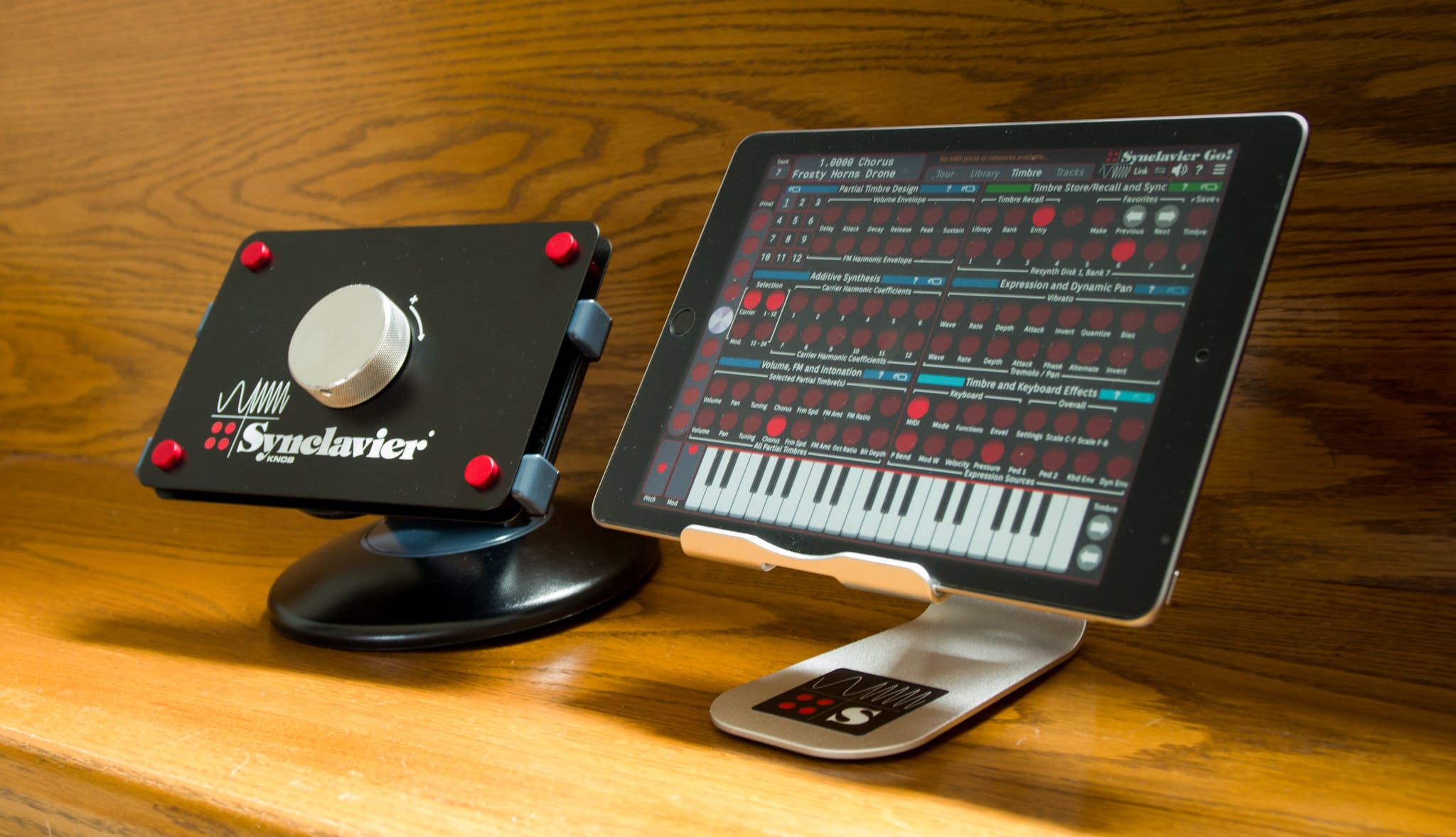
The Synclavier is a digital synthesizer from the early 1980s. Synclavier Go! is an iPad app that mimics the classic synth. But this post isn’t about those. It’s about the Synclavier Knob, an accessory for the app.
The Synclavier Knob is a single knob on a mounting plate the size of an iPad mini. That’s it. Oh, and it costs $399.
AUM should be on every musician’s iPad. Photo: Charlie Sorrel/Cult of Mac
If you’re an iOS-using musician, then AUM is an utterly essential app. It’s an audio mixer, but that description hides its power. AUM does let you mix the audio from various apps, but it also hosts audio units (like plugins), routes audio between them, records those channels, and more.
This week, AUM got a huge update, adding a whole bunch of great new features.
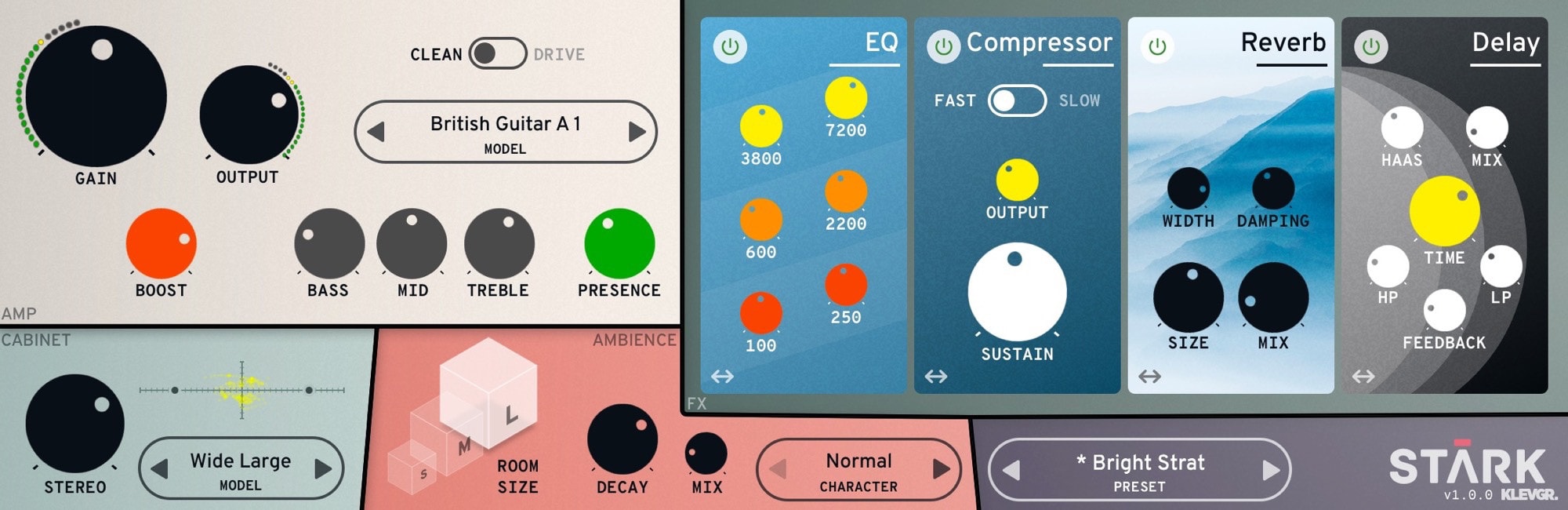
Stark looks as good as it sounds. Photo: Klevgrand
A new music app release from Klevgrand is always something to get excited about. And a new guitar amp simulation app? Almost as rare as an in-the-wild sighting of an AirPower mat. Combine both, at an introductory price of just $10, and you have a pretty special day. The app is called Stark, and it’s also the first Audio Unit amp sim for iOS.
What a feast of glitchy electronica we have for you this week. Photo: Cult of Mac
This week we mangle music with Enso, the amazing new audio looper for iPad, and chop up images with Hyperspektiv 2.0. Plus we showcase a new music player app and a big update to our favorite writing app.
Between these three apps, you can become a creative powerhouse with audio and video. Photo: Cult of Mac Deals
Thanks to digital technology, creativity is not bound by one medium. Music, video, visualizations and other elements are all fair creative game. It’s even possible to create in the moment with these materials, if you’ve got the right tools.
The Mixvibes DJ Software Bundle includes three powerful tools for creating music and visual performances in real time — and you can get all of them at a massive 75 percent discount.
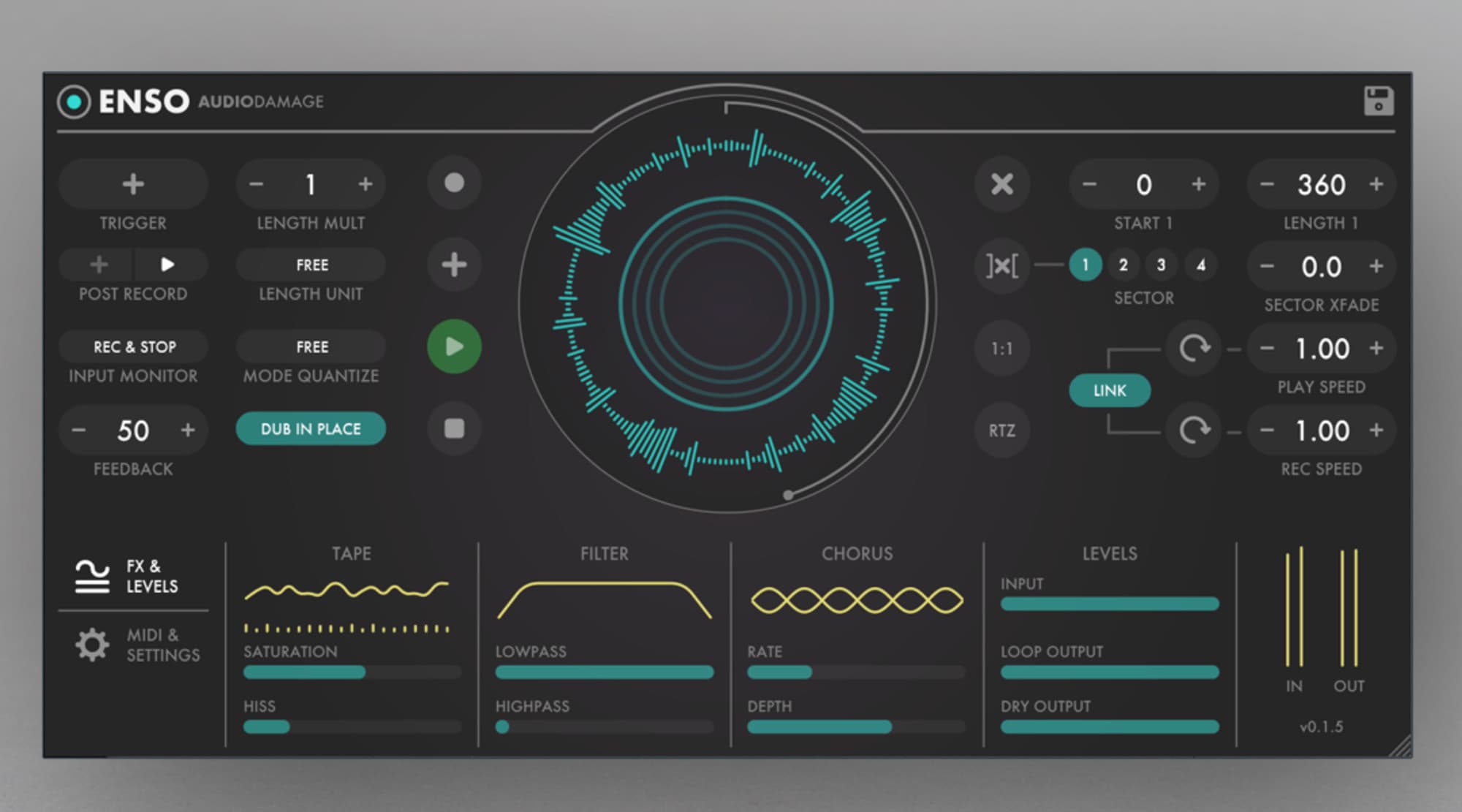
Enso looks as good as it sounds. Photo: Audio Damage
Enso looper is a big, big deal for iOS musicians. In principle, it works like any other looper app or hardware looper: You play music into it, and then that music is looped over and over, forming a backing track for more playing.
But Enso is hot, hot, hot for two reasons. One is the amount of control you have over the looping. The other is that it is an Audio Unit, which means that it can be used inside other apps, like GarageBand and AudioBus.
No, not that kind of wave. Photo: Charlie Sorrel/Cult of Mac
If you ever wanted to do any of the following …
Chop up music.
Remove the start or end of an audio track.
Extract the audio from a video.
Convert an MP3 (or any other music file) to some other music file format.
Pretty much anything else.
… then you should grab TwistedWave this second. It’s an essential app for working with audio on the iPhone and iPad. And it’s also really, really quick and easy to use.
Riffr has some good audio tools built in. Photo: Cult of Mac
Riffr is yet another social network, this one based around audio snippets. And maybe it’ll actually take off, despite its awful design. It’s as if the makers took the confusion that is late-stage Instagram as a starting point, and then made things worse from there.
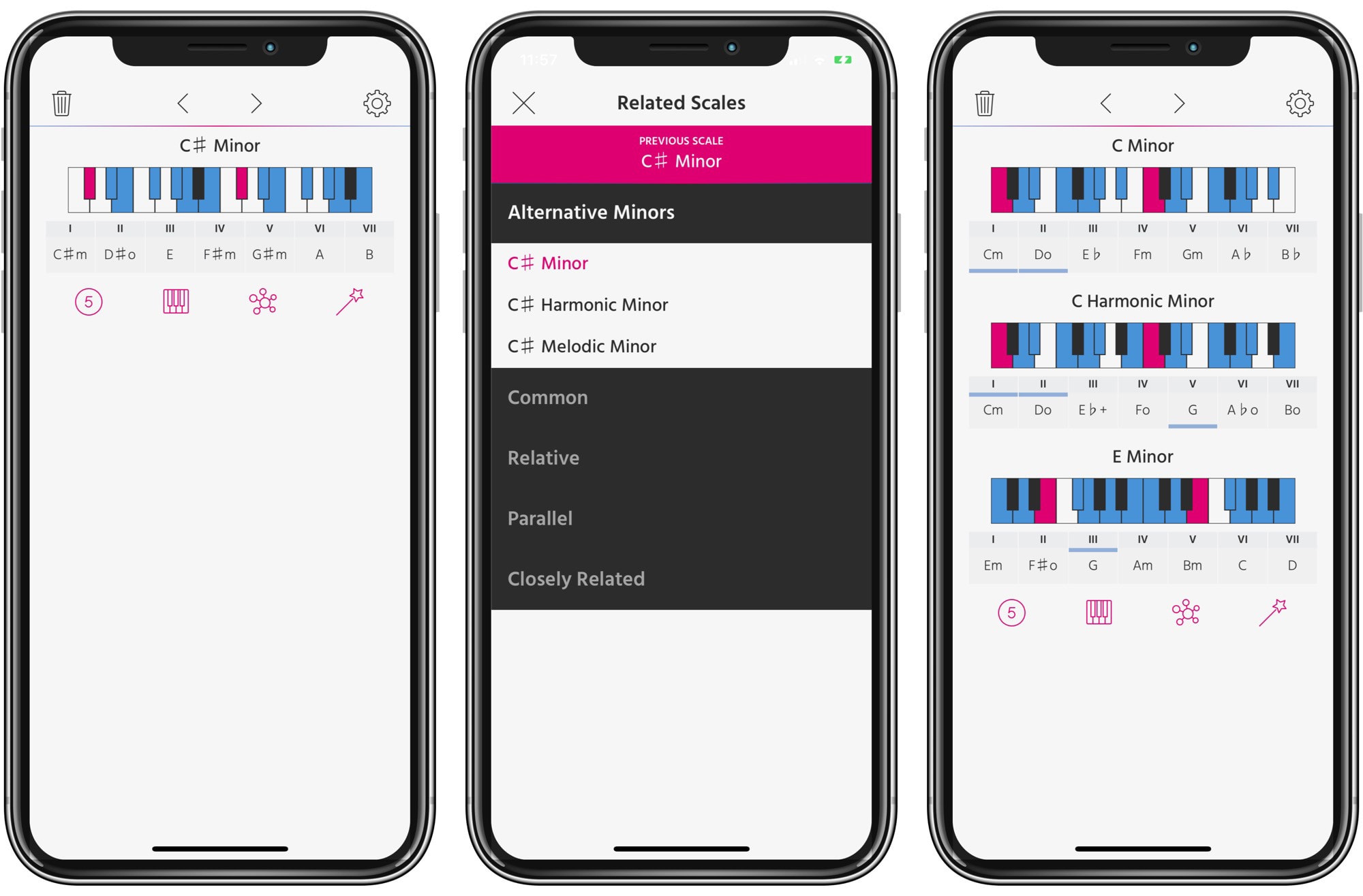
Pensato goes deep with scales and modes. Photo: Cult of Mac
Pensato is a universal app for exploring chords and scales in music. And it has a unique purpose. Instead of just helping you with creating chord progressions, it helps you come up with interesting scale progressions. What?