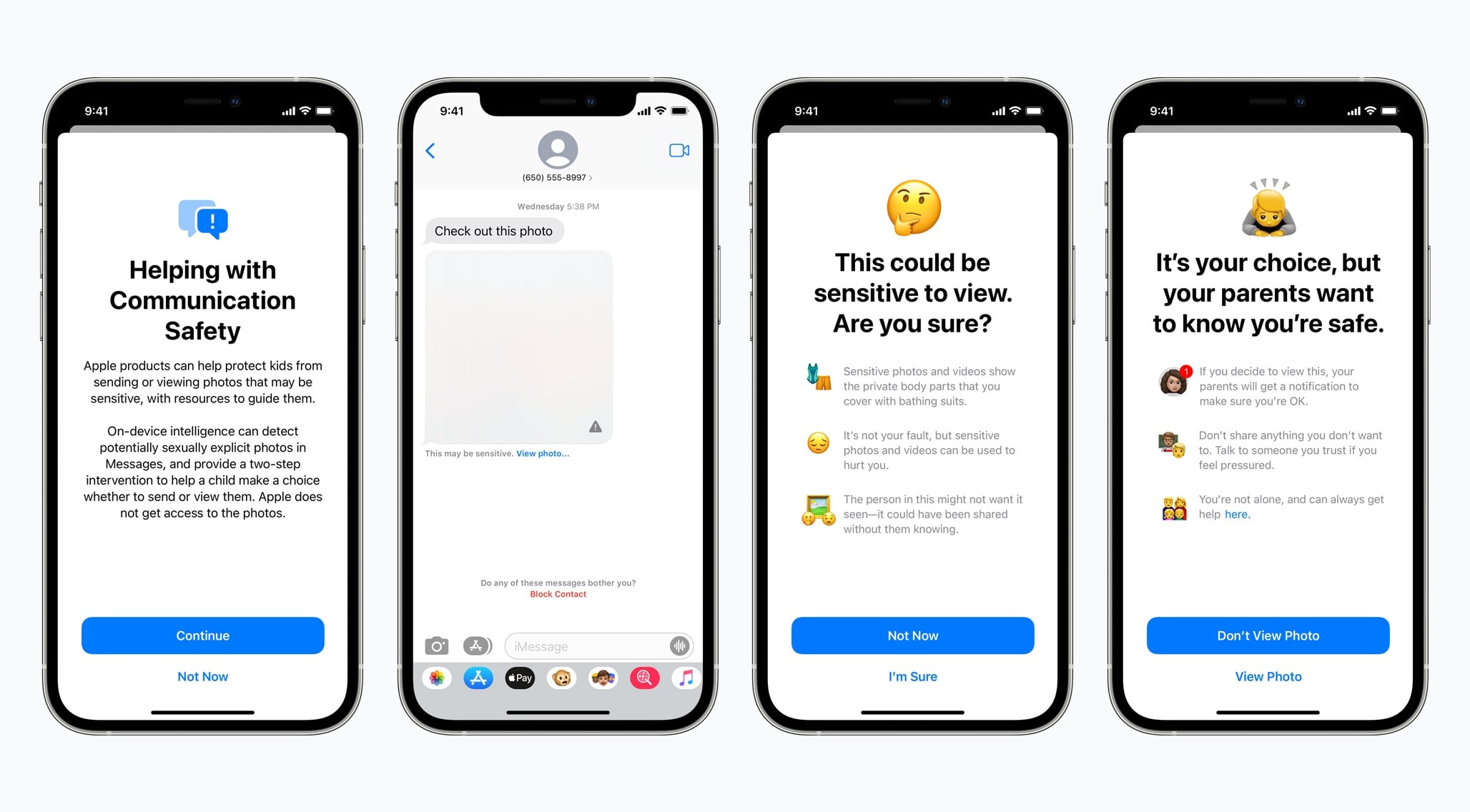
Children and parents will be alerted by the Messages app of sexually explicit photos. Photo: Apple
Starting with iOS 15.2, iPhones will be able to detect if an iPhone or iPad user gets or sends a text with sexually explicit photos. The goal is to protect children from sexual predators.
The feature is optional and uses on-device machine learning so that Apple does not have access to the images.
It's official: The next version of macOS will be called "Big Sur." Photo: Apple
The next Mac operating system, called macOS Big Sur, will bring the biggest design overhaul in nearly two decades, Apple said Monday. In addition to the massive visual upgrades, MacOS Big Sur will usher in huge changes to the Messages, Maps and the Safari web browser.
Apple unveiled the massive changes coming to macOS on Monday during the company’s keynote kicking off this year’s online-only Worldwide Developers Conference.
“This year, we’re taking the macOS experience you love even further,” said Craig Federighi, Apple’s senior VP of software engineering, as he launched into a deep dive into changes coming soon to Mac.
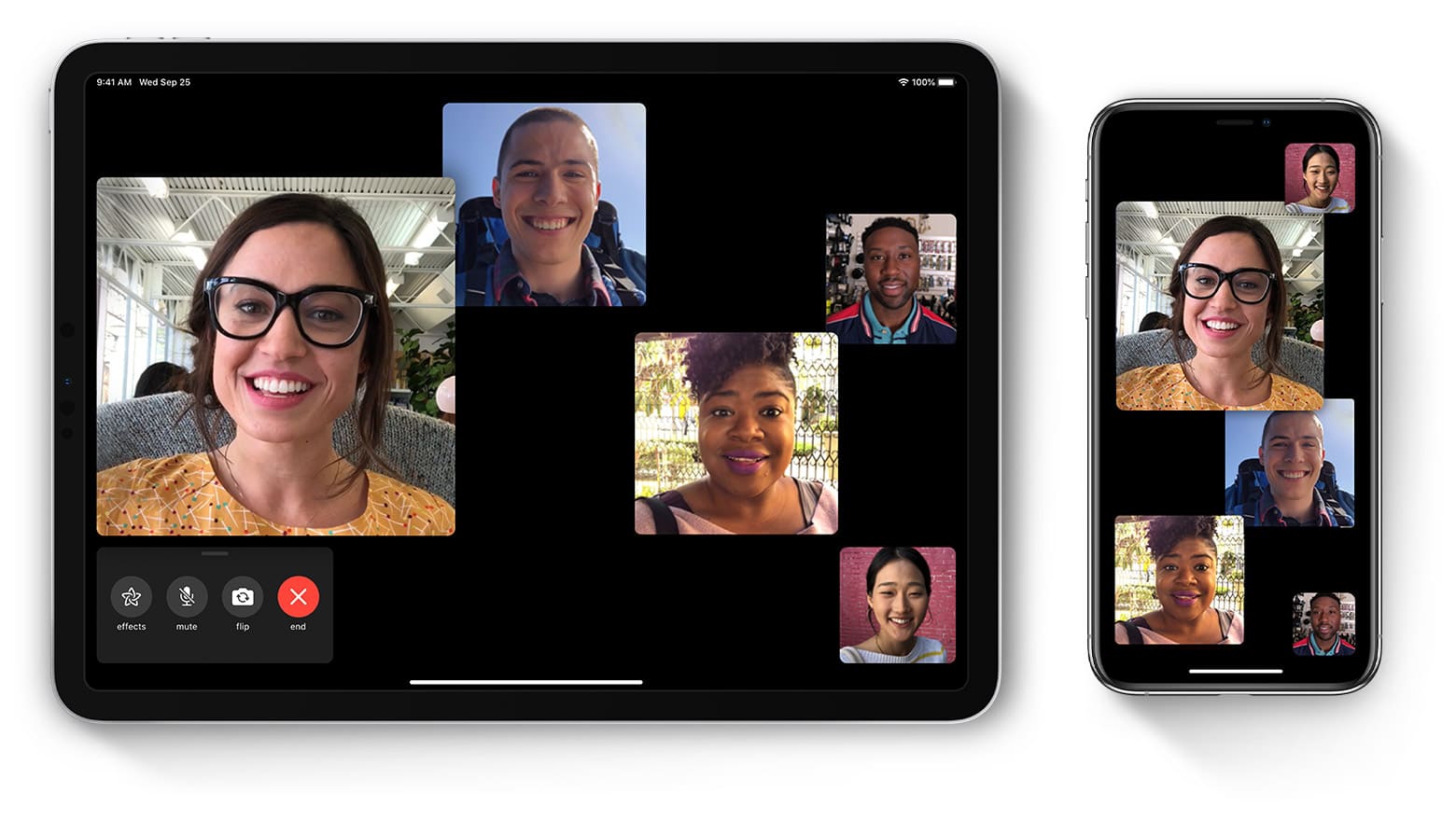
Group FaceTime is a great way to stay in touch with family and friends. Photo: Apple
As the coronavirus spreads around the world, loads of self-isolating people are turning to FaceTime, Skype, Zoom and WhatsApp video to stay in touch with friends and family. And what better way to keep in touch than to chat to everyone, all at the same time? One of the easiest and most secure ways to stay in touch is to make a Group FaceTime call.
Here’s how to set up a Group FaceTime call and add (almost) as many people as you like to it.
Congress might use child abuse as an excuse to weaken the encryption in Apple Messages and similar apps. Photo: Ed Hardy/Cult of Mac
No one could protest legislation aimed at curbing child sex abuse, but a bill that reportedly will be introduced soon in the US Congress could have much wider consequences. One result might be a legally mandated requirement that messaging services have a “backdoor” so that law enforcement can read all encrypted messages.
Getting Siri to read iMessages is AirPod Pro’s best feature. Photo: Cult of Mac
As of iOS 13, you can have your iPhone read out incoming iMessages through your AirPods. And this — along with their awesome sound and noise-canceling abilities — is my favorite feature of the AirPods Pro. On paper, it’s a small feature in a long list. But in everyday use, Announce Messages with Siri makes a huge difference in how I use my iPhone.
Remember things, when you need them. Photo: Estée Janssens
The Reminders app got a total revamp in iOS 13, making it way quicker and easier to add due dates, alerts and location-based notifications to new reminders. But it also added one killer new feature: Remind me when messaging.
This lets you add a contact to the reminder, and the next time you’re messaging that person, a notification will pop up.
Have you upgraded yet? Photo: Ian Fuchs/Cult of Mac
After spending time playing with the iPadOS 13 developer beta and iOS 13 beta , it’s clear there are tons of nice changes coming to Apple’s mobile platforms this fall.
Cupertino highlighted the biggest ones at this year’s Worldwide Developers Conference. However, there’s a bunch of smaller stuff they didn’t tell us about. While there are hundreds of “under the hood” changes, these are the best iOS 13 features Apple didn’t announce.
Now you can use Memoji in iMessage profiles. Photo: Charlie Sorrel/Cult of Mac
You know how you can add an avatar to pretty much any social app ever, and all your friends, family, contacts, etc., will see it? Well, in iOS 13 you can finally do the same for iMessages.
No longer will you have to hope that your contacts use a nice photo of you, or worry that your boss is using a picture of a cute pig or pussycat to represent you in the group chat. Now you can add and share your own avatar, or even a Memoji. Let’s see how.
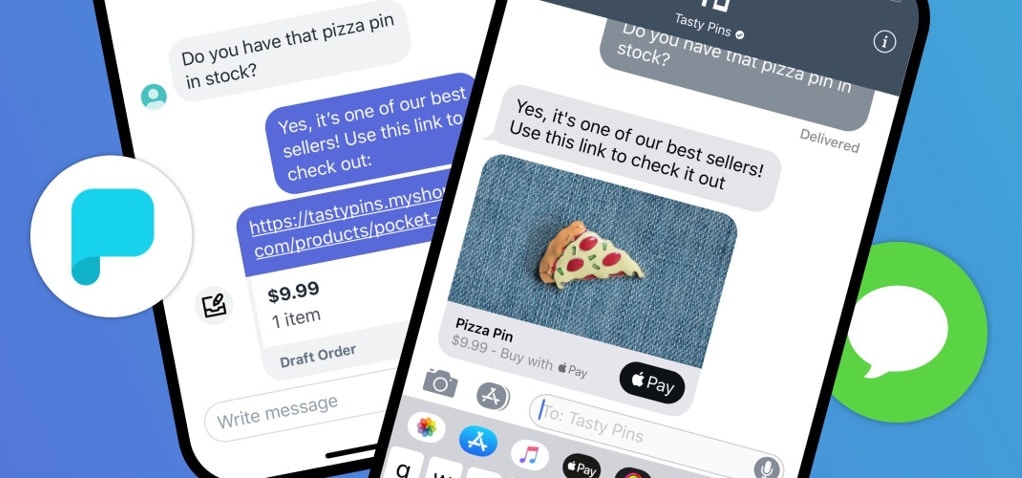
Shopify bought into Apple Business Chat for easier customer interactions. Photo: Shopify
Shopify customers can reach out to business owners with the Messages app on their iPhone or Mac thanks to integration with Apple Business Chat. It’s even possible to make purchases via these text messages.
Memoji are awesome. Here's how to make your own. Photo: Charlie Sorrel/Cult of Mac
iOS 12 lets you create Memoji, your own custom Animoji. What’s an Animoji? It’s a little animated character that — thanks to some facial recognition tricks from the latest iPhones’ TrueDepth cameras — copies your expressions live. This turns the cute Animoji critters into little virtual face puppets.
Now you don’t need to rely on a stock Animoji like Apple’s monkey, dog or space alien. You can create your own custom Memoji from scratch. You can make a virtual version of yourself, or you can create an original character. Or, as we’ll do today, you can copy a celebrity. Who? Let’s see …
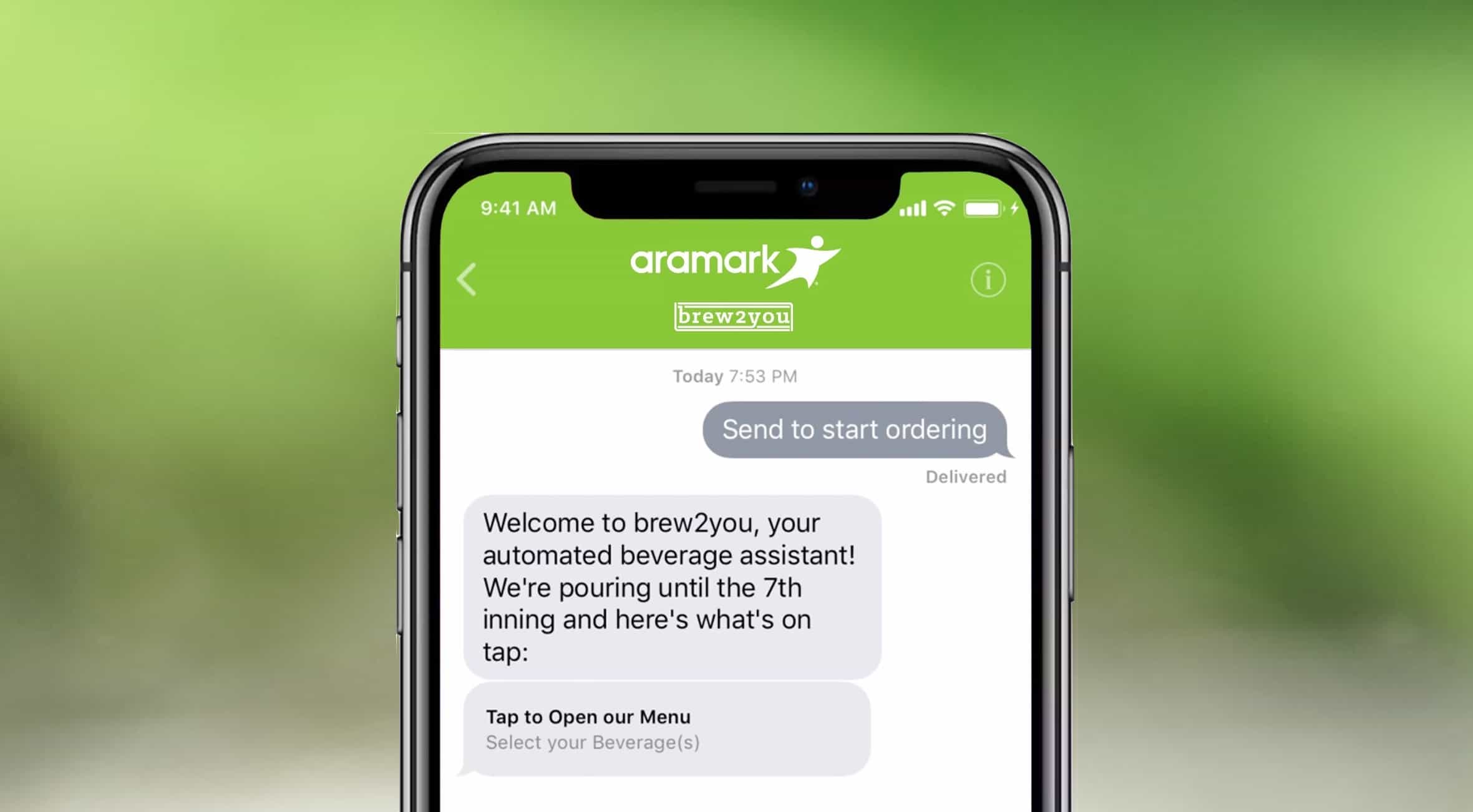
It's the fullfillment of many a baseball fan's dreams: beer by text. Photo: Aramark
The Philadelphia Phillies and Aramark started a pilot program that lets fans order beer from their seats using an iPhone.
The service makes use of Apple Business Chat, a service that launched this spring designed to let customers send messages to companies without strings attached.
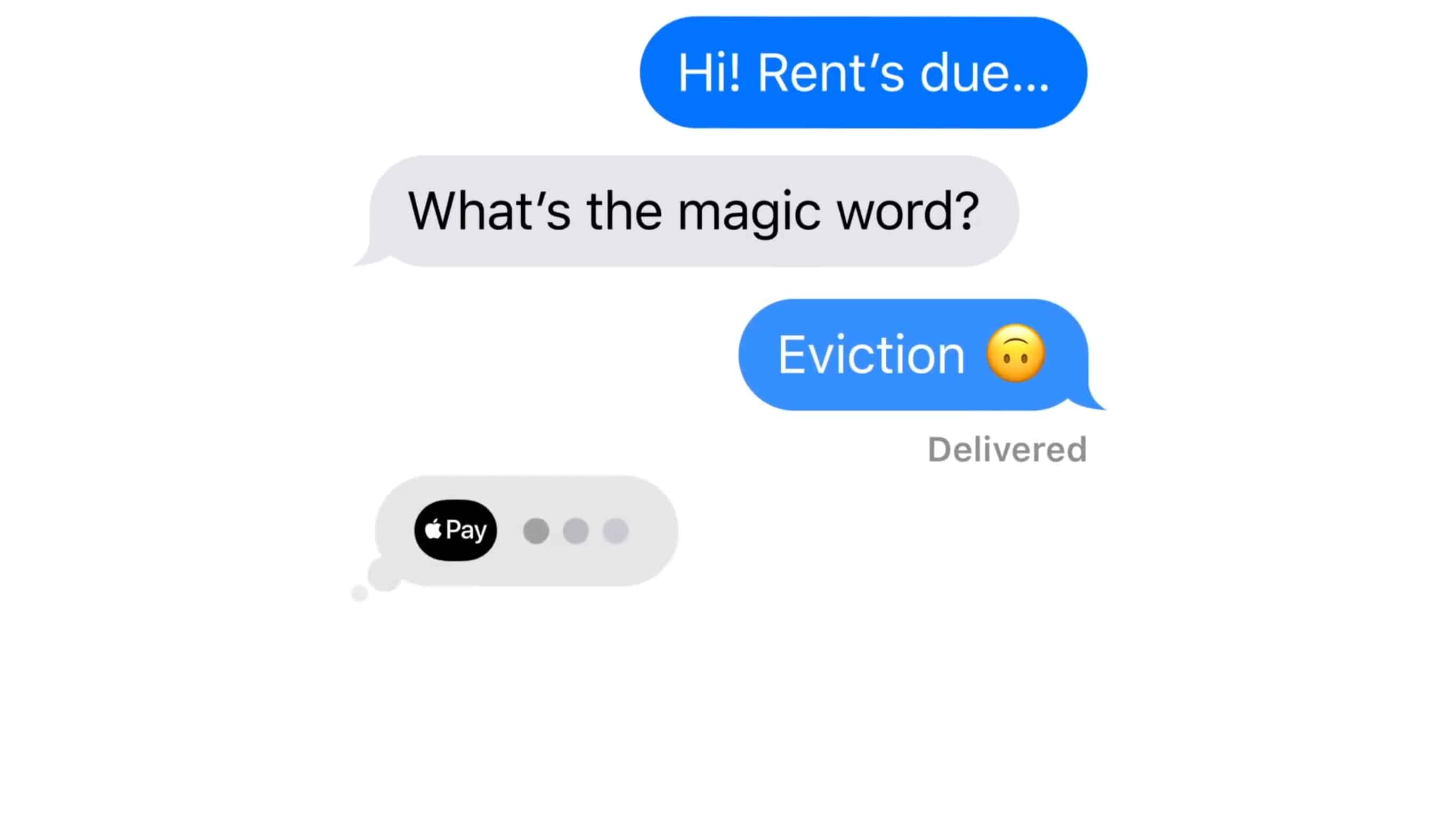
Warning messages from your landlord aren't always a joke, but a new ad for Apple Pay in Messages is. Screenshot: Apple
Apple Pay isn’t just for trips to Starbucks. It can also be used to send or receive money from friends. Or your landlord, as shown in a humerous new ad.
Money can be transferred in a simple text using the Messages app. This works for sending and receiving the cash, after Apple Wallet has been properly set up.
Watch the new advertisement for Apple Pay in Messages now:
When you share a photo via email, iMessage or most other apps, you also send the location of that image. No big deal, right? You’re only sending pictures to people you know anyway. But what about when you sell something on a site like Craigslist or eBay? If you don’t manually remove location data from your pictures, anyone can see where you took your photo, which is probably your home.
Right away, anyone can see where you live, and what you have at home. You still might not care, but if you do, here’s how to remove all that information before you send a photograph. (You’ll also learn about an interesting quirk in iMessage.)
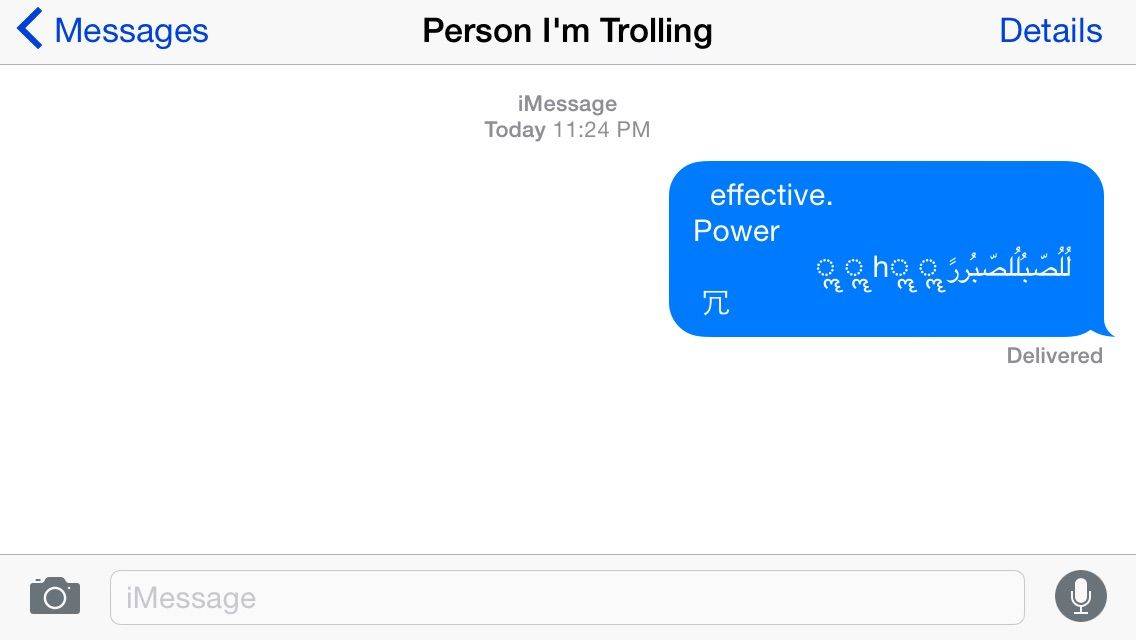
I didn't actually send someone the Unicode of Death. Don't believe anything Rob LeFebvre says. Screen: Evan Killham/Cult of Mac
Some iPhone users are getting a flashback to 2013 as a new version of the so-called “Unicode of Death” has returned to wreak havoc with their iMessages.
The security exploit, which activates when someone sends you the message in the image above, reportedly forces jailbroken handsets into Safe Mode and completely removes other units’ ability to access the Messages app.