Mobile menu toggle

MacBook - page 35

Can iPad 2 And Smart Cover Magnets Harm MacBook Hard Drives? [Myths]

By

smart cover magnets

A friend and I were talking today about the iPad 2, the Smart Cover, and the 31 magnets they contain today. We were pondering what would happen when we tossed the iPad 2 with an attached Smart Cover into our laptop bags right next to a MacBook with a standard hard drive inside. A co-worker of my friend had brought this up earlier leading us to the question, “Can the iPad 2 and Smart Cover magnets damage (or erase) our MacBook Hard Drive? ”

The clear answer is — No! The myth about magnets erasing data from hard disks or computers is mostly false and a hard one to shake since many of us were trained to keep the two apart. Let me explain why the myth isn’t exactly true.

The Alix Leather Laptop Tote Is One Big, Beautiful Bag

By

P1110082

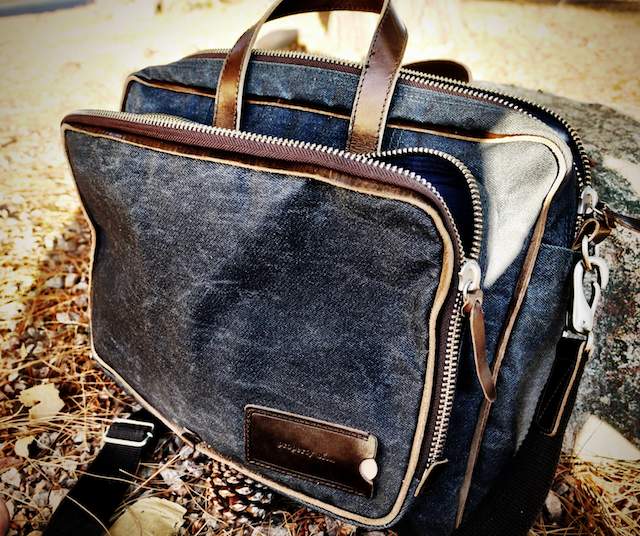
If you’re a packrat like me, and you need a really big bag for your MacBook plus everything else, you should seriously consider the Alix Laptop Tote Bag from J’Tote (pronounced zhe-tote).

I have been toting the Alix around for a month now. I have to say that this bag is my new favorite. It can take a beating and still looks great. If passion is your fashion, this bag is your match.

Manage Your Unruly Cable Right with Nite Ize Gear Ties [Review]

By

post-83275-image-baee9c52e3ef8b65a74fc2734d883558-jpg

I realize how nerdy this sounds, but I hate a mismanaged cable. I can’t stand it when the cables behind my TV get tangled together like a giant snake pit. I also hate having to untangle my headphones cord every time I get them out.

So I was happy when I stumbled upon the Nite Ize booth at CES this year because their Gear Ties aren’t just good, they’re great. I love these little dudes. They’ve worked so well for me, they’re become some of my favorite new products.

Check the video for the full review.

Manage How You Use Your Disk Space on Any Mac [How To]

By

macbookair_new1

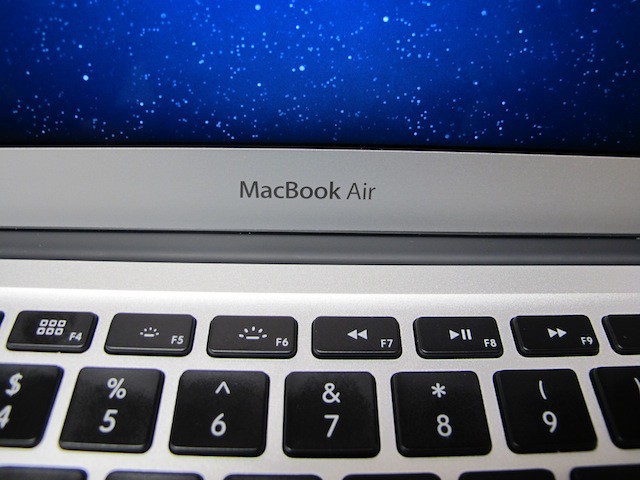
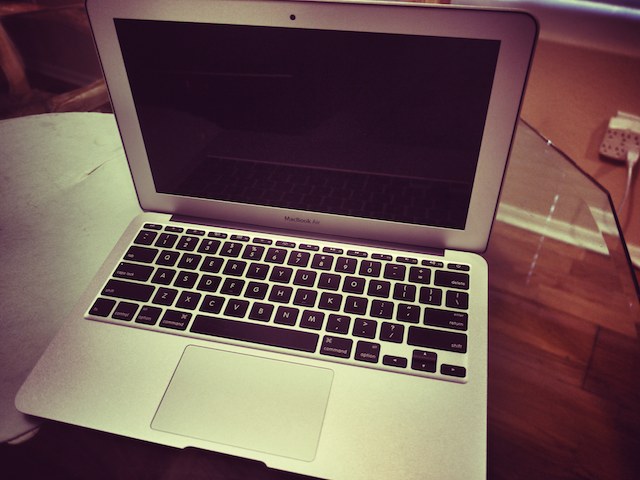
Apple’s new 11-inch Macbook Air with a 64Gb SSD drive is said to be very popular and flying off the shelves at Apple Stores everywhere and beyond. It represents  the smallest notebook computer that Apple makes and the default base model ships with the smallest system disk drive available in any Apple notebook. Therefore it makes sense for users to seek ways to optimize the way they use disk space on this tiny new notebook and it was the computer that inspired me to write this How-To — which actually applies to any Mac.

HyperMac’s Back… But Bring Your Own MagSafe

By

hpermacairline-e12931111128211.png

Earlier this year, Sanho — makers of the super useful Hypermac line of batteries — found themselves in a pot of hot water boiled by Apple’s legal team, who objected to Hypermac’s use of repurposed (and patented) MagSafe cable connectors to juice up hungry MacBooks.

You can’t keep a good product down, though. HyperMac has just relaunched the HyperMac line, this time working around their reliance upon old MagSafe cables so as not to draw Cupertino’s ire once more.

Apple Releases MacBook Air 2010 EFI Firmware Update

By

post-72386-image-1dfe43d4268084da0a679514169a1a81-jpg

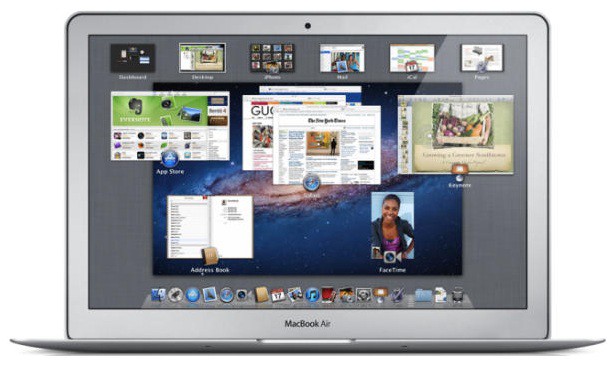
Apple has released another software update for the new 11 and 13-inch MacBook Air models. This update, which is an EFI firmware upgrade, follows the previous update released shortly after the new MacBook Air went on sale and other alleged fixes in Mac OS X 10.6.5.

According to Apple, “This update resolves a rare issue where MacBook Air boots or wakes to a black screen or becomes unresponsive. This update is recommended for all 11-inch and 13-inch MacBook Air (late 2010) models. ”

NVIDIA and Intel Settlement Might End MacBook Core 2 Duo Reliance

By

post-72147-image-40804d38be547b9d3efe26dd64d3ccbe-jpg

The latest MacBooks (including the Pro and the new Airs) have been understandably criticized for their anachronistic adherence to Intel’s last-gen Core 2 Duo CPU when competing notebooks have all moved on to the superior Arrandale architecture.

There’s a good reason for that, though: a lawsuit between Intel and GPU maker NVIDIA that prevents the latter company from making chipsets for current-gen Intel CPUs that include an NVIDIA memory controller. That lawsuit may be on the cusp of being resolved.

Apple Patents Convertible iPad/MacBook Hybrid

By

macbookipadtabletxyz

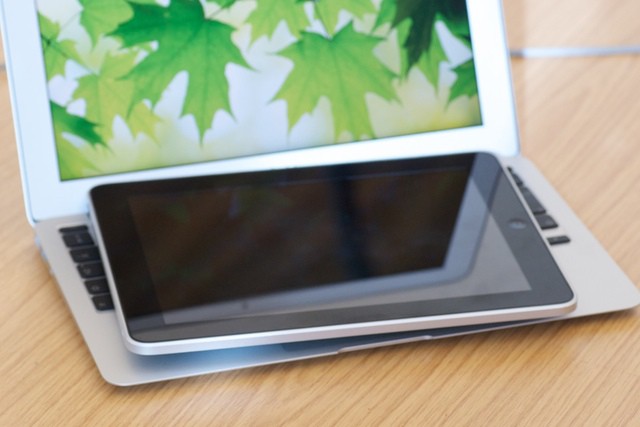
Steve Jobs has made no bones about being skeptical in regards to multitouch displays on desktop and notebook Macs, observing that multitouch works best when a display is horizontal: anything else just leads to gorilla arm.

Right now, that means that Macs’ multitouch options are limited to accessories like the Magic Mouse and Magic Trackpad, but given the iPad’s success, it’s natural Apple is trying to find a more directly interactive approach to horizontal multitouch, in which the display can convert flush with a lap or a desk when it’s in touch mode.

Now a bevy of new patents have been awarded to Apple, most interestingly in a convertible MacBook-to-iPad-like device, spotted by Patently Apple.

Chinese MacBook Clone Comes Pre-Hackintoshed With Snow Leopard

By

macbookcloneosx

Chinese knockoff maker DragonFly has just made their already shameless MacBook clone a little more so: while the 14-inch netbook already adhered closely enough to the Ive aesthetic to be mistaken for a real MacBook Pro by the Magoo-like, they’ve now gone even farther by replacing the original DragonFly logo with Apple’s own… plus Hackintoshing the notebook in the factory to run Snow Leopard. It even comes with a fake MagSafe charger!

Try this in America and Apple’s legal team would cram your head so forcibly up your posterior that you’d give a vomitous birth unto yourself, but DragonFly hails from China, so they’ll probably be fine. $436 will buy you one on the Beijing electronics blackmarket.

A Dozen Great Decals for Your Mac Notebook [Gallery]

By

cult_logo_featured_image_missing_default1920x1080

Now that Consumer Reports has deemed pretty much the entire line of Apple notebooks the “Best in Class” in every configuration, it stands to reason you may be seeing more and more of them wherever you go. And not that you’d let your own far enough out of sight to risk its possibly getting mixed up with someone else’s, but there is something to be said for personalizing your Mac. And certainly lots of options exist for doing so — from getting laser etched engravings to getting artful skins to getting brightly colored cases, and more.

Here’s a gallery of a dozen artful, yet subdued decals that make interesting use of the Apple logo and express a bit of whimsy and personality, all of which are available from Etsy. The website has literally thousands of decals to choose from, offered by a wide range of artists, at prices ranging from a couple of bucks to about $15. As always, click on each image for a larger view.

Be sure and let us know in comments about your own favorite decal artists and other outlets for personalizing your Apple gear.

Reader Poll: Can the New MacBook Air Replace MacBook Pros?

By

cult_logo_featured_image_missing_default1920x1080

[polldaddy poll=”3957905″]

Steve Jobs called it the “future of the MacBook” line, but are you ready to give up your MacBook Pro for these shiny newcomers?

The 11.6-inch starts at $999 for 64GB SSD space and the 13.3-inch starts at $1,299 for a 128GB hard drive, and jumps to $1,599 for a 256GB hard drive.

What’s better: thin and slim or the old workhorse?

Let us know what you think in the comments.

Level Up Your MacBook With This Retro Pacman Decal

By

20101019-pacmandecal.jpg

For those of us of a certain age, there’s an almost physical tug at the heartstrings when we see the distinctive Pacman profile. So if you like the thought of your MacBook’s lit-up Apple logo as a Pacman power pill, this decal by LastFuse should be on your Christmas “just-a-little-treat-for-myself” list. You can buy it in black or white from this Etsy store – be quick now, I have a feeling these will disappear fast.

Hard Graft’s MacBook Sleeve Is Straight Out Of GQ

By

post-64479-image-de97002b13eb37e8f02db4648c6ac43e-jpg

We see sexy, elegant and manly iPad satchels all the time, but what about the sandalwood-scented fashionista who wants to sling his MacBook Pro around town with the same proud strut as a GQ model? The Shoulder MacBook Sleeve by Hard Graft might fit the bill.

Made of 100% wool woven into asphalt grey felt, the Shoulder MacBook Sleeve features a tuck-in closure, a dark black removable leather strap held in place by tanned hazelnut leather, as well as a removable extras case for cables and power adapter. Very sexy indeed, and the price isn’t actually bad: just €139.00.

Make Your Own DIY MacBook Tablet For Just $50

By

cult_logo_featured_image_missing_default1920x1080

httpvhd://www.youtube.com/watch?v=QZGskdaJww0&feature=player_embedded

Back in the days before the iPad, there was the ModBook, a MacBook-to-tablet conversion that could be expensively undertaken by those willing to send off their laptops to the plucky boys over at Axiotron along with a check for $900 bucks. I imagine the iPad has killed off a good chunk of their business, but there are always going to be some people disappointed that Apple’s tablet took the approach of a “big iPhone” when what they really wanted was a convertible OS X tablet / notebook.

If you’re one of those individuals, great news: instead of giving Axiotron your $900 bucks to convert your MacBook into a tablet, a hacker over at Enigma Penguin has come up with a DIY approach that costs just $50.

Automatically Add Lyrics To All Songs In Your iTunes Library [How To]

By

post-58650-image-98402eae7849d9816c06621316d6f91c-jpg

Ever been singing along to a new song and wondered just what the heck the lyrics really are? Searching for the lyrics on the internet isn’t the fastest of solutions to avoid lyric confusion. Here we’re going to show you how to utilize scripts and a widget to search out the lyrics for all of the songs in your iTunes library and automatically save them to song’s meta data, so that next time you can correct your friend when they sing “where’s my Asian friend,” when the lyrics really are, “what’s my age again.”

Rip Songs Off Your iPod/iPhone & Back On To Your Mac [How To]

By

Screen shot 2010-09-08 at 10.42.24 PM

iPods are great nifty little devices that allow you to take music off of your computer and carry  it around town with you inside a magical Apple electronic device. But what happens when you want to transfer the music that’s on your iPod and put it back on your Mac? Despite all of its friendliness, iTunes is unwilling to pry the music of your iPod or iPhone. In this walk-through we’ll show you how to reclaim your music from your iPod and get it back on your Mac.

MacBook Cutting Board Beats Using Your iPad

By

post-58520-image-ddcd31586967a1faee1923ff9c990bb7-jpg

Apple’s unibody aluminum carving process… applied to dead tree flesh. For the true Apple fan, this $55 MacBook cutting board is a perfect addition to any kitchen, with a wonderful attention to detail: from the choice of material (an appropriate applewood) to the halved Apple logo on the cutting surface.

My only issue is it’s simply too gorgeous to cut anything on: $55 is just too much to spend on an item that is going to be hacked, slashed and stained with grease and tomato juice within a few days. This $40 iPad cutting board may be a better and more frugal fit for the culinary gore show of the Brownlee/Morford kitchen.

What The 11.6-Inch MacBook Air Could Look Like

By

macbookairnetbook

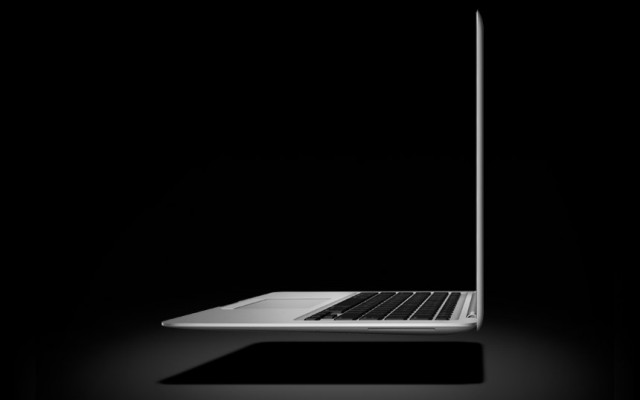
Last month, the always somewhat suspect Digitimes asserted that Apple intended on going head-to-head with the netbook market by releasing an 11.6-inch MacBook Air something later this year. Here’s one fan’s wishful thinking Photoshop on what such an Air might look like.

There’s nothing too hard to buy about the way Apple would choose to layout the keyboard on an 11.6-inch MacBook: as netbooks have shown, twelve inches is the sweet spot when it comes to not compromising keyboard size. Nor is the trackpad hard to swallow, given the fact that Apple will doubtlessly eliminate the physical button from future Air trackpads.

Making the Air even thinner seems like a pipe dream, though: Apple’s not about to switch over to an Atom chip, which means a thinner Air would come at the expense of battery life. And where’s the black glass bezel that Apple’s favored for all of their modern computer designs?

Still, I’d buy a smaller Air if the price was right and Apple could match the existing MacBook line’s battery life: my Hackintosh netbook is getting woefully long in the tooth.

[via 9to5Mac]

DeskBook Pro Adds Ports, Storage and Third Monitor Support to Your MacBook

By

post-49634-image-90fadf7bc3f0d3f7df3cadc078cc1768-jpg

If you want to give your MacBook more of the oomph of a desktop, the DeskBook Pro dock from Zemno would be a neat little solution… except for its mind-boggling expensiveness.

Like most laptop docking stations, the DeskBook primarily functions as a port multiplier: slot your MacBook in and you’ll expand your available USB 2 ports to six, as well as two FireWire 800 and one FireWire 400 ports.

The DeskBook Pro also operates as an external hard drive, with two bays that can accept either a 500GB hard drive or a battery. Don’t expect the battery to juice your MacBook, though: it’ll only power the DeskBook away from a power outlet.

Additionally, the DeskBook packs a DVI-out port for the connection of a third monitor to your MacBook. The important thing to note here, though, is this monitor will be driven by USB, so you’ll want to go light on it: it won’t hold up to more performance-intensive tasks.

Not a bad array of functionality, all told, but the price is enough to prevent this from being dropped in many shopping carts: $600 without the $180 hard drive or $150 battery pack. If you want a desktop that bad, at that price, you might as well just buy an iMac.