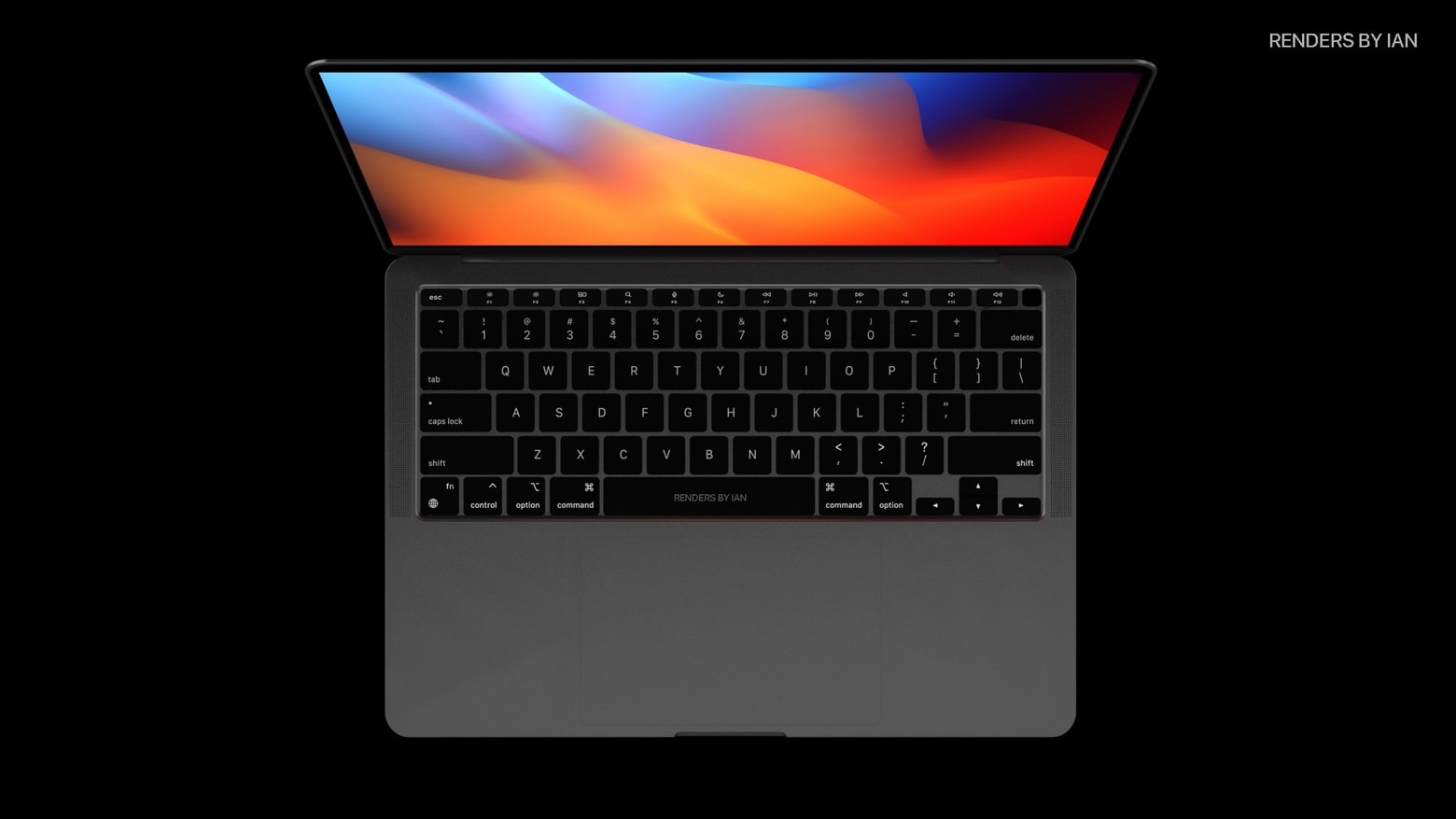
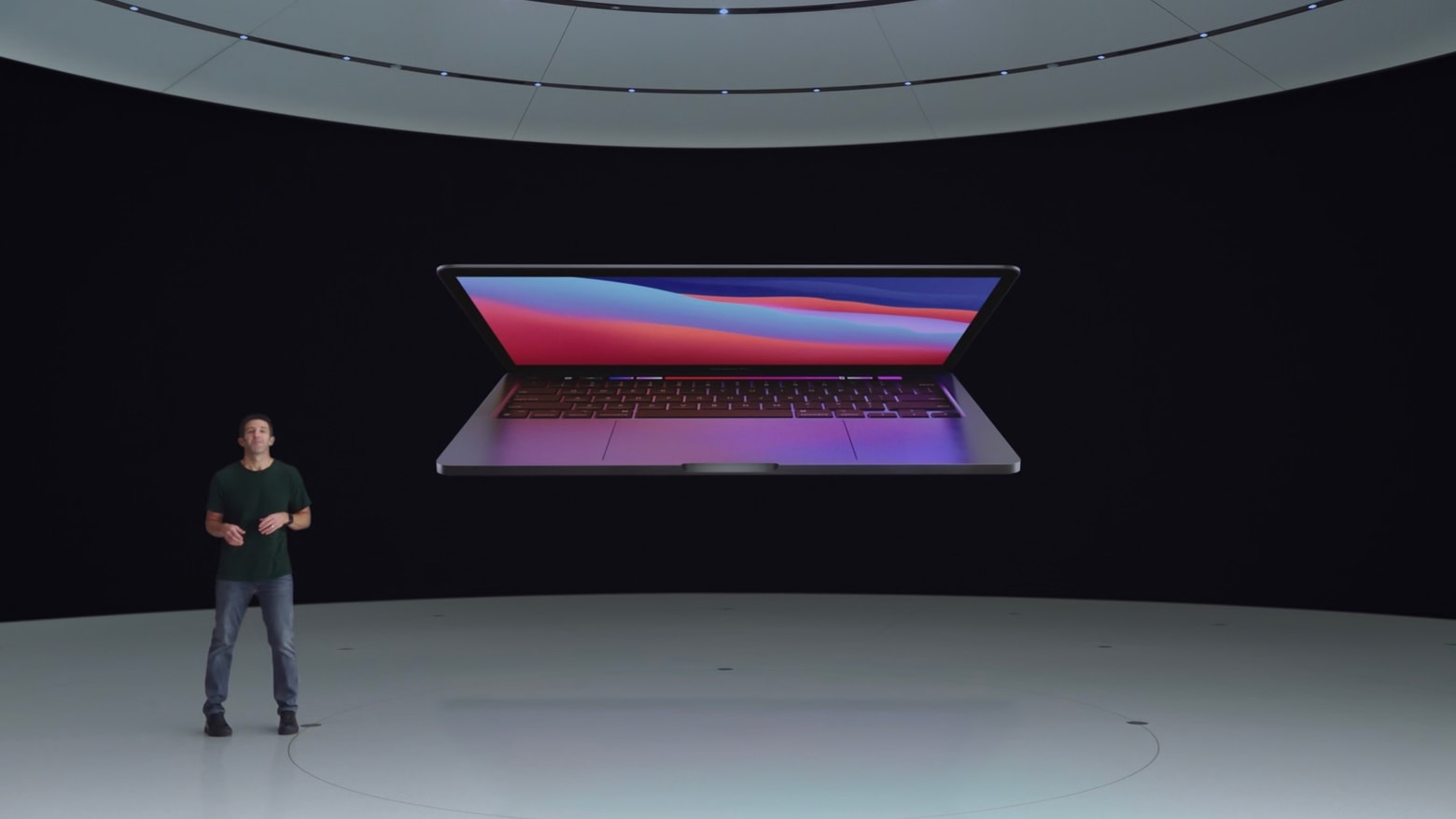
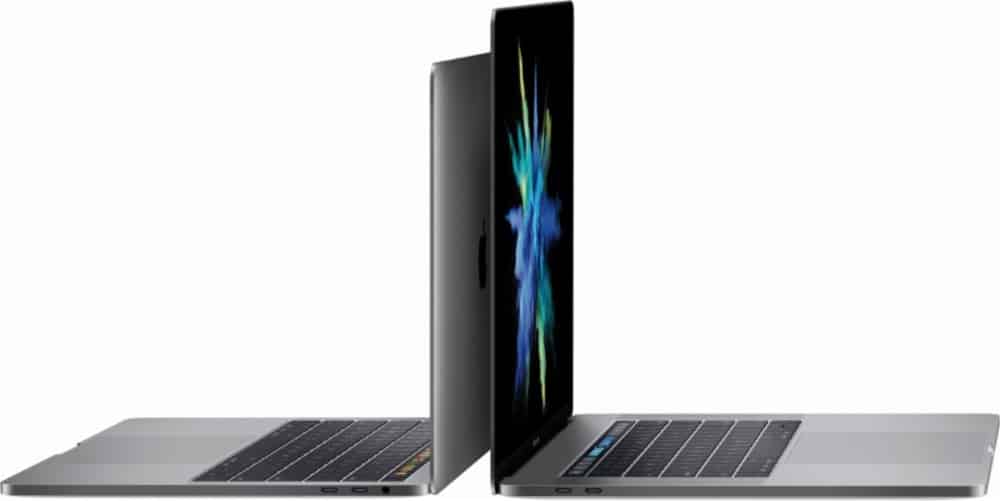
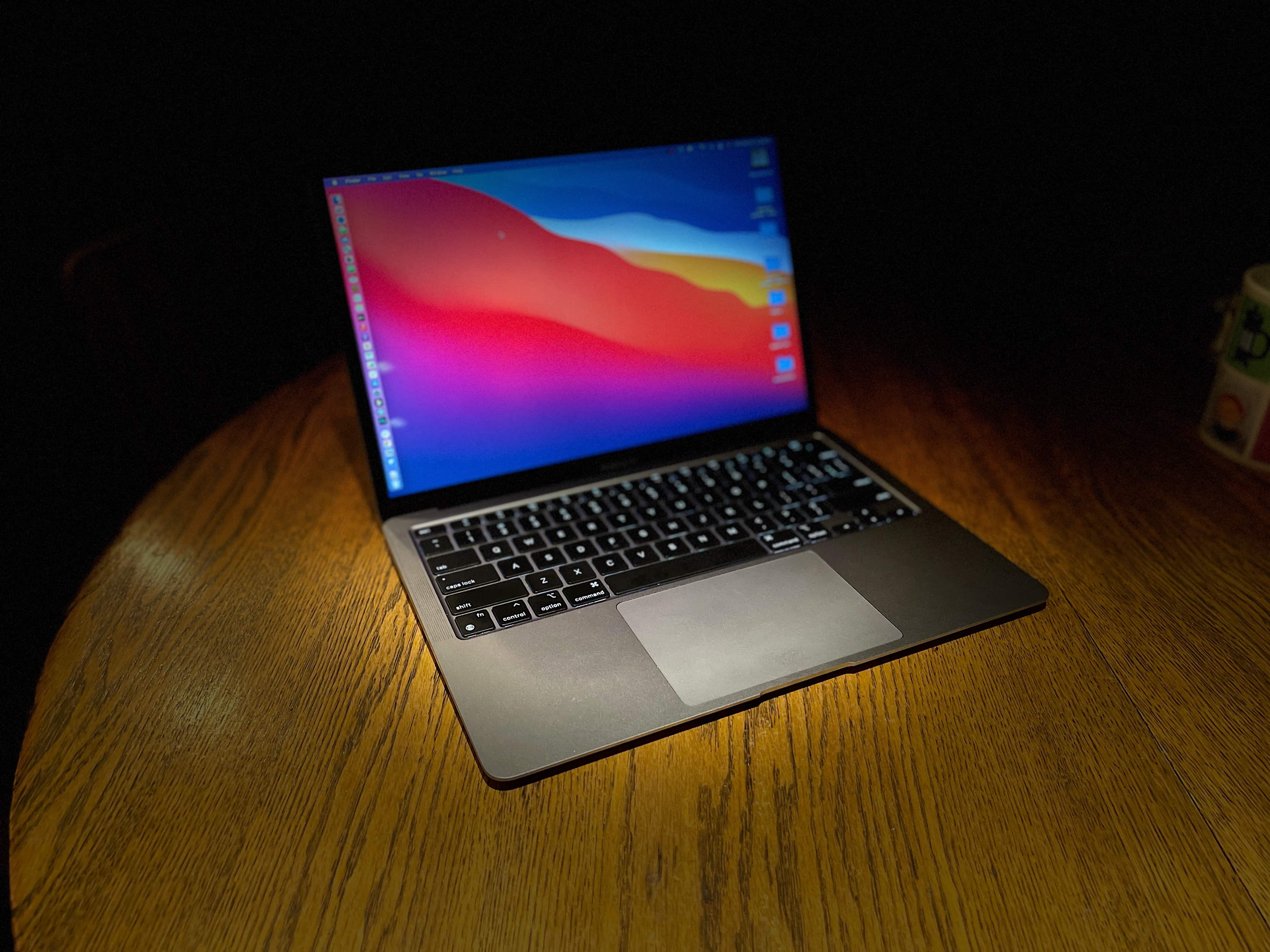
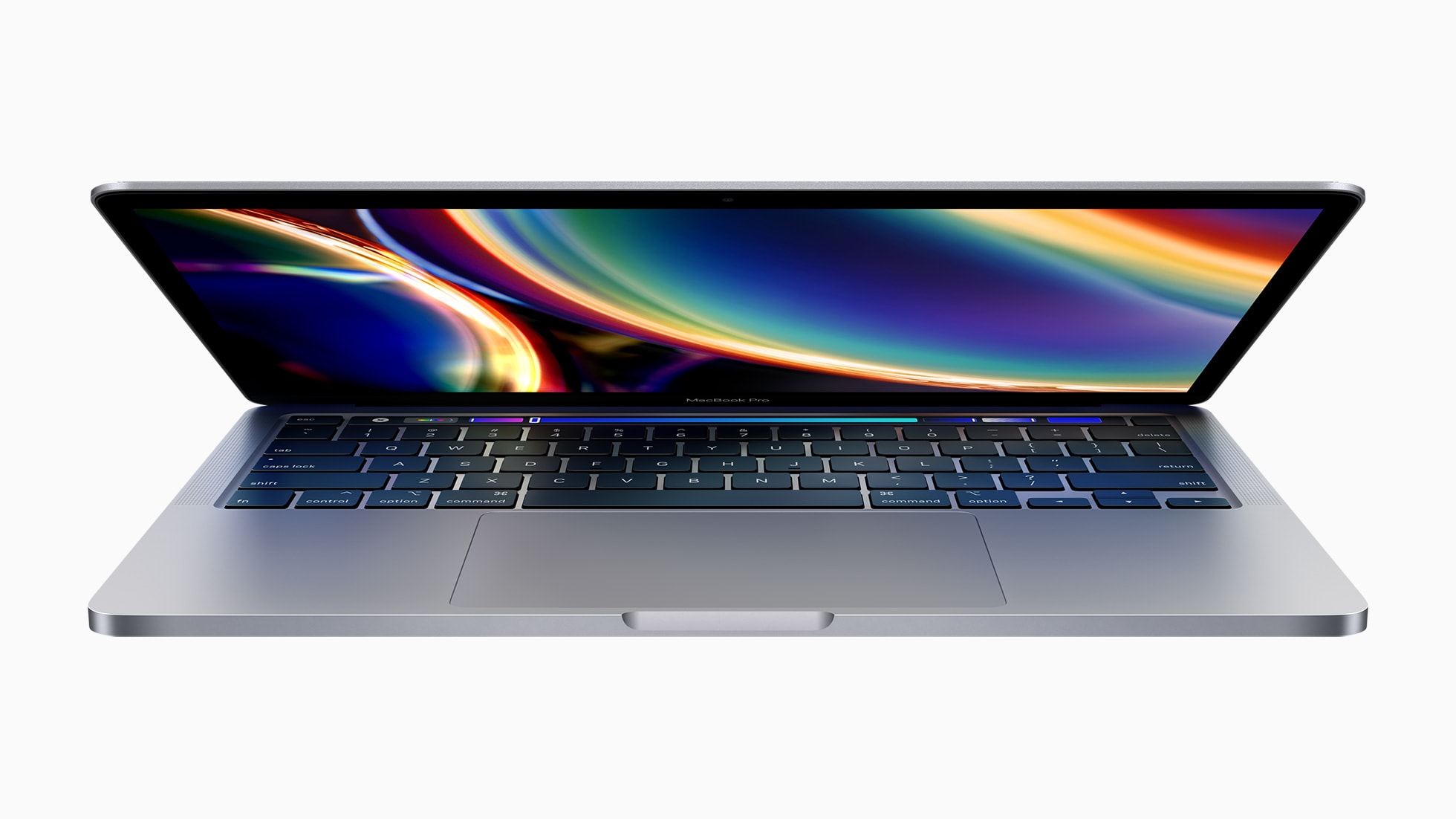
A new 14-inch MacBook Pro concept is based on leaks about this upcoming macOS laptop. Concept: Ian Zelbo/Renders by Ian
A 14-inch MacBook Pro reportedly will join Apple’s product lineup, and a concept artist merged all the rumors into a design that might hit store shelves later in 2021.
It includes more ports than any MacBook in years, but even important is what’s missing: the Touch Bar and most of the screen bezels.
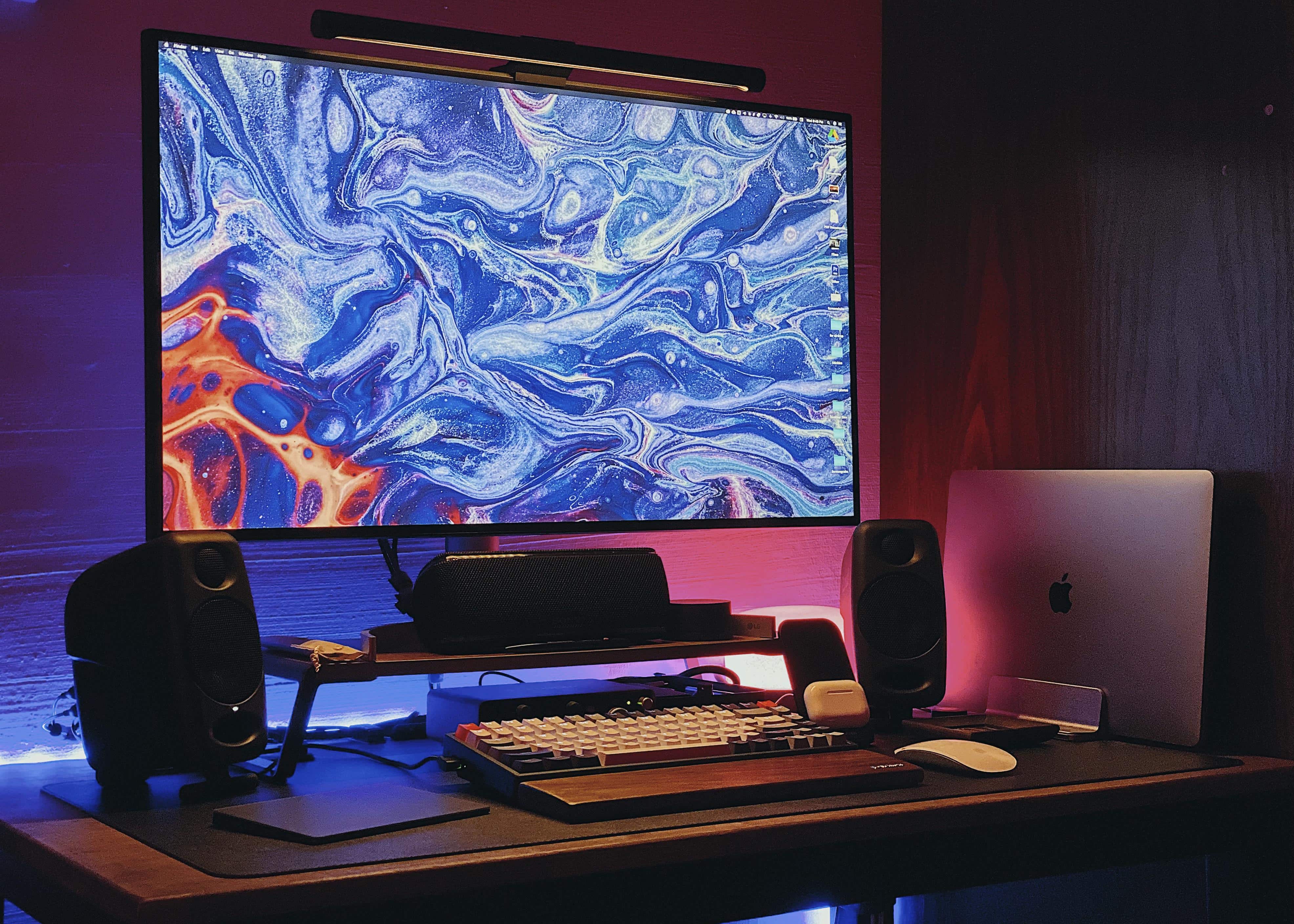
A small desk and a small room need not necessarily mean a small setup. Photo: vostok91@Reddit
After toiling for many months to get it right, Southeast Asia-based Redditor vostok91 finally finished fitting a vibrant computer setup on a small desk in a small room. The result may be a small setup compared to some, but that doesn’t make it a “small setup.” It’s plenty feisty.
A 15-inch MacBook Pro paired with an LG 32UL950 Ultrafine 4K LED Monitor make up the setup’s core.
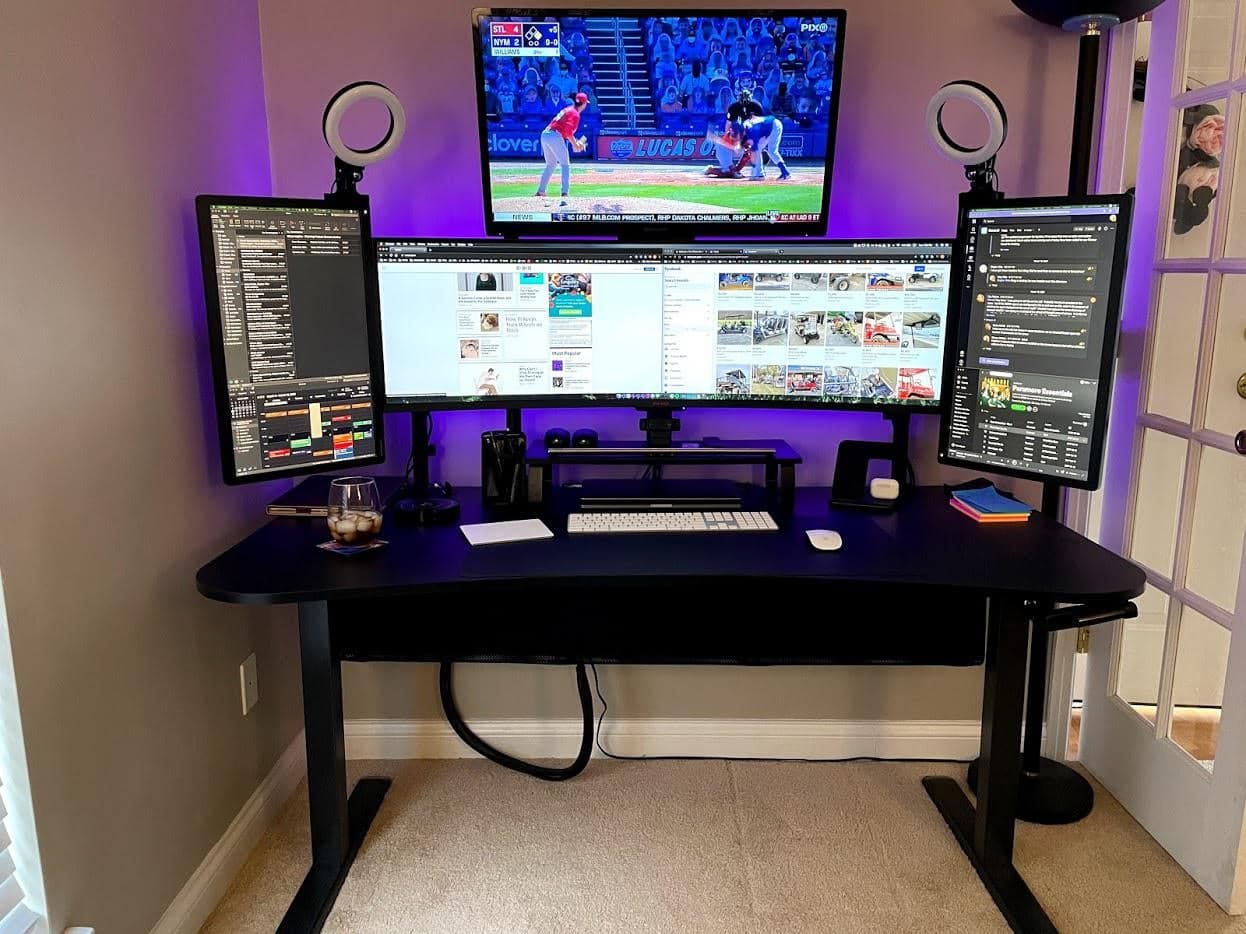
Can you ever really have too many monitors? Photo: KipKang@Reddit
A Mission Control-looking setup featuring an ultrawide monitor with a spacious screen above it and a portrait-oriented screen on either side of it was bound to get some attention — especially with ring lights sticking up from it like antennae. And it did.
“That just seems so excessive that it isn’t even funny,” one Redditor commented on KipKang’s post promoting his MacBook Pro setup and its relative orgy of displays. “I love it and I am jealous of it. Long winded way of saying NICE!”
“Thanks! ‘Nothing exceeds like excess,’” KipKang replied.
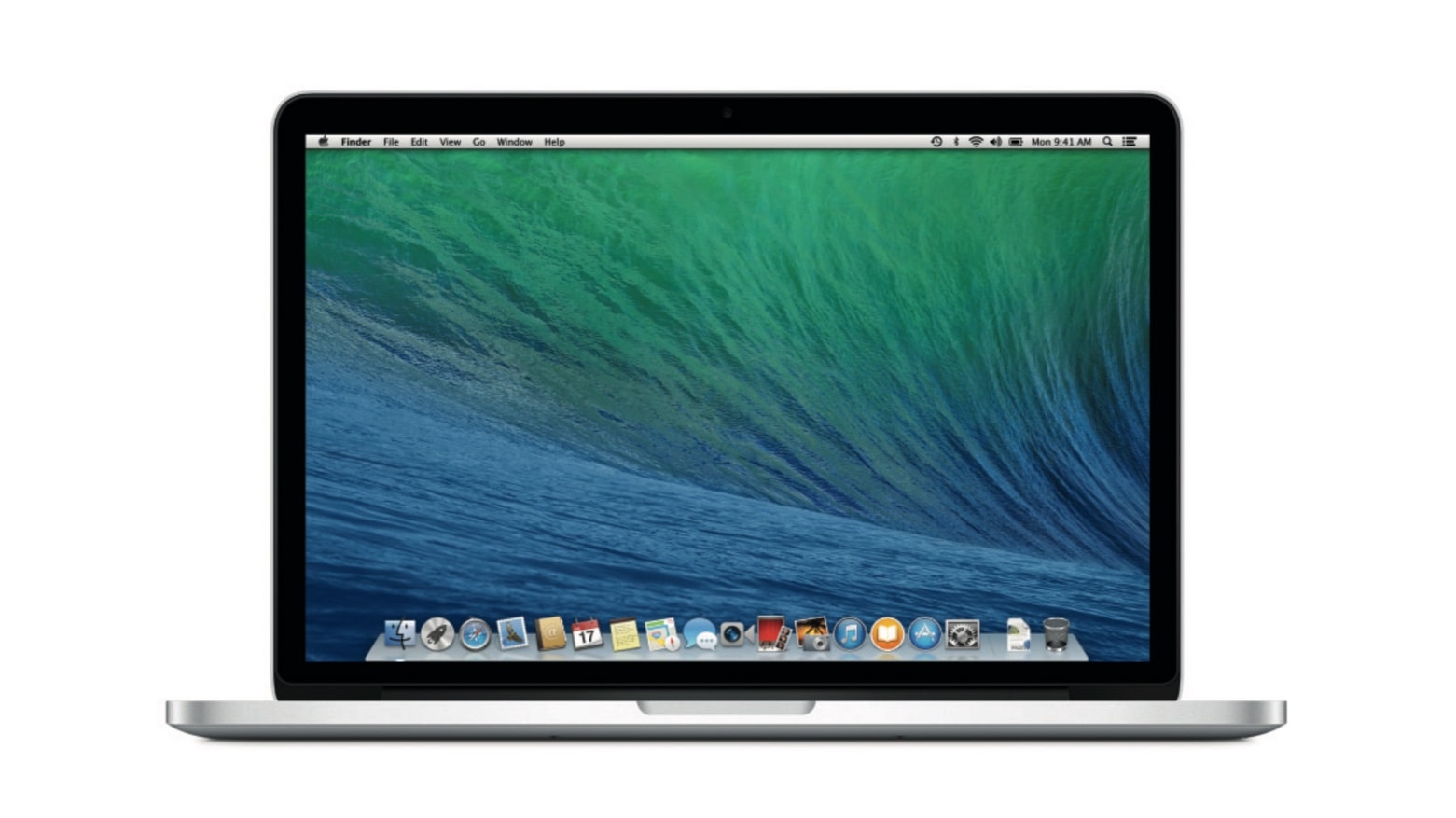
Remember the MacBook Pro (Retina, 13-inch, Late 2013)? It’s old enough now that Apple reclassified it as obsolete. Photo: Apple
The 13-inch MacBook Pro with a Retina screen released in late 2012 was a groundbreaking model in its day. But now, many years later, it’s been classified by Apple as obsolete.
This means that getting repairs or even spare parts for this device just got much more difficult. But it has been out of production for more than 7 years.
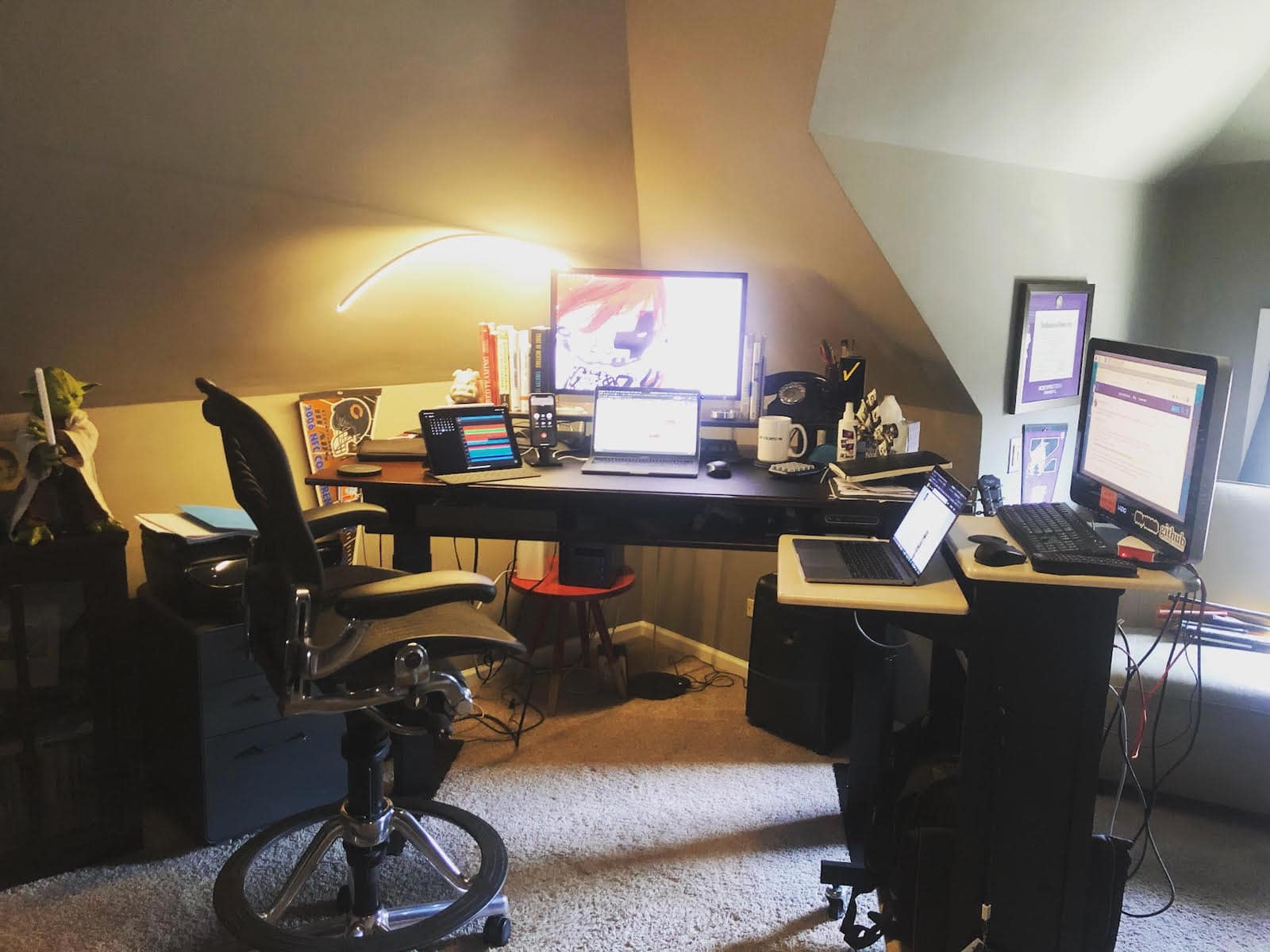
This man shed sports multiple screens. Photo: CourseEcstatic6202@Reddit
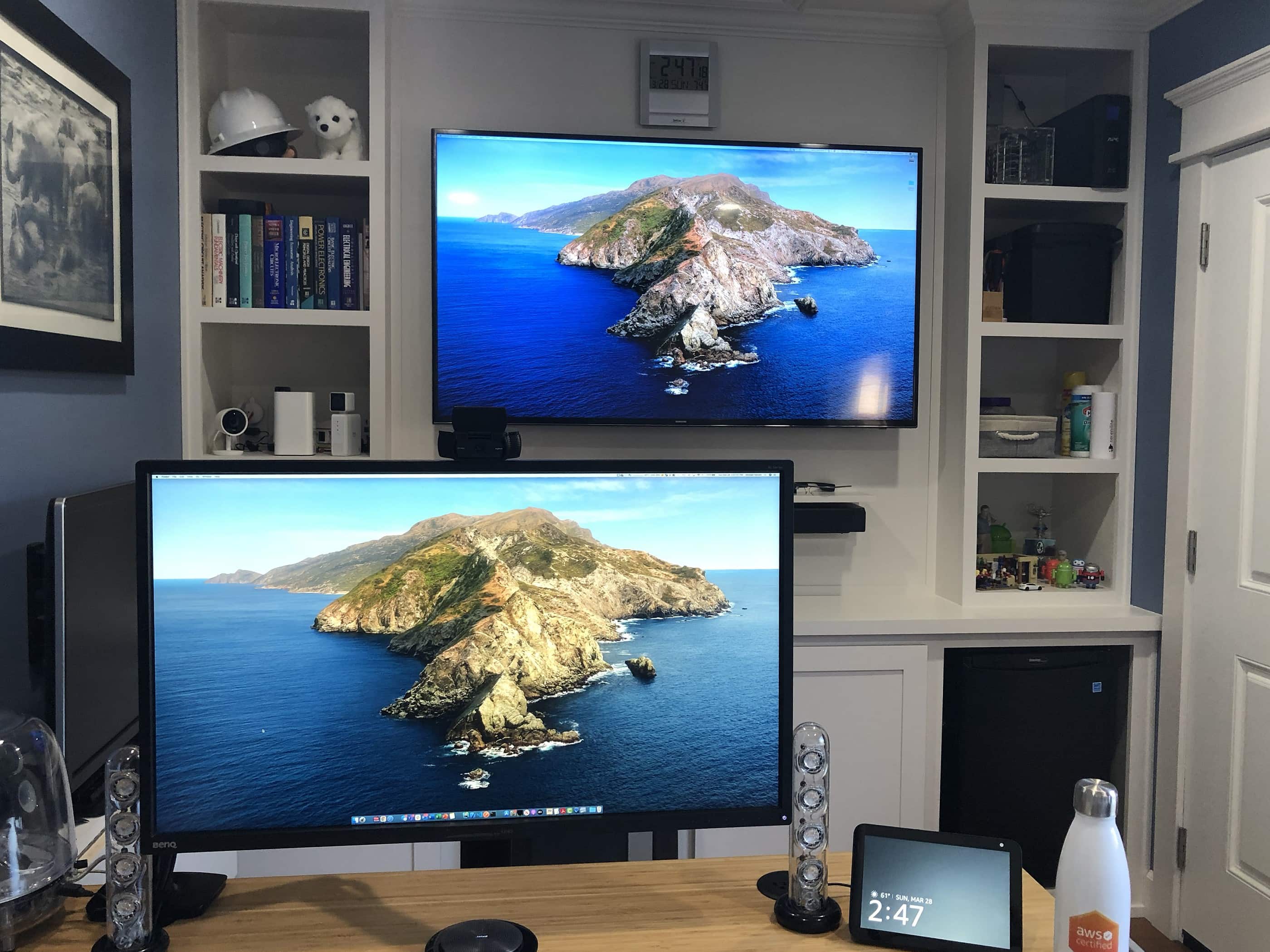
Sometimes a setup promoted on social media stops you dead in your tracks, and it’s not because you’re excited about the hardware. Sometimes it’s the amazing, hand-built “man shed” where the setup lives that stuns you.
Such is the case with CourseEcstatic6202’s offering on Reddit. The cloud architect — let’s just call him “CE” — works in Amazon Web Services on California’s central coast. He designed and built a beautiful little house for his MacBook Pro-based setup in his back yard.
Sell your old Mac to Cult of Mac today and you’ll get a nice stack of cash to put toward a new model. We typically pay more than anyone else, and we’re fast!
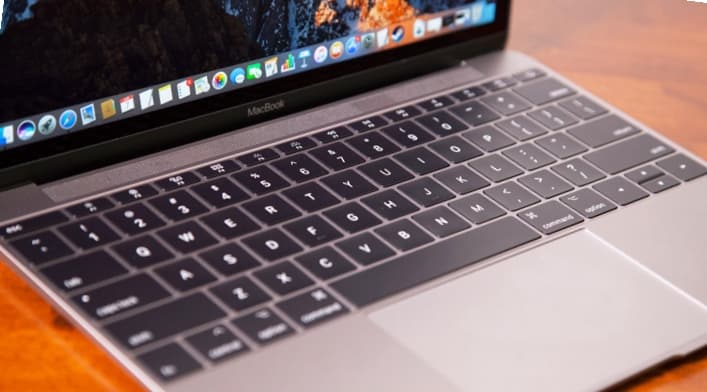
A new petition accuses the MacBook 'butterfly' keyboard of failing when a single speck gets in the wrong place. Photo: Apple
A Federal judge granted class-action status to a lawsuit accusing Apple of putting defective keyboards in various MacBook models made between 2015 and 2019. These laptops all use the butterfly keyboard design which uses a key mechanism that is allegedly prone to sticking.
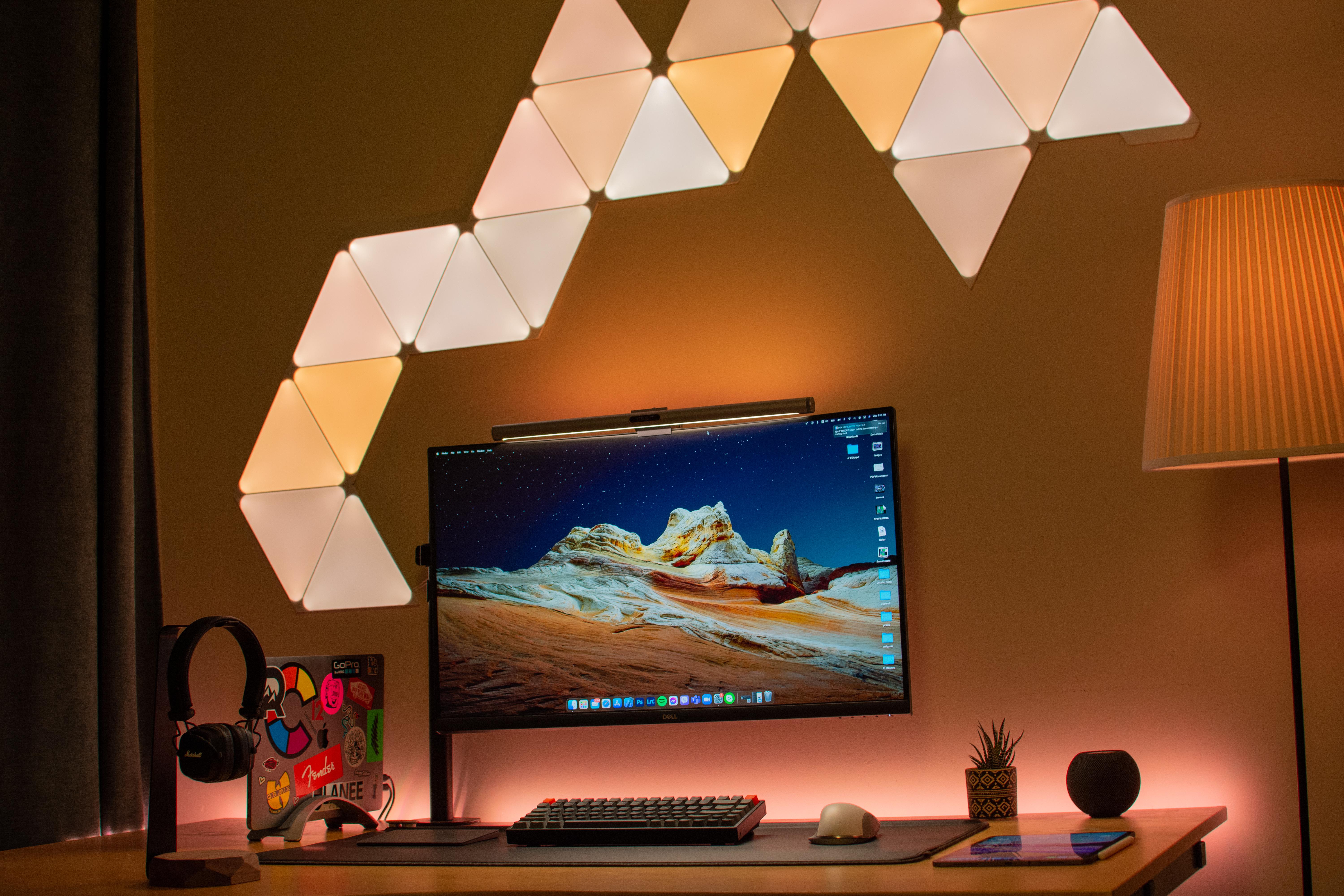
Nanoleaf Shapes give you interesting lighting options. Photo: arnaki_gkioulmpasi@reddit
If one thing catches your eye first about Redditor arnaki_gkioulmpasi’s setup, it’s probably the interesting light show on the wall behind it. That array is made up of Nanoleaf Shapes that can be arranged any which way.
Those cool-looking lights, along with a Yeelight Screen Light Bar Pro atop the Dell 32-inch curved 4K monitor and a standing lamp next to the desk, keep eyestrain to a minimum.
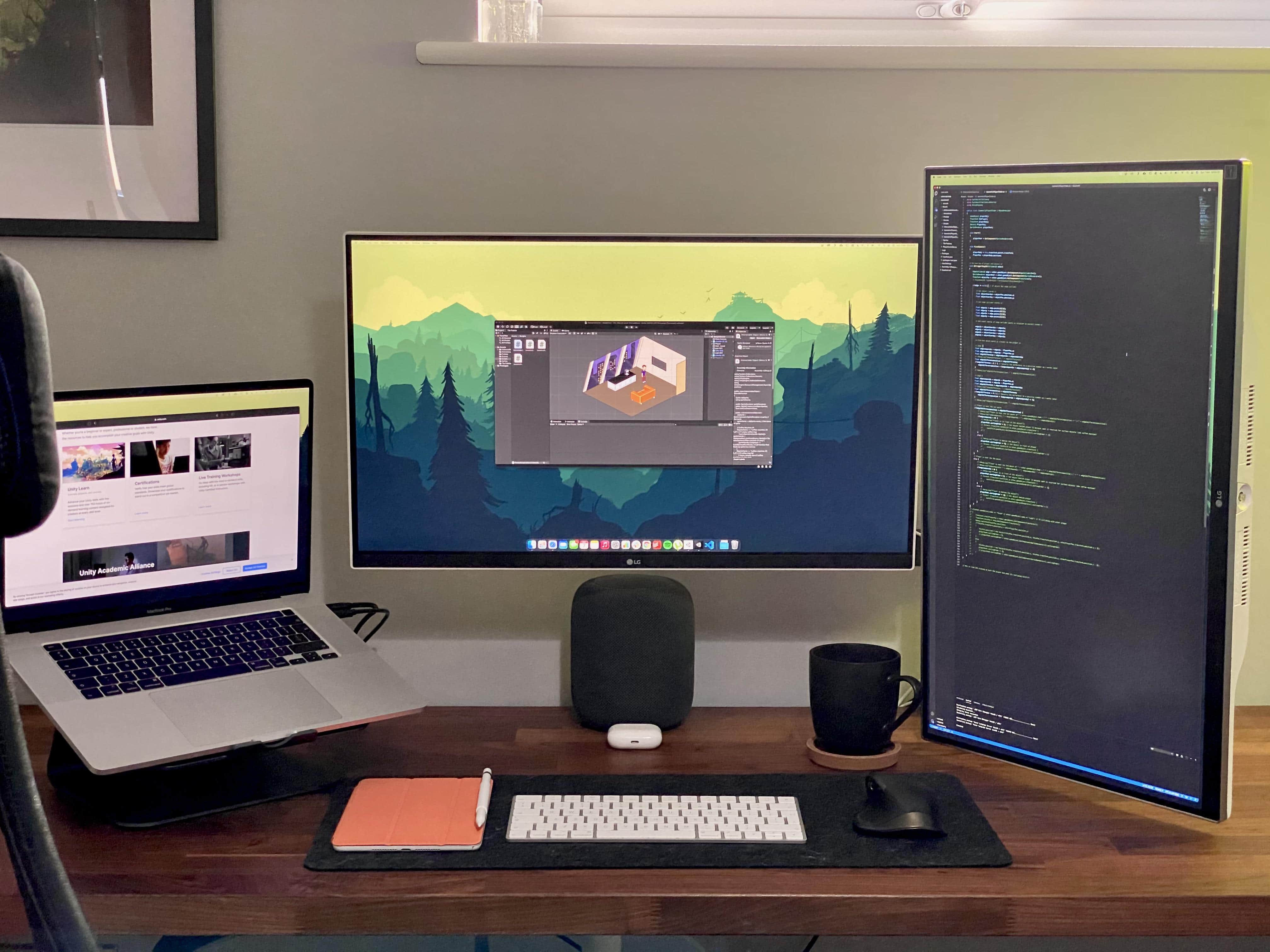
A game developer makes good use of wide and tall monitors. Photo: linden_park@Reddit
UK-based Redditor linden_park just updated their setup while working in the early development phase of a new life simulator game set in space among multiple planets and space stations. Covering all that intergalactic territory, it helps to have both wide and tall screens.
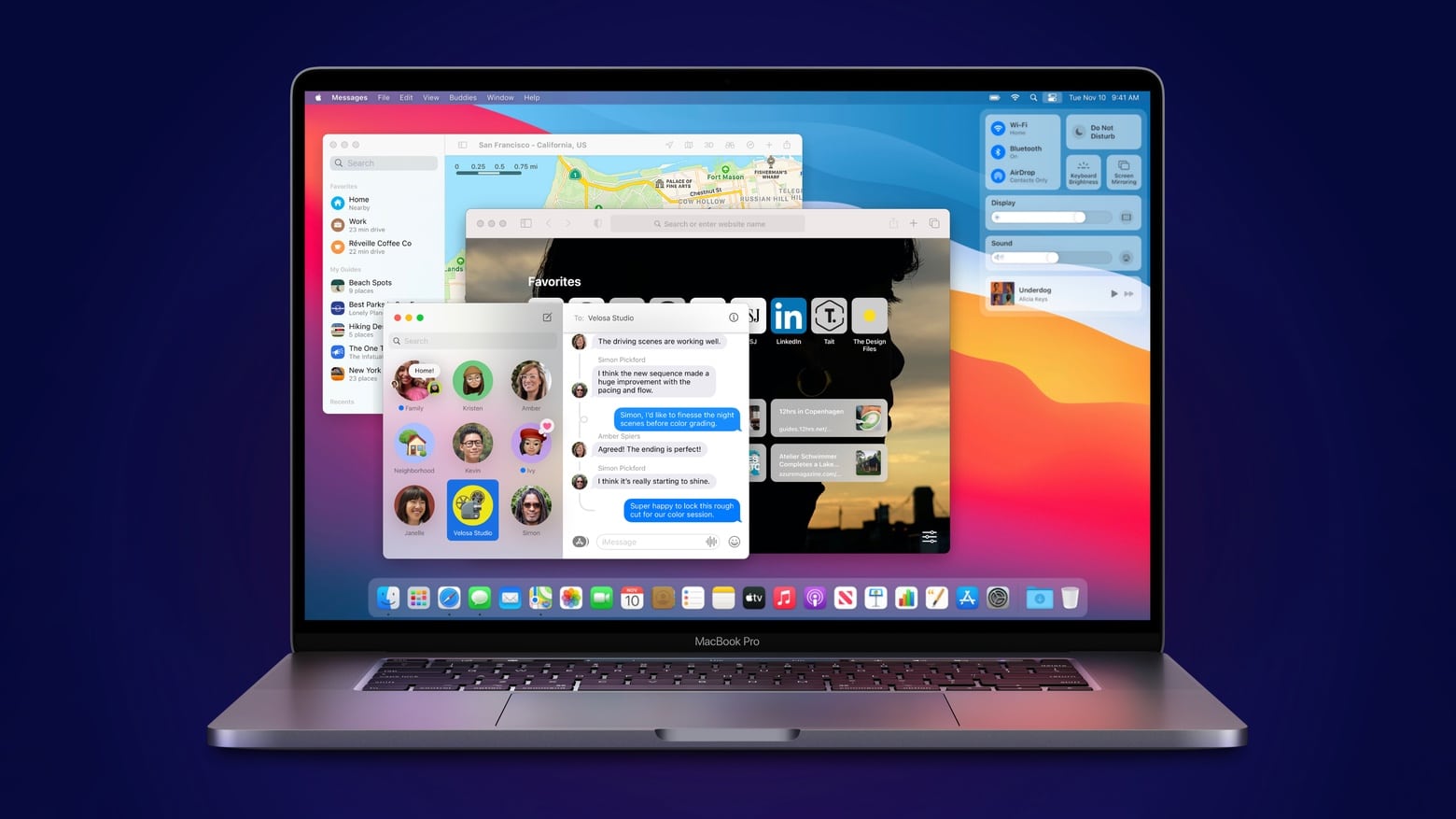
MacBook Pro is reported to get a big redesign this year. Screenshot: Apple
Apple delayed plans to start mass-producing its next-gen MacBook Pro until this fall, according to a new report from Nikkei Asia. Originally, Cupertino was expected to start building the new laptops in May or June.
Rocky Lira works his day job and podcast production here. Photo: Rocky Lira
Rocky Lira, aka “Rocky Bandit,” and his “knucklehead” friends Eddie and Paddy went big into podcasting on a moderate budget recently. And they have the gear and the podcasts in circulation to show for it.
He and his Chicago pals started the weekly show Bums of Manarchy for fun, recording more than a dozen episodes so far. Lira got off to a fast start handling the podcast editing and production. He said he uses an M1 MacBook Pro and an older model, along with two iPad Pros and his iPhone 12 Pro — in concert with a Rode RodeCaster Pro Integrated Podcast Production Studio console.
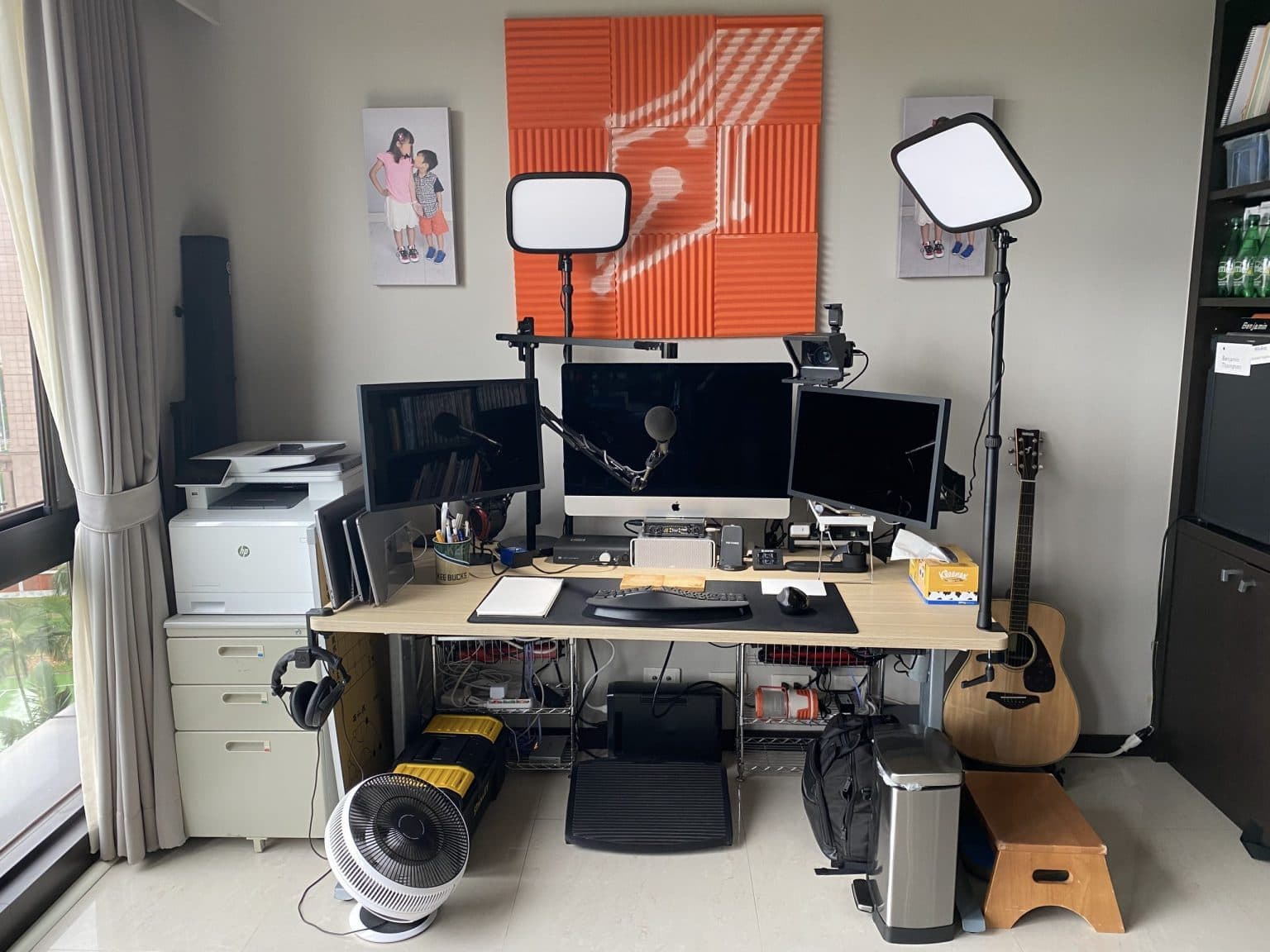
Ben Thompson's setup is wired for great sound. Photo: Ben Thompson
We noticed business and technology author and noted Mac guy Ben Thompson volunteered a pic of his setup on Twitter when tech and politics writer Casey Newton posted a shot of an immaculate setup, wondering if he has “remotely what it takes to put something like this together.”
Well, Taiwan-based Thompson certainly has what it takes to put together a great setup — even if it’s more lived in and not quite as photo-ready as the one Newton posted.
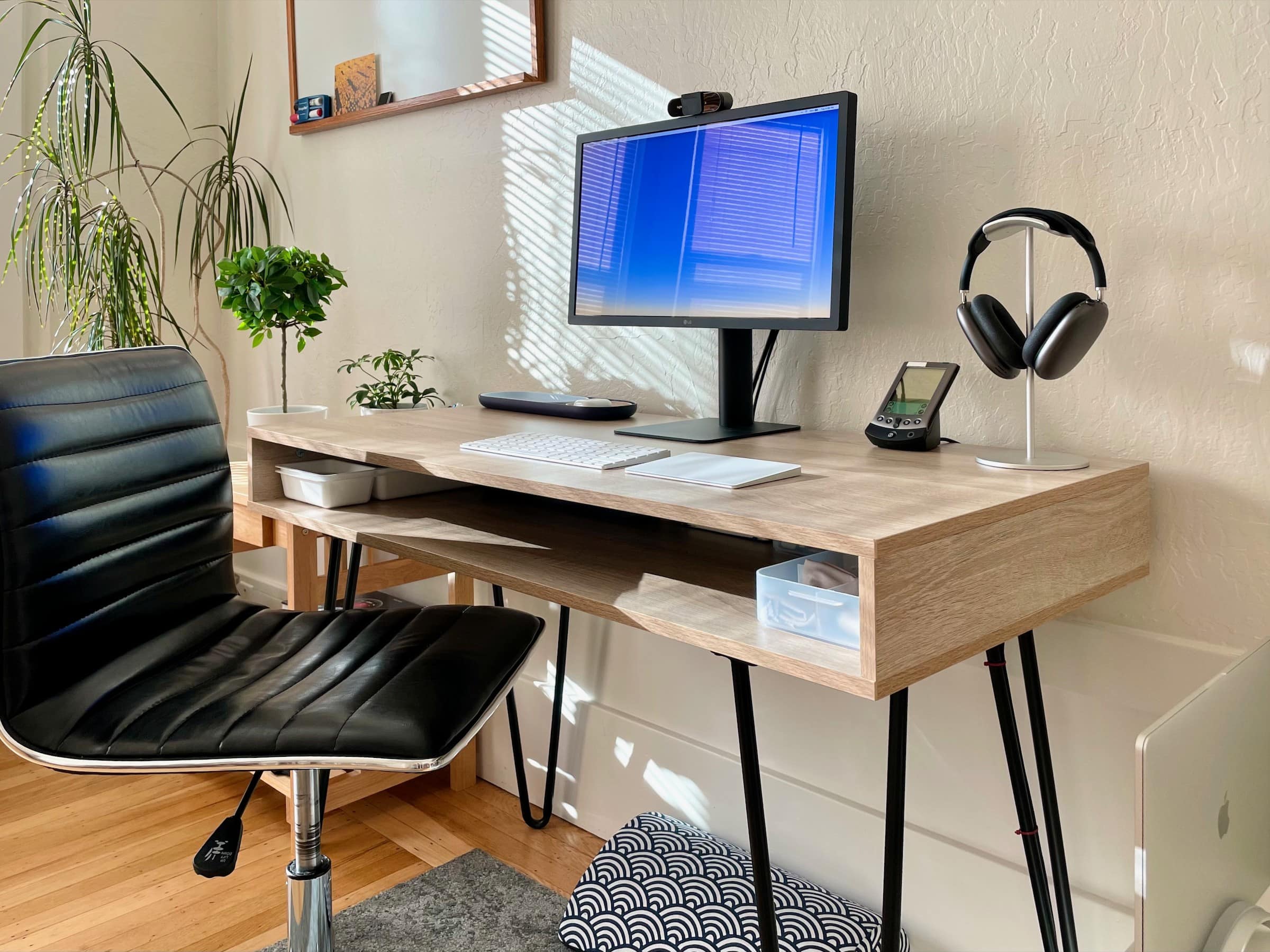
AirPods Max and Pro stand in for speakers in this setup, which uses a Palm Vx as a desk clock. Photo: Singulaffect @ Reddit
Redditor Singulaffect stirred up a swarm of comments recently when posting a MacBook Pro-based setup featuring an LG 21-inch 4K display but no speakers — and two sets of AirPods. But what really stole the show was a Palm Vx from 1999.
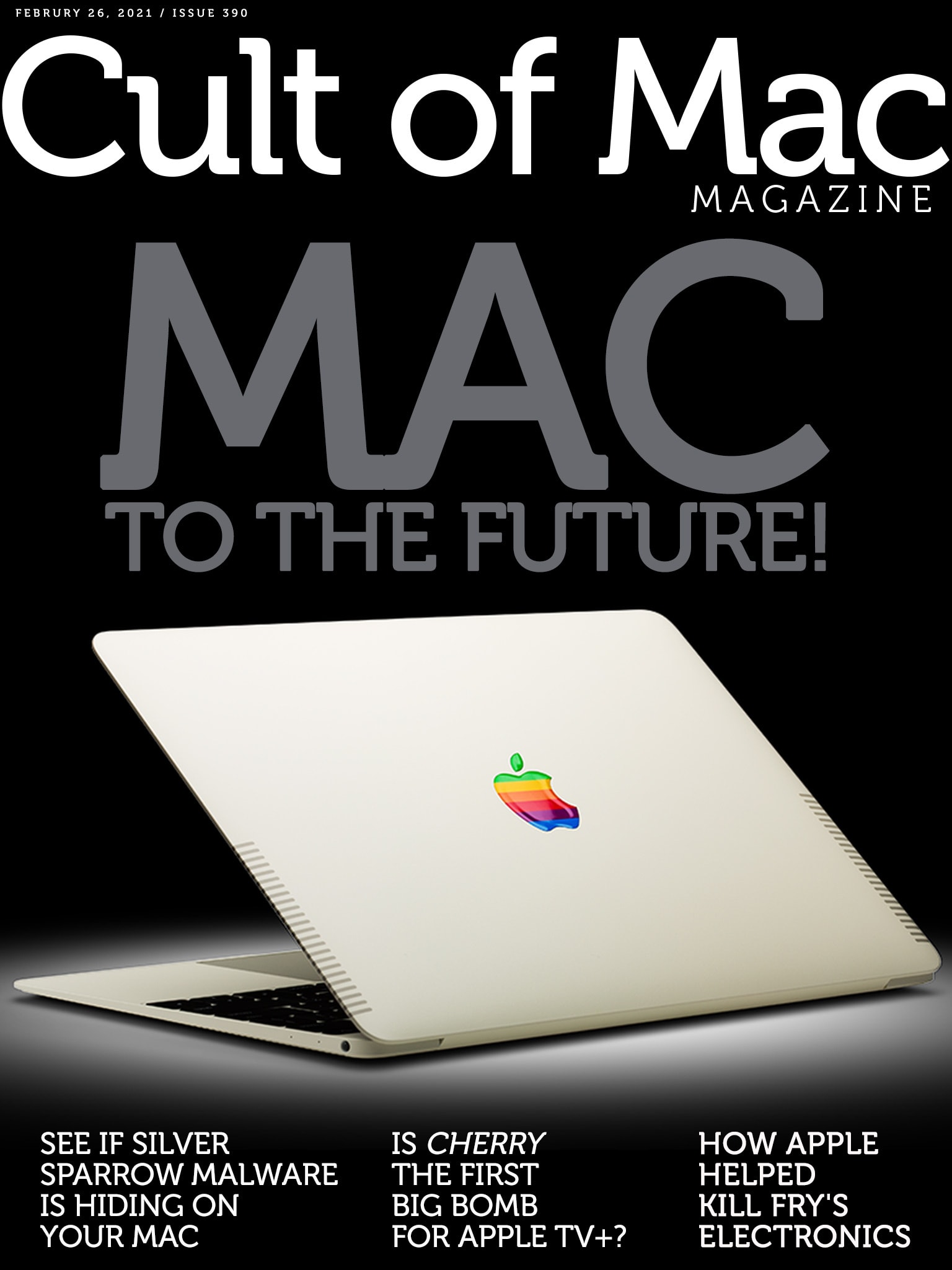
The past possesses a certain appeal. Cover: Leander Kahney/Cult of Mac
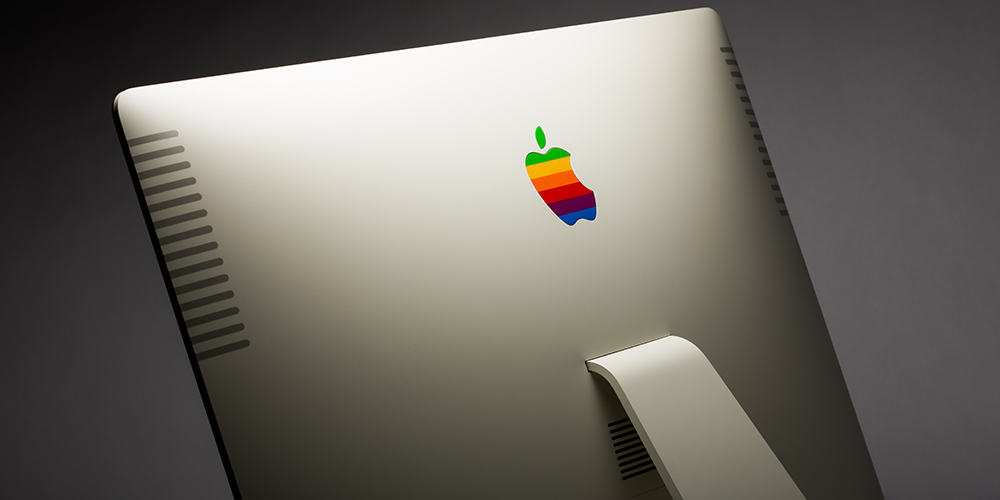
If the latest Apple leaks and rumors prove correct, this year’s new Macs might seem strangely familiar. From colorful iMacs to the reintroduction of long-lost MacBook ports, it looks like Apple might go retro in a big way.
Cult of Mac writer Luke Dormehl dives into the phenomenon and makes the case for why going “Mac to the future” might be just fine.
And speaking of bad things … our Apple TV+ reviewer Scout Tafoya got an early look at Cherry, the new movie from longtime Marvel directors the Russo brothers. Let’s just say things went a little sour. (Scout’s blistering review of Cherry is pretty epic.)
On the other hand, he liked the new documentary Billie Eilish: The World’s a Little Blurry. That movie arrived on Apple’s streaming service this week, in case you’re looking for a little weekend viewing.
Read these stories and more in this week’s issue of Cult of Mac Magazine. It’s free and built for easy reading on your favorite iOS device. (If you don’t want to download the free app, you can get the links in any web browser below.)
Looks like the Mac lineup is about to get even more magical. Image: The CultCast
This week on The CultCast: We’ve got new details and leaks on the upcoming MacBook Pros, iMacs and Mac Pro mini … or will it be the Mac mini Pro? Plus: Lossless music is coming to Spotify, which means the mythical Apple Music lossless is likely right around the corner!
Our thanks to Squarespace for supporting this episode. Easily create a beautiful website all by yourself, at Squarespace.com/cultcast. Use offer code CultCast at checkout to get 10% off your first purchase of a website or domain.
There’s a to of hope that the 14-inch MacBook Pro will have slim screen bezels. Photo: Apple
Apple reportedly plans to shake up the design of the MacBook Pro later in 2021. Sources in the company’s Asian supply chain assert that a 14-inch model is on the way, a first for Apple.
Just as importantly, it and an improved 16-inch MacBook Pro supposedly will be the first macOS notebooks with a mini-LED display, improving the look of the screen.
Arun Venkatesan's setup is a light and airy marriage of form and function. Photo: Arun Venkatesan
San Francisco-based designer Arun Venkatesan is about to take delivery on a 2020 MacBook Air with an M1 chip to replace the 2013 MacBook Air he uses in tandem with his 2018 MacBook Pro. But the new Mac isn’t really what he’s excited about.
He thinks less about having the latest technology and more about how his tools fit into his design philosophy, which he wrote about at length here. Form and function meet in his elegant and minimal setup.
Woot’s spectacular sale on MacBook refurbs is back! There are a whole host of models to choose from, with prices starting at a mere $329.99 today only.
We pay great prices for used Apple computers (and other Apple devices) — and we make the whole process quick and simple. We also cough up real cash that you can spend anywhere you like.
A refurbished MacBook Air could be your key to a fresh computer without breaking your budget. Photo: Leander Kahney/Cult of Mac
Apple began selling refurbished M1 MacBooks at well below their original prices. As they’re as much as $500 below the regular price, these are outstanding options for anyone who wants a laptop with Apple’s speedy M-series processor but don’t have the cash for a new one.
There’s a wide range of used MacBook Air and MacBook Pro units currently in stock at the online Apple Store.
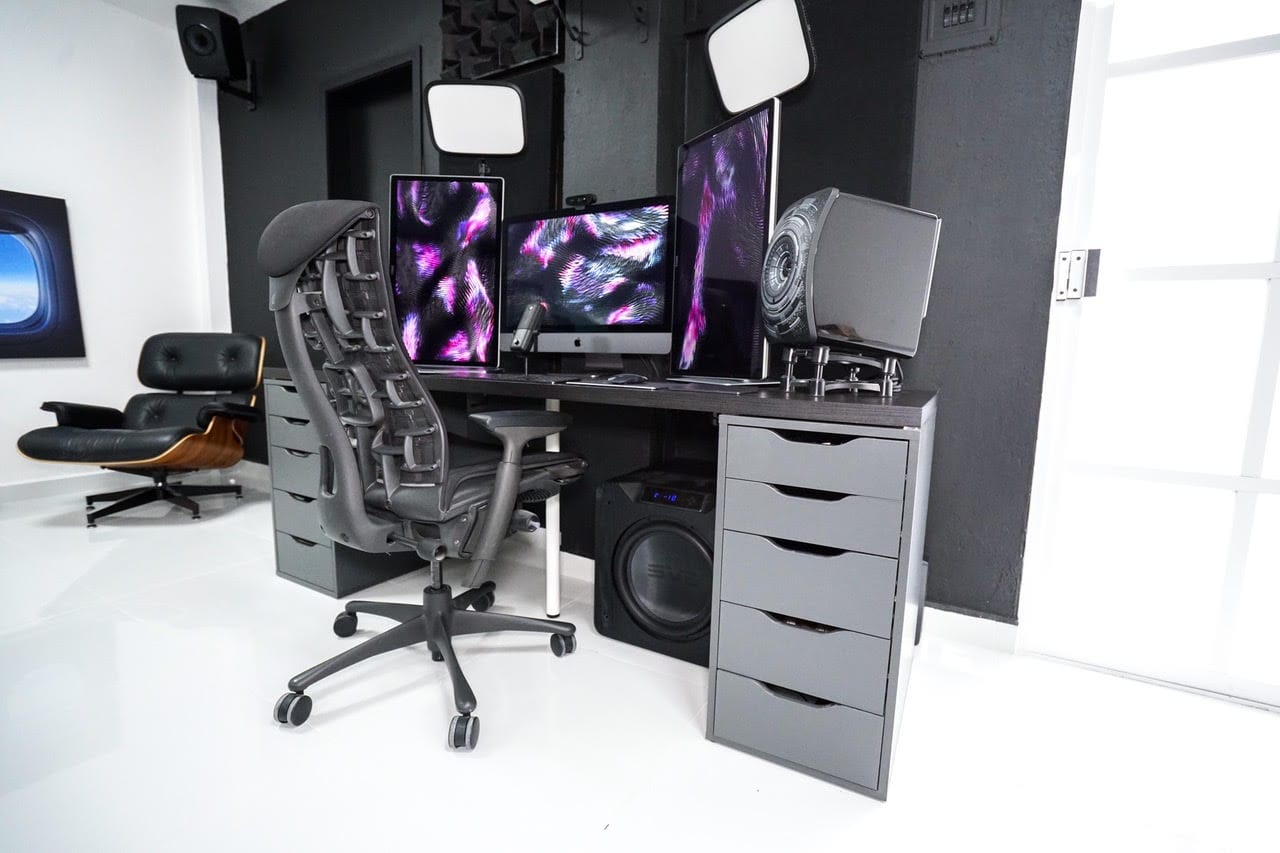
Christian Roman built his setup for beautiful video and audio: three 5K screens, speakers with a massive subwoofer and pro lighting. Photo: Christian Roman
iOS software engineer Christian Roman has a “love-hate relationship” with his impressive triple 5K display setup.
“It’s fantastic when it works,” he told Cult of Mac. “It’s a nightmare when macOS suddenly decides to stop working with triple screens.”
MacBook Pro is getting a big redesign this year. Photo: Apple
From the sound of things, Apple is going back to the past for its next-gen MacBook Pro — and, depending on who you ask, that could be a very good thing.
The next MacBook Pro is already rumored to bring back the MagSafe charger and kill off the LED Touch Bar in favor of a row of physical keys.
Now, in a new note to clients, TF International Securities analyst Ming-Chi Kuo says this year’s pro laptop will come with a built-in SD card reader and an HDMI port. These have been MIA since 2016, when Apple went all in on USB-C — and started ditching MacBook ports like they were going out of style.
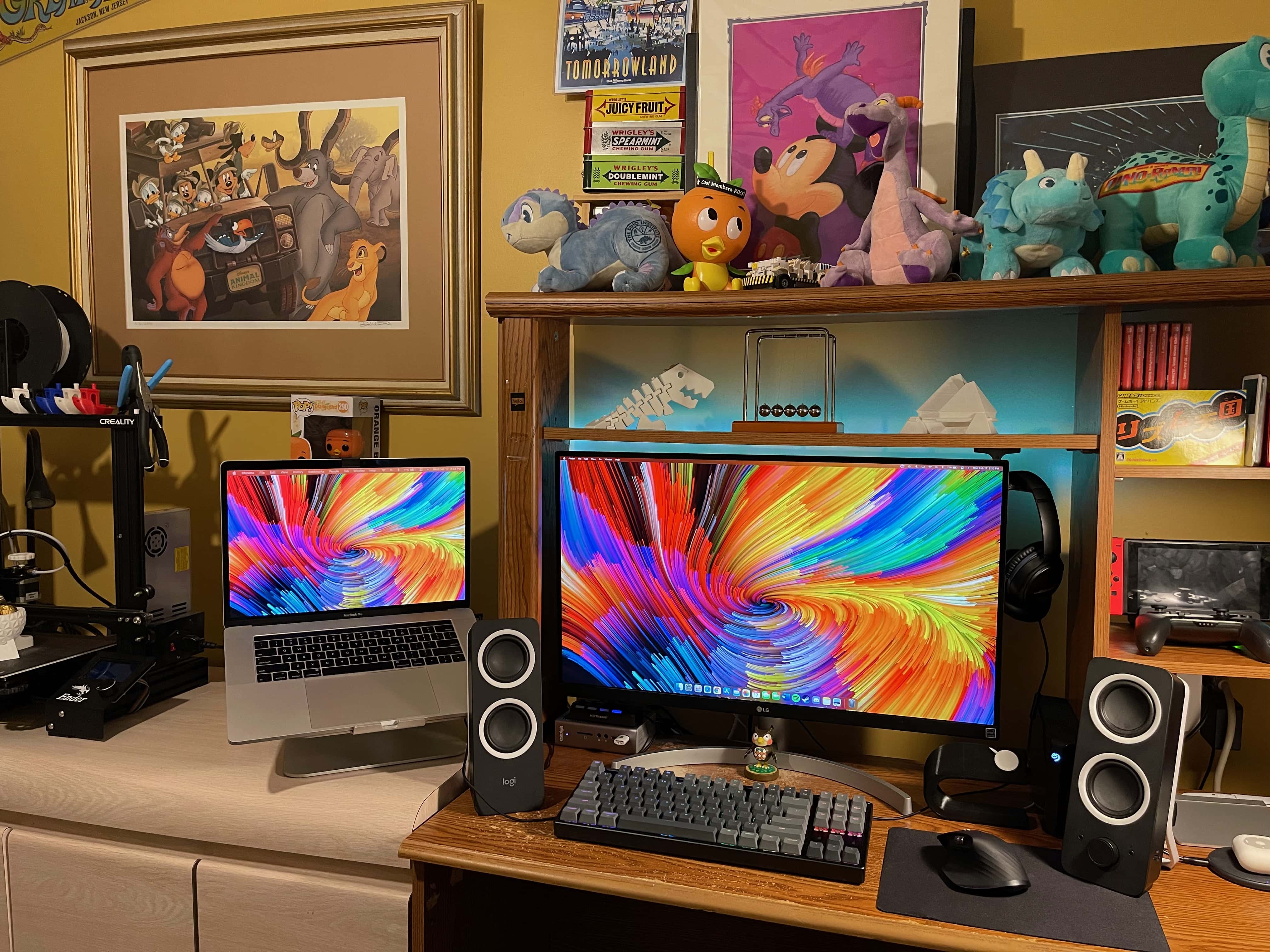
This setup includes 3D-printed elements and Nintendo-inspired decorations. Photo: Vincent Belotti
Vincent Belotti, a mechanical engineering student at Farmingdale State College on Long Island, New York, has a colorful setup — and we’re not just talking about his screensaver. He 3D-prints some of the components in it himself, and he can’t get enough decor related to his favorite games.
3D printing as a hobby
As an engineering student, Belotti has made 3D printing into a hobby. He uses his MacBook Pro to model and slice prints that become components to enhance his setup. They include an Apple Watch dock, shown on the right side of his desk in these photos, and 3D figurines on the shelf above his monitor.
Shad Ahmad's straightforward setup centers on a MacBook Pro and 32-inch monitor. Photo: Shahid Ahmad
Shad Ahmad was a hard-studying freshman majoring in biology and minoring in history at Harvard University in Cambridge, Massachusetts, when the COVID-19 pandemic struck.
Going home to continue classes for a semester remotely from his parents’ house in Wisconsin may not have been ideal, but Ahmad found a comforting upside. Integrated smart technology makes his life easier, he told Cult of Mac.