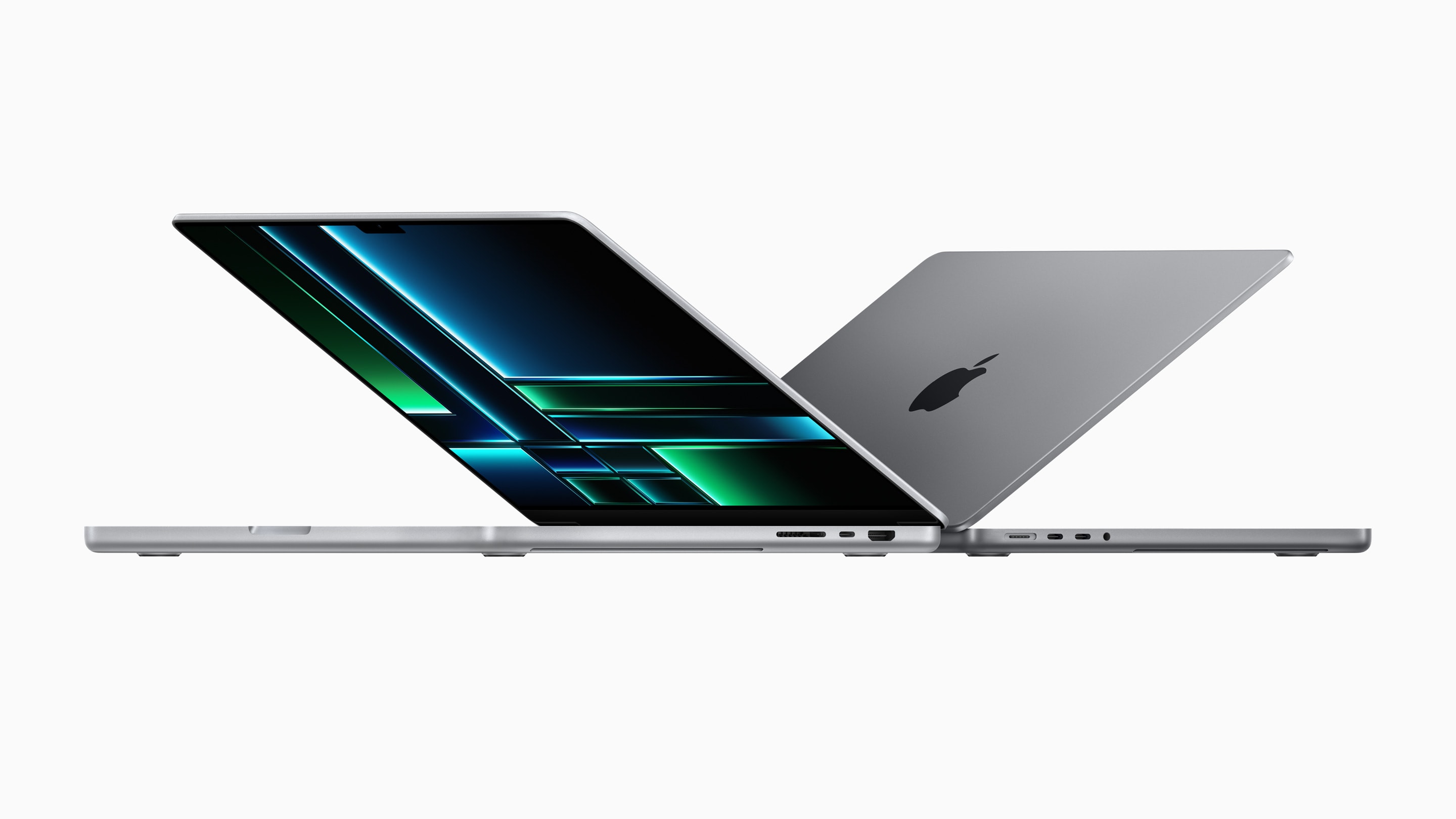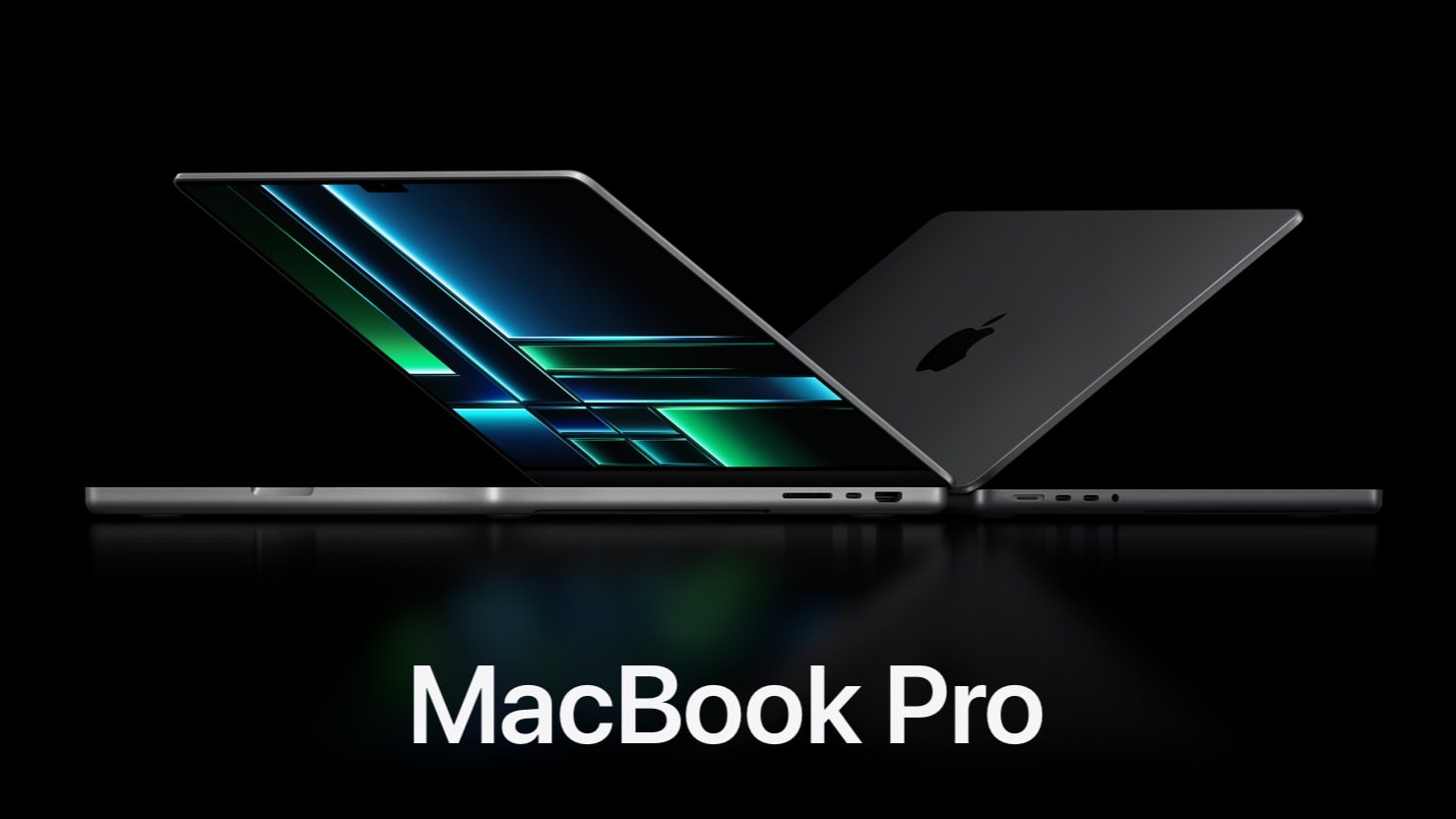
How do the new M2 Pro/Max MacBook Pros stack up against their M1 predecessors? Besides the new SoC, are they worth the upgrade?
Here’s a look at how Apple’s M2 Pro/Max MacBook Pros compare against the M1 Pro/Max models.
How do the new M2 Pro/Max MacBook Pros stack up against their M1 predecessors? Besides the new SoC, are they worth the upgrade?
Here’s a look at how Apple’s M2 Pro/Max MacBook Pros compare against the M1 Pro/Max models.
When it comes to computer setups, social media loves symmetry. People often praise perfectly symmetrical setups and plenty of folks kind of freak out if anything’s even slightly askew, often supplying their own joking references to obsessive-compulsive disorder, or OCD.
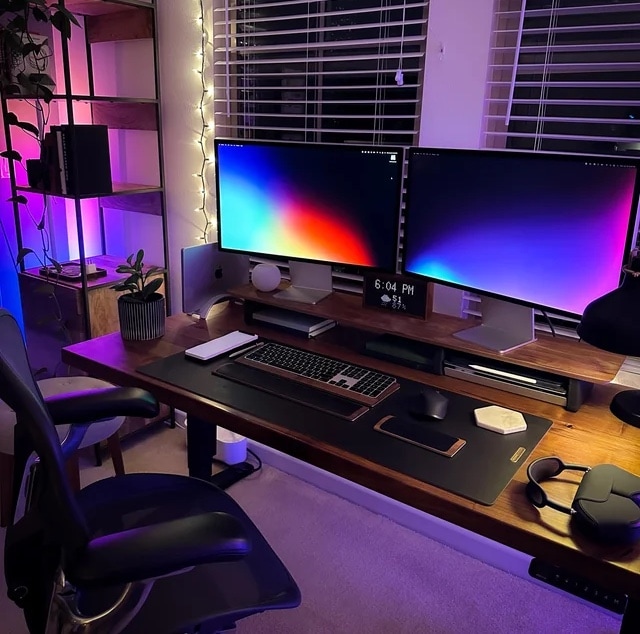
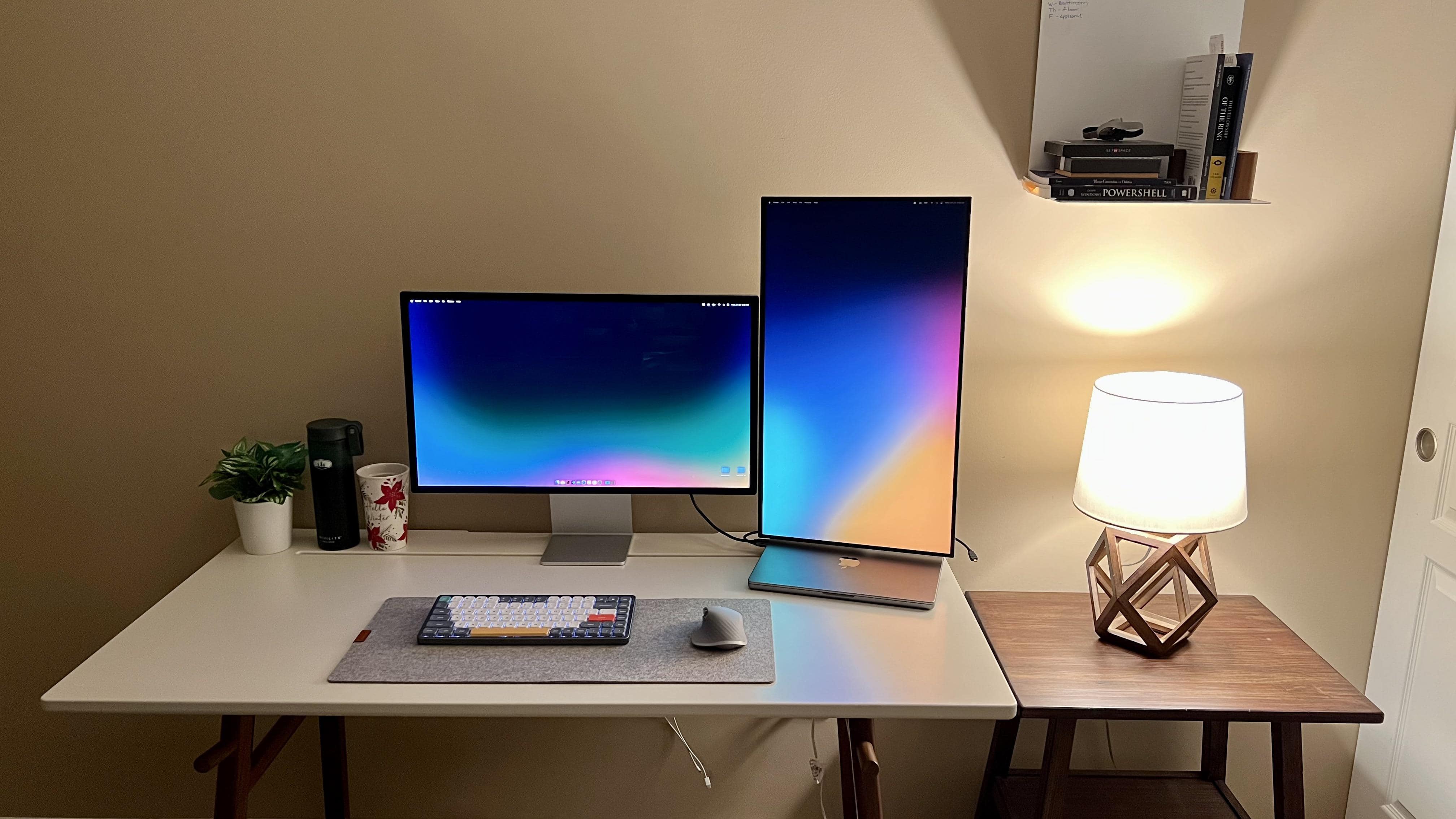
In today’s warmly lit and well-organized workstation, a high-spec MacBook Pro drives dual Studio Displays. And pairs of other items in the room contribute to the overall symmetry.
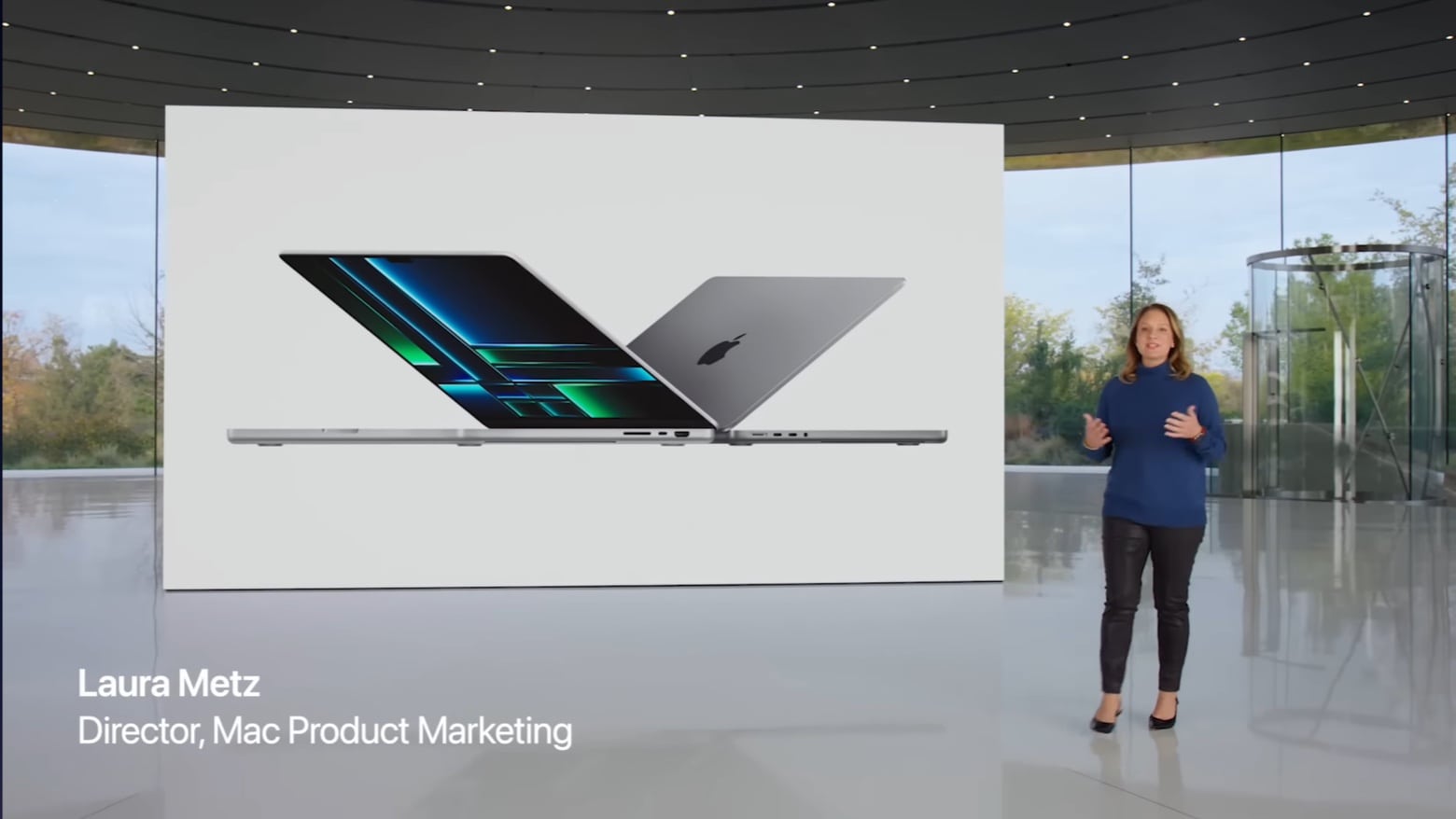
Those who prefer to get their Apple announcements via video don’t have to feel left out. Although the 2023 MacBook Pro and Mac mini didn’t get a big, glitzy press event, and were instead unveiled Tuesday via press release, Cupertino created a launch video much like the ones put out with previous products.
Watch as John Ternus, SVP for Hardware Engineering, plays host to announce the latest macOS notebook and desktop.
The just-announced 2023 MacBook Pro includes Apple M2 Pro or M2 Max chips, but these weren’t made with the newest 3nm process. That will have to wait until the 2024 versions, according to a reliable source of insider info.
At least the wait supposedly won’t be much more than a year for the faster, more efficient processors.
Part of the reason the 2023 MacBook Pro looks amazing is the wallpapers Apple used. But obviously you don’t have to buy the new notebook just to get the wallpapers. They’re available to download now.
Get them to dress up your own MacBook.
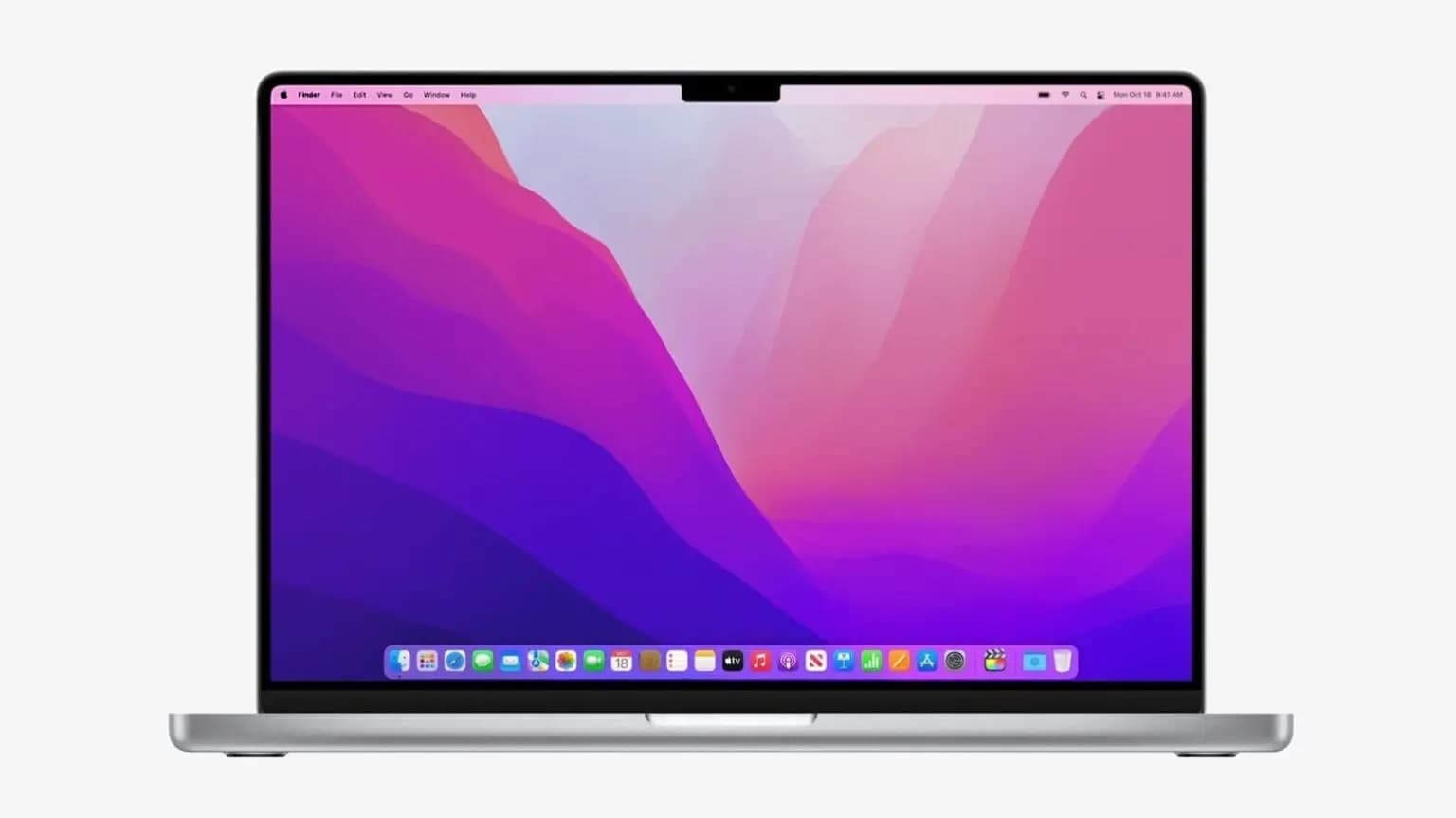
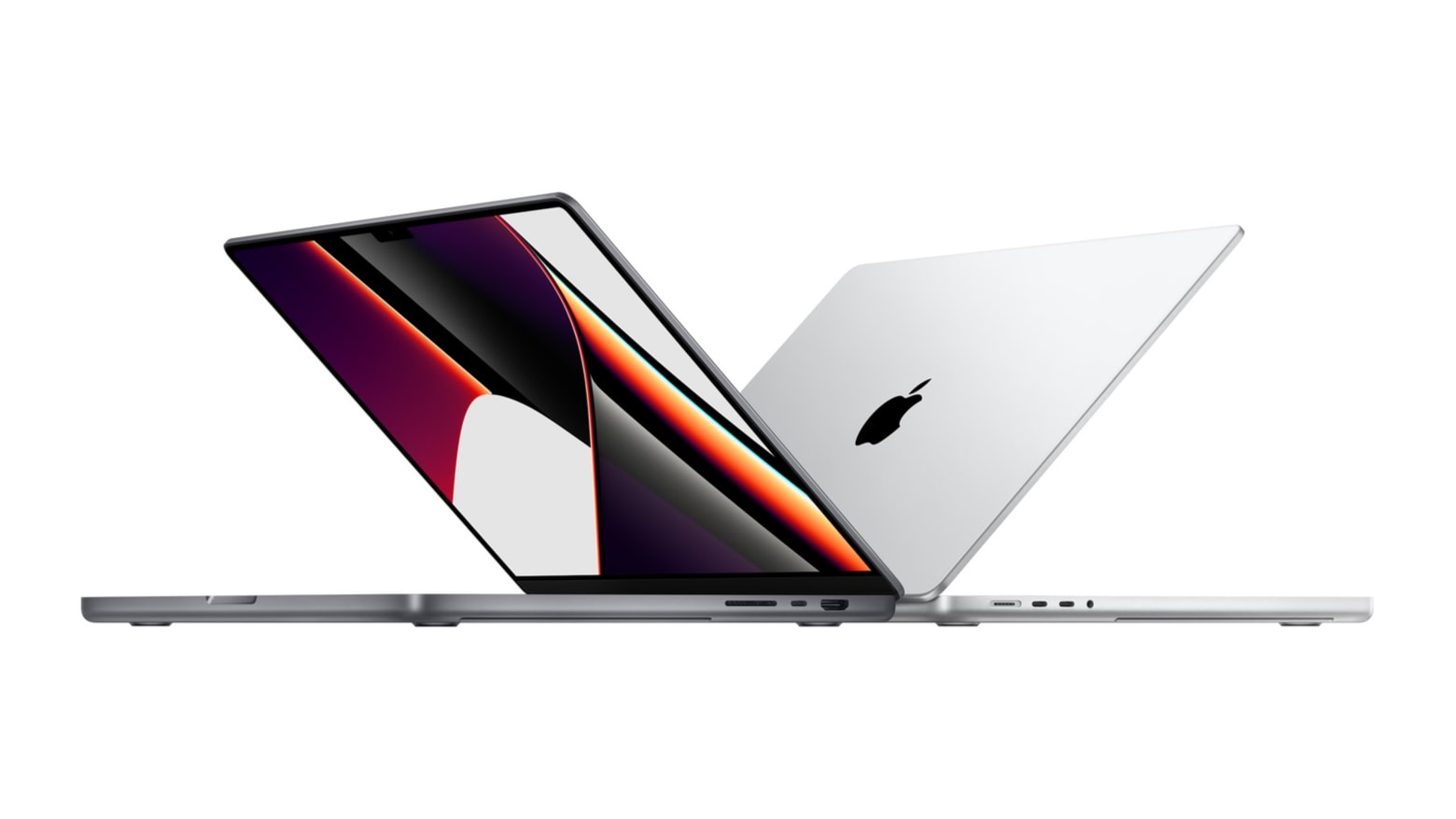
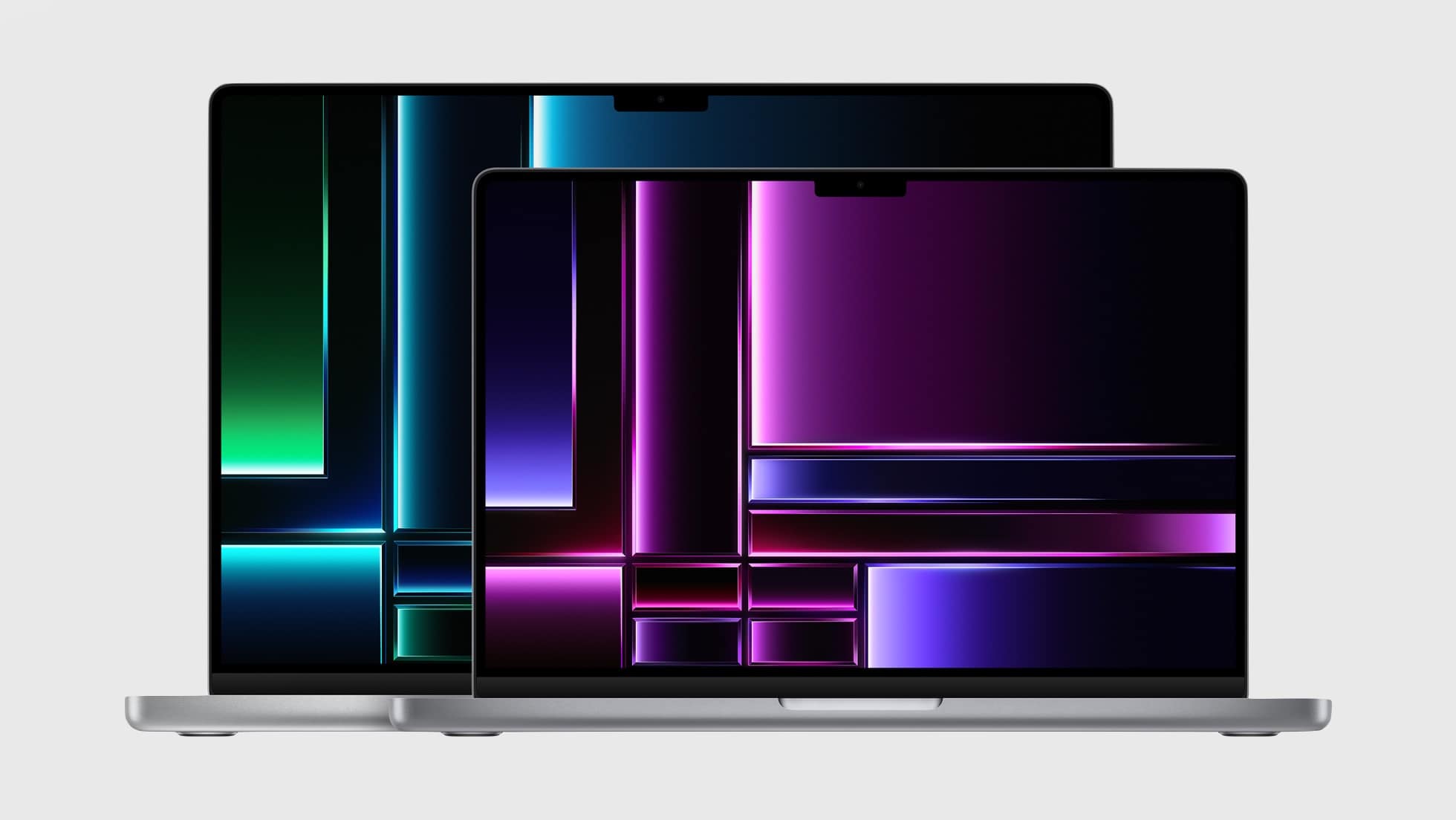
Apple released new 14-inch and 16-inch MacBook Pro models Tuesday powered by the company’s most advanced processors, the M2 Pro and M2 Max chips. The new laptops — which deliver the longest battery life ever in a Mac — are available to preorder now and go on sale January 24, Apple said.
“MacBook Pro with Apple silicon has been a game changer, empowering pros to push the limits of their workflows while on the go and do things they never thought possible on a laptop,” said Greg Joswiak, Apple’s senior vice president of worldwide marketing, in a press release. “Today the MacBook Pro gets even better. With faster performance, enhanced connectivity, and the longest battery life ever in a Mac, along with the best display in a laptop, there’s simply nothing else like it.”
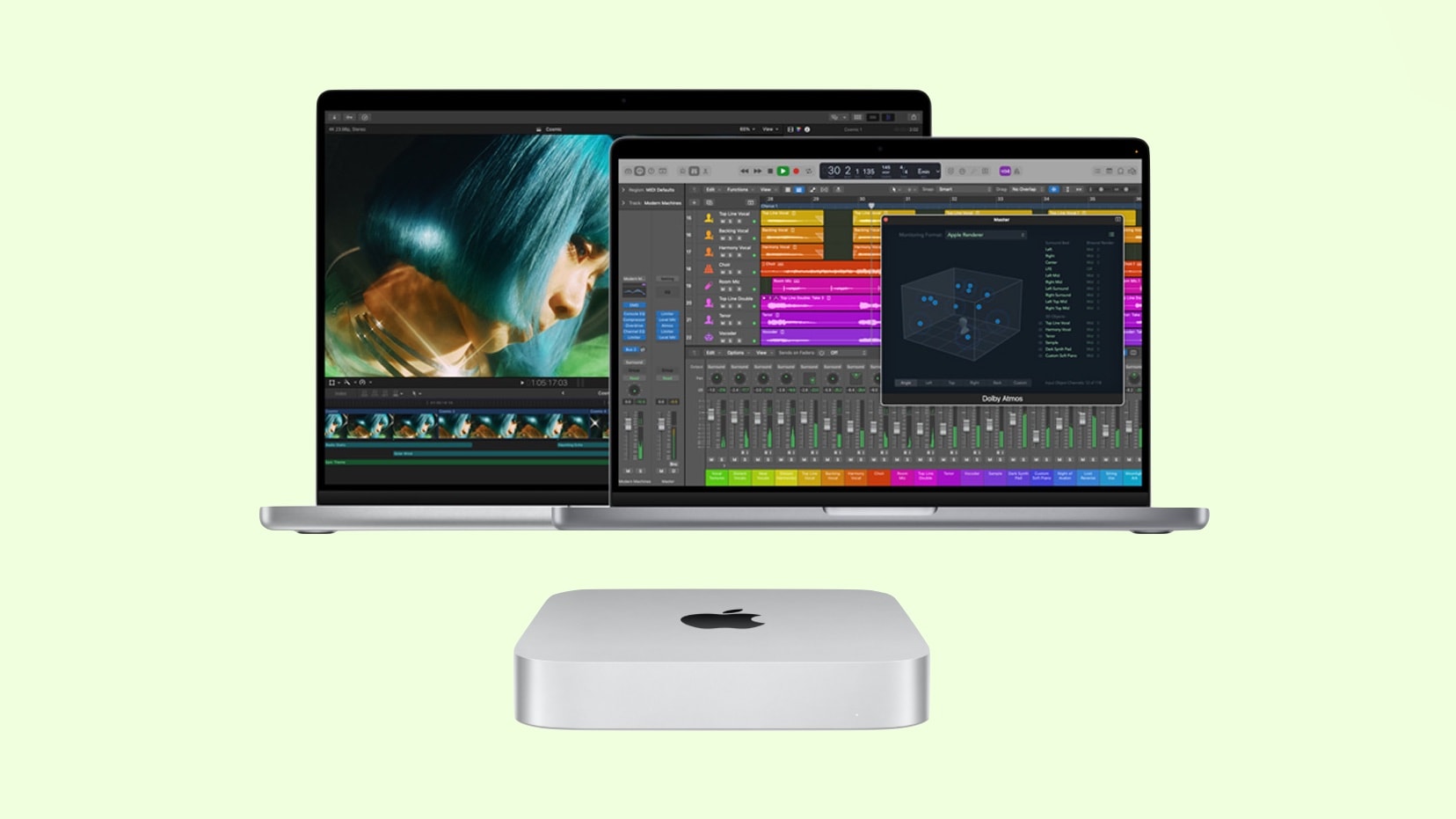
Apple’s next-generation M2 Pro and M2 Max chips went official on Tuesday. The new processors power Apple’s brand-new MacBook Pro lineup and, for the first time, the Mac mini.
Both SoCs deliver better CPU and GPU performance than their M1 predecessors, along with faster image processing.
A Canadian regulatory agency recently approved a MacBook Pro that Apple itself has yet to announce. Few details were leaked aside from the notebook supporting Wi-Fi 6E, an improvement on the current version of the short-range wireless networking standard.
Currently, only the newest iPad Pro has Wi-Fi 6E.
Update: This prediction came 100% true. Apple took the wraps off a pair of Macs on January 17. Don’t miss Cult of Mac‘s full coverage:
Rumors suggest Apple is preparing for a quiet release of new Mac computers as early as Tuesday. These will include updates to the 14-inch and 16-inch MacBook Pro models in addition to the Mac mini. The updates reportedly will be minor, bringing the new M2 chips to the computers.
There won’t be an Apple event — the company will announce the new computers by press release, if the rumors prove correct.
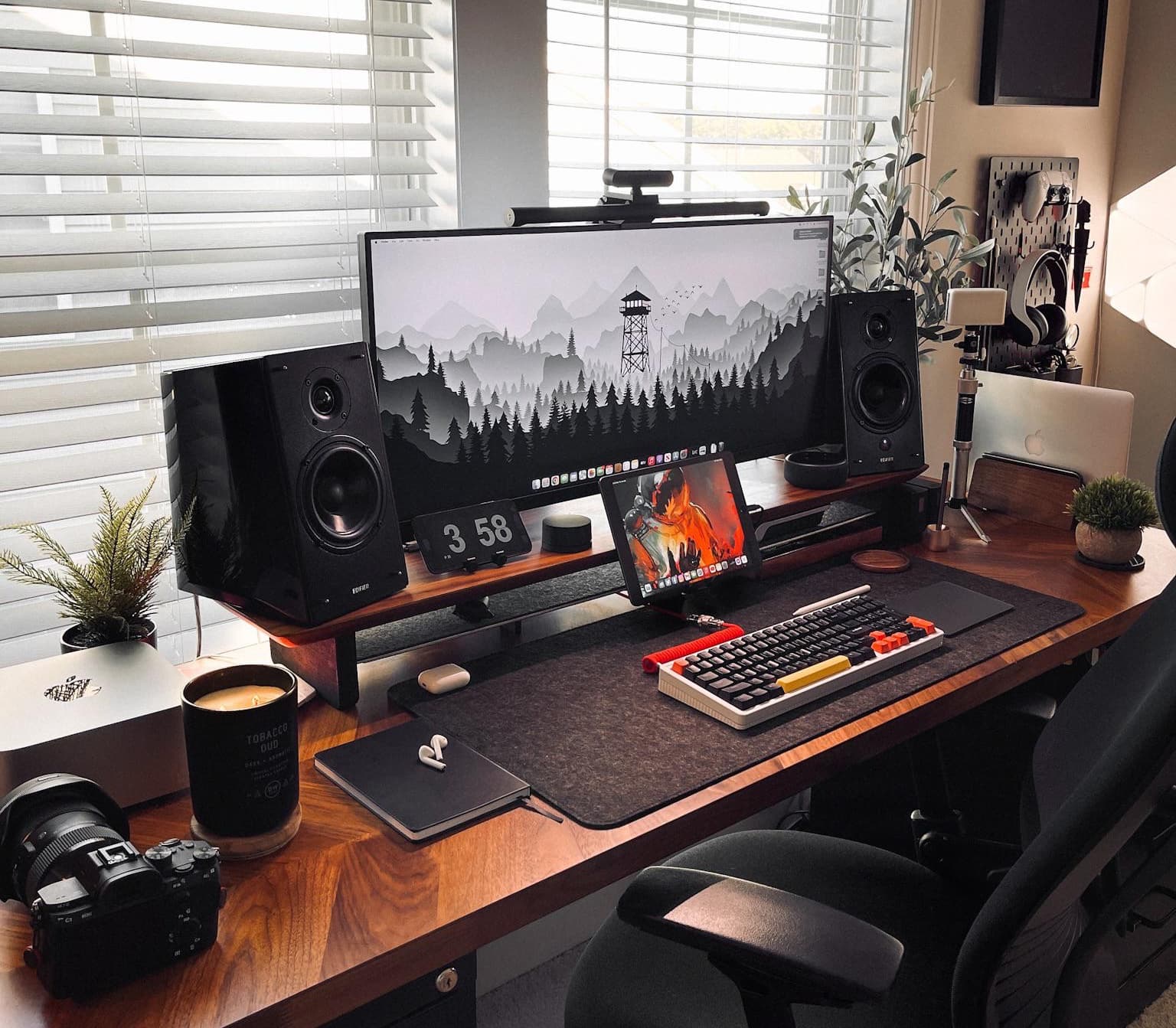
Some workstations look boring and utilitarian while others, at least sometimes, look otherworldly. The difference between the two usually comes down to good lighting, skillful photography — and often a key visual you don’t see every day.
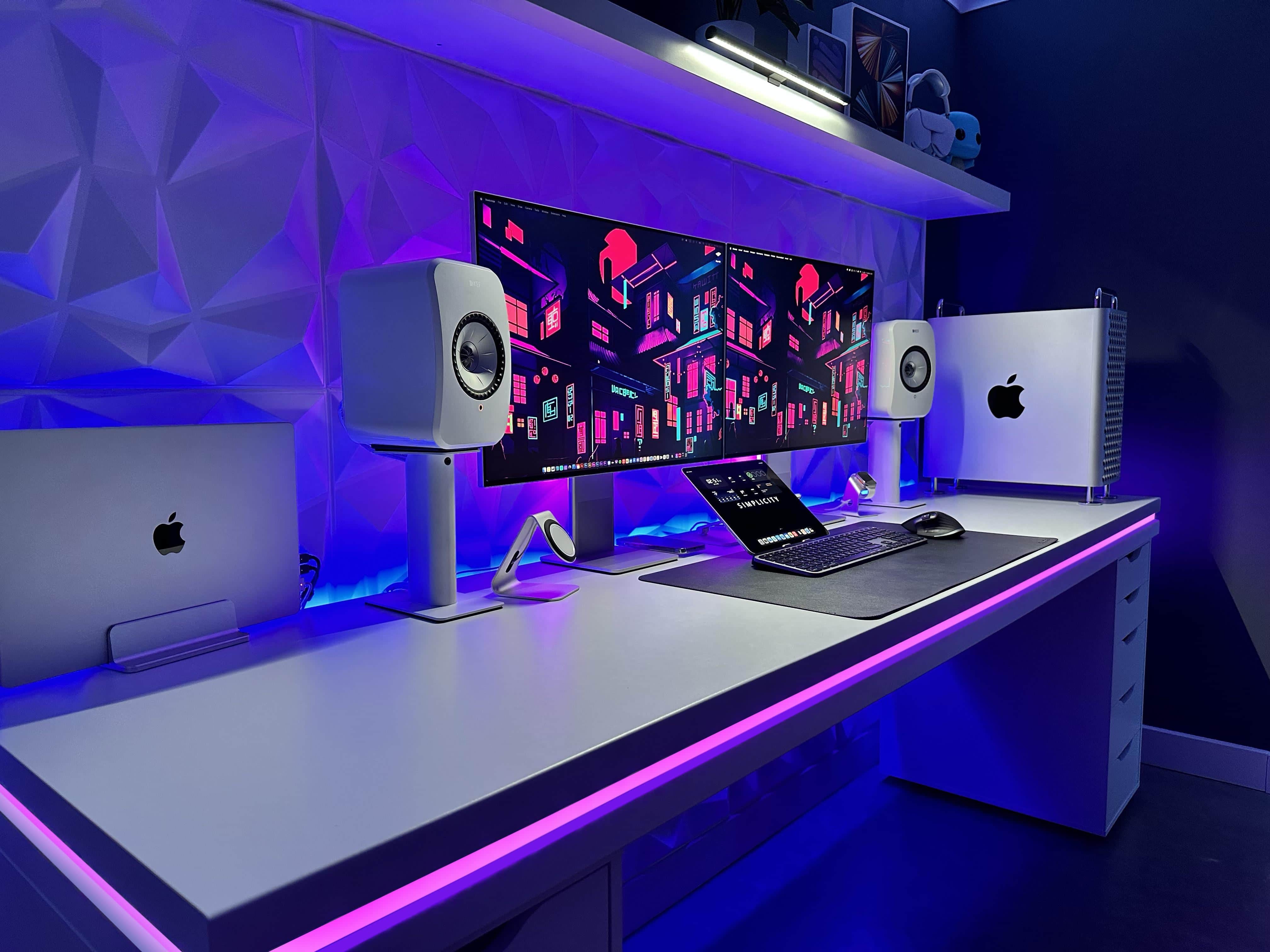
Today’s featured MacBook Pro setup relies on atmospheric lighting and exceptionally cool desktop wallpaper on the displays to make it look fascinating.
And because the workstation is used mainly for audio design and includes great gear, it undoubtedly sounds great, too.
You may have felt a seismic shift recently. The origin was Apple Park in Cupertino, where Tim Cook and Co. decided to start work on a touchscreen MacBook Pro. This is something the company has been adamantly against for many years, going back to a scathing comment from the late Steve Jobs.
But the computing world has changed enormously since Jobs mocked touchscreen laptops. Today, there are plenty of reasons for Apple to make one.
Some computer setups are more Apple-ish than others. Apple-y. Apple-centric. Today’s featured M1 Max MacBook Pro outfit welcomes a new Studio Display to replace a recently “retired” 20-inch Cinema Display, and that’s just the start of the Cupertino madness.
Almost everything else in the setup is Apple, too. The input devices, the audio gear — even some of the wall art. And what’s in the book collection? The Cult of Mac hardcover book.
Apple’s M2 Pro/Max MacBook Pros launch could have hit another roadblock. Rumors indicated the new Macs could debut in Q1 2023, but that does not seem to be the case anymore.
The reason behind the latest delay in the next-gen MacBook Pro’s launch is unclear.
With modern computer displays, you can have brilliant colors, tons of screen real estate and even a cool curve in the screen. But will you be happy reading text on it? That’s not necessarily a sure thing.
In today’s featured MacBook Pro-based computer setup, a developer finds she likes her 34-inch curved ultra-wide display, but not in every possible way. She craves more pixels, having been “ruined” by her MacBook Pro’s crisp display.
So many people love Apple gear because the Cupertino tech giant gets a lot right with its hardware. That certainly includes monitors, and not just the phenomenal Pro Display XDR and new Studio Display. We see a fair number of new computer setups relying on classic Apple screens like Cinema Display and Thunderbolt Display.
Today’s featured MacBook Pro and Xbox setup is a good example. Even with a modern gaming console — and given the right adapter — a display from a dozen years ago is still keeping it real.
It’s always nice to hear from professionals relying on Apple gear and finding it meets or even exceeds their expectations. That’s a good indicator that Cupertino is going in the right direction.
Today’s featured computer setup shows that enthusiasm. A mobile app developer offers high praise for his M1 MacBook Pro. And his stacked displays and raft of AV gear aren’t bad, either. Let’s take a look.
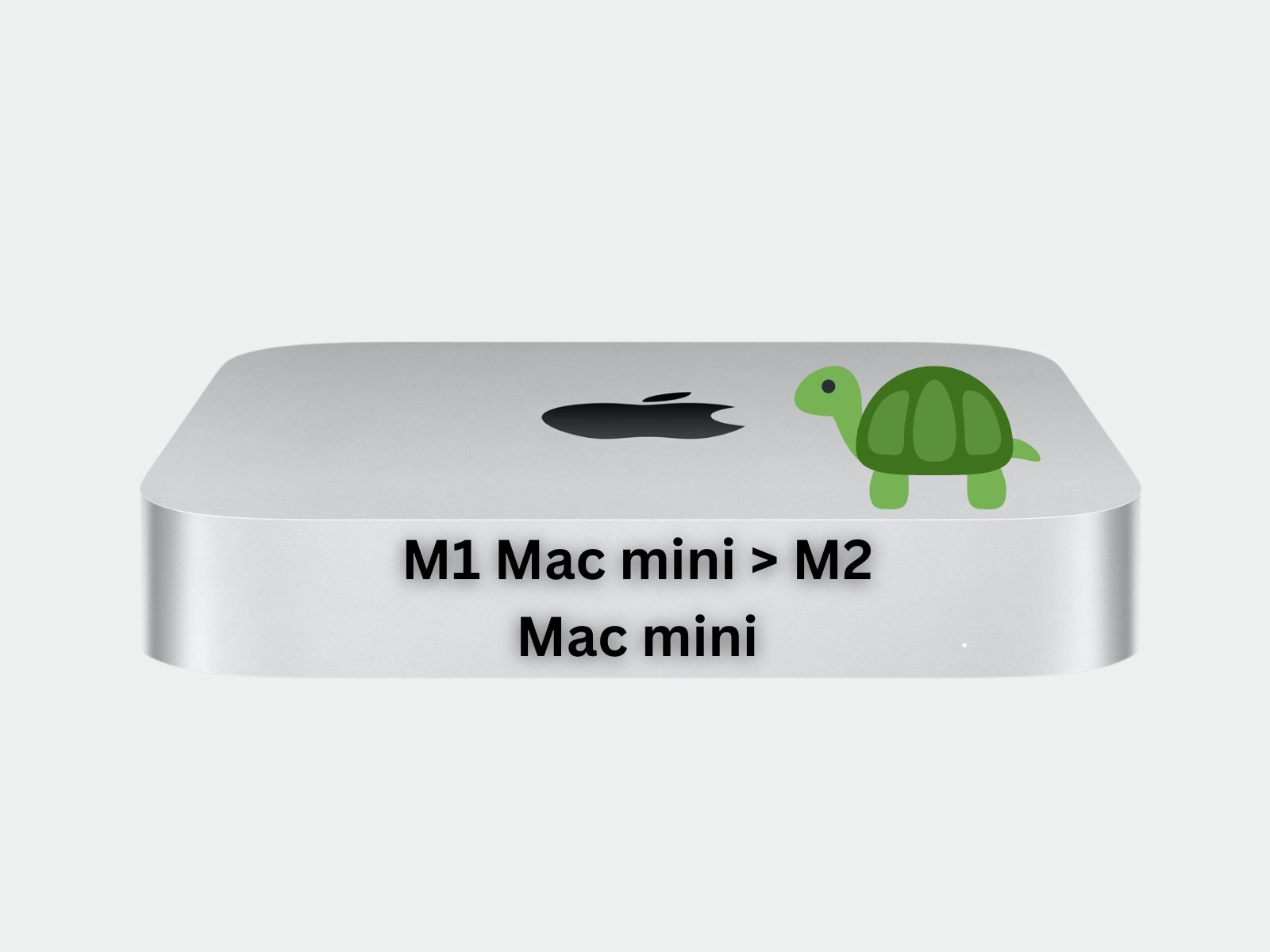
The long-awaited Mac Pro desktop will finally debut at a big March event, according to a tipster. As will a Mac mini powered by Apple’s M2 chip.
Plus, Apple is apparently getting ready to knock people’s socks off, as three MacBooks are also supposedly on the agenda for the event — including a 15-inch MacBook Air.
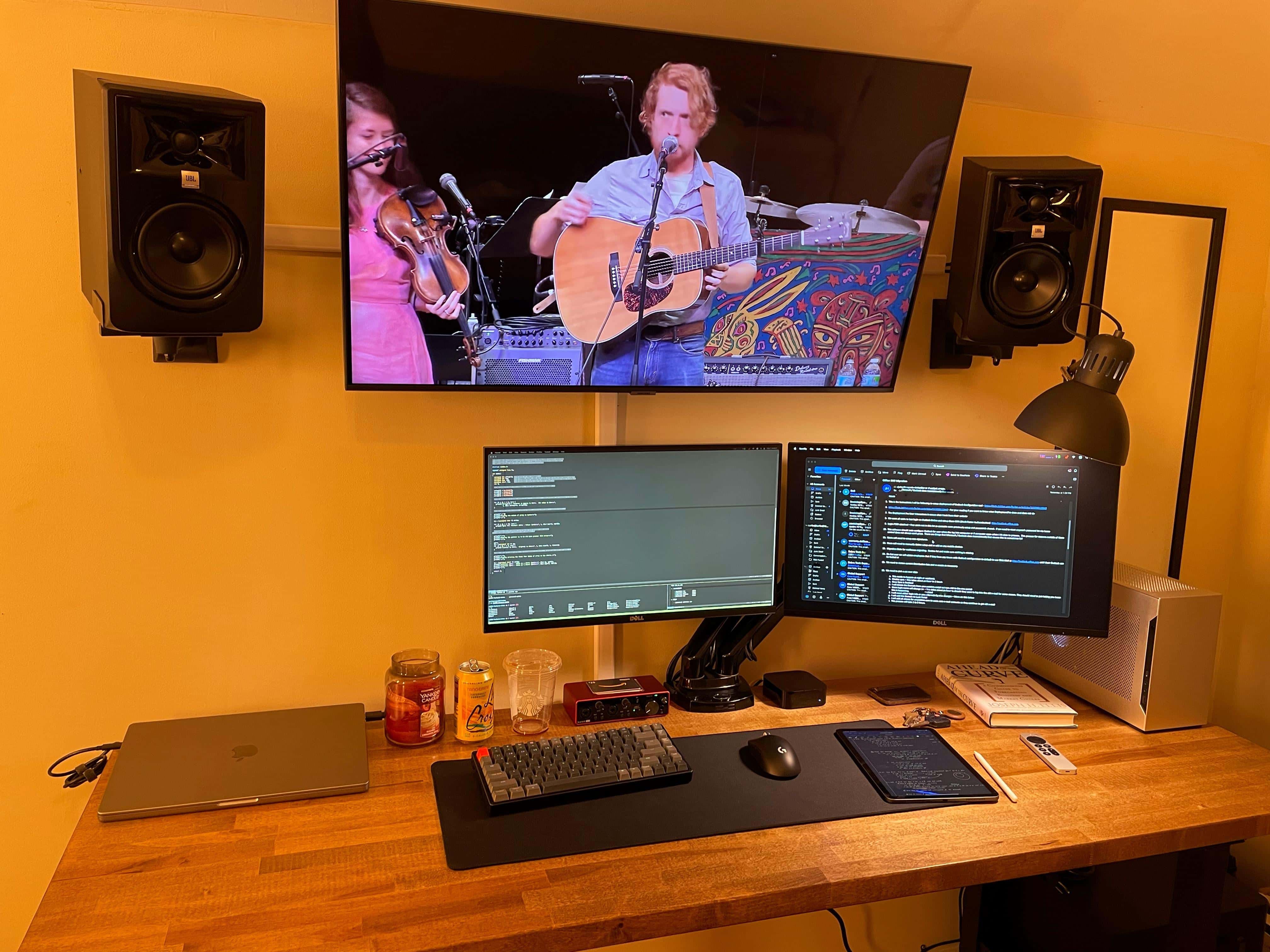
Some computer setups are simply music to our ears — almost literally, in some cases. Today’s featured setup sees (and hears) an M1 MacBook Pro playing frontman to a band that includes a few pieces of key audio hardware and software as well as dual curved ultra-wide external displays.
And whether or not it’s “ultra-minimalist,” as stated by the user — it’s not, by almost any definition of computing minimalism — it appears relatively spare and effective.
If you want a MacBook with 5G cellular wireless built into it, new data suggests you’re not alone. A surprising number of iPads are sold with integrated cellular connectivity. More than half, in fact.
Like tablets, today’s slim and lightweight MacBooks are ready to go anywhere. There’s no reason to force them to depend on Wi-Fi or an iPhone hotspot.
Back in our day — when we walked 5 miles uphill to school both ways — students were lucky to have plywood on cinderblocks for a desk and a laptop weighing, oh, let’s say 25 pounds (we’re too old to remember things).
Nowadays, these kids have pretty swanky computer setups with desktop machines you could toss in a knapsack. Today’s featured item boasts a Mac mini, a MacBook Pro, a 4K display, Magic Keyboard, Magic Trackpad 2 and a Lego building set to die for.
Today’s featured Mac-and-gaming-PC computer setup pulls off a rare feat. It perfectly aligns three displays on one arm. The displays are a substantial external monitor, a MacBook Pro and an iPad Pro mounted vertically (yet running Sidecar).
Read on for tips on how to pull all that off, as well as tricks to using an iPhone as a mounted webcam and more.
At Cult of Mac we love retro Apple gear. Today’s featured setup pairs a powerful new M1 Max MacBook with a beautiful old Cinema Display plus the iconic Harman Kardon SoundSticks speaker system.
And if you love the old Cinema Displays but worry their resolution won’t cut it nowadays, read on.
A computer setup run by a doctoral degree candidate had better be damned smart, and today’s featured setup doesn’t disappoint. It’s got a powerful M1 MacBook Pro, a recent (but not the latest) iPad Air, a very slick 4K display and a trio of whipsmart input devices boasting plenty of customization options.
And it’s got all that and pretty clever cable management, too. But does the future Ph.D.’s rig smoke a pipe and pretentiously hold forth on esoteric topics? No, it’s actually somewhat modest (down to the nice but not top-shelf headphones).
In today’s featured computer setup, owned by a web developer, a 2012 Mac mini shares the spotlight with a new 16-inch M1 MacBook Pro.
Before you think, “Wow, the Mac mini must be amazing, competing with that sleek new laptop,” nah, this is more like take-your-great-grandfather-to-work day for the elderly little desktop machine.
It’s around because it still works for light lifting. And it does indeed show impressive longevity.
This week on Cult of Mac’s podcast: After new Twitter CEO Elon Musk began publicly questioning some of Apple’s policies, he went mano-a-mano with Tim Cook. Maybe Musk’s meme-y declaration of war was a bit premature …
Also on The CultCast:
Listen to this week’s episode of The CultCast in the Podcasts app or your favorite podcast app. (Be sure to subscribe and leave us a review if you like it!) Or watch the video live stream, embedded below.