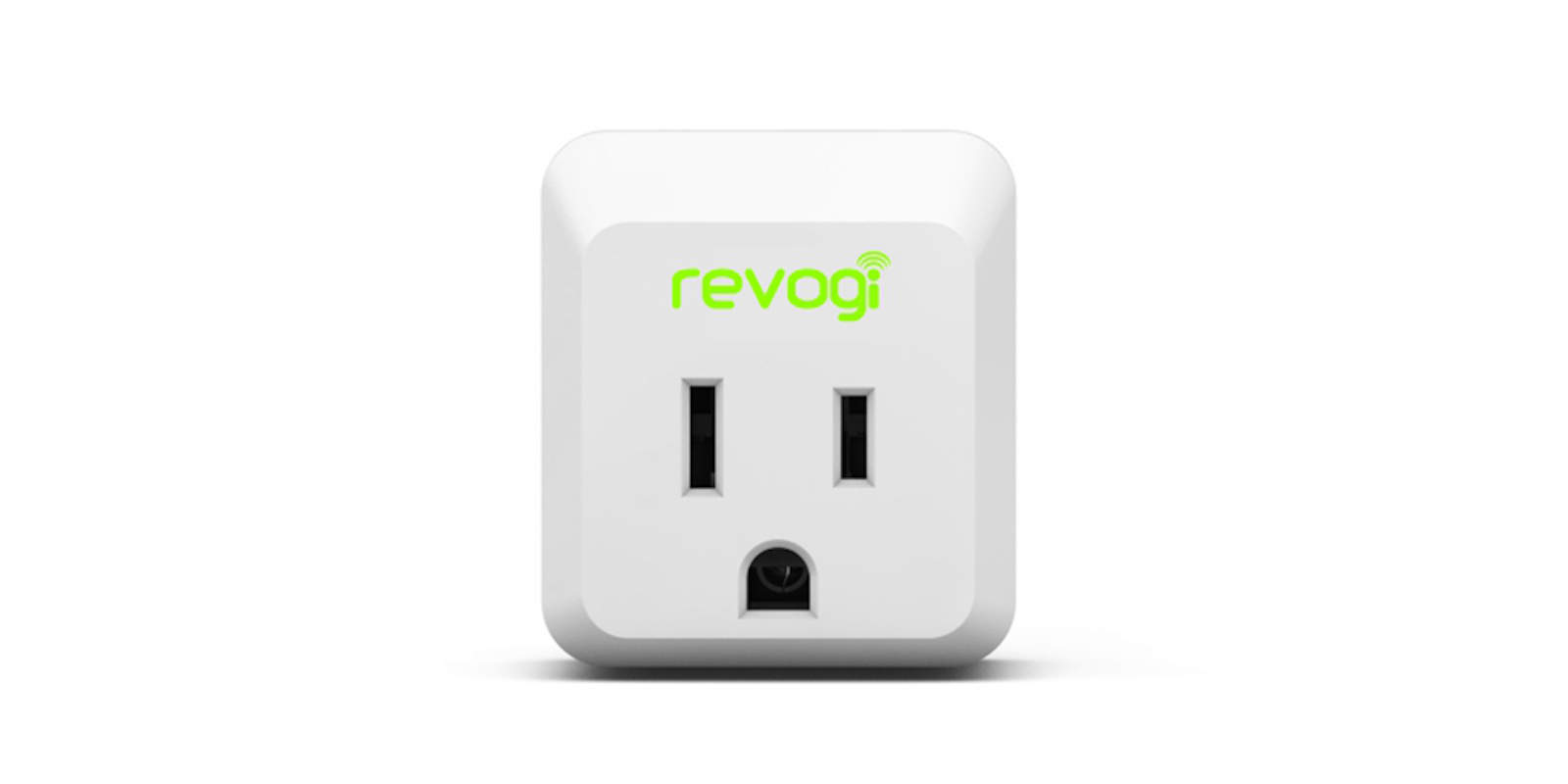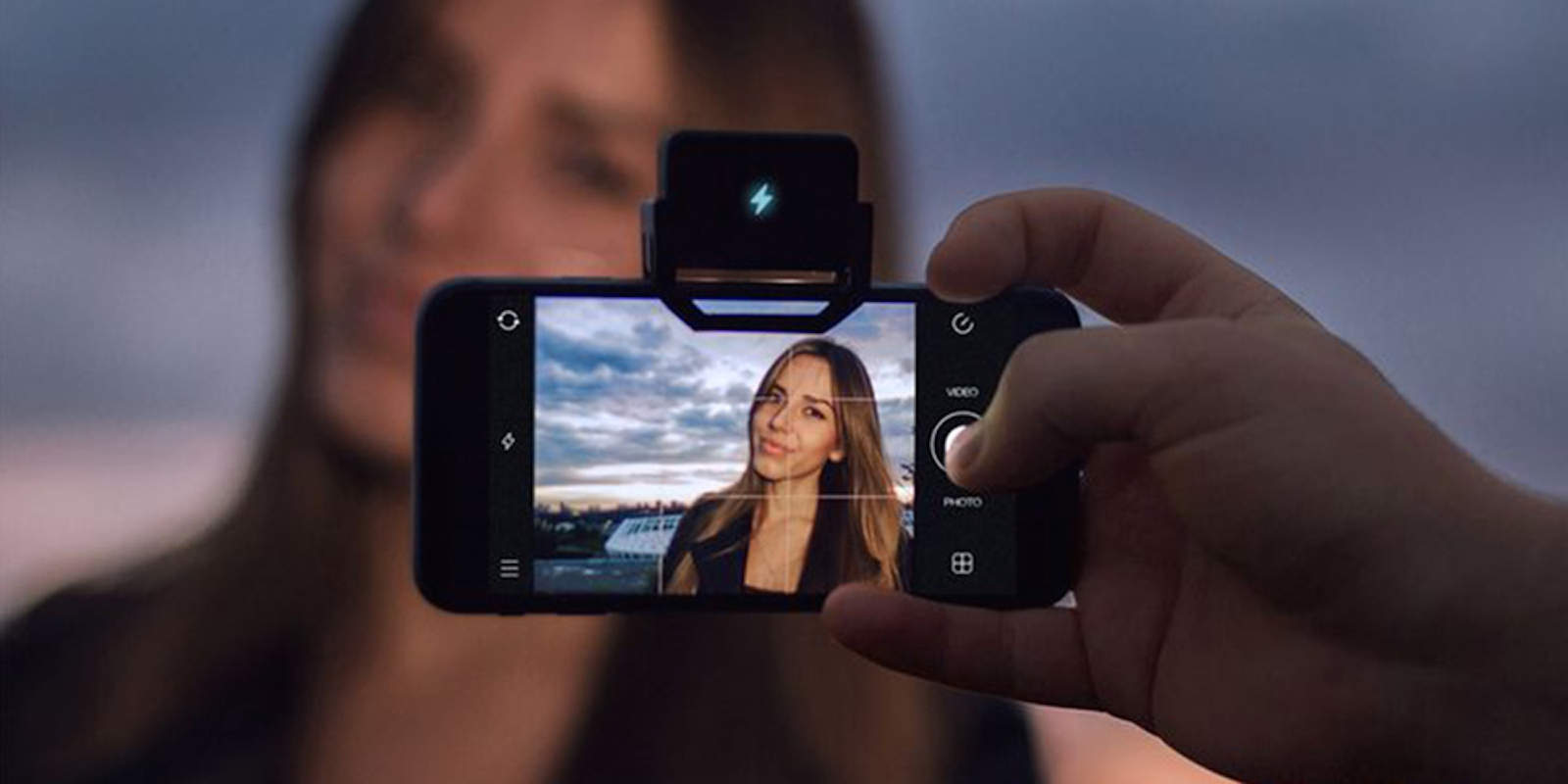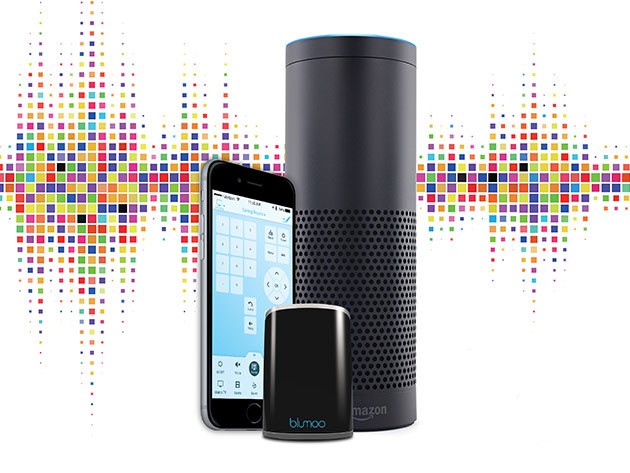
Whether it's your TV or your Amazon Echo, this remote can control it. Photo: Cult of Mac Deals
Another week, another round of deals on tools and tech at the Cult of Mac Store. This time we’ve got universal remotes, training in Adobe suite, a first-class iPhone wallet and a whole bag of awesome apps. Take a gander and treat yourself to something you didn’t know you needed.
Free up some disk space easily and quickly thanks to these apps! Photo: Ste Smith/Cult of Mac
No matter the size of your Mac’s hard drive, there will come a time when you need to free up some space. Having a full hard drive can make your Mac feel sluggish, and running out of space can be terrifying.
Sifting through your archive of files may seem like a daunting task. But don’t fear — these three super-simple and effective Mac disk cleanup apps can help you out.
Check them out in the Cult of Mac video review below.
Shut down Twitter so you can get things done. Photo: Marco Arment
You know how it is: you spend way too much time on Twitter or Slack when you should be working. Ideally, you’d just not launch them, but that’s not super feasible if you also use these apps for work.
The answer, then, is an app that will hide or quit apps for you after a certain amount of idle time. Called Quitter, it sits nicely in your Mac’s menu bar and makes sure you don’t fall down the Twitter hole.
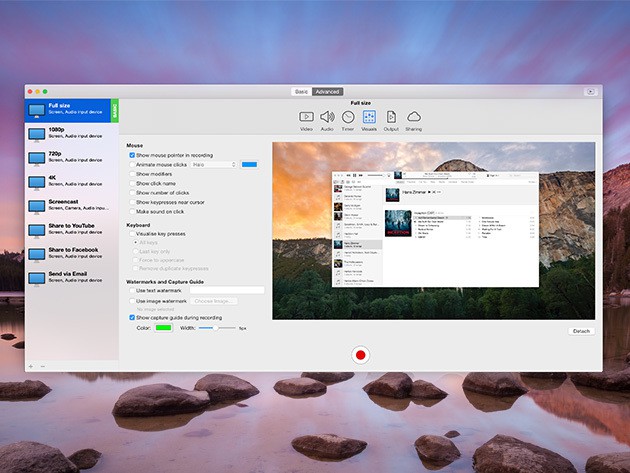
Easily capture your screen, burn digital media and enjoy new features like audio Enhancement Photo: Cult of Mac Deals
Another week, another round of super useful apps priced to move. And this is a diverse bunch: HDR photography, finance management, streaming video capture and more. We wouldn’t share them with you if they weren’t useful, and they’re all available for at least half off:
Name your own price for these 13 super-helpful Mac apps. Photo: Cult of Mac Deals
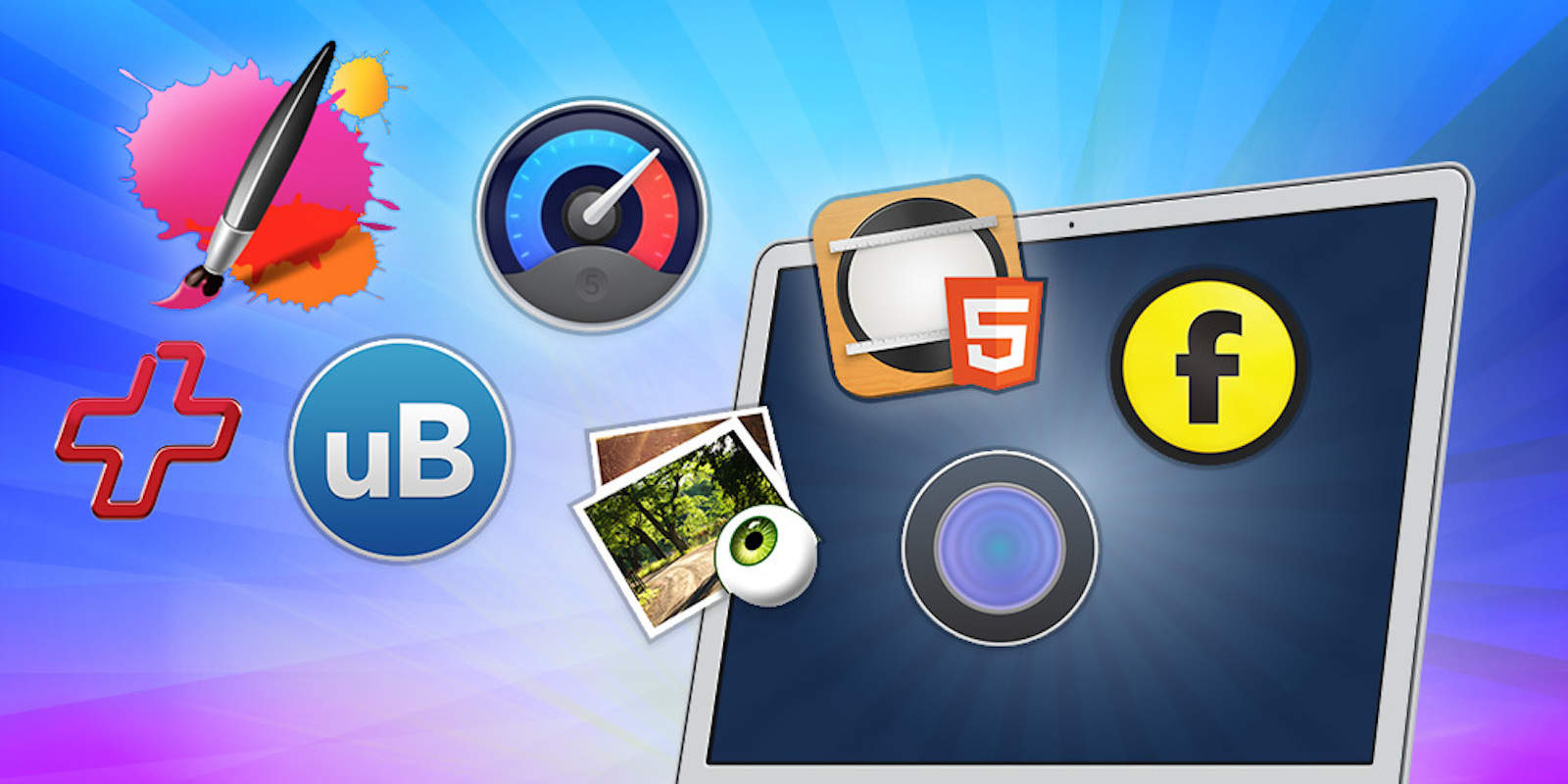
Seize the productive spring energy with this bundle of 13 super-productive Mac apps. From photo editing to 3-D modeling, website building and beyond, there’s something in here for anybody looking to make the most out of the fairer months.
The best part, though, is that you can pay what you want for the whole thing, with a portion of each dollar going to support the important work of Save the Children.
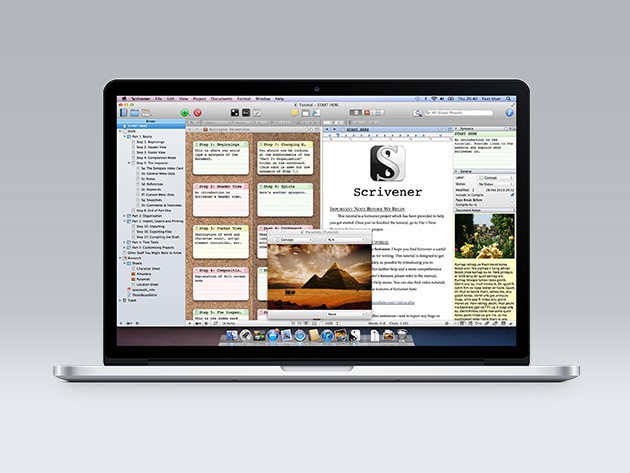
Scrivener 2 has a full suite of tools that keep you focused, and all your writing materials in one place. Photo: Cult of Mac Deals
Cult of Mac readers, it’s your last chance to get this prized writing utility Mac app! If you write on a computer, you know how much of a mess it can be to keep on top of your notes, drafts, research, edits, etc.
Luckily there’s Scrivener 2, an app that’s all about keeping the many parts of your writing process in one place. It’s won awards for its ability to streamline and organize the digital writing desk, it’s beloved by Cult of Mac readers (hey, that’s you!), and right now it can be yours for $22.50, a full half off the normal price.
Give your iOS device a proper cleanse with this powerful and super intuitive app. Photo: Cult of Mac Deals
You’ve got a Mac, but it could be doing more for you. From getting your phone running in top shape, taking more organized notes, or getting your streaming music playlists in order, we’ve got a triplet of useful apps at slashed prices that run the gamut.
Scapple is all about ideas. Photo: Cult of Mac Deals
If you’re getting frustrated with your productivity or workflow at the computer, you might need to get your computer to work with you better. Scapple is a freeform, mind-mapping application that makes it effortless to record your ideas and tease out connections between them.
Once you start using Scapple, it’ll become an invaluable tool for keeping all your ideas in one place for comparison and exploration, and right now you can get it for a mere $8.99.
Tired of dealing with login passwords on your Mac? Skip them altogether with MacID! Photo: Ally Kazmucha/The App Factor
There aren’t a lot of apps I use regularly on my Apple Watch. The ones that I do use regularly consist of utilities that make my life easier, or apps that help me track things, like water intake or how many tasks I have left for the day. One of my favorite utilities is MacID, which offers even faster access to my Mac with my Apple Watch (or my iPhone).
Keep an eye on your home or office via webcam with this super useful app. Photo: Cult of Mac Deals
Your Mac can do a lot right out of the box, but it can do more. A lot more. Look no further than these four premium apps for expanding the utility of your favorite computing machine. We’ve found big savings on apps for remaining distraction free while working, saving or working with online video, keeping an eye on your home or office via webcam, and more.
The Mac App Store could use some support. Photo: Ste Smith/Cult of Mac
This is a guest post by Karthik Suroju, a digital marketer at CloudMagic.
The iOS App Store is a one-stop destination for everything consumers need on the iPhone and iPad. However, that’s not the case with the Mac App Store. At the beginning of January 2016, there were 1,234,267 apps for iPhones, 662,984 for iPads and a mere 27,011 for Macs.
Plenty of jobs nowadays involve creating visual aids for clients, bosses and co-workers, from project flowcharts and building schematics to medical diagrams, you name it. But getting a BA typically doesn’t teach digital draftsmanship, which is why apps that make it easy to create compelling, clear graphics and illustrations have become so popular.
SmartDraw is an intuitive, powerful and fun app that’s become a contender against the big legacy software brands. More than half of the Fortune 500 and over 250,000 public and private enterprises of all sizes use SmartDraw now. But until today, SmartDraw has been available only on Windows machines. That changes with the release of SmartDraw Cloud, which lets Mac users get in on the action.
Get a sweet bundle of killer Mac apps for less than $25. Photo: Cult of Mac Deals
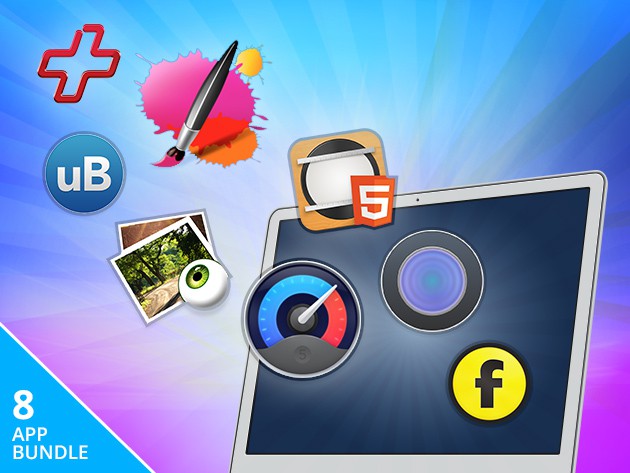
Macs come out of the box with a ton of apps and functionality, but that’s just the beginning of what you can get it to do for your productivity. From hard drive maintenance to running Windows apps and doing deeper searches than Spotlight allows, this bundle of 11 top-rated apps has something useful for everybody. For a short time, you can get the whole thing for $24.99.
Run the most comprehensive diagnostic tests available to keep your Mac running smoothly. Photo: Cult of Mac Deals
Another week, another grip of great apps. Whether you’re looking to keep your computer running in top shape, fix your spotty wifi, or stay focused and productive, we’ve got apps you’ll love at prices you can’t resist.
The Ultimate Mac Shield Bundle will protect your precious computer. Photo: Cult of Mac Deals
These six apps will protect your Mac and improve your productivity while using it. From cleaning out cookies and anonymizing your computer’s identification number, to hiding private files and gathering email addresses from any text document, there’s something in here to improve anybody’s workflow and sense of security. Right now the whole bundle is just $29.99.
6 apps every project manager should have installed on their iPhones, iPads, and Macs. Photo: Allyson Kazmucha/The App Factor
Project management can get overwhelming quickly, especially if you’re juggling multiple initiatives and deadlines at once. From keeping your team on track to ensuring there is good communication and planning between you and your client, there are tons of project management apps available in the App Store to help you tackle even the most challenging of tasks.
I’ve been using my iPhone and iPad to help me manage teams and keep projects moving for the better part of five years now. While my workflow constantly changes as tools and apps become better and better, here are my favorite project management apps that I just couldn’t do without.
Text editor apps are an important part of any writer's workflow. These are currently the top candidates for Mac owners. Photo: Alejandro Escamilla/Unsplash
One thing I do on my Mac more than anything else is write. On average I write about 10,000 words a week, and some weeks, I double that. And that isn’t even counting email and other kinds of communication. That’s why a great text editor app is imperative to my every day workflow. Without it, I couldn’t do my job.
Fluid Browser comes in handy for graphic design. And workplace distraction. Photo: George Tinari/Cult of Mac
With iOS 9, Apple introduced a whole slew of multitasking features including picture-in-picture, so I can watch a video while using another app. Even though this was technically already possible on the Mac, there hasn’t been an easy way to get a video to overlay another window so I can focus on both at the same time. Well the new Fluid Browser solves that problem, quite magnificently I might add.
Fluid is its own web browser, but it’s not meant to replace Safari or Chrome for my main usage. Instead, I open up Fluid and go to a website where I want to play video, like YouTube or Netflix. The video itself will enlarge to fit the width of the browser window. Then magically, if I click somewhere else on my desktop, Fluid will float above the other windows and even has adjustable opacity so I can make the video as prominent on screen as I want.
Ever forget a file on your Mac? With Screens you'll never have that problem again. Photo: Ally Kazmucha/The App Factor
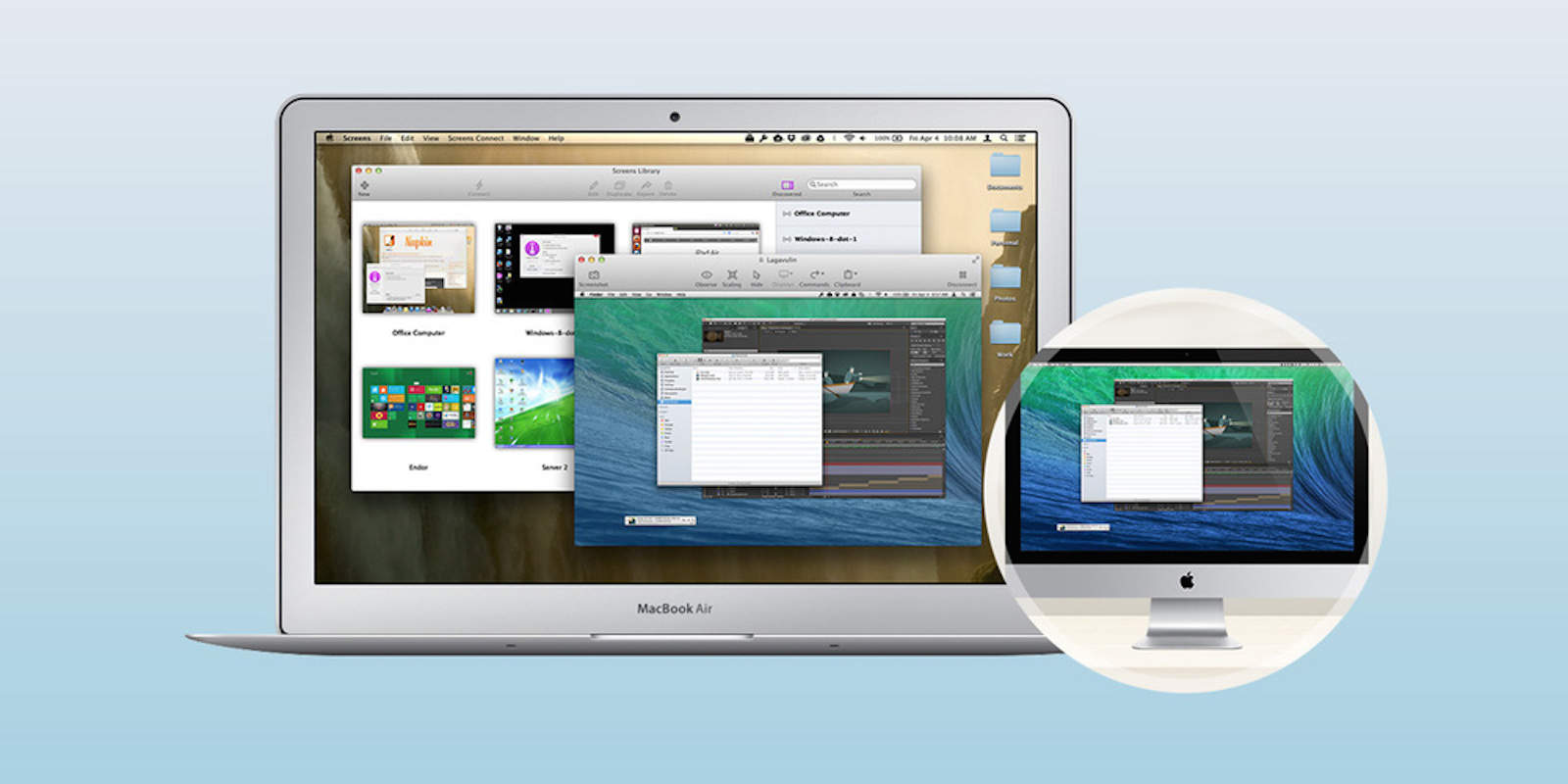
Ever left the house or office only to realize later that you forgot a file on your Mac? We’ve all done it. This is why I always have Screens VNC running on all my devices. With the help of a single app, you can access and control your Mac from iPad or iPhone, and even other Macs. Here’s how:
Podcasting doesn't have to break the bank. Here are some high quality rigs and Mac apps to get you started. Photo: Ally Kazmucha/The App Factor
Podcasting has been experiencing a renaissance lately, and for good reason. Podcasts can be about a wide variety of topics, from Apple to sports, comedy, storytelling and so much more. It’s a great time to get into podcasting because the barrier to entry is so low and you don’t have to break the bank to buy a totally workable setup.
Some of the greatest podcasts in the iTunes Top Charts are regularly recorded using sub-$100 to $300 mics. Whether you want to gain influence in a community or nerd out about the latest iPhone, a podcast is a great place to do it.
When it comes to your Mac apps, there’s reason to fear a so-called man in the middle.
A security engineer is reporting several apps vulnerable to malicious coding through Sparkle, the third-party software framework apps use to receive updates. Some of the apps identified include versions of Camtasia, VLC, uTorrent, Sketch and DuetDisplay.
Name your price to get five great apps for working with audio and video. Photo: Cult of Mac Deals
Nowadays we’re awash in audio and video, but working with either format can be a hassle. This bundle of five apps from Leawo Software makes it easy to capture, transfer, and edit almost any form of audio and video you’re likely to encounter, whether it’s from the web or a DVD. The best part though is that you can get the whole thing for whatever you’re willing to pay, and a portion of each dollar you spend will go to support the important work of Save the Children.
Need to add that special musical magic to your short film or home video, but know next to nothing about film scoring or playing an instrument?
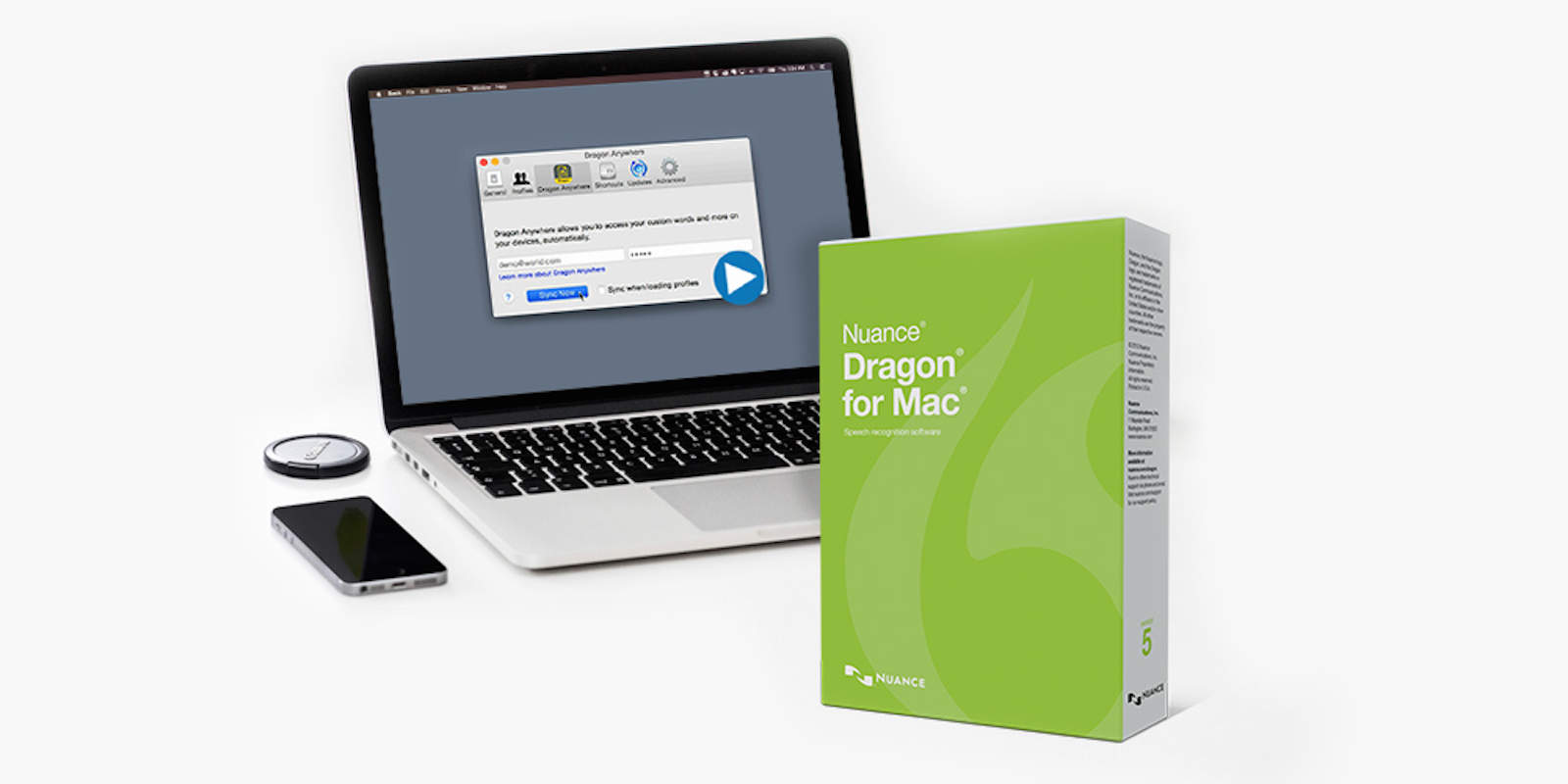
Filmstro’s got your back with a super easy-to-use Mac app that will let you create powerful, custom soundtracks simply and easily without needing to know how to compose or write music.
Don't Just delete an app, get rid of all its digital baggage too to free up valuable space on your Mac. Photo: Cult of Mac Deals
Another day, another batch of new ways to trick out your Mac. From fully removing deleted apps and all their digital detritus, to creating timelapses, recording screen activity and more, we’ve found some of the coolest enhancements for your Mac. And all of them are under $25.