Mobile menu toggle

ipad-how-to - page 3

How to install the iPadOS 17 Developer Beta

By

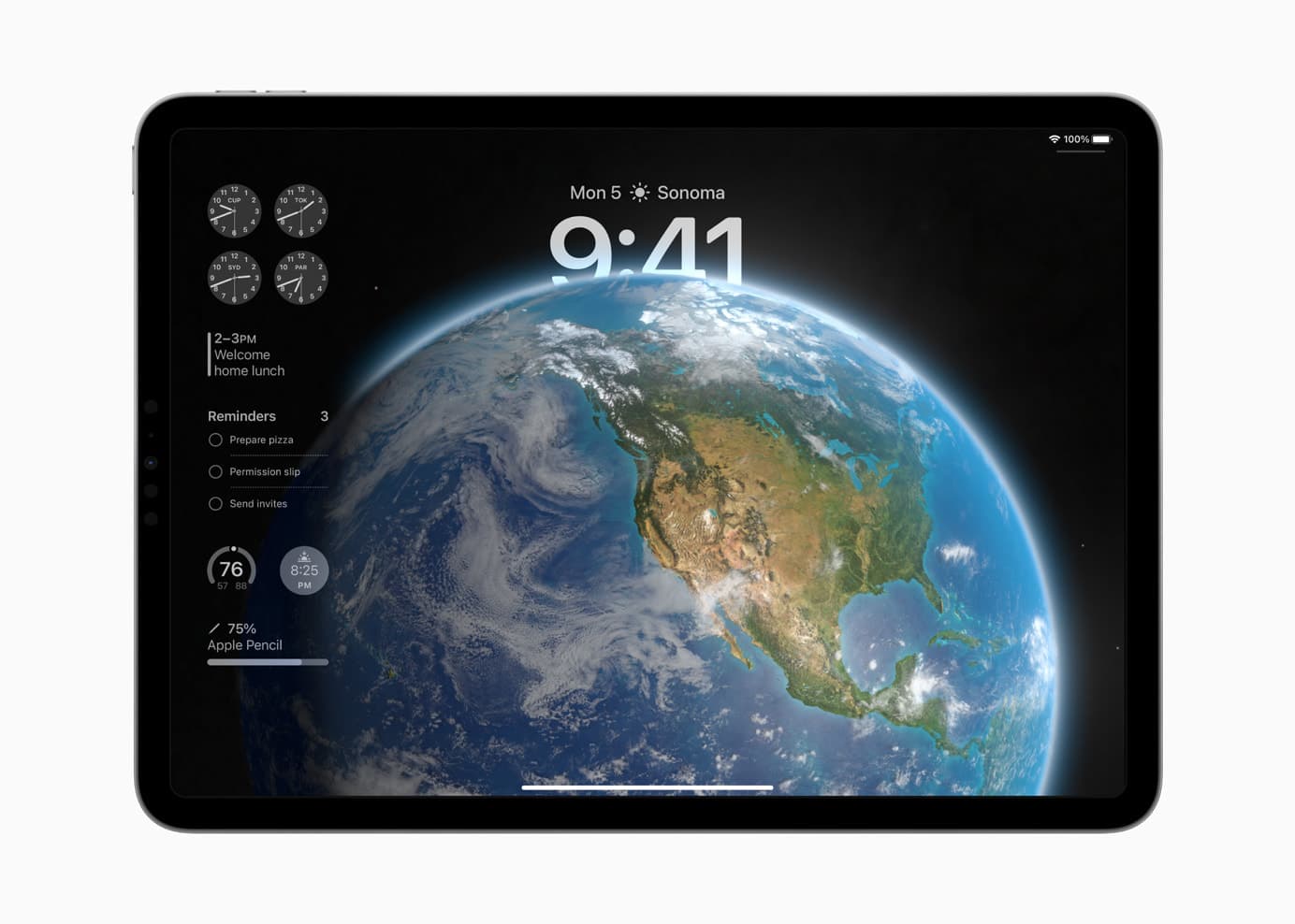
iPadOS 17 showing a custom Lock Screen and widgets on the left.
iPadOS 17 brings many favorite features over from iOS.
Photo: Apple

How can you install the iPadOS 17 Developer Beta? While the release is months away, you might want to take it for a test drive or see how your apps work in the new release. Right now, you need to make sure you’re signed into your developer Apple ID and that you have developer betas turned on in the Settings app.

These days, the process is far easier. You no longer need to install a beta profile and reboot your tablet a bunch of times to get it working.

Apple explains how to use AirPlay to stream video from iPhone to your TV

By

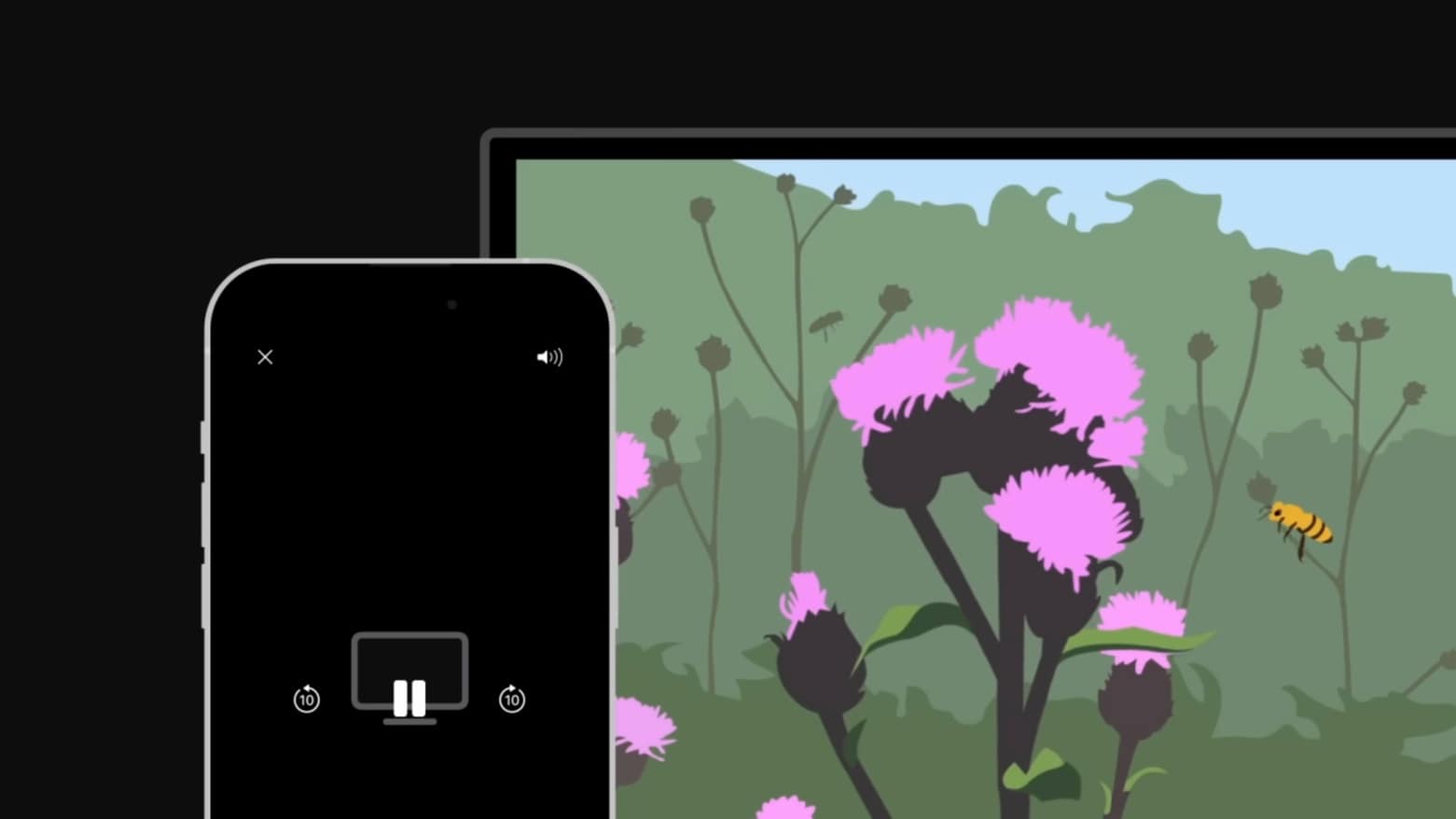
Apple explains how to use AirPlay to stream video from iPhone to your TV
Thanks to AirPlay, you don't have to watch video on your iPhone's small screen.
Screenshot: Apple Support

With AirPlay, you can wirelessly stream video from your Apple devices to a large-screen TV. It’ll let you enjoy Ted Lasso or share a TikTok video with a group of friends on a big screen, not your iPhone’s relatively small one.

If this handy option is new to you, Apple made an explainer video. Watch it now.

How to watch the Apple ‘Take Note’ event that never happened

By

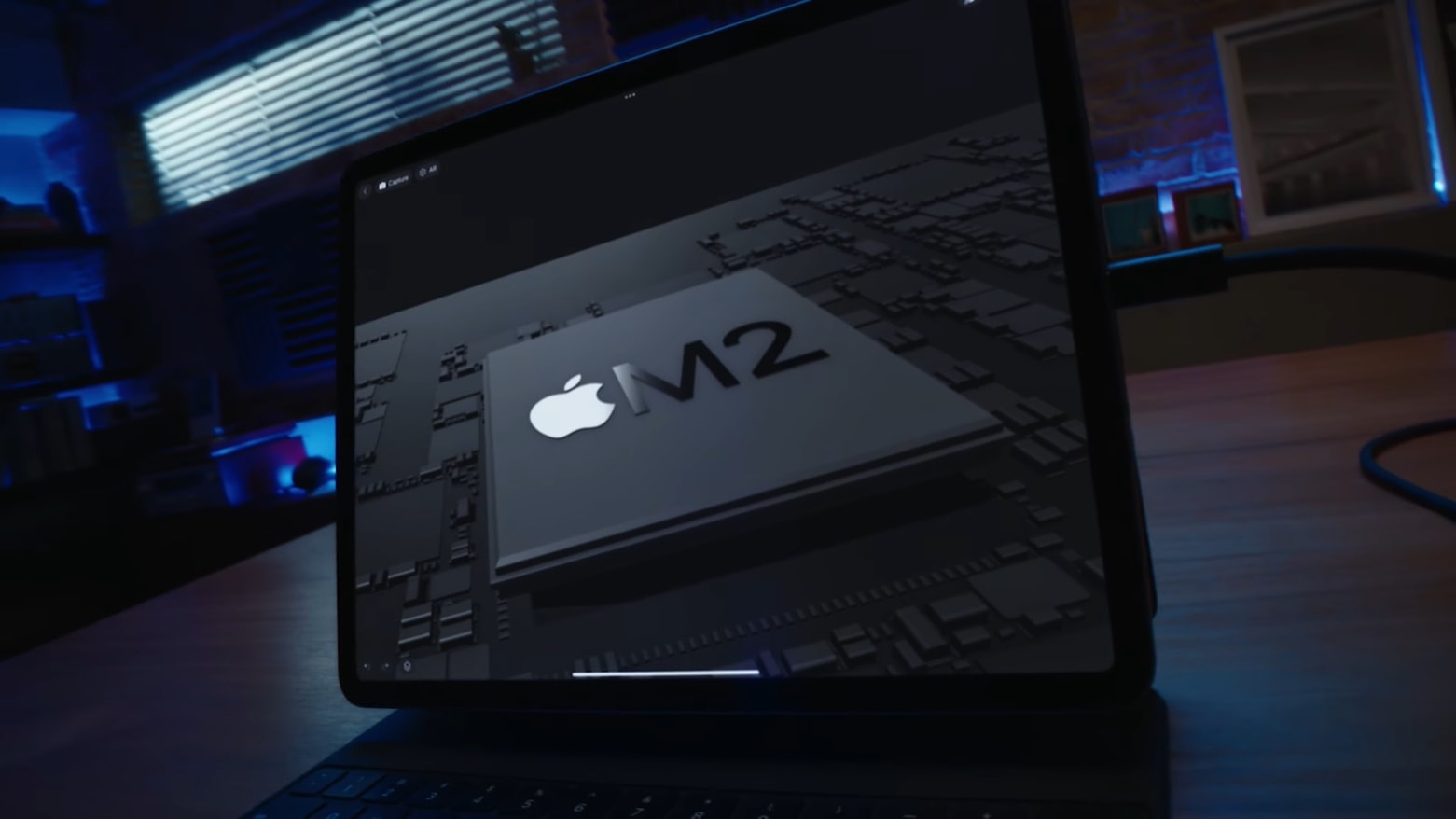
The highlight of the 2022 iPad Pro is the Apple M2 processor.
Pretend you're watching Apple's "Take Note" event with a video touting the M2 in the new iPad Pro.
Screenshot: Apple

The much-anticipated Apple October event never happened. Apple took the rare step of unveiling the latest iPads and Apple TV via underwhelming press releases. But the company apparently did preliminary work to hold an event that would have been called “Take Note,” and some of this is still available.

Most notably, there’s a glitzy 9-minute video preview for the 2022 iPad Pro and iPad 10, just like the ones for other products at previous such events.

8 features in Apple Mail that you need to start using yesterday

By

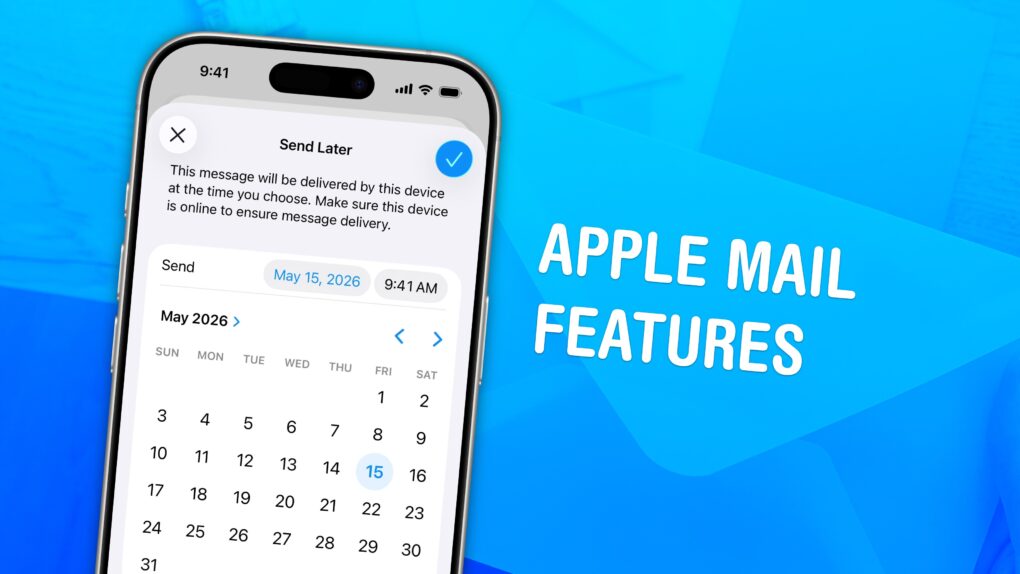
Apple Mail Features graphic, showing Send Later with a photo of a pile of mail
Undo sending emails and schedule emails in advance.
Image: D. Griffin Jones/Cult of Mac

Sending an email still works basically the same as it has since the ’90s. But these days, people want modern features — like scheduling emails and undo send. Apple Mail may not be the most radical email client, but it has a lot of smart features hidden around every corner.

You can quickly take back an email if you forget to include an attachment, or schedule an important email way in advance. You also can get smart reminders to read email later, and alerts to send a follow-up. If you catch a typo just as you hit send, you can take it back and make your edit before it’s too late.

Read to see how it all works.

How to block adult content on iPhone and iPad

By

Restrict website access with these tools.
Photo: D. Griffin Jones/Cult of Mac

There is a lot of explicit content out there on the internet, or so I am told.

Before handing a device off to a child, you may want to disable or limit access to the wide-open internet and App Store. Read on to learn how to block explicit content on iPhone and iPad.

How to connect an external keyboard to your iPad

By

Satechi’s new aluminum iPad stand is ready for work or play
Add a keyboard and your iPad become a very capable desktop. Or a laptop, if you’d prefer.
Photo: Satechi

Your iPad is a powerful computer, and becomes even more so if you attach a keyboard to it. Fortunately, it’s easy. The only complication is there are a bunch of different options.

Let’s go through the possibilities so you can pick the one that’s best for you.