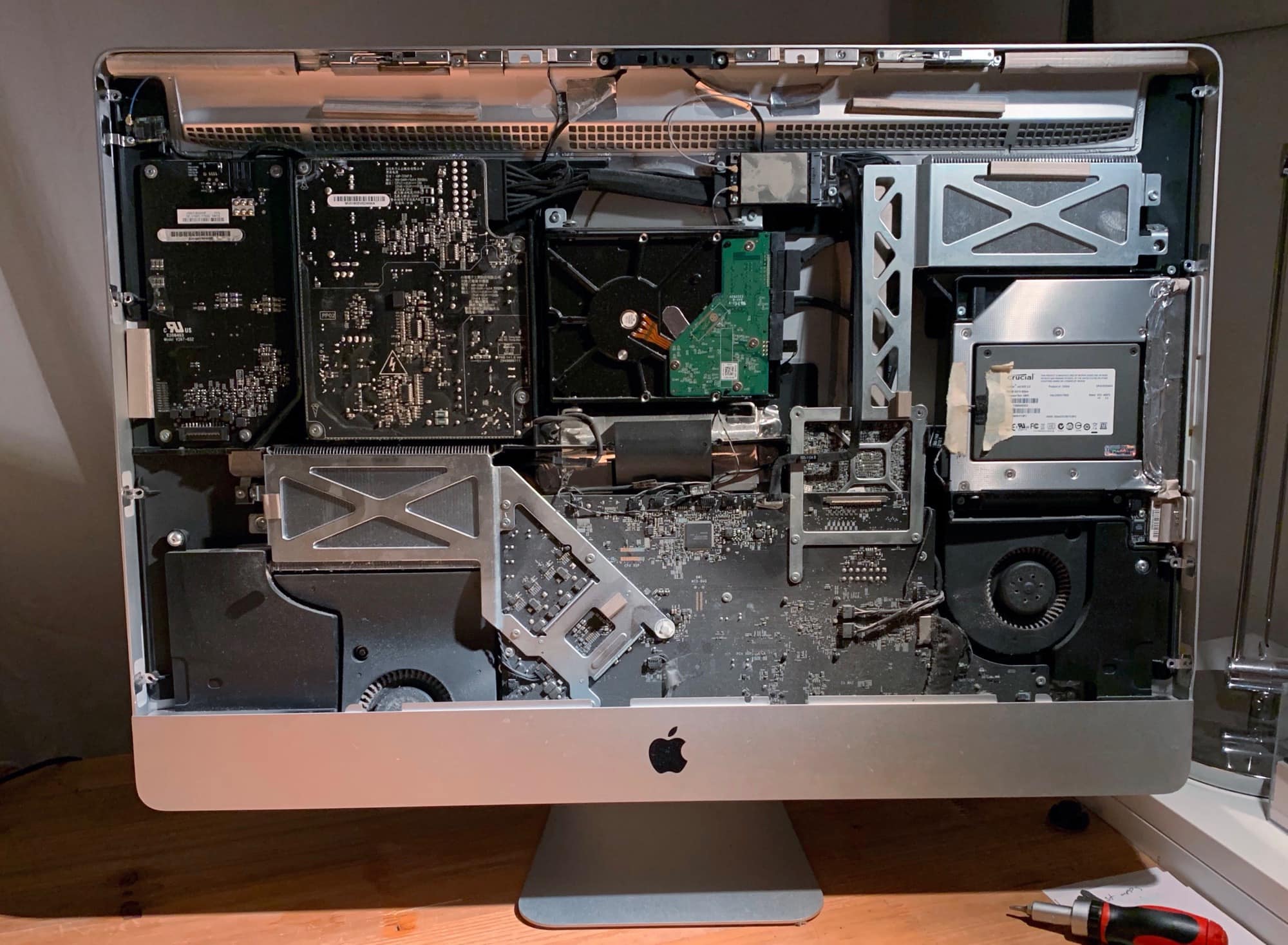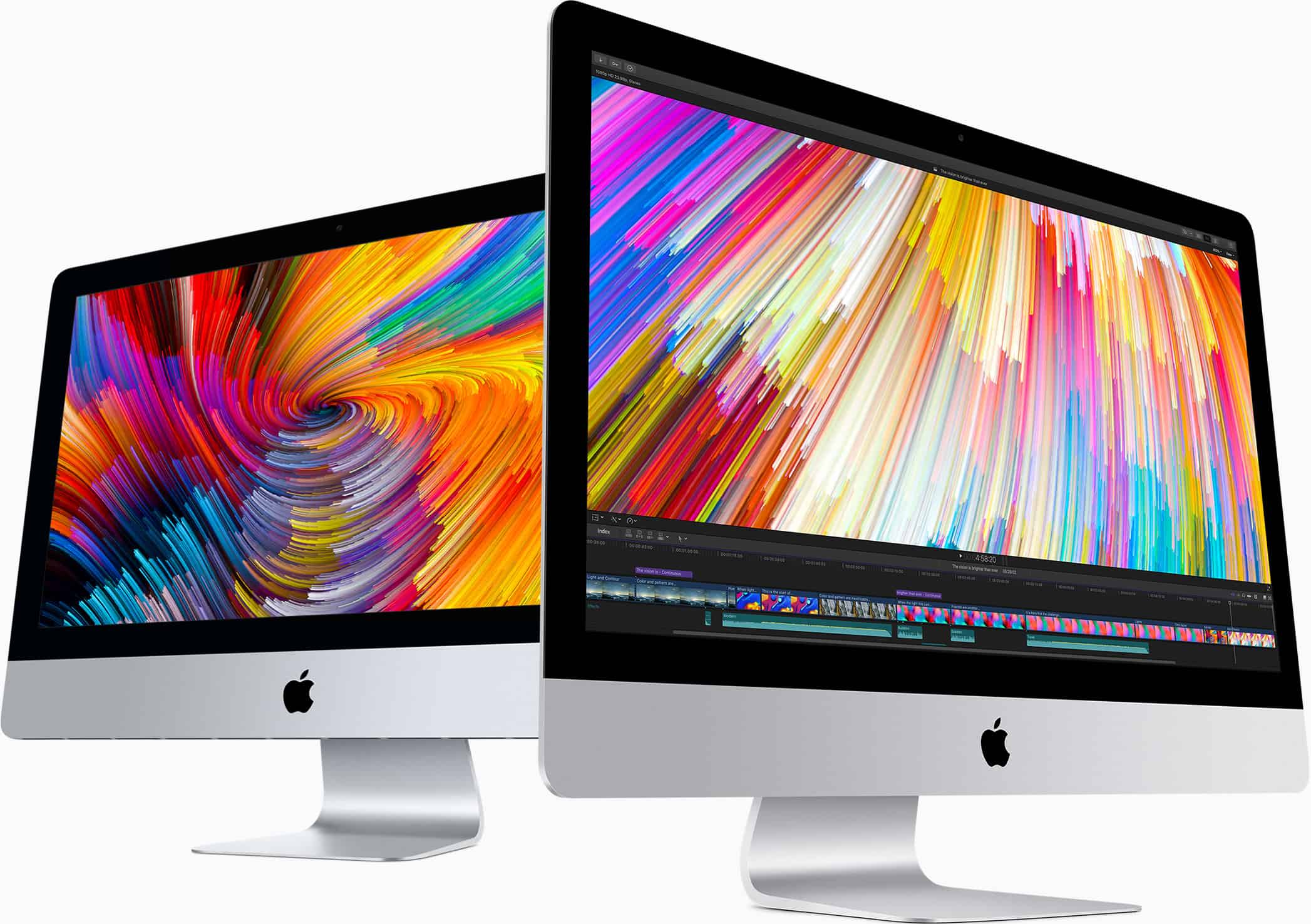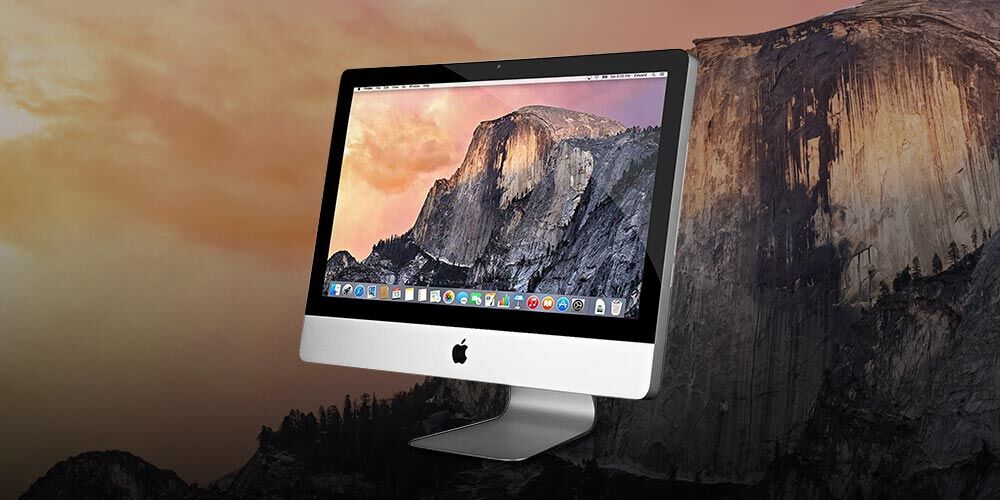
Apple today rolled out a new Boot Camp update to address a big issue on some iMac and Mac mini computers. Those with a Fusion Drive should now be able to create a Windows partition as normal.
Third-party solutions are far from dead. Photo: Astro HQ
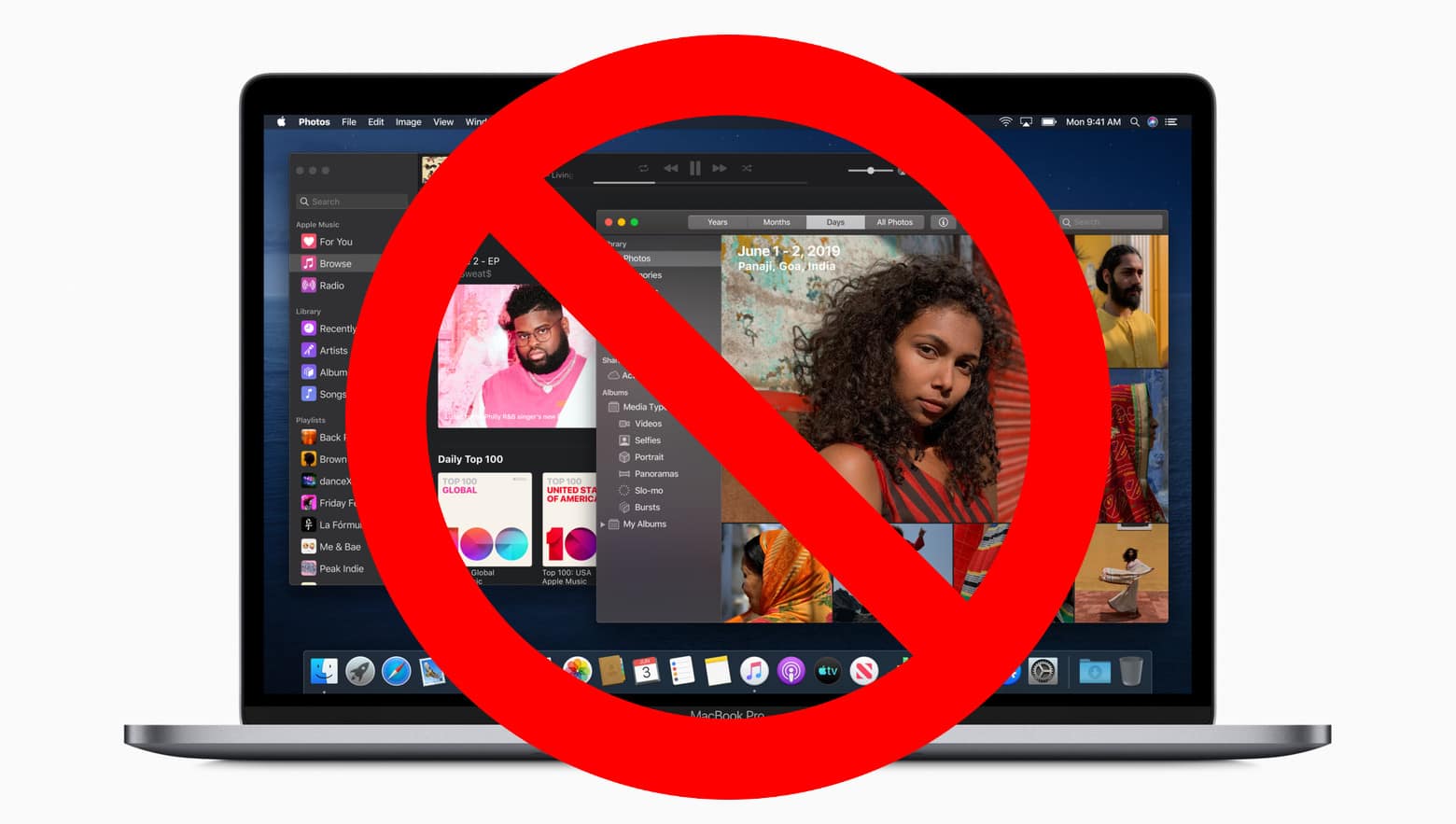
Not many Apple computers will be left out in the cold when its big macOS Catalina upgrade rolls out this fall. But even if your Mac is compatible, it might not be able to take advantage of every feature.
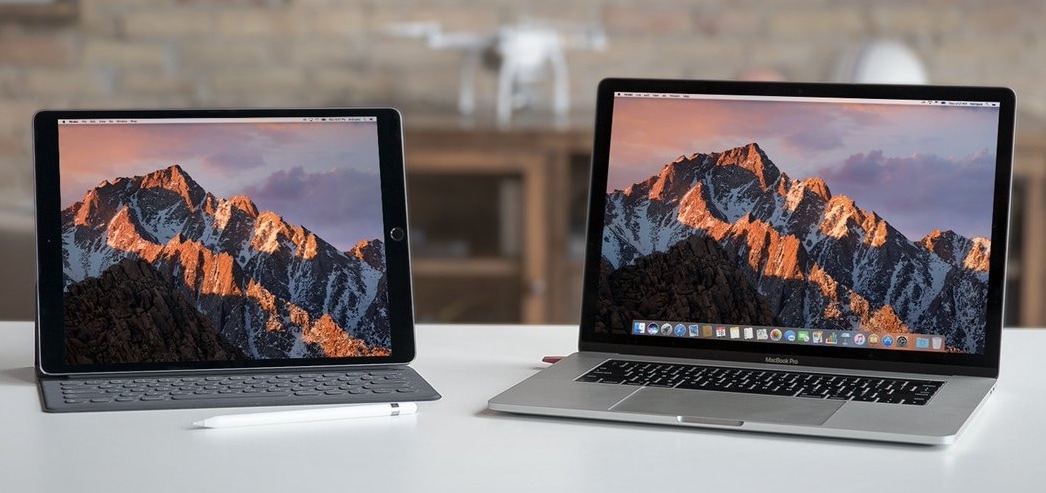
Sidecar, which lets you use an iPad as a second screen, will only support a limited number of machines. If your Mac is getting a little long in the tooth, you’re probably going to be out of luck.
There are some older Macs that can’t upgrade to macOS Catalina. Photo: Apple/Cult of Mac
Apple is hard at work on the replacement for macOS Mojave. The next version will include new features focused on privacy, accessibility and performance. But that‘s a bit hollow for notebooks and desktops that can’t install the upgrade.
Fortunately, Apple extended support for macOS Catalina to as many devices as possible.
Imagine having an iMac wherever you needed one. Photo: Ste Smith/Cult of Mac
Try as people might, moving an entire iMac around with you is never going to be easy. But what if all you had to do was to take the keyboard and mouse, and everything else would automatically follow?
That’s the vision of a nifty AR creation made by WWDC Scholar and Georgia Tech student Nicholas Grana. Check it out.
Turning a tablet into an external display for your laptop isn't totally unheard of, but Slope makes it look oh so good. Photo: Wiplabs
Slope, a beautifully designed minimalist tablet stand, transforms your iPad into a second Mac screen or even a mini iMac.
Whether you’re pairing iPad with Apple Pencil, Smart Keyboard, or using it as an external display for MacBook or iMac, Slope positions and displays your tablet with utmost style and security.
It’s the perfect way to integrate your new iPad Pro into your desktop setup and Apple ecosystem. This is especially significant with the rumored macOS 10.15 update, code-named “Sidecar,” enabling an iPad to act as a second screen for running macOS software.
It’s crazy that Apple had this fee in the first place. Photo: Apple
One of Apple’s most expensive services for Macs is finally getting cheaper. In fact, in a rare move, Apple actually decided to give something out for free.
The company has dropped the price of its Data Migration fee to zero dollars after charging a $99 fee for year to customers that purchased a new Mac and needed help moving data over from their old Mac.
It's about time the iMac was redesigned. Photo: Apple
Apple is expected to adopt mini LED backlighting technology this year to further improve color gamut, contrast ratio, and high dynamic range in its displays.
A brand new 31.6-inch iMac will be the first machine to offer the new display technology, sources claim. It will then make its way to the iPad and other Apple computers in 2020.
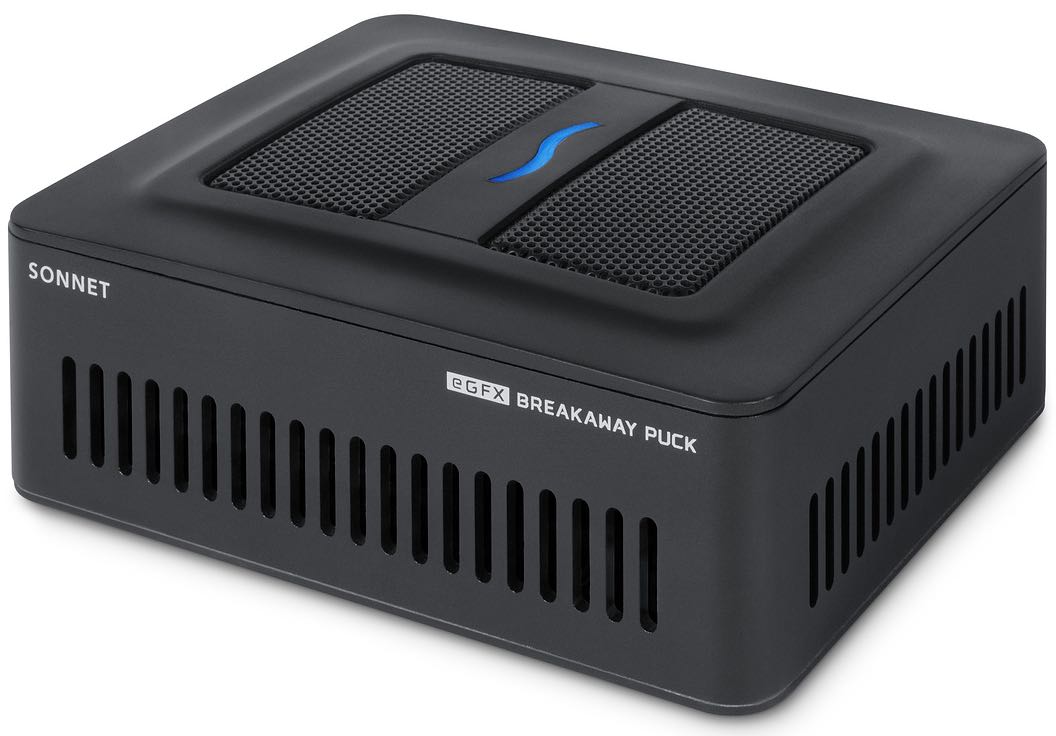
The eGFX Breakaway Puck can be linked with other eGPUs. Photo: Sonnet
Mac gamers can finally add more horsepower to their Mac without breaking the bank on an expensive external GPU.
Sonnet unveiled its new eGFX Breakaway Puck today that packs Radeon RX 560 graphics for just $400. This is the cheapest eGPUs we’ve seen yet, making it perfect for MacBook owners that are hampered by the machines’ weak internals.
You can now take the 2019 iMac 5K to 128GB of RAM. Photo: Apple
OWC just introduced a kit to upgrade the new 27-inch iMac 5K to 128GB of RAM. That’s up to four times the maximum available from Apple, depending on the configuration of the computer.
But these upgrades don’t come cheap. And they are only for this version of the iMac, not the iMac Pro.
If you really need 256GB of RAM inside your iMac Pro, you’d better make sure you buy it that way from Apple. It seems it is impossible for owners to upgrade to this configuration after purchasing their machines — even if they have the latest model.
iMacs with new Intel processors provide plenty of performance. Photo: Apple
Apple unveiled improved iMac versions last week, and what’s apparently an early benchmark score indicates that a top-tier model will be up to 75 percent faster than its predecessor in everyday use.
That’s not surprising, given the newer Intel processor.
Apple's PR blitz was more than just surprising - it was brilliant! Cover: Leander Kahney/Cult of Mac
So. Many. New. Products. Who would have guessed Apple would roll out multiple hardware upgrades in the week prior to a big media event? Here’s why that was a total genius move!
Read all about the new iPads, iMacs and AirPods in this week’s free issue of Cult of Mac Magazine for iOS. Plus, you’ll find our latest how-tos and products reviews to help make your tech life easier.
Grab the mag now. Or go old-school and get all the posts in the links below.
Updated iMacs, AirPods, and iPads have all debuted this week. What’s next? Photo: Ed Hardy/Cult of Mac
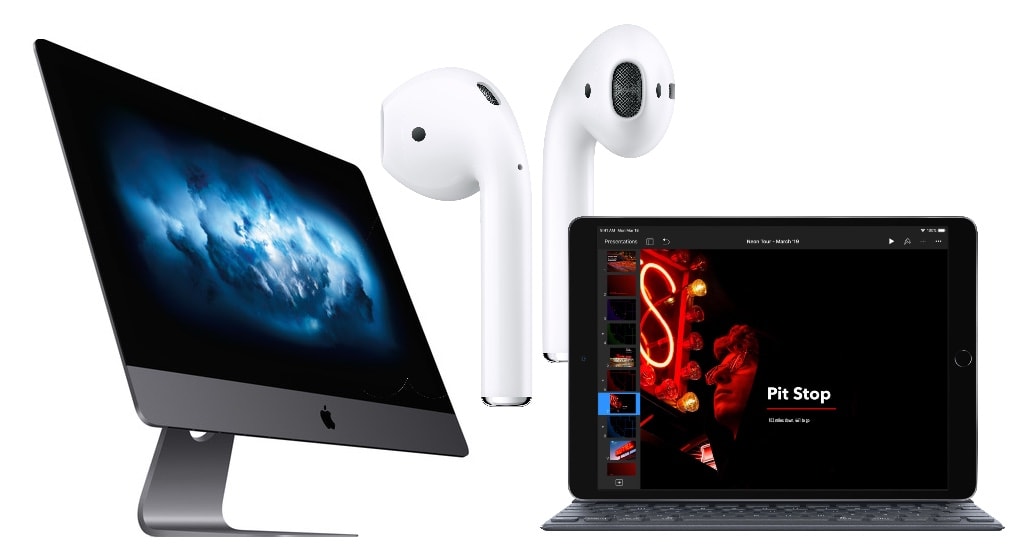
Apple isn’t following its usual strategy for product launches. Rather than holding a press event during which a collection of devices gets shown off, it spread the news out across multiple days this week.
This bold new approach brought plenty of attention to products that might otherwise have gotten lost in the furor around bigger announcements. And it’s also creating excitement about what’s coming next.
Apple's new iPads underline its problem with product naming. Photo: Lucille Pine/Flickr CC
As thrilling as new Apple devices are, this week’s surprise hardware updates really screwed the pooch on one important front: product naming.
The “new” iPad Air and iPad mini join a lineup of tablets with a variety of features and price points that will boggle the minds of even the most ardent Apple fanatics.
How did Apple’s naming strategy go so far off the rails? For the sake of the average customer, Cupertino’s once-brilliant branding needs to kick into gear. Because right now, the toxic hellstew of Apple product names is utterly confusing.
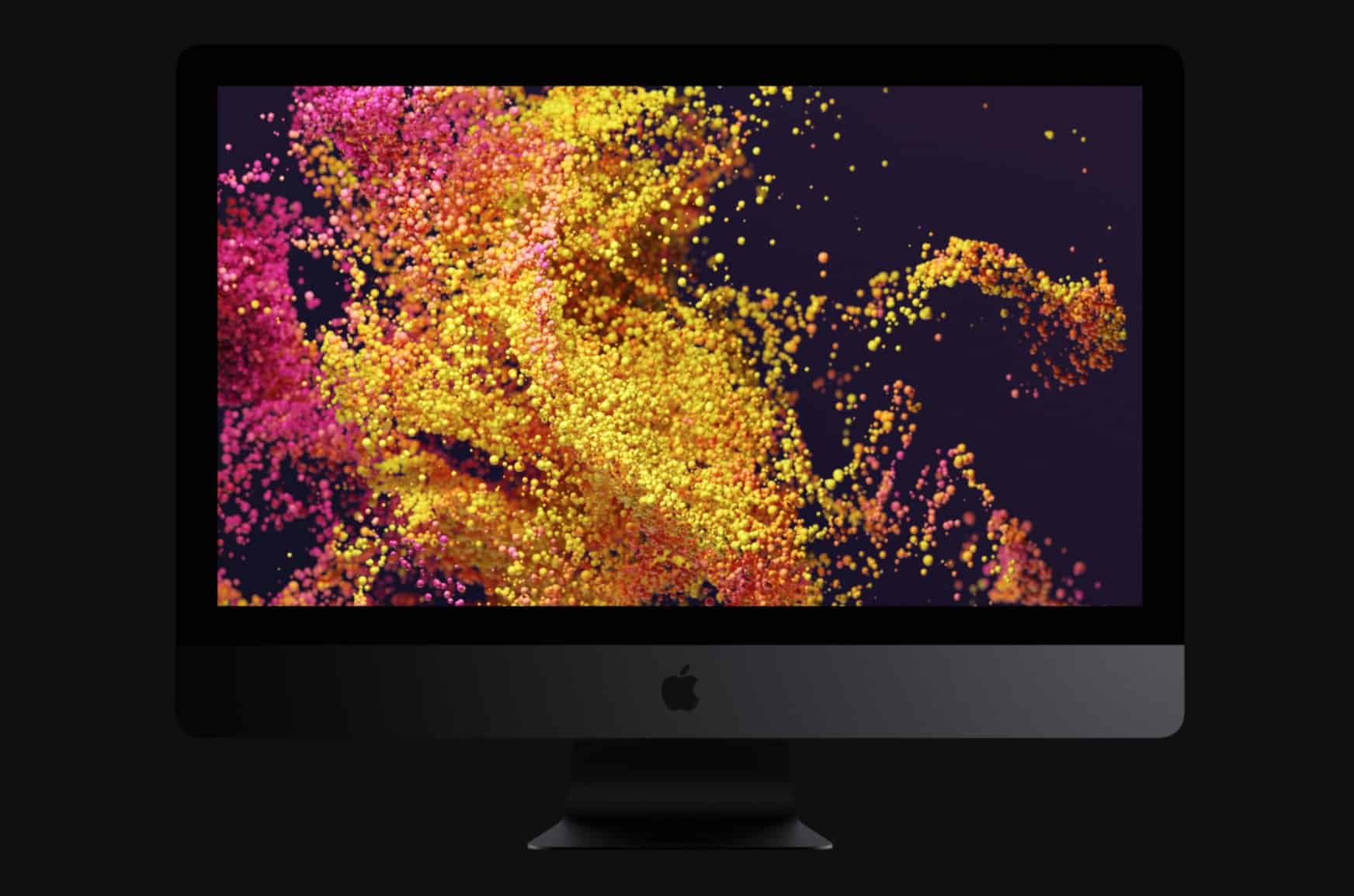
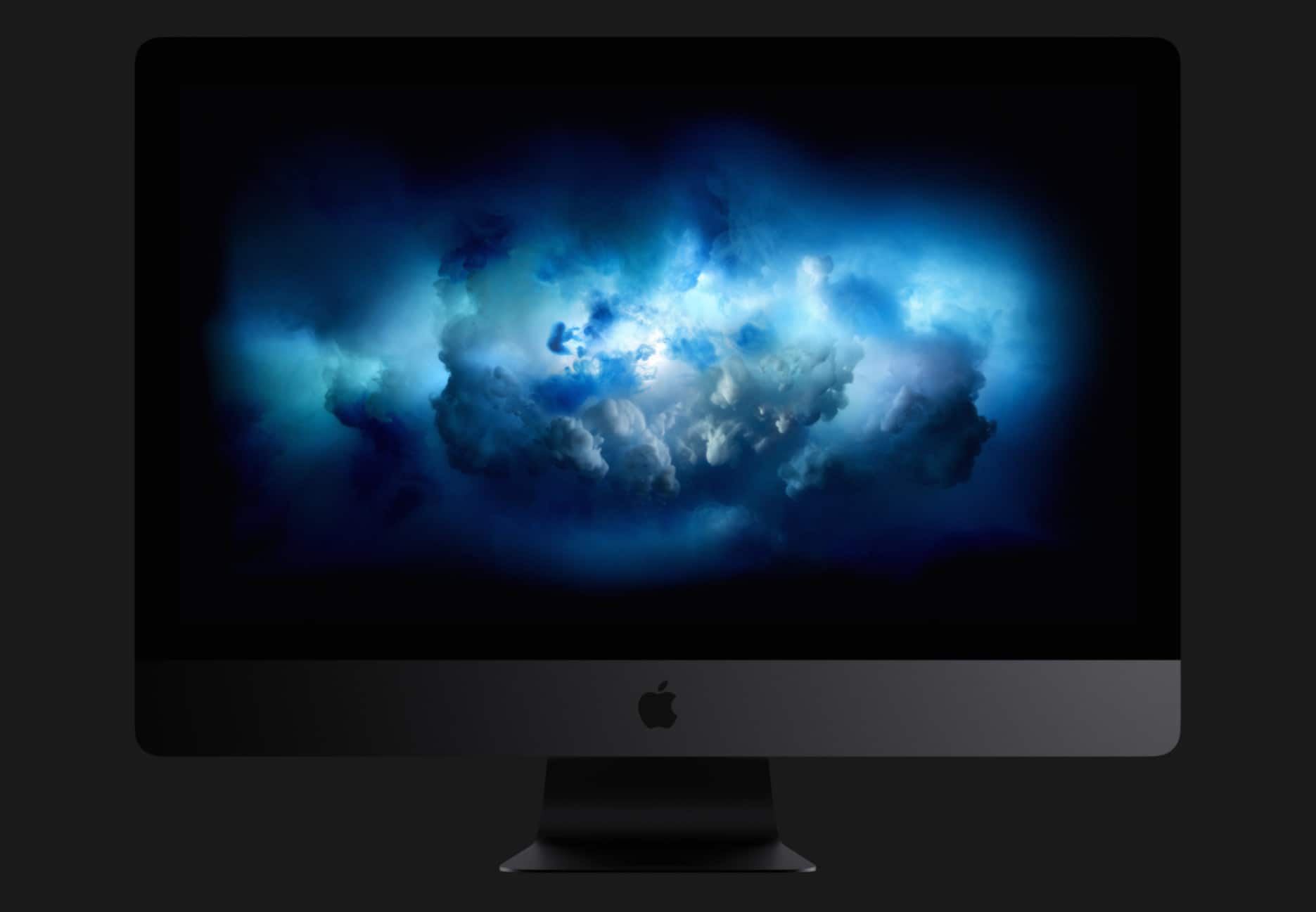
The pricey iMac Pro didn’t quite get a refresh like the standard iMac today, but Apple has added some new upgrade options.
Those with a need for speed can now equip the all-in-one with AMD Radeon Pro Vega 64X graphics and up to 256GB of RAM for the first time. But be prepared to break the bank (or maybe rob a bank?) for the most impressive model.
The modern iMac is a stunner... and last on our list. Photo: Apple
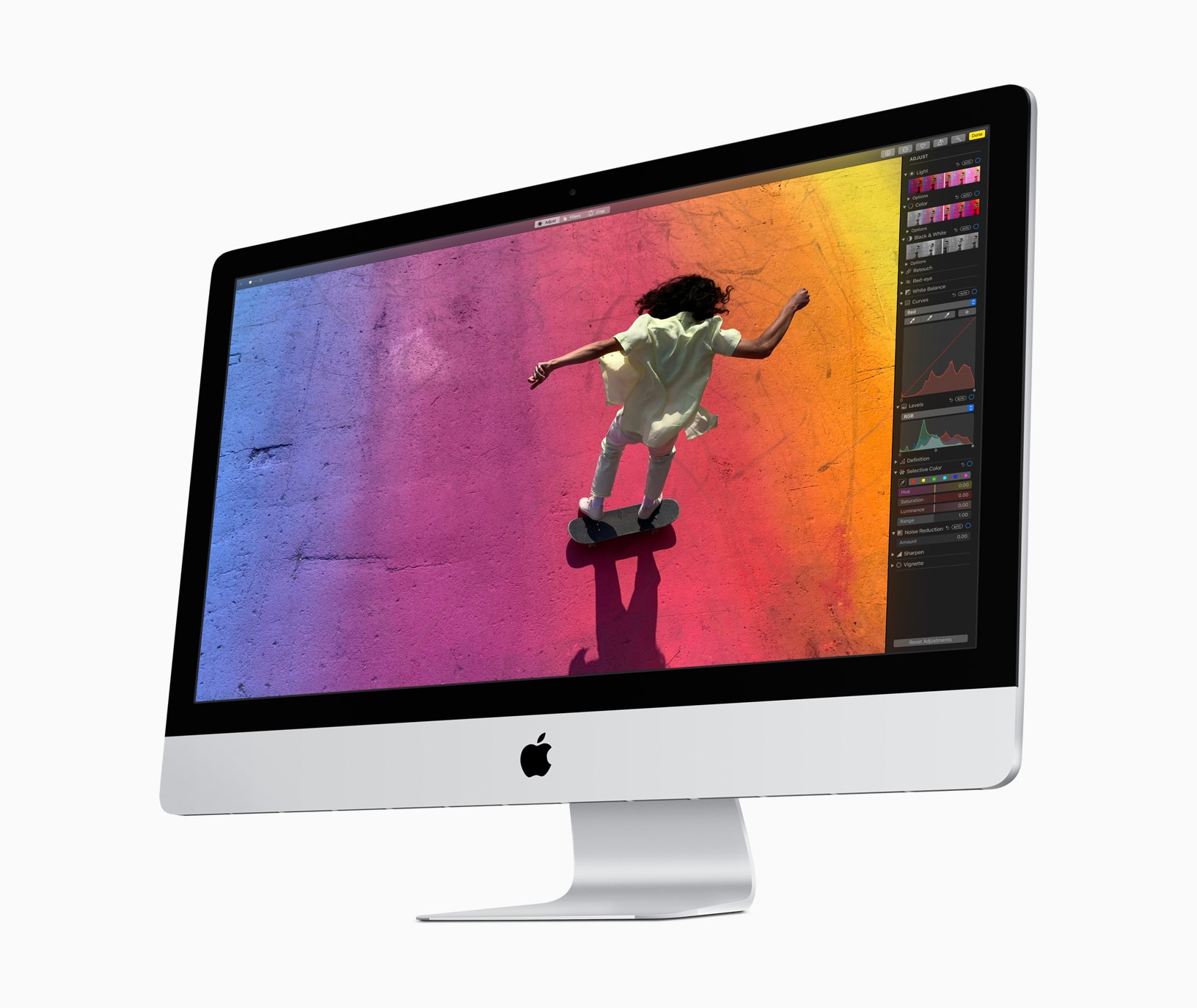
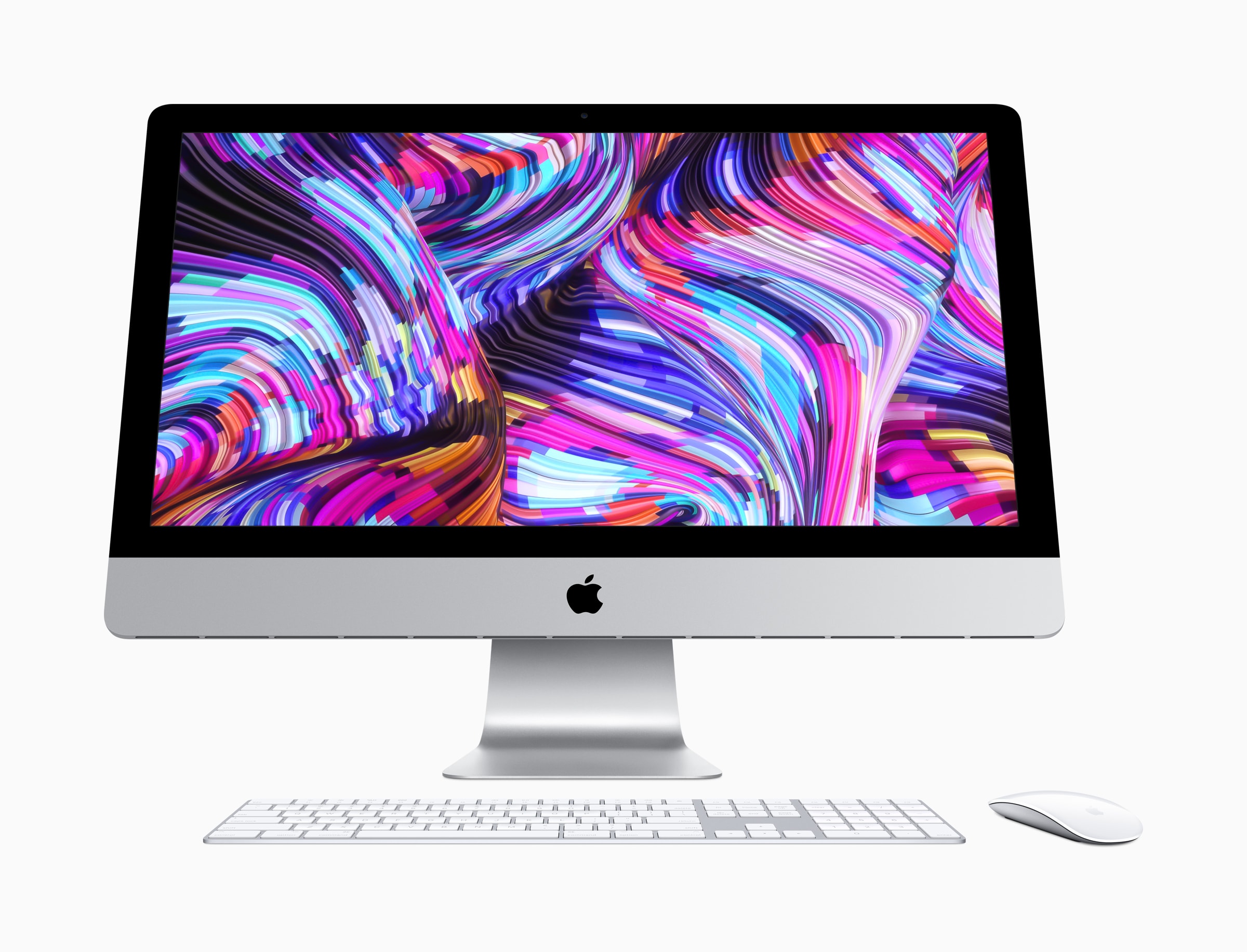
The standard iMac is faster than ever thanks to a surprise refresh that delivers Intel’s ninth-generation processors and powerful Vega graphics.
Apple says its refreshed all-in-one offers a “dramatic increase” in both compute and graphics performance, making this “the world’s best desktop.” You can order yours today from the Apple Online Store.
And you could just be sitting on a small fortune. Cult of Mac typically pays more for your old Apple devices than other trade-in services — and we won’t leave you waiting ages for your cash. Get a quote today and find out how much your old Mac is really worth.
How many of these Apple products have you owned? Photo: Tucker Jaxson/Visually
Before Apple’s magical product pipeline pops out a plethora of new goodies this year, it might be good to take a minute to appreciate the insane number of products the iPhone-maker has come out with over the last 42 years.
Keeping tabs on all the products Apple comes out within a single year is hard enough, but some ambitious person has created a detailed graphic that shows everything Apple has ever made.
This aluminium stand saves you from having to reach around to the back of your iMac to get to the USB ports. Photo: Satechi
Satechi just launched an aluminumiMac stand with a built-in USB-C hub. Not only will it give your computer some additional height, it makes it much easier to connect a variety of external peripherals.
The iMac comes with multiple built-in USB ports, but the ones in this hub are easier to access.
It was a busy year in Cupertino. Photo: Killian Bell/Cult of Mac
2018 was a rollercoaster year for Apple — with incredible highs, massive dips, and probably an executive or two throwing up along the way.
Apple became the first $1 trillion public company in U.S. history, unleashed some amazing new products, and pulled in record amounts of cash. But it also faced lows, from the iPhone-throttling controversy to a tanking stock price at the end of the year.
One thing that can’t be said, however, is that this was an uneventful 12 months for Cupertino. Here’s a recap of some of the year’s most memorable Apple moments.
Bag a bargain MacBook Pro today only. Photo: Apple
The most recent macOS Mojave update suggests we’ll soon see new AMD Vega GPUs coming to the Mac.
Apple recently introduced a refreshed MacBook Pro with faster Vega graphics chips, and it seems those GPU upgrades will continue in early 2019 for other machines in the company’s lineup.
Class action lawsuit says Macs should come with built-in dust filters. Photo: Apple
A growing class action lawsuit is seeking more plaintiffs to take Apple to court over its iMacs and MacBooks.
The accusation? That by selling computers without dust filters, Apple is willfully ignoring something which can interfere with the “functionality and use” of the high-end displays.
This might be our dream computer. Photo: Luna Display
Having a hard time deciding between whether to buy the new Mac mini or the new iPad Pro?
Why not get both and merge them into one workstation?
Luma Display revealed that its iPad app can be used with the new iPad Pro to turn it into a display for the new Mac mini. The end result is a workstation that gives you the best of both worlds for iOS and macOS.
Apple Maps just got a New York update. Photo: Apple
The last major Apple event of 2018 is just hours away. And if the rumor mill is right, it could be the most action-packed keynote Apple has had in years.
New iPads, Macs, AirPods and more are expected to be revealed when Tim Cook and company take the stage at the Brooklyn Academy of Music in New York. The show kicks off at 10 a.m. Eastern. Apple will live-stream it worldwide, but we will kick off our live blog a bit before that.