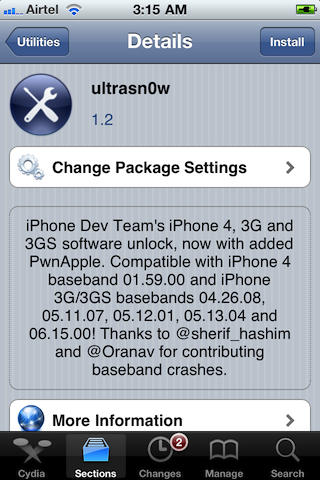
Ultrasn0w is a full fledged software unlock solution for iPhone 3G and iPhone 3GS having baseband version 04.26.08, 05.11.07, 05.12.01, 05.13.04 or 06.15.00 and iPhone 4 having baseband version 01.59.00 (check Modem Firmware version under Settings –> General –> About). Unlocking the phone enables you to use it with any carrier in the world.
This means if you have older firmware, you can now upgrade to a stock 4.2.1, jailbreak using redsn0w or upgrade to a custom 4.2.1 using Pwnage Tool and still have the ability to remain unlocked.
Ingredients:
- A jailbroken iPhone 3G/3GS having baseband version 04.26.08, 05.11.07, 05.12.01, 05.13.04 or 06.15.00
- A jailbroken iPhone 4 having baseband version 01.59.00
- Cydia
- Wi-Fi and Internet access on the device.
- Ultrasn0w Cydia Repo (add https://rep0666.ultrasn0w.com/ with the help of this How To)
Please backup all your information using iTunes before following this tutorial.
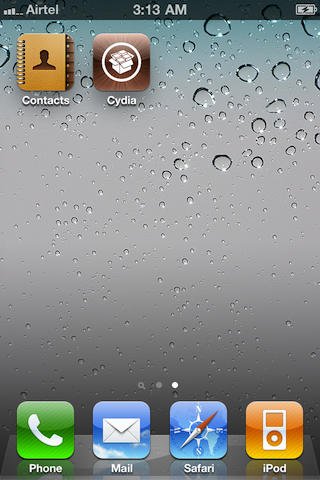
1. To start, you’ll need a jailbroken device with Cydia installed with ultrasn0w repo installed. If you need to jailbreak your device, please check out our jailbreak guides. Press the Cydia icon to open it.
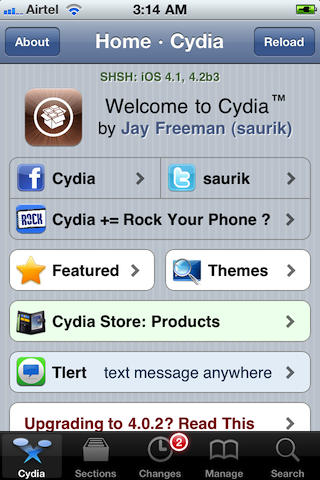
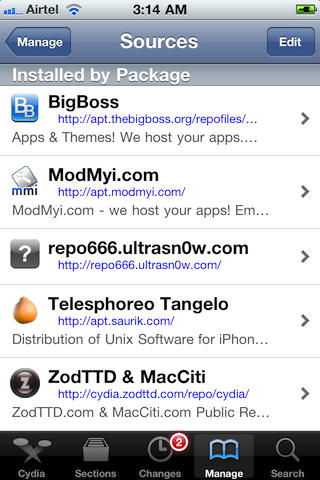
2. After Cydia is done refreshing, choose the ‘Sections’ tab and then select the ‘Utilities’ category.
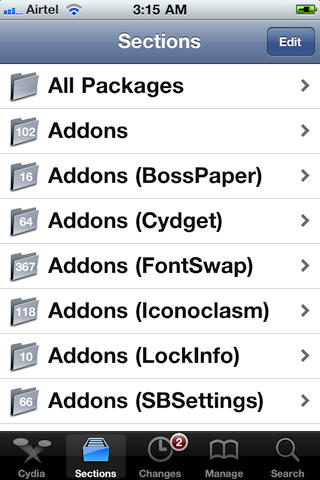
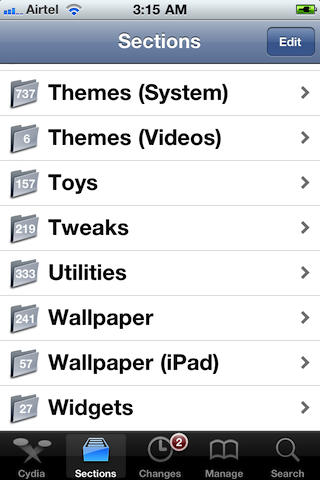
3. Open the ‘ultrasn0w’ package and choose the ‘Install’ button on the upper right. Then hit the ‘Confirm’ button to begin downloading and installation. When asked, tap “Reoot Device”.
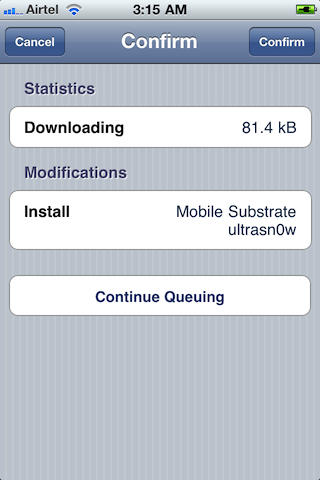
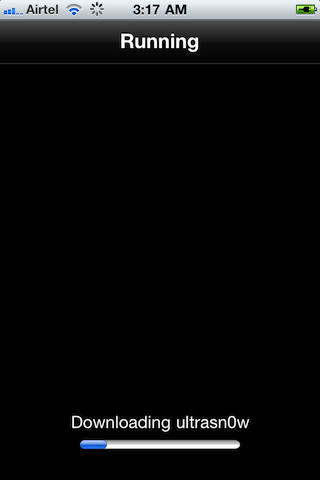
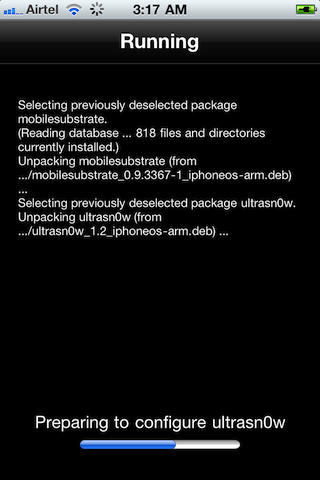
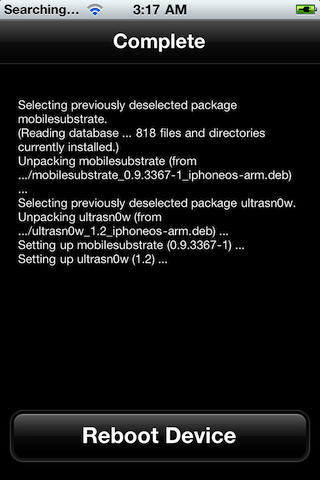
4. When it boots up, you should be able to use the iPhone with different SIMs.
All credit for the great tool goes to the DevTeam.

Sayam Aggarwal is a 18-year-old student living in India who has been an Apple fan for almost 5 years. He has worked with ModMyi, one of the leading iPhone communities, as an author for more than a year. He spends most of his free time on the Internet fetching the latest news regarding Apple and its entire product range. Follow him on Twitter!

