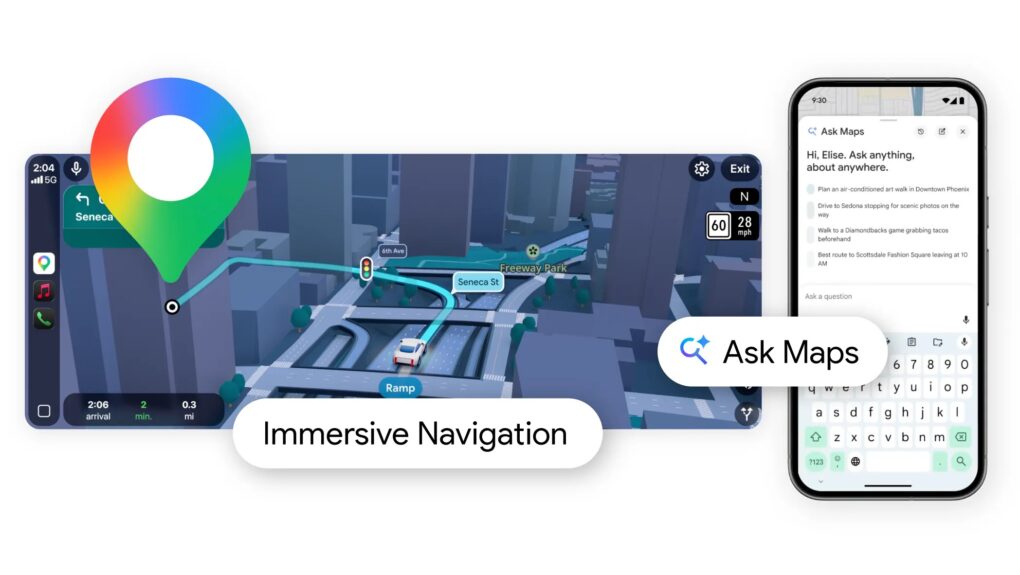
Navigation in Google Maps is about to change forever. Photo: Google Blog
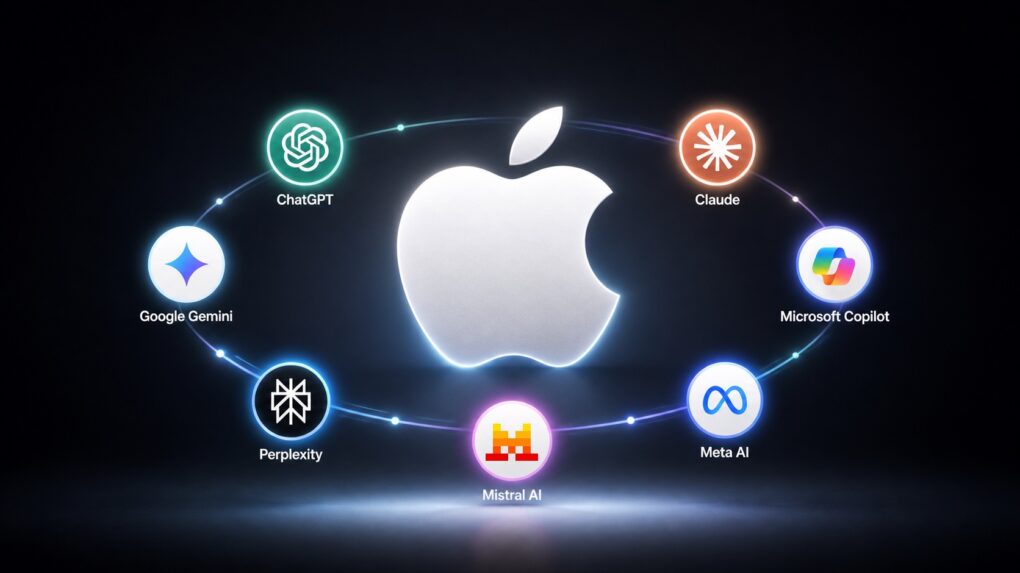
Google is giving Google Maps navigation its biggest upgrade in a decade. Thanks to deep Gemini integration, the way you use Google Maps will forever change with this update.
At the center of the update is a new Immersive Navigation view, which replaces the traditional map with a vivid, interactive 3D experience.
Google will integrate AI into Google Maps to make navigation even better. With Gemini integration in Google Maps, you’ll gain access to a smart co-passenger on your phone that can help you reach your destination easily.
Thanks to Gemini’s AI prowess, Google Maps can now proactively notify you of traffic disruptions. Or help find a fuel stop — all hands-free and through a natural conversation.
Gemini Live will get a lot more powerful on the iPhone. Photo: ChatGPT
Gemini Live gets better on the iPhone, with Google rolling out free camera and screen sharing support to all users.
The feature allows you to feed a live stream of your surroundings using the iPhone’s camera, and interact with Gemini to get more information about it.
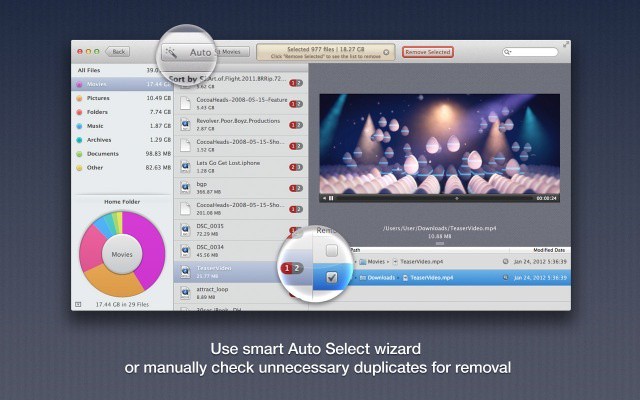
Find and remove the hidden duplicate files gumming up your drive. Photo: Cult of Mac Deals
Even if you’ve got plenty of cash for an extra drive, storage space is not to be wasted. And one of the easiest ways to burn capacity is to let duplicate files stack up. Unfortunately, cleaning them up is a lot harder.
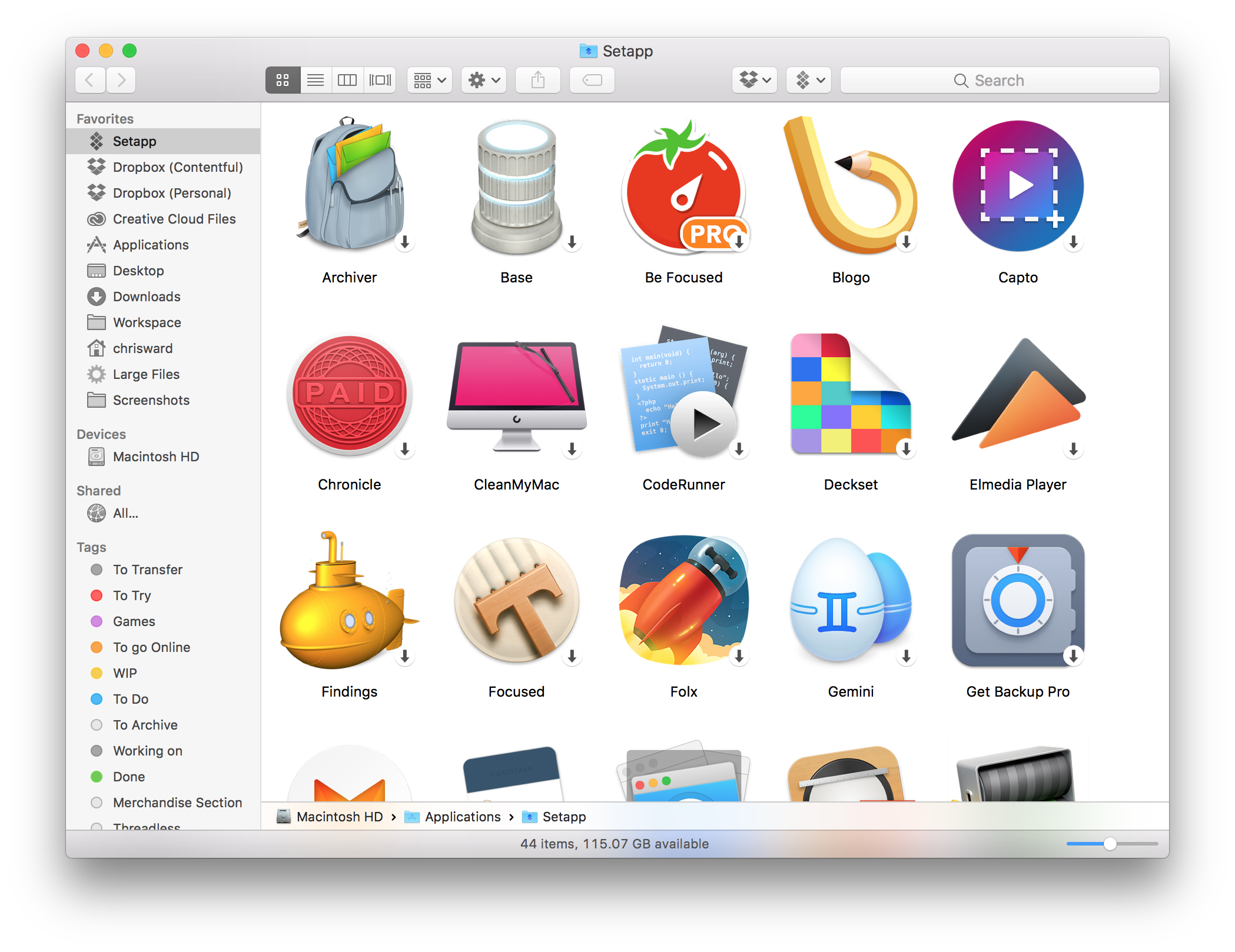
Setapp currently offers more than 60 apps, with plans to expand. Image: Setapp
Apple’s Mac App Store is broken. For developers and Mac users alike, the online store just isn’t working.
It’s too hard for buyers to find good software. And, thanks to Apple’s picky restrictions, the Mac App Store can make life difficult for developers.
Setapp, a Netflix-style subscription service for Mac apps, offers an innovative alternative. Instead of buying apps individually, you rent a bunch of them for $9.99 a month.
While it might sound unnerving to anyone accustomed to the idea of buying Mac apps outright, after using the service for two months, I found it liberating. Setup is dead-easy. And the selection is fantastic. Setapp serves up more than 60 Mac apps, all handpicked by MacPaw, the Mac development company that dreamed up the service.
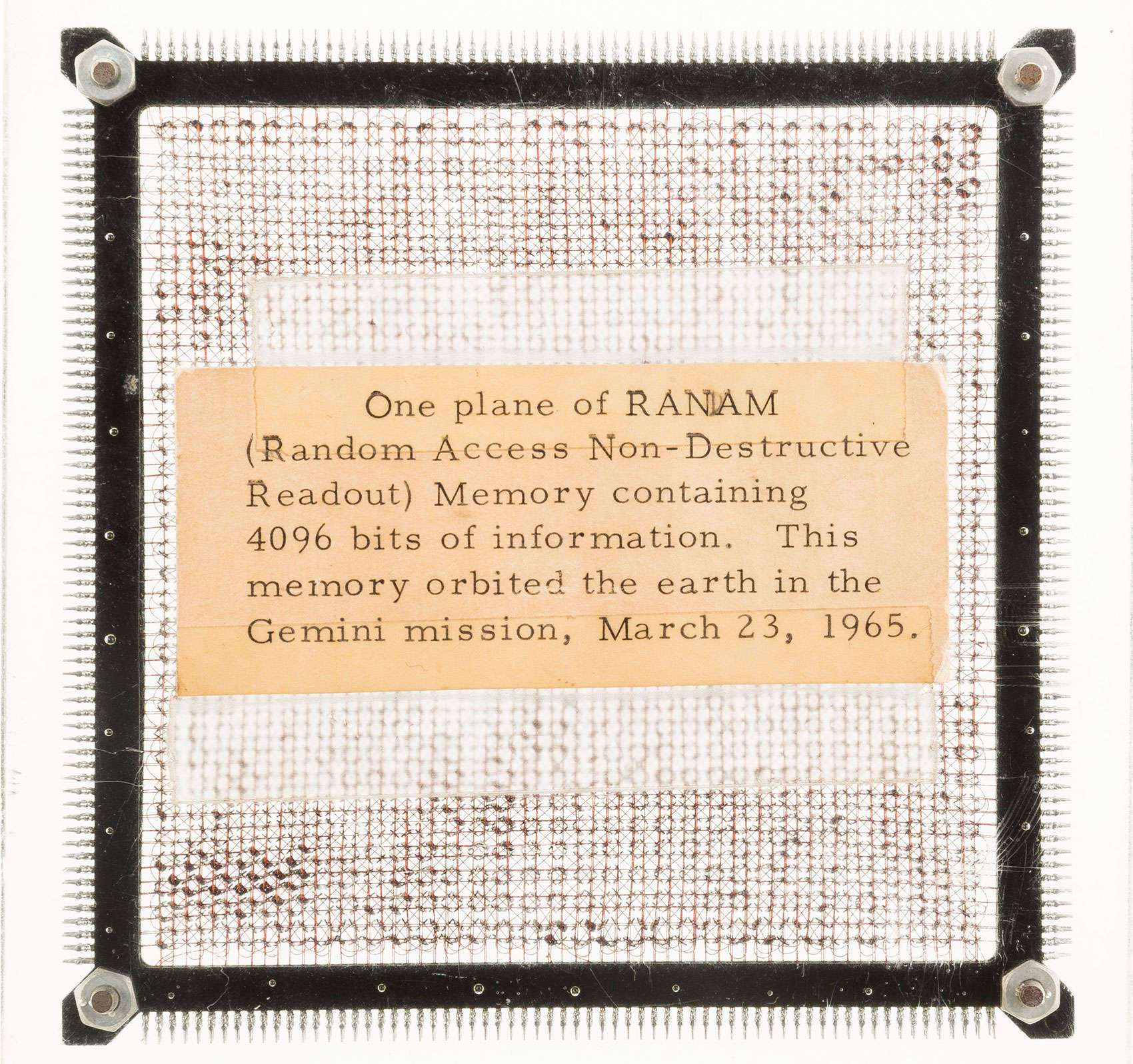
This computer chip is from the first computer ever used in a spacecraft. Photo: Heritage Auctions
A memory chip that originated from the first digital computer on a manned space flight will be up for auction next month in Dallas. For those calling in a bid, the smartphone in their hand has more than 250 million times the capacity of this chip.
The onboard computer for Gemini 3 aided astronauts Gus Grissom and John Young with several phases of their March 1965 mission, including prelaunch and re-entry. The 4.25-inch chip, a Random Access Non-Destruction Readout Memory Plane contains 4,096 bits of information, equal to about half of a K.
Over time when using your Mac it’s common to find your desktop in scattered disarray. With photos here and documents there, in the midst of this jumble mess completing further tasks seems trivial. Luckily there’s a number of tips that you can use if you find yourself trapped in Mac disorganization.
In today’s video take a look at some tips that will help you tidy up how you use your Mac and in return clean up your experience. See how to start tagging your files, use smart-apps and other great ways to get your Mac in structural order.
Flickr can become the central home for all your photos.
Intro
After the recent Everpix shutdown, I moved all my photos to Flickr. If you read my roundup of Everpix alternatives, you’ll know that Flickr wasn’t my first choice, but it turns out that neither is it my only choice. But let’s not get ahead of ourselves.
Everpix was great because it just sucked in all your photos, whether you kept them in iPhoto, on your iPhone, in a weird beardo folder structure on your Mac, or even if you took all of your photos using Instagram. It was far from perfect, but it was the best. And then it went away.
I recently switched to a MacBook Air for writing, and it is easily the best Mac I’ve owned in terms of speed and comfort. But, like the sports car your friends assume you’ll sell now that you have kids on the way, the Air is also lacking in space1.
Now, I’m using this 128GB (with 4GB RAM) 13-inch MacBook Air primarily for work, but that doesn’t mean I want to ditch my music, TV shows and photos altogether. Luckily, with modern Internet™ Technology™ I don’t have to. I can use cloud services and a little judicious tidying to make my New York walkup-sized MacBook Air feels like a mansion.
Gemini is a Mac app that does one thing: Find duplicate files on your Mac. You just point it at a directory (your home folder is a good place to start) and sic it on your files. After a few moments it gives a list of anything that is doubled-up on your machine, and then the fun begins.