Mobile menu toggle

external displays - page 2

Why you should add a second screen to your iPhone

By

Connect your iPhone to a second screen for fun... and maybe even productivity.
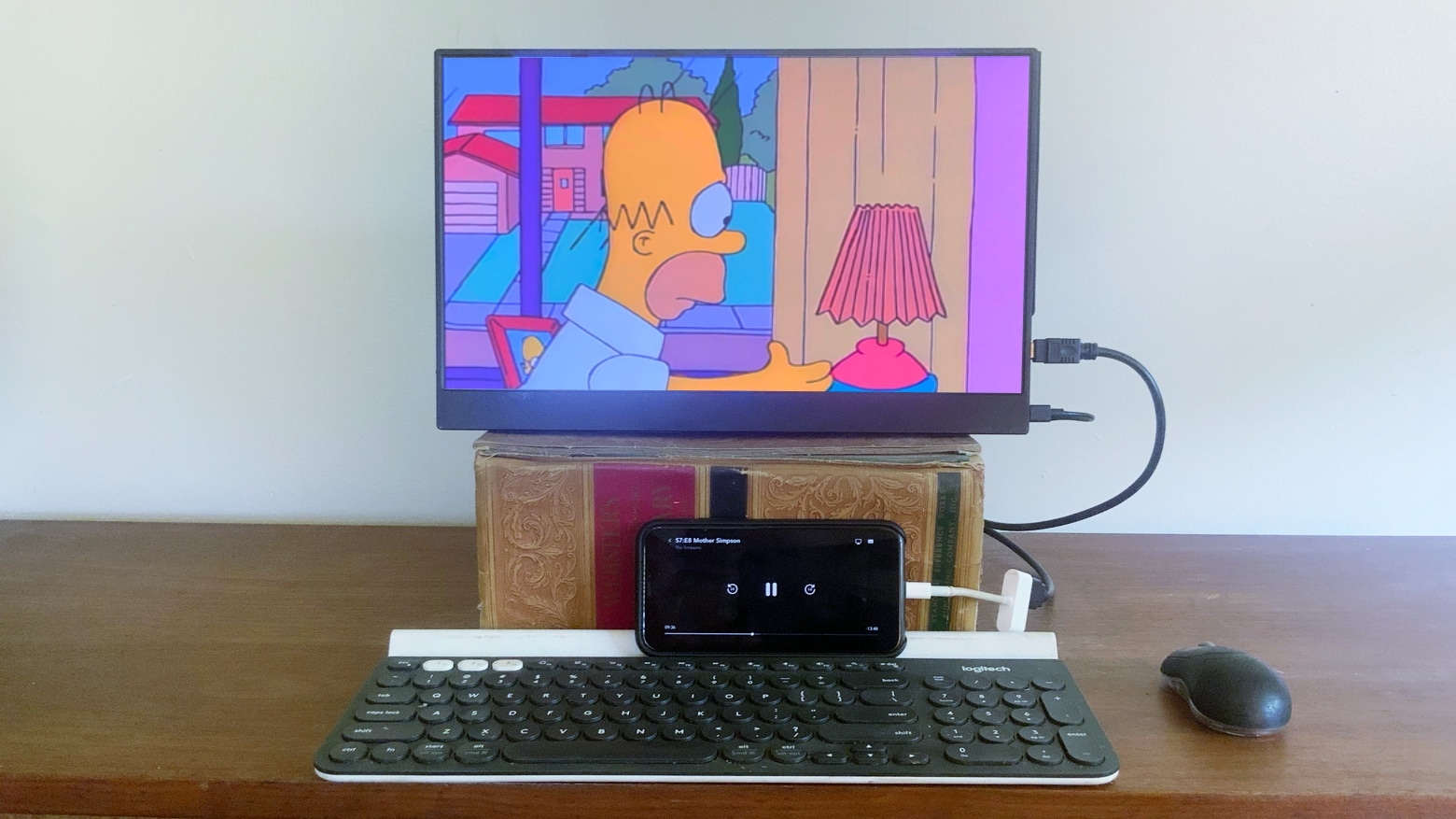
Connect a big screen to your iPhone to watch movies and play games. And maybe even be productive.
Photo: Ed Hardy/Cult of Mac

Your iPhone is already one of the most useful things you own, but it can do even more if you hook it to a large second screen. Making the connection simply requires an adapter, and doing so opens up quite a few entertainment — and even some productivity — options.

iOS and iPhone are surprisingly powerful, and are being held back by the small display. Here’s what you get with a bigger one.

Get more productive with Vissles’ attractive portable display [Review]

By

Vissles-M review
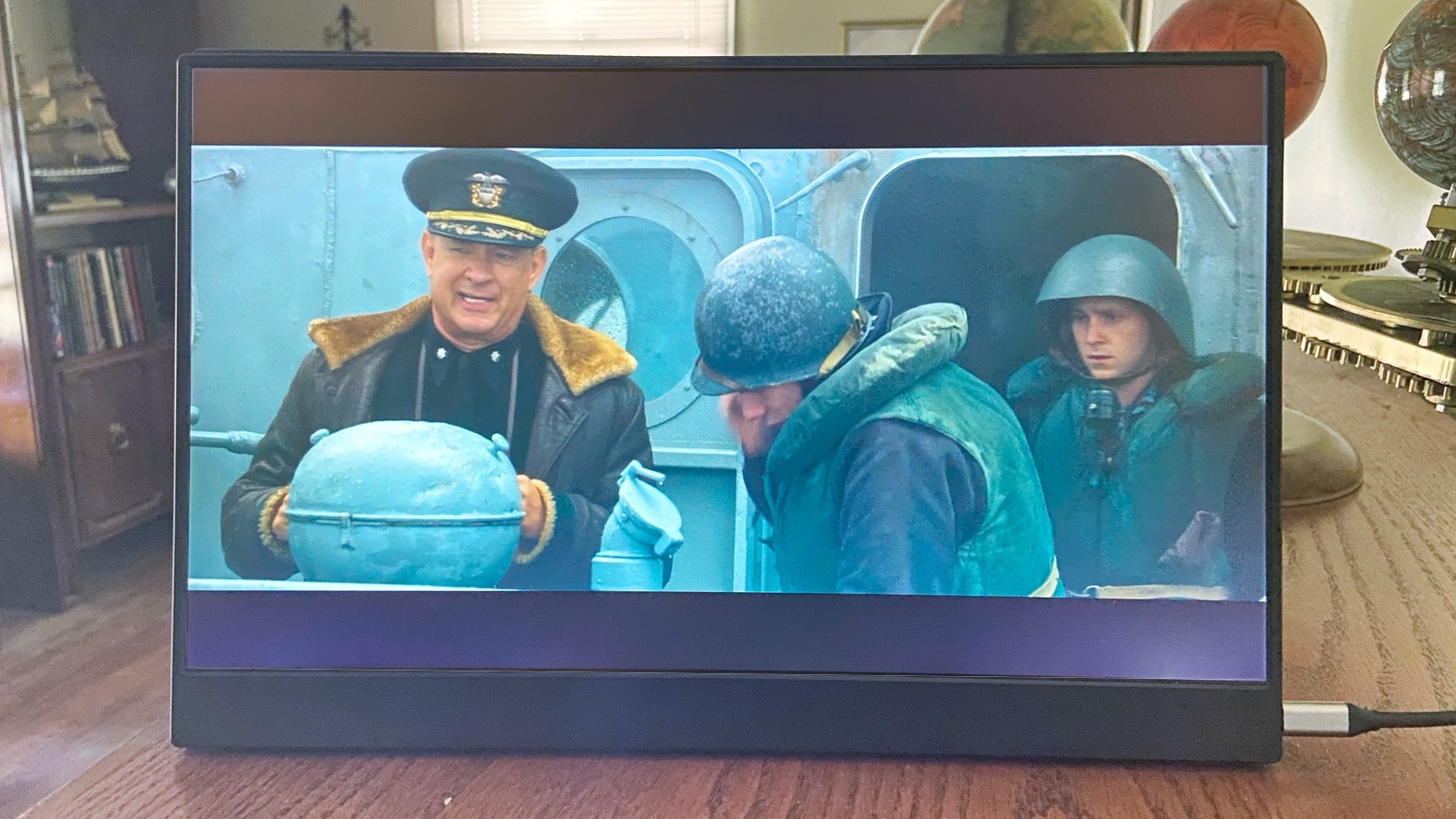
Easily expand your working space, or enjoy a movie on a larger display, with the Vissles-M.
Photo: Ed Hardy/Cult of Mac

A portable monitor makes you more productive on the go. And the 15.6-inch Vissles-M is a thin and lightweight LCD screen that easily connects to a Mac or iPad Pro through its USB-C port.

I tested this affordable external display in a variety of conditions, and used it for both for work and fun. Here’s how it held up.

AirTab becomes world’s lightest 15.6-inch touchscreen monitor

By

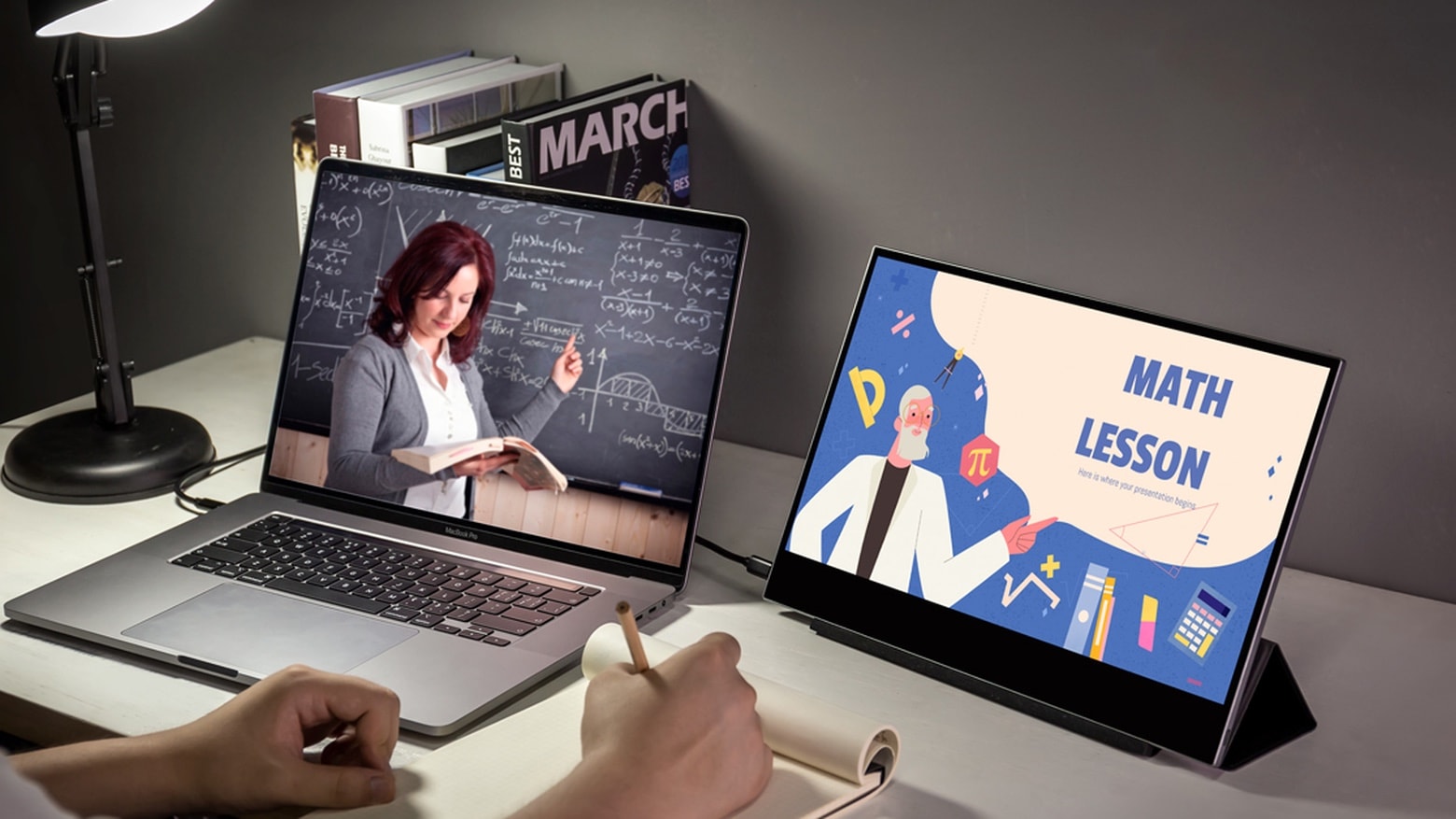
AirTab with MacBook
Plug the AirTab external display directly into a MacBook’s USB-C port.
Photo: AirTab

Travelers looking for a lightweight external monitor for their MacBook can turn to AirTab. This comes in at only 1.1 pounds and 0.19 inches thick.

And the AirTab Touch adds a 10-point touchscreen without increasing the bulk.