Restrict website access with these tools. Photo: D. Griffin Jones/Cult of Mac
There is a lot of explicit content out there on the internet, or so I am told.
Before handing a device off to a child, you may want to disable or limit access to the wide-open internet and App Store. Read on to learn how to block explicit content on iPhone and iPad.
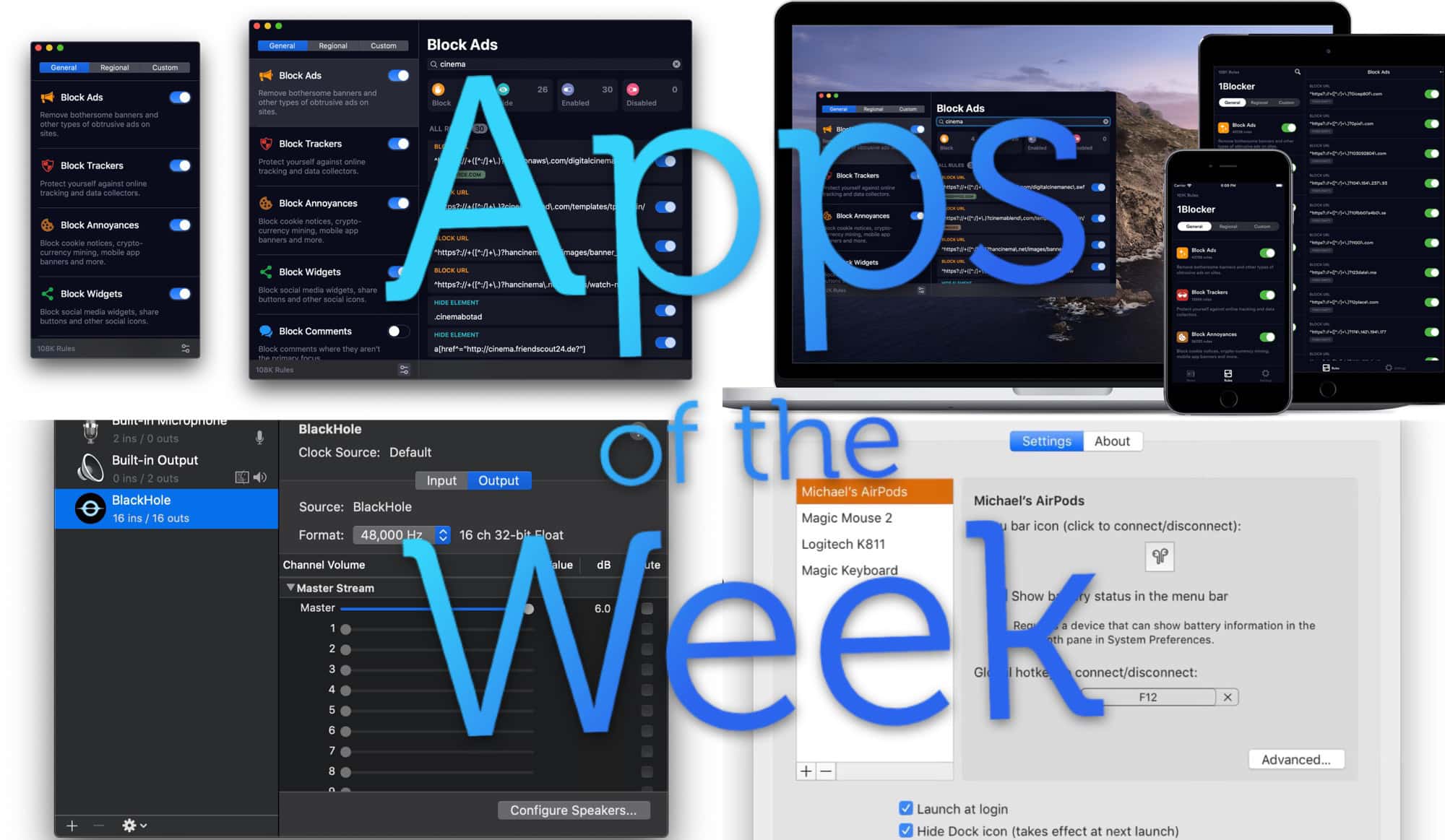
We have lots of amazing Mac apps for you this week. Photo: Cult of Mac
This week we spend all our time on the Mac. Content blocker 1Blocker has a whole new look — and a new subscription model. BlackHole replaces the venerable SoundFlower on newer Macs, and ToothFairy puts your AirPods Pro in the Mac’s menu bar.
Not this kind of safari. Photo: Cult of Mac/Charlie Sorrel
Safari’s new “desktop-class” features are getting all the press in iPadOS, but the new download folder, and better website support aren’t everything. There’s also a new in-app settings panels with a ton of options — per-site text size, for example — and even a new font in the Safari Reader View. Let’s check it out.
This is the web without content blockers. Photo: Charlie Sorrel/Cult of Mac
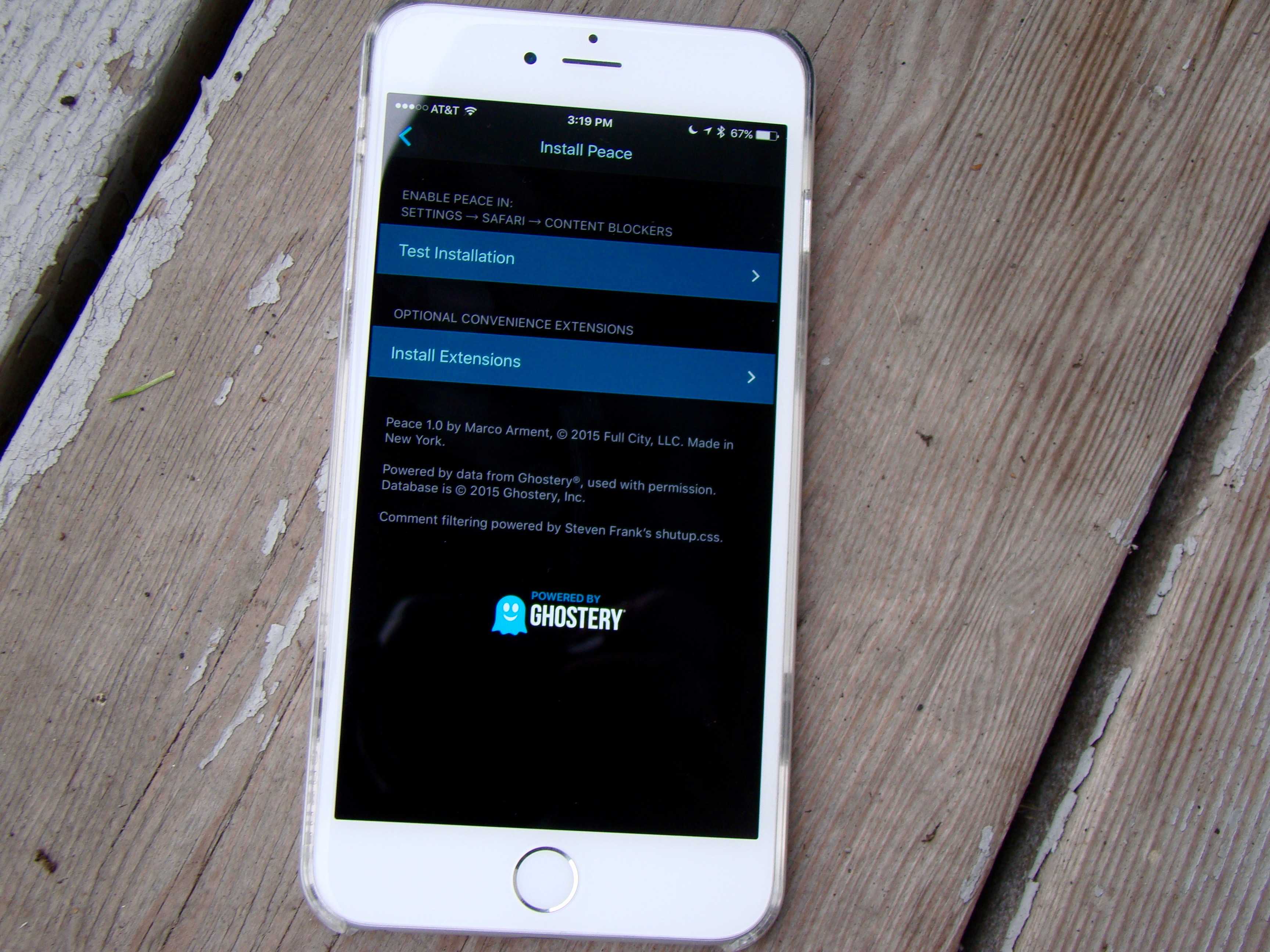
Way back in iOS 9 days, Apple added “content blocking” to the iPhone and iPad. More commonly known as “ad-blockers,” this tech lets you use third-party apps to block ads, malware, trackers, comments, and more, in Mobile Safari. Apple itself doesn’t do any more than make blocking possible. To actual decide what to block, you need a third-party app.
Enabling ad-blocking is easy, once you know how, and you can set-and-forget it once done. Or you can keep on top of things, adding custom rules, and white-listing trusted websites. Here’s how.
Ads on mobile devices take up valuable screen space. Photo: Ian Fuchs/Cult of Mac
Have you ever visited a website, only to be bombarded with pop-ups, ads and “dickbars“? Purify ad blocker for iOS will kick those annoying JavaScript trackers and ads to the curb, providing you a faster, more private browsing experience.
Sick of those annoying bars that follow you around certain websites, urging you to share a story on Facebook? A new iOS app called Unobstruct lets you banish those “dickbars” forever.
The creator of the $1 app says he hopes it sends a clear message to web designers: Nobody wants these weapons of messy distraction.
Seriously, people, we have families to feed. Kittens to adopt. We need your ad impressions.
The new iOS content blockers, as well as traditional ad-blocking browser plugins, threaten the wallets of every ad-supported website, including Cult of Mac. Luckily, it’s easy to whitelist us (and any other sites you want to support). It’s incredibly easy to restore order to the online universe, whether you’re using an iPhone or a Mac.
According to a new report, however, ads may not be the only content that is blocked by apps like Crystal. Online retailers such as Walmart, Sears and Lululemon are also seeing their e-commerce sites negatively affected by adblockers — with some crucial features failing to work as before.
These apps are garnering a ton of attention and reaching the top of the paid app charts. With so many content blockers out there, what’s the difference? Why choose one over the other? It’s so confusing, so we did a little digging. Here’s what we’ve found out.
Silentium (left) and Purify, two great content blockers for iOS 9. Photo: Rob LeFebvre/Cult of Mac
iOS 9 includes a new feature that desktop users have had for a while: content blocking. More conventionally known as ad blockers, this software cuts out all the advertisements and other cruft from web pages, allowing faster load times and a more streamlined experience.
Of course, most websites you read these days (including Cult of Mac!) rely on advertising to keep the lights on.
Luckily for all of us, most new content blockers let you whitelist specific sites so you can continue to help them pay their bills.
Safari's new Content Blockers settings in iOS 9. Photo: Killian Bell/Cult of Mac
Apple is planning to open up mobile Safari to “Content Blockers,” according to a new features discovered in the iOS 9 beta. The change could pave the way for ad blocking extensions, which prevent images, popups, and other content from loading as you browse the web.