Mobile menu toggle

Clear+ - page 2

Cult Of Mac’s Awesome 2012 Advent Calendar: Day Two – Clear

By

adventcalendarday2

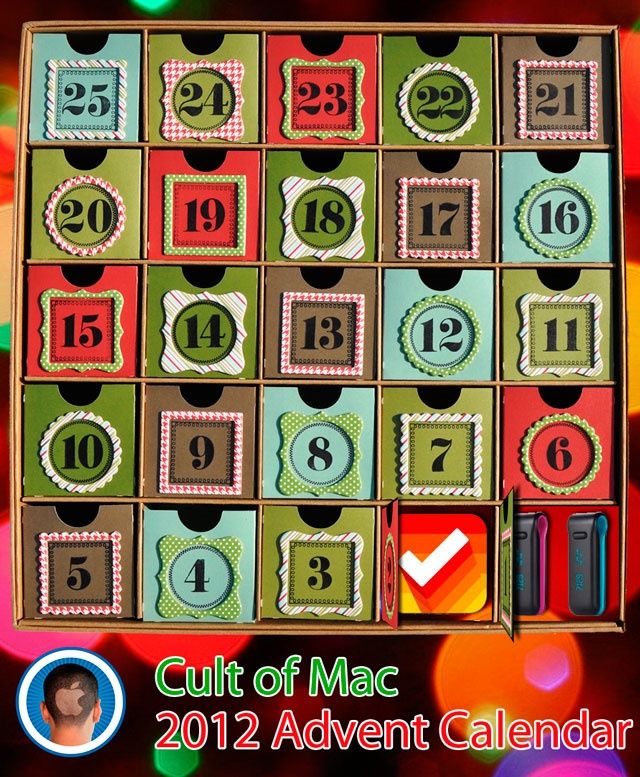
One of the better Yuletide traditions is the venerable holiday Advent Calendar, in which each day of December leading up to Christmas is marked off on a special calendar by opening its corresponding door to find a small gift, toy or chocolate squirreled away inside.

This year, we here at Cult of Mac decided we wanted to give our readers their very own Apple-themed advent calendar, filled with the year’s best apps, gadgets, stories and other curios. So each day in December, we’re going to lovingly peel back the door on the Cult of Mac 2012 Advent Calendar to reveal another delicious morsel, something really special that came out this year that we think every one of you should enjoy.

We’re running a little behind, so playing catch up today by posting our first and second day picks along with our choice for December 3rd.

Our Day 2 choice? Clear, iOS’s best and most beautiful list-maker.

This Week’s Must-Have iOS Apps: Xbox SmartGlass, Clear, Tally & More [Roundup]

By

Screen Shot 2012-11-11 at 08.50.20

Microsoft’s awesome Xbox app for iOS got a major update this week, and it’s kicking off this week’s must-have apps roundup. It’s accompanied by another great update to Clear, a terrific list-management tool; plus a nifty counting app for iPhone, and a new photography app that lets you apply awesome effects to your photos.

Clear For Mac: A Refreshingly Fun And Simple Task Manager Inspired By iOS [Review]

By

Screen Shot 2012-11-07 at 5.04.08 PM

Earlier this year, Realmac Software and Impending released Clear, a bold and innovate to-do list app for the iPhone. Despite the seemingly never-ending supply of task managers in the App Store, Clear managed to set itself apart with its unique interface, gestures and clean design.

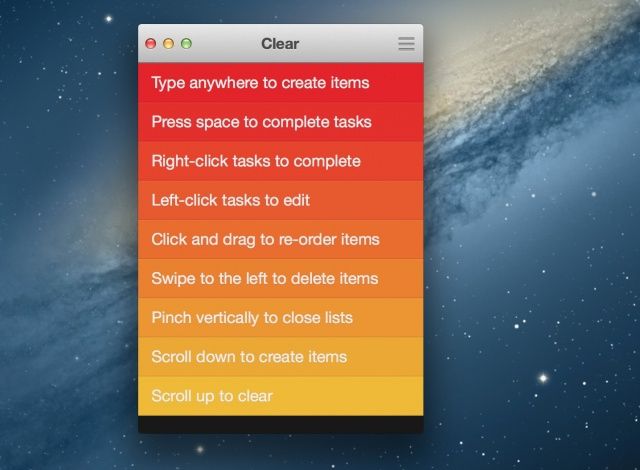
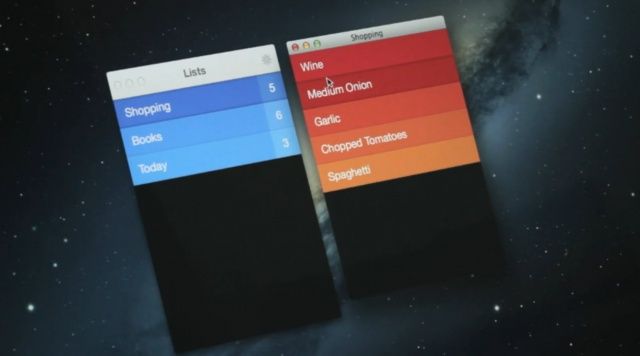
Fast forward to today, and Realmac Software is bringing Clear to the Mac. How does such a gesture-driven app live and breathe on the desktop? On the Mac, Clear is a fresh and enjoyable way to manage tasks. It’s apps like Clear that show the convergence between iOS and OS X.

Ahead Of Mac App Release, Clear For iPhone Gets Big Update With iCloud Sync, New Gestures, More

By

Clear for iPhone update

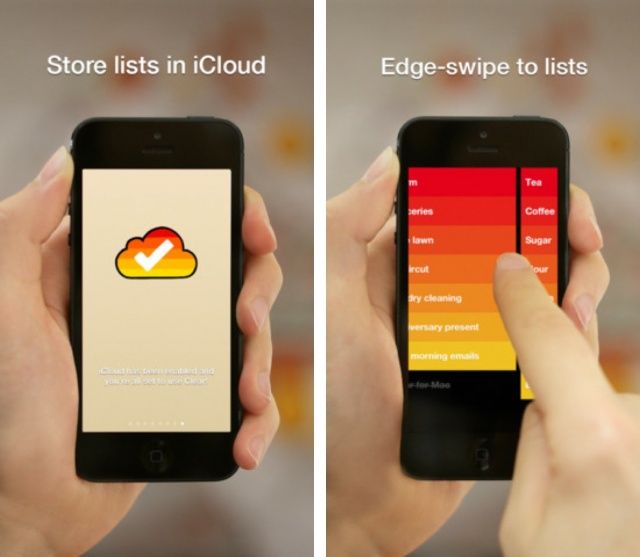
Popular todo list app Clear has been updated on the iPhone with several new features and improvements. The folks at Realmac Software have added iCloud syncing for keeping tasks updated across devices—the feature will come in handy when the Mac version of Clear ships tonight. A new gesture for quickly accessing multiple lists has also been added. You can now quickly add text from your iOS clipboard to new tasks by shaking your device while Clear is open.

Full list of changes:

Must-Have Apps That Truly Take Advantage Of What Your New iPhone 5 Can Do [Roundup]

By

Screen Shot 2012-09-21 at 15.42.31

After lovingly unboxing your new iPhone 5 today, the first thing you’ll do is install all your favorite iOS apps. But what if you don’t have any? What if this is your first iPhone? Well, we’ve compiled a list of must-have apps for iPhone 5 to get you started. We’ve got Facebook, Twitter, and YouTube clients; news readers; note-takers; word processors, and more — and everything in the list has already been updated to take advantage of the iPhone 5’s larger display.

So dive in and check out the best apps to get you started with your new iPhone 5.

Rechner Calculator Is The World’s First Gesture Based Number Cruncher

By

Rechner

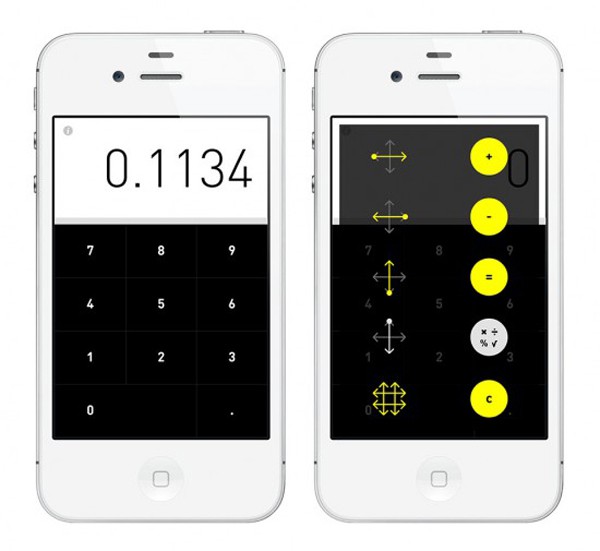
When you think of calculator apps, great innovations don’t usually come to mind. Most calculators function the same way, by punching in numbers on little keys. Rechner Calculator (Rechner meaning calculator in German) hopes to change that. This new application, available for $0.99 on the App Store, is the first of its kind to use gestures for operation.

Clear 1.1 Update Brings New Themes, New Features & More

By

Clear-1-1-update-banner

Clear, the hugely popular to-do list management app from Realmac Software, has received its first major update since hitting the App Store back in February. Version 1.1 brings new themes, new gestures and new features, in addition to a whole host of tweaks and fixes that make Clear even more of a joy to use.

Hyped ‘Clear’ To-Do iPhone App Moves An Impressive 350K Copies In Just 9 Days

By

clear-iphone

We’re huge fans of the simplistic to-do app called Clear here at Cult of Mac. We’ve been captivated by its entrancing gestures and sexy design ever since we saw it at Macworld last month.

Following the highly-anticpated release of Clear in the App Store, Realmac Software has confirmed that the app has moved a staggering 350,000 copies since its launch on February 14th. Nice!

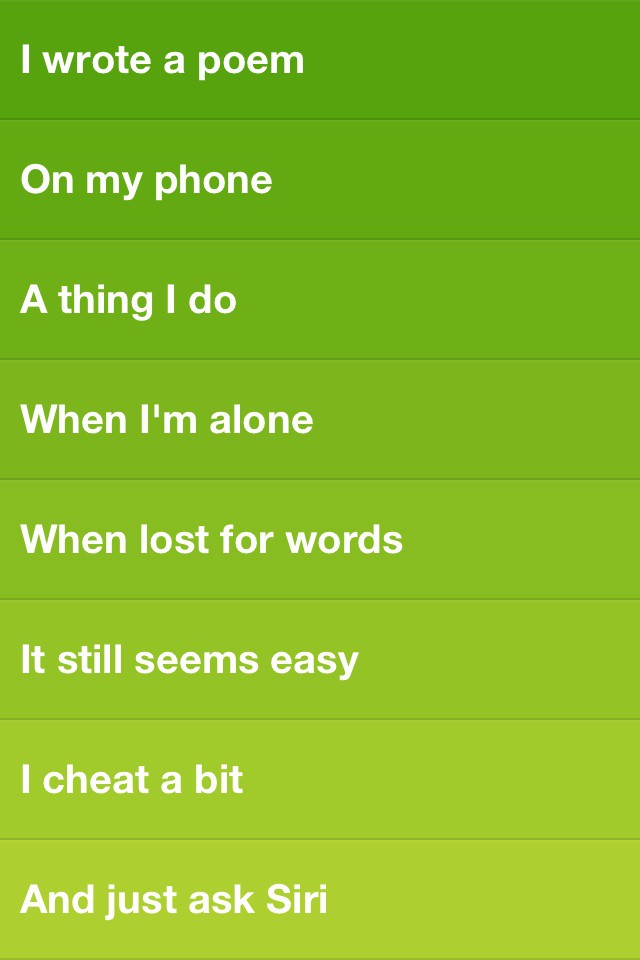
Clear Todo App: Also Great For Poetry!

By

iwroteapoem.jpg

Realmac‘s Clear todo app is the talk of the Macosphere today, earning glowing reviews pretty much everywhere (including here at Cult of Mac). And rightly so: it’s totally different to everything that’s gone before, and cute and sexy and gorgeous too.

But there’s more to it than colorful todo lists. Oh yes. It makes a pretty neat colorful poetry writing thingummyjig too.

Clear: An iPhone App That Lets You Simply And Elegantly Get The Little Things Done [Review]

By

photo 2-5

It has taken me a couple of weeks to refresh and recharge from my first Macworld experience (now known as Macworld | iWorld, of course). But during that time of getting clear I had the opportunity to give the latest offering by RealMac Software (Rapidweaver, LittleSnapper) in collaboration with Milen and Impending, Inc. a thorough “beta” test drive. Coincidentally, the iOS app is called Clear, and it is one of the more compelling list-makers/task managers I’ve seen for the iPhone.

The innovative thing about Clear is that it is entirely gesture-based in execution. There are no visible buttons or sliders; you use a series of gestures to interact with it, and that is what makes it stand apart from other iPhone list apps and task managers.

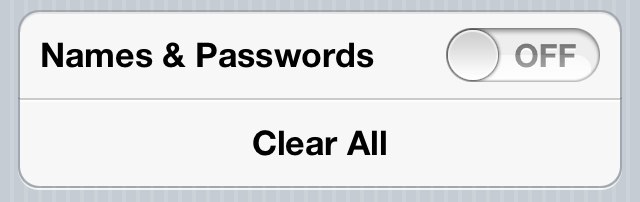
How To Delete Saved Usernames & Passwords In Mobile Safari [iOS Tip]

By

clear-names-pass-safari-iphone

The ability to have mobile Safari save the usernames and passwords that we enter frequently on our iOS devices can be hugely helpful, especially for the forgetful minds amongst us. But not everyone feels comfortable having these details saved on their device. After all, if it gets into the wrong hands, anyone can login to our favorite sites at the tap of a button.

So what if you save these credentials accidentally, or you decide that you no longer want these details saved on your device. Well, fortunately, it’s very simple to delete them without having perform a complete restore on your device. Here’s how to delete saved usernames and passwords in mobile Safari.