Good news for iOS users who prefer Chrome: Google’s browser is now as fast as mobile Safari.
Chrome has switched to the WKWebView engine, which first became a feature in 2014 with iOS 8, allowing third-party browsers access to the same rendering engine as Safari.
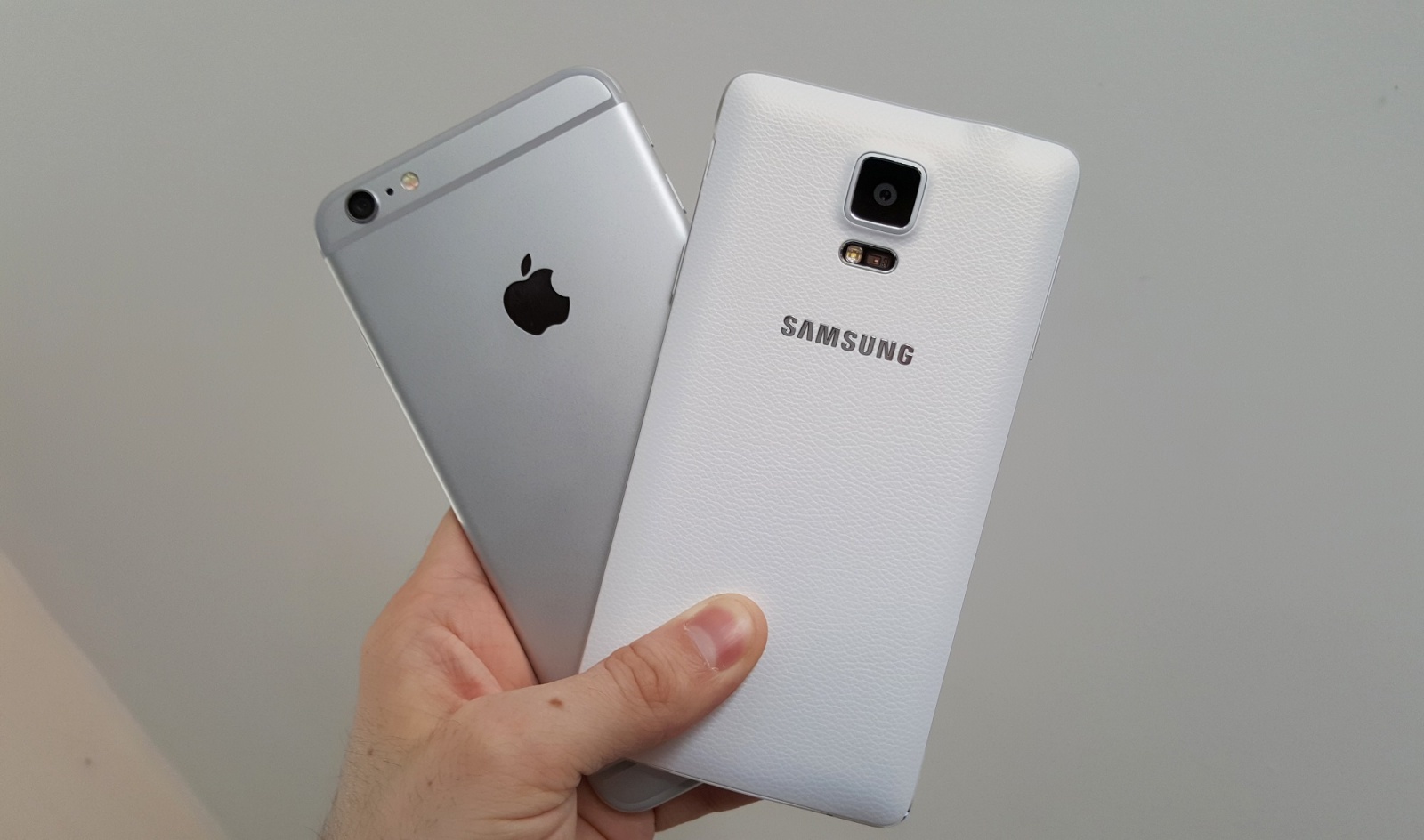
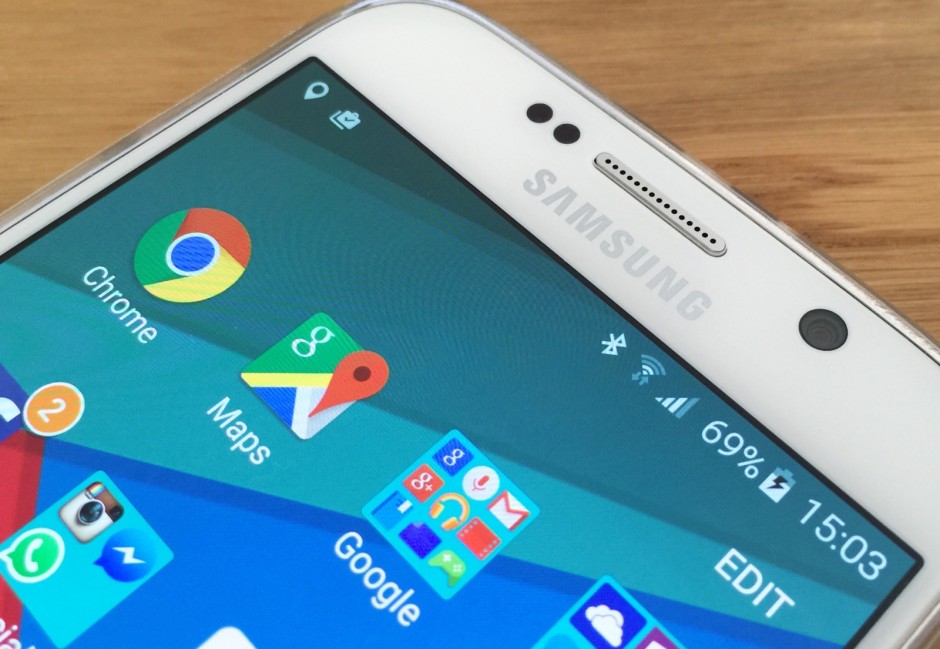
Smartphone owners are, presumably, furious. Photo: Killian Bell/Cult of AndroidSmartphone owners are, presumably, furious. Photo: Killian Bell/Cult of Android
Watch out for people sending you links to the website CrashSafari dot com, which is causing smartphones and PCs around the world to crash by overloading their browsers with a self-generating address bar text string that causes devices to stop responding.
Although the name refers to Apple’s default browser for Mac and iOS devices, the website also causes Android devices running Chrome to slow down and, in some cases, to actually heat up.
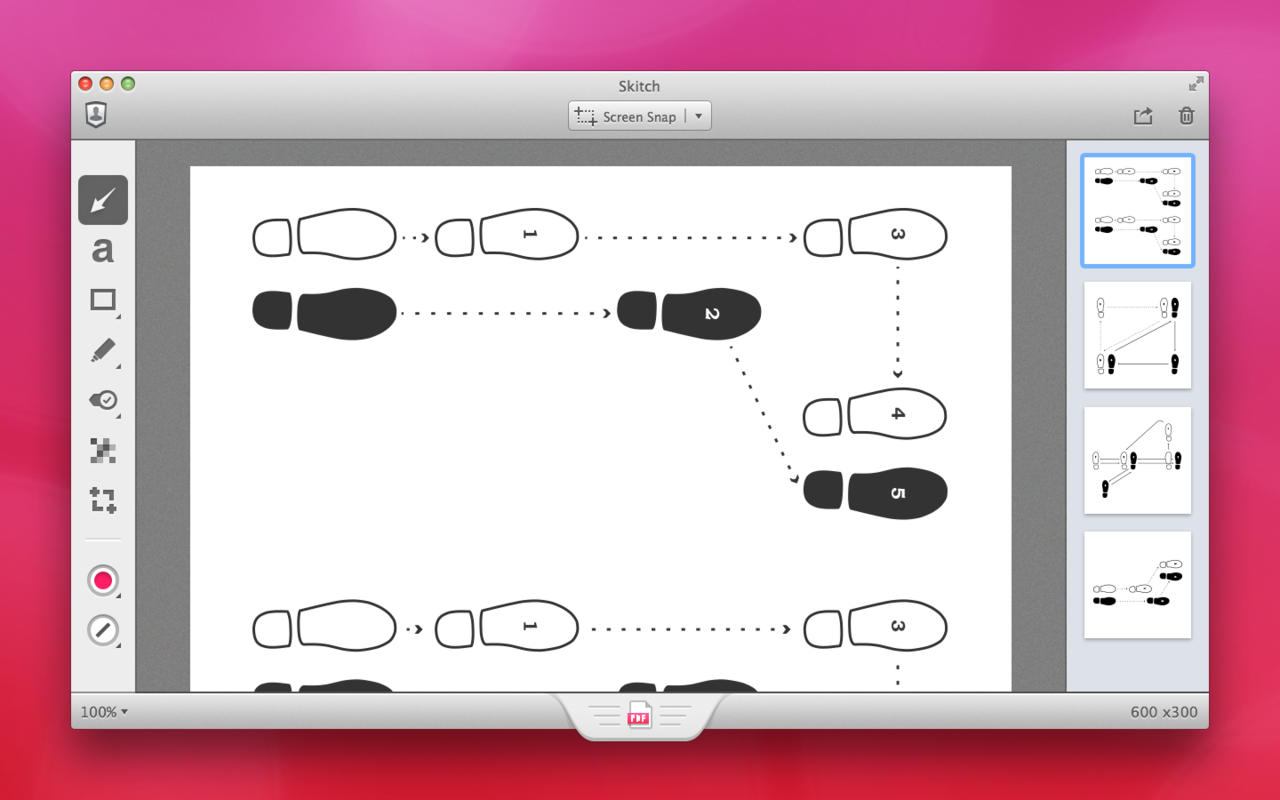
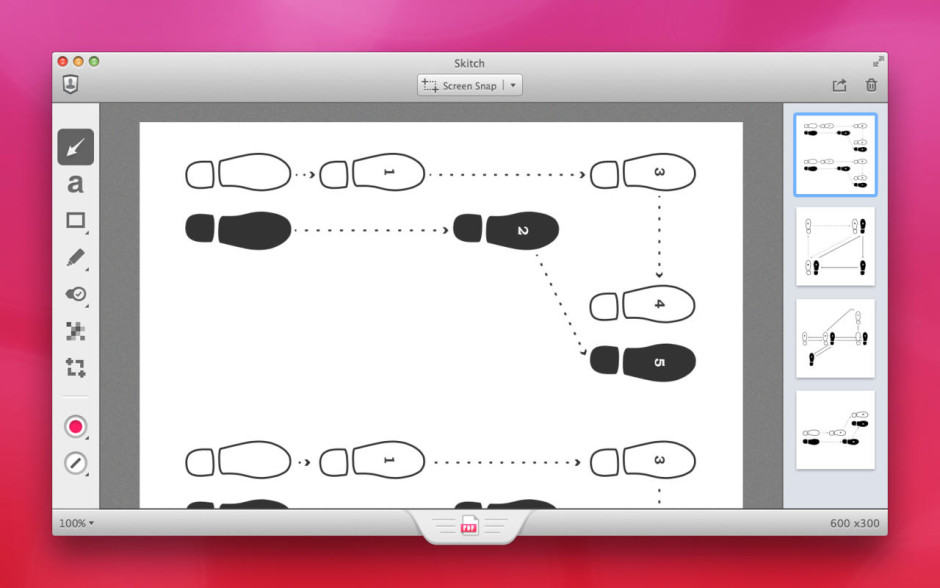
Skitch will only be available on Mac after January 22. Screenshot: Evernote
Evernote’s efforts to streamline its business will see it chop a number of apps from its lineup, including the popular annotation app Skitch. Clearly, a browser extension for Google Chrome, is also getting the boot — as is Evernote’s Pebble app.
A mysterious Gmail bug is putting a skull and crossbones emoji inside users’ inboxes. Hovering over the icon displays creepy messages like “Component Spy,” “Chat Spy,” and “Data Spy” — but it’s actually totally harmless, and Google is already working to fix it.
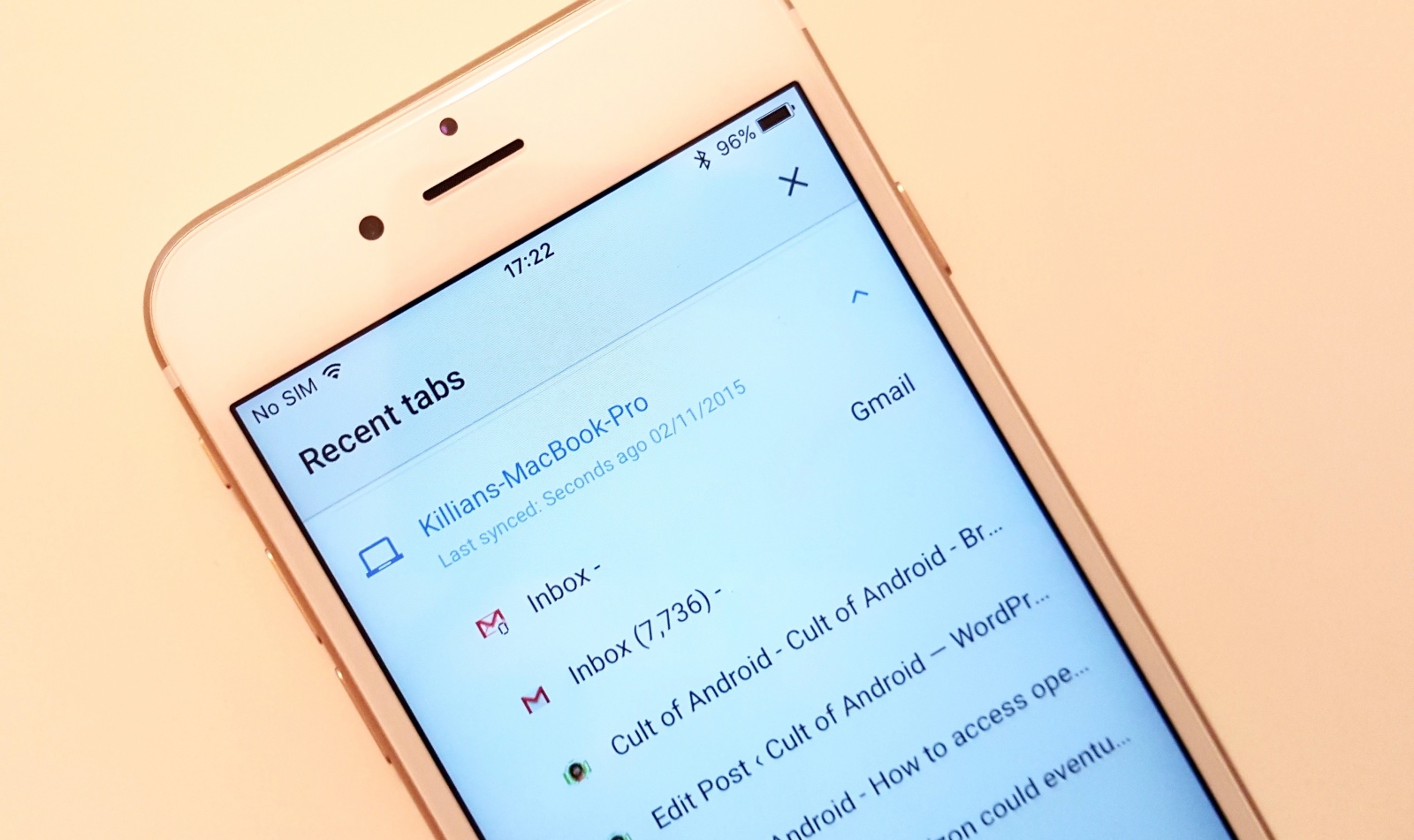
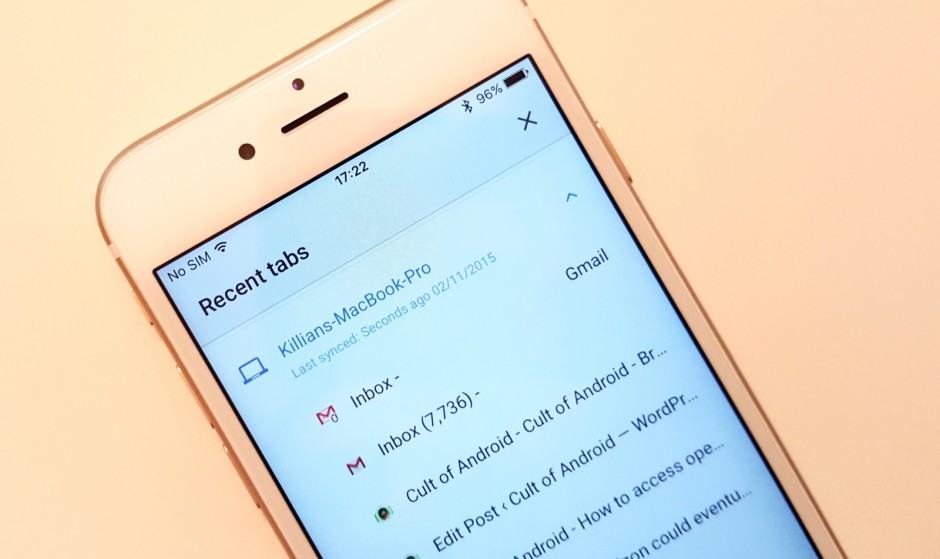
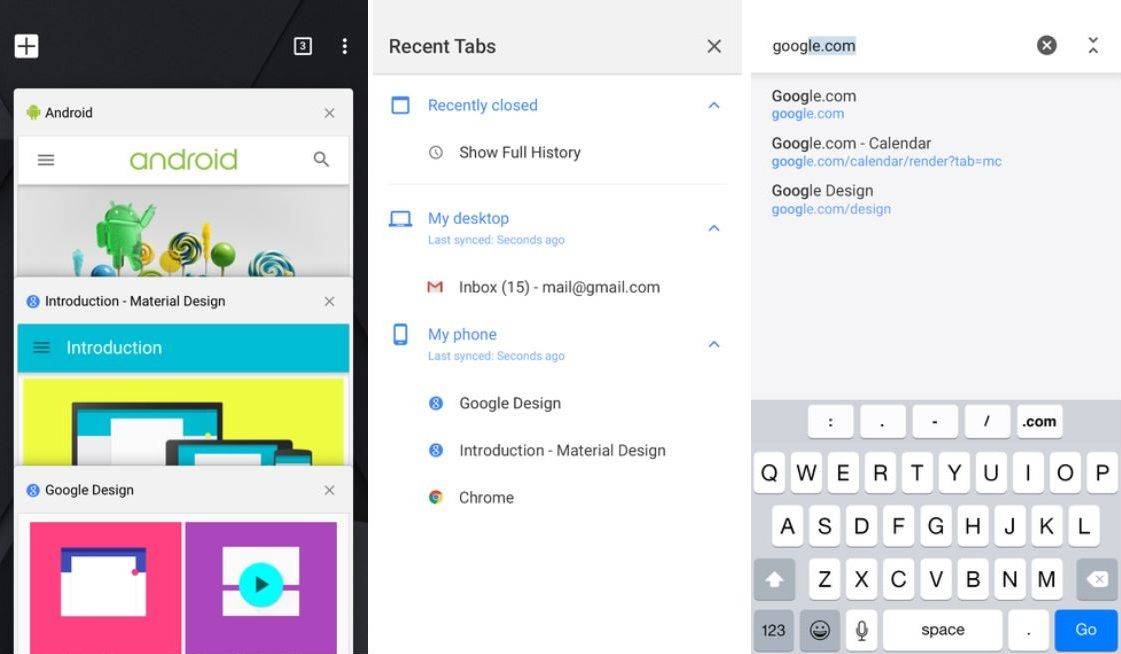
Syncing open tabs is easy in Google Chrome. Photo: Killian Bell/Cult of Android
Did you know that it’s incredibly easy to access open Chrome tabs on your Android and iOS device? So if you’re reading an article on your computer and you have to dash out, you can access it later while you’re on the go without having to search for it again, type in a URL, or email links to yourself.
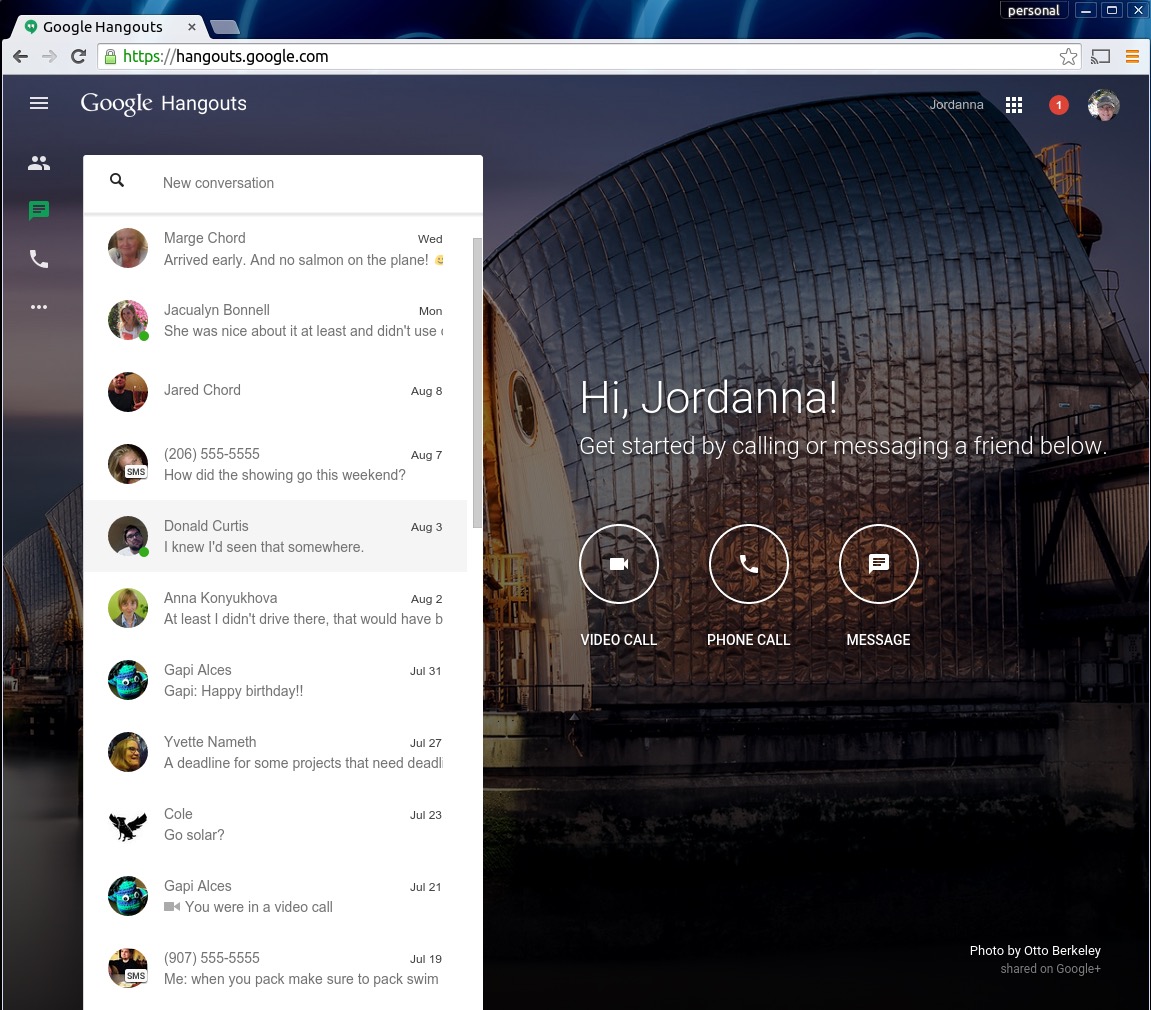
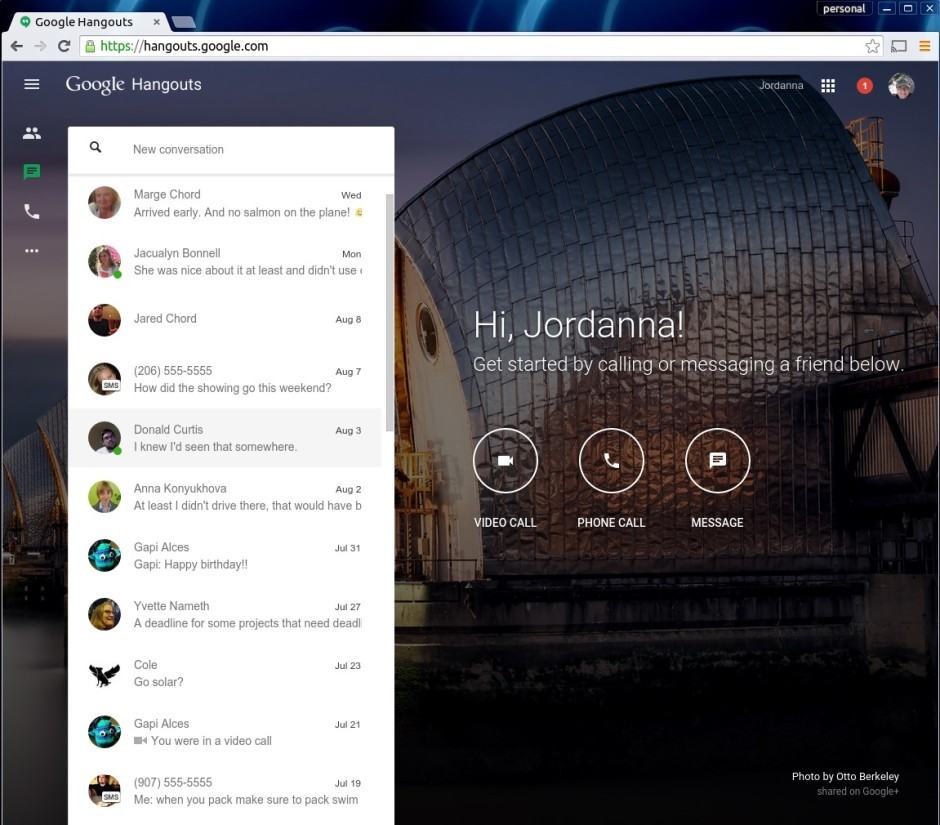
Yet another way to access Google Hangouts. Photo: Jordanna Chord/Google
Google’s chat and video messaging service, Hangouts, got a whole new standalone web app on Monday afternoon.
“We are launching another way to use Hangouts today,” writes Google’s Jordanna Chord on Google Plus. “From our new site you’ll be able to take advantage of the best of Hangouts in the browser, along with an inspiring image to get you through the day.”
Now you’ll be able to keep in touch with all your Hangouts-using buddies in any web broswer, including Safari, without having to run Gmail or Google Plus (or the Chrome app).
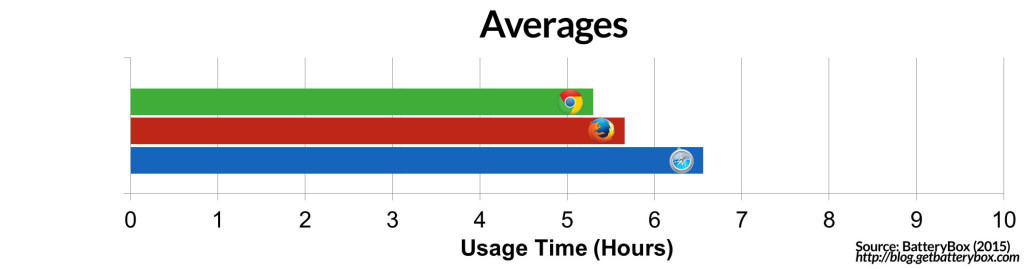
The results are in: you're stupid if you don't switch to Safari on your MacBook. Photo: BatteryBox
We’ve seen before that changing from Chrome to Safari can make a big difference on your Mac’s battery life.
But if you haven’t switched from Chrome or Firefox to Safari yet, this fact might change your mind: If you’re a MacBook user, you’re losing an average of one hour of total battery life by using anything but Safari.
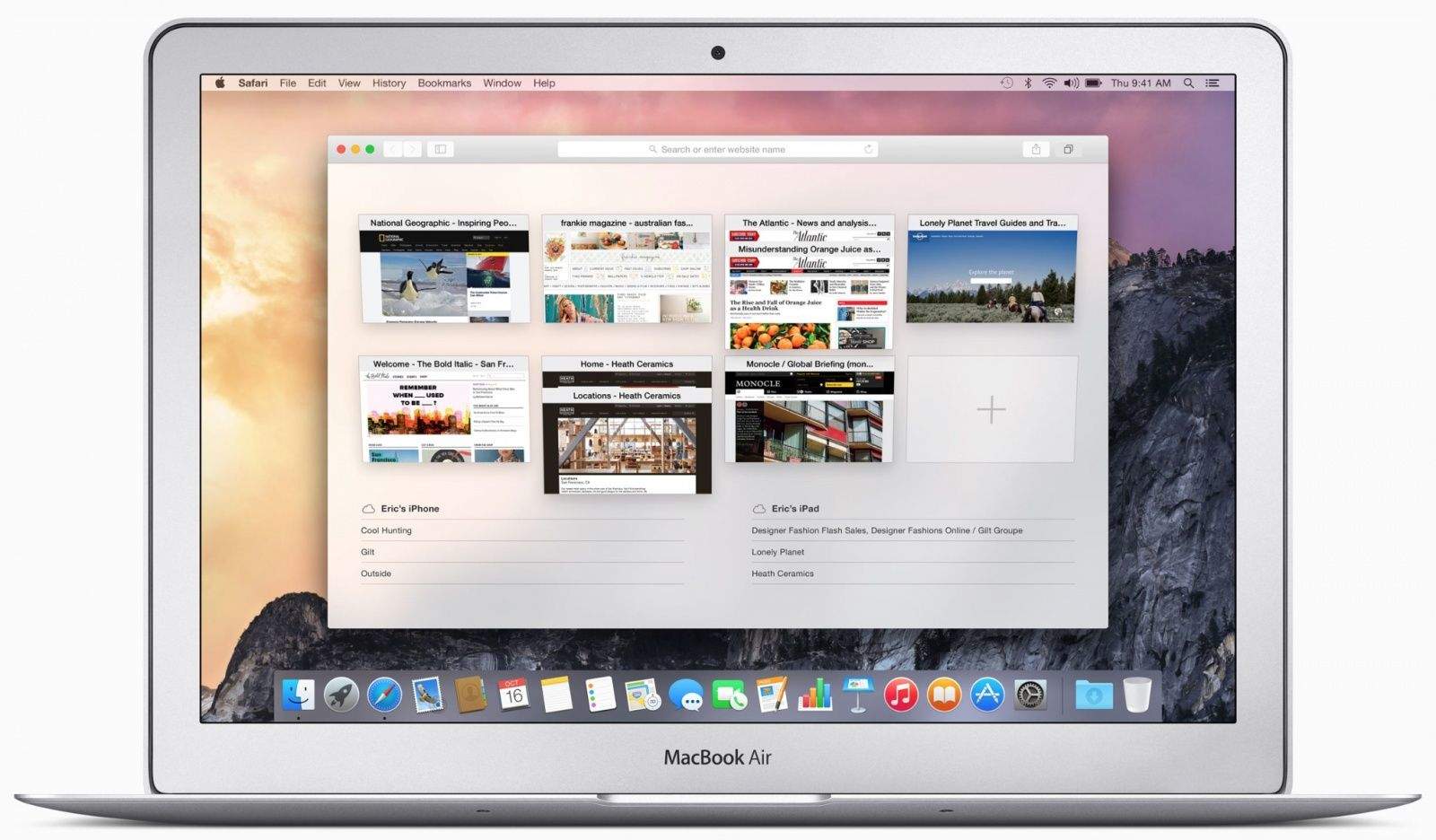
The World Wide Web would like you to pay attention. Photo: Apple
Websites these days have another tool to engage you: the desktop notification. Many sites, this one included, allow you to opt in to a system of popup notices that encourage you to click through and see new content.
Of course, not all content is created equal, and you might someday wish to stop being notified of new cat photos from that feline-friendly website.
Here’s how to manage web notifications using two of the Mac’s most popular web browsers, Safari and Chrome.
Google's hoping to give you more of this from Chrome. Photo: Evan Killham/Cult of Mac
An upcoming improvement to Google’s web browser will empower it to “intelligently pause content” that isn’t crucial to the page, therefore saving your laptop battery a whole lot of grief.
After years of examining the Android operating system, the European Commission has launched a formal antitrust investigation into claims that Google unfairly forces competitors into bundling its own apps on their devices.
It's now possible to bypass certain paywalls. Photo: Cult of Mac
There’s no question that Google Chrome is one of the best web browsers you can get, but it’s long been a resource hog under OS X. By simply avoiding it on the new MacBook, your battery could last more than three hours longer in between charges.
These 13 characters will kill your Chrome browser dead. Photo: VentureBeat
If you’re on a Mac, and use Chrome, and if you’re not sure if you have Assyrian turned on, definitely don’t click this link. Just doing so could cause your whole browser to crash, and the culprit is a 13-character snippet that couldn’t seem any more innocuous.
Chrome's fancy new look on iOS. Screenshots: Google
Google’s Material Design makeover isn’t just for those running the latest version of Android; the search giant is also bringing it to its slew of popular iOS apps as well. Chrome is the latest to get the fancy redesign, and it comes with Handoff support and further improvements for iOS 8.
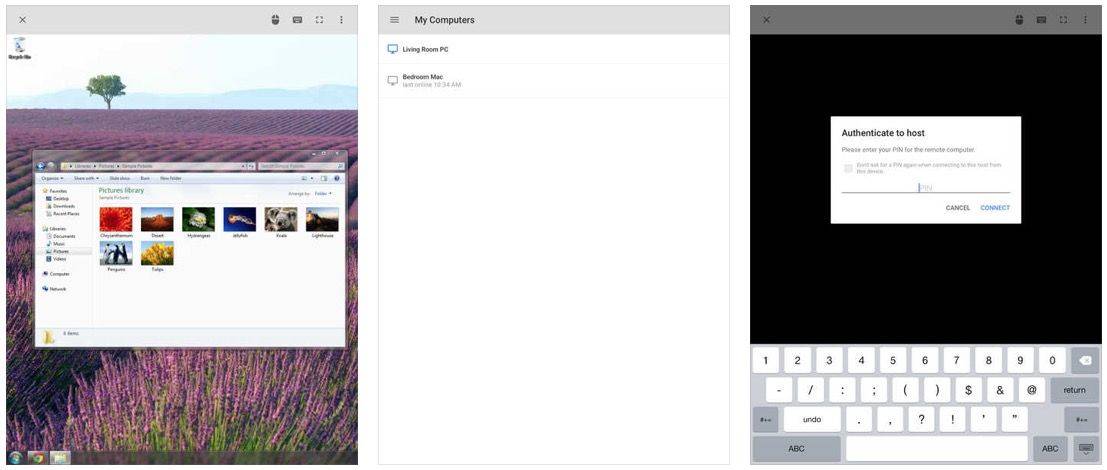
Chrome can now control your Mac from your iPhone. Photo: Cult of Mac
If you’ve always wanted a way to control your desktop from your iPhone or iPad, but didn’t want to lay out, good news: Google’s now got you covered for free.
If you’re a Chrome user, good news: the latest beta version of Google’s excellent web browser finally takes full-advantage of the speed and performance boosts of your Mac’s 64-bit chip. Prepare for a speedier, more stable web browsing experience. And more new features besides.
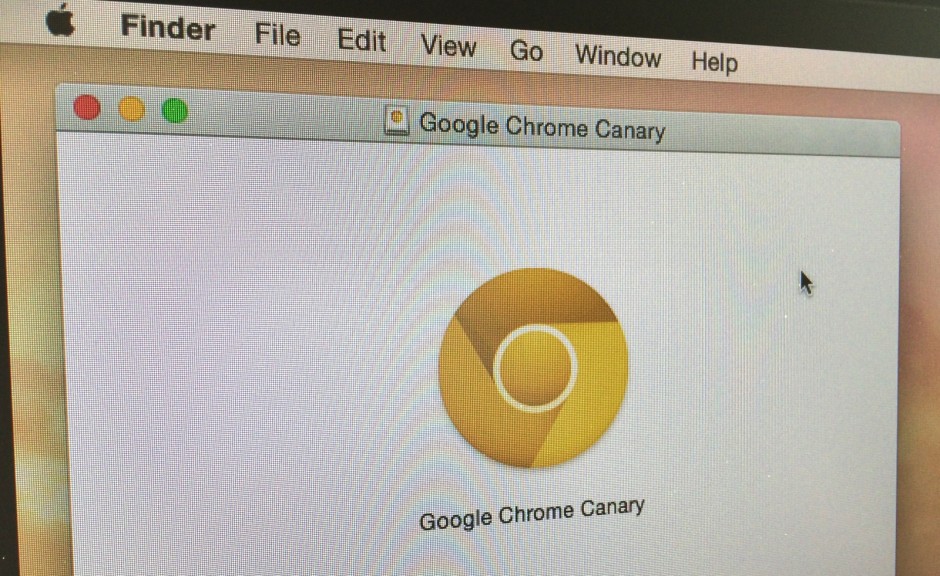
Google today rolled out a new Chrome beta for OS X — officially dubbed Chrome Canary — which finally takes advantage of the 64-bit processors built into the latest Macs. The change should mean better performance when browsing the web, but it isn’t quite ready to become your daily driver just yet.
If you ever want to see the difference between Apple and Google as companies, look no further than the fact that Google’s latest Chrome update for the simply-named iOS 7.0 is the bafflingly-titled version 34.0.1847.18.
That minor irritation aside, the mobile update does add some nifty new features — including a new “feature tour” that shows off the browser and its new enhancements to first time users.
There’s also an included tweak to Chrome’s omnibox, which means that the omnibox now supports right-to-left languages: something that should prove useful to some international users.
I’m going to ask you to do something dirty, but it’ll be totally worth it. But before we get to that, let me tell you what this is about. Project Naptha is a browser extension that lets you copy and paste text from images. That’s right. Those times when some helpful web designer puts all the relevant info into a JPG need no longer drive you into an impotent rage.
Boy, you’d think this would be an easy one, right? Most third-party menu bar icons allow you to either drag and delete them from the menu bar itself, or at least provide a Quit or Disable function in their own drop-down menus, but not Chrome.
The little bell menu bar just sits there, mocking us, providing no easy way to delete it from the horde of other app icons competing for our admittedly limited attention.
Fear not, though, as there is a fairly easy–though rather unintuitive–way to delete this bell icon.
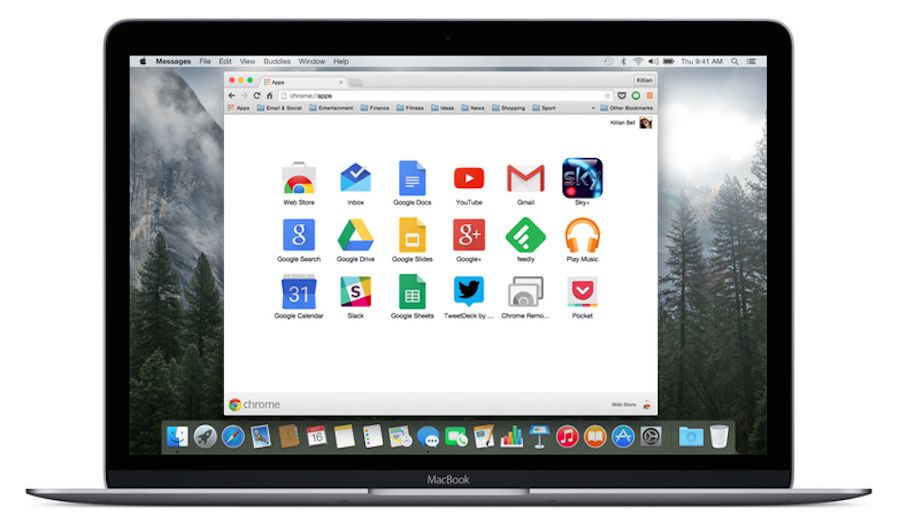
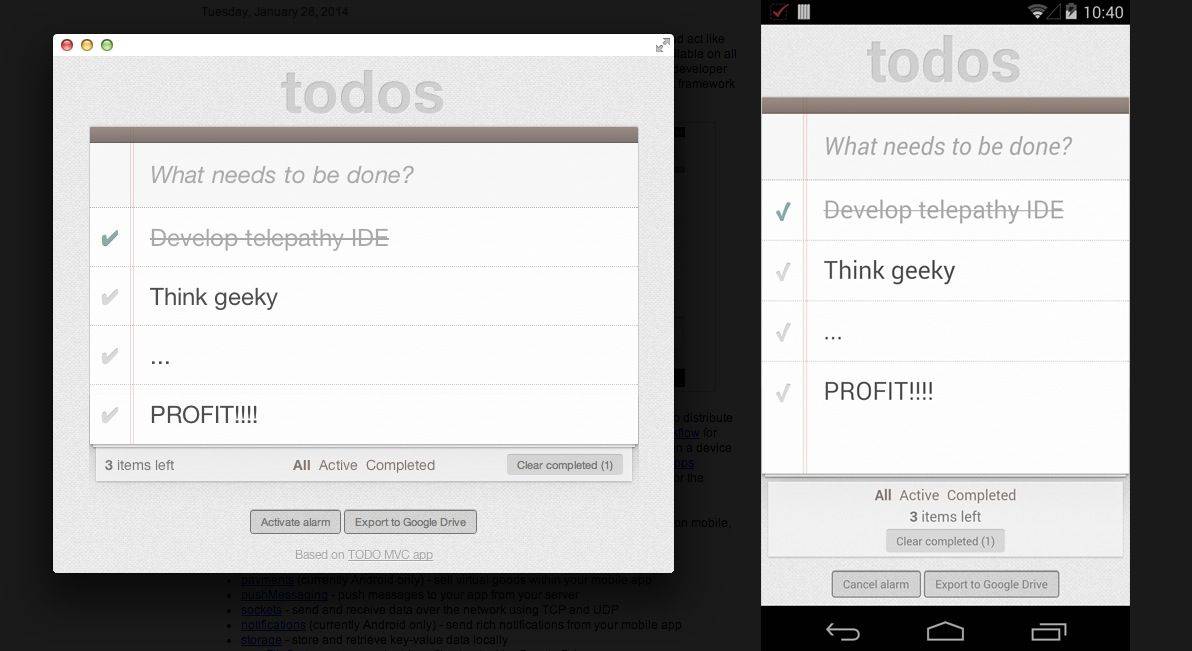
Over the last couple of years, Google has been trying to turn its mobile Chrome browser into a sort of meta-operating system in its own right, by allowing Macs and PCs to run dedicated cross-compatible ‘apps’ right within Chrome. It’s actually a cool idea, but because of Apple’s closed iOS ecosystem, it’s been functionality that iPhone and iPad owners can’t take advantage of. But no longer. Google has just brought Chrome apps to iOS.
Last week, a speech recognition developer found a potential exploit in the Chrome web browser that could possibly let malicious web sites activate your Mac’s microphone and listen in on any sounds your mic might pick up around you. Even if you’re not actively using your computer, the mic could be active and conversations, meetings, and phone calls could potentially be recorded or listened in on.
Luckily, there’s a way to keep this from happening, because–however remote the possibility–it’s always a good idea to keep your private information, including real-world conversations, private.
Of course, if you don’t use the Chrome browser at all, this won’t apply to you.
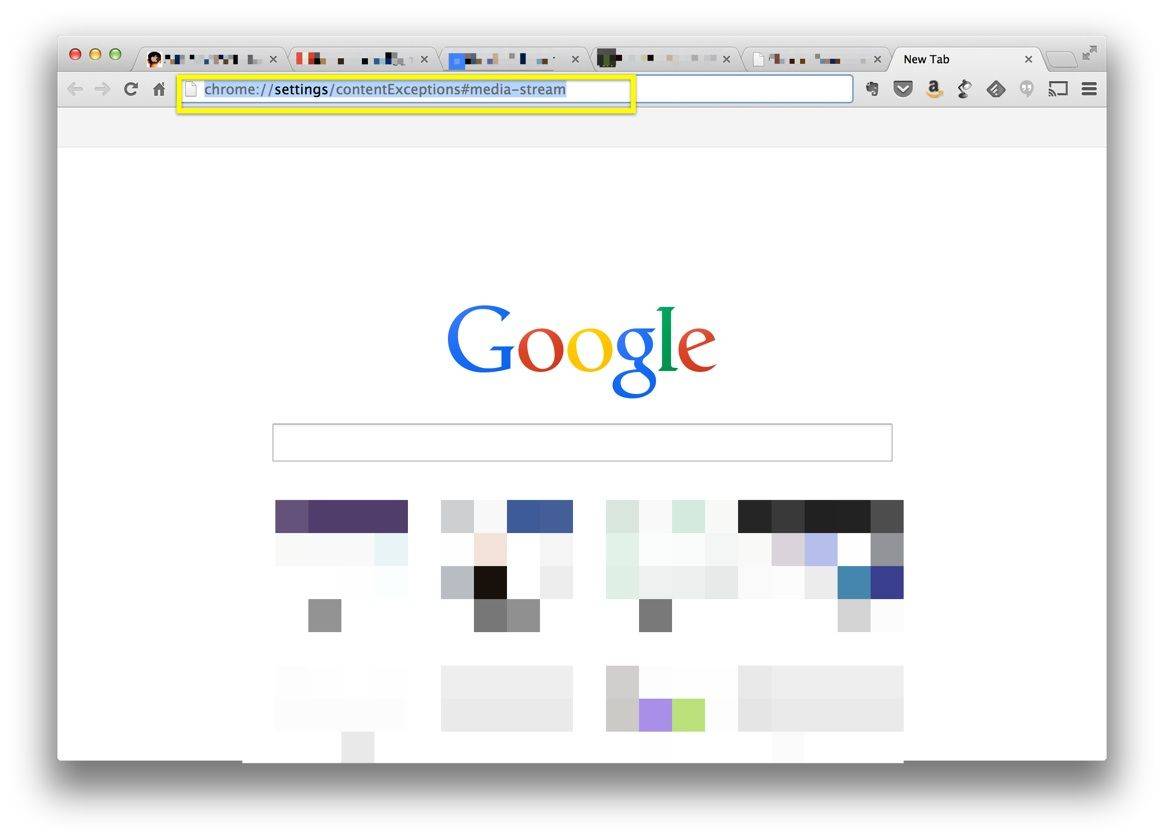
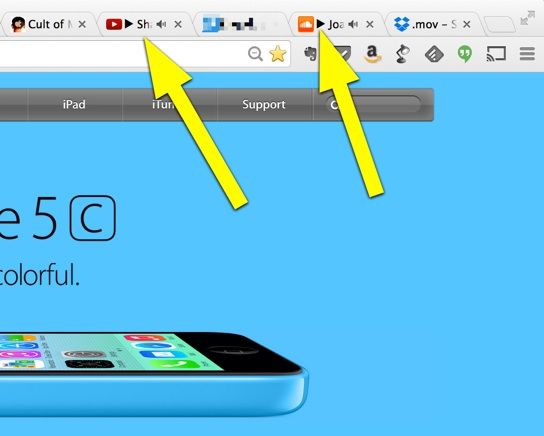
Have you ever been browsing the internet, opening new tabs, and blithely going about your business when all of a sudden, out of nowhere, an ad begins blaring at you from one of your various tabbed windows?
This can happen in Safari or Chrome (or any other browser, really), but Chrome has a new feature that will let you find the guilty, noisy culprit and shut it down.
Google has removed two Chrome extensions from its web store after it was discovered that they were serving unauthorized ads in violation of the company’s terms of service. Both “Add to Feedly” and “Tweet This Page” contained hidden code that served “undesirable” ads to their users while they were browsing the web, The Wall Street Journal reports.
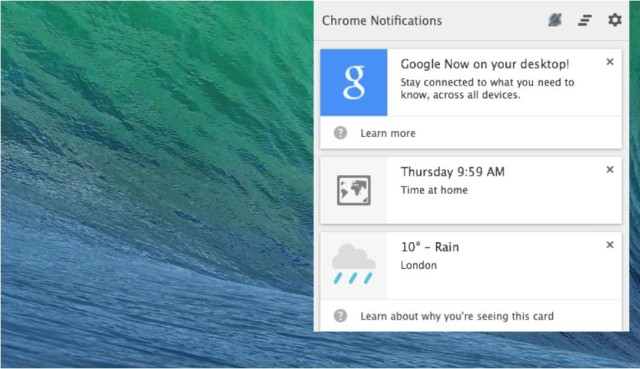
We’ve been waiting for Google to bring Google Now to the desktop via Chrome for over a year now, and today the feature finally appeared in a new alpha version of the browser, called Chrome Canary.
Now is baked into Chrome’s new notification center, and functions just like its Android counterpart, providing users with real-time weather updates, sports scores, and travel information. Not all of its Cards are available on the desktop yet, but we expect that to change by the time it is ready for its public release.
Thanks to the release of Chrome 32 for Android and iOS, users of Google’s mobile OS will have the option of reducing their browser’s data usage by up to 50 percent.