A new version of the Microsoft Edge web browser based on Google’s Chrome starts rolling out today for Windows, of course, but also macOS.
Among the most notable benefits is support for Chrome extensions.

A new version of the Microsoft Edge web browser based on Google’s Chrome starts rolling out today for Windows, of course, but also macOS.
Among the most notable benefits is support for Chrome extensions.


The “Like”-minded Instagram influencer didn’t have to wait long to get a work-around to the social media app’s experiment with hiding the number of “Likes” on posts.
A company known as Socialinsider has created a free Google Chrome browser extension called “The Return of the Likes.”
Google Chrome may soon start giving slow websites a badge of shame.
The move, which will also “reward” sites that load quickly, is aimed at encouraging developers to deliver a high-quality experience for all users, Google says.
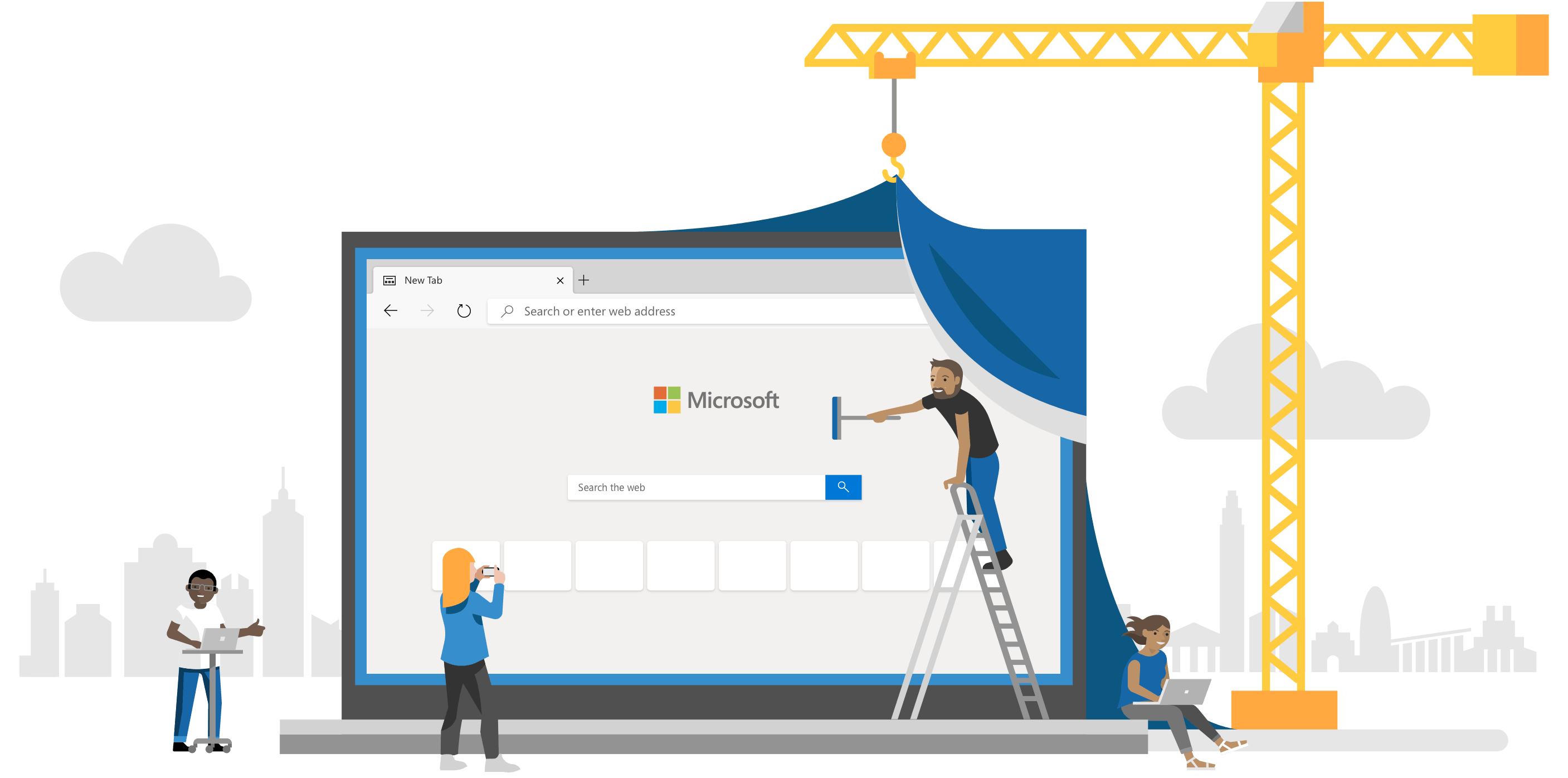
Microsoft Edge is now “ready for everyday use.”
The next-generation version of the browser, built on Chromium, is still in beta for Windows and macOS. But Microsoft says it’s stable enough to become your primary window to the web.
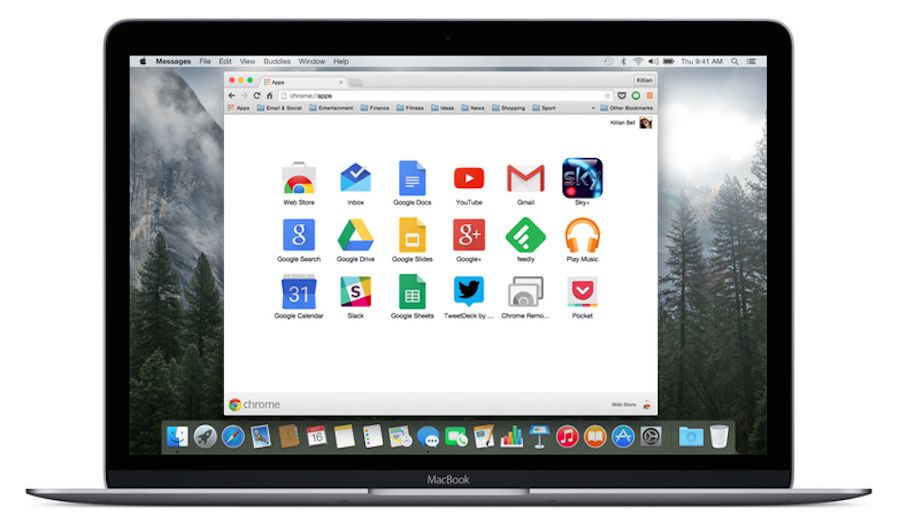
Google Chrome just got a big new update that improves upon two important features.
The version 76 release disables Flash by default to improve browsing performance, while Incognito Mode has been tweaked to prevent websites from detecting it.
The change means that you will now be able to bypass paywalls on some websites.

Google has confirmed plans to eliminate Chrome extensions that steal too much of your data.
Its new policy, which goes into effect on October 15, no longer allows extensions to freely collect browsing activity. Those that do must be transparent in how they use it, and transmit it securely.
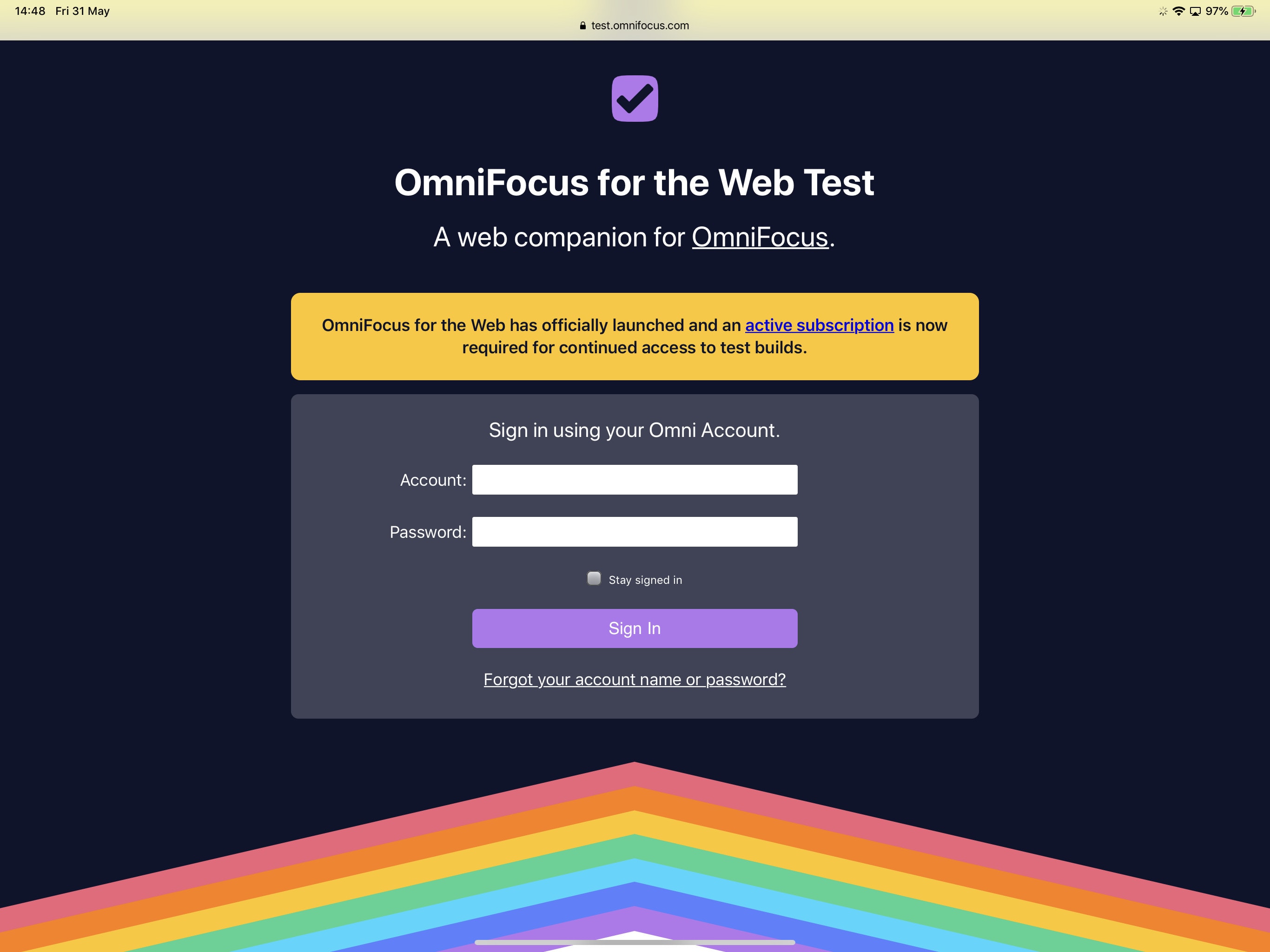
OmniFocus is now available anywhere in your web browser.
The new web app makes it possible to access your tasks on Windows and other operating systems for the first time. It is designed to work alongside OmniFocus for Mac and iOS.
Sadly, it doesn’t allow you to use OmniFocus if you don’t own an Apple device at all.
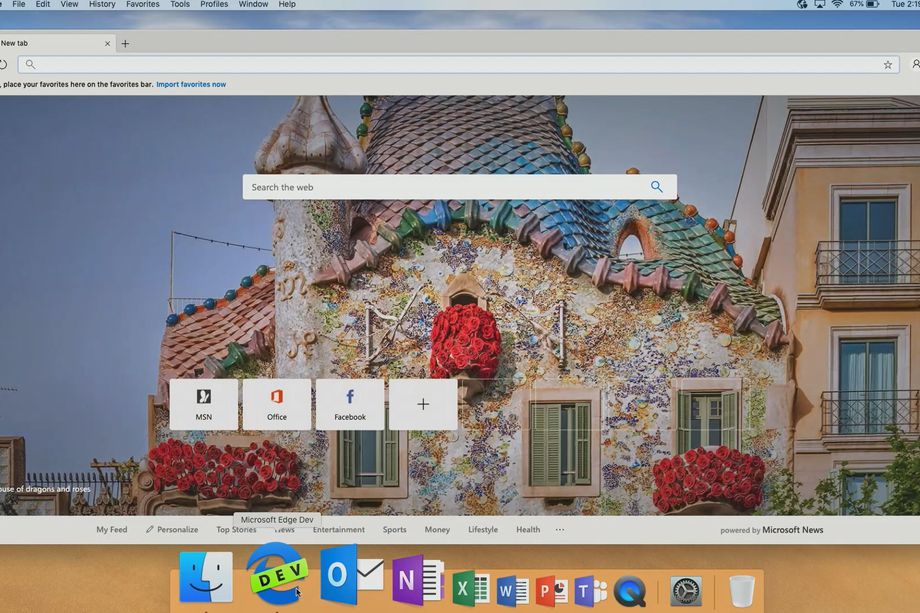
Microsoft is bringing its brand new Edge browser to macOS “soon,” but you don’t have to wait any longer to get your hands on an early version.
Both Canary and Developer builds are now available to Mac users. You won’t want to use them for everyday browsing, but they’re great for getting an early taste of Edge ahead of its official debut.

Google Chrome now supports official Nintendo Switch controllers.
The console’s included Joy-Cons and optional Pro Controller are compatible. The surprise update comes just days before Google is expected to unveil a brand new game streaming service at GDC 2019.

Whenever you click a link in a Google search, it replaces the URL of the site with a tracking URL. If you hover over a link with your mouse before you click it, Safari will show you the full URL of that link. It’s a great way to check where you’re about to get sent. Google plays along with this, showing you the proper URL for the link in question.
Only when you actually click on it, it swaps out that link, replacing it with its own tracking link.
Fortunately, there’s a way to block this sneaky, underhanded and totally unsurprising behavior.
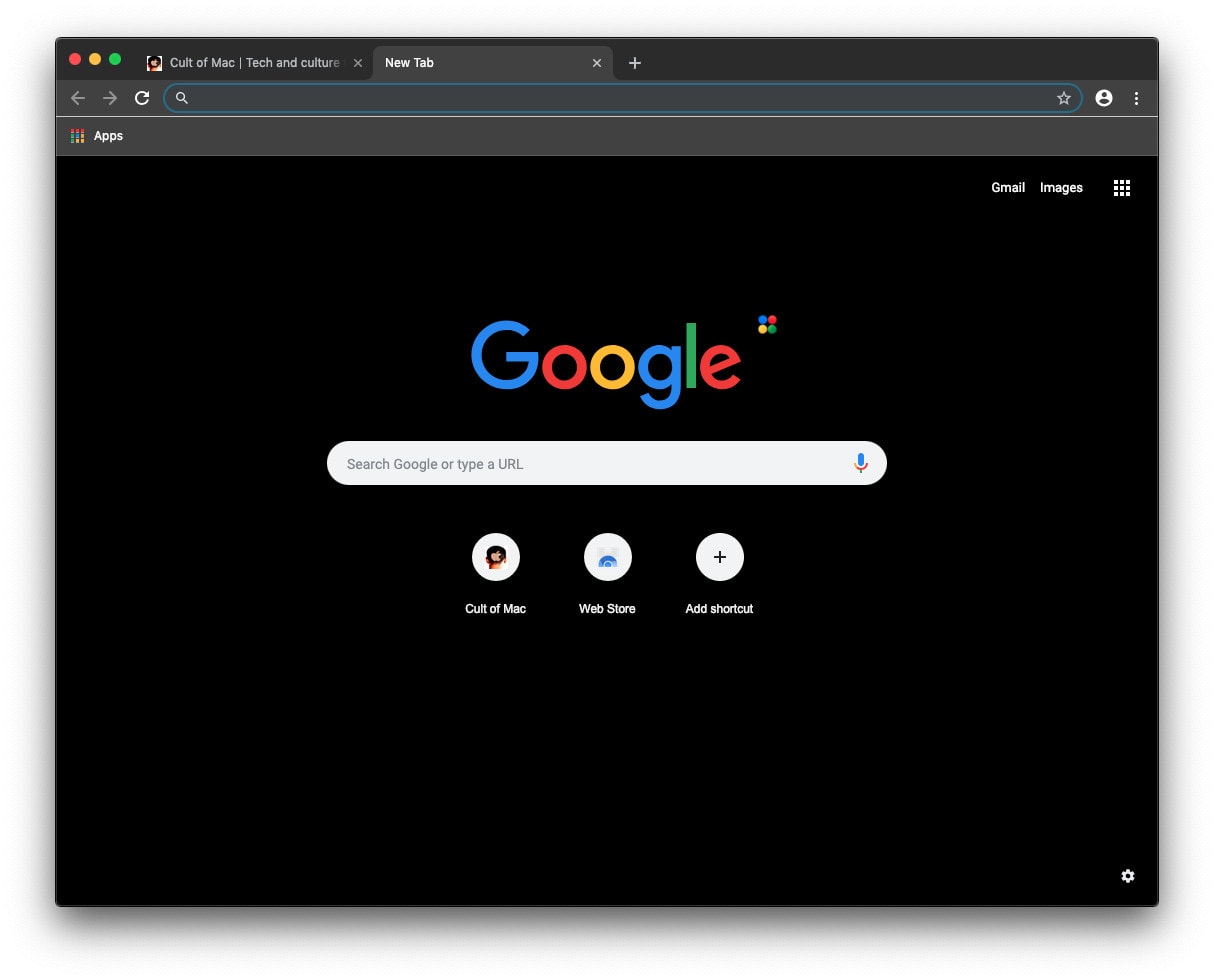
Google’s popular Chrome browser is getting a new dark mode for macOS Mojave.
We’ll have to wait until next year for the alternate look to make its way into a stable Chrome update, but you can test drive it early by downloading the open source Chromium browser.

Google is making it possible to play high-end games on even the cheapest computers.
Project Stream is a new service that will bring the most demanding PC titles to Chrome this week, starting with Assassin’s Creed Odyssey. You’ll need a speedy internet connection, but expensive processors and graphics cards aren’t required.
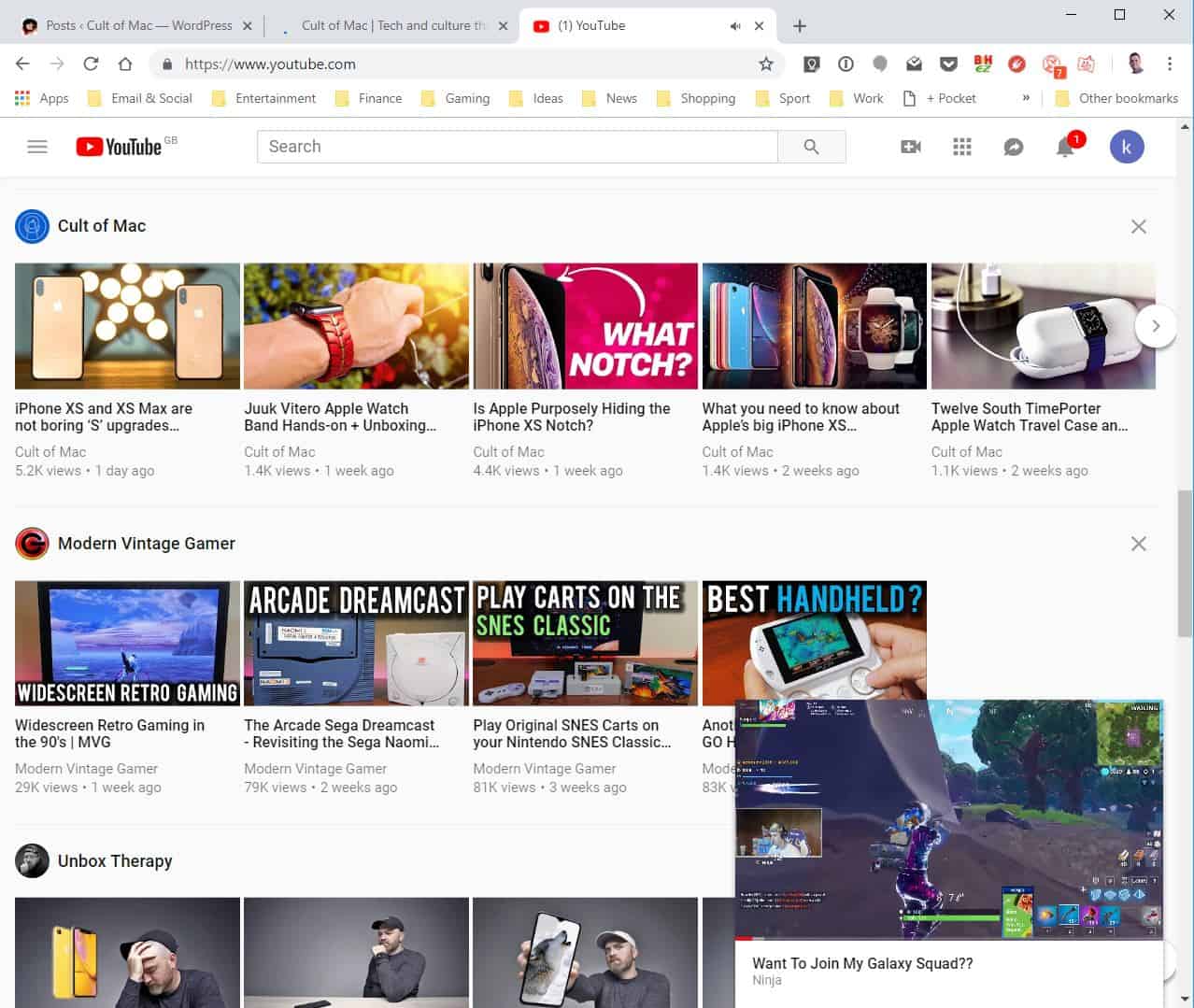
YouTube’s handy picture-in-picture mode has started making its way to desktop. The new “miniplayer” function lets you watch while you browse on Mac and PC. Here’s how to activate it.
Have you ever wondered why YouTube is so much slower than all the other websites you visit in Safari? Did you know that you could make it up to five times faster with very little effort?
YouTube’s new design doesn’t play nicely with browsers that aren’t Google Chrome, but with some simple tweaks, you can switch back to its previous design and enjoy much faster speeds.
Here’s how.

This post is presented by Dashlane.
Doing anything online means remembering a slew of passwords. That’s why we’re strong advocates of using a password manager like Dashlane. But why use a password manager when your web browser offers to keep track of passwords for you?
The short answer is that, in today’s age of security and privacy concerns, password management is about a lot more than convenience.
There’s something a bit different about this year’s WWDC livestream. As always, you’ll be able to watch it using Apple’s Safari browser, the WWDC app or Apple TV. However, for the first time Apple is also supporting Google Chrome and Mozilla Firefox.
In previous years, neither has been available to users, meaning that viewers were limited to either one of Apple’s proprietary options or, if they were using a Windows 10 PC, Microsoft Edge.
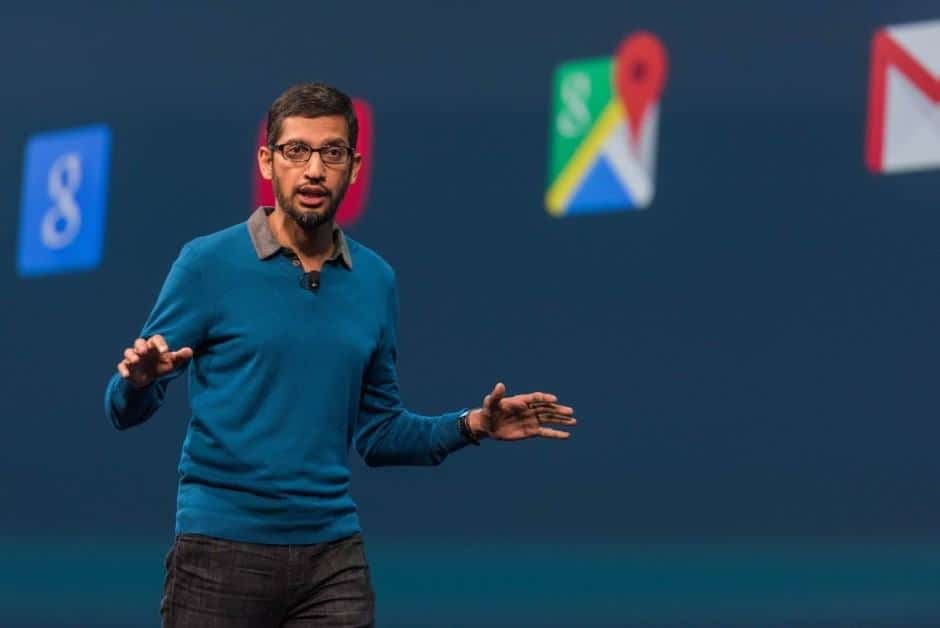
Google I/O 2018 kicks off in less than an hour.
There’s loads to look forward to this year, including an update on Android P, and previews of what’s to come for Chrome, the Google Assistant, Android Auto, and more. The recently-rebranded Wear OS may also get some much-needed attention.
Google is live-streaming its big keynote, which kicks off at 10 a.m. Pacific. If you can’t tune in, follow our live blog below to stay up to date with everything that’s happening in Mountain View.

Google I/O 2018 kicks off today in Mountain View, California. The two day event starts with a big Google keynote that will see the company lay out its plans for the future of its biggest products, including Android and Chrome OS.
You can watch the whole thing live right here from 10 a.m. Pacific.
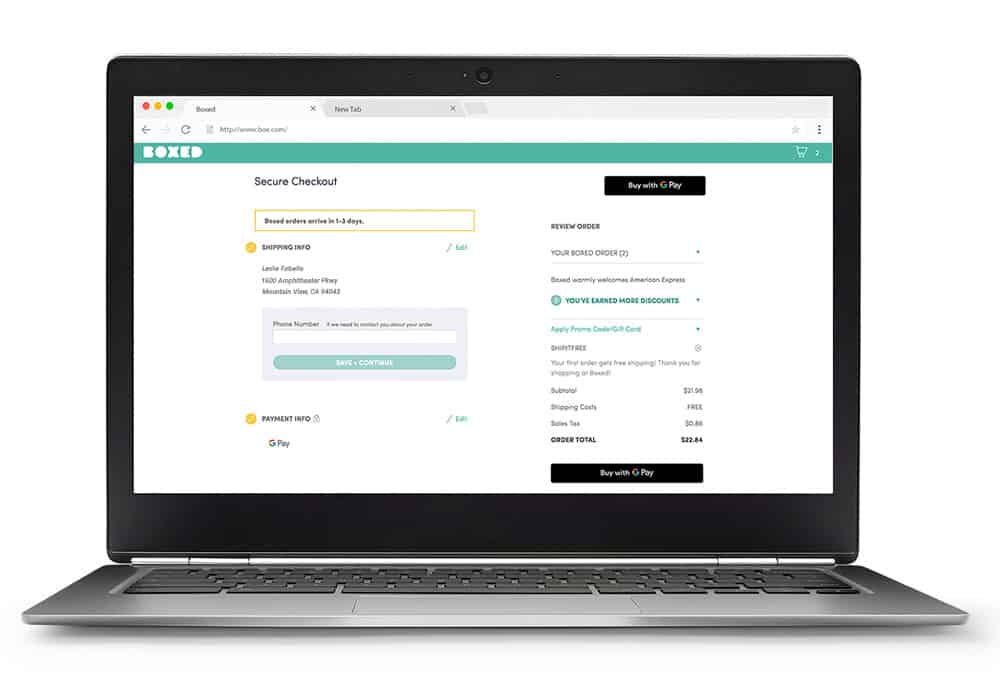
Google Pay is gearing up to do battle with Apple Pay in its own backyard.
The payments service has started rolling out on Mac and iOS, and you don’t need a dedicated app to use it.

Google has done us all a favor by asking Chrome to block autoplaying videos with sound. No longer will our ears be sodomized unexpectedly by obnoxious ads that we’ll never look at. There are some caveats, however.
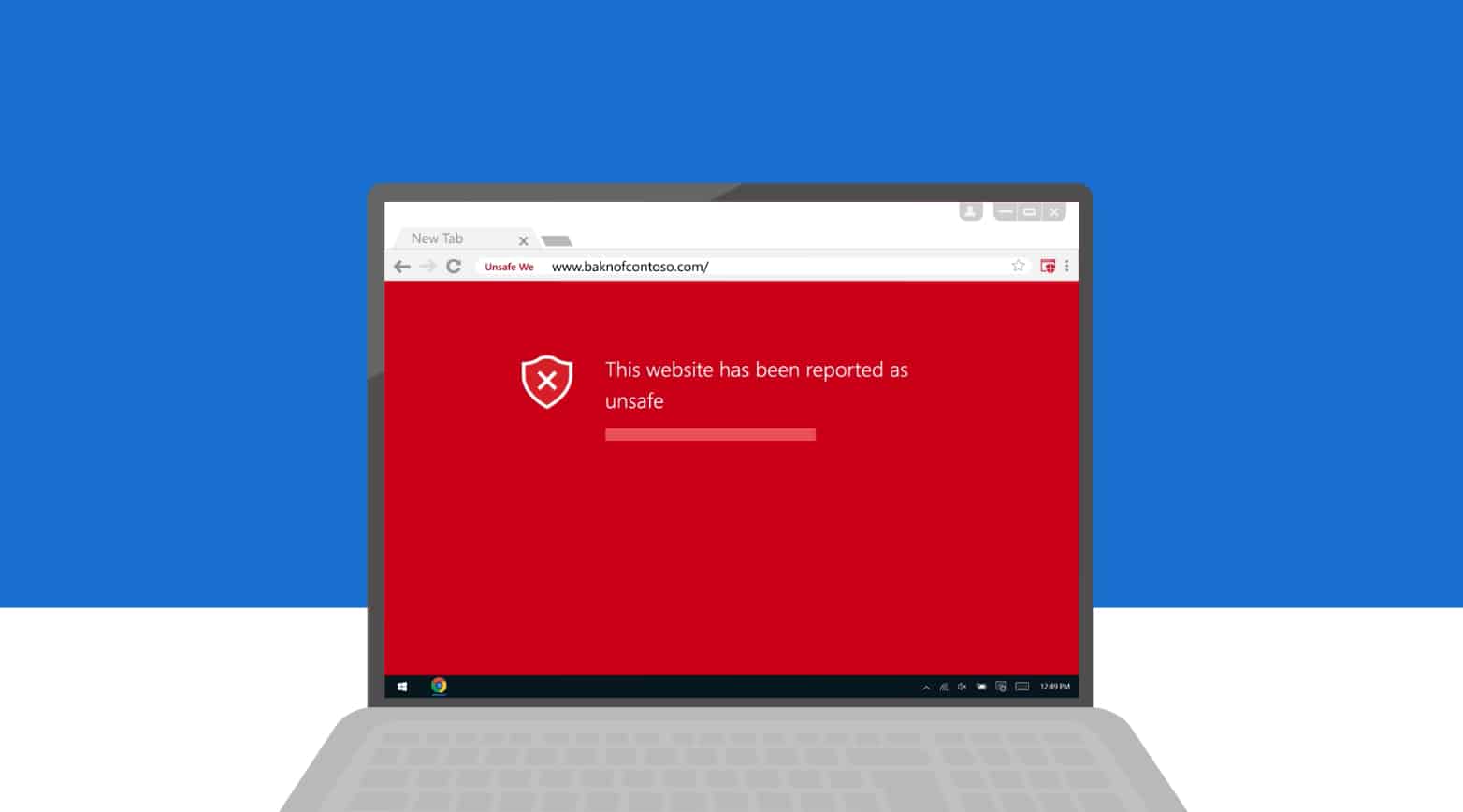
Windows Defender, which protects Windows 10 PCs from malware, can now keep your Mac safe from inside Google Chrome.
Microsoft has turned its antivirus app into a Chrome extension that promises to detect phishing links in your emails and dodgy sites that distribute malicious software. It’s 99 percent effective, according to Microsoft, which makes Windows Defender better than rival browser protections.
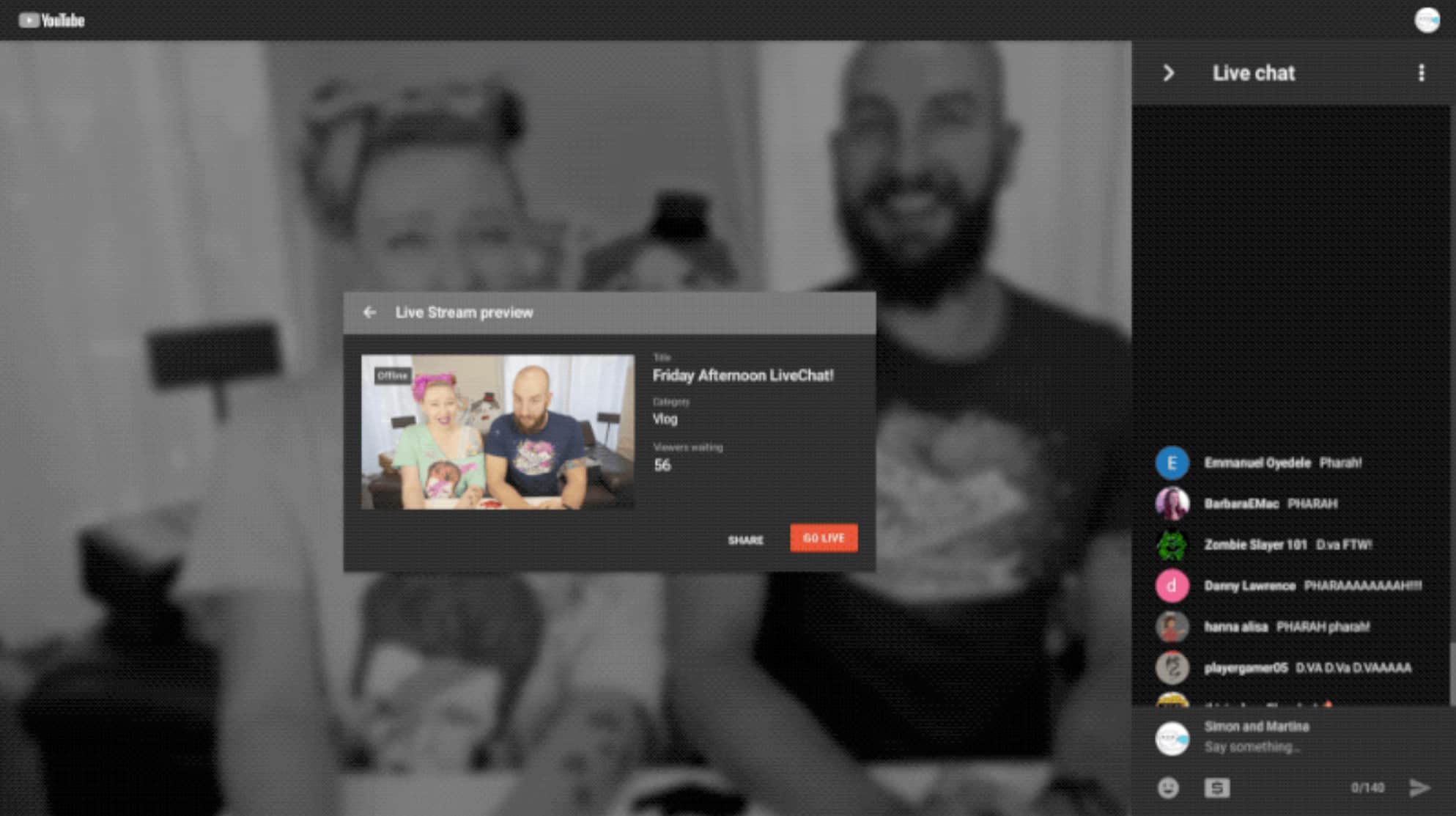
YouTube has made livestreaming easier for everyone by allowing us to broadcast directly from a web browser. Chrome now lets you “go live” with nothing but a webcam — and support for other browsers is coming soon.
It’s going to get a lot easier to livestream from your smartphone, too, unless you use an iPhone.
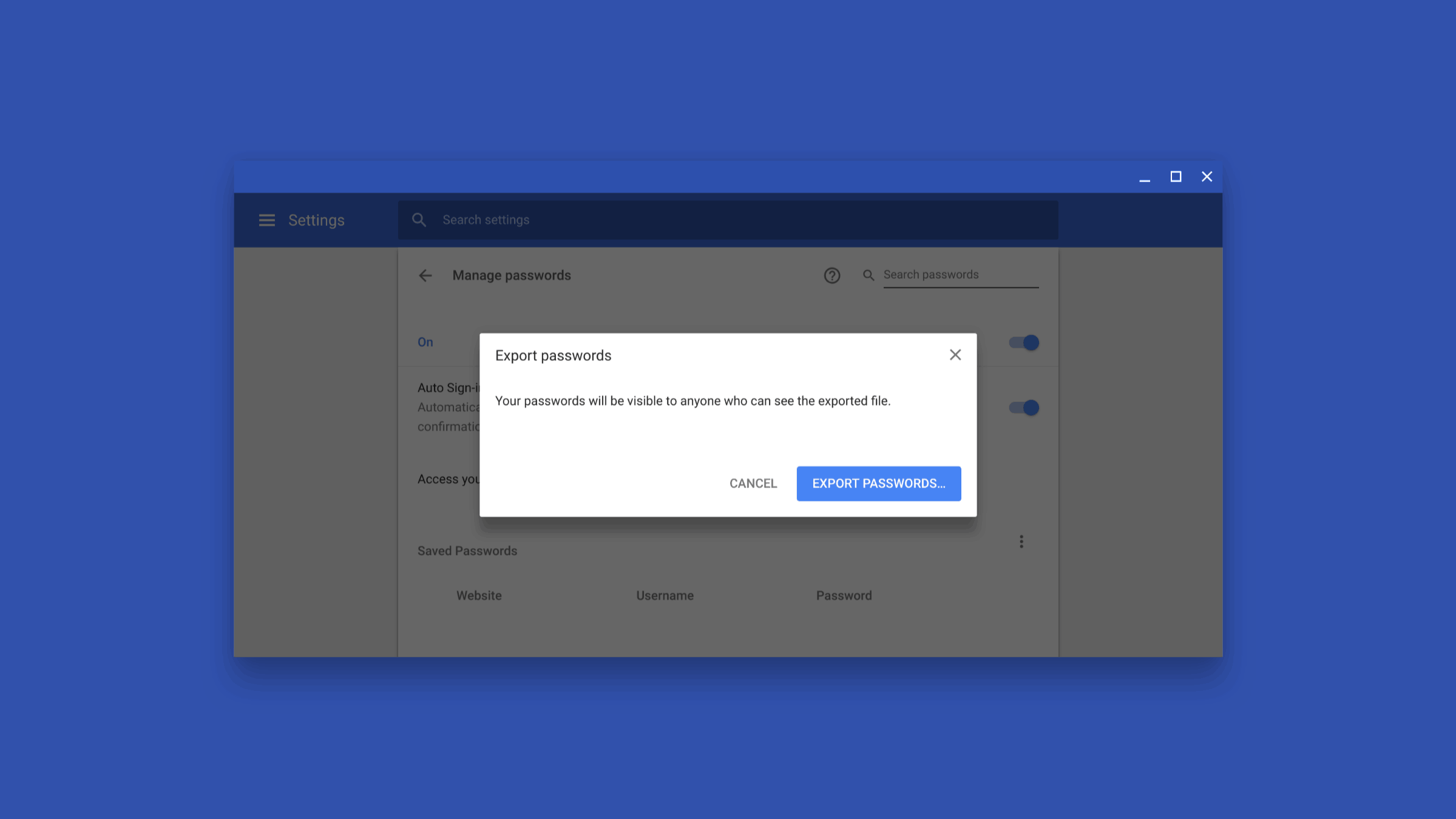
Google is making it easier to download all your saved passwords from Chrome. It has long offered the ability to export the data, but the process has been complicated and cumbersome. That’s going to change “soon” with a new export system.
Google will roll out an awesome Chrome ad blocker Thursday that takes aim at some of the most invasive forms of online advertising.
The new Chrome ad-blocking feature won’t annihilate ads entirely. But users won’t need to worry about full-page ads, ads with auto-playing sound and video, or flashing ads anymore.
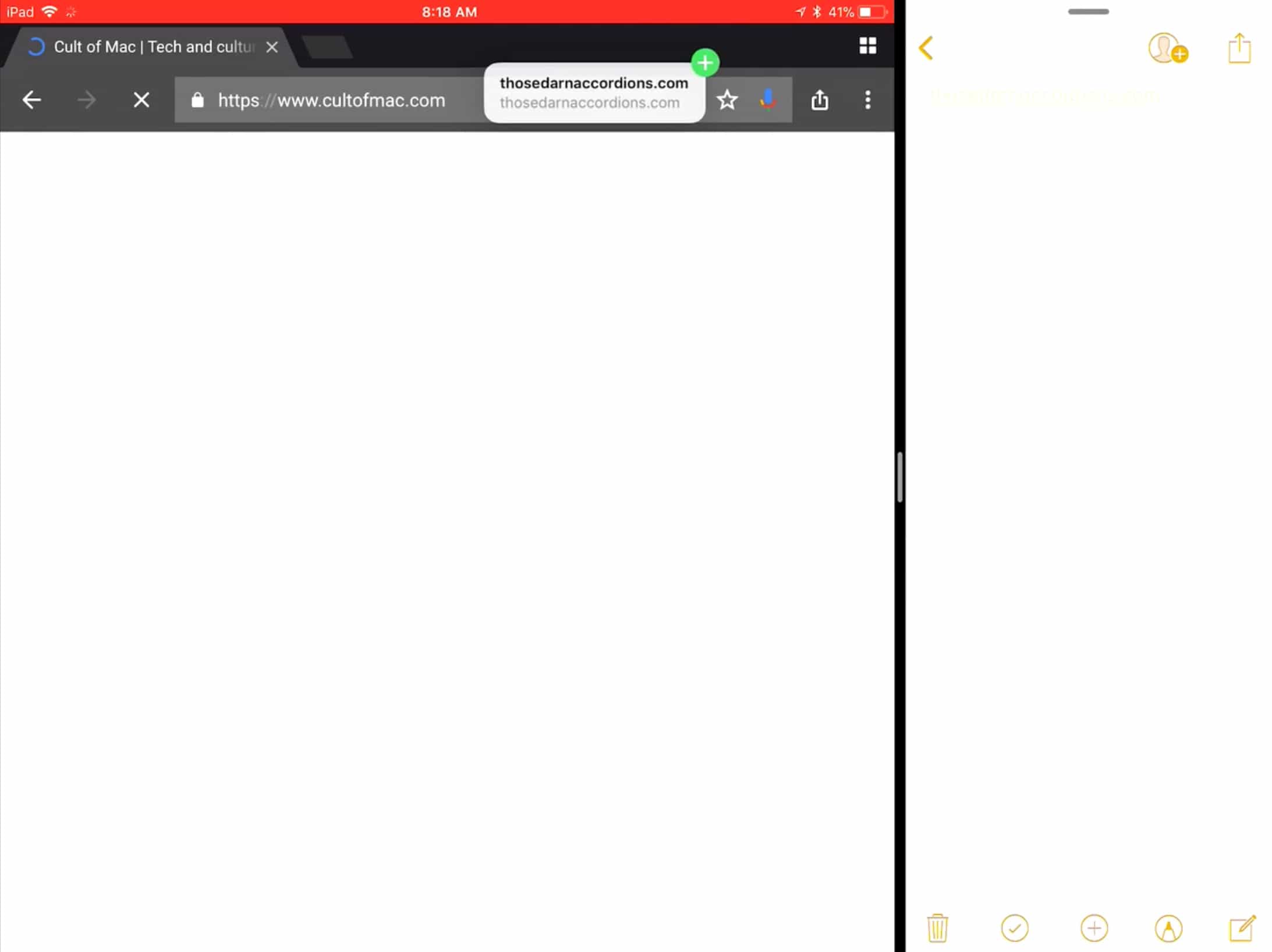
The best web browser on iOS just keeps getting better. Google has updated Chrome to add two new widgets for the Today screen, and drag and drop support for iPad. You’ll need to be running iOS 11 to make the most of it.