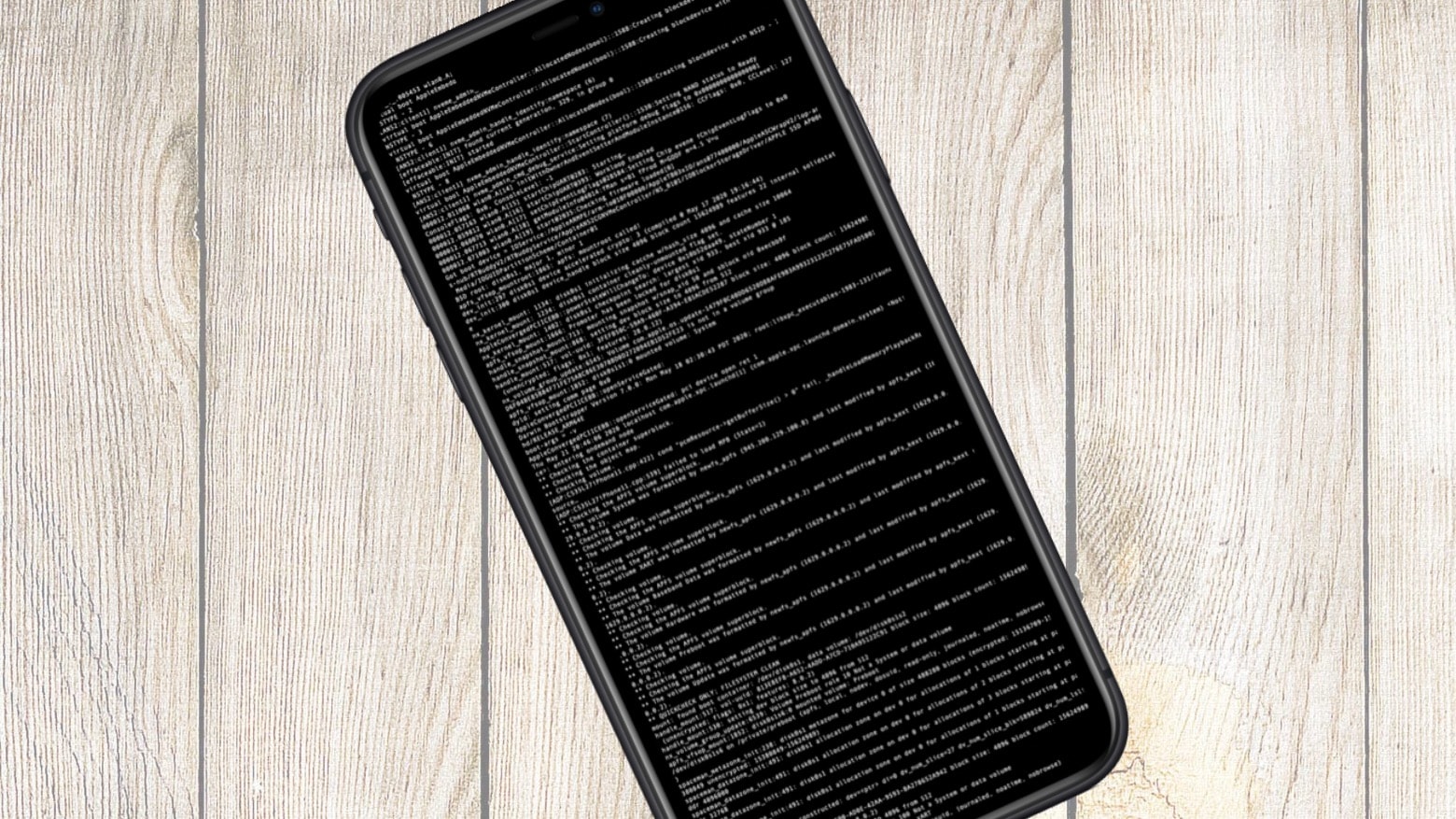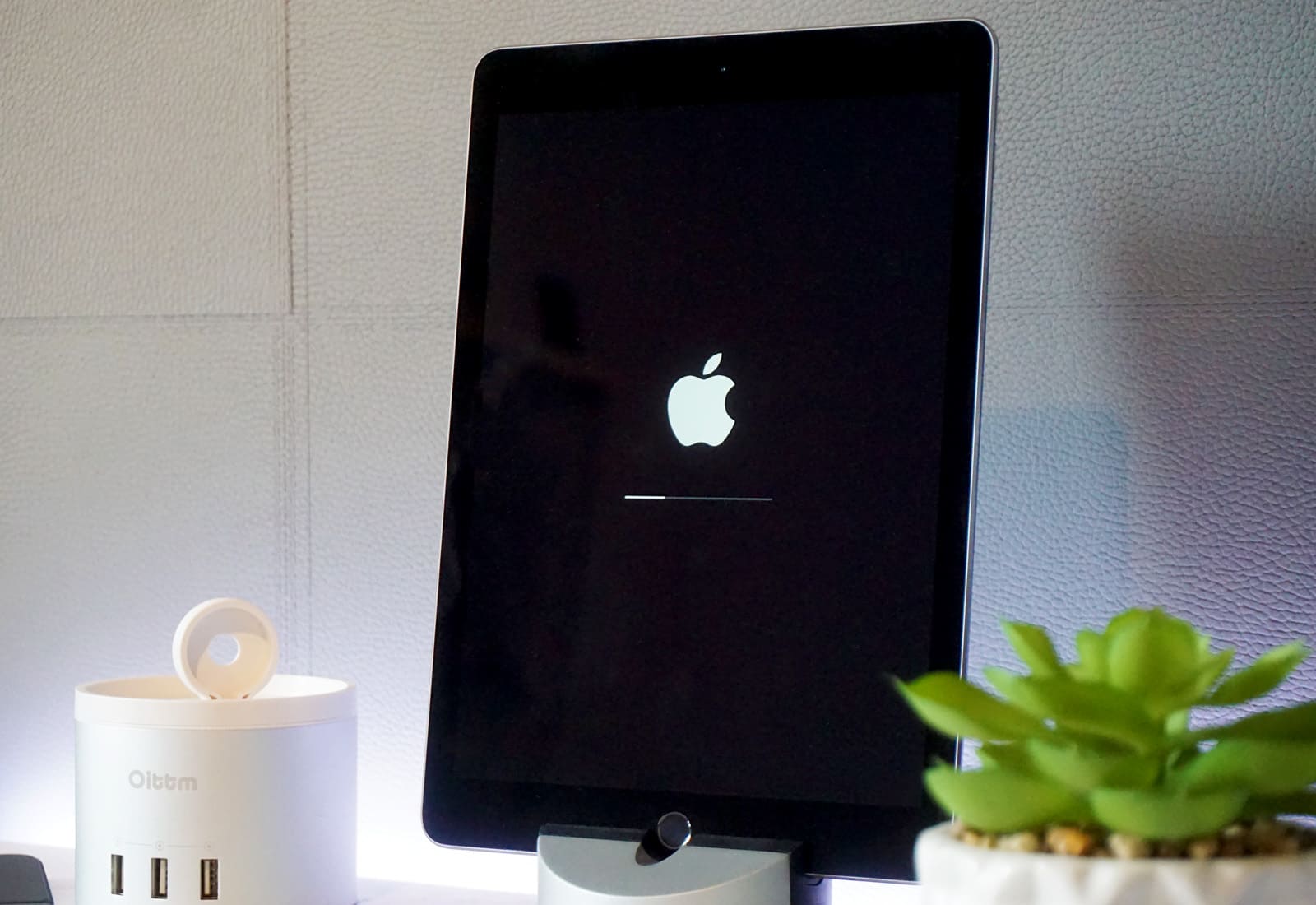
Special Security Research Devices from Apple include shell access. Photo: Apple/Cult of Mac
Apple now offers hackers special iPhones to help them find weaknesses in iOS. The Apple Security Research Device Program promises devices with shell access so security researchers can dive deep into the operating system, looking for bugs.
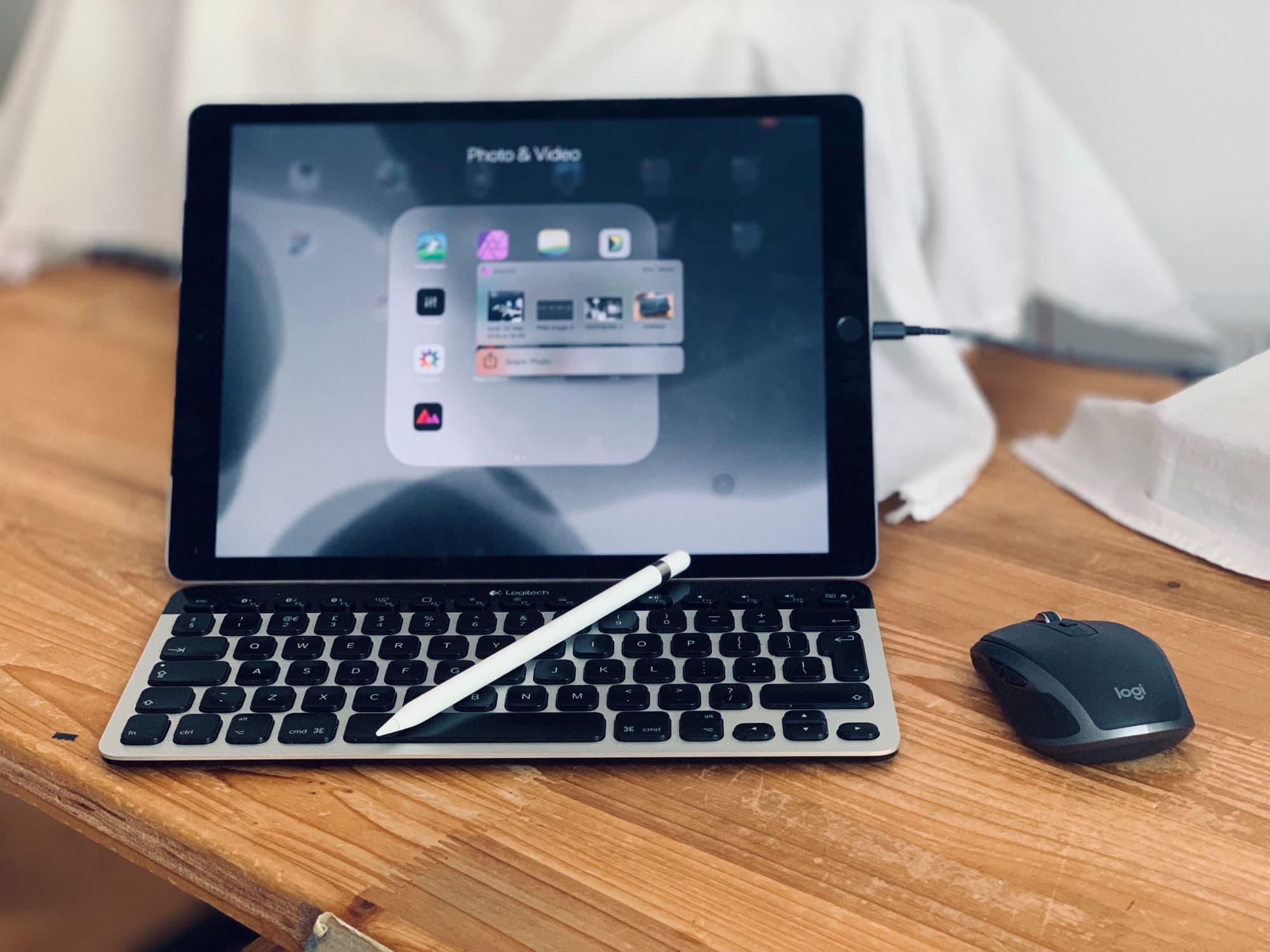
My iPad Pro has been nothing but trouble. Photo: Charlie Sorrel/Cult of Mac
The 2018 iPad Pro is an incredible machine. It’s powerful. It has a screen so good that it’s hard to look at anything else after seeing it. Face ID was made for the iPad, and is way more suited to a tablet than a phone. And the physical design is beautiful. It’s thin, the bezels are small enough not to notice, and the iPad Pro’s USB-C port is far more useful than I imagined.
And yet this is the worst iPad I have ever used. It has been buggy. It can’t do basic tasks with any consistency. Audio drops out. And until I updated to iOS 13, the screen would freeze a few times a day.
Ordinarily, GasBuddy shows you nearby fuel prices. Right now, it might lock up your iPhone. Photo: Ian Fuchs/Cult of Mac
Avoid using the latest version of the GasBuddy app on your iPhone. The developer admits it is causing problems and has temporarily withdrawn it from the App Store until a fix can be released.
UPDATE: A fixed version of GasBuddy is available on the App Store. Users of this service should install this new version immediately.
The iPhone X is the new Apple flagship. But some like their old iPhones just fine. Photo: Ste Smith/Cult of Mac
We can forget about big new features for iOS 12. Apple is focused on “addressing performance and quality issues” in 2018, according to a new report. Here are five things that should be at the top of the company’s repair list.
Finding iOS 11 too buggy? Downgrade with our handy video! Photo: Ste Smith/Cult of Mac
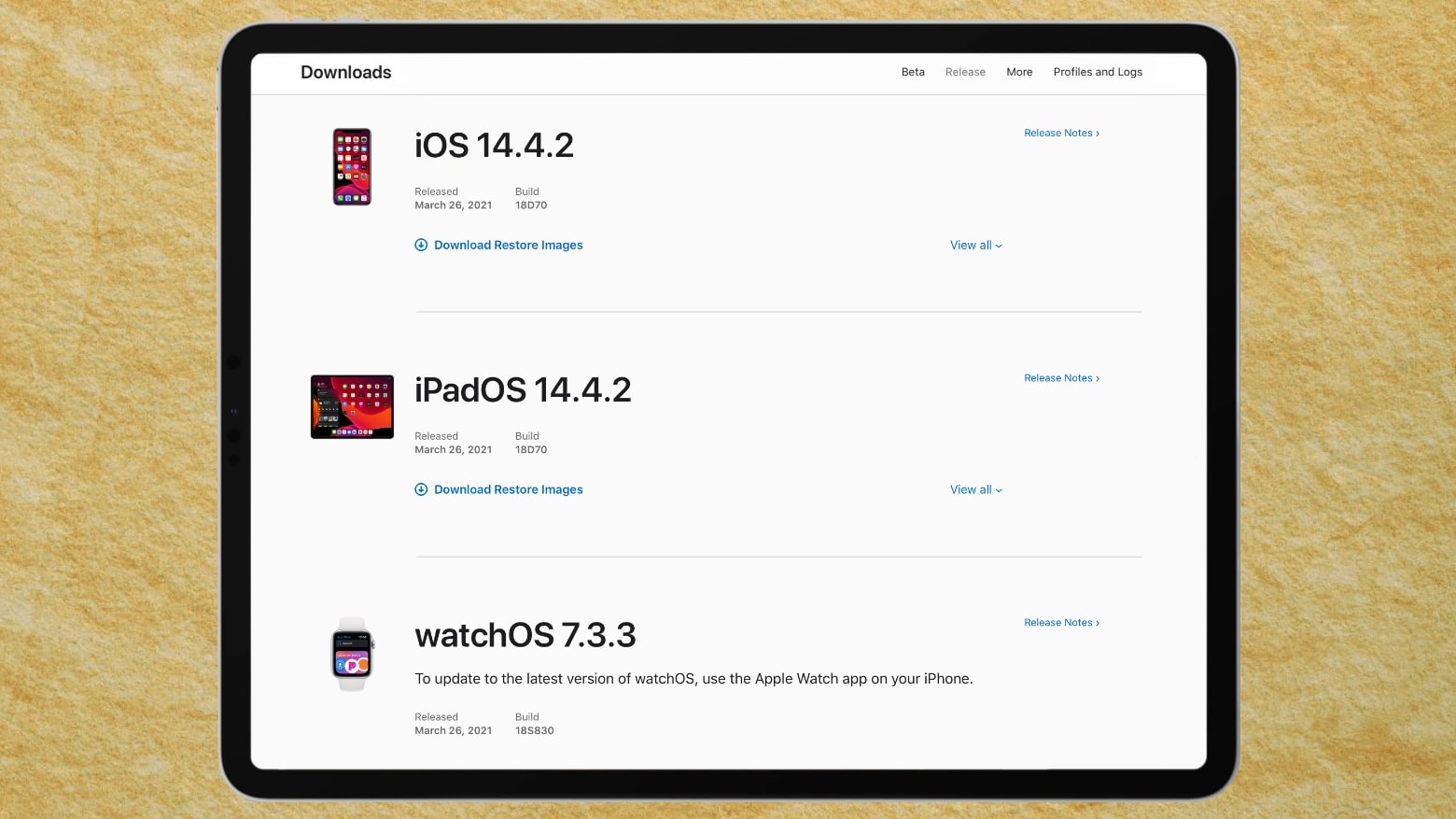
If you jumped into the future and upgraded to a beta version of iOS 11, but now found the cutting-edge software a bit too rough around the edges, don’t panic. Downgrading from iOS 11 back to the more familiar (and totally stable) iOS 10.3.2 isn’t difficult. All you need is a Mac or PC running iTunes.
If you’re worried about losing data, that’s completely avoidable! Just follow our how to downgrade from iOS 11 video, below and your iPhone or iPad will be back to normal in no time.
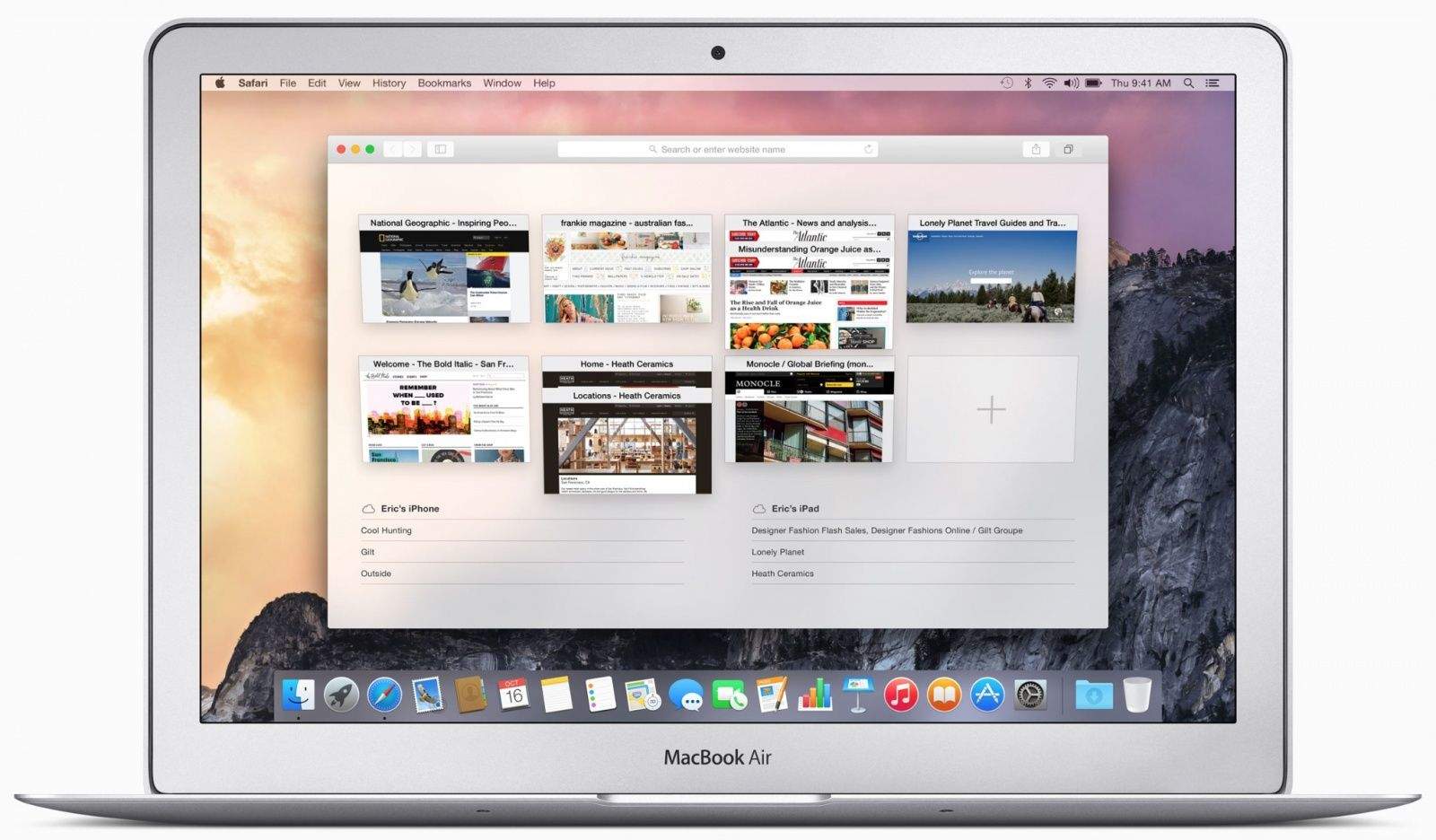
Need a cheap Mac? Look no further than the MacBook Air. Photo: Apple
Just a week after Apple patch several OS X vulnerabilities, a security researcher has already discovered two new exploits that could allow an attacker to remotely gain access to your Mac.
These 13 characters will kill your Chrome browser dead. Photo: VentureBeat
If you’re on a Mac, and use Chrome, and if you’re not sure if you have Assyrian turned on, definitely don’t click this link. Just doing so could cause your whole browser to crash, and the culprit is a 13-character snippet that couldn’t seem any more innocuous.
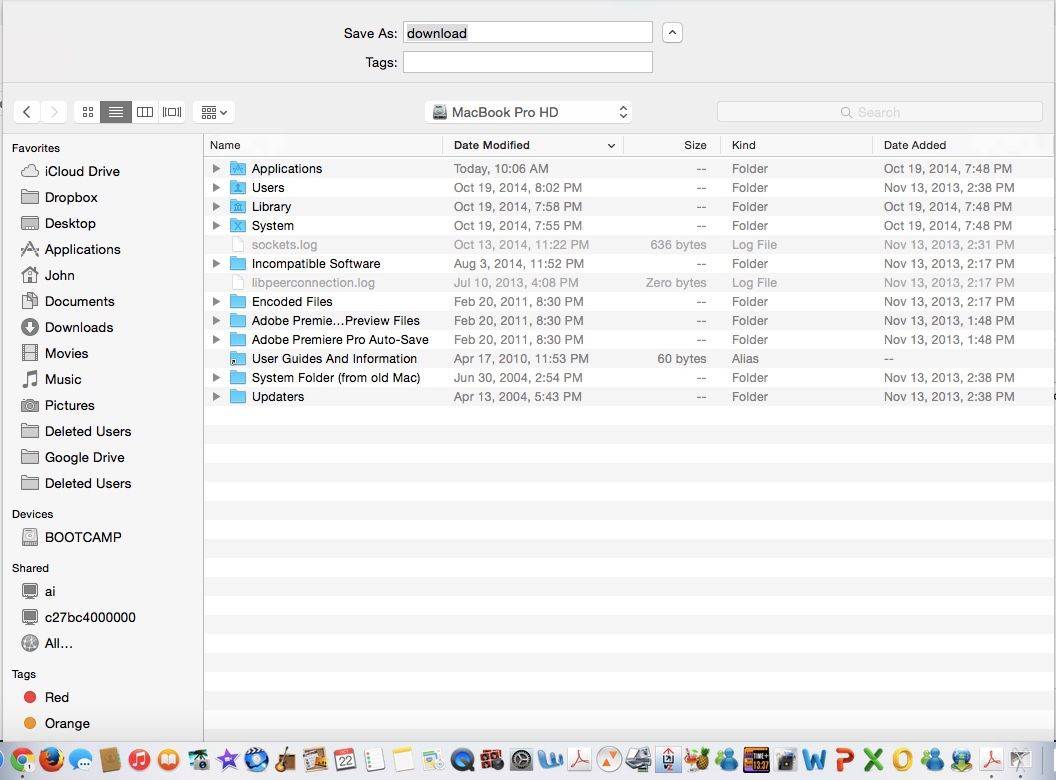
Another annoying Yosemite bug. Screenshot: Cult of Mac
Since installing OS X Yosemite, I’ve had a problem: Every time I try to save anything in Chrome, the Save Sheet interface is so long it runs off the screen, making it impossible for me to click “OK” or “Cancel.” I assumed it was something I had done, but nope, it’s a particularly annoying Yosemite bug. Here’s how to fix it.
Here’s an important heads-up: If you keep documents in your iCloud Drive, don’t use iOS 8’s “Reset All Settings” option. It could delete files stored in the cloud.
Security researchers recently uncovered a bug in Bash, a core shell tool used in Linux and Unix computers for the last couple of decades. OS X is built on Unix, so concern arose about the Mac’s vulnerability to hackers exploiting Bash to remotely run code without the user’s consent.
Dubbed “Shellshock,” the exploit has been compared to the Heartbleed hack from earlier this year. Apple has quelled everyone’s fears by saying that the “vast majority of OS X users” are not vulnerable to Shellshock.
It’s hard to know what to make of an app update that promises to “cut crash rates in half.” If you’re a glass-half-full kind of guy, you’re happy with the increased stability. If you’re a glass-half-empty guy, though, you wonder why the hell they can’t get around to fixing the other 50 percent of unexpected software crashes.
I’m sort of a glass-half-empty kind of guy, at least when it comes to Facebook. So when they announce that their latest update to the Facebook for iPhone and iPad app has “solved a long-term mobile debugging problem and reduced the crash rate for people using the Facebook for iOS app by more than 50%,” I wonder why the hell a multibillion dollar corporation can’t fix the other half.
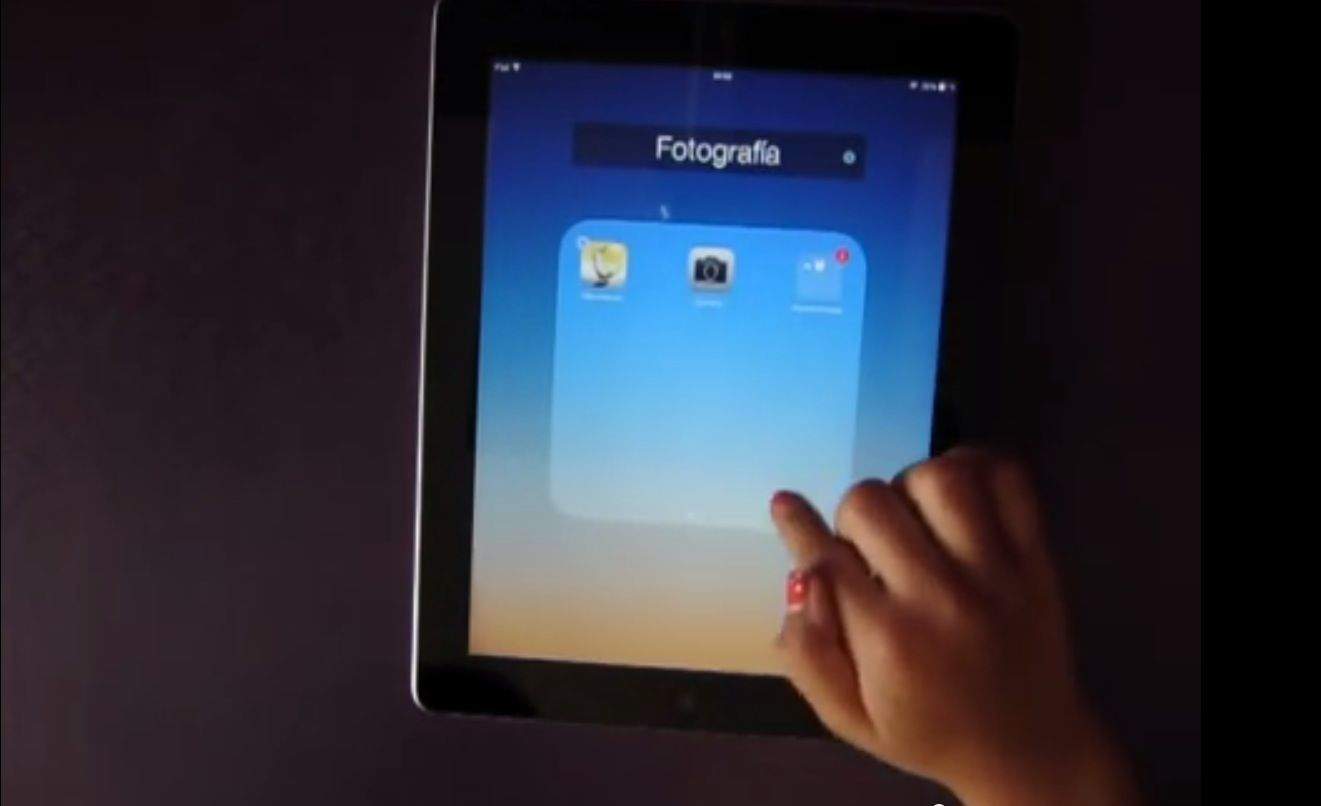
Thanks to a glitch in iOS 7, it was possible to put folders inside of other folders. With iOS 7.1, Apple fixed the glitch, but lo and behold, they seem to have missed an even bigger glitch that makes it much easier to accomplish the same thing. Here’s how.
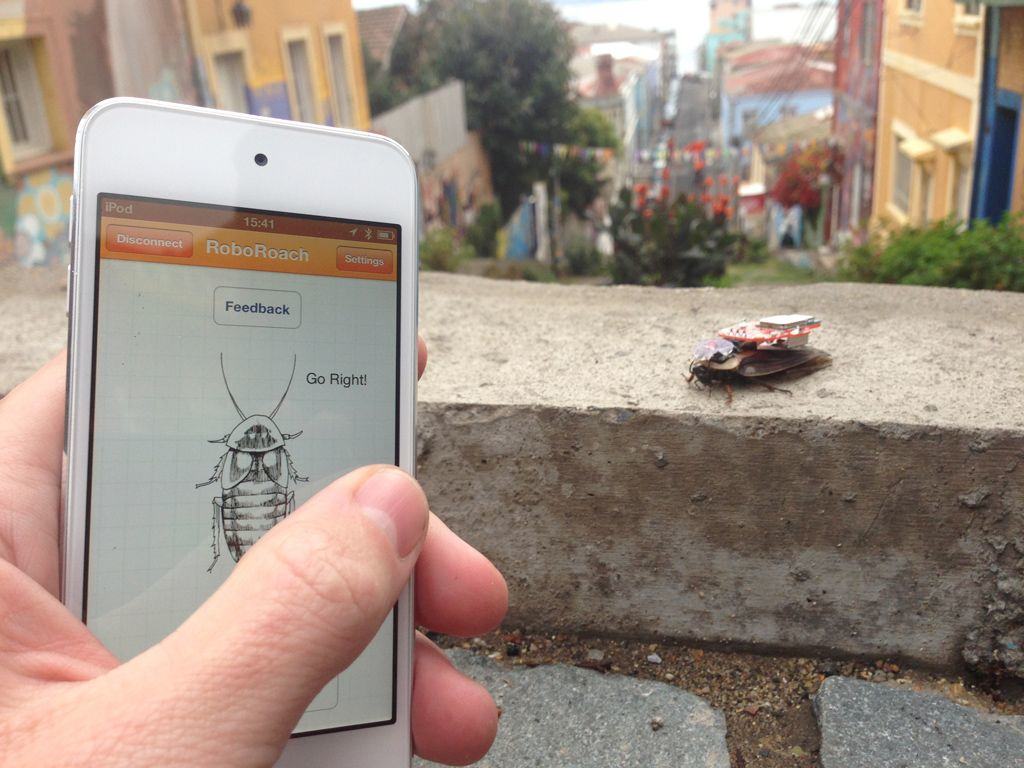
Robots are pretty cool, but have you ever wanted to create your own iPhone controlled cyborg? Backyard Brains is banking that a lot of kids are interested in cyborg technology and neuroscience (ethical dilemmas be damned), so after three years of R&D they’ve come up with the RoboRoach – a small electronic surgery kit that lets you turn a real-life cockroach, into an iPhone-controlled cyborg for a few minutes.
The kit comes with a backpack that contains a battery and receiver you superglue to the cockroach after sanding down a patch of shell. You have to jab a groundwire into the cockroaches thorax, and then after that you carefully trim the antenna so you can stick some small electrodes onto both of them and receive signals from your iPhone. Don’t worry, the iPhone app and the cockroaches come free with the $99 kit, so you don’t have to go hunting for some behind your supermarket’s dumpster.
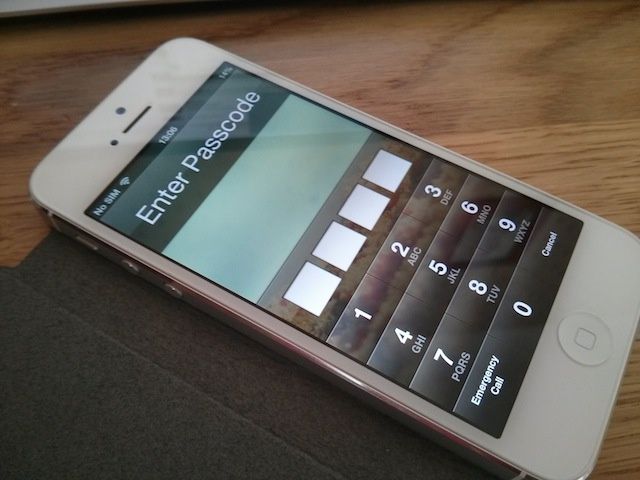
Yesterday it was discovered that a bug in iOS 6.1 allows users to bypass the iPhone lockscreen without entering in the proper PIN. We’ve seen bugs like this in the past, and Apple has always been quick to shut them down.
Apple has already told us that they will fix the iOS 6.1 lockscreen bug in a future update, and according to a new rumor, that update will hit devices sometime next week.
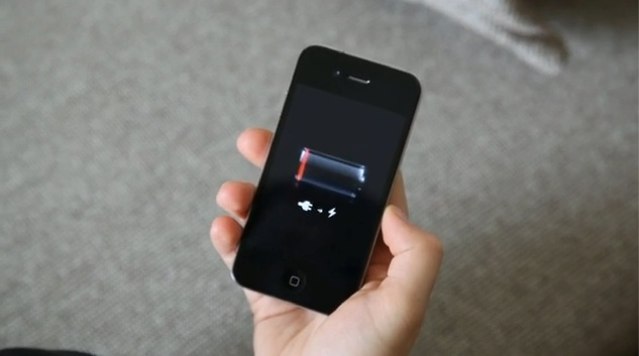
Even under iOS 6.1 the iPhone struggles to stay awake.
iOS 6.1 has already been out for a few weeks, but we’re now seeing reports that it’s causing problems for a lot of upgraders.
Multiple users have taken to Apple’s iPhone support forums to report that their battery life has dropped significantly since the iOS 6.1 upgrade. Others have claimed that iOS 6.1 has given them a slew of problems when trying to connect to 3G networks, and Apple has yet to respond.
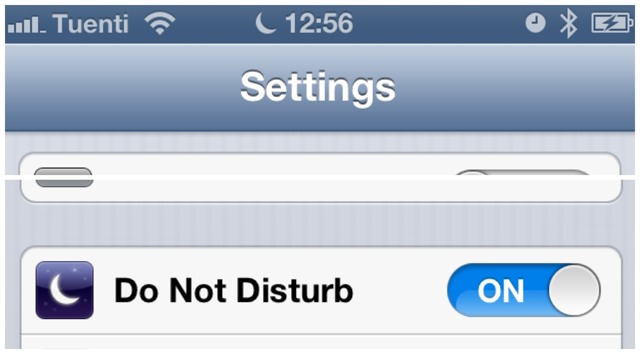
If you had to get up early on January 1st, I hope you used the built-in Clock app to set your iOS alarm; otherwise you may have spent an unintentional extra few hours in bed. Why? Because the Do Not Disturb feature of iOS 6 switched on as usual on the last day of 2012, and then stayed on.
Many users of Do Not Disturb report that the feature didn’t switch itself off yesterday morning.
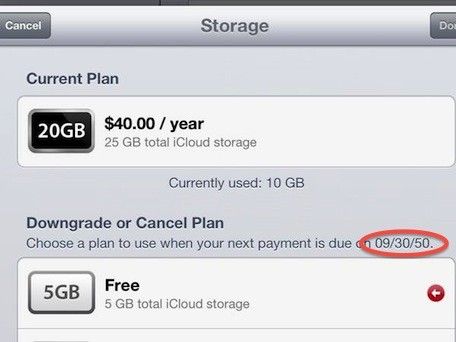
When Apple was doing its damnedest to kick people out of MobileMe in June this year and get them to use iCloud instead, one of the incentives they gave the soon-to-be disposessed was a free offer that former MobileMe members would get 20GB of iCloud storage gratis, instead of the 5GB Apple gives the rest of us suckers. But it was only for a limited time, until September 30, 2012.
Looks like Apple may have extended their offer, though. Some iCloud usersare now noticing that they’ve got 25GB of iCloud storage to play around with until September 30, 2050, when their free 20GB should have been snatched away from them yesterday. Even more interesting is that some non-MobileMe users are seeing the same deal, and have found themselves getting a free 20GB bump in storage.
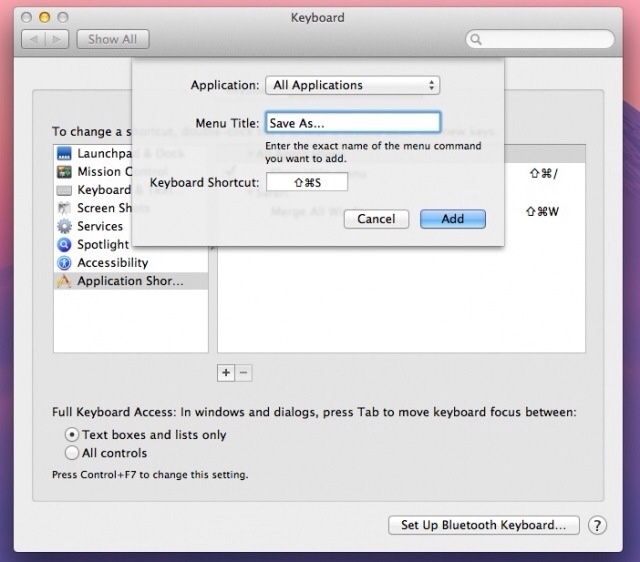
Remember that neat little hack to bring the Save As command back to Mountain Lion? It turns out that it’s not quite as handy as we first thought. Sure, you can now “Save As” instead of being forced to “Duplicate” the file and then save it, but Mountain Lion will not only save your changes in the new document, but write them to the original at the same time.
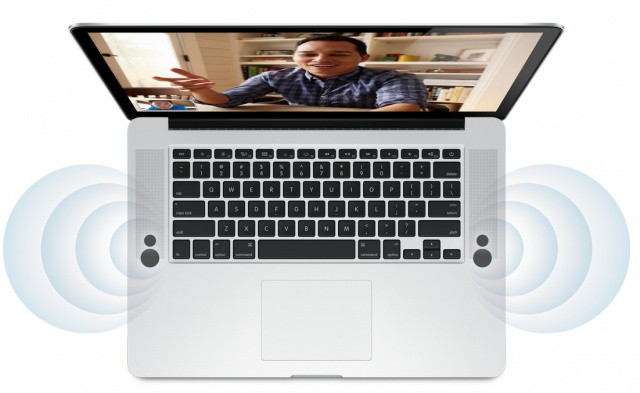
Apple’s been releasing a surprising number of updates for their next-gen Retina MacBook Pros… all the odder given the fact that pretty much no one has one. We can only assume there are some software kinks that still need working out, which is why — following last night’s software update — Cupertino has just released a new update for the trackpad to “address an issue where the trackpad may not respond consistently to user input.”
If you have a Retina MacBook Pro — which you almost definitely don’t — go grab it.
Even under iOS 5.1 the iPhone 4S struggles to stay awake.
On Monday, we asked iPhone 4S readers how Apple’s latest iOS 5.1 software has impacted their battery life. The new handset is notoriously poor at staying alive for a whole day, but those pesky bugs affecting its battery life were, according to Apple, quashed in the recent software update.
Nearly 6,000 readers voted in our poll, and here are the results.
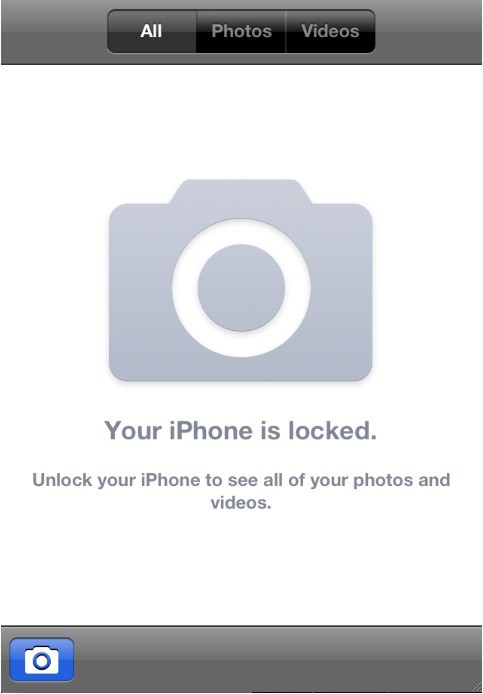
A Canadian technical consultant by the name of Ade Barkah has uncovered a particularly weird bug in iOS 5 that lets anyone see a locked iPhone’s Camera Roll from the device’s lock screen. The only catch is that viewable photos must have a time stamp that’s newer than the iPhone’s internal clock.
If an iPhone’s clock were to ever roll back or get manually set to a time in the past, any photo taken after that date can be easily seen by means of the Camera app shortcut on the iOS lock screen.
Following a report published yesterday that detailed the problems users were having when attempting to download apps from the App Store under iOS 3.1.3, Apple has quietly issued another App Store update today to rectify the issue. Those who are still running this firmware on their iPhone or iPod touch should now be able to download new apps directly to their devices again.
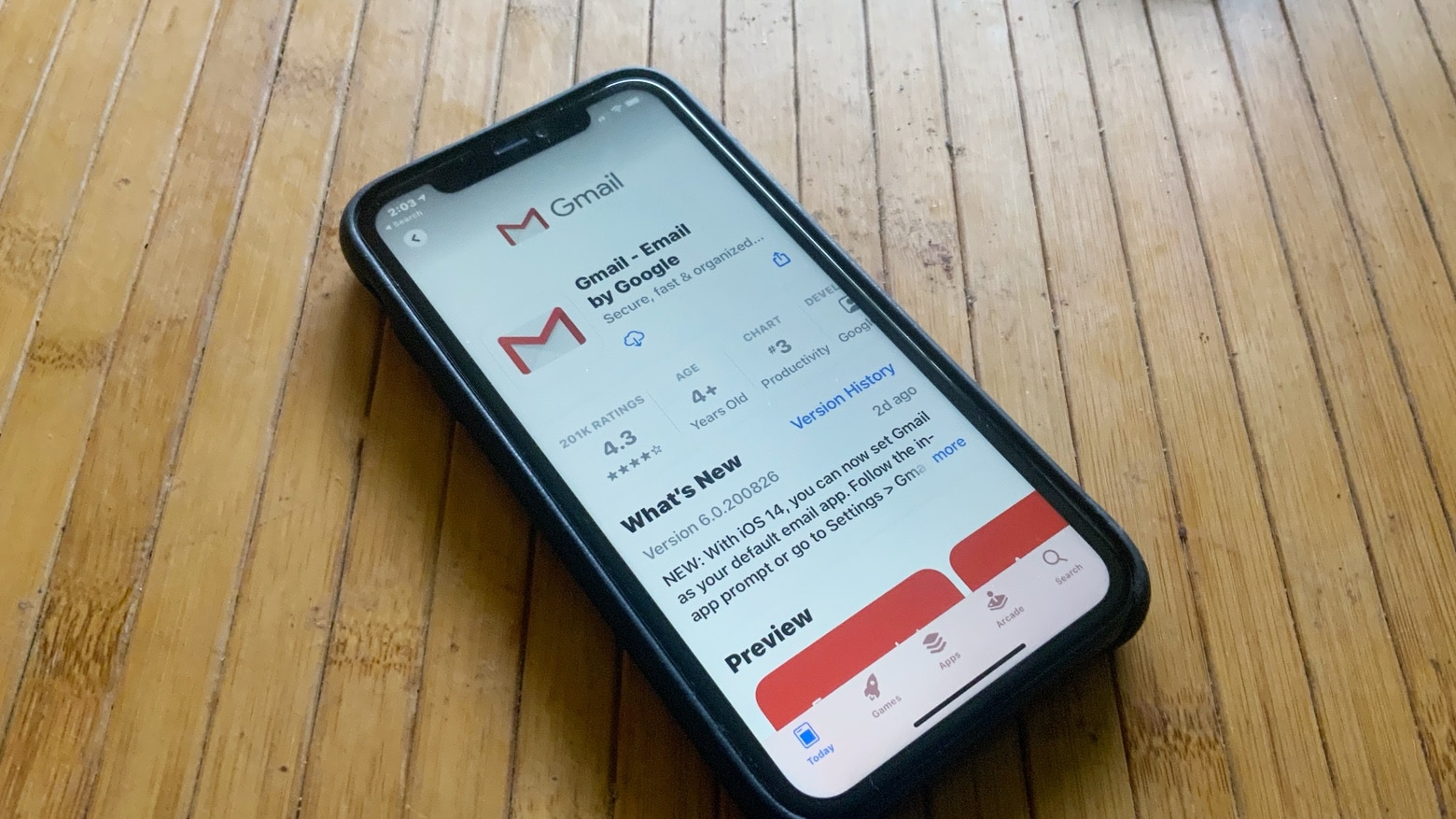
We’ve been burned on Google’s official Gmail app for iOS before, but after having been pulled mere hours after its initial release for being completely broken, it is now back with fixed push support.
Don’t expect any other new features though: there’s no multi-account functionality or anything else, just a simple app wrapper around the HTML5 interface. Google swears more features are coming, but at this point, we’re taking any of Google’s promises with a grain of salt.
Are you an iMac user that’s been experiencing a weird graphics glitch in OS X Lion? Then you’re in luck. Apple has just issued an iMac Graphics Firmware update to fix random system freezes and hang ups.
Hopefully by now you’re running Apple’s shiny new cat, OS X Lion, on your Mac. You may be noticing all the improvements and changes that Apple made in Lion, and we recommend reading our comprehensive review of Lion for all the info you need to know about the latest edition of OS X.
For most users, upgrading to Lion is a smooth and pain-free process. For others, there seems to be several problems, specifically with intermittent Wi-Fi dropouts.