Easily manage all your cloud drives from one familiar interface. Photo: iMobie
This post is presented by iMobie.
These days, cloud storage is pretty much a must. It’s so common that many of us use at least two cloud services — maybe iCloud for photos and music, Google Drive for professional files, Dropbox for work stuff and so on. That means a lot of passwords to remember, and a lot of jumping between windows.
The Hullo buckwheat pillow is all-natural and made in the USA. Photo: Hultex
This post is brought to you by Hulltex, maker of the Hullo buckwheat pillow.
I’ve been using a buckwheat pillow for a week now and there’s no turning back. My buckwheat pillow never needs to be turned over to keep cool or folded to provide better support, and it leaves my neck and back muscles totally relaxed while I sleep. You definitely have to try a buckwheat pillow.
These ultrathin iPhone X cases live up to the sleek simplicity of Apple design philosophy. Photo: Kase
This post is presented by Kase.
One of the main reasons to get an iPhone is the sleek, minimalist design. But plenty of the other necessaries — protective cases, replacement charging cables, etc. — look like afterthoughts or add-ons. Apple puts plenty of time and care into creating devices that prove pleasing to the eyes and hands, and we all pay plenty of money to enjoy them.
Anyone looking for Apple-worthy design and durability can dig this line of cases and cables from Kase.
Unlike standard TPU cases, the MNML iPhone X case stays completely transparent. Photo: MNML Case
This post is presented by MNML Cases.
You probably didn’t buy your iPhone X just for its processing power or cameras. After all, Apple products are appealing because they look and feel great, too. That’s why we’re willing to fork over some serious coin to get them. So it seems silly to then protect your precious iDevice with a case that covers it up.
Pro tip: Don't rely on your web browser to keep track of your passwords. Photo: FirmBee/Pixabay CC
This post is presented by Dashlane.
Doing anything online means remembering a slew of passwords. That’s why we’re strong advocates of using a password manager like Dashlane. But why use a password manager when your web browser offers to keep track of passwords for you?
The short answer is that, in today’s age of security and privacy concerns, password management is about a lot more than convenience.
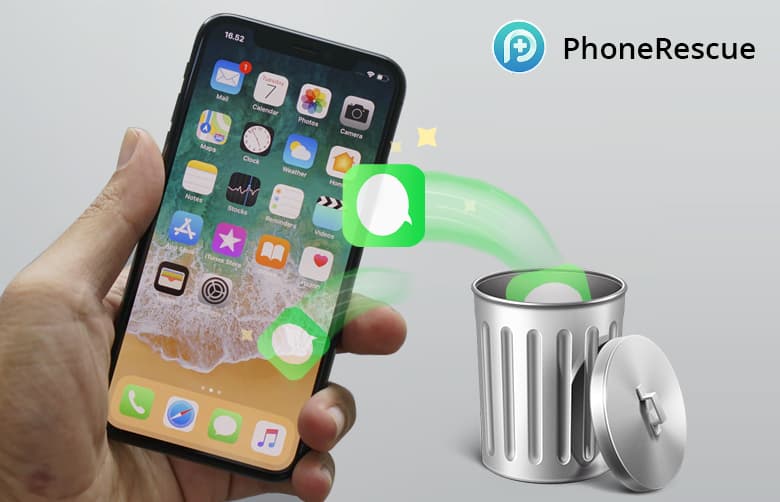
PhoneRescue offers a direct line on the deleted data still tucked away in your phone. Photo: iMobie
This post is presented by iMobie, maker of PhoneRescue.
Your iPhone carries a lot of information, but it’s not a locked box. Eventually, for one reason or another, you’ll go to find a text thread or photo that you’re sure you kept, except you didn’t. Well, with the right tool, almost any data that was lost can be found again.
This post is presented by Fat Cat Software, maker of PowerPhotos.
If there’s one thing photo libraries do, it’s grow. And as they increase in size, they also become harder to organize. Duplicates creep in, folders get mixed up, and the size can easily get out of control. But a Mac app called PowerPhotos offers new moves for managing your digital photo library.
iTunes was groundbreaking when it launched in 2002. But since then, it’s evolved very little, especially in terms of managing iOS data. Updating your iPhone means mastering a maze of syncing options and data categories. iTunes is also the very definition of a walled garden, limited to moving content around that already lives on it — you can’t just pull music straight from your folders onto your phone.
These handmade leather sleeves are the ideal companion to any MacBook. Photo: Harber London
This post is presented by Harber London.
MacBooks are workhorse machines, but they’re also luxury items. The consideration that goes into their design and form is just as much a reason for owning one as their performance. So when you get a case — and you should definitely get a case — you should be aware that some are better fit for the MacBook look and feel than others.
With all of the news about data insecurity at Facebook, you might be thinking twice about using the social network to log in to other apps. Sure, using the Facebook Login feature makes it simple to create an account or log in to apps and websites.
Unfortunately, it also adds to the data dossier Facebook is compiling about you and your friends.
Get your iPhone (or your iPad or MacBook) fixed the fast, cheap and painless way. Photo: Ste Smith/Cult of Mac
When you break your iPhone, you want it fixed fast and frugally. That’s why our cheap iPhone repair service stands out. We’ll get your broken iPhone fixed up and shipped back to you in no time, at an extremely competitive price.
If there’s one thing you would like to spend less time dealing with online, what would it be? Filling out the same name, address or credit card info for the hundredth time? Maybe remembering and entering each of your dozens of (hopefully strong) passwords?
So many aspects of our daily lives depend on passwords. Social media, buying stuff, banking — basically anything that we care about online is guarded by nothing more than a string of characters.
Unfortunately, people are really, really bad at passwords. Even if you’re not using “123456” or, heaven forbid, “password” as your password, it’s high time you take password security seriously. In 2018, that means using a solid password manager.
When most of us buy a gym membership, we imagine having the time and discipline for building muscle or losing weight. Unfortunately, most of us know things usually don’t work out that way.
Nowadays, it’s possible to get a comprehensive workout without a gym, or even any equipment. Bodyweight training has been growing in popularity for years. That’s partly because using your own weight as resistance is economical and effective. But it’s also because smartphones offer a convenient and portable “virtual coach,” thanks to a new class of workout app.
Dr. Cleaner will get the cruft out of your Mac. Photo: JÉSHOOTS/Pexels CC
This post is presented by Trendmicro, maker of Dr. Cleaner.
Spring is coming, and the urge to tidy up follows close behind. Of course, our computers can get just as cluttered as our homes. We use all kinds of cleaning supplies for tidying up our homes easily and effectively. It’s also a good idea to get the right tools for cleaning your Mac.
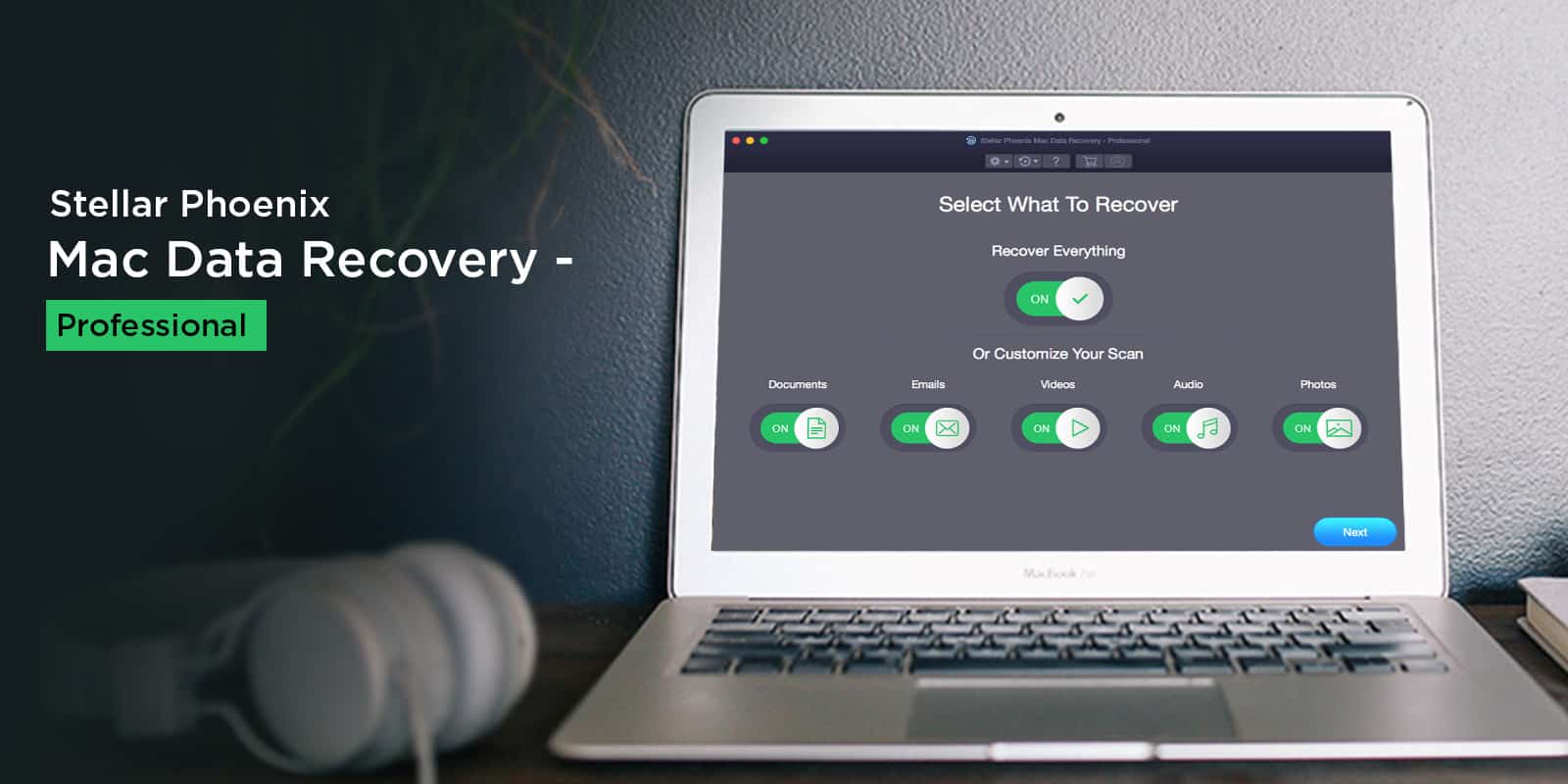
Easily recover all kinds of data from damaged or corrupted drives. Photo: Stellar Phoenix
This post is presented by Stellar Phoenix, maker of Mac Data Recovery.
Data loss can be a bitter pill to swallow, especially when you are unprepared for the eventuality and as such have no backups. Everyone relies on digital devices now, and losing data can have catastrophic implications.
Long known for its anonymous search prowess, DuckDuckGo is going long on privacy. Photo: Kaique Rocha/Pexels CC
This post is presented by DuckDuckGo.
The web is a creepy place. No matter what you do or where you go, countless digital eyeballs watch what you do, looking to sell your data.
DuckDuckGo is known as the search engine that doesn’t snoop on its users. Used by security- and privacy-minded people, DuckDuckGo counts some 16 billion anonymous searches since launching in 2008. The world has changed a lot in the last decade, and the web has only grown creepier. So, DuckDuckGo is expanding its services beyond search.
Protect your Mac from viruses the easy way with Dr. Antivirus. Photo: Tim Gouw/Pexels CC
This post is presented by Trend Micro, maker of Dr. Antivirus.
In some ways, our Macs are a lot like us. They live in a world full of bugs and viruses that can compromise their systems, slow them down, even kill them. Just like people, the best way to stay on top of health threats is to get regular checkups.
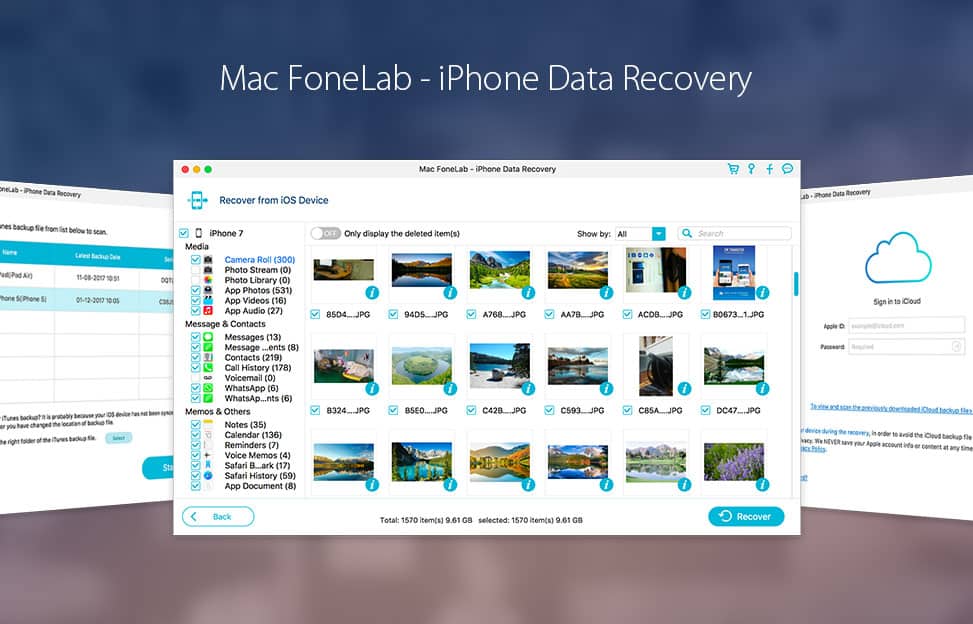
New year, new phone — and the same old risks of damage or data loss. Whether you’ve shelled out more than a thousand bucks for a new iPhone X or still use one from five years ago, these devices are essential to day-to-day life. So just like keeping a first aid kit around, it pays to have the tools to recover your iPhone data if and when something goes wrong.
This new line of "iPhone jewelry" adds an eye-catching layer of bling and protection. Photo: Creatio Design
This post is presented by Creatio Design, maker of Rmour Silver Corners.
An iPhone is a powerful tool, but it’s also a luxury item. When you spend $1,000 on an iPhone X, it’s not just for the powerful camera and fast processor. You’re investing in something that looks and feels fantastic.
Unfortunately, protecting that investment with a case typically obscures the iPhone X’s intrinsic beauty. The opposite occurs with Rmour Silver Corners for iPhone X, a new line of protective “iPhone jewelry” inspired by medieval suits of armor.
Take control or your RAR, ZIP and other archives on your Mac. Photo: Life of Pix/Pexels CC
This post is presented by Trend Micro, maker of Dr. Unarchiver.
Archives are a great way to compress and bundle all sorts of files. Whether massive applications or complex media projects, to get at the contents of an archive you typically must unarchive the whole thing. Depending on the type of archive, you might need special software. And depending on who sent it, you might not trust the files in the archive. Like a vampire, some malware requires you invite it into your machine.
Think you’ll never fall victim to a cybercrime? Think again.
Recent data shows individuals have a one in 10 chance of becoming a victim of cybercrime each year. In fact, people are 20 times more likely to experience fraud than robbery.
It’s time to start taking your data security seriously by ensuring your smartphone, computer and online accounts are safe from hackers. Luckily, Apple products are pretty secure on their own. However, it never hurts to add an extra layer of protection. Start with these nine ways to strengthen your Apple products.
Jump at this chance for lifelong access to Udemy courses for just $10. Photo: Udemy
This post is presented by Udemy.
Massively online open courses have transformed learning. Thanks to MOOCs, pretty much anyone with an internet connection and a desire to learn can receive a vital education on almost any topic.
Of course, these online courses aren’t free. But Udemy is holding a Holiday Flash Sale that’ll get you pretty close. From now through Friday, December 29, 2017, Cult of Mac readers can access any course costing $200 or more for just $10.
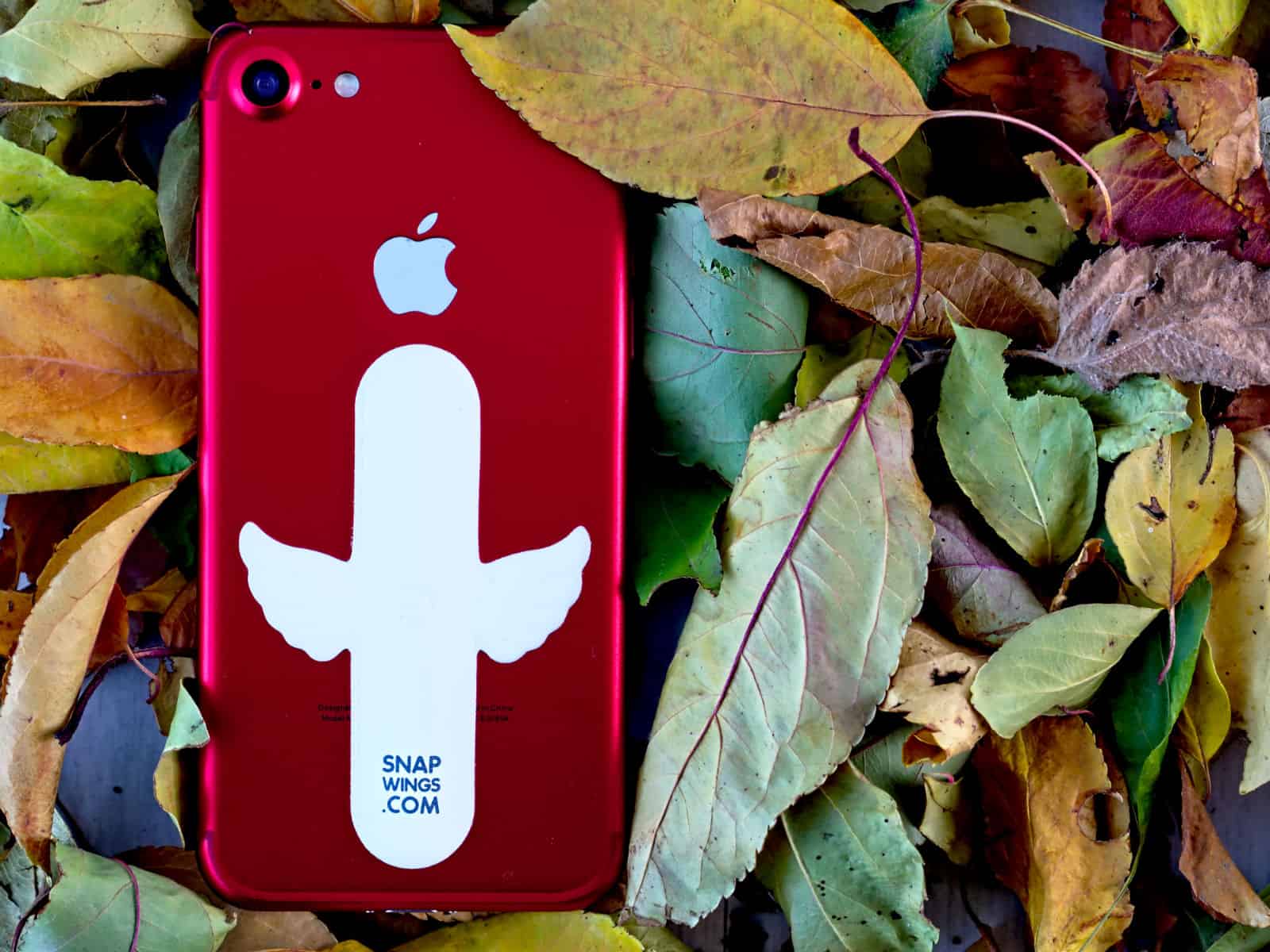
To keep your phone propped up at a convenient reading angle, you need a special case with a kickstand or some sort of (typically bulky) iPhone stand. But over at Kickstarter, a new solution just snapped into view.