Mobile menu toggle

Keir Thomas - page 2

Use Emoji On Your Mac [OS X Tips]
By

emoji

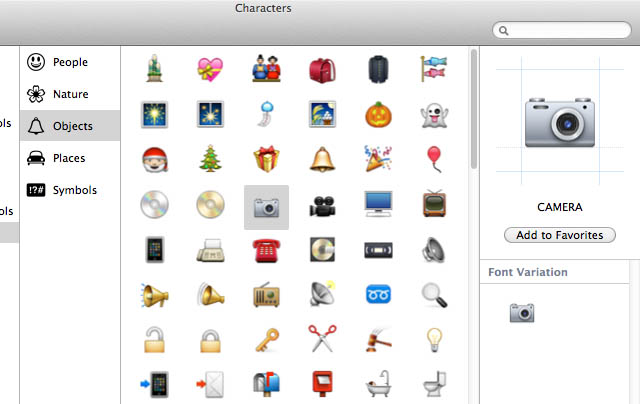
The world of iOS was set alight when it was realized anybody can utilize Emoji–full colour emoticons, popular mostly in Japan. Suddenly SMS got a lot more interesting! However, with OS X Lion you can also utilize them on your Mac, making for everything from better emails to more colorful documents.

See Forgotten Passwords [OS X Tips]

By

keychain

OS X remembers and autocompletes passwords for you, but what if you forget them? And then what if your hard disk should suddenly shake itself apart and you have to start with a fresh installation? Here’s how to view any password that OS X stores for you, for applications and websites.

5 Top Tips For TextEdit [OS X Tips]

By

wordcount

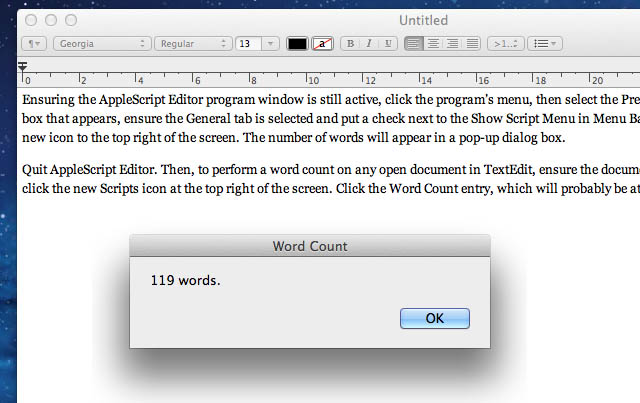
All Macs come with a powerful word processor in the form of TextEdit. Here are five tips to let you get the most from it and maybe even avoid the need to splash out on Microsoft Word or iWork Pages.

Must-Have Apps For Any New Mac [OS X Tips]

By

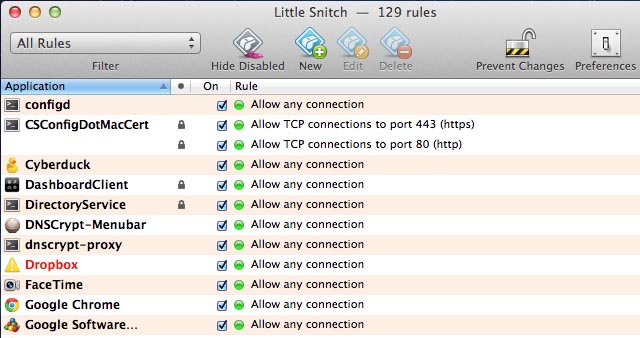
Little Snitch is one of the most useful apps your Mac doesn't feature out of the box

Got a new Mac? You’ve probably realised that OS X provides an excellent out-of-the-box experience. Unlike with Windows, few add-ons are required. There’s a great browser, for example, and full PDF support. But there’s still some tools that most experienced Mac users download the minute they boot-up a new Mac. Here they are, listed for possibly the first time…

See Bigger Thumbnails Of Wallpapers [OS X Tips]

By

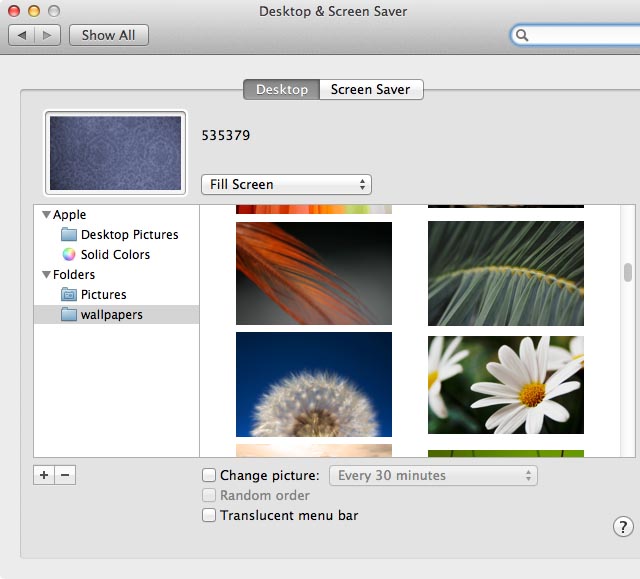
Illustration of zooming into wallpaper images
You can use the pinch-and-expand gesture to zoom into wallpaper thumbnails in System Preferences

Here’s a quick but useful tip for those who love their desktop backgrounds and change them on a regular basis.

Use A Secret Gesture To Switch To The Previous Space [OS X Tips]

By

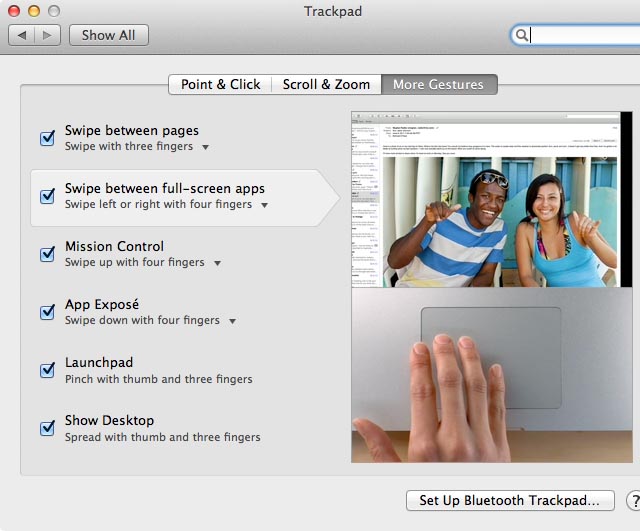
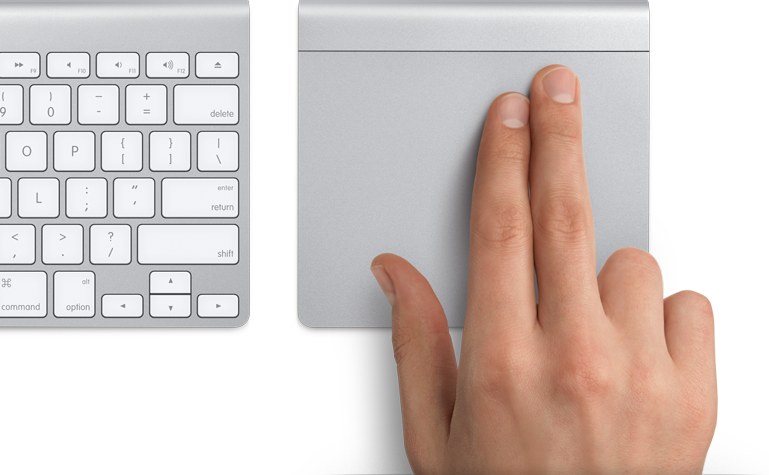
Activating secret gesture
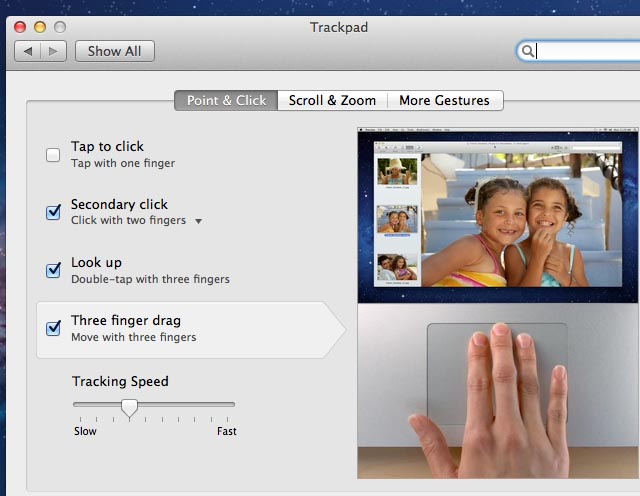
A secret gesture lets you double-tap with four fingers to switch back to the previously used space

There’s a secret gesture you can use with Mac multitouch trackpads that lets you double-tap with four fingers to switch back to the most recently used desktop space in OS X Lion (although not previous versions of OS X).

Turn Off Your Desktop [OS X Tips]

By

Example of dialog box created by AppleScript
A little AppleScript gives you an app that will hide the desktop whenever you want

If you’re using your Mac to give a presentation, you might not want everybody to see your messy desktop! If so, you can run a quick command that will hide your desktop icons.

Create “Crazy Text” Emails For Holidays And Christmas [OS X Tips]

By

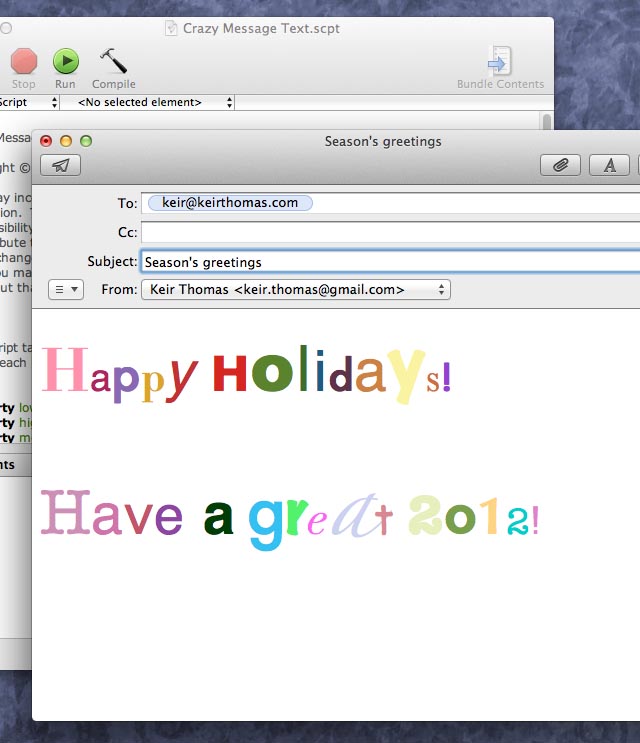
You can create
You can create "crazy text" emails for holiday greetings using a built-in AppleScript

Christmas is coming, and instead of writing out holiday cards by hand, wouldn’t it be easier to just e-mail them to all your friends and loved ones? But e-mail can be so impersonal, at least without knowing the right trick. Here’s a fun trick that can be used to send entertaining emails to people on special occasions, such as birthdays or during the forthcoming holiday season.