Ed Hardy has been writing full-time about tech for 26 years, and using it for much longer than that. His intro to Apple was a Macintosh SE/30 (which he still owns), but now he uses a 13-inch iPad Pro as his primary computer.
That's because he's a "tablet first" type of guy. Rather than use a MacBook, he connects a keyboard case to the iPad. And instead of a desktop Mac, he connects his tablet to a 27-inch display and full-size keyboard. (So don't try to tell him that everyone must use a Mac to be productive.)
Before coming to Cult of Mac, Ed wrote for NotebookReview, TabletPCReview and Brighthand, as well as other sites.
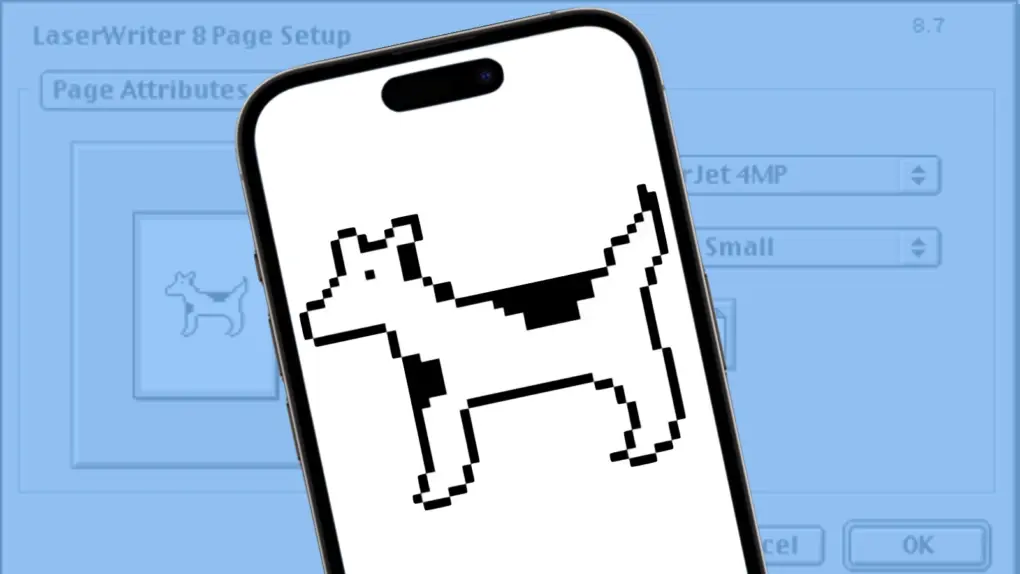
Clarus the Dogcow is back! The beloved Macintosh mascot, famous for her distinctive “Moof!” sound, appears as an Easter egg in iOS 27.
It’s a fun nod to Apple’s early days, when the company had a much quirkier personality and even a tiny illustration created to help demonstrate printer settings could become a beloved part of Mac culture.
Four decades after her debut, Clarus is still finding ways to make Apple fans smile.
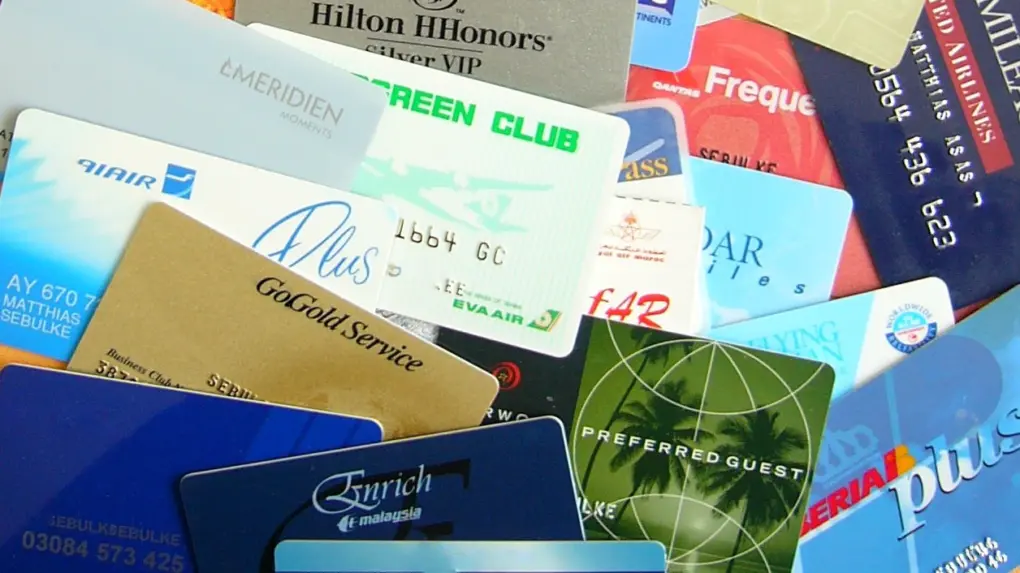
Get rid of the clutter of loyalty cards. Put them on your iPhone! Photo: Wikicommons
Got a gym membership card riding around in your wallet? Or maybe it’s a loyalty card from a store. Even a library card. You can now add these to the Wallet app on your iPhone and leave the plastic at home.
The new feature in iOS 27 means you no longer need to rely on a business or institution to offer an “Add to Apple Wallet” button. Instead, you can use your iPhone to scan an existing card or create a pass manually, then keep it alongside your other Wallet items.
Here’s how to turn almost any physical card or digital pass into a custom Apple Wallet pass.
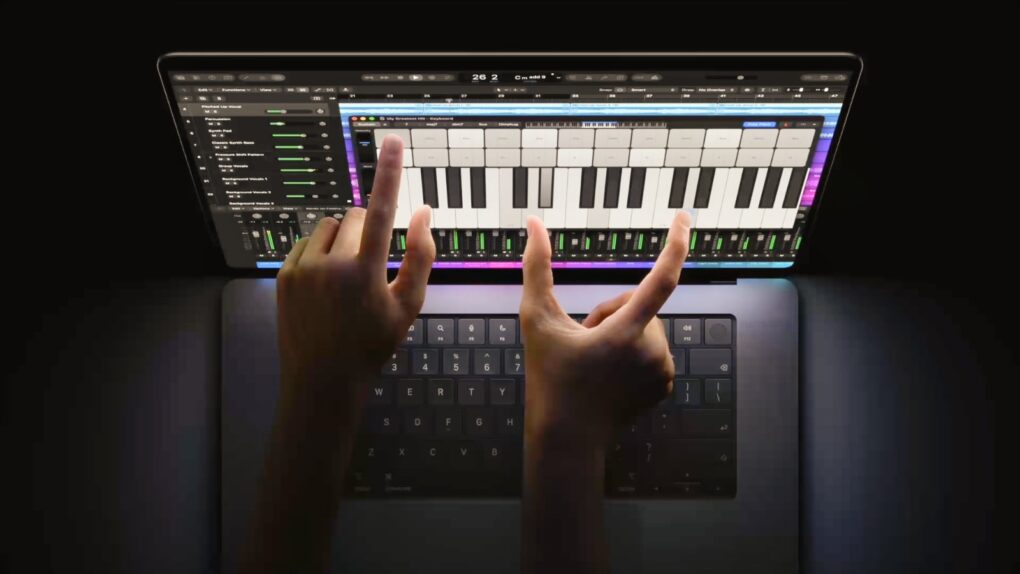
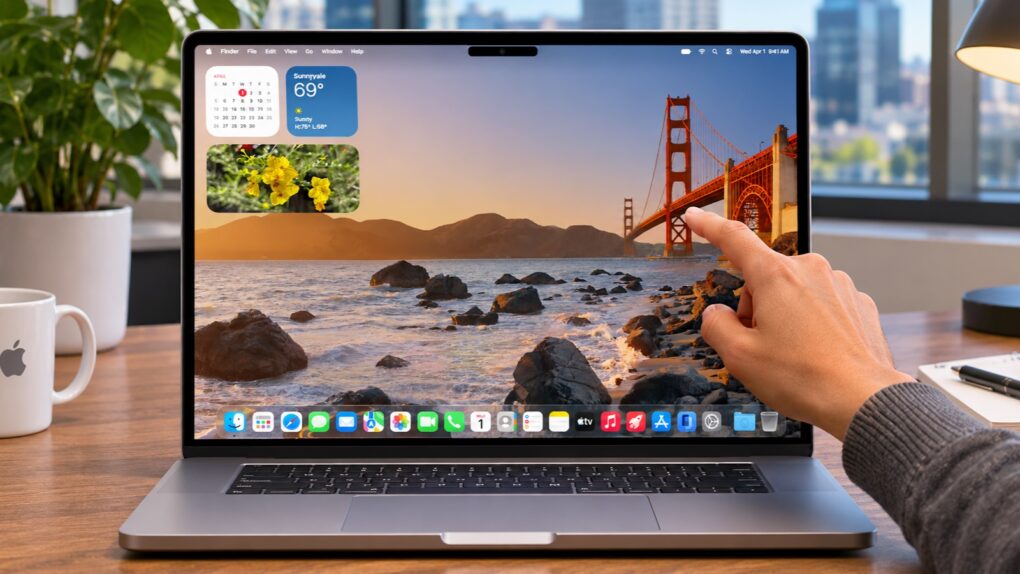
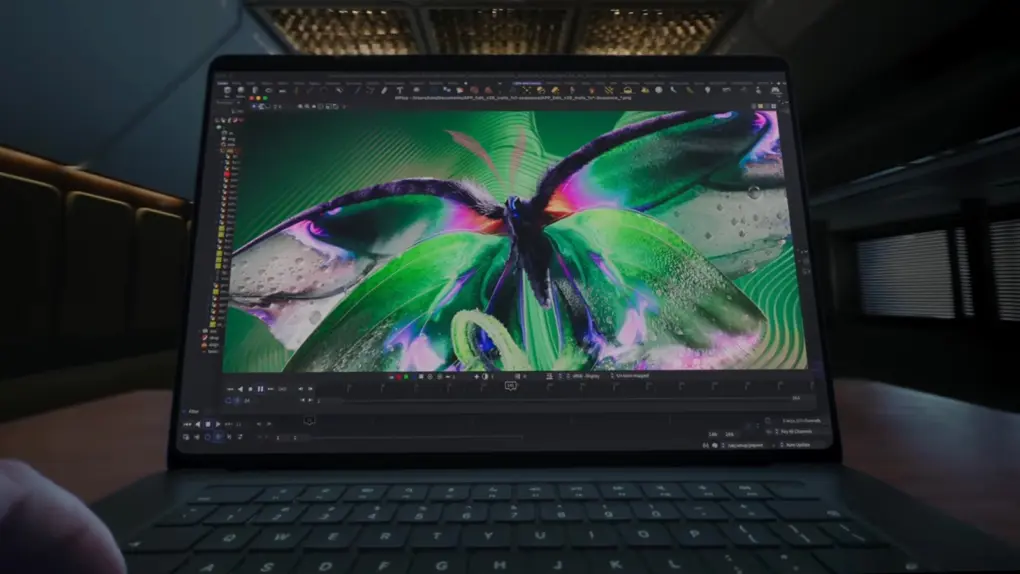
You can see the best feature of the new MacBook Pro. You don't need to touch it. Photo: Apple/Cult of Mac
Early reviews of the MacBook Pro with PROLED XDR Display are absolutely gushing with praise for the active OLED screen, the first in an Apple laptop. Reactions to the touchscreen are much more muted, despite how much attention the feature drew before the product’s release.
Here’s what some reviewers said about the new computer.
The creators of Crossy Road are back! Crossy Road Rush offers high-speed adventure filled with environmental hazards, challenging obstacles and boss encounters as players zoom through more than 50 hand-curated levels.
The game from Atari and Hipster Whale launched Thursday, and brings the familiar Crossy Road Crew to the colorful island setting of Crossy Cove for an all-new platforming runner available exclusively on Apple Arcade.
★★★★☆
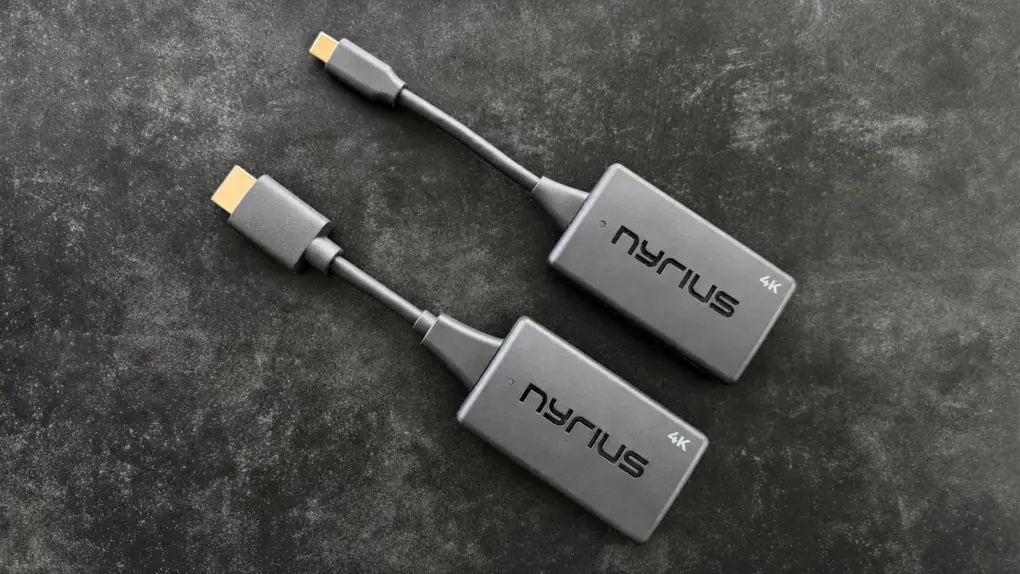
This 4K wireless video adapter can replace a bulky, ugly HDMI cable. Photo: Ed Hardy/Cult of Mac
Freeing yourself from HDMI cables doesn’t have to mean giving up 4K. The Nyrius Phoenix Prime 4K30 Wireless HDMI Transmitter and Receiver can take the place of a clumsy cable, and it’s small enough to carry on a business trip or holidays.
Even better, the adapter establishes its own direct wireless connection so it doesn’t need access to a Wi-Fi network. And there’s no software driver needed.
One version plugs into an HDMI port on the source device, but Mac, iPad and iPhone users will likely prefer the USB-C version.
I tested the wireless HDMI video adapter with my TV and a 4K monitor, and it came through brilliantly.
Siri AI will get a lot more useful when iOS 27.3 moves past beta testing. Image: Apple
Beta testing for iOS 27.3, macOS 27.3 and more began on Tuesday, and a highlight is Apple allowing all developers to experiment with connecting their apps to its much more capable Siri AI. This has the potential to revolutionize the iPhone.
Beyond that, the betas bring a collection of other new features to the iPhone, Apple Watch and other devices. The update includes support for two new AI-powered features that let the latest Apple Watch models listen to nearby conversations. And Apple’s redesigned Health app returns to iPhone.
Just be aware, with the betas so new, many of the features in these upcoming OS upgrades are still being found.
Don't expect to see a MacBook running iPadOS, even if it does have a touchscreen. Photo: Ed Hardy/Cult of Mac
Apple CEO John Ternus on Monday answered a question on the mind of many after the first MacBook with a touchscreen was announced: what does this mean for the future of the iPad?
Ternus’s answer gave the very good reason why the company isn’t going to combine Mac and iPad: it would make them both worse.
Apple just reported another record-breaking quarter, despite the company being forced to increase prices on many of its products because of an ongoing global memory shortage.
“Today, Apple is proud to report a September quarter revenue record of $114.5 billion, up 12 percent from a year ago, with iPhone reaching a September quarter record and Services reaching an all-time high,” said John Ternus, Apple’s CEO, in a statement Monday.
The iPad mini made a big splash for such a tiny device. Photo: Apple
November 2, 2012: The first iPad mini goes on sale, shrinking both the size and the price tag of Apple’s groundbreaking tablet computer.
With a reduced screen size of 7.9 inches – instead of the then-standard 9.7 inches – the original iPad mini is the fifth iPad to be released by Apple. Critics hail Apple’s most affordable iPad ever, although some people complain about the tablet’s lack of a Retina display.
★★★★★
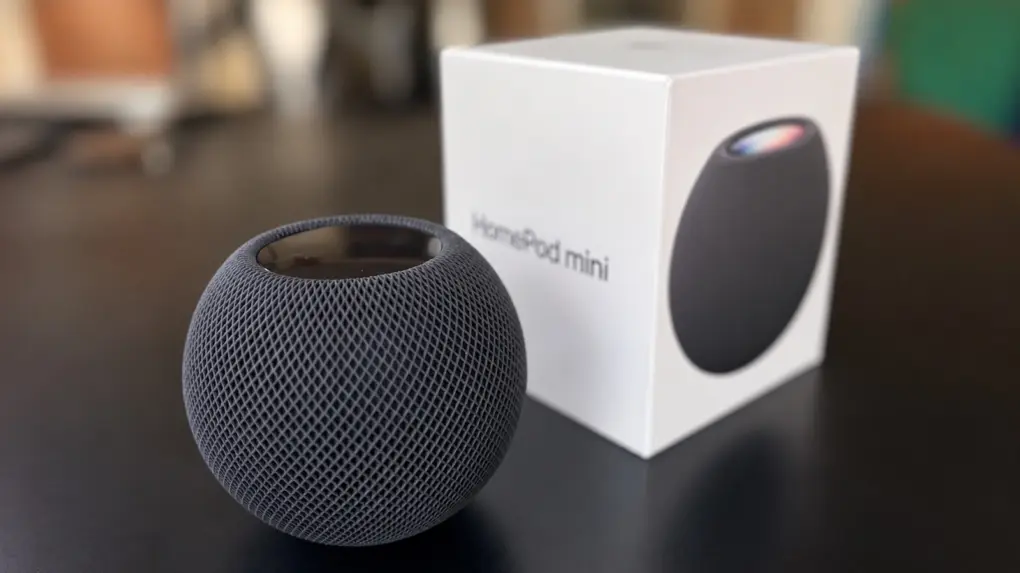
The HomePod mini 2 improves on the original in almost every way. Photo: Ed Hardy/Cult of Mac
Don’t let the modest appearance of the HomePod mini 2 fool you. The audio quality is excellent for a speaker in this price range and size. It’s even better than its predecessor. And the speaker is useful for more than music or podcasts. It really is smart — though not as clever as it will be after the arrival of a future software update that will bring support for Siri AI.
As a longtime HomePod mini user, here’s what it’s like using the second-generation version.
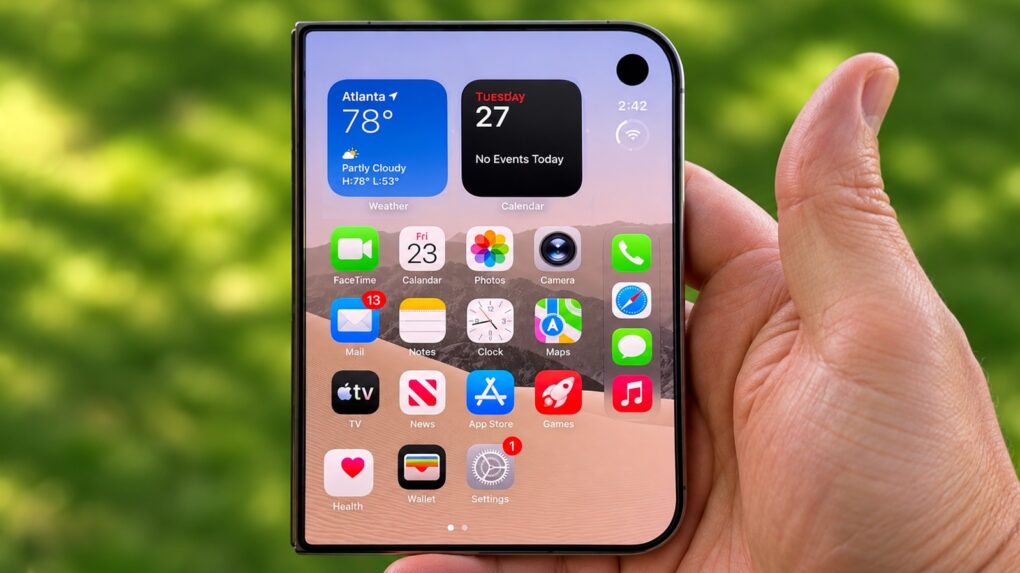
Unlocking your iPhone Duo can be faster. Try one of these three options. Photo: logrux/Cult of Mac
Apple’s iPhone Duo uses Touch ID instead of Face ID to unlock the device. The fingerprint scanner isn’t as convenient as having the handset simply recognize your face, but there are actually three ways to speed up the process.
One involves cutting out a step in signing in with Touch ID, while another lets you skip Touch ID entirely. The third is… odd.
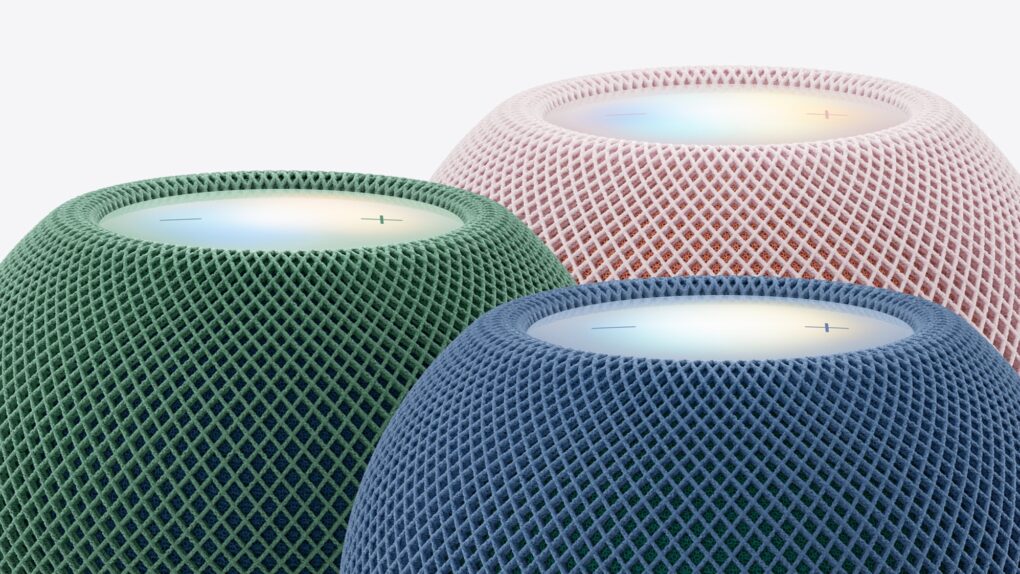
The wait is over for Apple's second-gen mini smart speaker. Photo: Apple
Apple’s latest little smart speaker is now available to buy in person. The HomePod mini 2 reached store shelves on Friday, giving customers their first chance to pick it up since the announcement a few weeks ago.
The new model builds on the success of the original HomePod mini, which became a popular option for people who wanted Apple’s smart-speaker experience without paying for the full-size HomePod. The sequel brings a new generation of hardware while retaining the compact design that made the original so appealing.
Apple just introduced a MacBook Pro with a gorgeous display... and touch support. Screenshot: Apple/Cult of Mac
Ask Apple CEO John Ternus, and he’ll tell you his company didn’t just introduce the first touchscreen MacBook Pro. No, they made a MacBook with a beautiful tandem OLED display that also has touch support. The distinction matters.
Still, there were good reasons to add limited touch support to the notebook, as company executives explained in a new interview. Also, if you strongly object to the inclusion of a touchscreen in a MacBook, you’re simply not the target market. Apple execs spelled out who was asking for the feature.
At last! A HomePod can now be the default speaker for your Mac, with a persistent connection. Photo: shyam mishra/Pexels
Apple just added a long-overdue feature to the HomePod: You can finally set it to be the default speaker for your Mac.
Previously, you could send audio from a Mac to the smart speaker over AirPlay, but the connection was temporary. No longer — the HomePod can be the computer’s default speaker with a persistent connection.
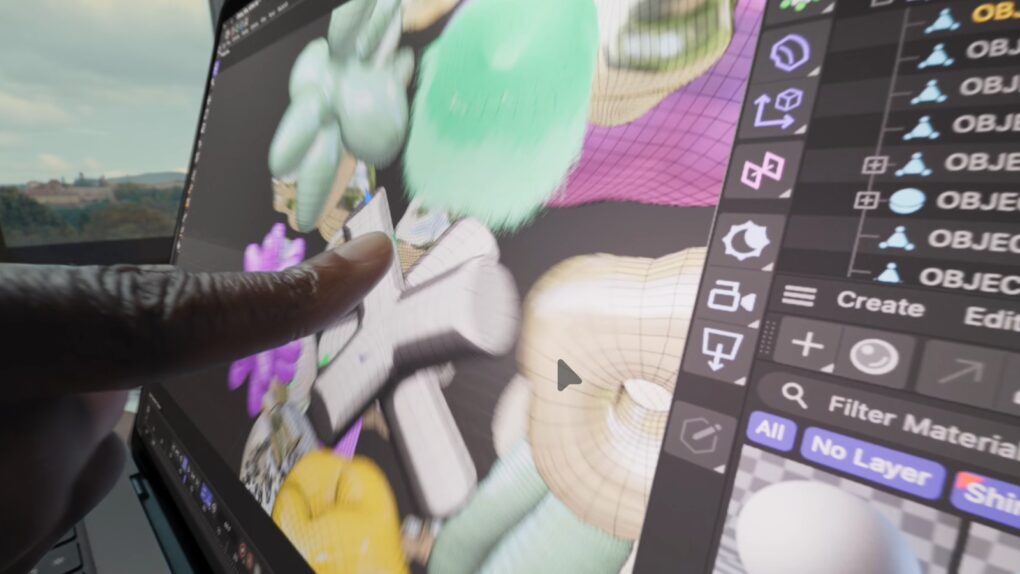
A touchscreen gives creatives new options for working with the latest MacBook Pro. Photo: Apple
The MacBook Pro with PROLED XDR Display just announced by Apple will be remembered for many years… for good or ill. Users will undoubtedly love the beautiful OLED display and the lighter weight, but only time will tell whether its touchscreen will catch on — there’s a great deal of pre-launch resistance to a touch-enabled Mac.
The device is thinner and lighter, and includes a Dynamic Island in place of the screen notch and even a glowing Apple logo. But the eye-watering price is also likely to draw criticism.
Apple is very upbeat about the device, of course.
“The new MacBook Pro with PROLED XDR Display is a monumental step forward for the Mac,” said Johny Srouji, Apple’s chief hardware officer, in a statement. “PROLED XDR is the world’s best laptop display. It pairs state-of-the-art tandem OLED technology with advanced algorithms in our display engine to deliver the kind of visual fidelity pros have been dreaming of. And with the magic of Touch coming to MacBook Pro, combined with the game-changing performance of M5 Pro and M5 Max, we’ve created a whole new way for pros to interact with their content, taking their workflows to a completely new level. The new MacBook Pro is the result of the deep integration between Apple silicon, hardware, and software, and there’s simply nothing else like it.”
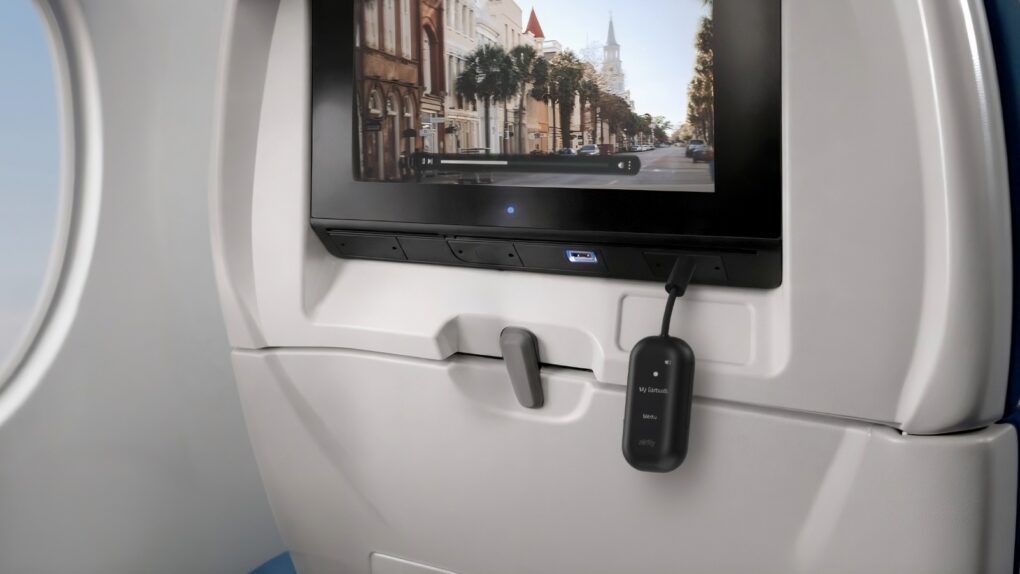
Imagine easily connecting your AirPods to a plane's entertainment center with AirFly View. Photo: Twelve South
Twelve South introduced AirFly View on Tuesday, a new version of its popular wireless audio adapter that adds a built-in screen to make connecting AirPods easier.
With it, travelers can use their AirPods (or other Bluetooth headphones) with airplane entertainment systems that still rely on traditional headphone jacks.
★★★★☆
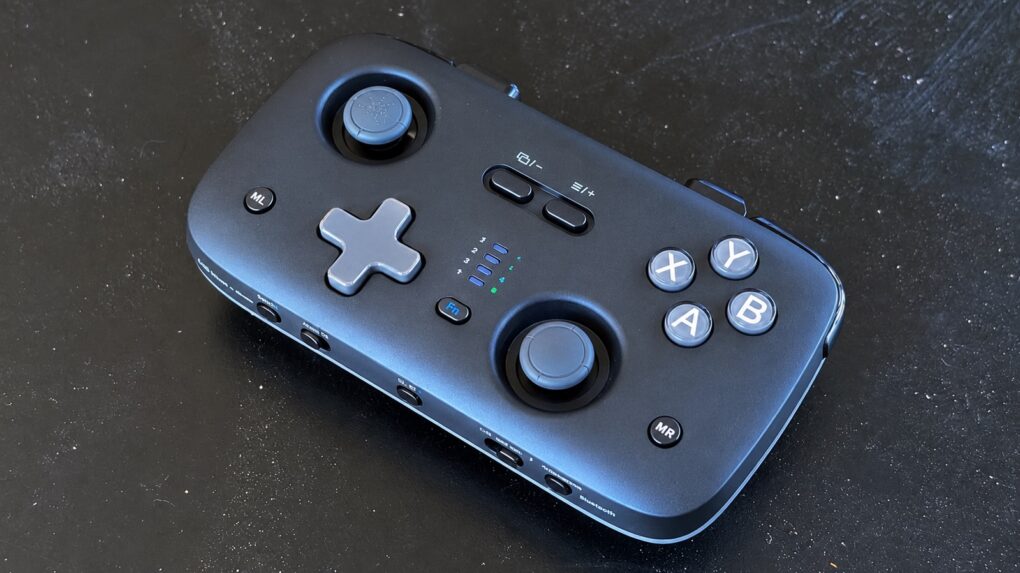
The JSAUX VoidJoy SkyLark S1 Pro is affordable but packed with features. Photo: Ed Hardy/Cult of Mac
The Jsaux VoidJoy SkyLark S1 Pro game controller packs an impressive assortment of features into a portable and lightweight design.
A highlight is extreme flexibility. It connects to Mac, iPad and iPhone, as well as a Nintendo Switch 2, Android or PC. And connections can use Bluetooth, 2.4GHz wireless or USB.
I put the very affordable gamepad to the test and came away generally pleased. Here’s what I like and what I don’t.
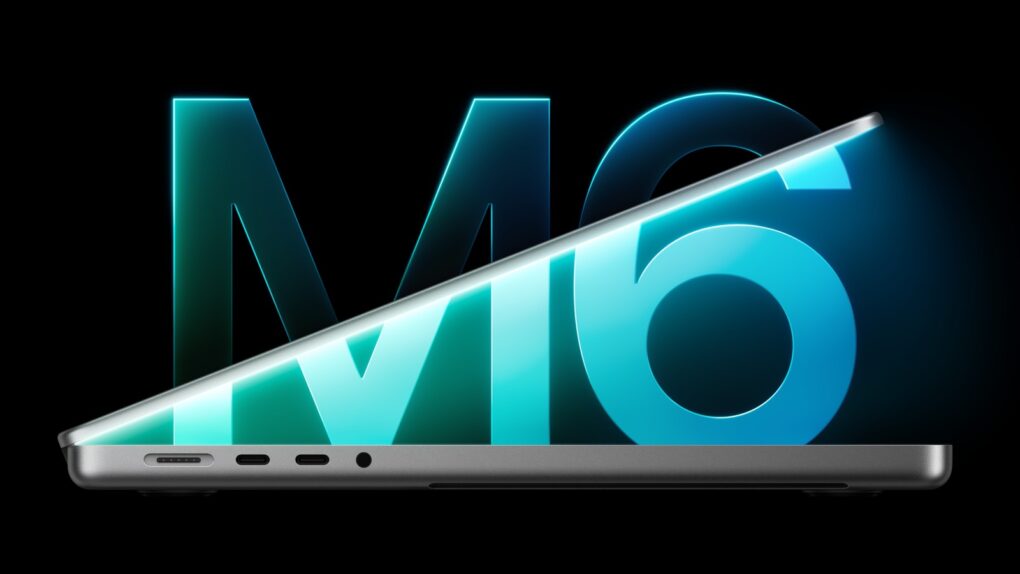
The M6 processor makes the entry-level MacBook Pro faster, but not more expensive. Image: Apple
Apple just dropped the basic version of its new M6 processor into the entry-level version of the MacBook Pro. This is a traditional “chip-and-ship” upgrade, not a redesign, so the faster processor is the major change to the notebook.
“The 14-inch MacBook Pro is the pro laptop of choice for a wide range of users — from college students, to business professionals across every industry, to multidisciplinary creators doing it all on one device,” said Shelly Goldberg, Apple’s vice president of hardware engineering, in a statement on Tuesday. “With the powerful M6 chip, we’re taking performance to the next level, with a boost in CPU speed and graphics and even more powerful capabilities for on-device AI. With its amazing battery life, remarkable Liquid Retina XDR display, and even faster connectivity, the new 14-inch MacBook Pro with M6 delivers a fantastic combination of performance, capability, and value.”
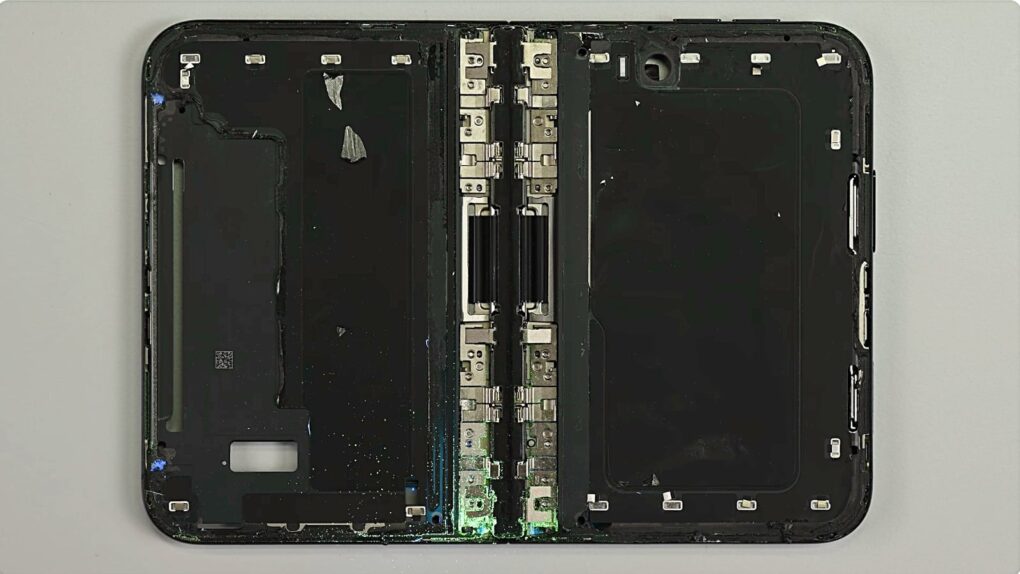
The iPhone Duo's complicated hinge appears to cause catastrophic failure, at least in rare instances. Photo: iFixit
Apple confirmed that there’s a problem with a small number of iPhone Duo units that causes the inner screen to spontaneously break just days after the launch of the foldable,
Replacement is covered by the handset’s own warranty.
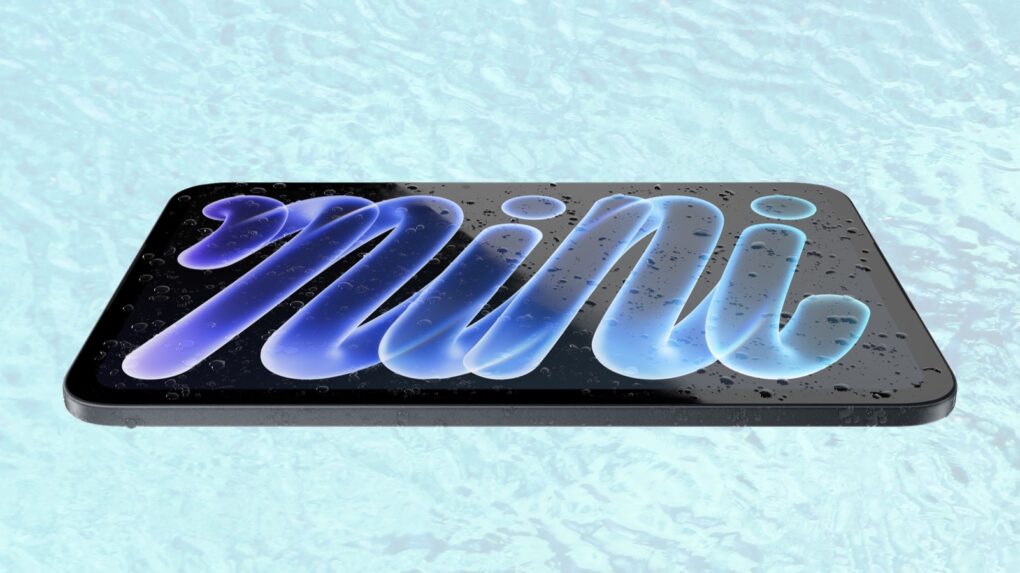
iPad mini (A20) ushers in a lengthy list of improvments. Image: Apple/Cult of Mac
Apple introduced the first iPad mini with a larger OLED display on Monday. The upgrade delivers better contrast and richer colors than the LCD screen in the previous model.
In addition, the redesigned tablet features a faster A20 processor, improved water and dust protection … and a considerable jump in price.
“iPad mini is beloved for its fantastic portability, performance, and display by a wide range of users, from creators and small business owners to doctors, field service workers, and gamers,” said Dave Pakula, Apple’s vice president of hardware engineering, in a press release. “With a remarkably thinner and lighter design, a stunning new OLED display, the incredibly powerful A20 Pro, and water and dust resistance, the new iPad mini is a huge leap forward for users who love having the full iPad experience in the palm of their hand.”
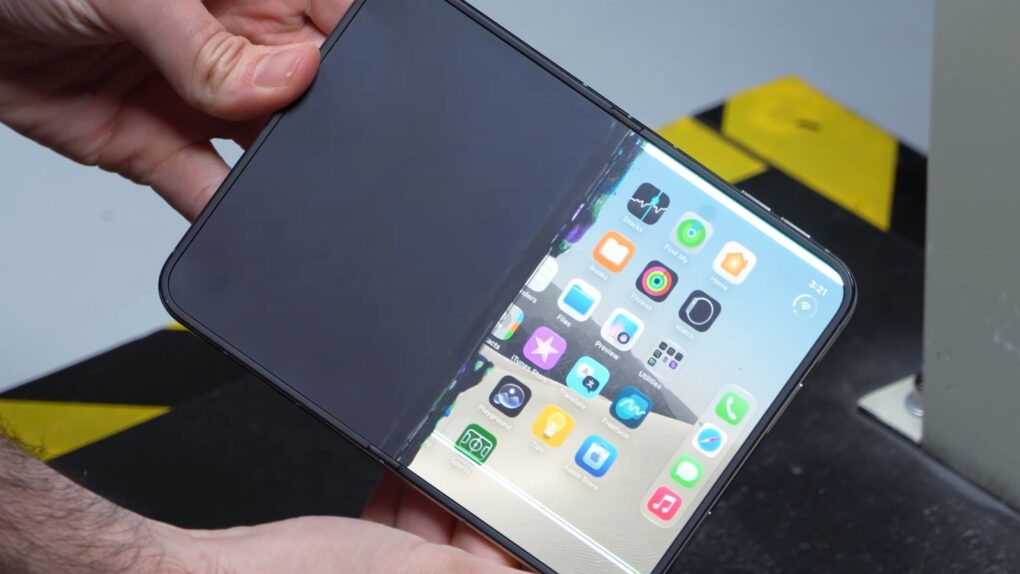
A drop test shows you should put your iPhone Duo in a protective case. Now! Screenshot: PhoneBuff
Drop tests with the new iPhone Duo suggest that carrying the device without a protective case would be a major mistake. While Apple’s first foldable isn’t as fragile as some critics predicted, it is undeniably breakable.
Earlier tests show the handset can easily stand up to heavy use, but drop the device even once and you could crack one of the screens.
A touchscreen is only one of many improvements coming in the next MacBook pro. Concept art: Apple/Cult of Mac
We’re apparently just days away from Apple launching a touchscreen-enabled MacBook Pro. And that’s not the only major change — this is the most significant revamp of the MacBook line since 2021. It’ll set the pattern for macOS models for years to come.
Here are five reasons to get excited about the touchscreen MacBook Pro expected to launch at Apple’s “Pro and Tell” event on Wednesday.
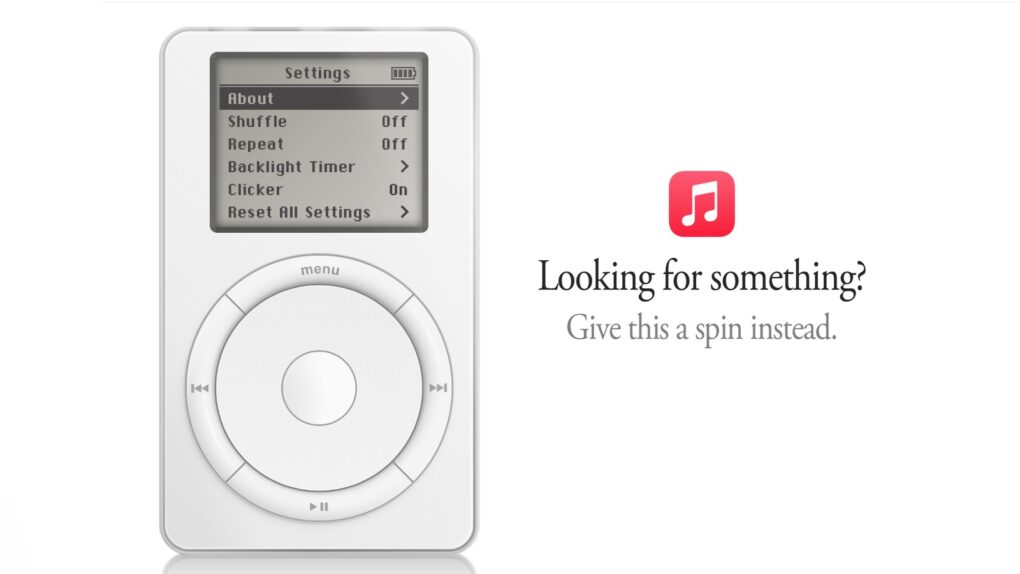
Apple commemorated the iPod's 25th anniversary with an Easter egg: a virtual music player. Screenshot: Apple/Cult of Mac
The original iPod is back — at least in your web browser. The company snuck an interactive recreation of its iconic music player into the Apple Music website, giving fans a nostalgic way to revisit the device that helped transform how the world listened to music.
Friday, October 23, is the 25th anniversary of Steve Jobs unveiling the original device. Giving music fans a way to relive 2001 is Apple’s way of honoring the product’s birthday.
iOS 27.1 is out, but it's only for one iPhone model. Image: Apple/Cult of Mac
Apple released iOS 27.1 on Thursday, but most iPhone owners won’t be able to install it. The update is specifically for the foldable iPhone Duo, which went on sale on Friday.
But don’t feel frustrated: iOS 27.2 is expected as early as Monday.
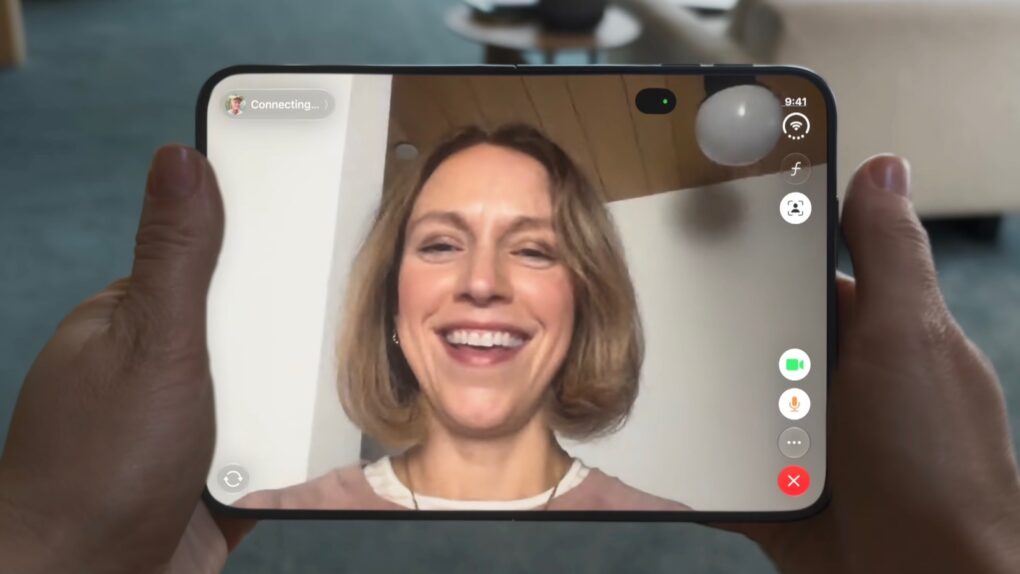
The iPhone Duo lacks Face ID, but it's successor might have it. Screenshot: Apple
Apple is reportedly testing prototypes of a second-generation iPhone Duo with Face ID beneath the display. The upgrade would address a frequent complaint about the company’s first foldable iPhone, which relies on Touch ID instead of facial recognition.
Plus, this is apparently another sign that Apple is working to get rid of the Dynamic Island from all iPhones.



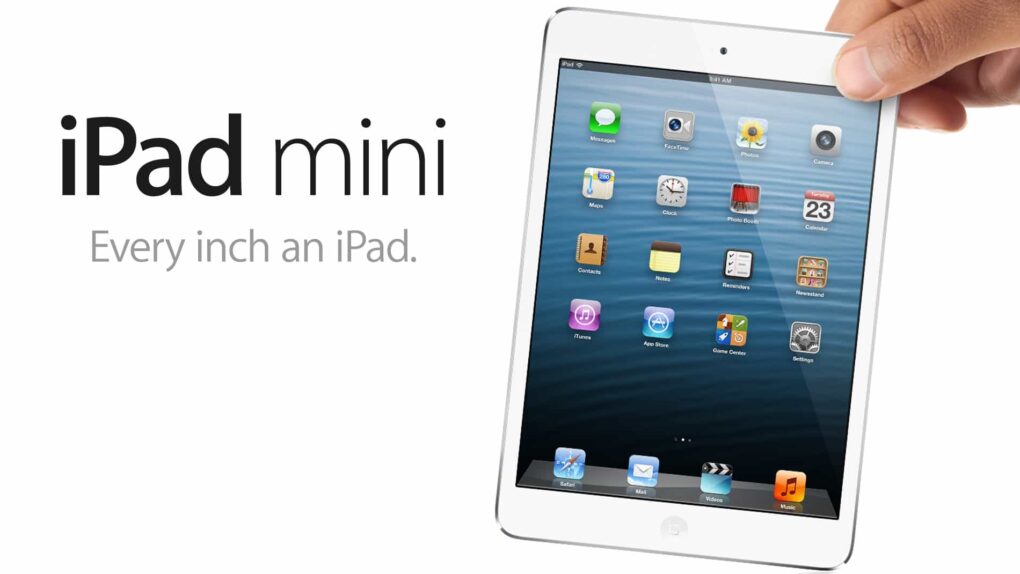
 November 2, 2012: The first iPad mini goes on sale, shrinking both the size and the price tag of Apple’s groundbreaking tablet computer.