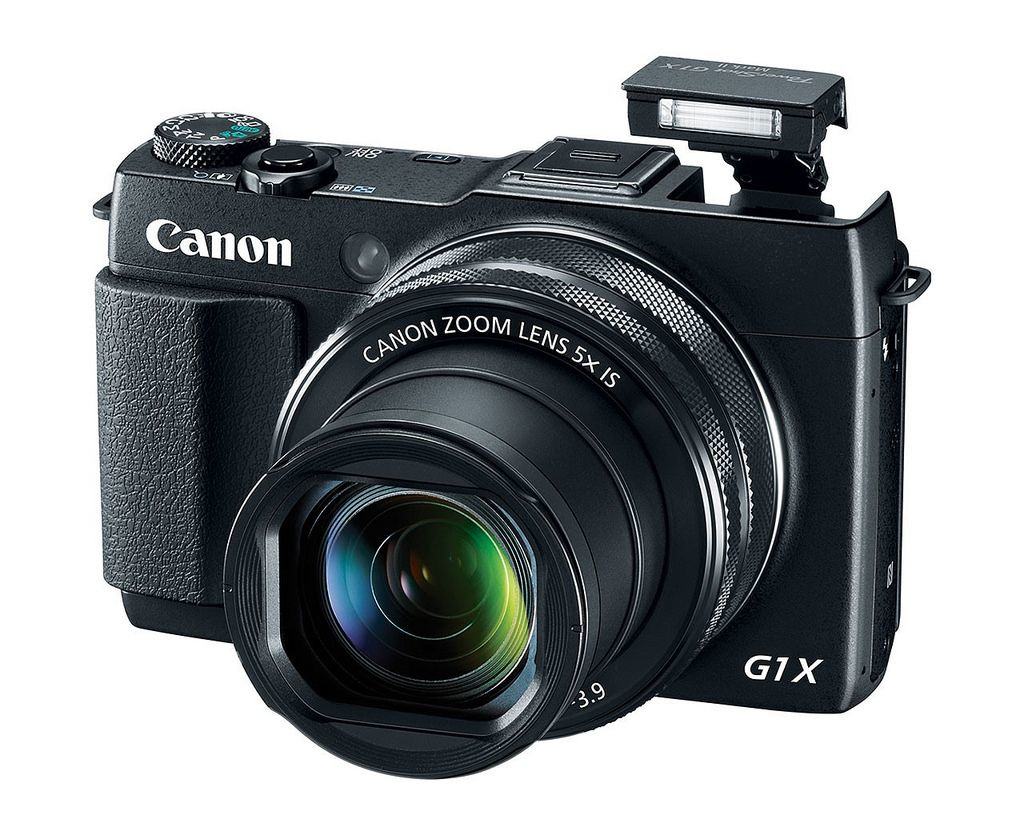
Canon’s new G1 X Mark II brings good news and bad news. The bad news is that it ditches the optical viewfinder that has been found on G-series compacts like forever. The good news is that it adds a faster lens, better manual controls, a flip-up touch-screen LCD panel, Wi-Fi and NFC.
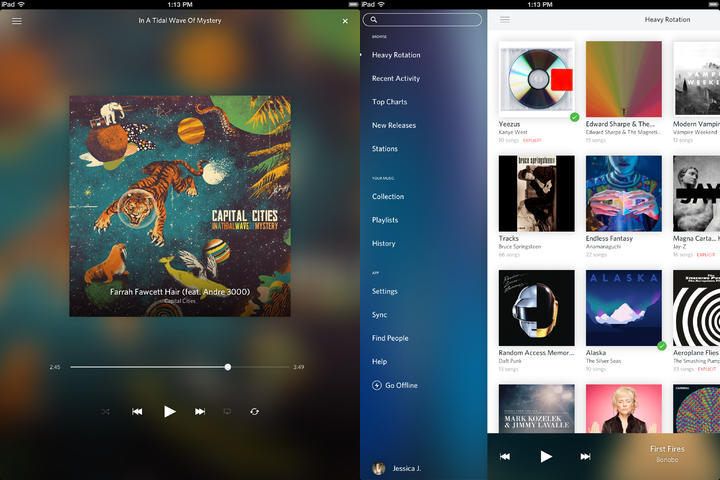
Rdio users can now ditch the desktop entirely, thanks to an update which brings playlist editing and reviews to the iOS version of the app. No more booting up that dusty old Mac just to remove an accidentally-added song from your “awesomest songs evah” list.
Weekend Read is a way to squeeze old-fashioned movie manuscripts onto the iPhone’s little screen so you can read them on the go. If you’re a professional script reader – or even a script writer – you’re going to love it.
Outback Solo for iPad Air by Waterfield Category: Bags Works With:iPad Air, Mini Price: $108 as tested
If Indiana Jones carried an iPad, he’d carry it in the Outback Solo. It’s a beautiful, tough waxed-canvas and leather number, with a padded lining for an iPad, pockets on the front for an iPhone and a wallet or a charger, a little loop on the front for handing your whip and a leather flap that closes with a magnetic clasp to keep out snakes. It’s pretty great.
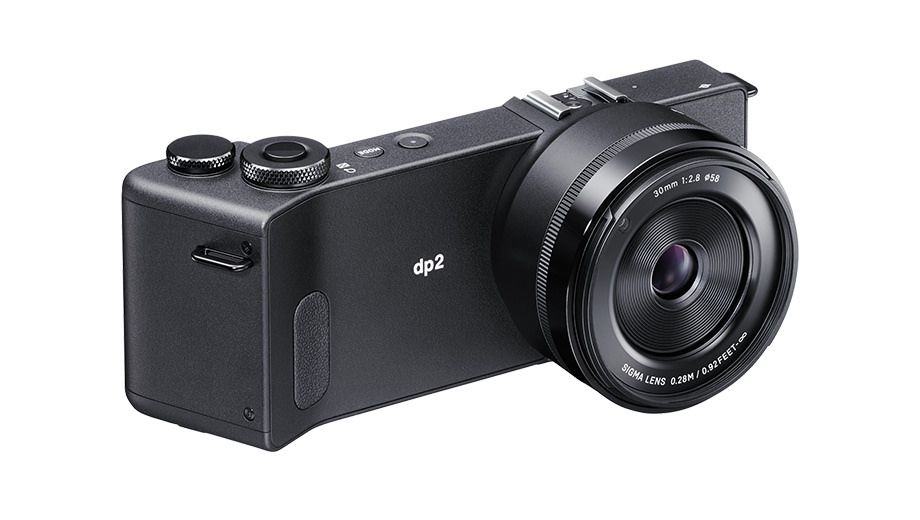
How hot is Sigma’s new DP2 Quattro camera? [Licks fingertip, mimes touching object, makes “tssss” sound with mouth.] That hot! The crazy-looking new camera not only has a whacked-out body design that looks like it’d be real comfy to hold, it has a crazy new take on Sigma’s already weird Foveon sensor inside.
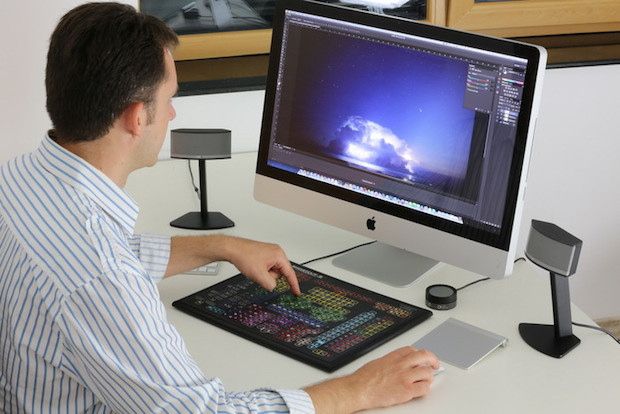
Shortcut-S is the kind of devices that is born when engineers get to make whatever they want. It’s a huge monster of a keyboard, with 319 keys all dedicated to separate Photoshop functions. It’s as if somebody took the piano and added a key to play every chord and note of Beethoven’s Eighth Symphony. Would that actually make it easier to play?
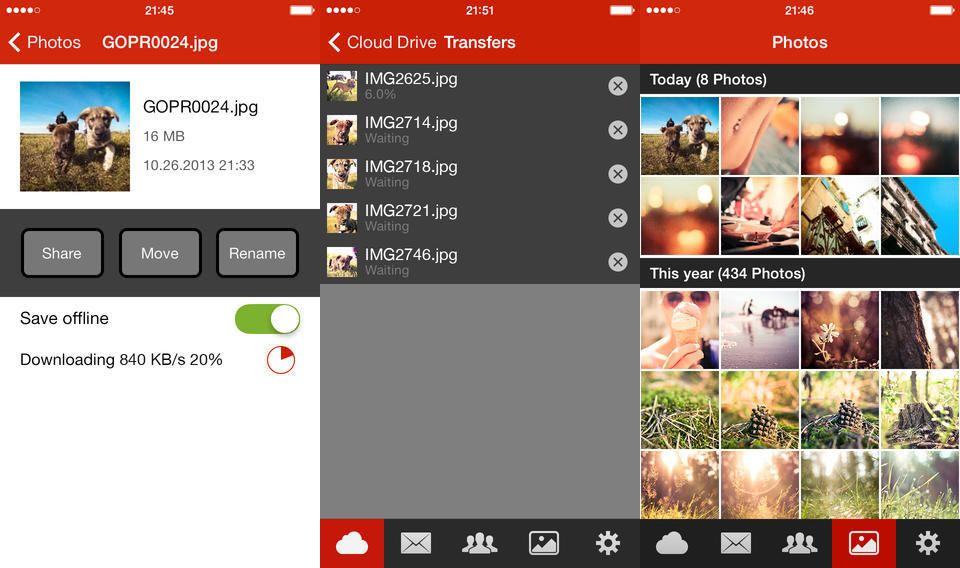
Kim Dotcom’s Mega app for iOS now lets you auto-upload your photographs from your iDevice, just like Dropbox, Jottacloud and Google Drive. Only unlike those other cloud services, Mega comes with 50GB free storage, and jumps to 500GB when you sign up for the $11-per-month paid tier.
Chaatz is yet another mobile messaging service like WhatsApp and iMessage. Only it also comes with any number of custom phone numbers so you never need to use your real one, and it also lets you receive messages on your iPad. Neat huh?
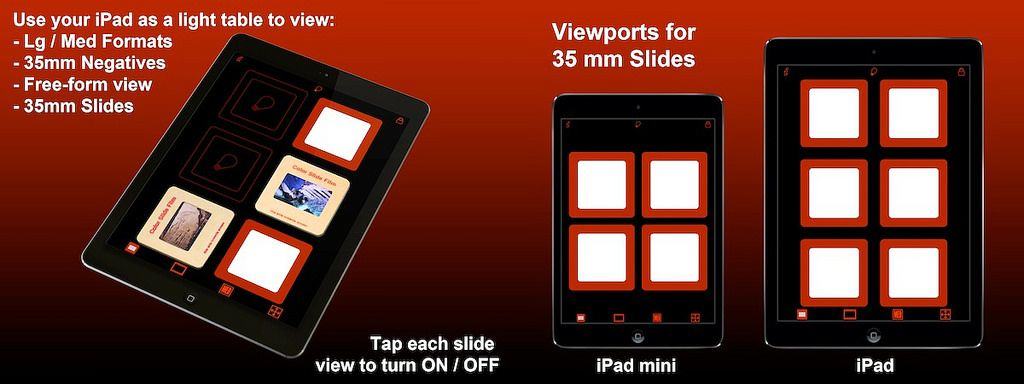
Here’s a little squirt of nostalgia into the brains of our (slightly) older readers: it’s an iPad app called Light Pad HD, and it exists to help you view your film slides and negatives by turning your iPad into a light-box. Instead of having to find a brightly lit piece of wall, or a window without distractions behind it, you can just launch this $2 app and drop your film strips on top of the iPad’s screen and use its screen.
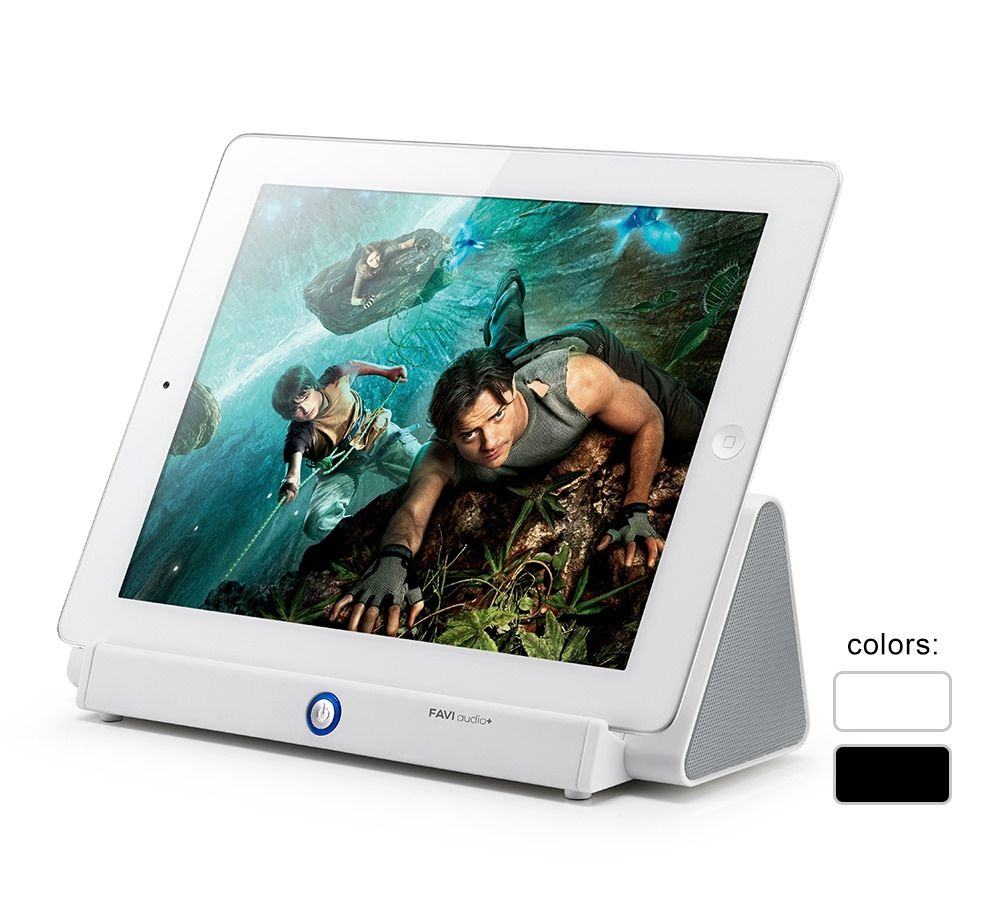
The FAVI may look kind of dumb, but I have a use-case for it right now: Whenever I play music or podcasts in my kitchen, I use a Bluetooth speaker. This means first getting the speaker to talk to the iPhone, and then it means finding a safe spot in the kitchen where my iPhone won’t get killed by spills.
The FAVI solves both these problems, by being a stand which connects wirelessly to your iPhone when you set it down on the cradle.
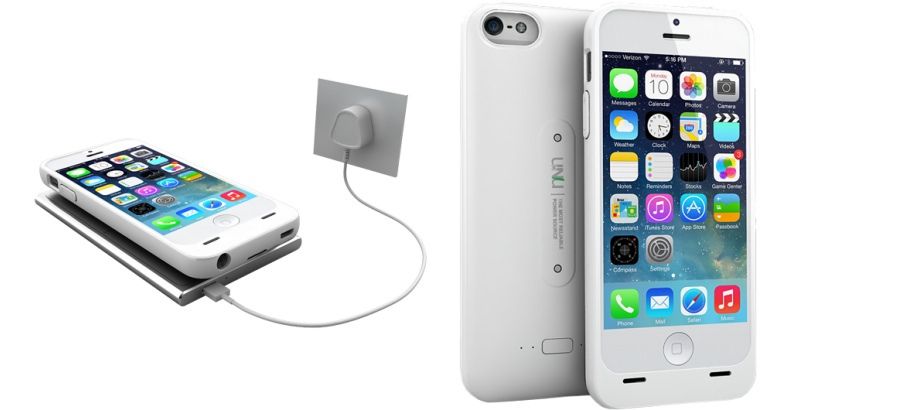
If you’re going to stick your beautifully slimline iPhone inside and external battery case, then why not make it a battery case with wireless charging built in? That’s the thinking behind the new Unu Aero case, a slimline (15mm) case that doubles the battery life of your iPhone 5, and frees you from ever plugging it in ever again.
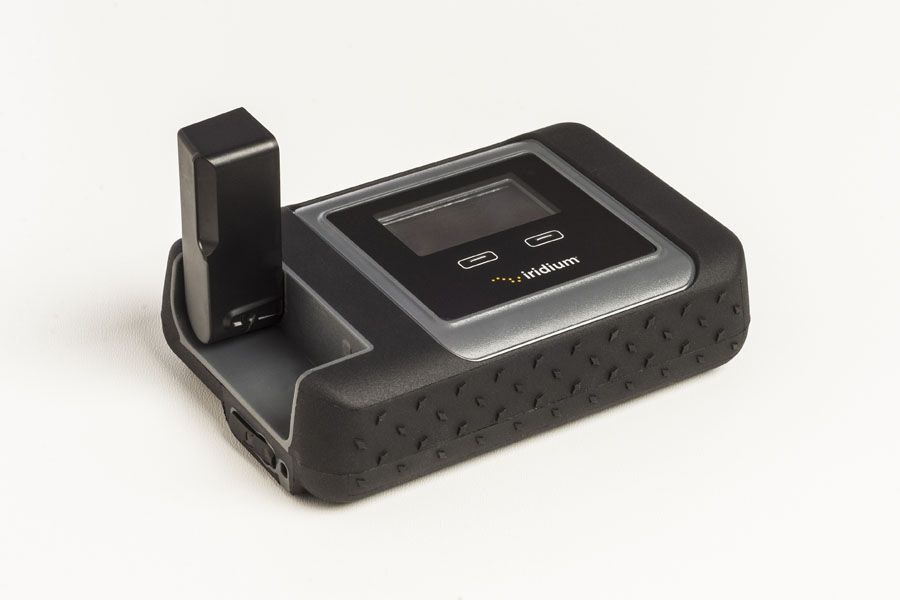
You know how it goes: you and your adventure buddies are standing around in the middle of the arctic, or atop a high-altitude jungle, and you’re all bored stiff. The campfire is burning down, you’ve all told your best ghost stories, and all you want to do it Tweet that awesome photo you just took of a penguin kissing a polar bear.
What’s the answer? The Iridium Go!, a kind of satellite MiFi that brings a data and voice connection down from the heavens and shares it between up to five devices via Wi-Fi. Never suffer the boredom of nature again.
We’ve seen several horn speakers here on Cult of Mac, and made at least as many schoolboyish horn jokes. But to my knowledge this is the first speaker that looks like an acoustic amplifying horn, but is in fact just a regular novelty speaker. It’s also probably the only gadget we’ve featured that has “trendy” as a bullet point on its feature list.
IDraw, the iPad vector-based drawing app, has just gone v2.0, and turned from a great drawing app into a crazy full-featured pro-level app. Here’s a taster of the new features:
Photoshop PSD Import/Export:
Import layered PSD files with vector paths and effects
Shape layers are imported as editable vector paths
Layer effects are imported as fully editable drop shadows, glows, etc.
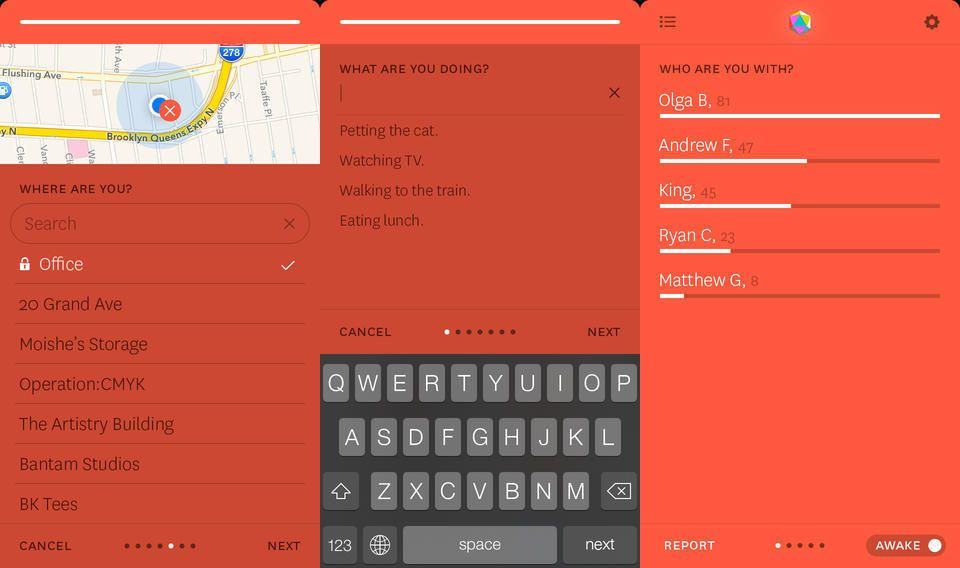
Reporter is a crazy iPhone app that tracks… well, everything. It pops up an alert at random intervals throughout the day and conducts a mini survey, then puts all this data together to be mined at your leisure.
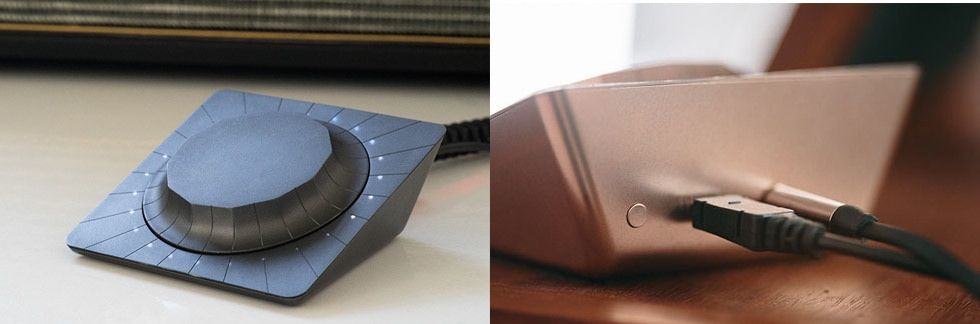
Beep is a weird little device that could be either just the thing you’re looking for, or the stupidest accessory ever. It’s a Wi-Fi volume knob that hooks up to your speakers, and streams music either direct from Pandora, or from your iDevice via its own companion app. No AirPlay, no Rdio or Spotify. I told you it was weird.
With Phraseology 2.0, developer Greg Pierce has made a definitive case for URL schemes, the trick that he invented with his Drafts app to let iOS apps talk to and send data to each other. While Phraseology 2 can work as a text editor, it is in fact a “word processor” for iOS. And I don’t mean that in the crappy, MS Word bloatware sense, either. I mean that it’s a machine to process text, from any other app.
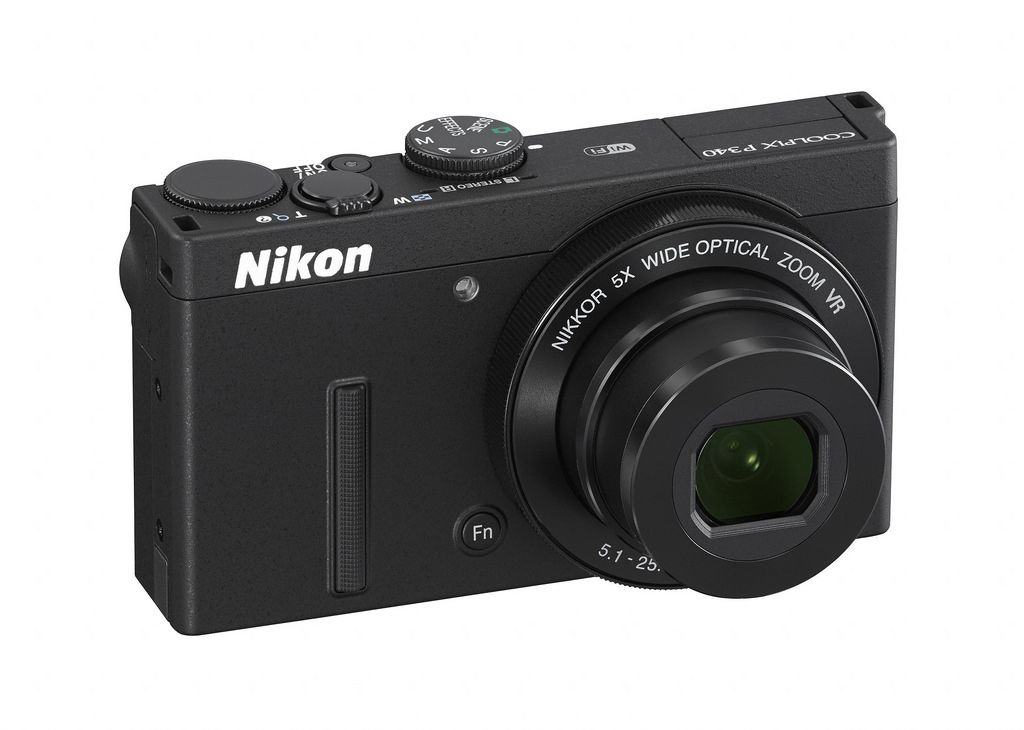
If you got a kid to draw a picture of a camera, that picture would look just like the new Nikon P340, a device that can be accurately described as “boxy, with knobs.” And it’s gorgeous, kind of like then Lenovo Thinkpad of cameras, and despite its diminutive form it has everything an enthusiast would need – except a viewfinder.
Under its previous owner, Instapaper was a good-but-limited iOS app with a barely functional website component. Under its new ownership at Betaworks, the app has slowly become part of a great ecosystem, with the latest addition being a Safari extension.
Forgotify is kind of like that box at the back of the thrift store which holds vinyl records so bad that even the sample-crazy music nerds won’t touch them – only on the internet. It’s a web service that collects the roughly 4 million (!) unplayed tracks on Spotify, and serves them up to you at random.
I love the press-to-shoot feature of Instagram’s video mode: it stops you from making one long boring take to fill up that eight seconds or however long it is that you get. But maybe you want to make a boring one-shot clip, or you’re planning on making the world’s shortest remake of Hitchcock’s Rope. Whatever, this neat trick from Photojojo is for you.
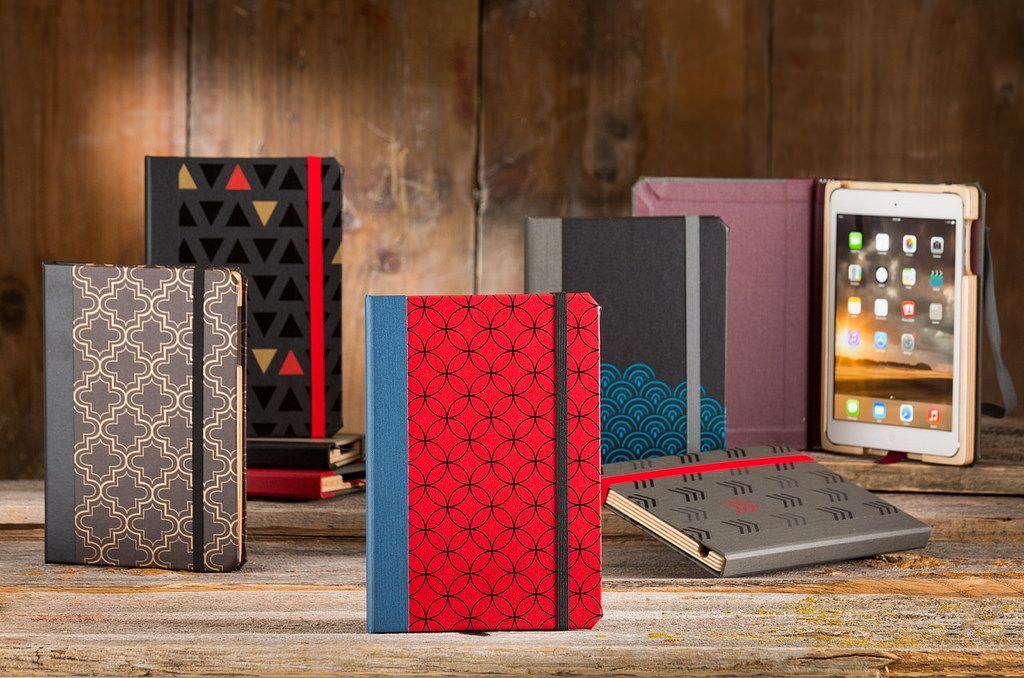
Lovers of bookbindery cases who find beautiful plain leather covers a little boring can now tweak their Pad&Quill iPad Air cases with any number of fancy patterns. The highly-protective, last-forever cases can now be customized to order on the P&Q store, letting you obsess over such options as the delicious-sounding “Gold Metallic on French Roast,” and the distinctly 1980s-style " Chevron on Gray Linen.
I’ll admit it. The main reason I’m posting about the beautiful Project Bloom iPhone case is the hedgehog. Specifically Woody, the African Pygmy hedgehog that you see in the photo above.
But that’s not to say that the case isn’t worth a look. It is. So Let’s.
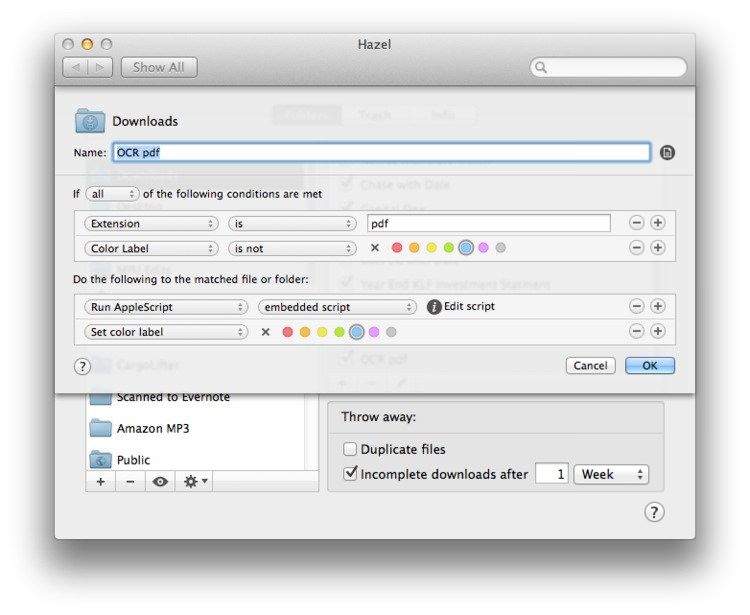
Maybe you scan all your receipts and bills, and toss the paper into the recycling bin. Congratulations! You’re paperless. You’re also out of luck when it comes to actually finding any of those scans when you need them. You’ll be stuck flipping through stacks of PDFs as if they were stacks of paper.
Unless you get your Mac to automatically run OCR on those scans, making their text searchable. And then maybe you could have you Mac file them for you too, just like computers were supposed to do for us all along.
Sound good? Then check out this neat tutorial from Mac Power Users’ Katie Floyd, which uses Applescript, PDFPen and Hazel to do it all for you.