Mobile menu toggle

Charlie Sorrel - page 58

Practical, portable, single-minded, beautiful — Opinel is the Apple of knives

By

This might be the best knife you'll ever own.
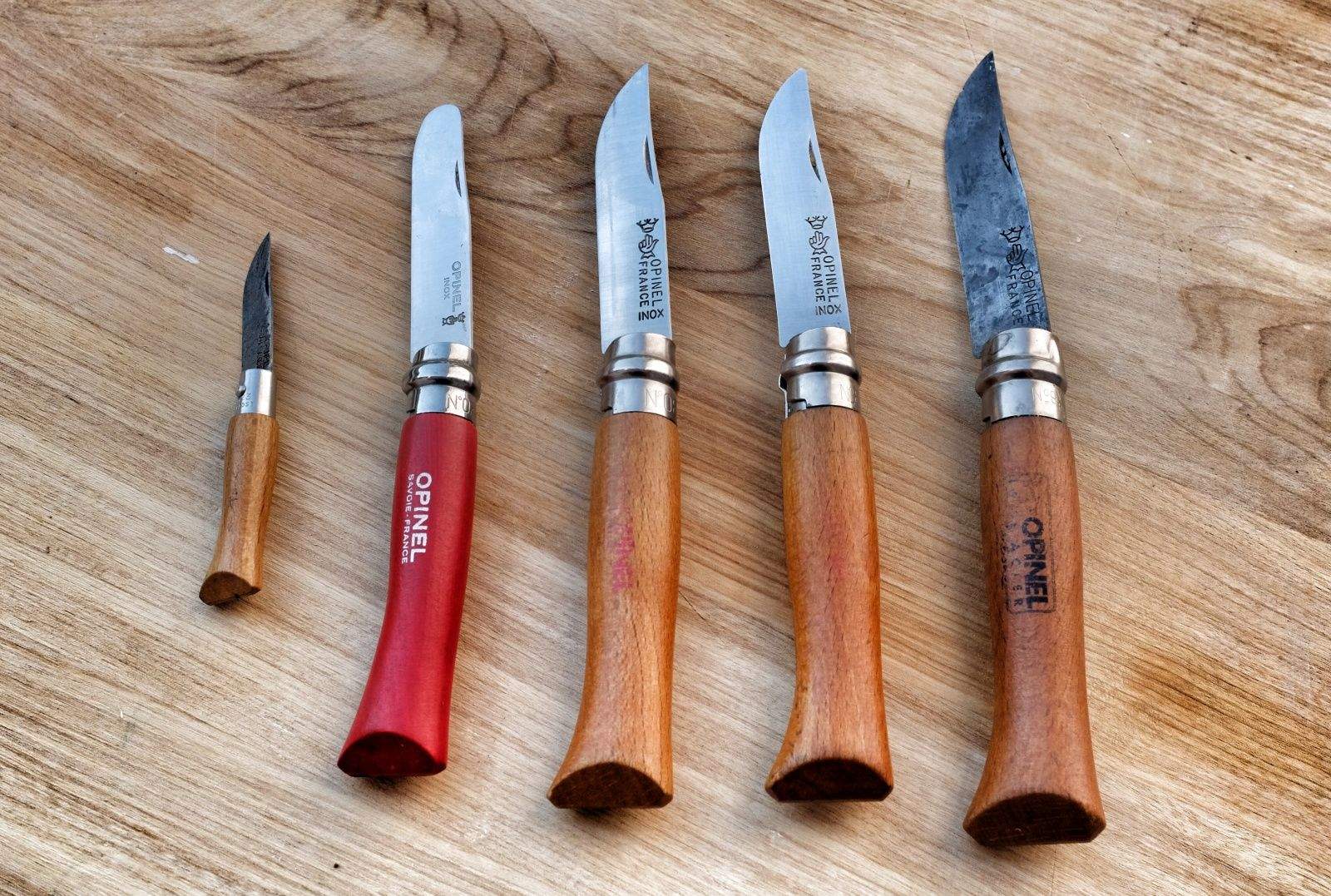
These might be the best knives you'll ever own. Photos: Charlie Sorrel/Cult of Mac

The Opinel No8 is hardly a new gadget, but when something is this good, why change it? I’ve been using the wood-handled French pocket knives for around 12 years since I was given a carbon steel No8 as a gift. That knife is still in daily use, and has since been joined by several others, including one made for children (more on that in a bit). I even have a tiny No3 that I use for sharpening pencils.

Why am I writing about a 120-year-old knife on the Cult of Mac? Because age doesn’t matter when something is this well-designed. Also, I figure if you’re a fan of Apple gear you will appreciate good design wherever you find it.

How to set up a foolproof note-taking system for writers and other nerds (Part 1)

By

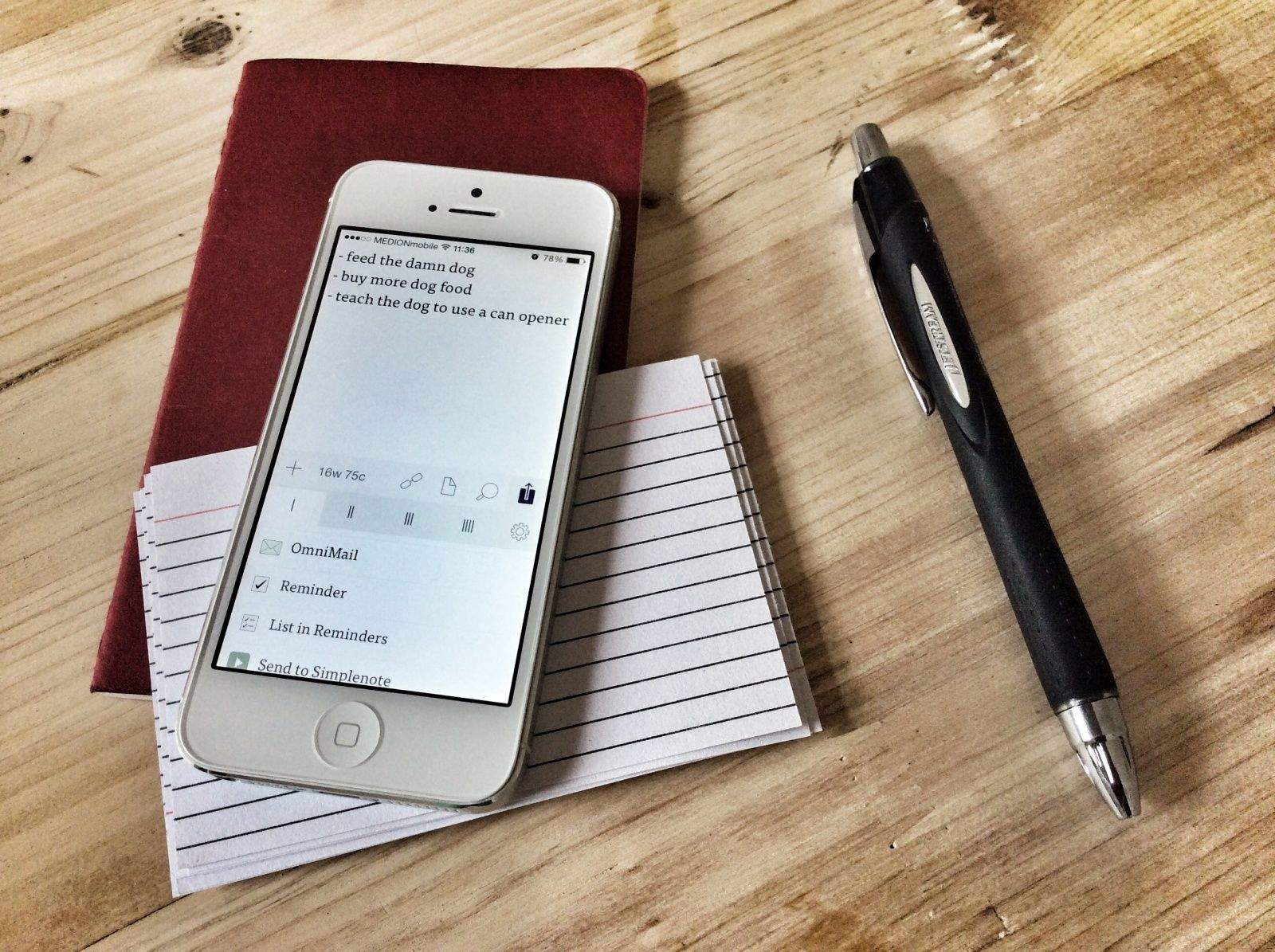
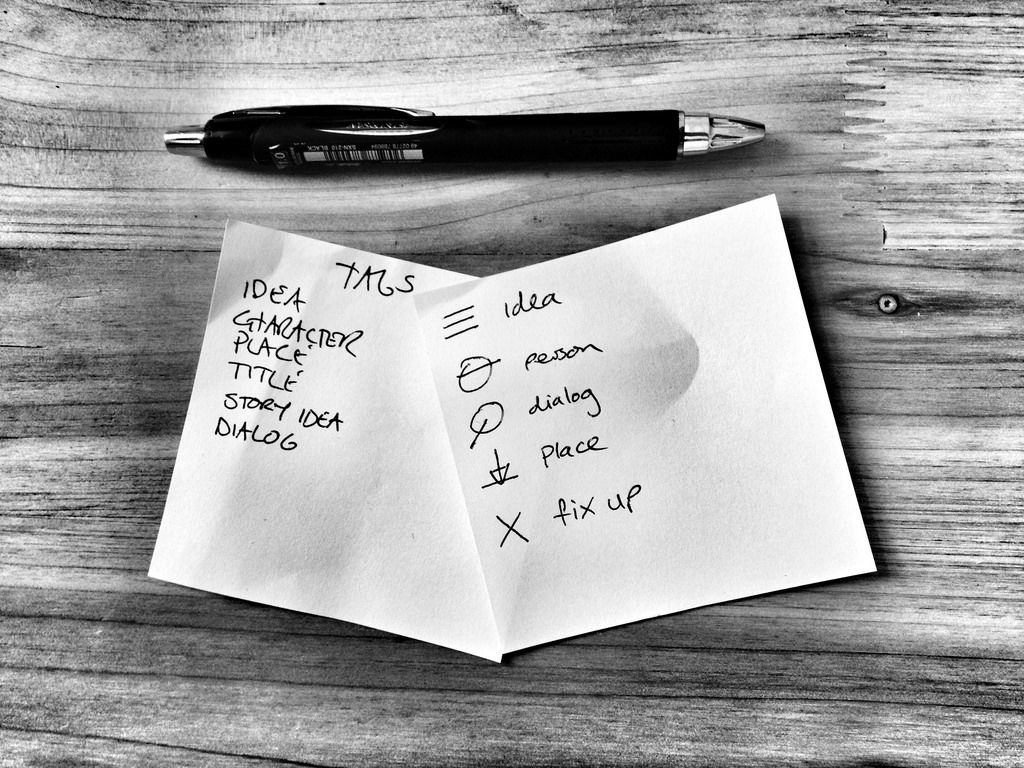
I started writing stories this year – short fiction and a couple of novellas so far – and I’ve found I need to make a lot of notes. The iPhone is pretty great for this, as you’d expect, but not always: Sometimes it’s just not appropriate to tap away on a cellphone, and sometimes you might want to make little drawings, or maybe you just find it easier and faster to pull out a paper notebook or index card.

The biggest advantage of iPhone notes is that they are sync-able and searchable. Paper is neither. But using a combo of apps, old-school paper hacks and an easy-to-maintain “workflow”, I came up with a simple note-taking system that keeps paper and pixels together, both equally searchable, sync-able and usable.

Gadget roundup: The week’s best gear for travelers, campers and chefs

By

The week's best gadget announcements, rolled up into a nougaty gallery.

Cooking, charging, camera-ing and generally staying out-of-doors are the themes this week. But if you are stuck inside out of the sun, don’t worry – we have you covered too.

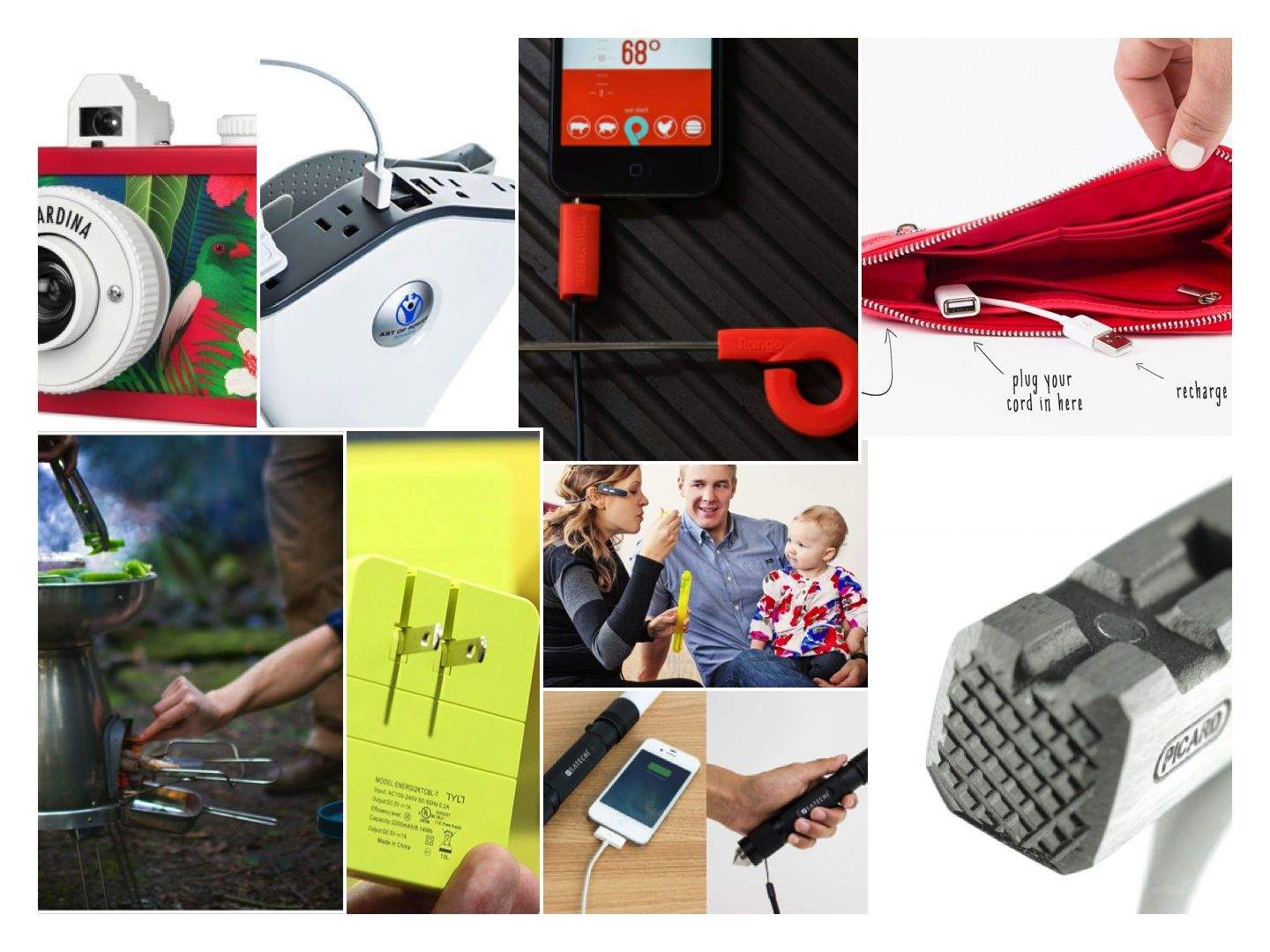
This week we get cooking with a gadget-charging camping stove and a slick, iPhone-friendly food thermometer. We also do DIY projects (without tenderizing our thumbs) with the German Latthammer, charge our flagging phones with a purse that packs a built-in battery, and record everything using the super-dorky Lifelogger camera. Is the sun shining? Yes it is!

Klean Kanteen water bottle goes everywhere with me (and I mean everywhere)

By

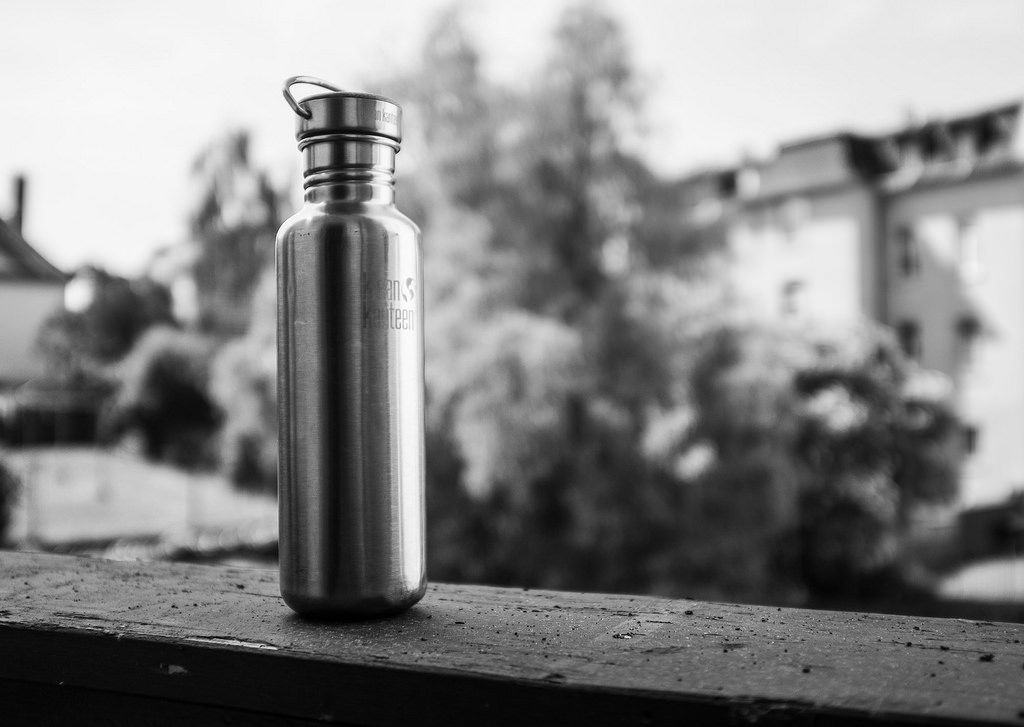
Klean Kanteen's Reflect might be the world's most perfect water bottle. Photos: Charlie Sorrel/Cult of Mac

If I leave the house for more than a quick trip to the corner store, I take my Klean Kanteen Reflect with me. It sits in my Velo backpack when I walk, it slips into the bottle cage on my bike when I ride, and it passes through airport security — empty and ready to be refilled in the departures lounge — when I fly. It is my single most-used gadget after my iPhone and iPad, but unlike those I don’t feel I have to replace it every year. It doesn’t need an annual upgrade, and every dent, scratch and scar makes it look even cooler.

The Reflect is a water bottle rolled from 18/8 stainless steel and capped with a “stainless unibody bamboo cap.” The cap is sealed with a silicon O-ring and has a carrying loop on top; the body comes in two finishes — brushed or polished.

Apple is also a big fan. On Earth Day last month, the company gave every employee an Apple-branded Klean Kanteen.

Gadget roundup: New gear for photogs, travelers and pencil pushers

By

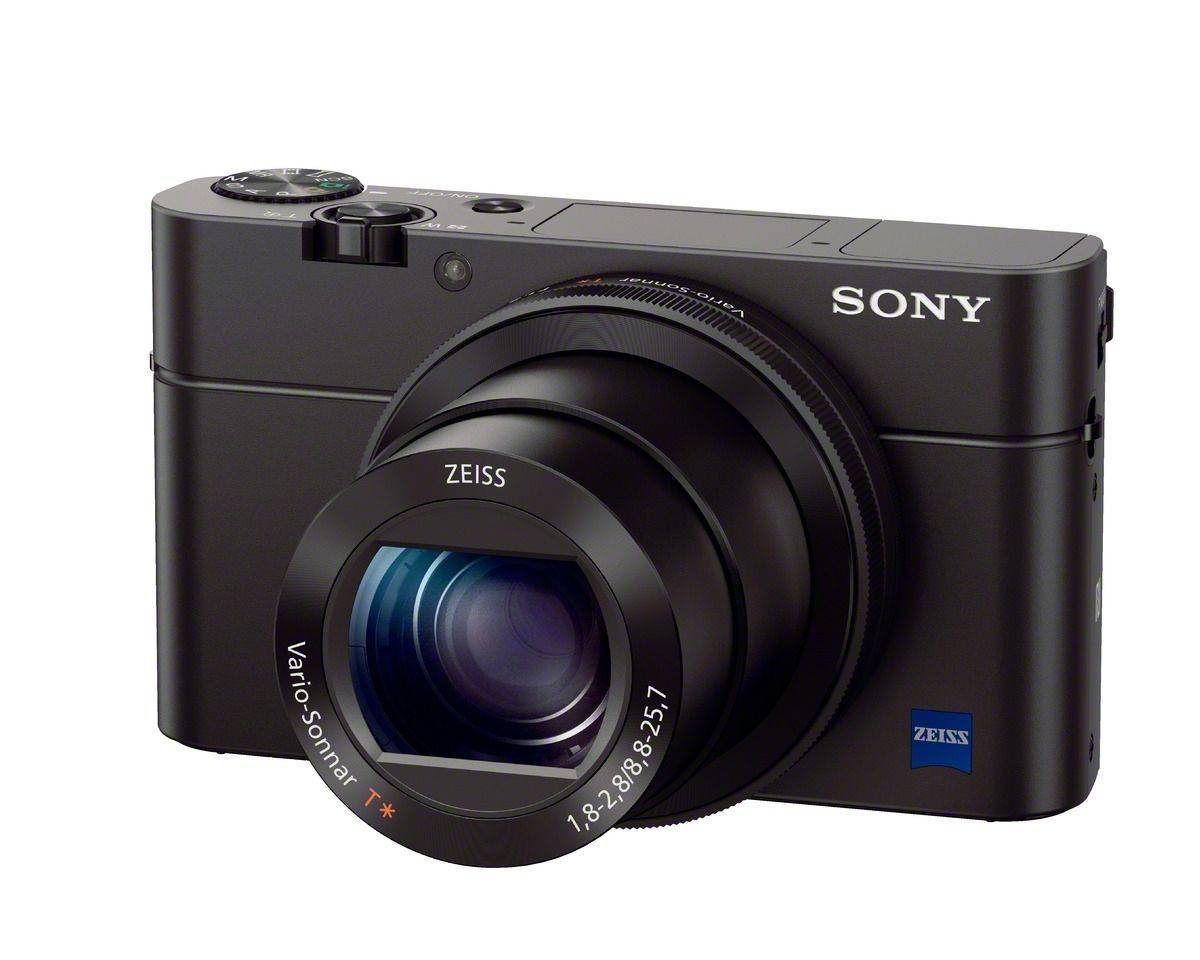
Sony’s new RX-100 III takes the best pocket camera in the world and makes it even better. Now the 20MP shooter packs a pop-up OLED viewfinder, a faster ƒ1.8-2.8 maximum aperture across the 28-100 zoom range, a new 180-degree flip-up selfie-ready screen and “full-sensor readout 1080p.” There’s even Wi-Fi so you can post the results to Instagram. $800

Sony’s new RX-100 III takes the best pocket camera in the world and makes it even better. Now the 20MP shooter packs a pop-up OLED viewfinder, a faster ƒ1.8-2.8 maximum aperture across the 28-100 zoom range, a new 180-degree flip-up selfie-ready screen and “full-sensor readout 1080p.” There’s even Wi-Fi so you can post the results to Instagram. $800


Fresh photographic equipment stole the show this week, but we also got wind of some great new outdoor gear (and some stuff for desk jockeys).

First the camera news: Sony is coming on strong with the amazing R100 III camera, while Nikon’s most exciting new gadget is an underwater flash. On the outdoorsy front, San Francisco is gearing up for summer with new bags from my favorite bag makers Rickshaw and Waterfield, and if you’re out in the warm/cold spring on your bike, you might like to do it wearing the beautiful Vulpine merino wool cycling jersey. If you’re not the outdoors type, we have you covered too — you can stay home and organize your desk with a handsome wooden pen and phone holder.

Have fun!

Skylock is like a security guard for your bike

By

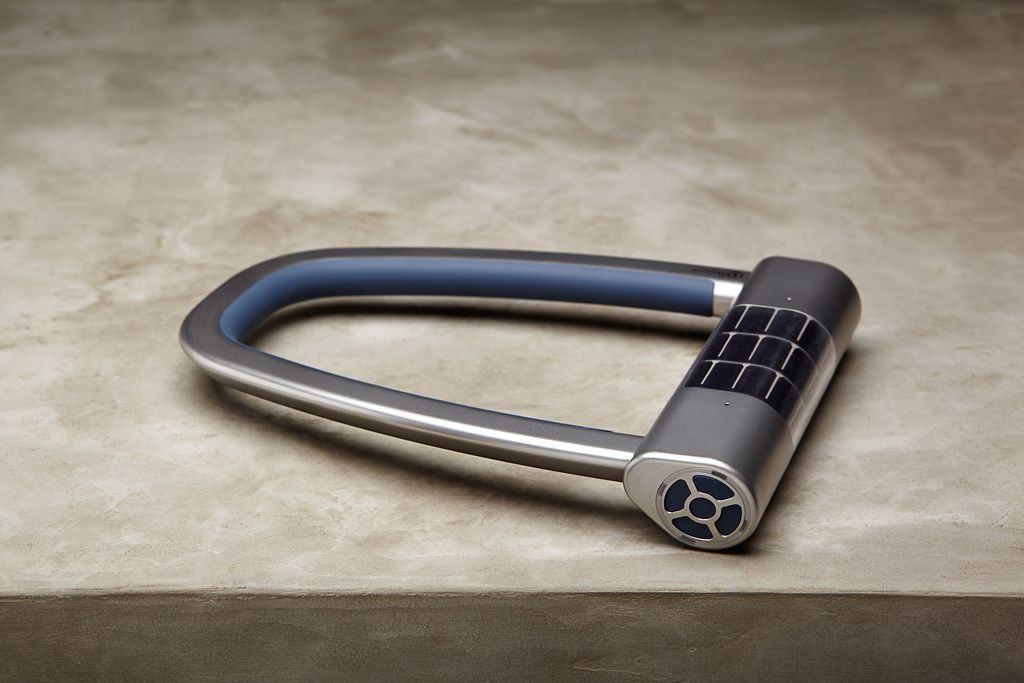
Hey bike thieves – if you see a Skylock on my bike, then go ahead and cut through my frame and leave the lock behind. Why? Because my shitty beater cost like €50 and the Skylock is $250, that’s why.

$250? Yup, although you get a lot of tech for that money.

Sync your iOS Photo Stream with Flickr, Dropbox or anything else

By

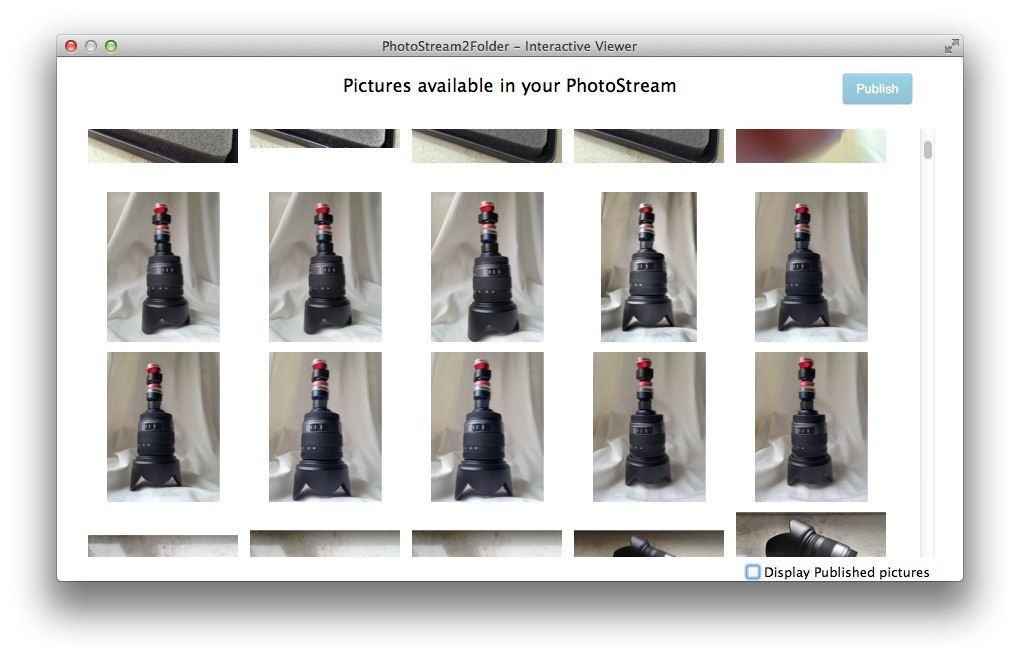
I have at least three apps set to auto-upload my iPhone photos whenever I reach a Wi-Fi connection. That’s three apps running in the background and using bandwidth to send my pictures up to the cloud, and they all run in addition to Apple’s own Photo Stream.

There’s nothing really wrong with this system: After all, bandwidth over Wi-Fi isn’t limited, and redundancy is good. But what if you could somehow consolidate all these services, and at the same save all your iPhone photos to a folder on your Mac? That’s what we’ll do today, with PhotoStream2Folder and a few other apps. We’ll take your Photo Stream, grab all the photos and save them to a folder on your Mac, then auto-upload them to Flickr, Dropbox and anywhere else you want.

These sandals are so cool, they even look good with socks

By

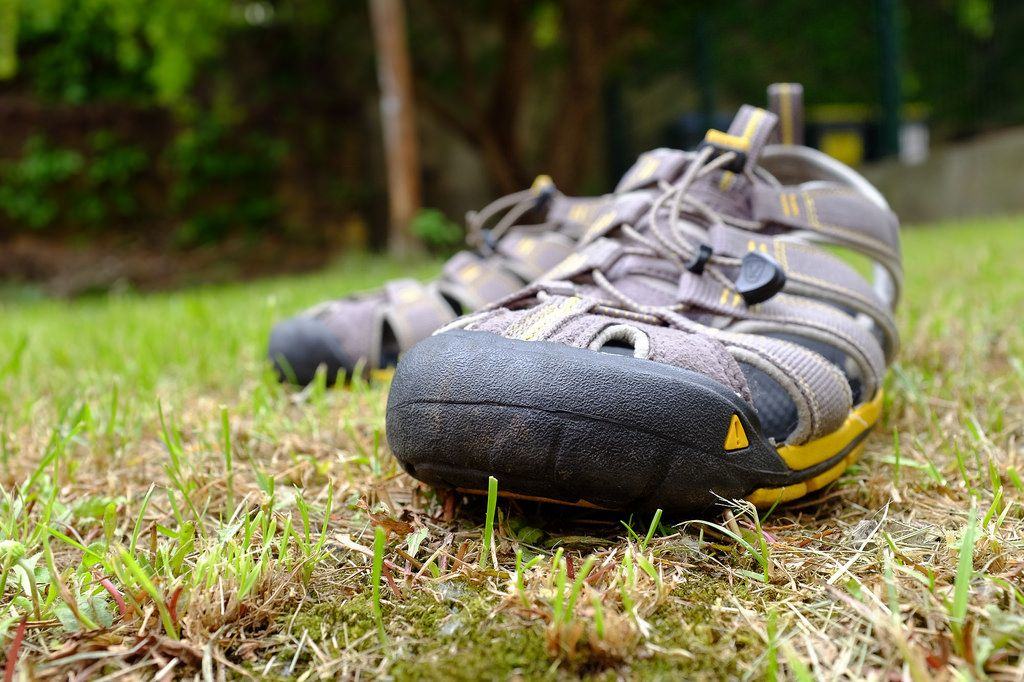
I have a confession to make: I wear socks with sandals.

That’s not so bad in itself — I live in Germany, where otherwise-rational men wear socks, sandals and fanny packs all at the same time, and women still talk to them.

The kicker is that I started this habit when I lived in Spain. The reason? Keen’s amazing outdoor Clearwater CNX sandals.

Instapaper’s new highlights feature revitalizes the app. Here’s how to make the most of it

By

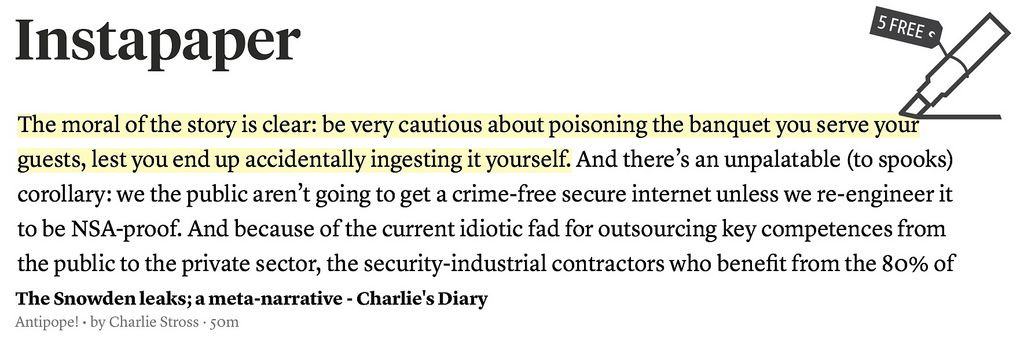
Instapaper v5.2 adds familiar yellow-marker highlights to your saved articles. This doesn’t sound like much, but it will change how you use the read-later service. Instapaper is the O.G read-it-later app, letting you save those longer articles you find on the web, in Twitter, in your RSS reader or anywhere else. You send these articles off to Instapaper via a bookmarklet (or using the third-party integration from many apps), whereupon they are cleaned of clutter and saved for you to read off line.

This seemingly small update changes the game. Before, Instapaper was a transient place for long-form articles — you’d read them and then archive them. Now it’s a place to organize and revisit articles, turning your collection of clippings into a library of annotated notes. And for the makers, it represents a way to make more money for the app, by finally adding a killer reasons for us to buy the $1-per-month subscription.


Gadget roundup: Retrotastic gear takes us back to the future

By

From ax player Jack White's new high-tech vinyl album to a high-tech wood-chopping ax from Finland, here is everything you missed in product announcements this week.

This week our inboxes filled up faster than a tummy at an all-you-can-eat crab leg buffet.

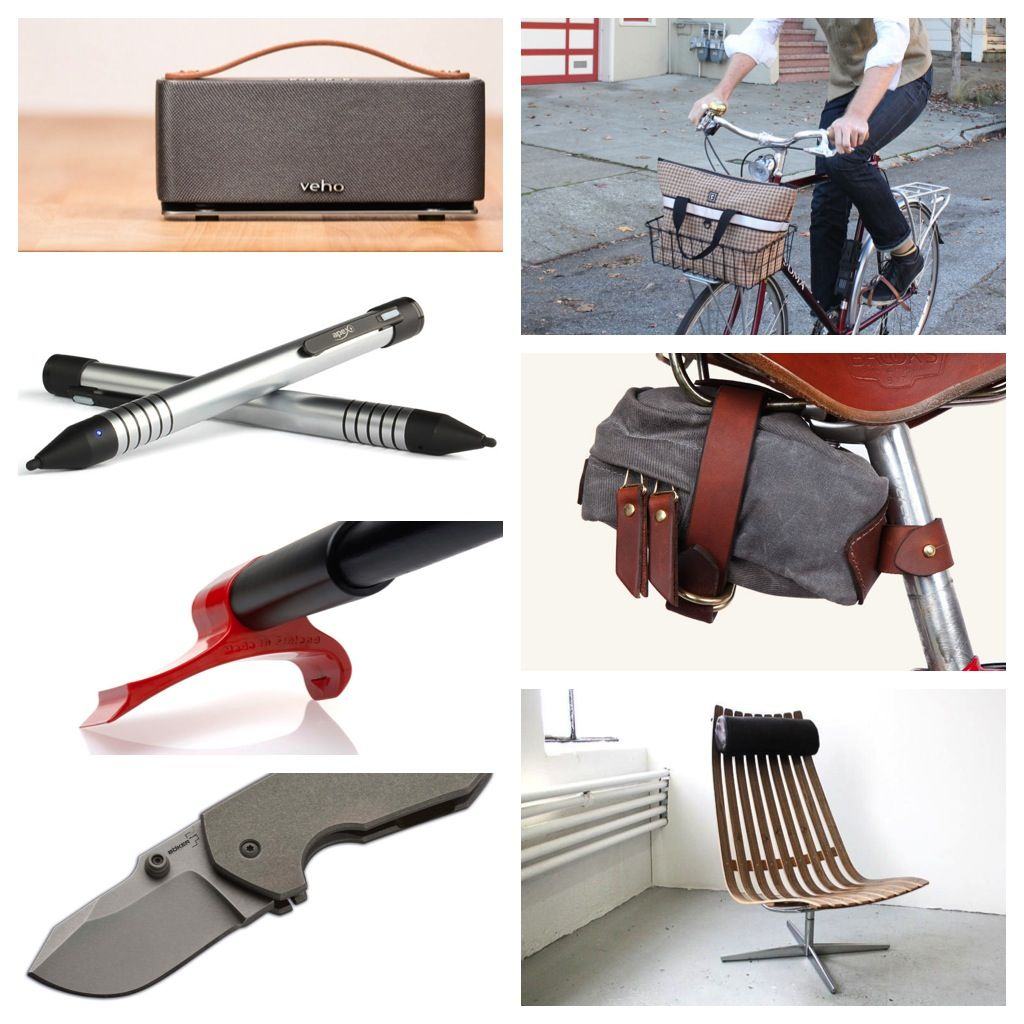
The theme that emerged from this week’s plethora of product press releases was “everything old is new again.” From the stunning leather-and-canvas bike bag from the talented folks at Tanner Goods to the retro speaker from Veho, it seems our fascination with yesteryear and retro continues unabated.

May your thoughts of relaxing in a cushy easy chair, whittling away with your new table knife while listening to Jack White’s new Ultra LP, helps you get through the weekend.

Until next week.

How to use your email as a powerful to-do manager

By

Here's how to turn your inbox into a problem solver. Photo: Charlie Sorrell/Cult of Mac

They say your email inbox is a terrible place to manage tasks. I’d disagree. I think it’s the perfect place. After all, most of my tasks come in via email, and any app that can share information can share it via email. Why bother dickering with an extra app, keeping all that important stuff in two places, when it can all be easily managed in one spot?

I’ve been doing exactly this ever since I ditched OmniFocus, which is so long ago I can’t remember how long ago it was. With a little bit of setup in your everyday news and browsing apps, you can turn your inbox into a proper universal task list. Here’s how.

Why is mobile email still so bad? And how can we fix it?

By

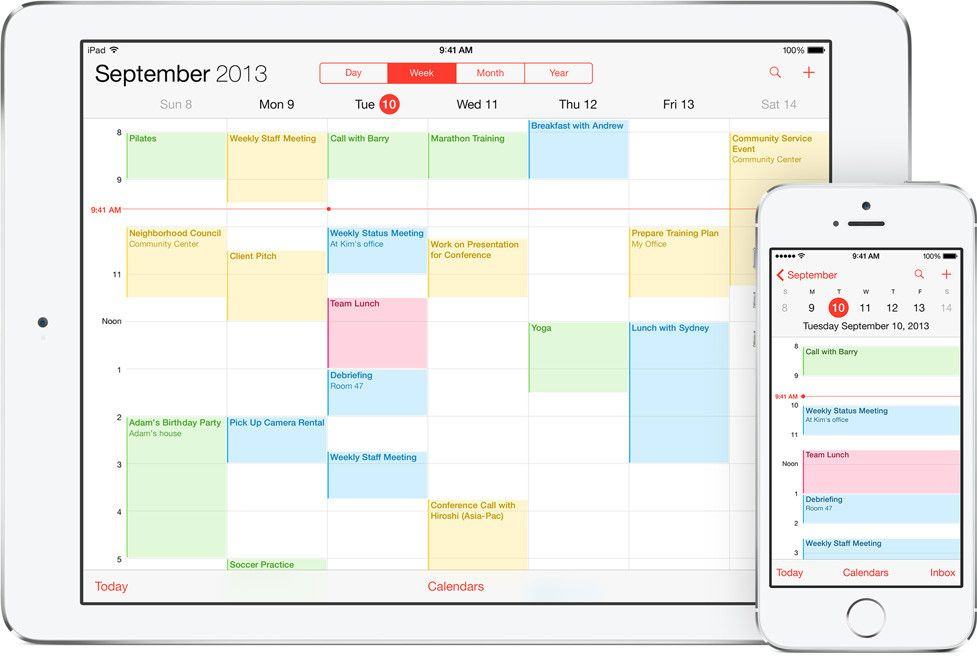
Despite all efforts to the contrary, email is still the default way to shift files, photos and – yes – mail around the internet. Even when you share a file using Dropbox, the link goes via old-fashioned email. And yet email clients are still awful. They’ve gotten a lot better in the last couple of years, on both iOS and the Mac, but we’re still stuck without a proper task manager that integrates with the native iOS/OS X Calendar and Reminders.

What’s going on?

Why iPhoneography accessories are sort of a waste of time

By

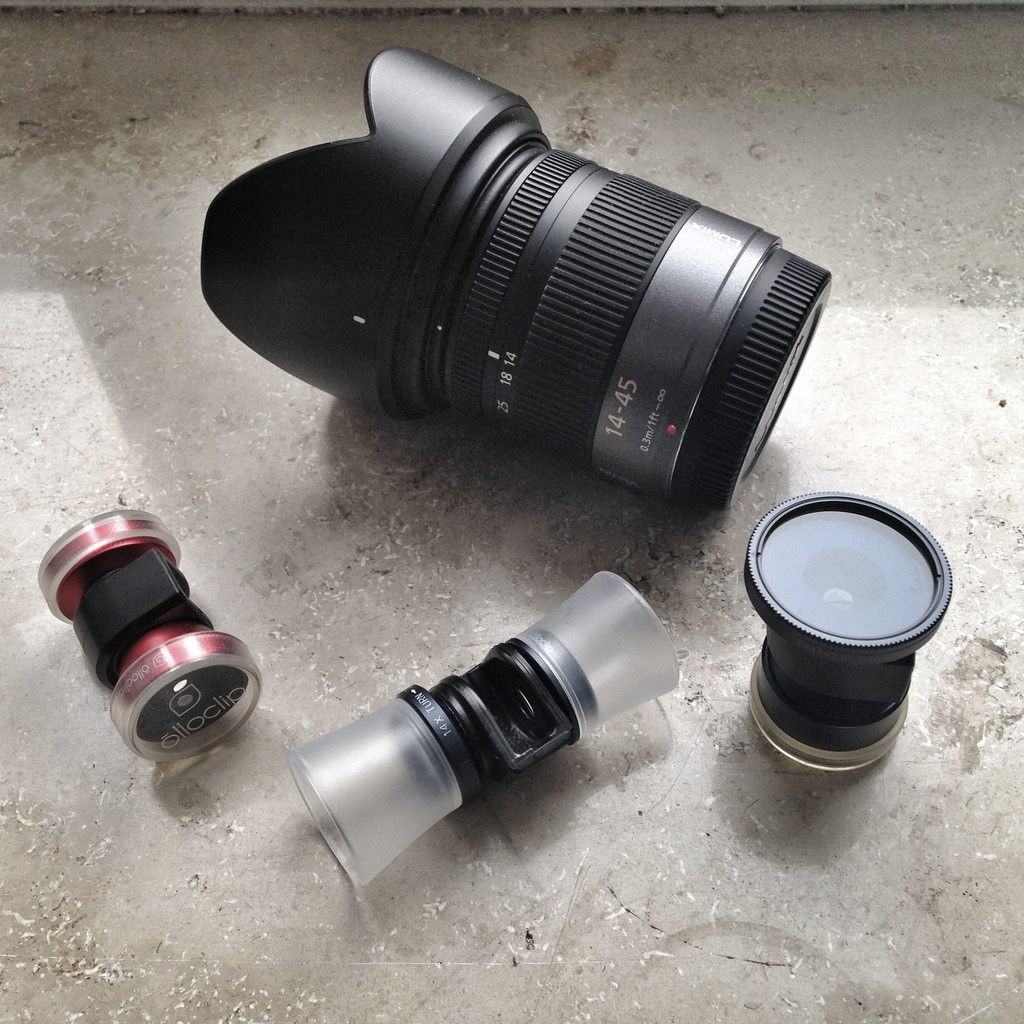
Quick-connect iPhone lenses are certainly less bulky than typical camera gear, but there's a price to be paid for convenience. Photos: Charlie Sorrell/Cult of Mac

One December years ago, in London’s Piccadilly Circus, a Santa Claus sat in a pavement cafe eating lunch with an elf. Santa had a pint of beer in from of him. I raised my old film SLR, which was prefocused and had the exposure already dialed in, and took a couple of shots.

I hoped they’d turn out well.

“Who are those pictures for?” said a guy, shouting as he jogged toward me. He’d come from somewhere nearby because it was too cold for just a shirt on a December afternoon in London, and he wasn’t wearing a jacket. I ignored him — there are a lot of nutters in Piccadilly any time of the year.

“Are you taking pictures of me?” he said.

Facetune retouching app turns fuglies into supermodels

By

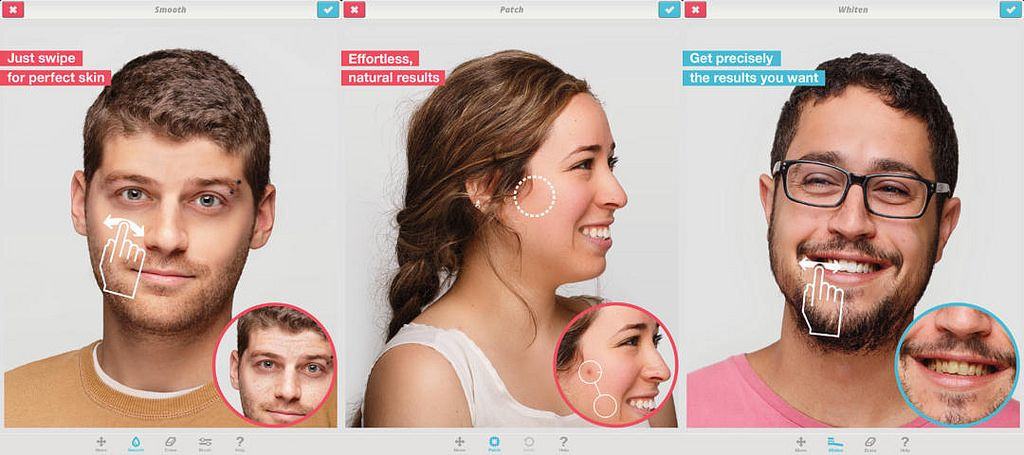
Facetune is a great iOS Photo app to have laying around on your iPad or iPhone. It’s a photo-retouching app that will very quickly let you fix up funky faces. Not only does it take care of old foes like red-eye, but it’ll whiten teeth, smooth over the cruelest spray of acne, and even fix up folks whose eyes are too close together.

iOS 7.1.1 Touch ID is not only more accurate, but faster

By

We knew Apple had improved Touch ID recognition in iOS 7.1.1, but now – thanks to Redditor iOSecure – we know how and why.

Apparently, the reason that accuracy would decay over time was down to users screwing up their first scans, when the auto-correction feature needed a perfect start to work properly going forward.

Minimal Bezl iPhone corners offer maximal protection [Review]

By

Bezl by Bezl Design
Category: Cases
Works With: iPhone 5/S
Price: $20

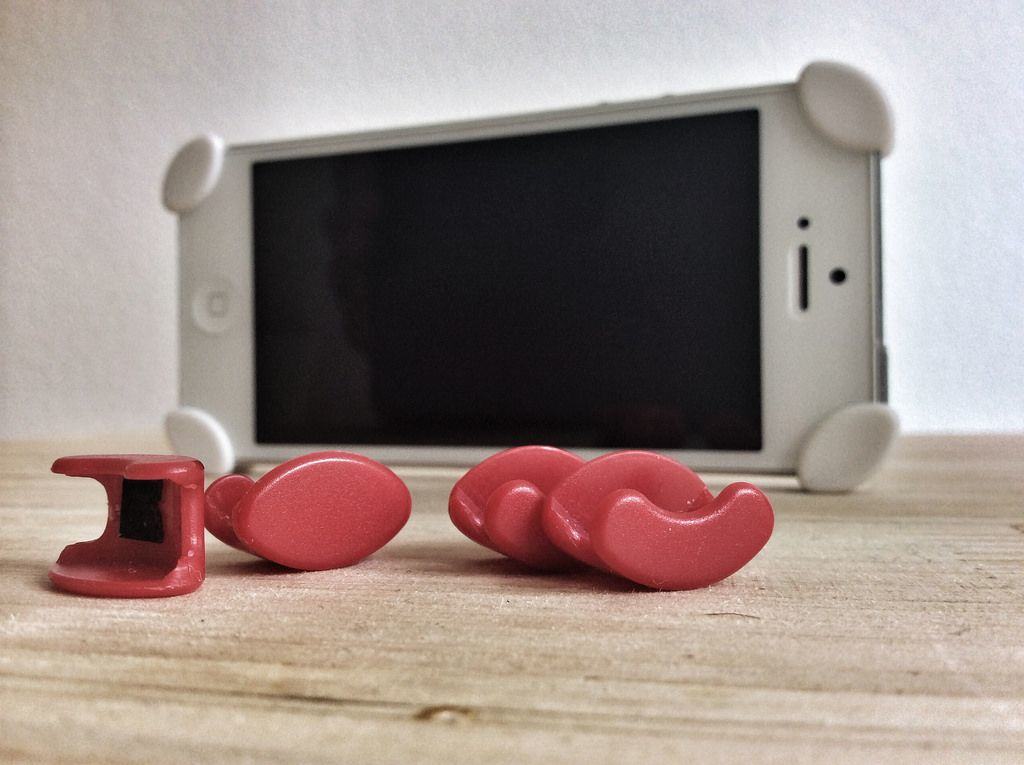
Who’d have thought that four tiny stick-on plastic corners could make such a great iPhone “case?” Yet the Bezl, a case so minimal it doesn’t even have room for vowels, is one of my favorites. That might not be surprising for someone who avoids cases altogether, but they’re pretty useful for something so tiny.

DryZone Duffel, the waterproof camera bag

By

If you told me I could only shop at one candy store from now on, that candy store would be Photojojo. The sweet photo gadgets that appear new in the store every week constantly test my resolve not to tap in a credit card number.

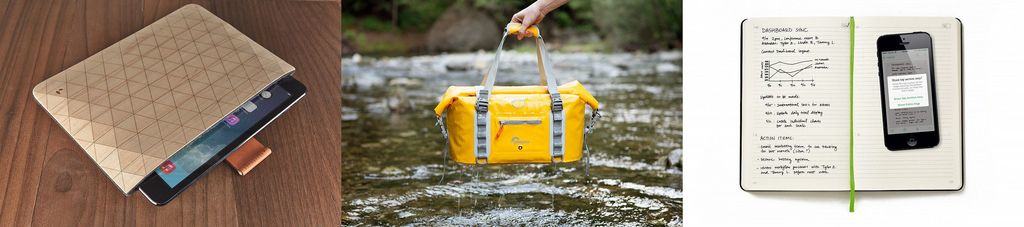
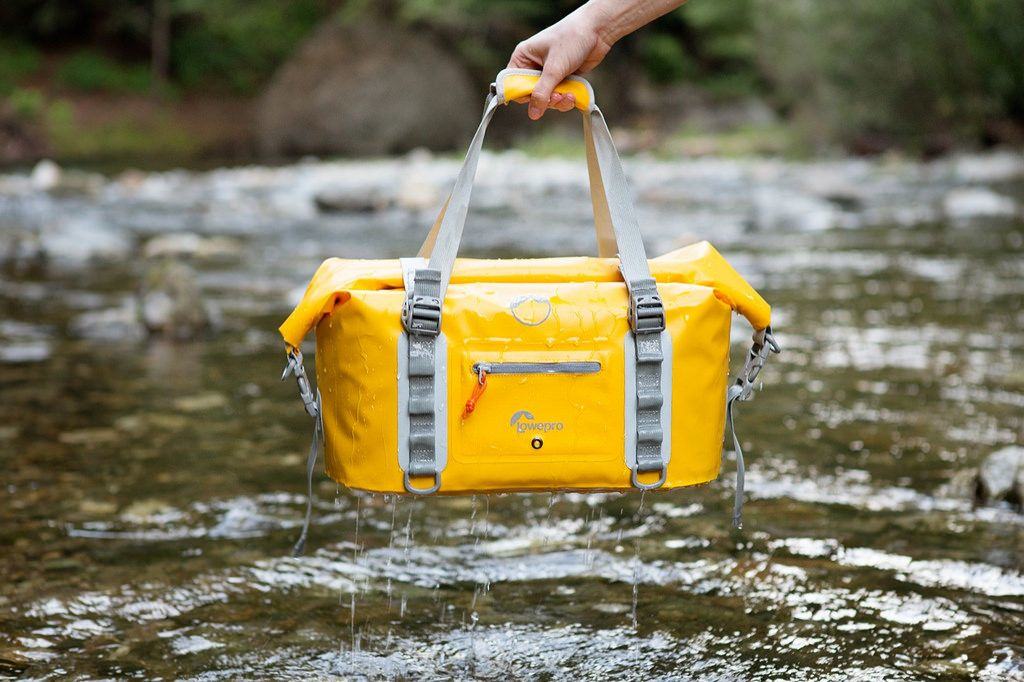
The latest temptation? The DryZone Duffel, which is a waterproof camera bag.

TrueHDR now available on the Mac

By

Are you a fan of HDR photography? Then you’re dead to me. Dead.

No, seriously.

Not really. Kidding aside, HDR can look horrible, like turning the color up on an old CRT TV set. But like all tools, it can also be used for the powers of good.

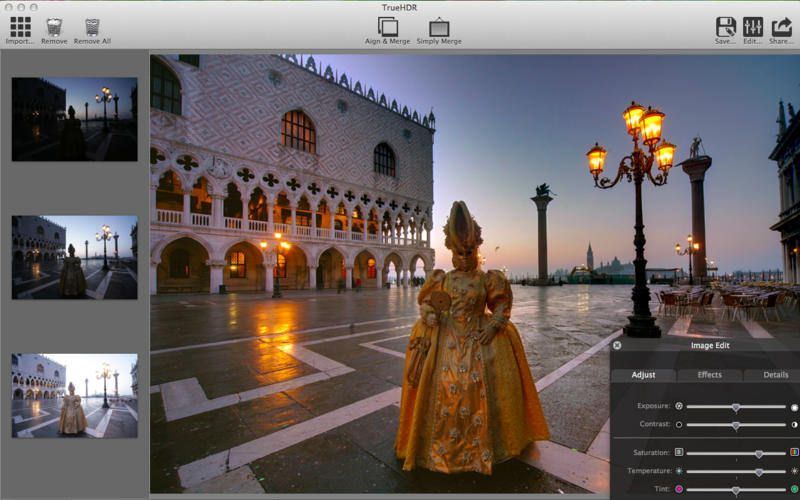
Anyhow, TrueHDR, the smash-hit iOS HDR app is now available for the Mac, letting you combine up to 100 shots into one over-egged exposure, all for just $4.

Snappgrip now works with third-party apps to add manual buttons to iPhone camera

By

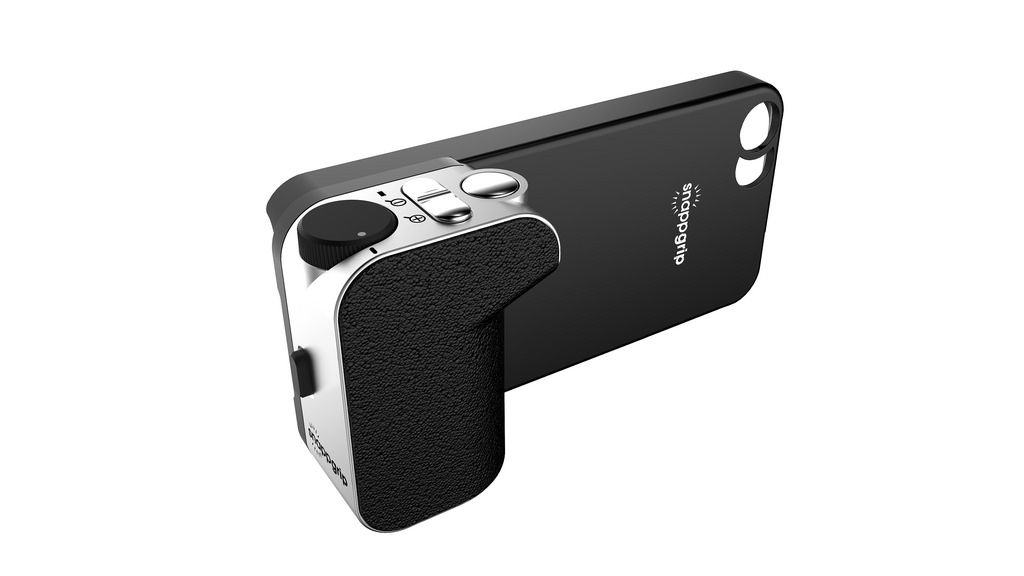
Snappgrip is an add-on camera grip for your iPhone, bringing the extra manual knobs, dials and buttons you miss from your regular camera. It’s been around for a while.

But that’s not the news. The new is that a couple of great iPhone camera apps now incorporate the Snappgrip API. That is, these apps can be controlled by the buttons on the grip.

OS X and iOS app clips webpages, tweets and pictures, syncs via Dropbox

By

You know when you see a new tool and you think “Oh man, that’s going to be useful”? That’’s the feeling I have with Keep Everything, a Universal iOS and Mac App which saves web pages, Tweets (and pretty much anything with a URL) on your device, sharing it with your other machines via Dropbox.

But it does so much more than that, including turning those pages into Markdown text that can even be edited.