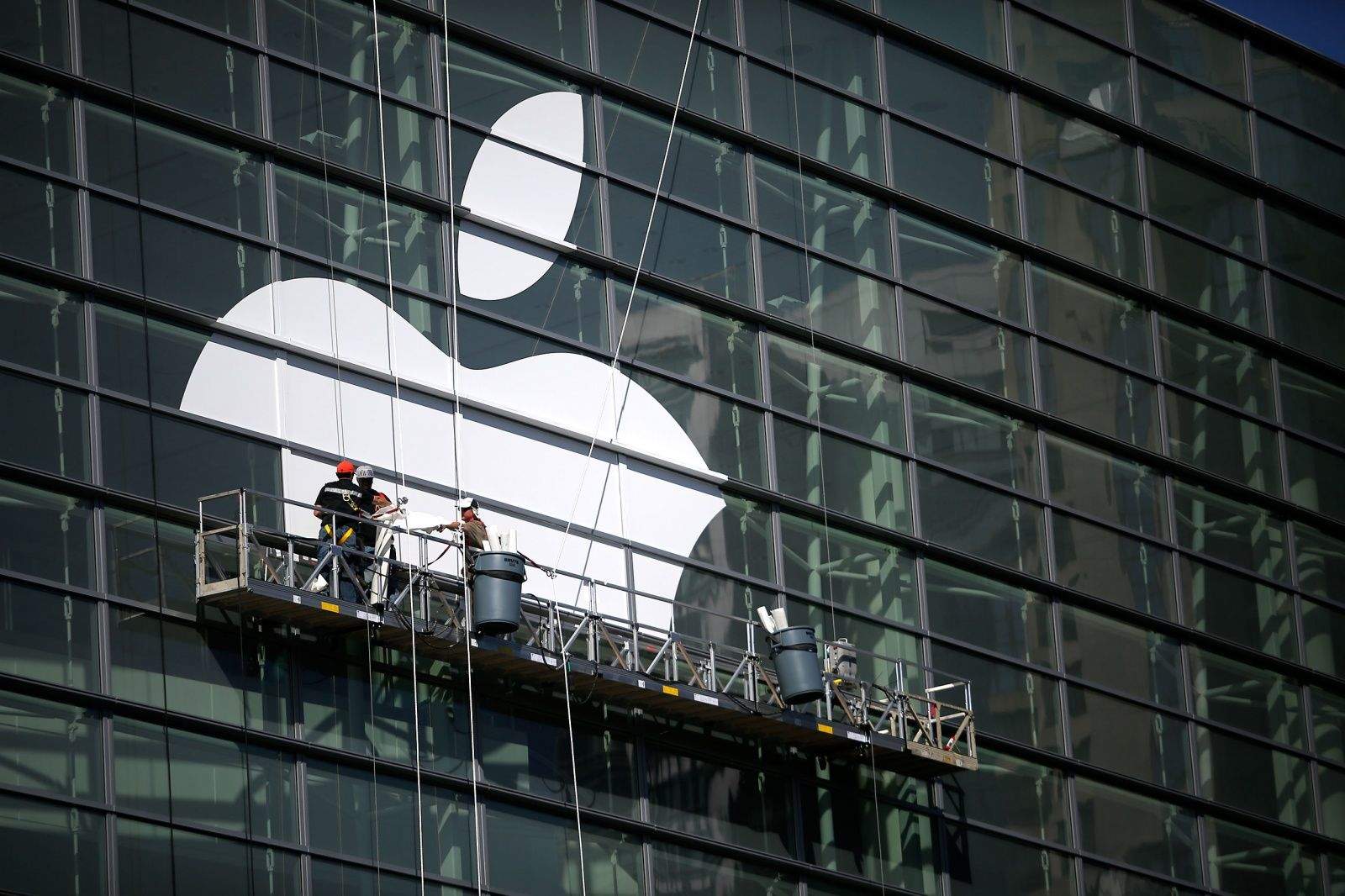
New titles and responsibilities in management could reshape Apple. Photo: Jim Merithew/Cult of Mac
This week: We’ll tell you why the 2015 Worldwide Developers Conference may be one of the most mundane on record. Plus, Apple pretty much confirms Apple TV will be your home’s digital hub; Facebook’s an impenetrable fortress with too much power; and the tale of a Bay Area woman who unknowingly junked her $200,000 Apple-1 computer … whoopsie!
Our thanks to lynda.com for sponsoring this episode. Learn virtually any application at your own pace from expert-taught video tutorials at lynda.com.
More Apple coverage than you can shake a selfie stick at. Cover: Stephen Smith/Cult of Mac
Download the latest Cult of Mac Magazine to find out what we’re all expecting from next week’s WWDC 2015, why we’re waiting for HomeKit’s killer app, what Kahney’s Korner has to say about the big Jony Ive promotion, a bit on our epic journey from hacked Facebook page to recovery, and check out an ‘Apple Watch Song’ fanboy anthem for the ages.
All that, plus product reviews, helpful tips, and more in this week’s Cult of Mac Magazine.
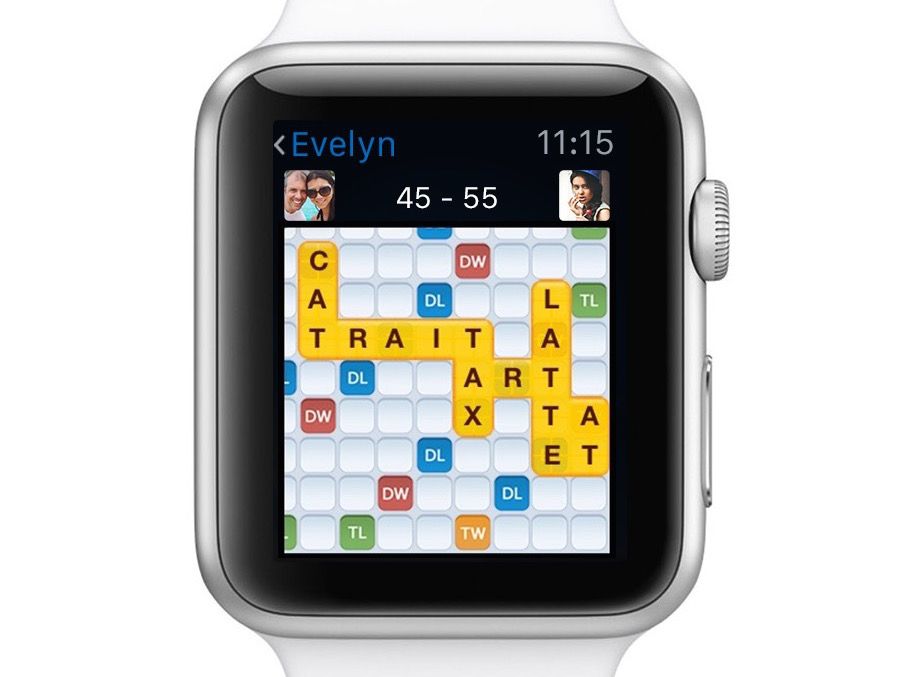
Get your Words With Friends game on with the new Apple Watch update. Photo: Zynga
If you’re one of those word game fiends that has a list of Words With Friends games as long as your arm, you now can actually use that long arm to wear your games on your wrist.
Zynga just updated its hugely popular Words With Friends app to include Apple Watch features, so you never have to go another second without knowing when it’s your turn to spell “ZA” or “MUZJIKS” for the win.
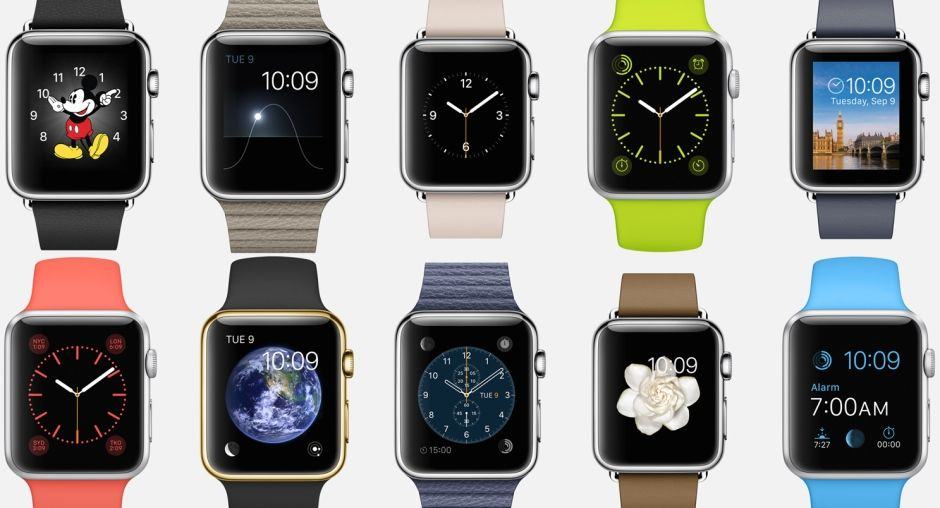
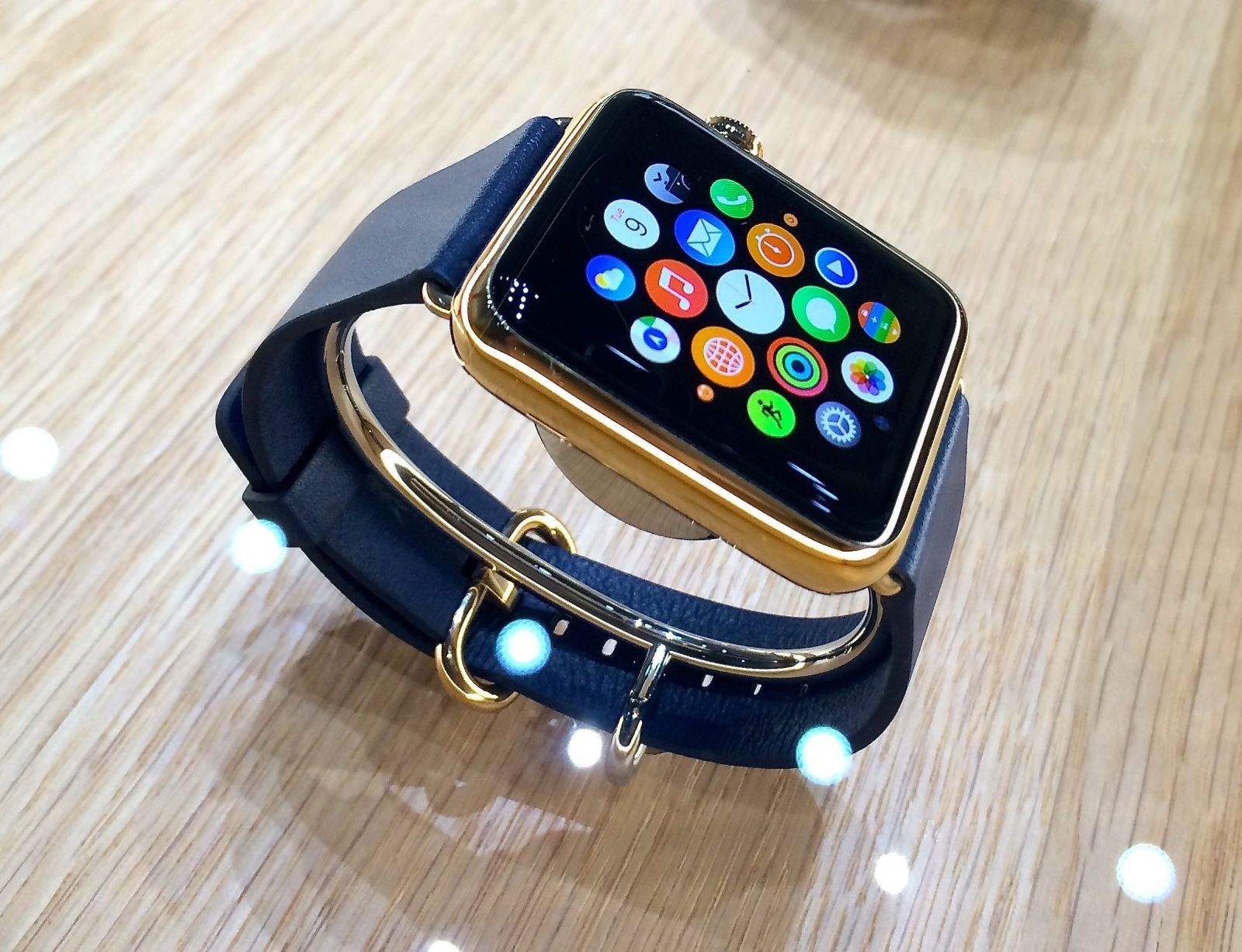
Now's the time to order your new Watch band. Photo: Apple
Already bored of the band that came with your Apple Watch? Now’s the time to get a new one, because almost every band available from the Apple Online Store is now shipping in just one business day.
Angsty Apple geeks everywhere can sing along to the "Apple Watch Song." Photo: Matthew Patrick Davis
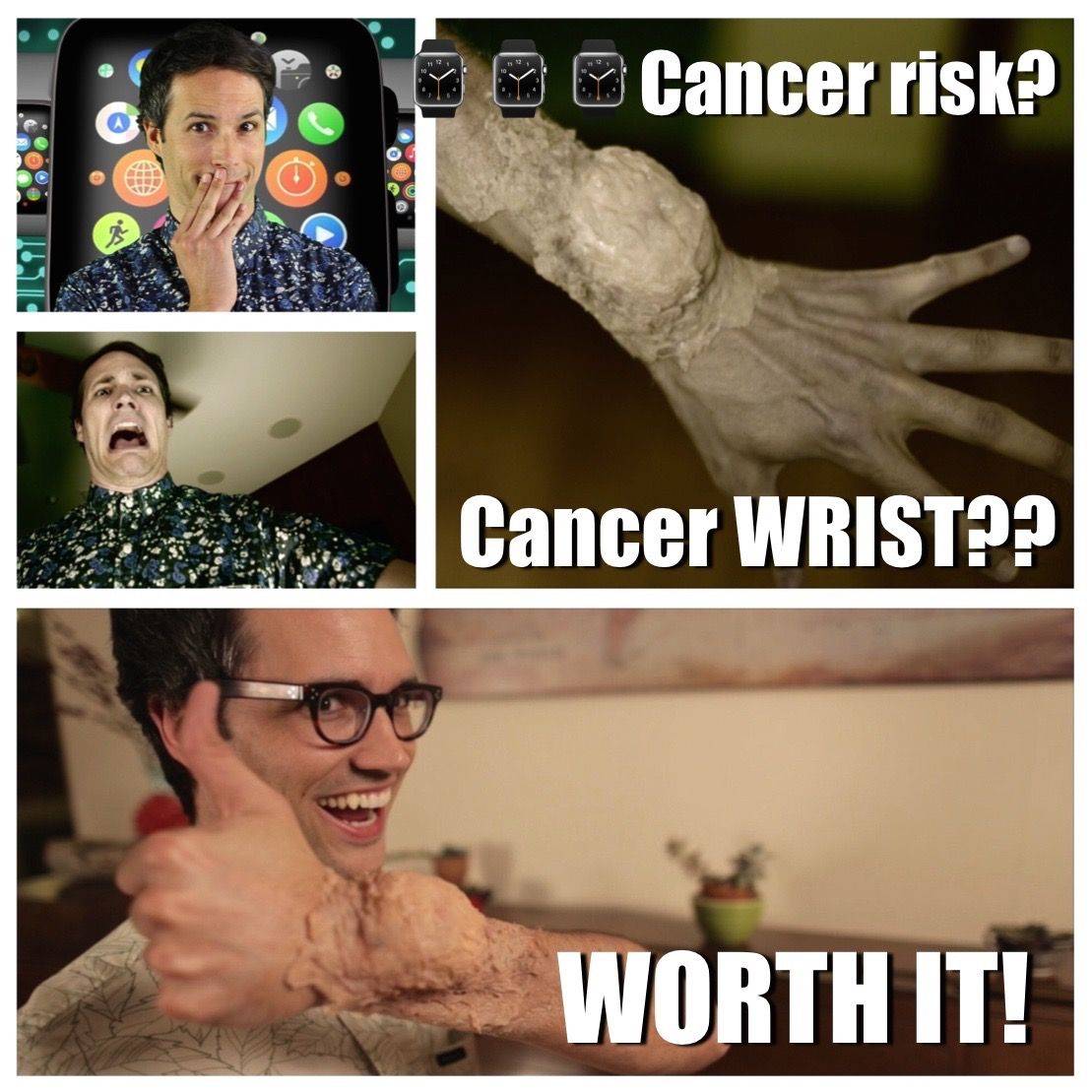
A manic new music video called “Apple Watch Song” turns all the anticipation and angst surrounding the hit wearable into a geeky anthem for Apple fans awaiting delivery of their precious wrist gadgets.
From the Apple Watch Edition’s exorbitant price tag to the fabricated health scare of “cancer wrist,” the wacky song turns the dreams and doubts about Apple’s smartwatch into a cavalcade of comedic riffs.
Apple Watch supply is finally catching up with demand. Photo: Leander Kahney/Cult of Mac
Apple has confirmed that the Apple Watch is coming to a slew of new countries, as well as Apple Stores, this month.
Beginning Friday, June 26, customers in Italy, Mexico, Singapore, South Korea, Spain, Switzerland and Taiwan will finally be able to throw down their cash for Apple’s debut wearable device by visiting the Apple Online Store or dropping into their local brick-and-mortar Apple retailer.
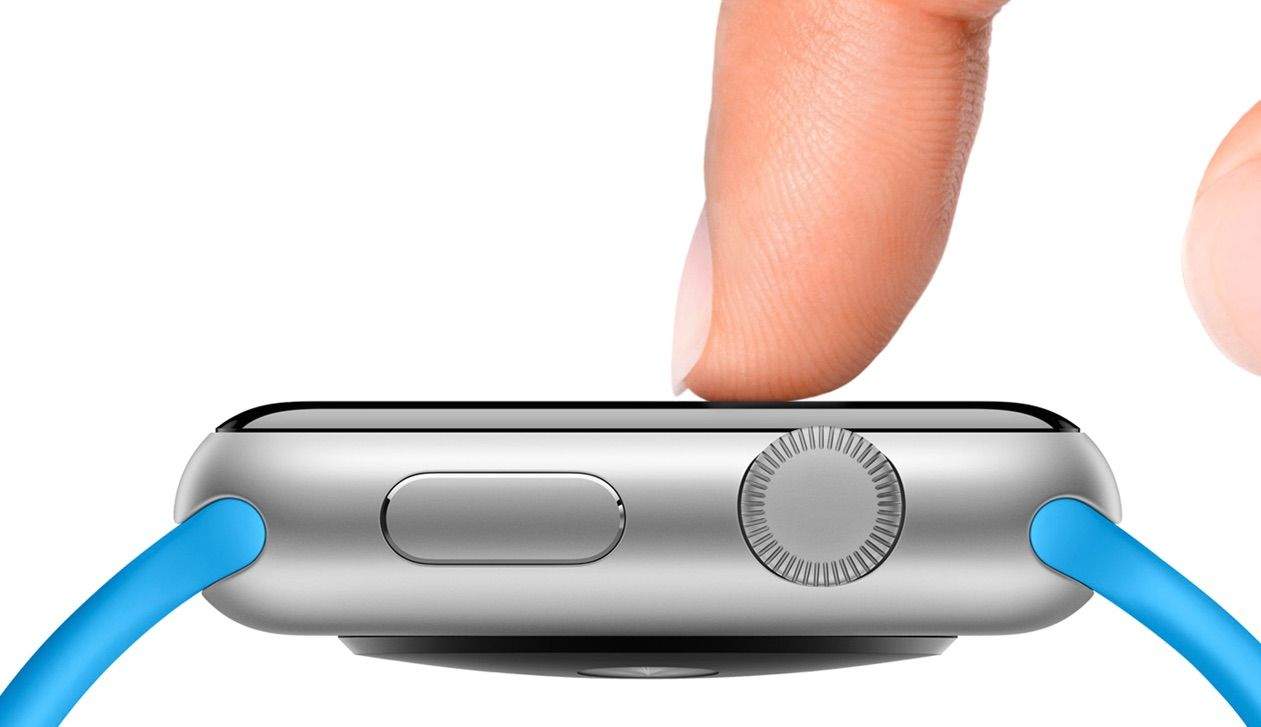
Sometimes it's OK to just push really hard. Photo: Apple
Early adopters of the Apple Watch are still exploring the new wearable to discover all its hidden functionality. The least obvious feature in Apple’s newest device is Force Touch, which lets you change some settings by pressing firmly on the screen.
It’s a weird thing to get used to, and sometimes it’s even tough to remember that it’s an option, so here’s a handy guide to everything that Force Touch can do with the apps included on your new Apple Watch.
Give us an Apple Watch, or the baseball get it. Photo: Cleveland Indians/Twitter
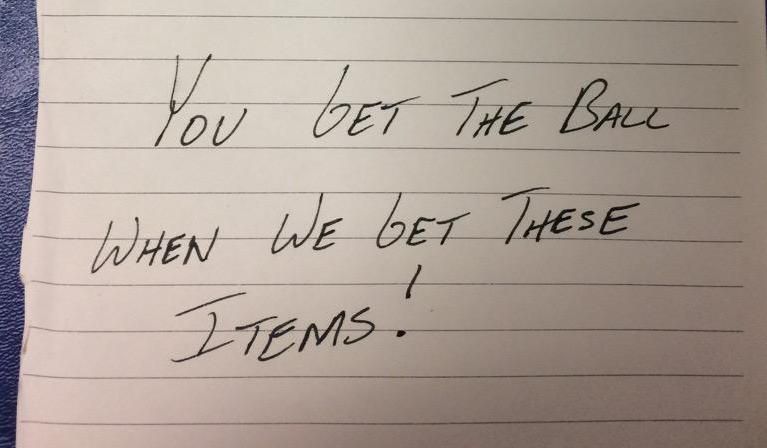
Cleveland Indians outfielder Brandon Moss hit his 100th home run in the major leagues yesterday against the Kansas City Royals. The ball representing his career milestone landed in his own team’s bullpen, but unfortunately for Moss, his teammates are holding the it ransom. And all they want is a few grand worth of Apple products.
After catching Moss’ home run, the bullpen’s pitchers scribbled down a ransom note, telling Moss “you get the ball when we get these items.” Take a look at their list of ransom items and try to find something not made by Apple:
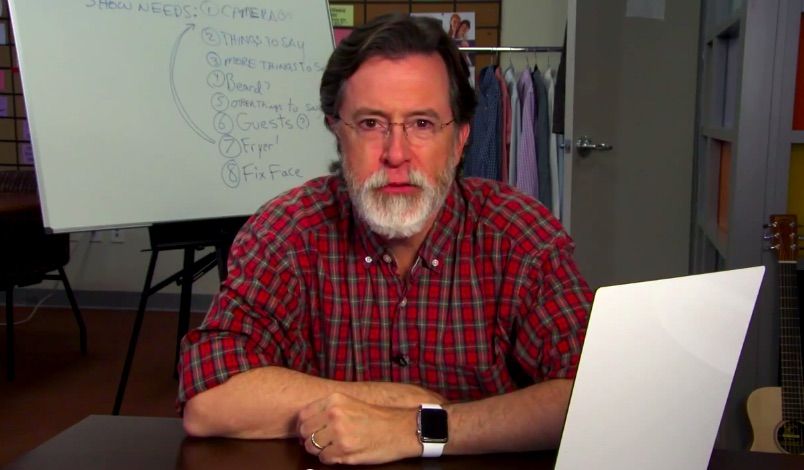
Colbert's got a new show, a new beard, and a new watch. Photo: The Late Show with Stephen Colbert
Notorious Apple fanboy Stephen Colbert is taking over The Late Show from David Letterman in September, and while he’s not bringing his ultra-conservative persona, his love of Apple products is still burning bright.
In the first promotional video for his new show, Colbert is seen wearing a white Apple Watch to go with his new white Colbeard. As he gears up for his new hosting duties, he decided to test a few different facial hairstyles before the show’s premiere.
You'll be able to buy your Apple Watches in-store after WWDC.
Apple is likely to use next week’s Worldwide Developers Conference to announce the availability of Apple Watches in its brick-and-mortar retail stores, according to a new report. The announcement is said to be planned either as part of the WWDC keynote or directly afterward.
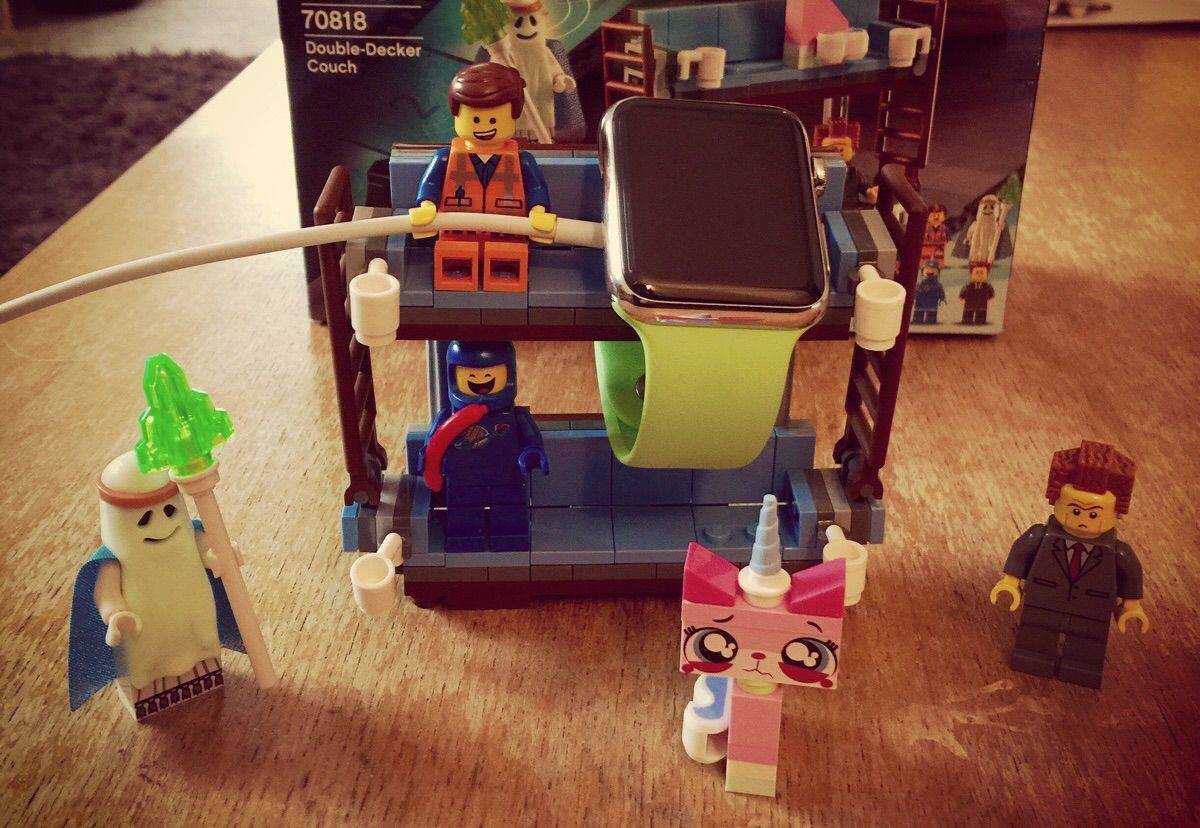
Emmett just looks so happy to be involved in this cool Apple Watch stand. Photo: aj305 (via Imgur)
Now that you’ve dropped a few hundred bucks on your shiny new Apple Watch, you may be tempted to give it someplace to live while you charge it. But you don’t have to shell out even more cash to provide your new gadget with a resting place. Odds are you even have the stuff you need laying around your house right now.
Here are a few cool, creative, and cheap ways Apple Watch owners have found to prop up their preciouses.
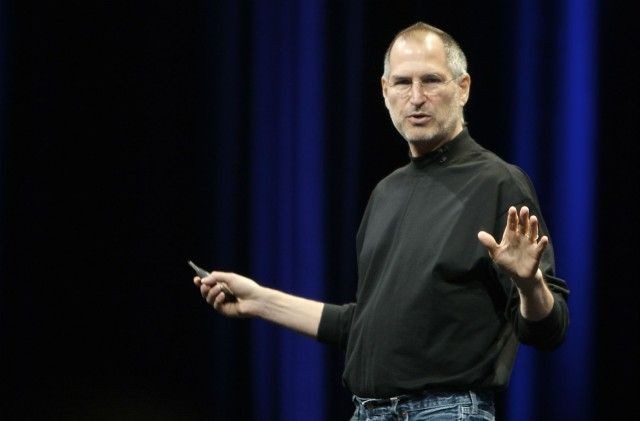
Steve Jobs would have sold the hell out of the Apple Watch.
According to Jony Ive, the Apple Watch project was first touted shortly after Steve Jobs passed away in 2011. But what would it have been like had Apple’s legendary co-founder lived to see the arrival of Apple’s debut into the smartwatch market?
To give us an idea, one dedicated Apple fan cut up and reassembled old “Stevenote” speeches to piece together an Apple Watch ad narrated by Jobs himself. Considering that it relies on old sound bytes about unrelated products, it actually works.
Check it out below. Bonus points if you can work out where each of the quotes originally came from!
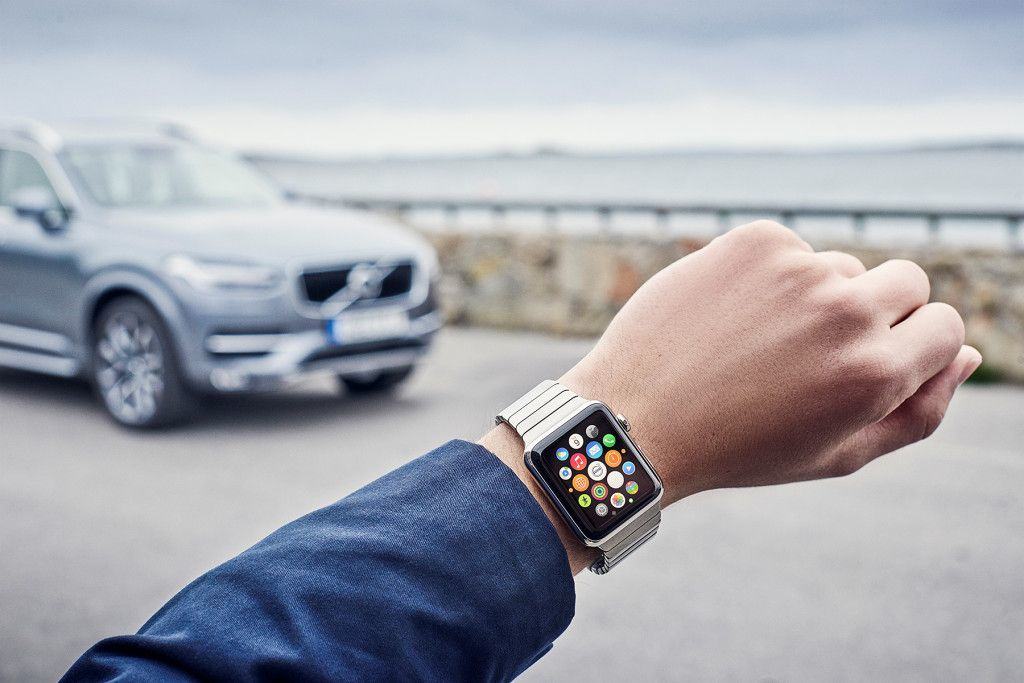
Apple Watch and Volvo are ready to roll. Photo: Volvo
Owning a car sucks mostly for one reason: I’m always losing my keys.
Like this morning on the way to the coffee shop when I somehow managed to lose my key after I already got in the car. Keys were not made for me, which is why I might need to upgrade to a Volvo someday because the company just revealed it’s ready to turn Apple Watch into the key to your car.
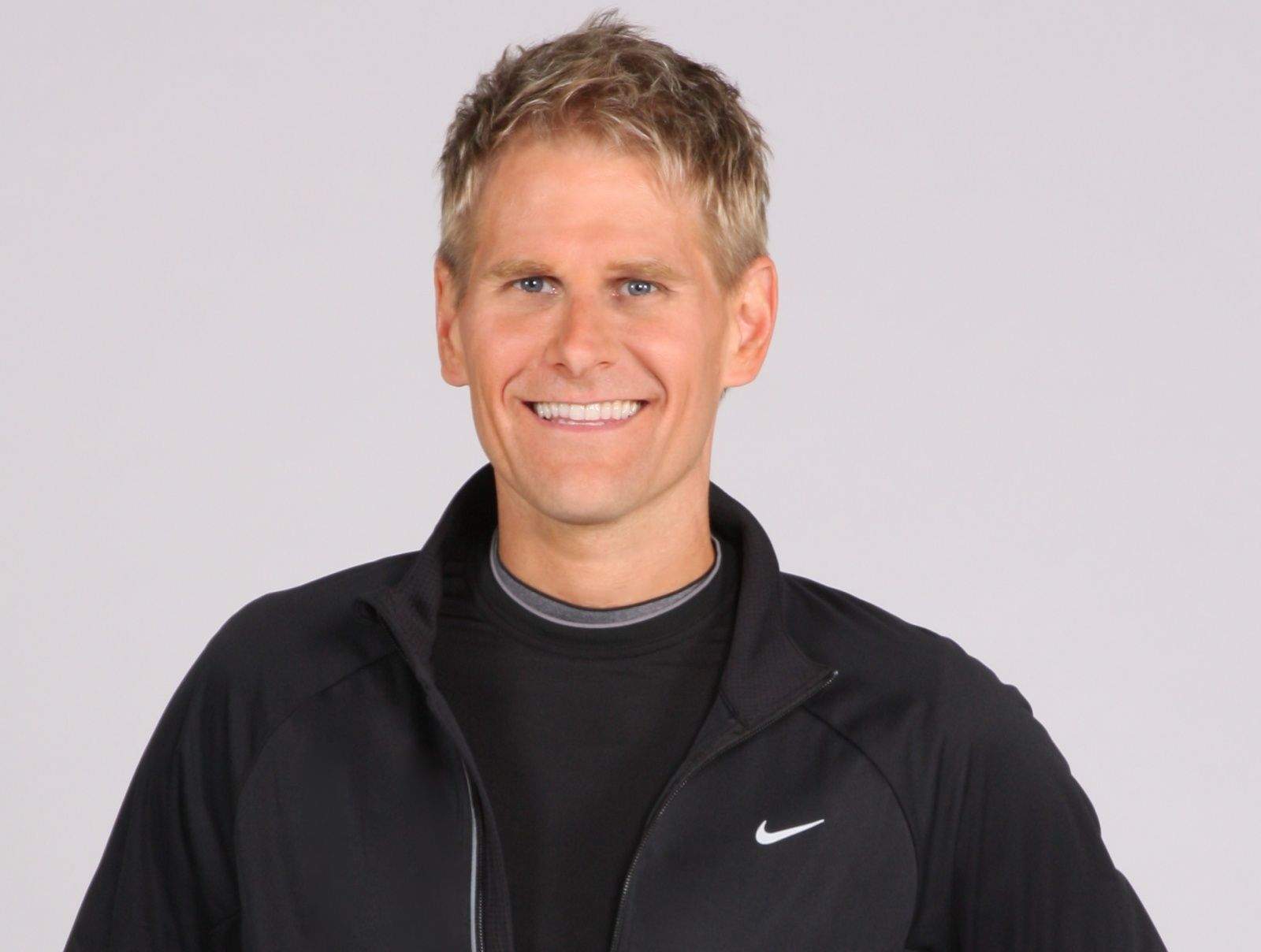
Jay Blahnik, Apple's Director of Fitness and Health Technologies Photo: Apple
Apple Watch could become one of the most important devices you can shackle yourself to, so to amp up the Apple faithful into more heatlh-focused nerds, Apple has sent fitness guru Jay Blahnik on a special events tour in Australia, China and Japan.
Blahnik is touring the areas to talking to some of the biggest personal trainers about the intersection between fitness and technology. At the Apple Store in Sydney, Australian personal trainer Michelle Bridges sat down for an interview with Blahnik to talk about some of things she’s learned from filming the Australian version of The Biggest Loser.
34 million smartwatch displays will ship in 2015, and 49 percent of them belong to the Apple Watch.
Thanks to Apple entering the market, smartwatch display shipments are set to increase 250 this year, according to a new study of over 35 suppliers, who expect Apple to be the biggest player in the smartwatch market
Some of the best fitness gadgets don’t fit on your wrist. Photo: Graham Bower / Cult of Mac Photo: Graham Bower / Cult of Mac
After a brush with cancer prompted me to take my health more seriously, I began using run trackers to start my journey from dad bod to six pack.
At first, running was the only exercise I did. It helped me lose my love handles, but I ended up looking too skinny. I decided it was time to put on some muscle. While Apple Watch and other wearables are great for running, they’re not much help when it comes to bulking up. As I soon discovered, some of the best fitness gadgets don’t fit on your wrist.
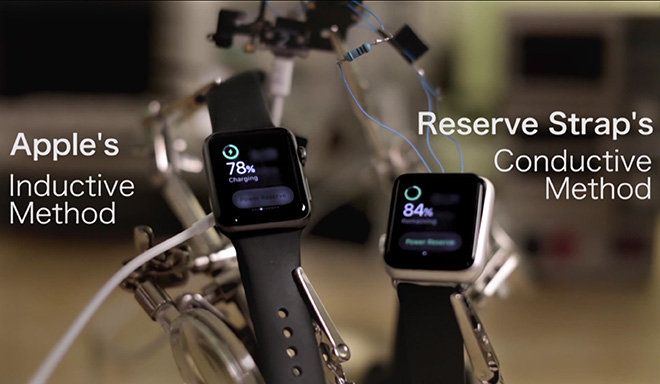
The 6-pin diagnostic port on the Apple Watch charges it faster than induction. Photo: Reserve Strap
The “secret” developer port on the Apple Watch has yet to be harnessed by third-party developers, but it definitely possesses cool powers, as this new video shows: The tiny port hidden by the Apple Watch band can actually charge your device faster than normal.
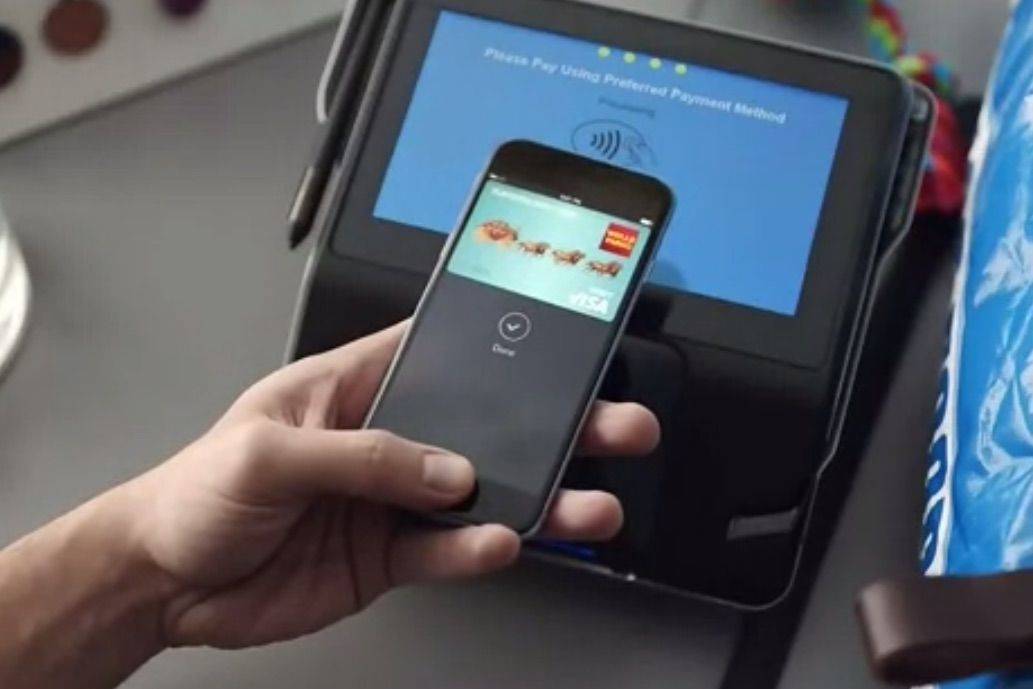
Apple Pay is about to give you an extra reason to get on board. Photo: Wells Fargo
In case you hadn’t noticed, Apple is pretty darn keen on making Apple Pay into the de facto mobile payments solution.
With that in mind, the company is reportedly set to announce a new Apple Pay Rewards Program at next month’s Worldwide Developers Conference, offering exclusive perks to customers who use the service, while driving people to return to participating merchants.
Everyone knows that talking on your cellphone while driving will get you a ticket in most places, but one driver in Canada recently found himself taking heat from the police after he was caught tapping his Apple Watch while behind the wheel.
The man described by Fortune as "Tim Cook's Tim Cook." Photo: Apple/Cult of Mac
Apple’s VP of operations, Jeff Williams, took the stage at Recode’s Code Conference today to talk about everything from his pride and joy (ResearchKit), to the future of Apple Watch.
A full lineup of new software and products are sure to be announced next month at WWDC, but Williams revealed some of the surprises early, telling Walt Mossberg that Apple Watch apps are about to get a new SDK so they can run faster. Apple’s electric car project came up as well with Williams calling cars ‘the ultimate mobile device.’
Here are seven juicy insights into Apple’s future from the interview:
Native Apple Watch apps are coming. Photo: Jim Merithew/Cult of Mac
Apple Watch is one the most incredible watch I’ve ever owned, but there’s just one problem — the apps are all soooo slow.
That could change pretty soon, according to Apple VP of Operations Jeff Williams, who says Apple will give developers a preview of native Apple Watch apps at next month’s Worldwide Developers Conference.
Snapchat isn't coming to Apple Watch. Photo: Snapchat
Developers have been eager to capitalize on the Apple Watch hype, with thousands of apps already available, but according to Snapchat’s CEO, it’s going to be a long time until you’re able to check your snaps on Jony Ive’s timepiece.
Above: The oblivious new owner of two new Apple Watch Editions. Photo: Wang Sicong
The son of China’s richest man has bought not one, but two gold Apple Watch Editions. For his dog.
Wang Sicong’s father, real-estate magnate Wang Jianlin, is worth about $34 billion dollars, and the 27-year-old son officially has too much disposable income.
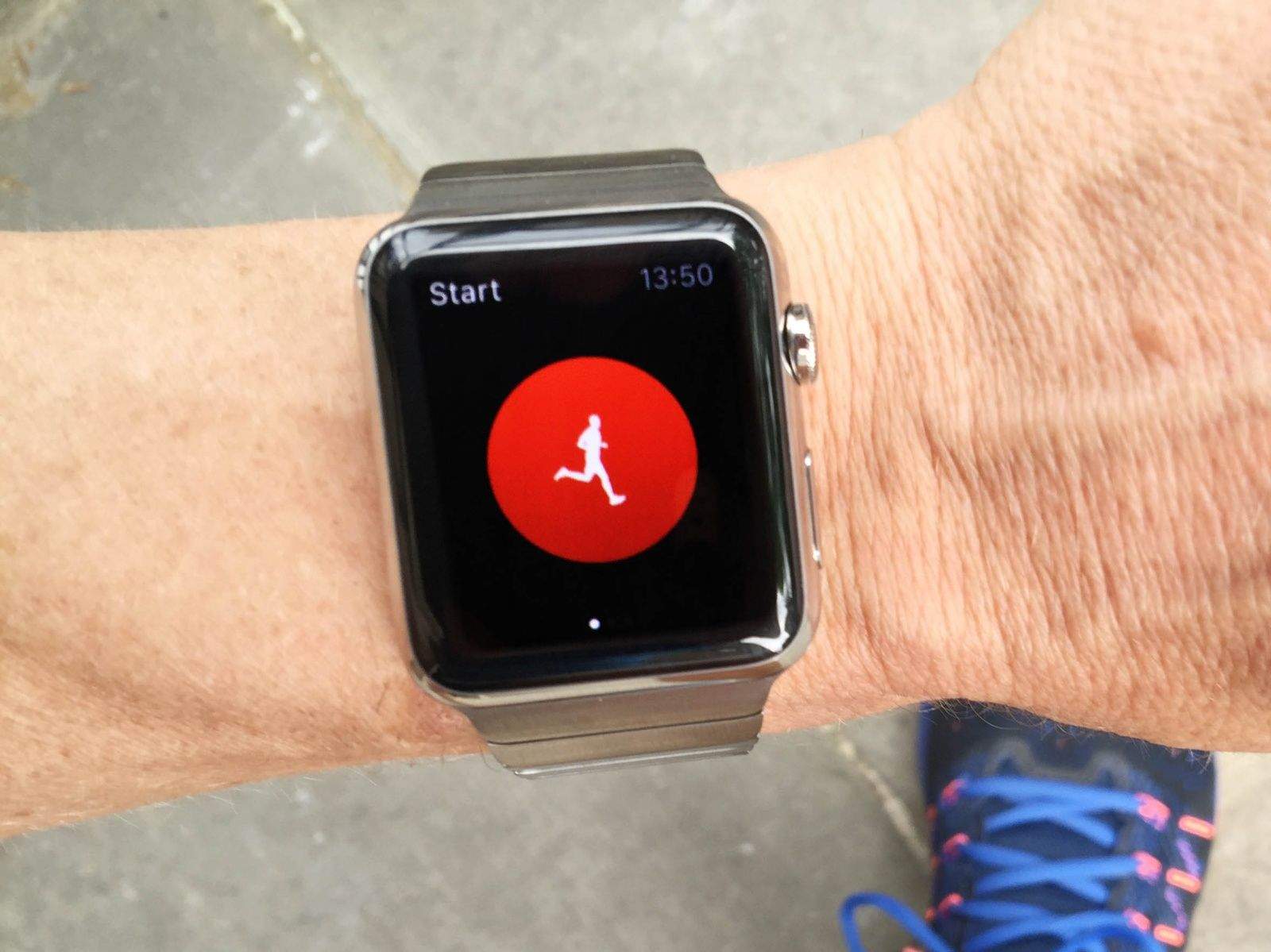
What would it take for Apple Watch to lap competing fitness trackers? Photo: Jim Merithew/Cult of Mac
I’ve started cheating on my Apple Watch. It’s not that I don’t love it. It’s amazingly beautiful. It does stuff I didn’t even know I’d like. But when it comes to running wild in the outdoors, I’ve found a smartwatch that satisfies me more than Jony Ive’s wearable does.
For the past week I’ve been testing the Garmin Fenix 3, a top-of-the-line smartwatch from a company that’s made a name for itself by providing runners and outdoorsmen with some of the best wrist-worn fitness tech. I hate wearing the Fenix 3. While Apple Watch gently caresses my wrist, the Fenix 3 feels like I’ve strapped a tank to it. Yet it boasts features Apple Watch doesn’t have that I’m starting to think I can’t live without on runs and hikes.
I don’t plan to completely break up with the Apple Watch anytime soon, but I’m ditching it during my four-day trek through the Grand Canyon this weekend because there are still a couple things it needs to learn before it can truly be the best all-around fitness tracker.