Until now, new users had to pay a yearly subscription fee of €1.50 with VAT. This allowed Riley Testut to cover the Core Technology Fee (CTE), which Apple charges from third-party EU app stores.
Epic Games teamed up with AltStore, and they've returning the popular Fortnite game iPhone. Image: Epic Games/AltStore
Epic Games will make its highly popular game Fortnite and other titles available via AltStore PAL, the first app marketplace for iPhone to open in the European Union. The game developer is also continuing to work on its own iOS app marketplace, because it’s banned from Apple’s App Store.
So the days of playing Fortnite on iPhone will be back soon … but only for those who live in the right region.
AltStore, the original alternative app marketplace, just opened its doors further. Photo: D. Griffin Jones/Cult of Mac
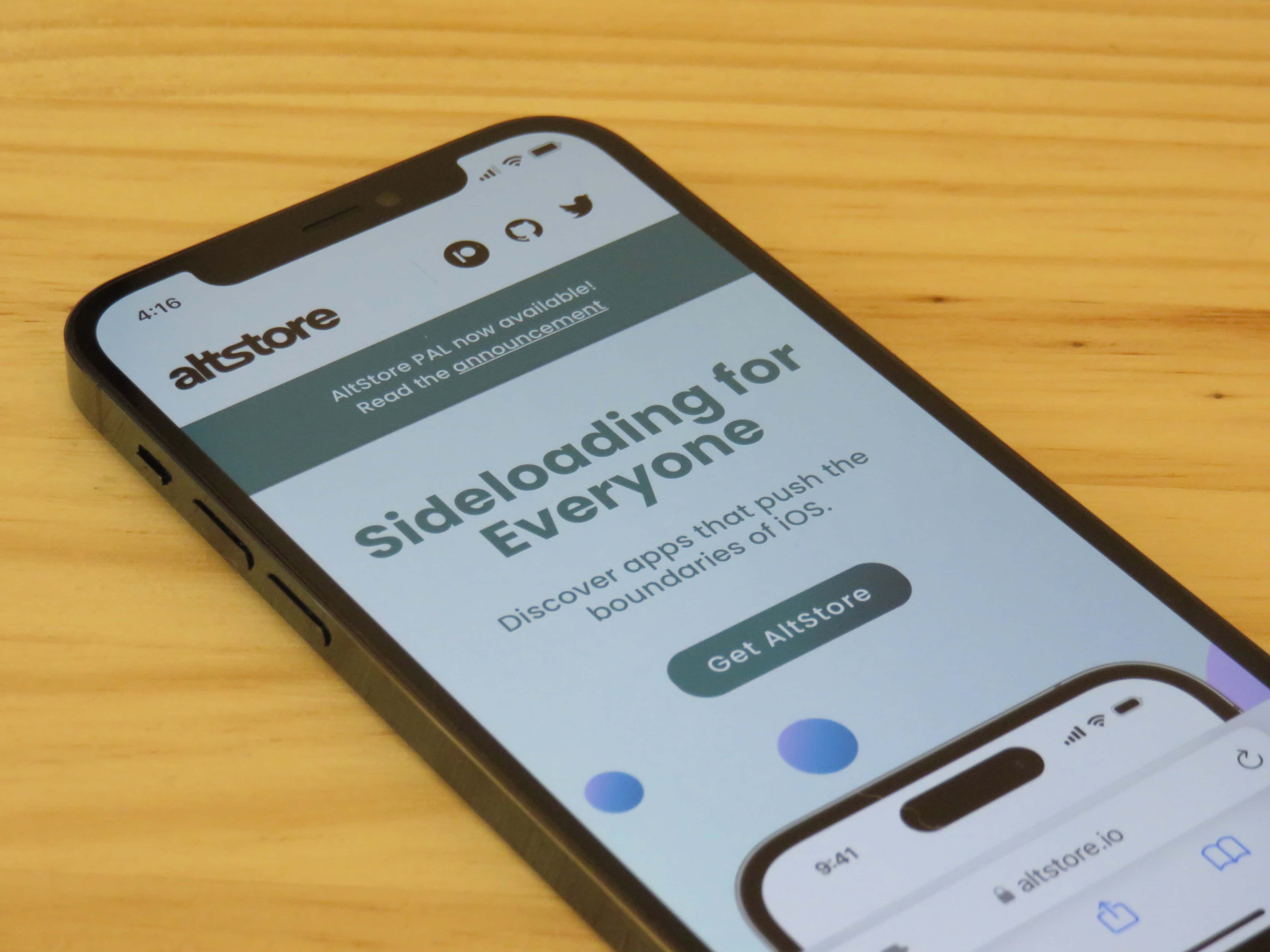
AltStore PAL, the first third-party app marketplace for iOS, now lets users install apps created by independent developers. The change, which arrived Wednesday in AltStore PAL version 2.1, makes previously restricted apps available to iPhone owners in the European Union.
“This means apps that have been rejected by the App Store — such as torrenting apps and virtual machines — have another path forward for the first time ever,” Riley Testut, developer of AltStore, told Cult of Mac.
The update is launching with a few third-party apps available now — iTorrent, qBitControl and PeopleDrop — “apps that are only possible with AltStore PAL,” according to Testut.
You can soon play classic Pokémon and Mario games on your iPad. Screenshot: Testut Tech
Delta, the all-in-one retro game emulator for iPhone, will soon be available on the iPad. Riley Testut, the game emulator’s developer, confirmed its imminent launch on the App Store.
A dream years in the making has come true: you can play Pokémon and Mario and all the classics on your iPhone. Image: D. Griffin Jones/Cult of Mac
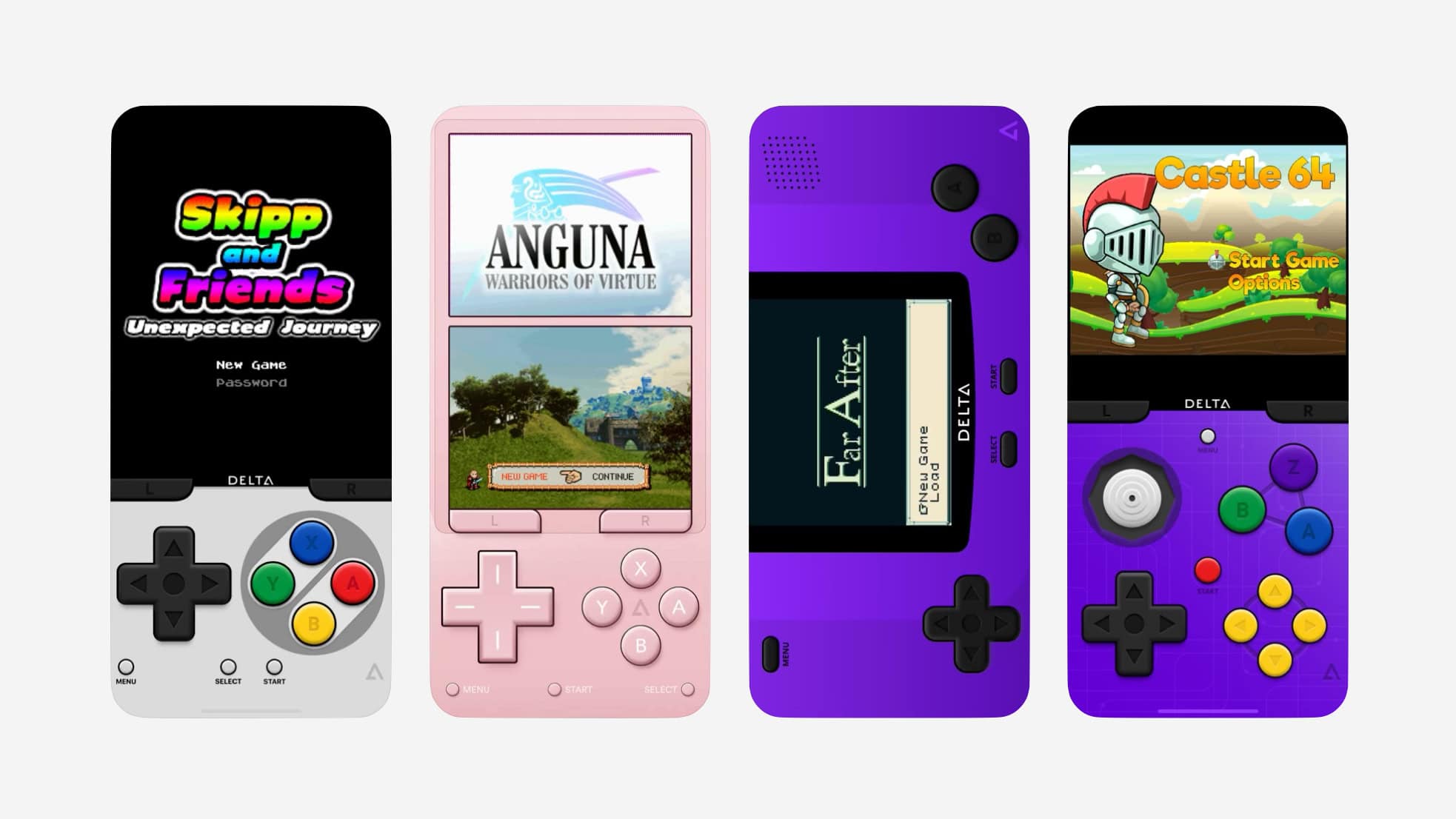
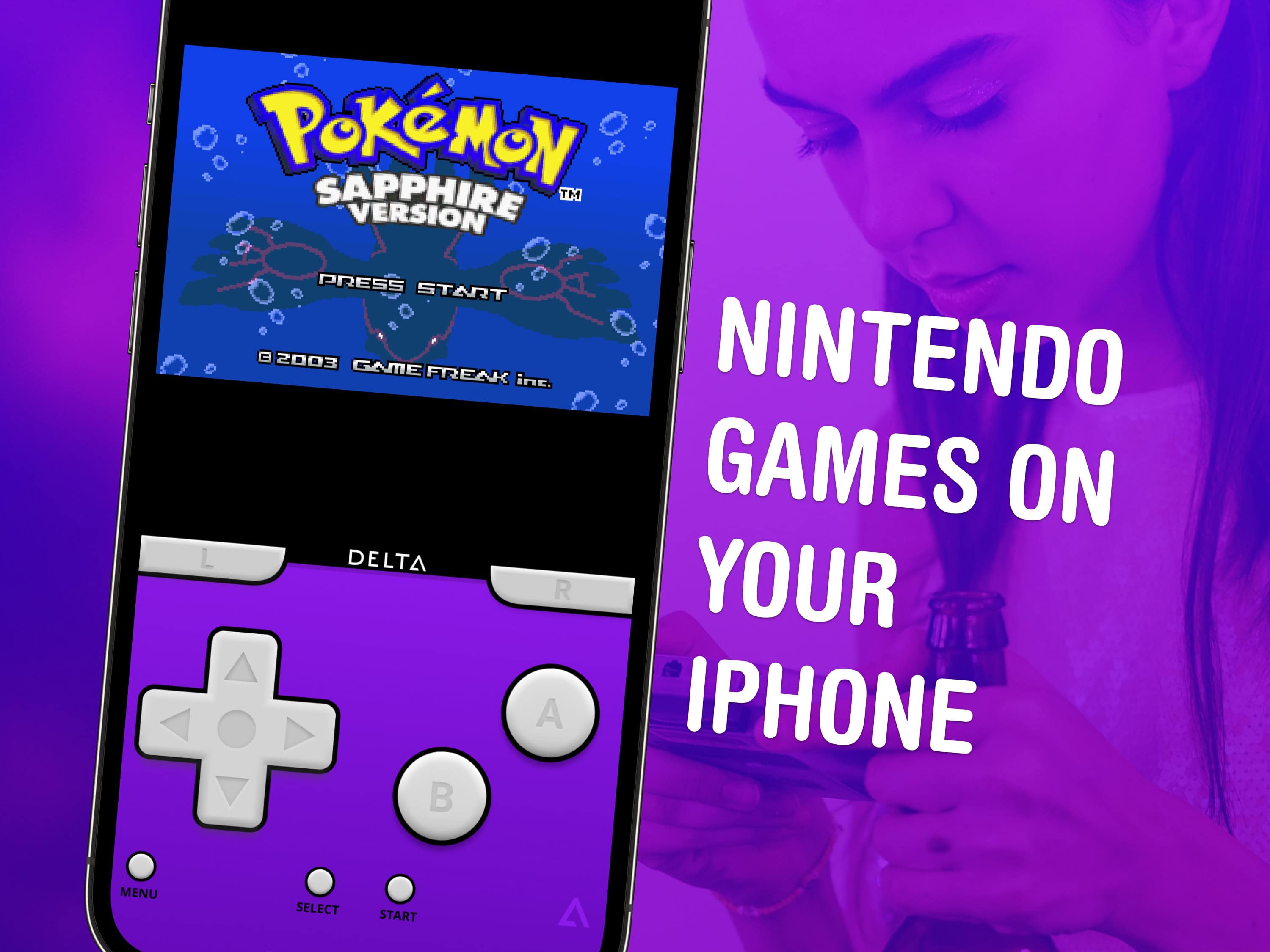
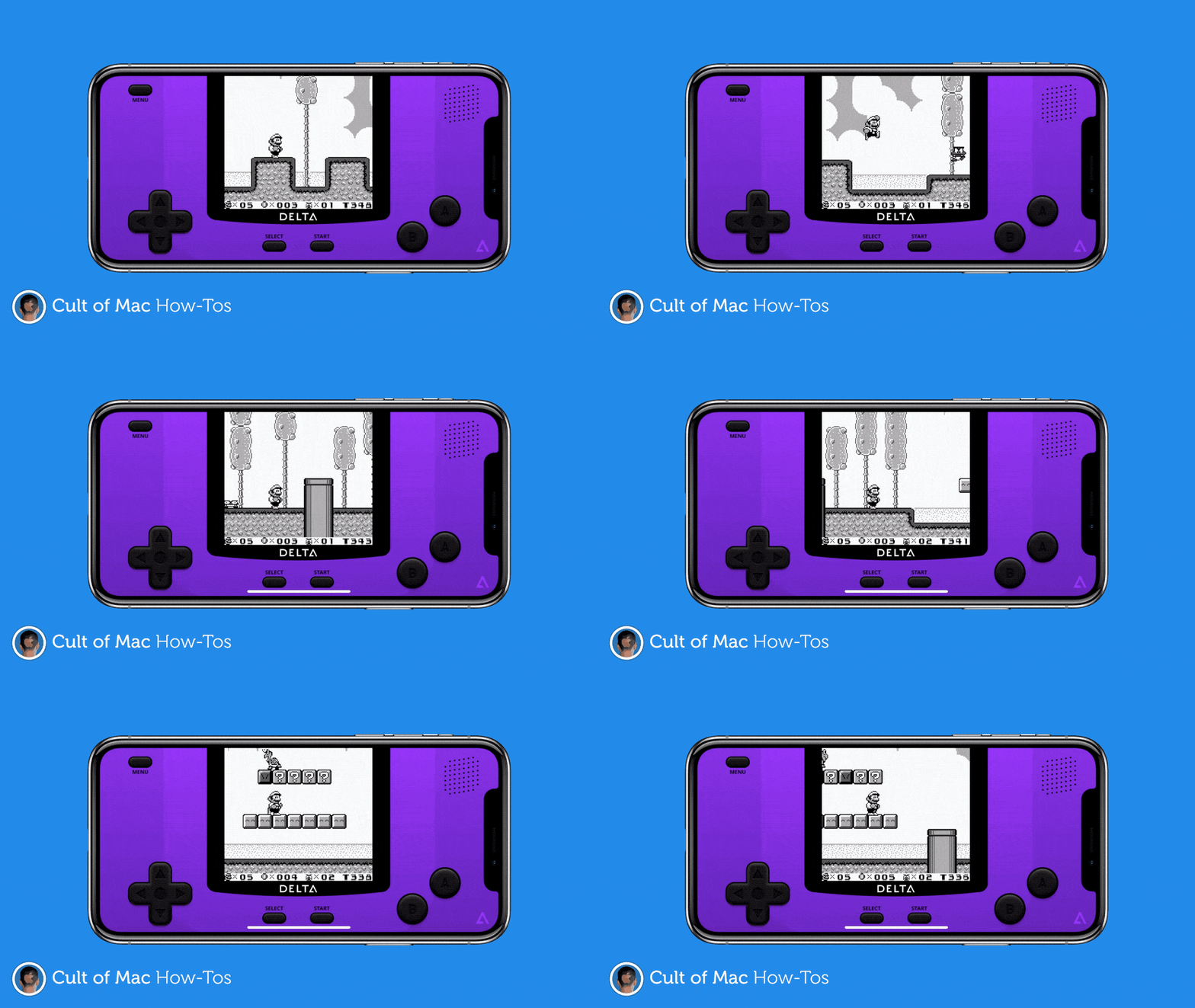
If you want a game emulator on iPhone, the Delta app is now available on the App Store to play games for Nintendo DS, GameBoy, GameBoy Advance, NES, SNES and N64.
That means you can play classic Nintendo games like Super Mario Bros., Donkey Kong, Zelda, Castlevania, and many, many more.
Download it for free on the App Store or from AltStore PAL in the EU. Playing classic Nintendo games on iPhone has never been easier. You don’t need to jailbreak, sideload through a computer or compile the emulator from source code anymore. And it’s legal-ish.
Riley Testut, creator of the original alternative app marketplace. Photo: Riley Testut
iOS developer Riley Testut, the brains behind AltStore (the original alternative App Store), has a great take on Apple’s plans to open up the App Store in the European Union
This is “everything I’ve been wanting for the past few years,” he said after Apple laid out its plans last week. “Even reading the announcement I was tearing up.”
Testut, who lives in Texas, has a vested interest in Apple loosening its grip on the App Store to comply with the EU’s Digital Markets Act. He’s the co-creator of AltStore, a hacky skunkworks project that enables sideloading of iPhone and iPad apps. Now he’s working to transition AltStore into an officially sanctioned app marketplace that complies with Apple’s new rules.
In an exclusive interview with Cult of Mac, Testut talks about the hidden upside for iPhone owners around the world; the downsides of Apple’s strict new framework and fees; and the joys of making AltStore one of the first legit third-party app marketplaces in the EU.
Testut’s take on Apple’s plans for opening up iOS is perhaps the best to date, and well worth a read.
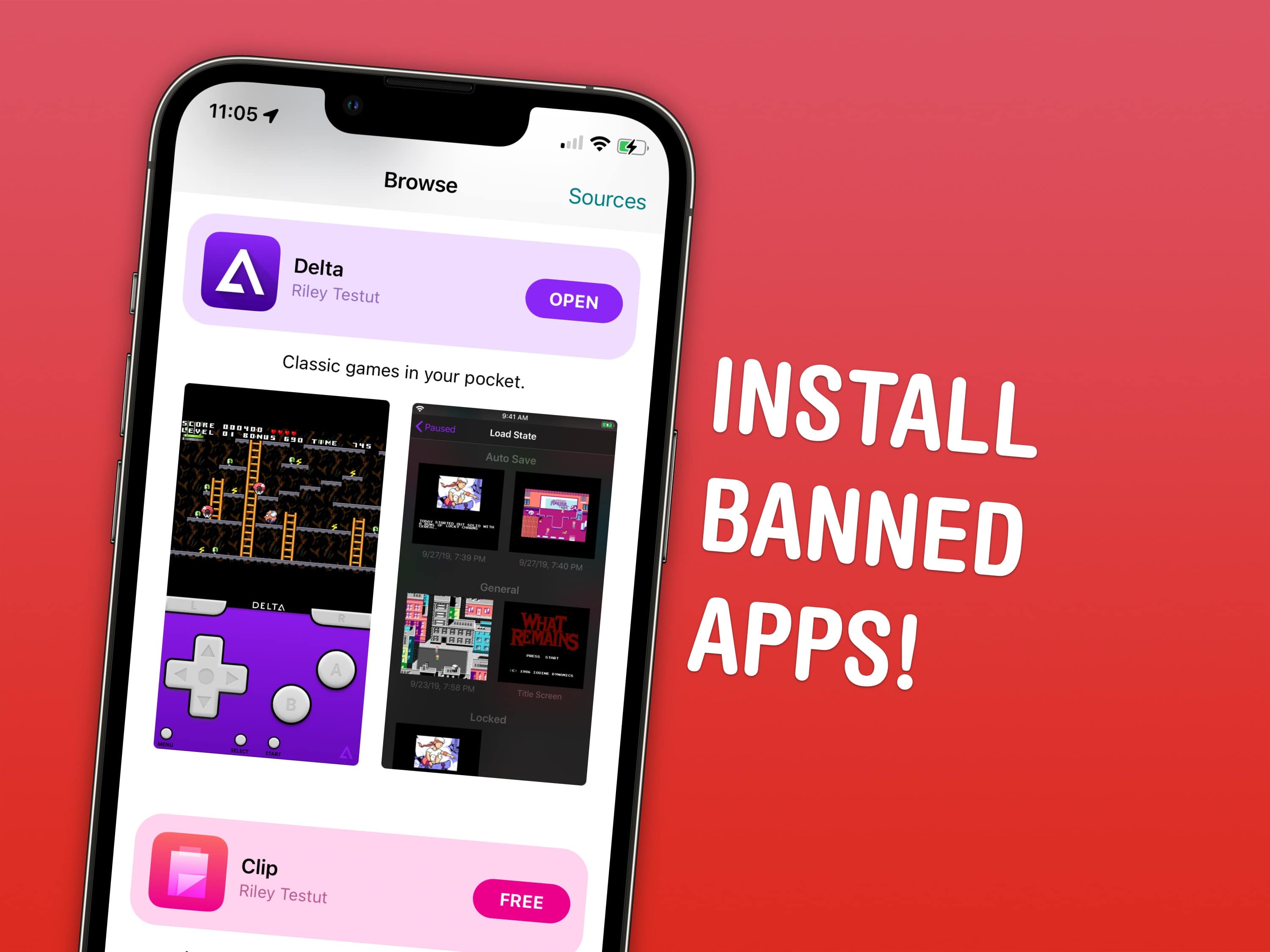
Install the apps Apple doesn’t want on the App Store with AltStore. Image: D. Griffin Jones/Cult of Mac
Apple bans apps like emulators and clipboard history on your iPhone, but there’s a clever way to sideload these apps without jailbreaking.
The official App Store is the only way Apple wants you to get apps on the iPhone. If there’s an app that doesn’t fit Apple’s strict rules, it doesn’t get on the App Store at all.
Apple strictly forbids a few categories of apps. Emulators — apps that play games from old consoles like the Nintendo Entertainment System and GameBoy — are prohibited. Porn is not allowed either. System-wide features like clipboard managers — which are very popular and even downloadable on the Mac App Store — are not allowed on the iPhone. (My favorite is Maccy.)
That doesn’t mean it’s impossible to get these types of apps, though. You can install an alternative App Store for iPhone called AltStore right now with the help of a Mac or PC. With AltStore, you can install verboten apps like emulators and clipboard history without jailbreaking your iPhone.
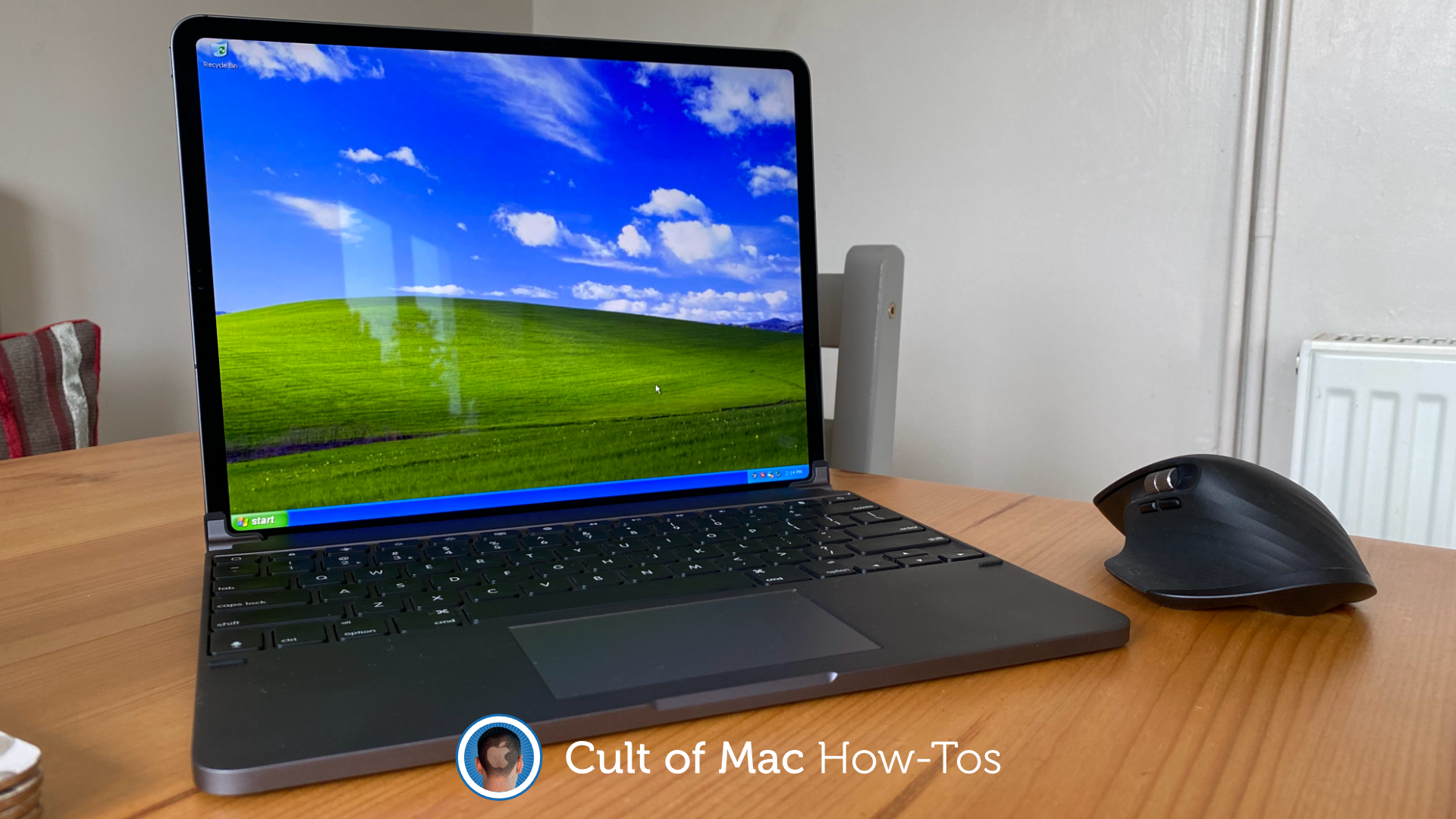
The golden age of Windows. Photo: Killian Bell/Cult of Mac
I bet you never imagined you might one day run Windows XP on an iPhone or iPad. But thanks to a brilliant app called UTM, it’s not only possible, but it is incredibly easy. You don’t even need to jailbreak.
We’ve already showed you how to use UTM to run Mac OS X on an iOS device. In this how-to, we’ll show you how to get set up with Windows XP. It’s even easier, requires less storage, and takes half the time.
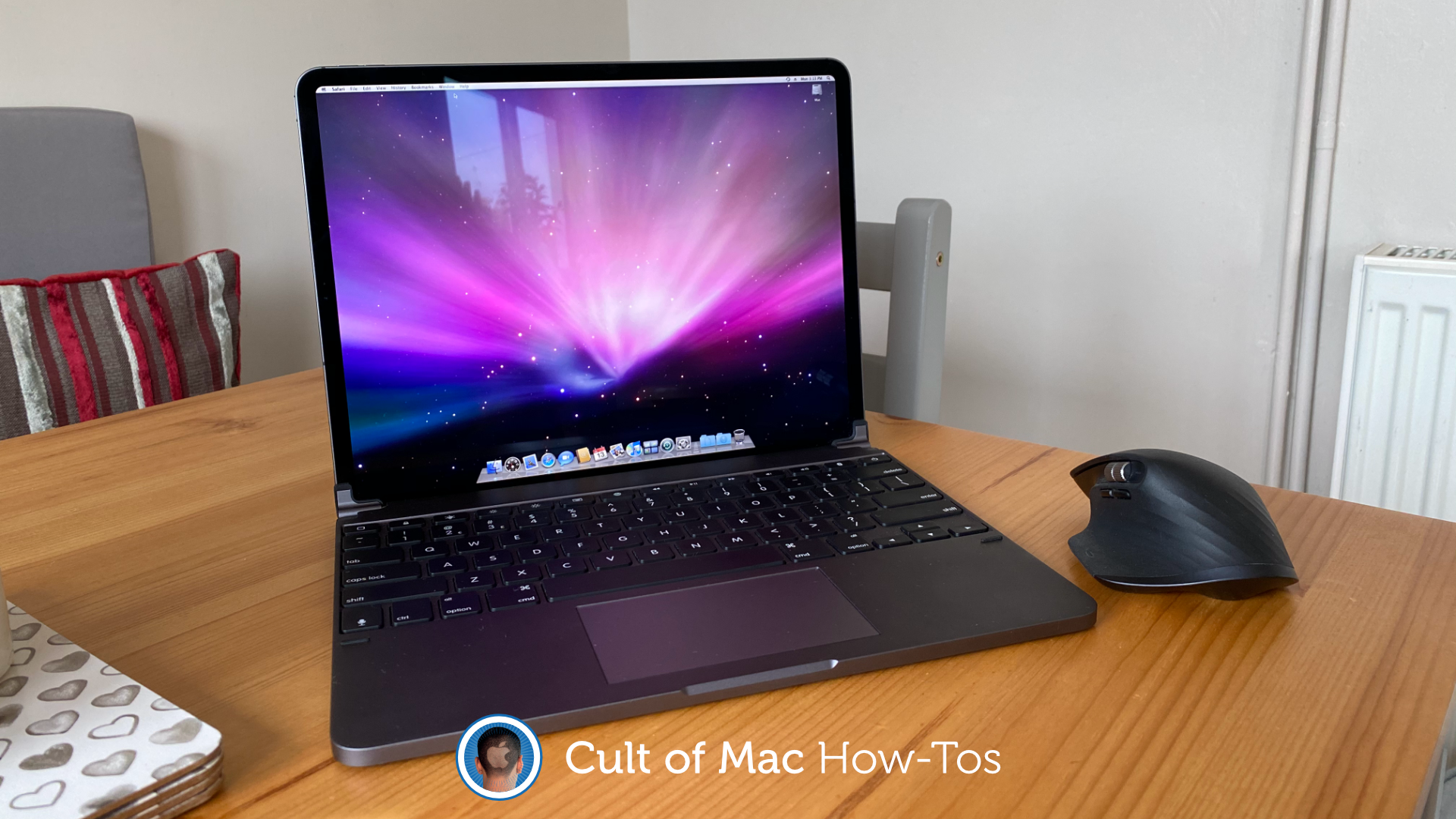
A dream come true? Photo: Killian Bell/Cult of Mac
It’s highly unlikely Apple will ever give us an iPad that runs macOS — and that’s OK. Because with a few tricks (that do not require a jailbreak), you can easily install Mac OS X on your iPad all by yourself.
The process won’t void your warranty or interfere with iPadOS in anyway. All you need is a copy of Mac OS X, an app that lets you run virtual machines, and plenty of storage space.
Take control of your iOS devices. Image: Killian Bell/Cult of Mac
Ready to jailbreak your iOS devices? You’ll be pleased to know it’s easier thank ever thanks to the awesome new Unc0ver tool, which works on almost any iPhone or iPad running iOS 11 through iOS 13.5.
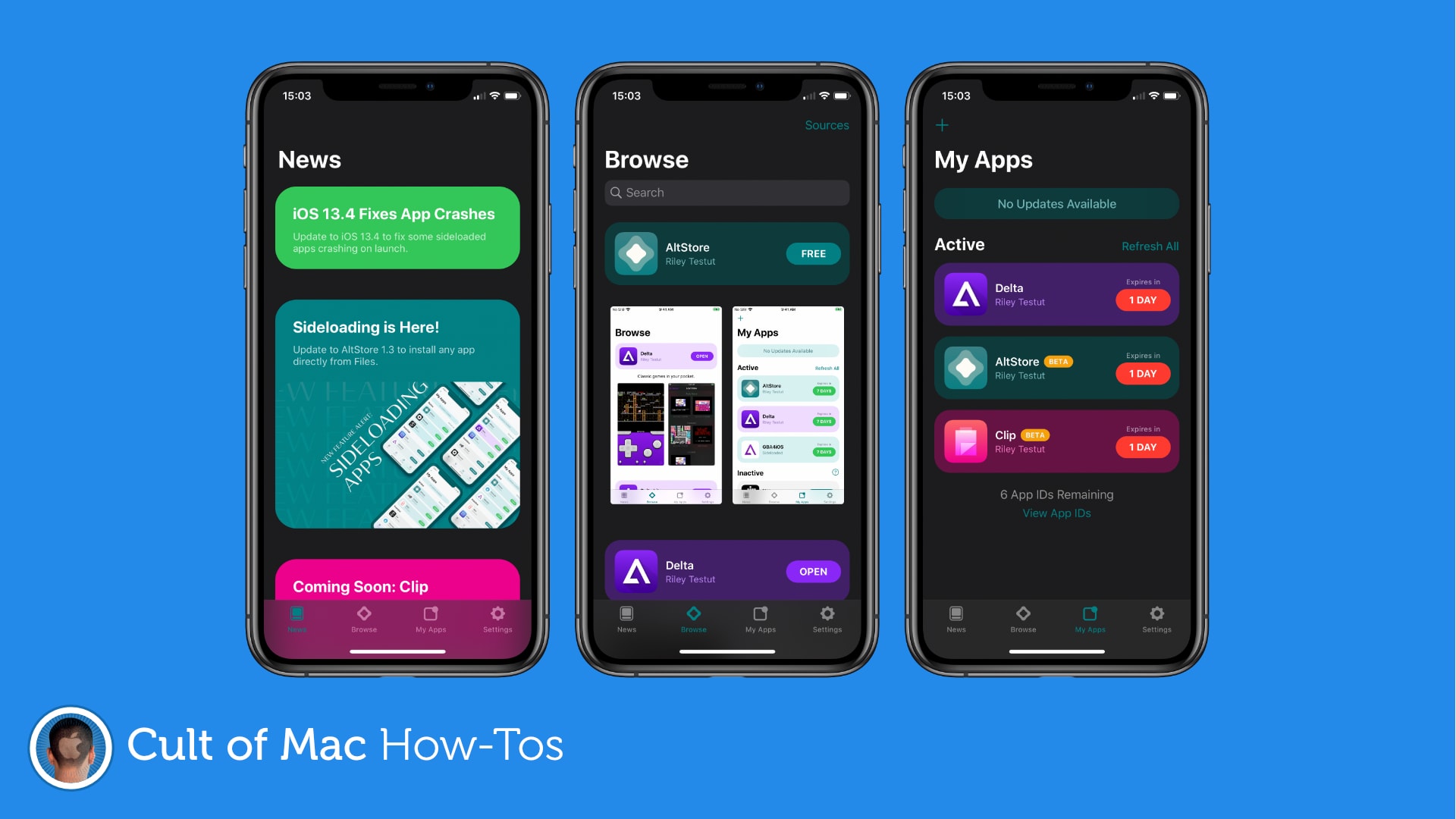
Play classic Game Boy games, jailbreak, and more! Image: Killian Bell/Cult of Mac
Riley Testut’s brilliant AltStore is an App Store alternative (kind of) for iPhone and iPad that allows you to install unauthorized third-party apps. In this tutorial, we’ll show you how to install it the right way.
It's easier than you think. GIF: Killian Bell/Cult of Mac
It’s now easier than ever to enjoy classic Game Boy, SNES, and Nintendo 64 games on iPhone and iPad. You no longer need a jailbreak — just an iOS device, a Mac or PC, and some classic Nintendo game ROMs.
It's not speedy, but it works. Photo: Hacking Jules
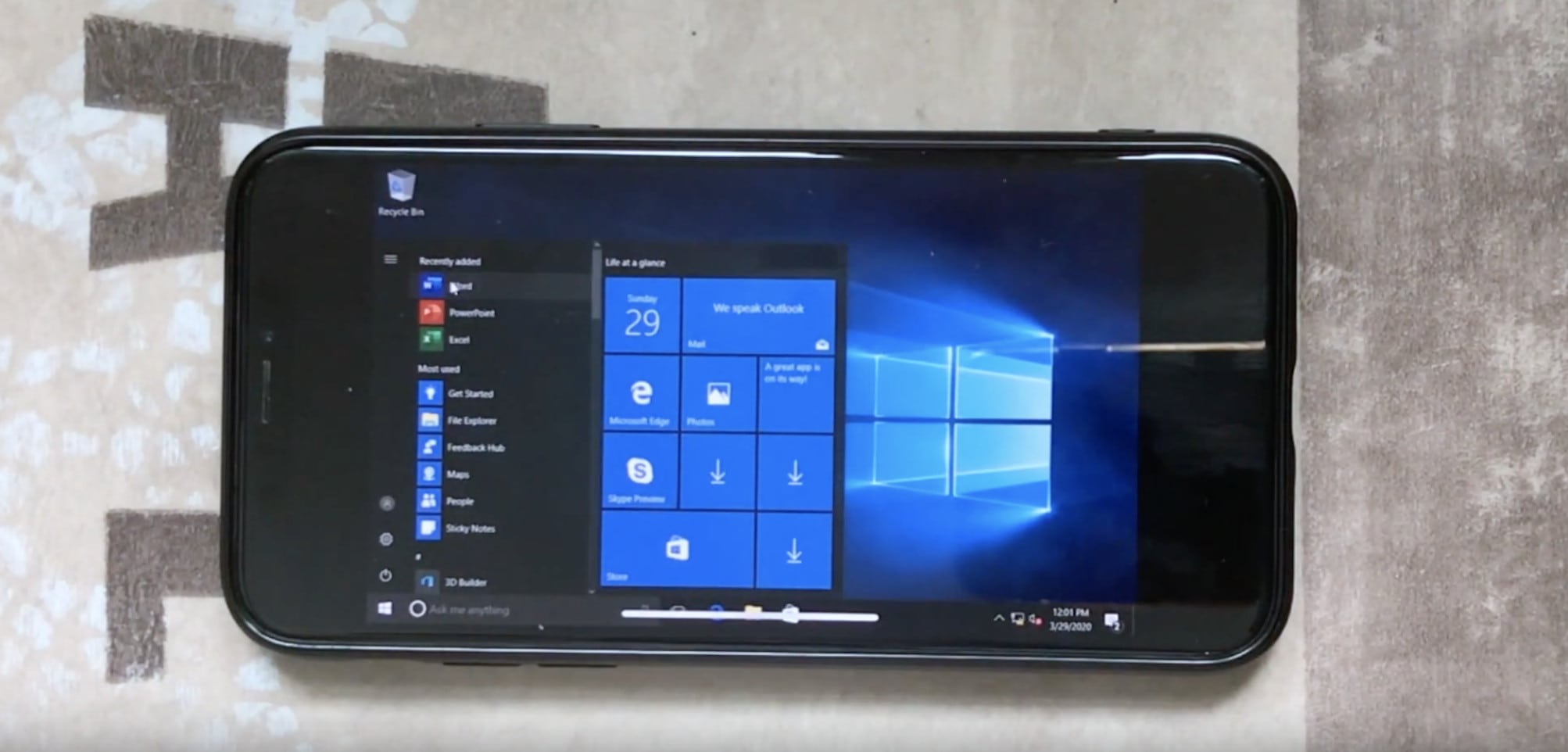
Here’s something you probably thought you would never see: Microsoft’s Windows 10 operating system running on an iPhone X.
The hack is made possible by an app called UTM, which allows virtual machines to run on iOS devices. And despite some issues — as you might expect — it really works rather well … if you have plenty of patience.