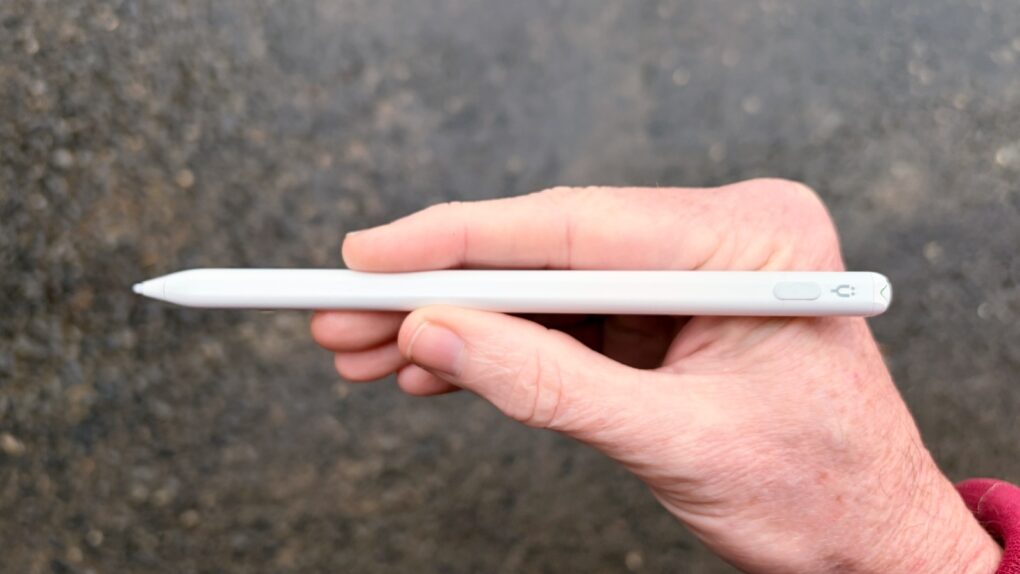
Stop feeling frustrated that Apple Pencil works with iPad but not iPhone. The Tinymoose Pencil Pro Ultra supports Apple tablets and handsets.
Beyond iPhone support, the stylus offers iPad users palm rejection, zero lag, Scribble support, magnetic attachment to the tablet and more.
I tested the affordable accessory with both iPad and iPhone — here are the results.
Tinymoose Pencil Pro Ultra review
Adding Apple Pencil support to iPhone would require extra digitizer hardware and software tuning that would add cost, complexity and battery drain to the device, all for a feature most users would rarely use.
Nevertheless, there are some people who really want a stylus for their iPhone, despite the challenges of writing on such a small screen. The Tinymoose Pencil Pro Ultra does just that.
And of course, the accessory can easily take on sketching, signatures and even notetaking on an iPad. It supports a wide array of models going back to 2028.
The Tinymoose Pencil Pro Ultra is designed to take your creativity and productivity to the next level with effortless compatibility and precision. Thanks to its innovative Smart Switch technology, you can seamlessly switch between iOS and iPadOS with just a single press of the top button.
Whether you’re sketching, writing, or navigating, the Pencil Pro Ultra offers the convenience of one powerful tool that adapts to your needs.
- Works with both iPad and iPhone
- Great for notes, sketching, etc.
- Affordable
- Not enough for artists
- Doesn't draw power from iPad
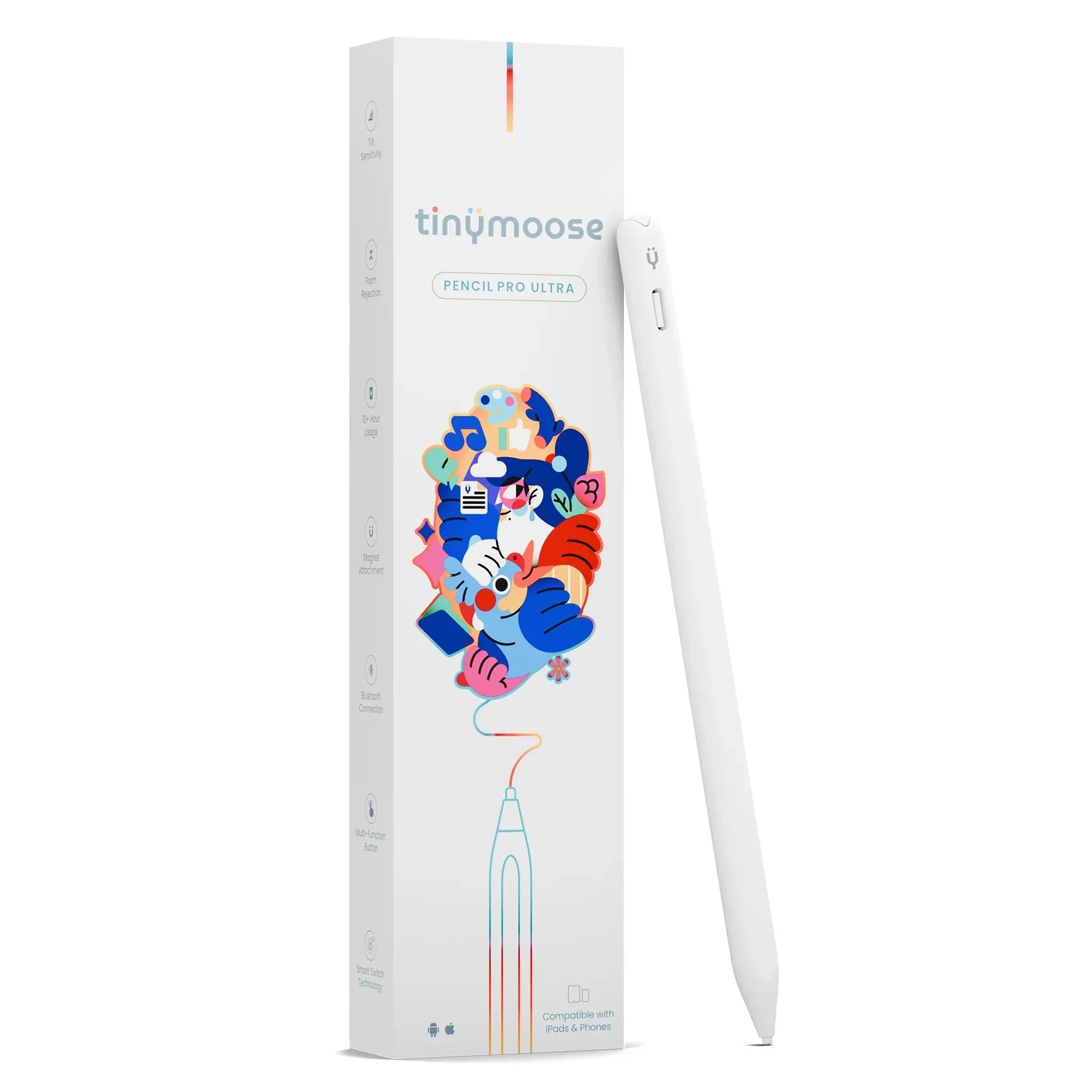
Table of contents: Tinymoose Pencil Pro Ultra review
- Looks like an Apple Pencil
- Performance: Sketching and writing with an iPad
- Versus Apple Pencil
- Performance: An iPhone stylus, too
- Multifunction button
- Charging via USB-C
- TinyMoose Pencil Pro Ultra review: Final thoughts
- Pricing
Looks like an Apple Pencil
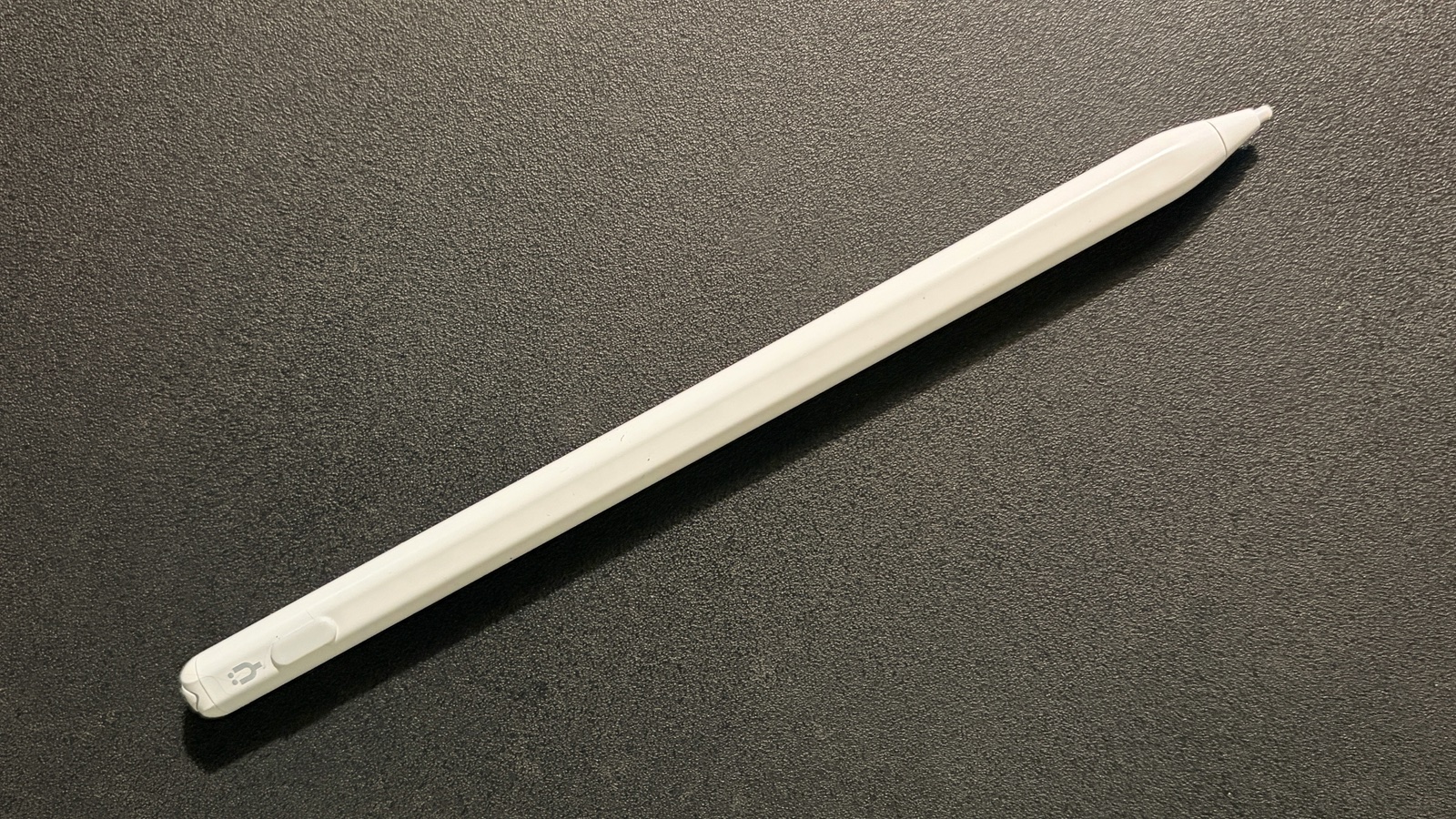
Photo: Ed Hardy/Cult of Mac
If what you want from a stylus is “looks enough like an Apple Pencil that no one will notice I bought a cheaper version,” then I have great news for you. From a few feet away, the Tinymoose Pencil Pro Ultra is almost indistinguishable from Apple’s stylus. Both are white, 6.5 inches in length, and 1.1 inches in circumference. Or you can choose a black version instead.
Pencil Pro Ultra feels comfortable in my hand, and it’s easy to write with. Really, it’s like holding any standard, non-digital pen or pencil.
The one flat edge doesn’t interfere with that. It’s there so the stylus can magnetically attach to an iPad. This bonus feature will certainly work with any tablet that supports the Apple Pencil Pro and the Apple Pencil (USB-C). It might work with earlier models, but I can’t test that.
You can tote the stylus around connected to your tablet, or Tinymoose includes a carrying case.
Performance: Sketching and writing with an iPad
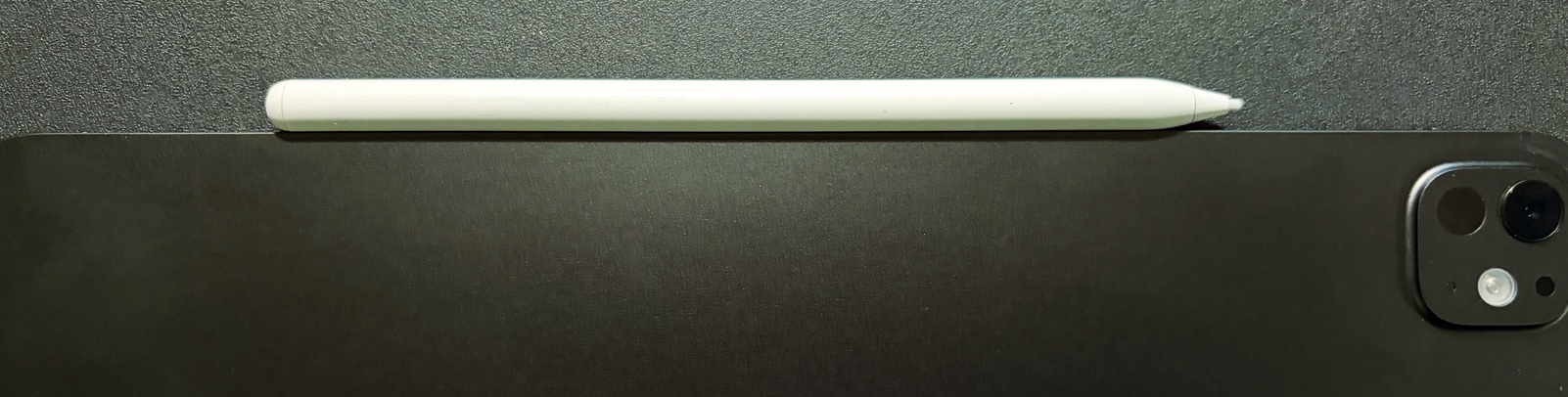
Photo: Ed Hardy/Cult of Mac
Apple builds support for styli into iPadOS, so all third-party accessory makers need to do is meet some basic hardware requirements to make an Apple Pencil rival.
As the iPad is doing the hard parts, don’t be suspicious that the Tinymoose Pencil Pro Ultra will frequently skip, or the lines you draw will lag behind the stylus tip. The tablet handles all that and does an excellent job of it. The iPad also provides palm rejection.
What that means is the stylus is a fine tool for sketching out ideas, signing documents or even taking meeting notes. I used it for these tasks, so I can say that with confidence.
Tinymoose lists tilt detection on the Pencil Pro Ultra feature list. This doesn’t work for me in any app that I tried, including Procreate.
Usage will eventually wear out the writing tip. There are two replacements in the box, and these are simple to insert.
Tinymoose Pencil Pro Ultra vs. Apple Pencil
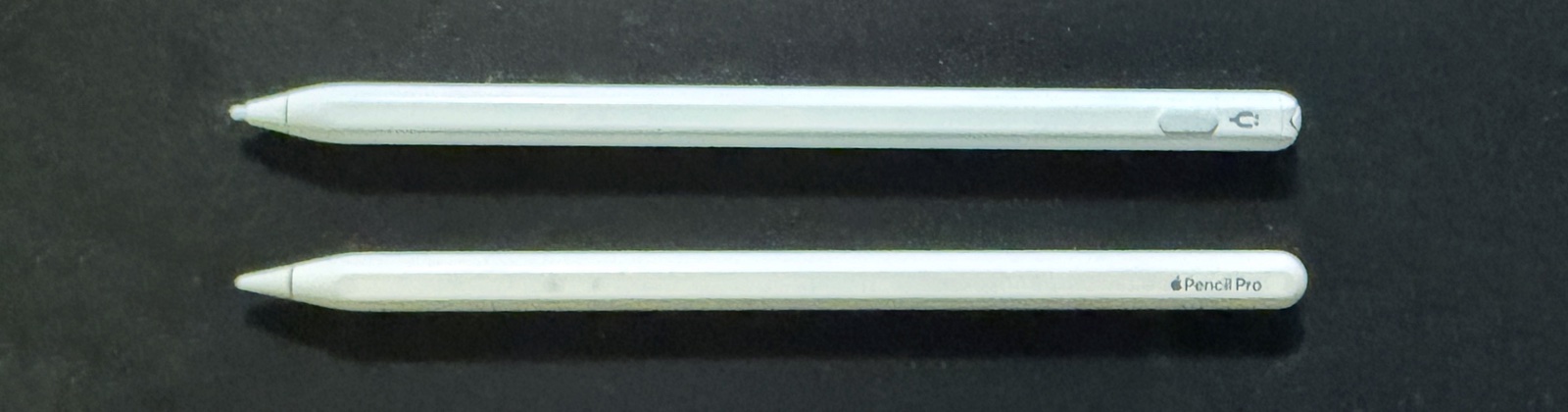
Photo: Ed Hardy/Cult of Mac
The Tinymoose Pencil Pro Ultra competes well against the Apple Pencil (USB-C). Both are intended for average iPad users rather than artists. The third-party product costs less, though.
On the other hand, the Apple Pencil Pro offers premium features that put it ahead of all others, like tilt and pressure detection, a “squeeze” gesture, Find My support and many more. It’s the one artists want and need.
Those two Apple styli support a limited number of fairly recent iPad models. In contrast, Tinymoose says its product is “compatible with iPads (2018 and newer).” Even better, Tinymoose built a feature into its stylus that neither of Apple’s can match: iPhone support.
Performance: An iPhone stylus, too
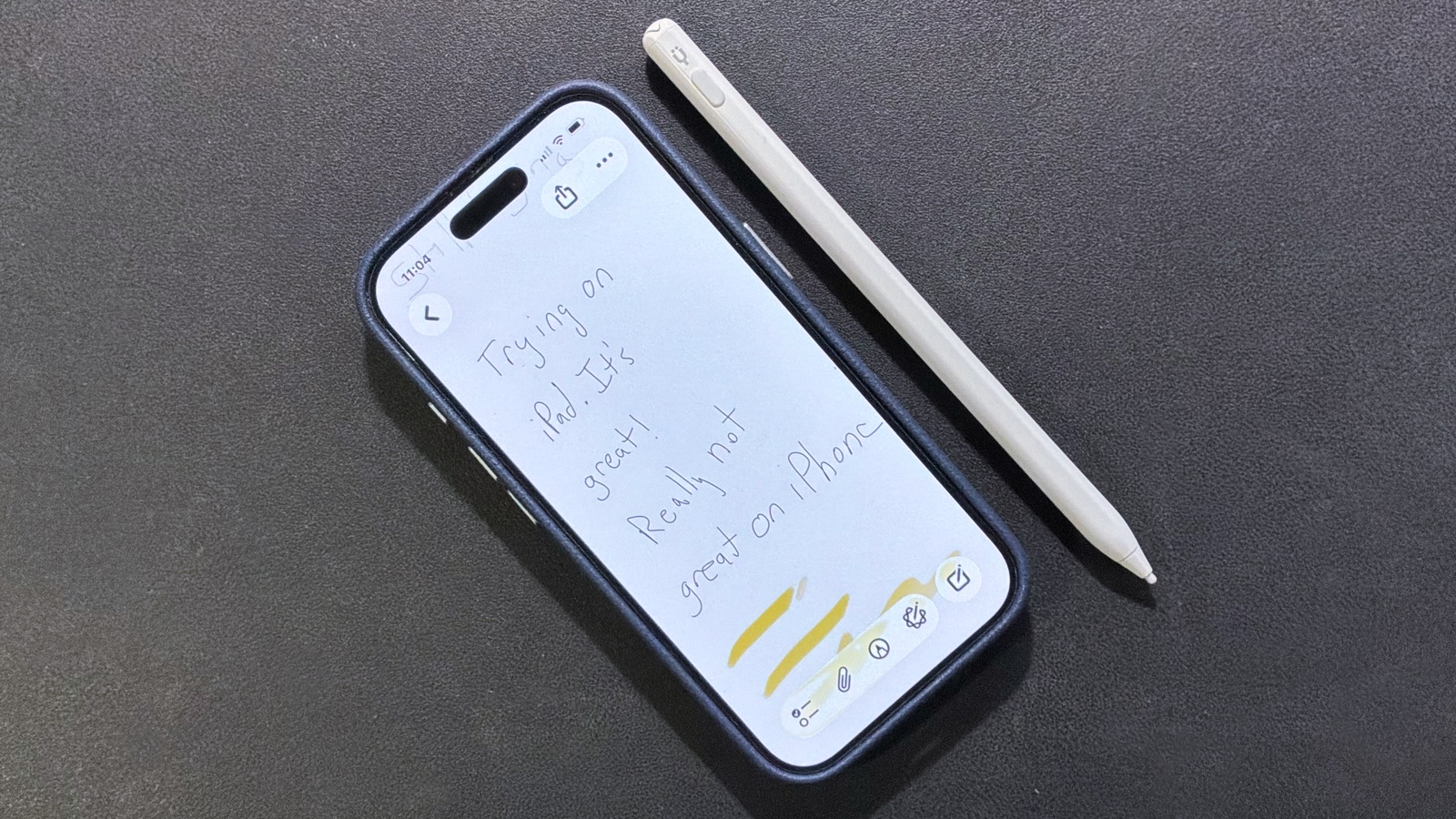
Photo: Ed Hardy/Cult of Mac
Apple designed iPhone to be controlled with a fingertip, but the Pencil Pro Ultra can trick the handset into thinking it’s a finger. That gives you a stylus with a fine tip to write with.
It works, but writing on a 6- or 7-inch screen is simply awkward. It’s not a bad way to write a reminder that says “Buy eggs!” but don’t think you’ll take daily notes from Physics 101 on your iPhone unless you’re desperate — get an iPad instead.
Still, the stylus can do anything on the iPhone your finger can. For example, I play a game that involves tracing out pipes, and find it easier with the narrow tip of Tinymoose’s stylus.
Multifunction button
The blunt end of the Tinymoose Pencil Pro Ultra is a multifunction button. The most obvious use for this is to activate and deactivate the device. The iPad and iPhone pay no attention to the stylus when it’s not on.
Plus, the accessory has one mode for iPad and another for iPhone. You switch between them with this button, which turns green for the tablet or blue for the handset.
And there’s a bonus feature! Bluetooth pair the stylus with your iPad and a quick press of the button brings up the iPadOS Home screen. A quick double press opens the application switcher showing all currently running apps.
Charging via USB-C
The Pencil Pro Ultra gets its power via a USB-C port, like the cheaper version of the Apple Pencil.
Tinymoose promises 10 hours of battery life, and my testing indicates that’s a reasonable estimate. In a pinch, you can give it an 80% charge in about 15 minutes.
The stylus comes with a warning note not to power it up with chargers that put out more than 25W. I tried it with an MacBook charger and the device only took in 1W. Maybe a better way to phrase the warning might be “Don’t use shoddily made, ultra cheap chargers.” There’s no telling how much current those put out and they can damage any of your devices, not just this stylus.
TinyMoose Pencil Pro Ultra review: Final thoughts
If you want a stylus that works with both your iPad and your iPhone, your search is over. Being able to press a button and switch between the two is a standout feature of the Pencil Pro Ultra.
On the other hand, this is a tool for average users, not artists. It’s missing features that digital artists need.
★★★★☆
Pricing
Get the Tinymoose Pencil Pro Ultra while it’s on sale for $39.95 (MSRP $49.95).
Buy from: Cult of Mac Deals
The Tinymoose Pencil Pro Ultra is designed to take your creativity and productivity to the next level with effortless compatibility and precision. Thanks to its innovative Smart Switch technology, you can seamlessly switch between iOS and iPadOS with just a single press of the top button.
Whether you’re sketching, writing, or navigating, the Pencil Pro Ultra offers the convenience of one powerful tool that adapts to your needs.
- Works with both iPad and iPhone
- Great for notes, sketching, etc.
- Affordable
- Not enough for artists
- Doesn't draw power from iPad
Tinymoose provided Cult of Mac with a review unit for this article. See our reviews policy, and check out more in-depth reviews of Apple-related items.

Ed Hardy has been writing full-time about tech for 26 years, and using it for much longer than that. His intro to Apple was a Macintosh SE/30 (which he still has), but now he uses a 13-inch iPad Pro as his primary computer.
That’s because he’s a “tablet first” type of guy. Rather than use a Macbook, he connects a keyboard case to the iPad. And instead of a desktop Mac, he connects his tablet to a 27-inch display and full-size keyboard. (So don’t try to tell him that everyone has to use a Mac to be productive.)
Before coming to Cult of Mac, Ed wrote for NotebookReview, TabletPCReview and Brighthand, as well as other sites.

