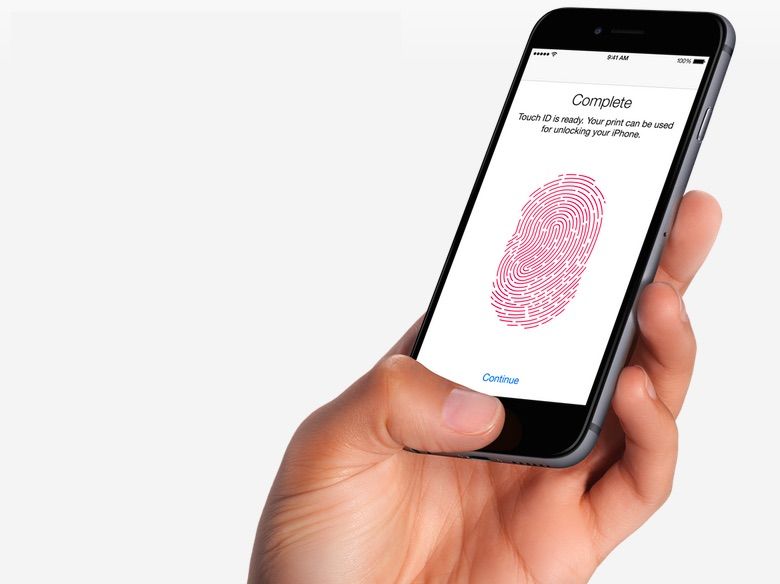
Apple has baked a new feature into iOS 11 that lets you quickly disable Touch ID.
The feature could come in handy if you’re ever in a situation where someone (a cop) might force you to unlock your device.
iOS 11 comes with a whole host of useful changes and improvements that are designed to make life that little bit easier. We’re discovering new ones all the time that have gone unnoticed in previous betas, and this could be one of the best.
To temporarily disable Touch ID, you simply press the power button quickly five times. This presents you with the “Emergency SOS” option, which you can swipe to call the emergency services. It also prevents your iPhone from being unlocked without the passcode.
Until now, there were other ways to temporarily disable Touch ID, but they weren’t quick and simply. You either had to restart your iPhone, let it sit idle for a few days until Touch ID was temporarily disabled by itself, or scan the wrong finger several times.
https://twitter.com/alt_kia/status/898067522234097664
The police, or any government agency, cannot force you to hand over your iPhone’s passcode. However, they can force you to unlock your device with your fingerprint. That doesn’t work if your fingerprint scanner has been disabled.
A fingerprint may not be the only biometric security option when iPhone 8 arrives, of course. Apple is expected to introduce iris scanning and facial recognition, which could eventually replace Touch ID entirely.
Via: The Verge

Killian Bell is a freelance writer based in the U.K. He has an interest in all things tech and also covers Android over at CultofAndroid.com. You can follow him on Twitter via @killianbell.


6 responses to “iOS 11 lets you disable Touch ID to keep cops out of your device”
Posted before and submitted at least once to Apple. It really needs a kill switch. Special PIN or using a specific finger for TouchID wipes the device.
Great if you could set it to disable without calling 911. Otherwise, the police just call you to ask what’s going on….
It doesn’t call 911 when you push the power button five times. You will still need to swipe across the screen to make it dial.
Um, Does on mine. Pushed it five times and it started calling 911. Even got a call back from 911 operator asking if everything was ok. So I don’t know what’s up, but mine calls soon as you do the five hits.
Ah, I see what I did wrong. Just make sure that the “Auto Call” is off…
I always thought it would be cool if you used a different finger and it opened with fake data, fake contacts, fake apps, fake history and if you tried to use ApplePay it would decline with some fake message like ApplePay not available, so if someone forced you to login they got nothing but garbage but they wouldn’t realize it until later.