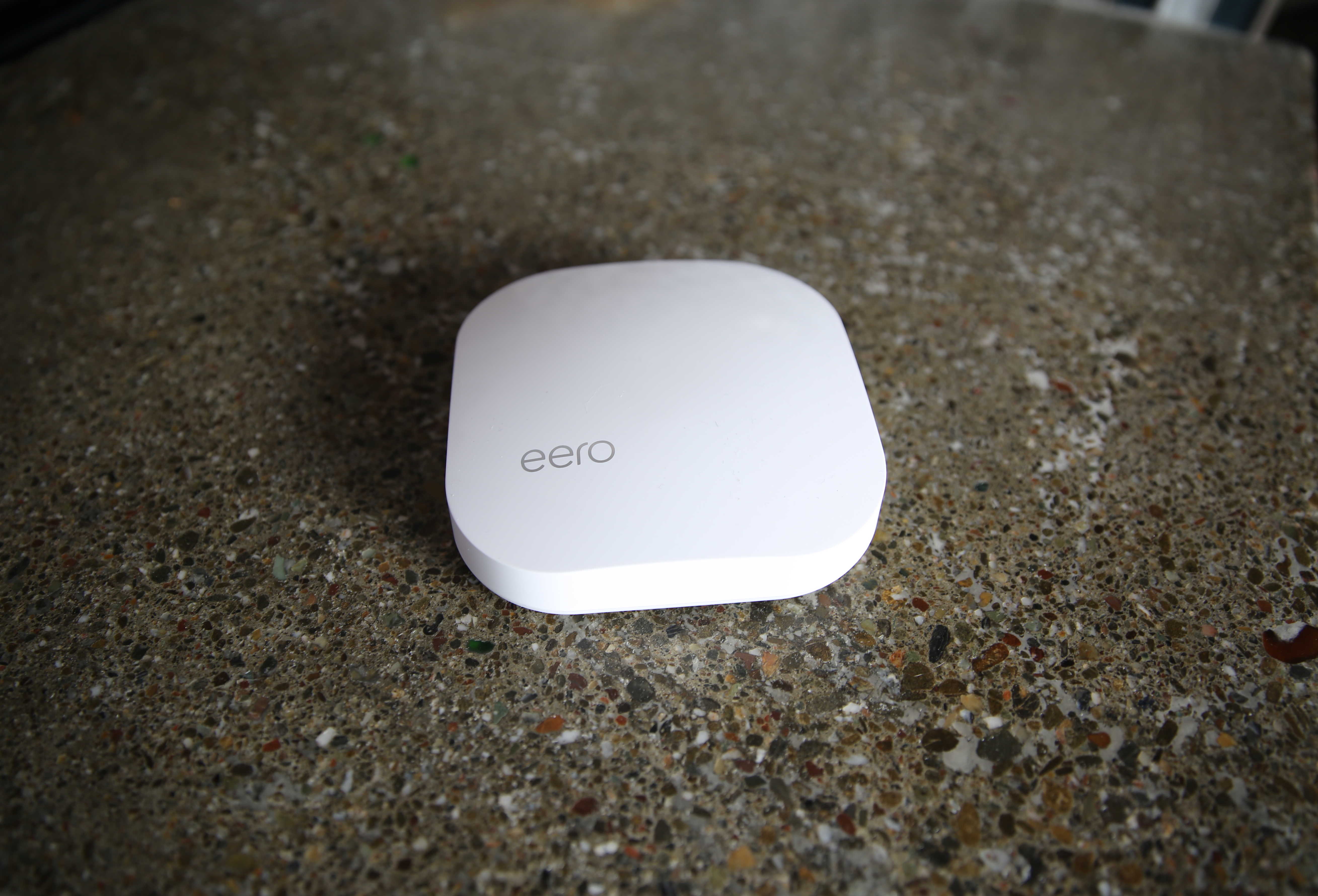
I’ve seen the future of Wi-Fi. It’s called Eero. It comes in a pack of three, costs an arm and a leg, but boy is it worth it.
Eero is a slick system of mesh-connected routers that blanket your whole house in Wi-Fi. Eero promises to eliminate dead spots, make restarts redundant, and offer blazing speeds from the basement to the attic.
In my tests, Eero performs as advertised. After years of Wi-Fiheadaches, and an Apple Time Capsule that barely worked, we now have fast and reliable Wi-Fi all over the house.
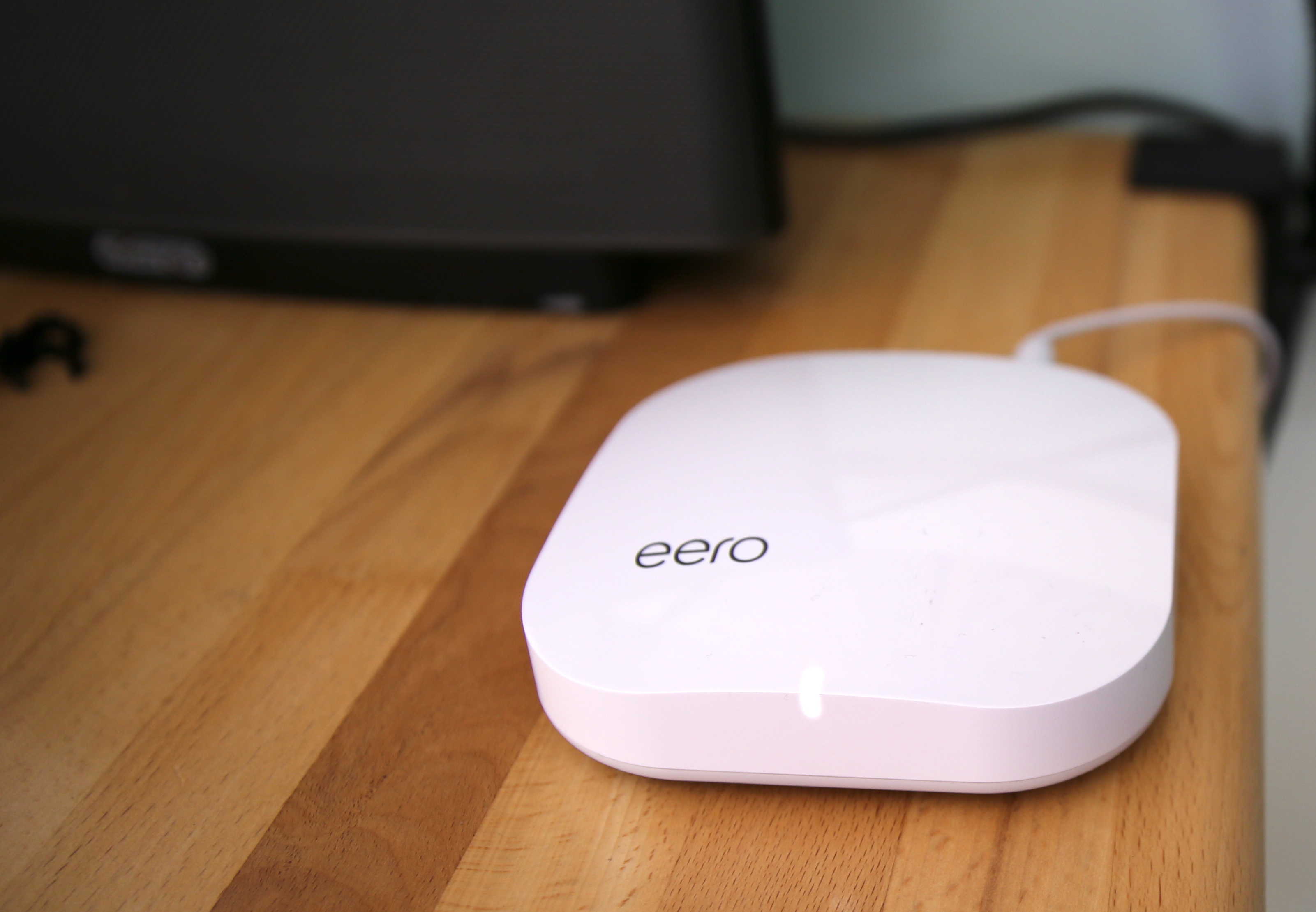
Photo: Leander Kahney / Cult of Mac
Constant WFi headaches
We’ve always had problems with Wi-Fi. Our house isn’t very big — just over 1,000 sq ft — but it’s old and rickety, with lots of obstacles like walls and stairs. Dead spots abound. The Wi-Fi was never reliable. It suffered from constant, unexplained dropouts. Sometimes it’d be OK for months, and then it’d require restarts every few days. Oh, the hours spent staring at stalled downloads and glitchy videos …
We’ve always used Apple’s Airport routers; most recently a 2015 Time Capsule with multiple antennas and dual-band networking. It’s a nice box, great for backups, and works great close to. But coverage outside a limited range drops off fast. It barely works upstairs, in the back kitchen, or a family room out front.
I’ve tried extending the network with an Apple Airport Express and extenders from third-parties, but they just make things worse. They required constant reboots and endless tinkering with the settings.
I gave up in the end and we just learned to live with the multiple dead spots.
Eero the hero
Enter Eero, which in a couple of weeks’ testing has worked flawlessly. So far, it hasn’t suffered from any unexplained dropouts or required any restarts.
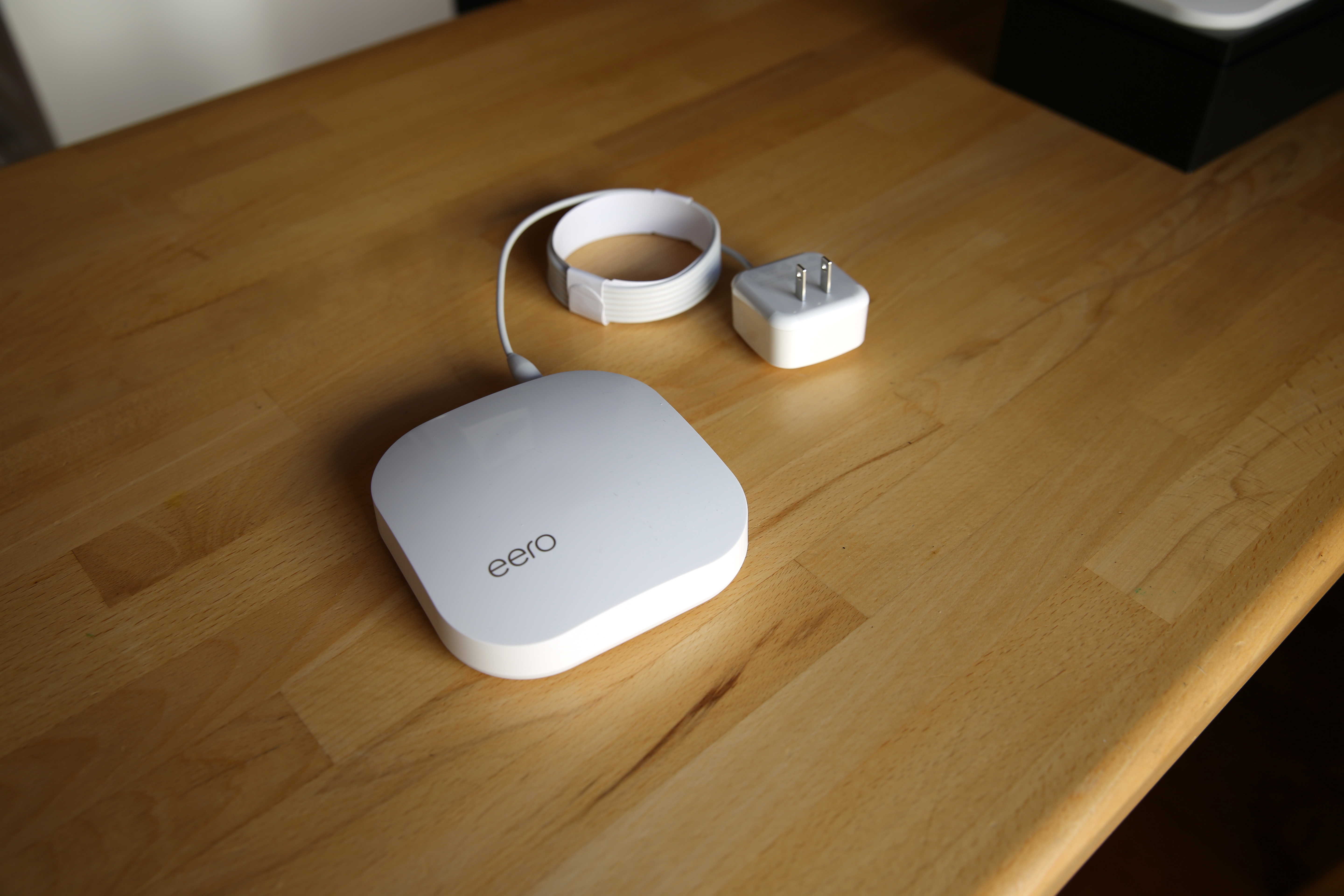
Recently introduced by a San Francisco startup, Eero is a system of connected routers that you install around the house. The small white boxes create a reliable, self-correcting mesh that monitors performance and interference, adjusting itself accordingly.
The boxes are sold separately (ranging from $199 for a single Eero to $499 for a pack of three), but the company recommends installing multiple devices. I was sent a pack of three for testing.
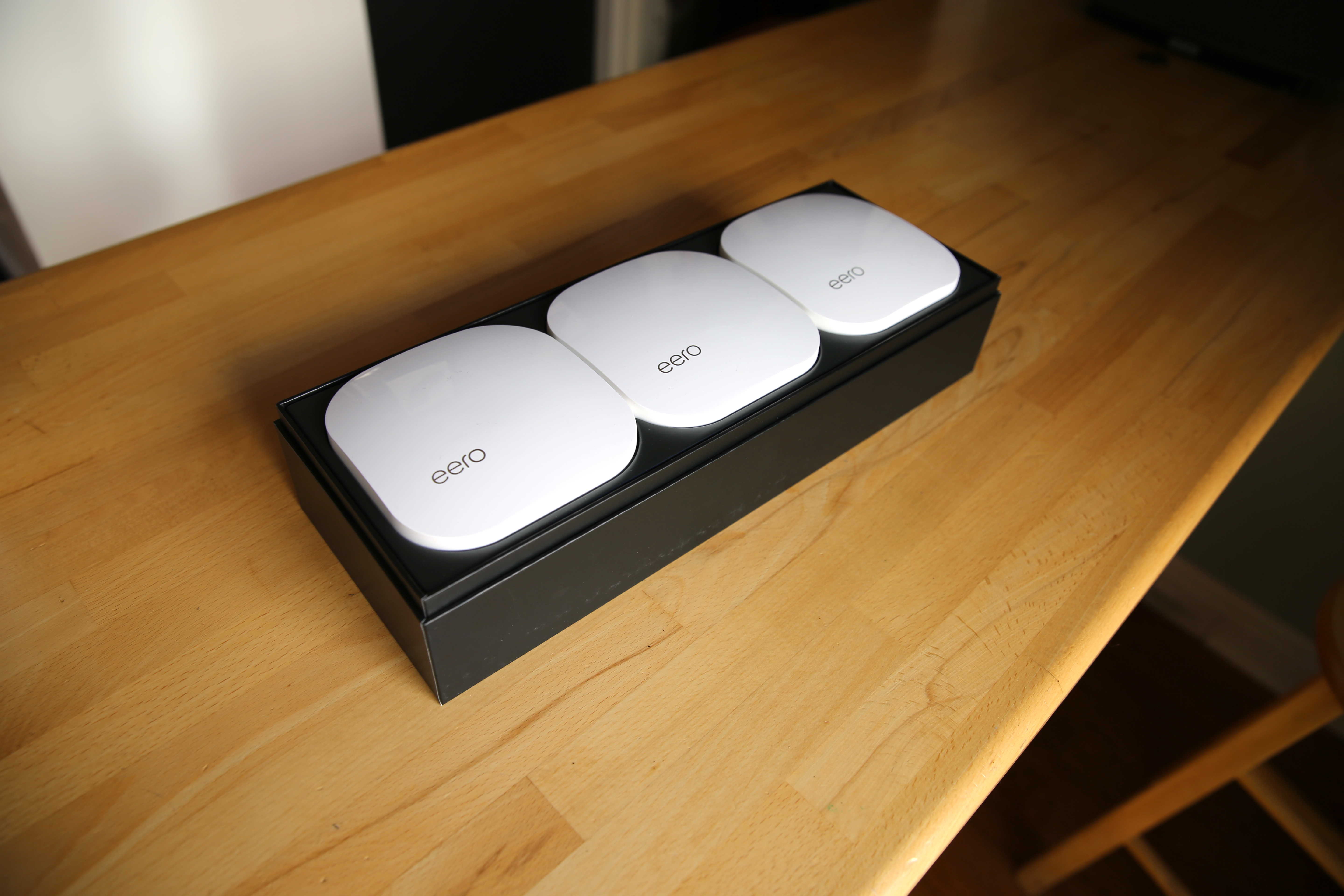
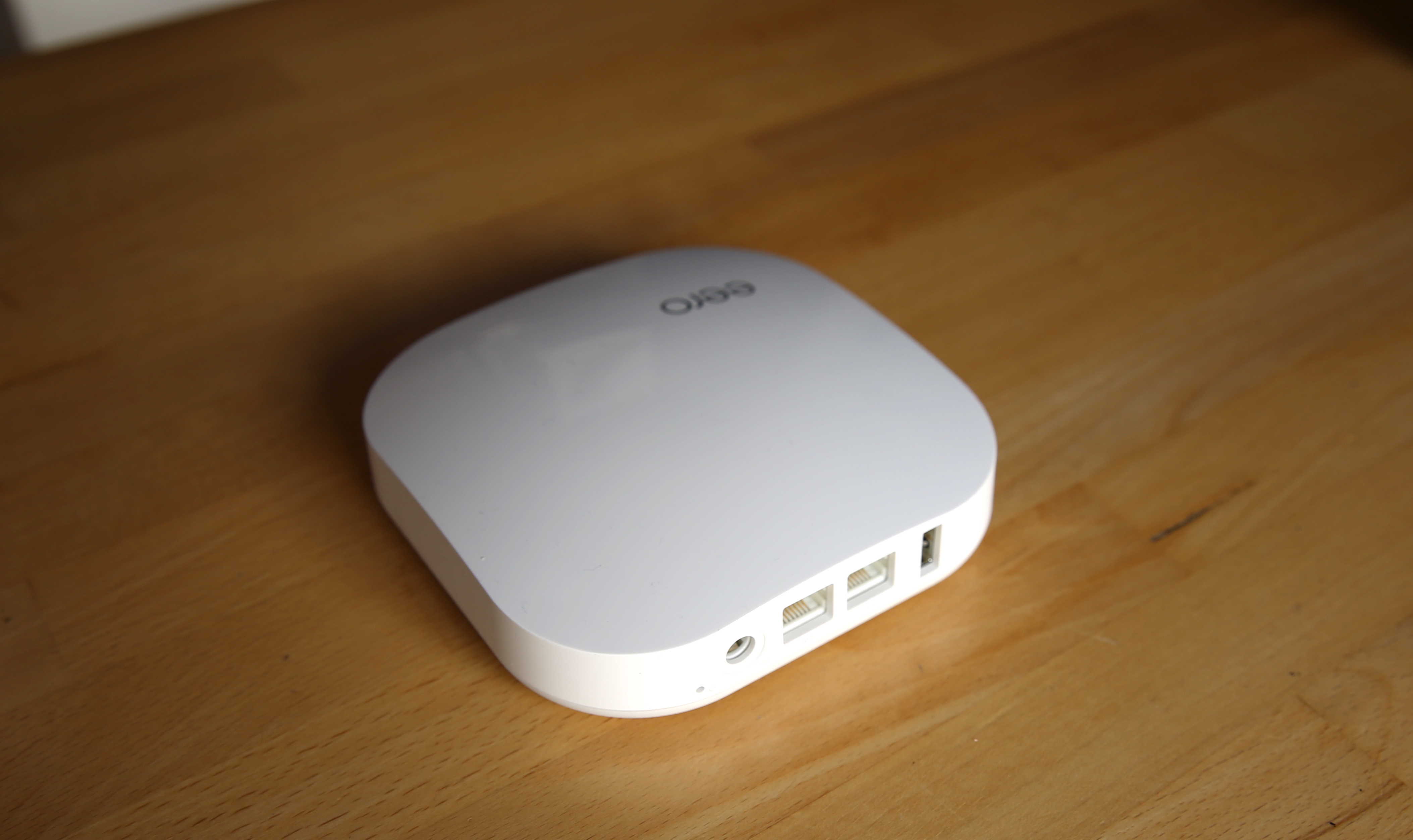
Each box is about 5-inches square and just over an inch high. They’re made of shiny white plastic and have an Apple aesthetic. On the back there are two Gigabit Ethernet ports, a USB port and power. The Ethernet is for hardwiring a connection or attaching a network device like a hard drive for sharing files or backups. I plugged in our old Time Capsule, which continues to function just fine for Time Machine backups.
Technically, Eero is a modern 802.11a/b/g/n/ac dual-band router. It has 2.4 GHz and 5 GHz radios, 2×2 MIMO, and is Bluetooth Smart “ready.” Its Bluetooth 4.0 radio isn’t currently used for anything except the initial setup process. At some point it might be possible to use Eero as a hub for Bluetooth devices like smart bulbs or door locks, but for now, it’s turned off. Eero uses WPA2 personal wireless encryption and supports VPN passthrough and UPnP.
Setup is easy
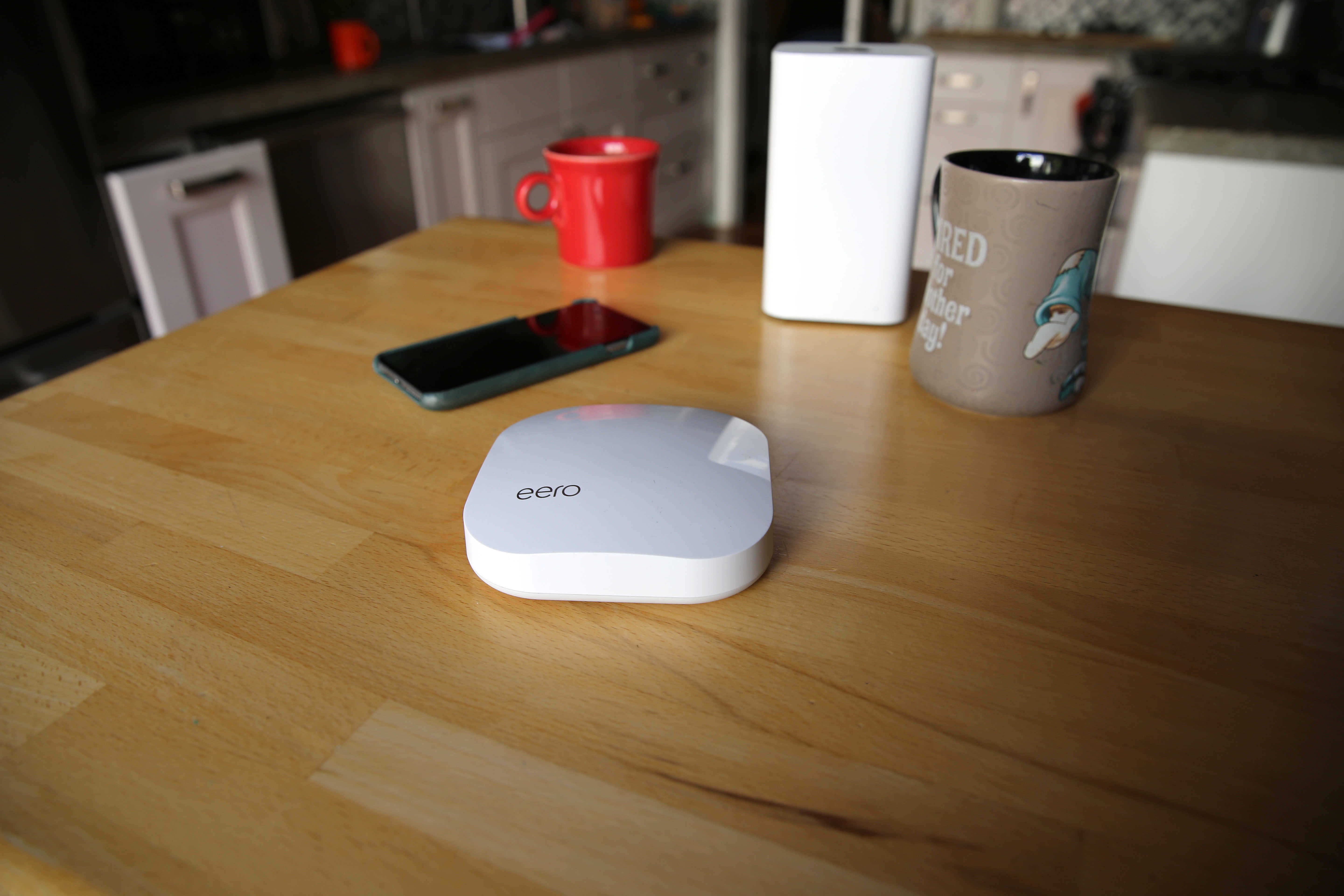
The setup was very, very easy — perhaps the easiest setup of any hardware in recent memory. I downloaded the app, attached the first box to our cable modem, and input a couple of settings (network name, password and turned on optional guest networking). That’s it.
Then I added the second box and then the third, naming each as I went to identify them in the app (“living room,” “kitchen,” “basement”). It’s all wizard-based and idiot-proof.
The app recommends optimal placement — no more than 40-feet apart, and preferably line-of-sight. The three hubs create a self-monitoring mesh network with a single SSD, so that throughput is maintained throughout the network. According to the company, traditional Wi-Fi extenders cut bandwidth in half because they have only one radio for broadcasting and receiving. Eero has two.
Setup took me about 10 minutes.
The network is controlled via the well-laid out app. And when I say controlled, I mean monitored. There’s not much to do. The system is “self-fixing,” adjusting stuff like bandwidth and interference and adjusting itself automatically. Fixes and updates are pushed automatically from the cloud.
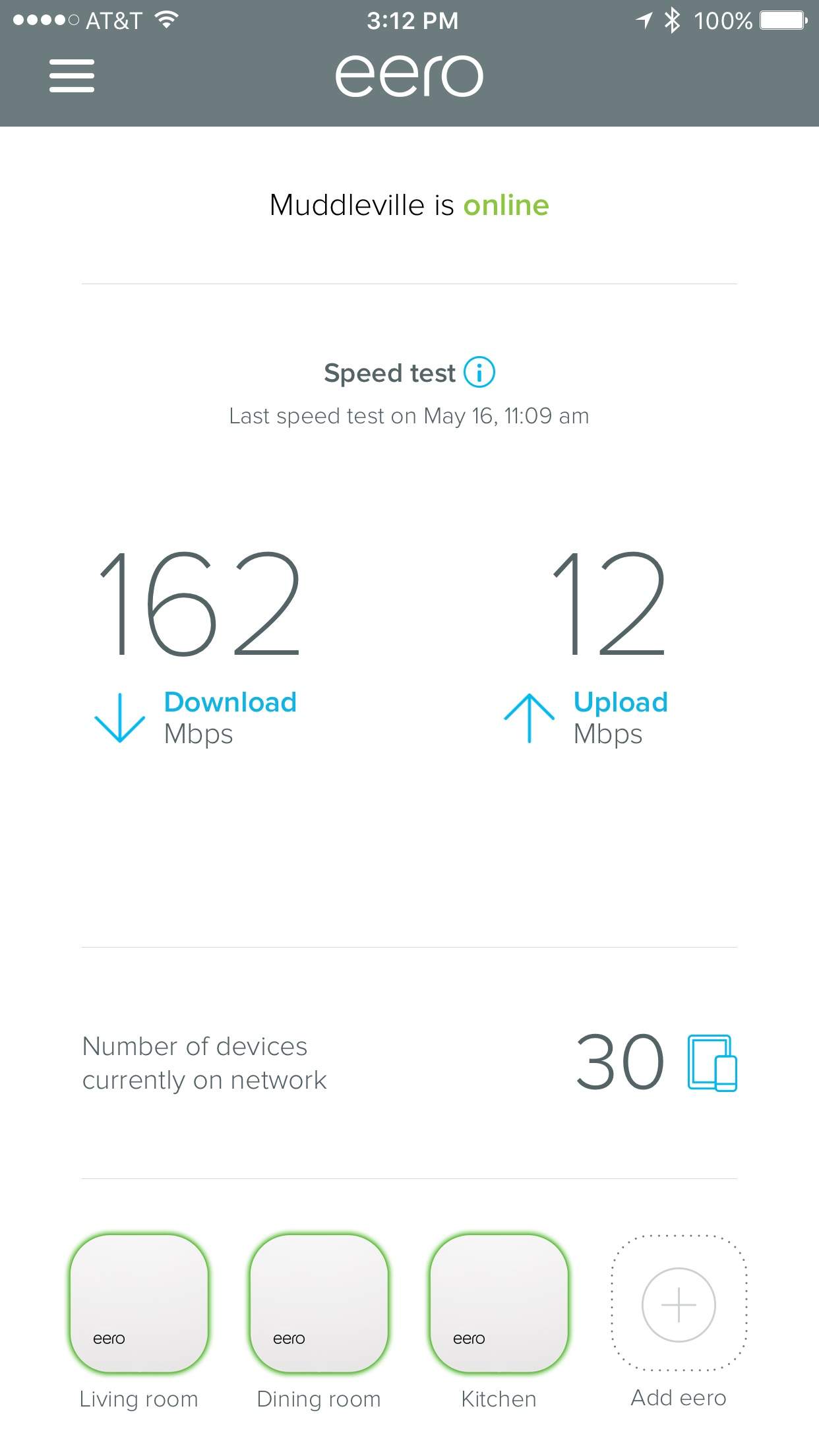
When I was done, the app tested the network’s speed: a cool 220 Mbps down, and 12 Mbps up.
Say buh-bye to buffering
 Wireless network speeds are tricky, depending on myriad factors like the modem’s speed and time of day, interference from neighbors’ networks, the number of devices connected and what they are up to.
But in general, the Eero network has maintained speeds of about 160 Mbps, with about 30 devices connected at any one time. That’s plenty of bandwidth for the whole house. Streaming the highest-quality 4K HD video only requires a 25 Mbps connection.
There have been plenty of evenings when we’re running everything at full pelt — two Apple TVs streaming HD video, XBox games, music playing through Sonos, and simultaneous iCloud and Dropbox syncs running in both directions.
So far, no glitches, stuttering, pixelated pictures, or the need to restart anything.
The downside: cost
There are a couple of quirks worth mentioning. The Eero operates on two fixed channels. It can’t hop around channels like other routers. If your neighbor is using the same channel, it might cause interference.
Eero relies on an internet connection to access its settings. If your home Internet is down, you might not be able to access the settings in the app. However, this is only a problem if you can’t use your cellphone’s connection instead.
The big downside is cost. Eero is $199 for a single box, and $499 for a pack of three. That’s twice the price of many cheap but highly-rated routers available on Amazon. For example, you could get the highly-rated TP-Link Archer C7 for about $90, and throw in a couple of range extenders for $80 apiece. The total is $250, half the price of three Eeros.
Or you could pick up Apple’s cheapest 2TB Time Capsule and a pair of Airport Express base stations for about $499, and get everything Eero offers and wireless backups for your Macs.
However, in my experience the Apple setup is less reliable and harder to set up and run. Your mileage may vary, but I’m sticking with Eero. The expense is worth it for the strong, whole-house coverage, the ease of use and the lack of headaches.
Price: $499
Buy from: Amazon
Eero provided a review unit for this article. Read more reviews. Here’s Cult of Mac’s reviews policy.

Leander Kahney is the editor and publisher of Cult of Mac. Leander is a longtime technology reporter and the author of six acclaimed books about Apple, including two New York Times bestsellers: Jony Ive: The Genius Behind Apple’s Greatest Products and Inside Steve’s Brain, a biography of Steve Jobs.
Leander has written for Wired magazine, Scientific American, The Guardian, The Observer, The San Francisco Chronicle, MacWeek and many other publications.


18 responses to “Ditch your old router, Eero is the new king of Wi-Fi routers [Review]”
Glad to see I’m not the only one who has had problems with their 2015 Time Capsule. May have to try this.
@disqus_kvWR7ghwB0:disqus I sincerely recommend it. It’s been much better so far.
I updated my WiFi last year with a new Apple Airport and 2 Airport Express access points. It cost about the same as this solution. I also have an older Time Capsule where I turned off the WiFI and routing and just use it wired with Ethernet. It took a bit of fiddling but I have everything working very well now without any maintenance. I use it to stream music to two separate stereo setups in different parts of the house and video without any issues. Before upgrading, I had many audio dropouts on the music streams.
Getting the same effect from an out of the box solution would be nice. I have many years of IT experience which made it possible for me to setup but I couldn’t easily explain it to a novice.
What about configuration like Port Forwarding? Do they give an easy way to do that like the Airport does?
@iangendel:disqus I haven’t done this myself yet, but there’s port forwarding through the app: https://support.eero.com/hc/en-us/articles/207908443
And here are some of the other advanced settings: https://support.eero.com/hc/en-us/articles/207613326
I almost bought Eero until I heard Luma. Eero isn’t MU-MIMO which limits max performance it also is fully cloud connected and can’t be configured via Windows in any form. Luma not only has a website for configuration, which is great if the cloud has problems, but also means that I can configure it with any system with a browser. They are also supposed to be working on a Windows app which means I even be able to configure via Windows touch based devices. No word on a Mac desktop app but without touch it isn’t as crictical. Fingers crossed it works as well as Eero since it’s about to be released. I found out they are backed by Amazon so that could go the way of the Fire Phone or Fire Tablet and I’m hoping for Fire Tablet.
I’m using a 2nd Generation Airport Extreme combined with two Airport Expresses. Covers the both floors of our 2200 square foot house, which has some thick stone walls. Only the furthest point from base station requires a Poweline device. Never had a single dropout or required a single restart in the last four years…
@JacktheMac:disqus How do you get it to work so well? Do you live out in the woods or something? I had a similar setup at home and nothing but constant headaches. There’s about a dozen neighborhood networks to compete with, so perhaps it’s interference. It was always inconsistent and mysterious. It’d work one day, but not the next.
As I noted above, I have a similar setup working without any problems. I have at least 40 WiFi access points in range. I live in a fairly dense neighborhood. I don’t know why you had so many problems but since I got the latest generation AirPort Extreme, I’ve had almost no issues.
Only things I can think of are that I live at the edge of a small village, so there are no other networks to confuse things; and that each of my network devices is addressable via a fixed, local IP address. Very occasionally I do something stupid like give two devices the same address, but the network still chugs along. Oh and come to think of it, it’ll be six years soon, not four !
I recently discovered Fing on iOS and found it very helpful.
I have a six year old Apple Time Capsule located centrally on the 1st floor of a 2 story house with a finished basement, about 4100 sq ft total. It covers the entire house inside as well as outside so that I can listen to streaming music while mowing the yard. No extenders. No glitches in all this time. I’m unsure how much it truly helps but I have it on a UPS to protect against power issues. I can see about 25 neighbor devices from my house (as far as concerns go with co-channel interference, etc). I’ve helped other friends and family replace other brands of wireless with Apple Airport devices and each time, their coverage has improved a lot, and calls to me for help stopped and they rave about “how much better it is”. I like Apple stuff in general, but if it didn’t work well for me, I’d complain as loudly as anyone else. I’ve been following Eero since first hearing about them. Seems promising just reading reviews. I’m sure that if it is well built and self-tuning/configuring, it will provide a lot of people a great experience.
Sounds great, but way too expensive for my budget. Now granted, my house is fairly recent (1998), but I have a single Apple Airport Express (latest version) and I get coverage anywhere, even in the basement and upstairs bedrooms. Its seems fairly fast also, with our 75 Megabit Comcast connection.
I’ve never used a Time capsule, but the regular Extreme and Express seem to work very reliably.
The author of the review seems to think that the speed test on the eero app is testing wifi speed. It is not. It is just measuring the speed of the wired connection from the ISP to the base eero unit. It has nothing to do with the eero performance at all. If you want to know how well your eero is doing, you need a third party speed test app.
From the eero website: “The speed test in the eero app measures the speed that your eero network receives from your Internet Service Provider (ISP). This reflects the rate at which data is downloaded to, and uploaded from, your primary eero and a nearby server. Since the test is analyzing speed from your primary eero out to the Internet and back, your results aren’t affected by where you’re located when you initiate the test. In other words, whether you run the test in your living room, bedroom, or away from your home, the app will be testing the same thing.”
I’m so sorry, but I found the article too shallow.
I don’t know if this is kind of a propaganda or not. We both know that the best form to spread the internet envolves the ethernet cable with other routers plugged on it. Even if it is not possible, you can use PLC’s devices that use gigabit transmission. You need to compare a range extender network, like this, to a greater topology like cable in routers. Yes, it seems better than extending with Apple AirPort Express, but this kind of topology is also bad. You should look for Unifi routers and maybe compare them.
‘However, in my experience the Apple setup is less reliable and harder to set up and run. Your mileage may vary, but I’m sticking with Eero’
I would too if my pack of 3 were free. Zero problems in my household using apples airport extreme. setup was simple and i was up and running in minutes. I have never suffered any streaming issue nor have i ever needed to reboot yet. Ive been a network engineer for over a decade so maybe others miliage may vary.
“We’ve always had problems with WiFi”…”We’ve always used Apple’s Airport routers;”
Well, there’s your problem. I’ve managed dozens of Apple Airports in over a dozen locations, and every single one of them has some issue or problem. They are now banned from anything I have to touch. I wanted to make them work, but Apple seems to treat them like iPods rather than critical network gear. The worst was when an OS X upgrade made older TimeCapsules just crap all over the existing Apple shares and try to take them over.
Sometimes the Apple fandom base is just too “have to use shiny new Apple thing” way too much.
Even the cheap end Ubiquiti are solid performers, although definately not quite aimed at the typical Apple setup expectations.
I just want to ask, you have used one Airport Express or one Time Capsule, but now you have changed it for three aeros and it has better coverage or have I just misunderstood and you have used more Airports as well?
I have had no problems in three different homes with an extreme and express. All were around 1000 sq ft and I had blanket coverage in all three. Lots of wifi signals too in all the neighborhoods