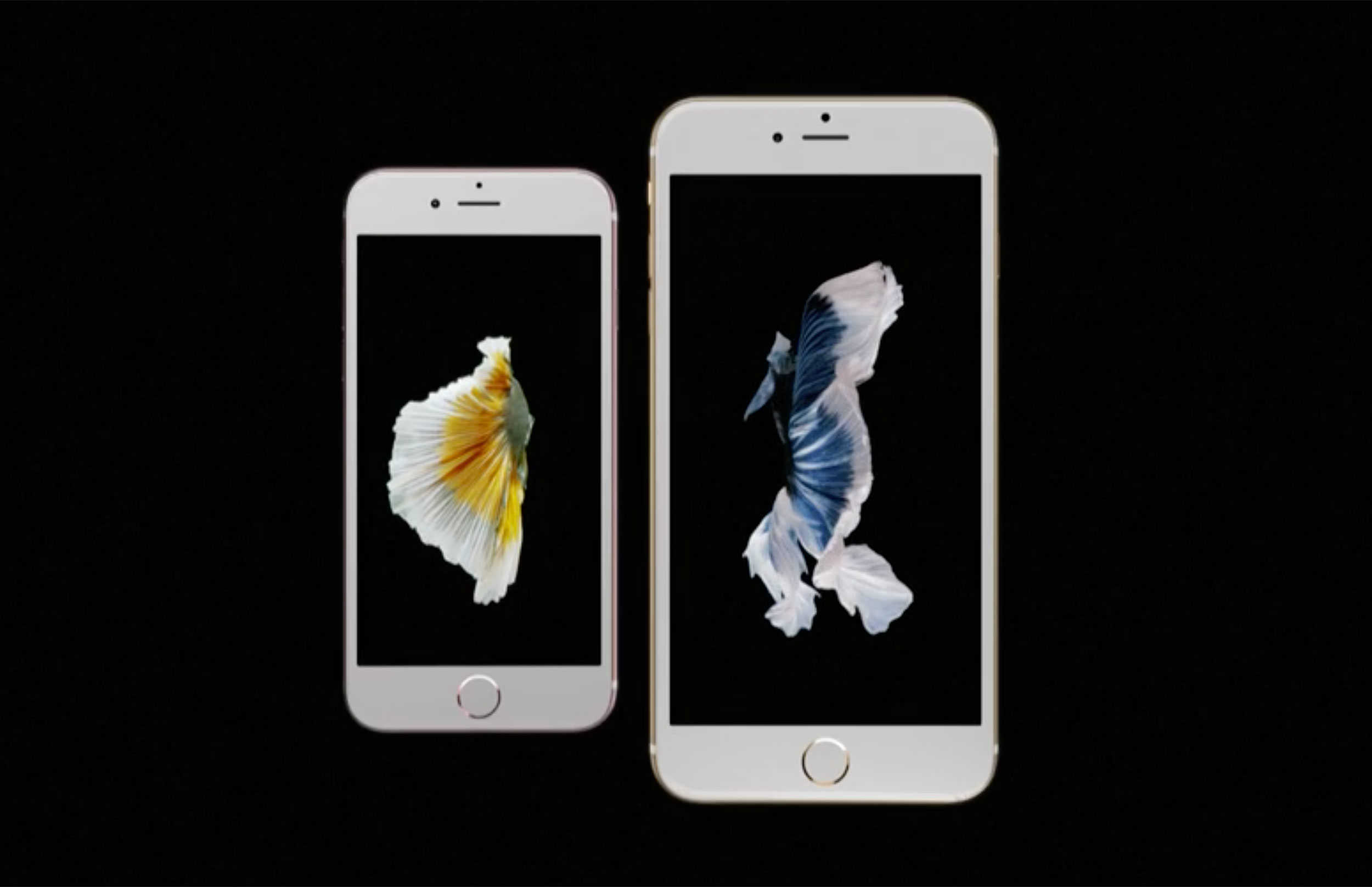
Preorders of the iPhone 6s and iPhone 6s Plus are set to open tonight at 12:01 a.m. Pacific. Apple’s certainly made a ton of improvements to the preorder process over the years, but as the Apple Watch recently taught us, taking an extra few minutes to get your preorder in could cause your shipment to be delayed.
Demand for the new iPhone 6s is expected to be greater than ever, so we’ve compiled a handy guide to help you get the iPhone you want and get back to sleep before Apple’s servers get absolutely crushed.
Here’s what to do:
Know which iPhone you want
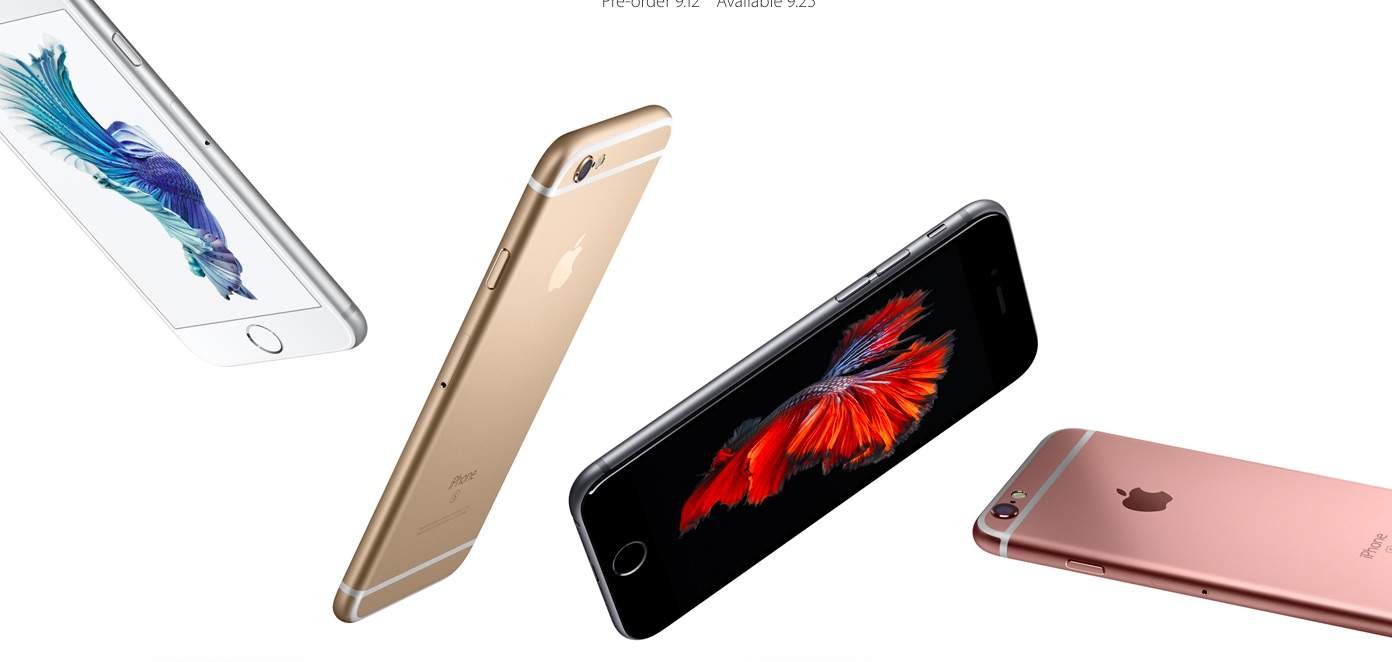
Big or bigger? Gold or rose gold? 16GB or 64GB? Choosing between iPhones this year is no easy task. There aren’t any hardware differences between the two iPhones, but settling on a screen size can be tough. If you haven’t made up your mind yet the time is now.
Check your upgrade eligibility
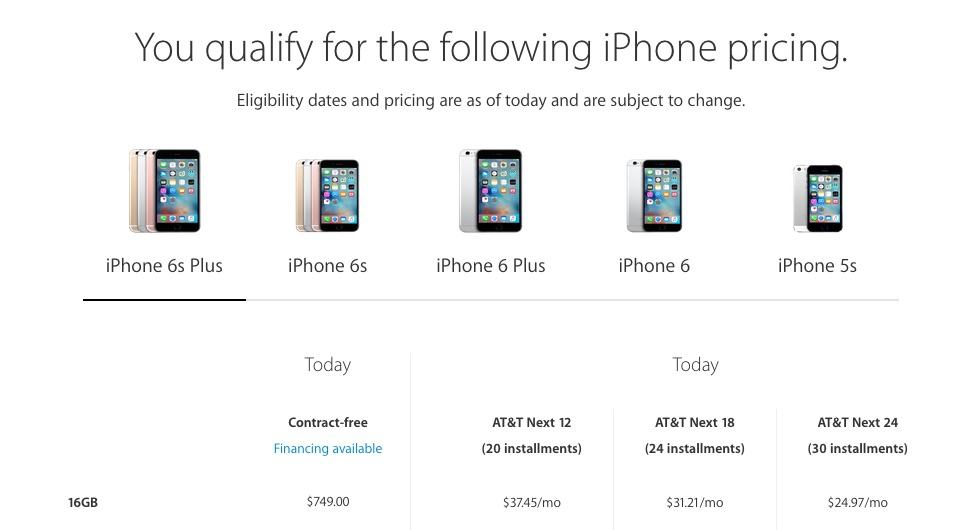
Before you can even start thinking about buying a new iPhone you need to check if your lording carrier will permit you to upgrade without tacking on an astronomical upgrade fee. Luckily, checking your eligibility is easier than ever this year with the Apple Store app.
Once you load up the Apple Store you’ll see a big Get Ready To Upgrade banner at the top that lets you see the pricing of each iPhone for your account. Tap the check eligibility pricing link and you’ll be taken to a page with to verify your phone number, billing zip code, and last four digits of SSN.
If you’re not eligible for the $199 introductory price, the Apple Store app will also tell you when you’ll qualify for a better subsidy. You can also check your eligibility from Apple.com or your carrier’s site, but the process on the iOS app is much easier.
Sell your old device
The nice thing about Apple devices is they maintain their value much better than other smartphones, making them an easy source of cash when you’re looking to buy a new device. There are myriad ways to sell or trade in your old device. So many, in fact, we covered it in detail here.
You can also sell your old device to us! Cult of Mac just launch an iPhone buy back program that cuts out the middle men so you can get even more cash for your old iPhone.
Know what time preorders start in your location
The world’s a big place, and while iPhone 6s and 6s Plus preorders kick off at midnight Cupertino time, depending on where you are, that could be quite a bit later.
Make sure to double check before you set your alarms. I find the easiest way to check the time zone difference is with Wolfram Alpha. Just go over to the link and type:
When it is midnight in Cupertino, CA what time is it in [Your City, State and/or Country]
For example, when I do that search, the results for Boston, MA tell me that when it is midnight in Cupertino, it is 3:00AM in Boston. Easy!
Set your alarm 20 minutes early
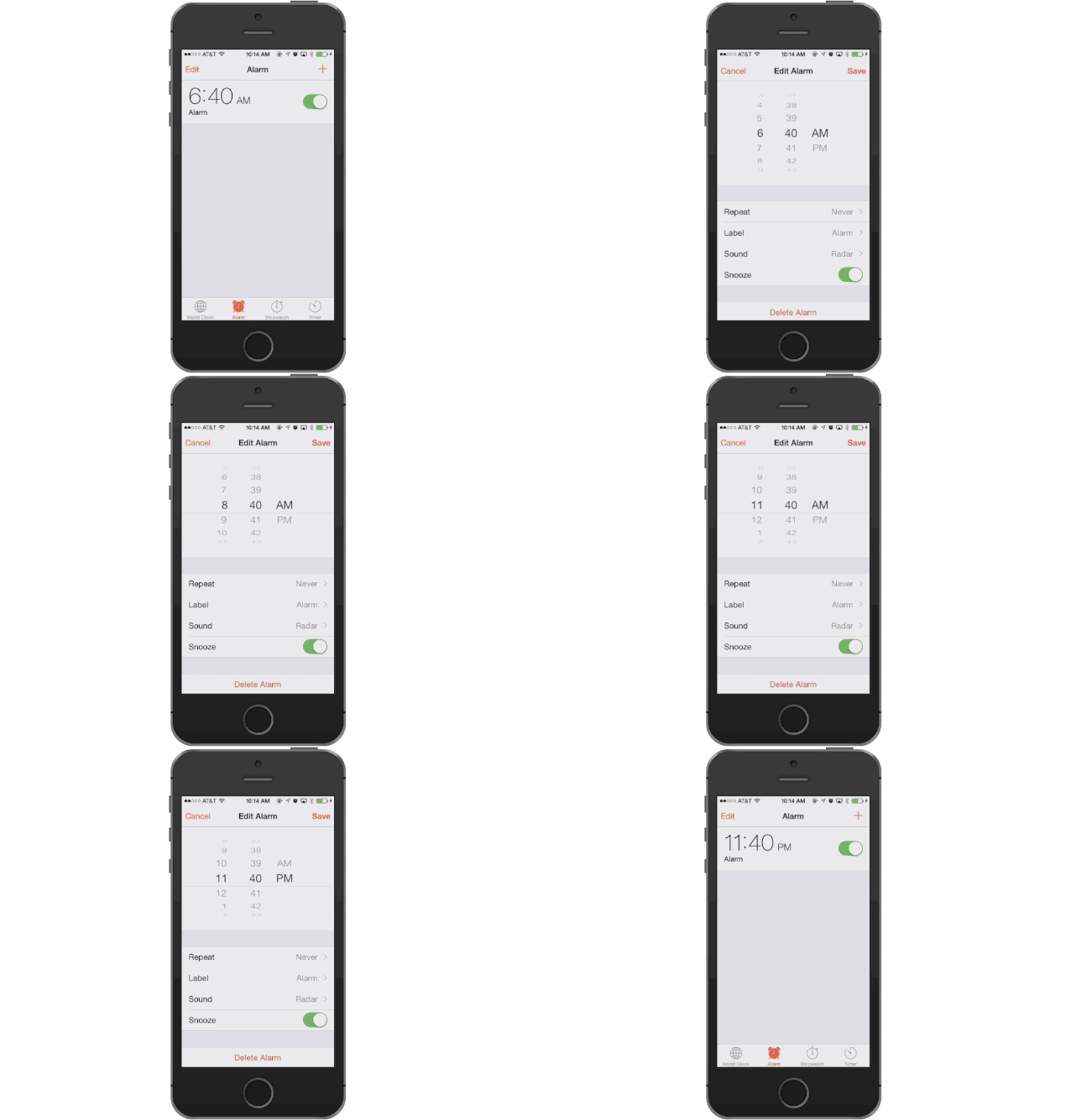
We don’t really care what kind of alarm you use — the alarm app that comes with your iPhone, one of the many ones on the App Store, a bedside speaker dock or even a good, old fashion clanger — but whichever one you pick, make sure to set it twenty minutes before preorders go up.
Why? A couple of reasons. One, chances are, you’re going to have to wake up early for this, and you want to give yourself enough time to get to the computer if you’re groggy or hit the snooze button by force of habit.
Second? When Apple put up the iPad 2 order page, they said they’d put the page up at exactly midnight Cupertino time. However, the page was actually up a good five or ten minutes earlier than that, giving the early birds a first crack at the worm.
So be there early. Apple might not put up the iPhone 6s preorder page early this time, but better safe than sorry.
Load up the iPhone 6s Apple.com page
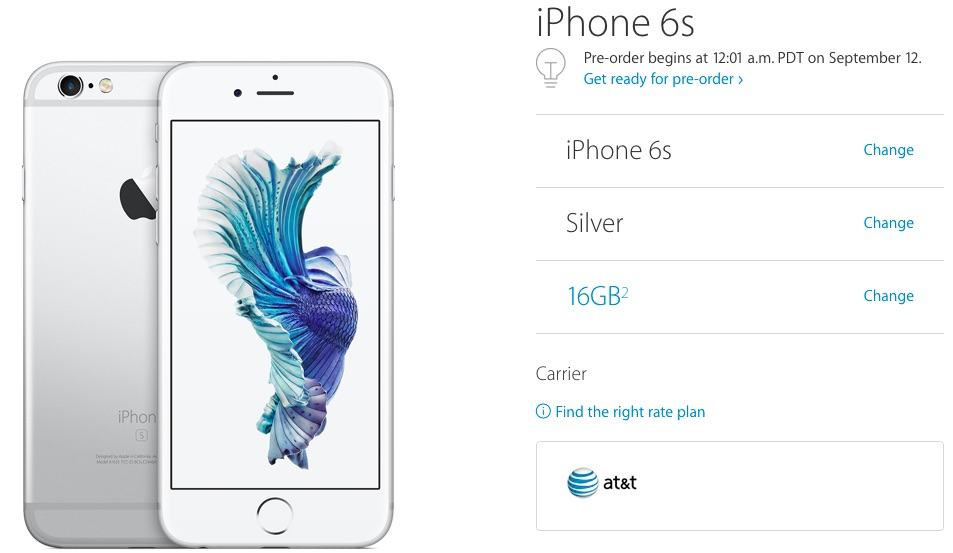
Not much more to it than that. When midnight hits, this page will change to show a big ‘Buy Now’ link underneath the iPhone 6s header. That’s what you’re looking for.
Refresh, Refresh, Refresh
Look, there’s no way around it: you’re going to have to refresh a lot when it gets close to midnight. Luckily, there are browser extensions that will do this for you. Here are some of the ones we like.
• Google Chrome: Chrome Refresh
• Safari: Autorefresh
• Firefox: ReloadEvery
• Opera: Offers auto-refresh abilities by default. Just right click on the iPhone website and select the Reload Every option.
Once you’ve installed the add-on or extension for your browser, set an interval, telling the browser how often to reload the iPhone 6s page. We suggest every twenty seconds, or three times a minute.
That’s a small enough interval that you’ll be sure to see the link go up as soon as Apple pushes it live, but not so often that you’ll bring Apple’s website to its knees.
Preordering from a site other than Apple.com
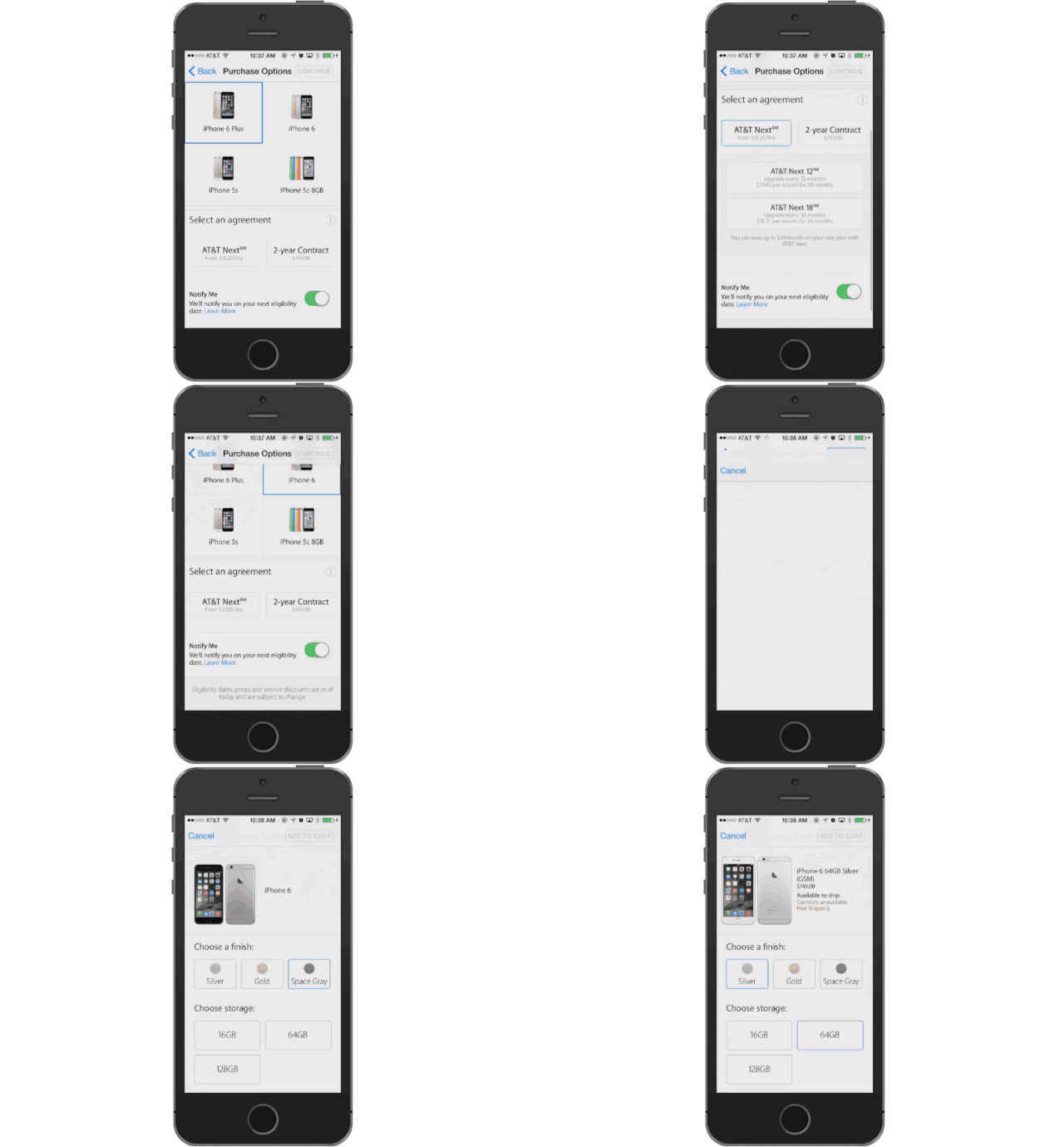
This one is optional, but now days, Apple’s website isn’t always the best place to order from. The Apple Store app is much more streamlined and adds your information into areas automatically that Apple.com can’t.
Apple.com won’t be the only site offering the iPhone 6s for preorder starting at midnight Cupertino time either. Verizon and Sprint will also be offering the iPhone 6s starting at 12:01AM, and presumably AT&T will also follow suit, meaning that if Apple’s servers are being crushed, you may very well be able to order your iPhone with your carrier directly, or grabbing it from Best Buy, which is offering in-store preorders.
Set Up Your Default Shipping And Billing Info On Apple.com And Enable Express Checkout

When the iPhone 6s becomes available for preorder on Apple.com, you’re going to want to get through the checkout process as quickly as possible. Every second you delay increases the chance of the load on Apple’s servers being so great that when you make your order, it won’t go through.
If you’re ordering through Apple.com, the easiest way to make getting a new iPhone 6s sent to you in as much of a “one-click” affair as possible is to go to your Apple.com Account Settings Page and make sure your payment information and shipping information are up to date, then scroll down to the Express Checkout field and turn the toggle to “ON.”
Now, when it’s time for you to buy an iPhone 6s, you should have most of the fields populated for you automatically, including your payment info.
Set Up Some Text Shortcuts To Make Filling In The Order Form Easier
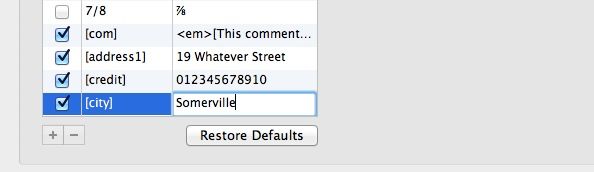
If you’re not ordering your iPhone 6s from Apple’s official site (and therefore can’t follow the steps above in enabling express checkout), and you don’t use iCloud keychain, you’re still going to want to fill out your order as quickly as possible. Why not set up some text shortcuts, then, to enter the information your carrier needs to get your iPhone to you as quickly as possible?
If you’re using a Mac, it’s super easy. Just go to Applications > System Preferences > Language & Text and click on the Text Tab. From there, you should make sure “Use symbol and text substitution” is ticked and press the + symbol at the bottom of the window to add a new substitution.
What you want to now do is come up with text shortcuts to fill out common fields as quickly as possible. You want to fill out the “Replace” field with an easy to remember shortcut you’re unlikely to type by accident. For example, I set up [address1] to be replaced with “19 Whatever Street”, [city] to be replaced with “Somerville” and [credit] to be replaced by my credit card.
Now, when the iPhone 6s preorder pages go live, you can just enter these shortcuts instead of doing a lot of typing.
Keep Your Fingers Crossed

We know that customers will be able to preorder iPhone 6s from more sites than ever before, so hopefully the Apple.com bottleneck won’t be a problem like in recent years. Apple really smoothed out web issues on the last iPhone launches so we have every reason to believe everything will go smoothly.
Still, there’s a lot of elements here beyond your control… everything from your alarm not going off, to Apple having an iPhone 6s Plus shortage. So a little prayer and superstition never hurts, does it?

Buster Hein is a freelance writer who lives in Phoenix, Arizona. Twitter: @bst3r.


24 responses to “iPhone 6s preorders begin: Here’s how to get what you want”
Hope the iPhone upgrade program works and you don’t have to apply for credit approval on the spot.
You will reserve the phone and go to the Apple store on Sept 25 to activate your upgrade plan, kind of a pain and hope they change this in the future..
Here is a method how it is possible to make 65 bucks each hour… After searching for a job that suits me for six% months , I started making cash over this internet site and now I possibly could not be more satisfied. After 3 months doing this my income is around five thousand dollarsper month -Check internet website i use on MY-DISQUS-PROFILE-PAGE
$98/HOURLY SPECIAL REPORT!!!!……….After earning an average of 19952 Dollars monthly,I’m finally getting 98 Dollars an hour,just working 4-5 hours daily online….It’s time to take some action and you can join it too.It is simple,dedicated and easy way to get rich.Three weeks from now you will wishyou have started today – I promise!….HERE I STARTED-TAKE A LOOK AT….ruuum…….
➤➤➤➤ www.Homesalary.com
♦♦♦♦♦♦♦♦♦♦♦♦♦♦♦♦♦♦♦♦♦♦♦♦♦
OMG ANDY PLEASE TELL ME MORE
It’s a credit loan, so it will require credit approval.
T-Mobile Jump On Demand customers are stuck with calling T-Mobile Customer Support when preorders start or going to the store in the morning. Kinda Lame.
I did that. Spent 25 minutes on hold and I’ll be getting my 64GB rose gold 6S on launch day!
I still haven’t read anything about pre-ordering one just straight out…sim free and/or unlocked. If you pick TMO as your carrier and pay full price is that the same as pre-ordering an unlocked phone?
Best Buy told me they can get a sim free/Unlocked one no problem. That’s who I’m going thru, not the carriers.
Yes, thats all I needed to read was Best Buy was taking preorders. I’m on it….
FYI – Apple Customer Service could not confirm whether the unlocked iPhone 6s will be available for pre-order, despite the availability of full price phones. If you are like me and need an unlocked phone, you should wait until Apple clearly announces its availability.
Not seeing the “Enable Express Checkout” at all in my Account Settings…I do see the billing info, shipping info, etc., but nowhere do I see the Enable Express Checkout selection…
They don’t have express check-out anymore, as of 8/15..
So, another poorly researched story on Cult of Mac.
If I pre-order my iPhone 6S tonight and choose to pick it up in-store at the Apple Store on release day, and I am eligible for the trade-in on AT&T Next 12 (I have already made my 12th payment), how do I turn my old iPhone in to AT&T? Can the Apple Store representative take my old phone and take care of it when I pick up the 6S?
by 8:03 BST (12:03 PT) I had successfully ordered my 128GB Rose Gold 6S Plus using the Apple Store App, that always works and takes less than a minute once connected to store. At 789GBP it’s pricey but same as when I got my current 6 Plus and provisional release day delivery too.
I was able to get a 64GB space grey 6S Plus at 3:02 AM on the Apple Store App while the Apple Store site wouldn’t load and AT&T app/site already said shipping 10/16-23. Now Apple is saying shipping 2-3 weeks. Pre-ordering on the app is always the way to go, especially with Apple Pay and saved carrier/shipping information.
Did anyone else have problems ordering with ApplePay earlier…I was all set to go but couldn’t compete the order persistent error on the address…regardless of address! Reverted to the old method of using the credit card and it worked fine, albeit missing out on my launch day slot!
To check if this was a problem with the preorder process I tried to buy a cable using ApplePay exact same problem…only thing I can think of is that I’m on the public beta of iOS9.1?
Anyone else having problems?
Year after year, I wonder why (but am glad that) sites don’t suggest pre-ordering from the iPhone Store app. For the last 3 years, I’ve had the app loaded and phone pre-ordered before the website was up.
I had so many problems signing in to get the reservation on my mac around midnight gave up at 130am then tried again at 540am and reserved my 128gb rose gold colored phone at apple store
Called the T-Mobile number since I’m on the $15/month Jump On Demand iPhone deal. I was on hold til about 12:25am when I finally got through and was able to pre-order my 64GB rose gold 6S :)
Every year I order on the Apple Store app and every year I get my phone delivered straight to my door including my apple watch. If y’all don’t know how to do it by now you don’t deserve an iPhone.
Here is a method how it is possible to make 65 bucks each hour… After searching for a job that suits me for six months , I started making cash over this internet site and now I possibly could not be more satisfied. After 3 months doing this my income is around five thousand dollarsper month -Check internet website i # use on MY-DISQUS-PROFILE-PAGE